Wi-Fi 6 vs Wi-Fi 7: Is It Time to Upgrade Your Home Network?
Choosing the right wireless standard can feel confusing. The Wi-Fi 6 vs Wi-Fi 7 comparison matters more as home networks become busier. More connected devices also create greater demands on speed, capacity, and reliability.
A newer router can improve streaming, gaming, file transfers, and remote work. However, upgrading is not always necessary. Your internet plan, devices, home size, and usage patterns all affect the decision.
Wi-Fi 7 adds features such as Multi-Link Operation (MLO), wider channels, and 4096-QAM. These technologies can improve throughput and responsiveness on compatible devices.
This guide explains whether Wi-Fi 7 is worth upgrading to in 2026. It also covers Wi-Fi 6 performance, speed differences, Wi-Fi 8, and router selection. For standards information, you can also explore IEEE Standards Association.
Is Wi-Fi 7 Worth Upgrading From Wi-Fi 6?
Upgrading from Wi-Fi 6 to Wi-Fi 7 can make sense for demanding households. The biggest benefits appear when your network has many active devices. Wi-Fi 7 uses Multi-Link Operation (MLO) to manage connections across multiple bands. This can improve throughput, resilience, and latency on supported devices.
The upgrade is especially useful for homes with heavy streaming, gaming, and large file transfers. It can also help when several users compete for network capacity. However, the benefits depend on having compatible client devices. An older phone or laptop cannot use every Wi-Fi 7 feature.
Before upgrading, consider your actual bandwidth needs:
Multiple simultaneous 4K streams
Competitive online gaming
Large cloud or local file transfers
Many smart-home devices
Multi-gigabit internet service
Wi-Fi congestion in a busy household
If your current Wi-Fi 6 network already performs well, there may be little urgency. For basic browsing and streaming, Wi-Fi 6 remains highly capable.
Is Wi-Fi 6 Still Good in 2026?
Yes. Wi-Fi 6 remains a strong choice in 2026 for many homes. It introduced major improvements in efficiency, capacity, and device management. Technologies such as OFDMA help routers serve multiple devices more efficiently. Wi-Fi 6 also supports modern security features, including WPA3 on compatible equipment.
For everyday activities, Wi-Fi 6 can provide more than enough performance. Browsing, video calls, 4K streaming, online gaming, and smart-home devices can all work well. Your internet plan may also limit the practical benefit of moving to Wi-Fi 7.
The age of your router matters, too. A newer Wi-Fi 6 router can outperform an older model with weaker hardware or poor coverage. Firmware support is another important consideration.
Before replacing a working Wi-Fi 6 router, check:
Your current internet speed
Actual Wi-Fi performance in each room
Router firmware support
Number of connected devices
Areas with weak coverage
Ethernet port speeds
If your network remains stable and responsive, keeping Wi-Fi 6 can save money. Upgrade when your existing hardware becomes the bottleneck, rather than simply because a newer standard exists.
Is Wi-Fi 7 Faster Than Wi-Fi 6?
Yes. Wi-Fi 7 offers substantially higher theoretical throughput than Wi-Fi 6. Wi-Fi 6 has a theoretical maximum of about 9.6 Gbps. 7 can reach theoretical rates around 46 Gbps under specific conditions.
Several technical improvements make this possible. Wi-Fi 7 supports channels up to 320 MHz, compared with up to 160 MHz for Wi-Fi 6. It also introduces 4096-QAM, which allows more data to be encoded in each transmission.
However, theoretical speed does not equal real-world internet speed. Your results depend on the router, client device, channel conditions, distance, and internet connection.
Wi-Fi 7 can still provide meaningful practical improvements. Compatible devices may experience faster transfers, better responsiveness, and improved performance in congested environments. MLO can also help maintain reliable connections across supported bands.
Think of channel width as adding more lanes to a highway. More lanes can carry more traffic, but only when the surrounding infrastructure supports them. Your devices and internet plan must also be capable of using the available capacity.
Is Wi-Fi 8 Coming Out Soon?
Wi-Fi 8 is being developed, but it is not yet a consumer-ready replacement for Wi-Fi 7. The technology is associated with IEEE 802.11bn, also known as Ultra High Reliability. Its focus is improving reliability, latency, throughput, and performance in challenging network conditions.
As of August 2026, IEEE 802.11bn remains under development. The working group is progressing through draft and ballot stages. Current IEEE planning targets final working-group approval in 2028, although standards schedules can change.
That means waiting for Wi-Fi 8 usually does not make sense if your network needs an upgrade now. Wi-Fi 7 products are already available, while Wi-Fi 8 hardware will take longer to mature.
The standard-development process involves extensive testing, technical review, and industry coordination. Consumer products typically appear after the specification becomes sufficiently mature.
If you need better performance today, choose based on current requirements. If your Wi-Fi 6 network works well, you can continue using it. There is no need to upgrade simply because another generation is being developed.
What Router Should I Buy in 2026?
The best router in 2026 depends on your home, budget, internet plan, and connected devices. A Wi-Fi 7 router makes the most sense for users who want newer features and have compatible devices. It is also attractive for multi-gigabit internet connections and demanding home networks.
A quality Wi-Fi 6 router can still offer excellent value. It may be the better choice when your internet plan is modest or your devices do not support Wi-Fi 7.
Consider these features before buying:
Wi-Fi 6 or Wi-Fi 7 support
Multi-gigabit Ethernet ports
Strong security features
Reliable firmware updates
Good coverage for your home
Simple setup and management
Useful parental controls
Mesh compatibility when needed
Home layout matters as much as wireless generation. Large or multi-story homes may benefit more from a mesh system than a faster standalone router. Smaller homes can often work well with one centrally positioned router. For remote professionals, a secure home network for remote software engineers can also help ensure reliable and protected connectivity.
Most importantly, do not buy based on theoretical speed alone. Match the router to your internet plan, devices, coverage needs, and expected network traffic.
FAQ
Do I need new client devices to use Wi-Fi 7?
Yes, to experience the full benefits of the latest wireless standard, your client devices like smartphones and laptops must feature compatible internal network cards. While older devices will still connect to a new router, they will operate at their native maximum speeds rather than utilizing the newest technological enhancements.
Will my old devices work with a new router?
Backward compatibility ensures that older smartphones, smart home gadgets, and computers connect effortlessly to modern routers. Your existing electronics will function normally, though they will not unlock the advanced speed and latency advantages offered by newer network hardware.
How do I know if my internet plan needs an upgrade?
Check your current monthly billing statement or run an online speed test while connected via an ethernet cable. If your tested download and upload speeds consistently match or exceed your paid plan, but your devices still lag, your router or local Wi-Fi interference is likely the bottleneck.
Are mesh systems better than traditional routers?
Mesh systems work exceptionally well for multi-story homes or large properties by using multiple nodes to create a single, seamless wireless coverage zone. Traditional standalone routers often suit smaller apartments or single-level homes where a central placement easily reaches every corner.
Conclusion
The Wi-Fi 6 vs Wi-Fi 7 decision ultimately depends on your current network needs. Wi-Fi 6 remains capable for browsing, streaming, gaming, video calls, and smart-home connectivity. For many households, there is no urgent reason to replace working hardware.
Wi-Fi 7 becomes more attractive when you need higher throughput, lower latency, or better performance with compatible devices. Its wider 320 MHz channels, 4096-QAM, and Multi-Link Operation can provide meaningful improvements.
Before buying a new router, evaluate your entire setup. Check your internet plan, client devices, home layout, and current Wi-Fi performance. If you frequently connect to networks outside your home, you should also understand public Wi-Fi risks and how to stay safe.
A practical upgrade strategy is simple:
Test your existing network.
Identify coverage or performance problems.
Check your internet plan.
Review your device compatibility.
Choose Wi-Fi 6 or Wi-Fi 7 based on actual needs.
Do not upgrade only for a larger theoretical speed number. Choose hardware that solves your current problems and supports your future needs.
For most households, Wi-Fi 6 remains a sensible value choice. For power users and new high-performance networks, Wi-Fi 7 offers a stronger long-term foundation.
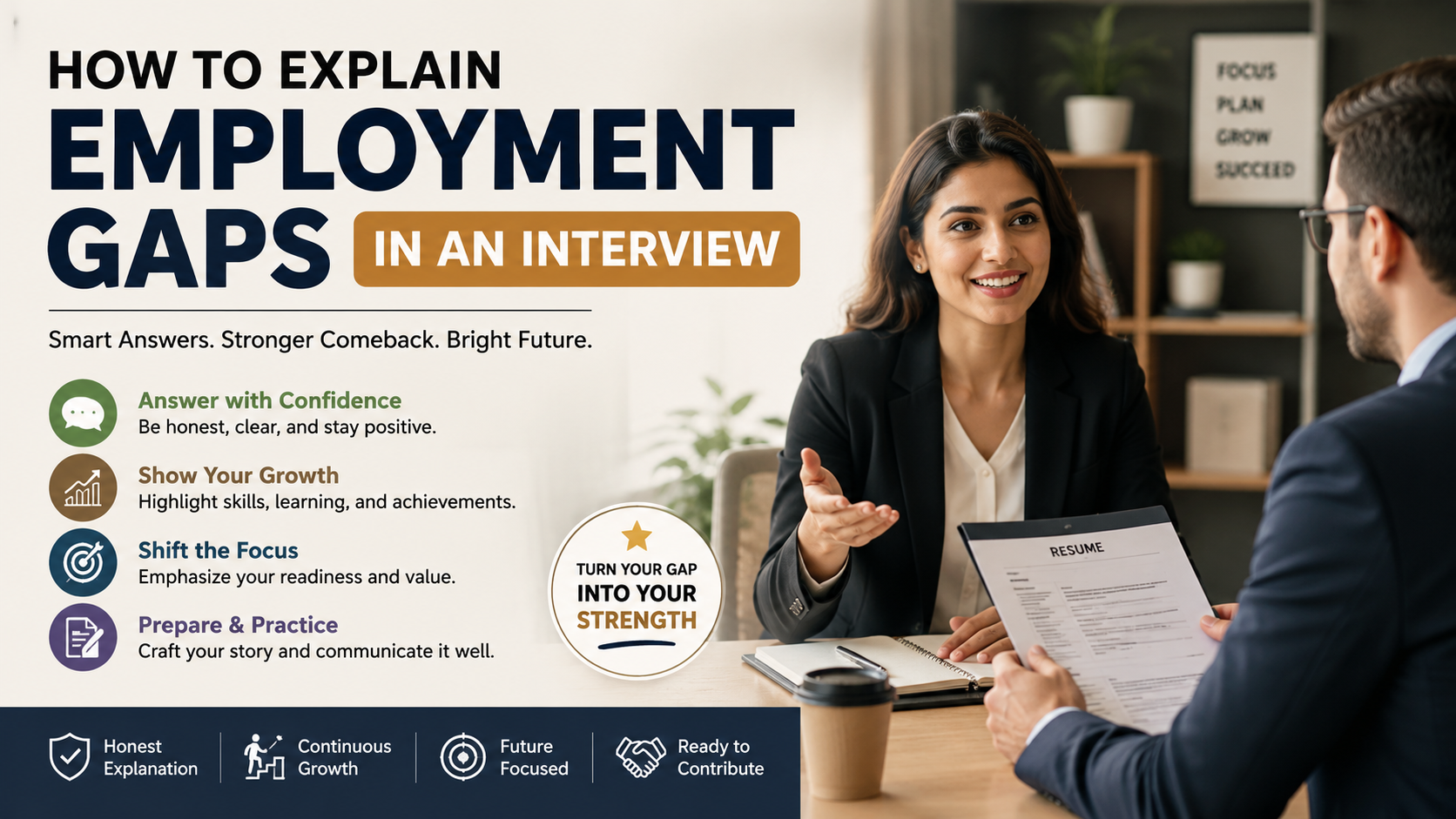
Navigating career pauses can feel daunting, but learning how to explain employment gaps in an interview is a vital skill for modern job seekers. Whether you took time off for personal reasons, further education, or unexpected layoffs, hiring managers care less about the pause itself and more about how you frame your story. According to career guidance from the U.S. Department of Labor, honesty and professional growth remain paramount during career transitions. This guide explores how to answer specific interview questions, justify pauses effectively, prepare application letters, and handle gaps as a fresher with confidence.
How to Answer “Can You Explain Your Employment Gap?”
Answering questions about employment gaps in an interview requires honesty, confidence, and a clear focus on your current readiness. Hiring managers usually want to understand what happened and whether you remained proactive during your time away from work. Preparing for broader interview questions, such as how to answer “Tell Me About Yourself” in an interview, can also help you present your career story more confidently.
Start by addressing the gap directly. Keep the explanation simple and avoid sharing unnecessary personal details. You can briefly mention caregiving, health recovery, further education, job searching, or professional upskilling. The goal is to provide enough context without becoming defensive.
Then, move the conversation toward what you can offer today. Explain how you used the period productively, if applicable, and highlight skills that remain relevant to the role. If the gap resulted from circumstances outside your control, state that calmly.
Most importantly, show that the situation is resolved and that you are ready to contribute. A confident, forward-looking answer can help employers see the gap as one part of your career story.
Shifting Focus to Your Current Readiness
Keep your explanation concise and quickly redirect attention toward your professional value. Interviewers are more interested in what you can contribute now than in every detail of your past circumstances.
Explain that your core skills remain relevant and that you have taken steps to stay prepared. Mention recent learning, practical projects, industry knowledge, or other activities that demonstrate continued development. If you used the gap to learn new skills, upskilling can strengthen your career prospects and show that you remained committed to professional growth.
Avoid apologizing repeatedly for the gap. Doing so can make an ordinary career interruption appear more serious than it is. Instead, communicate your situation with calm confidence and move naturally into your qualifications.
For example, you might say that you took time away for personal responsibilities, completed the necessary commitments, and are now ready to return to full-time work.
This approach keeps the discussion balanced. You acknowledge the employment gap without allowing it to dominate the interview. Your objective is to reassure the hiring manager that your previous absence will not prevent you from performing effectively in the position.
What Is the Best Answer for a Gap in an Interview?
The best answer about a career gap in an interview combines honesty, context, and a strong focus on professional growth. Hiring managers generally do not expect every candidate to have a perfectly continuous employment history. What matters is whether you can explain the timeline clearly and demonstrate that you are ready to work.
Begin with a straightforward explanation. If you spent time learning new software, earning certifications, searching for suitable opportunities, or managing personal responsibilities, state that without unnecessary detail.
When possible, connect your experience to the position you want. Explain how the period helped you develop useful knowledge, improve your skills, or clarify your career direction.
If the gap followed a layoff, avoid criticizing your previous employer. A simple explanation about restructuring or the end of your role is usually enough.
Finish by emphasizing your current availability and motivation. Your answer should leave the interviewer thinking about your skills, experience, and potential contribution, rather than focusing on the time you were unemployed.
Demonstrating Continuous Growth and Initiative
Showing initiative during an employment gap can make your explanation more convincing. Employers want evidence that you remained engaged with your career, even when you were not working in a formal position.
Mention activities that demonstrate relevant effort and learning. These might include online courses, certifications, freelance assignments, personal projects, volunteering, industry events, or independent study. These experiences can also help you demonstrate the skills employers look for in graduates, particularly when your formal work history has a gap.
You do not need an impressive list of activities. A few relevant examples are more effective than mentioning everything you did during the gap. Choose experiences that connect naturally with the job you are applying for.
For example, a candidate applying for a technology position could explain how they used the period to strengthen programming skills and build practical projects. A marketing candidate might discuss freelance work or independent campaigns.
The key is to demonstrate continuous growth and initiative without exaggerating your achievements. Be prepared to explain what you learned and how you applied it.
This approach changes the conversation from “Why were you unemployed?” to “How did you use that time?” That shift can strengthen your overall interview narrative.
How to Justify Employment Gaps?
You do not need to “justify” an employment gap as though you have done something wrong. Instead, explain employment gaps in an interview by providing reasonable context and showing that you are ready to move forward.
Start with the basic reason. You may have taken time away for family responsibilities, education, health recovery, relocation, travel, or a difficult personal situation. Keep the explanation professional and share only information you are comfortable discussing.
Next, explain what changed during the period. If you developed new skills, gained perspective, completed responsibilities, or prepared for your next career step, mention those outcomes.
Avoid turning the answer into a long personal story. Interview time is limited, and excessive detail can distract from your qualifications.
Instead, use the gap to demonstrate qualities such as responsibility, adaptability, resilience, or planning. Then connect those qualities to the role you are seeking.
A strong answer should make three things clear: what happened, what you learned or accomplished, and why you are ready now. That structure provides context while keeping the discussion focused on your professional future. It is equally important to avoid common application problems, including resume mistakes recruiters notice immediately, that could create additional concerns about your background.
Framing Personal Challenges as Strengths
Personal challenges can sometimes reveal valuable professional qualities, but avoid forcing a positive interpretation onto every difficult experience. The goal is to explain what you genuinely learned rather than turning hardship into an unrealistic success story.
If you cared for a family member, for example, you might mention the responsibility involved and explain that the situation has now stabilized. If you managed a major personal transition, you can briefly describe how it helped you develop greater focus or clarify your career priorities.
Do not disclose sensitive personal information unless you genuinely want to. An interviewer usually needs context, not intimate details.
When appropriate, connect your experience to transferable qualities such as resilience, organization, problem-solving, adaptability, or emotional maturity. Give a specific example if the interviewer asks for more information.
The strongest answers remain factual and measured. Avoid suggesting that a difficult experience automatically made you a better employee. Instead, explain the practical lessons you gained and how those lessons can support your performance.
This approach demonstrates maturity without oversharing or sounding rehearsed.
How to Write a Letter Explaining Gaps in Employment?
A letter explaining an employment gap should be concise, professional, and consistent with your resume. In most applications, such a letter is not necessary unless an employer specifically requests additional clarification. If you do need one, avoid turning it into a lengthy personal explanation.
Begin by expressing your interest in the position. Then explain the employment gap briefly, including its general duration and reason. You do not need to provide private information or describe every event that occurred during that period.
Next, mention relevant activities that demonstrate continued development. These could include consulting, freelance work, certifications, courses, volunteering, or independent projects.
Finish by returning the focus to your qualifications. Reinforce the skills and experience that make you suitable for the position, and express your interest in discussing your background further.
Keep the tone factual rather than emotional. The letter should clarify the timeline, not persuade the employer to overlook it.
Most importantly, make sure your written explanation matches what you would say during an interview. Consistency builds credibility and prevents your explanation from creating additional questions about your career history.
Maintaining Transparency and Professionalism in Writing
Your written explanation should be straightforward and professional. Avoid emotional language, defensive statements, or lengthy explanations that make the employment gap appear more complicated than it is.
Use clear wording to describe the situation. For example, you can state that you took time away to manage family responsibilities, complete further education, or search for a suitable position.
If you completed productive activities during the gap, mention only those that are relevant to your career. A short explanation is usually stronger than a detailed timeline covering every month.
Your letter should also remain consistent with your resume and interview responses. Do not describe the same period differently across documents. Inconsistencies can create unnecessary doubts about your background.
Before sending the letter, check the dates carefully. Make sure the employment dates, course dates, project periods, and other details are accurate.
A professional explanation does not need to sound overly formal. It simply needs to communicate the facts clearly and confidently.
The objective is to remove uncertainty while keeping attention on your qualifications, relevant experience, and readiness for the role. That balance creates a stronger overall application.
How to Explain Employment Gaps in an Interview for Freshers
Explaining an employment gap can feel especially difficult for freshers because they may already have limited professional experience. However, a delayed start does not automatically make you a weak candidate.
Fresh graduates may experience gaps because of entrance exam preparation, further education, family responsibilities, health recovery, relocation, or difficulty finding their first suitable opportunity. Explain the reason honestly and avoid pretending the period never happened.
Then focus on how you used the time. Mention certifications, academic projects, workshops, internships, coding practice, portfolio work, or other activities that helped you prepare for employment. If the gap also gave you time to reconsider your direction, acareer change guide for navigating paths at 30, 40, and 50 can provide useful perspective on making a deliberate career transition.
If you did not complete formal training, do not invent achievements. Instead, discuss genuine activities that demonstrate discipline, learning, or preparation.
You can also explain what you learned about your career direction during the period. Employers understand that graduates often need time to identify the right professional path.
Keep your answer positive but realistic. Your goal is not to prove that the gap was beneficial in every way. You simply need to show that you are prepared, motivated, and ready to begin your professional career.
Showcasing Academic and Personal Projects
Projects can provide useful evidence of initiative when freshers have limited employment experience. They show employers that you applied your knowledge instead of relying only on classroom learning.
Choose projects that relate to the position. A technology candidate might discuss a website, application, database project, or coding assignment. A business candidate could describe a research project, market analysis, presentation, or simulation.
Explain your contribution clearly. Mention what you built, which tools you used, and what problem you tried to solve. Avoid listing technologies without explaining how you applied them.
Personal projects are also useful when you completed them independently. They can demonstrate curiosity, consistency, and the ability to learn without constant supervision.
If you completed certifications or workshops, connect them to your career goal. Explain why you selected them and what practical knowledge you gained.
You do not need dozens of projects to make your answer convincing. One or two meaningful examples are enough when you can explain them confidently.
For freshers, these examples can shift attention from the lack of formal employment toward practical skills, initiative, and readiness to learn. Building relevant skills and understanding the connection between education and career success can further help candidates demonstrate how their preparation supports their professional goals.
How to Explain Employment Gaps in an Interview: Sample Answer
Having a prepared sample can help you answer questions about employment gaps in an interview without becoming nervous or losing focus. However, avoid memorizing a script word for word. Your response should sound natural and reflect your actual circumstances. Broader preparation can also help you interview like a pro by using practical interview tips that improve your confidence and communication.
For example, you could say: “After my previous company downsized, I took six months away from work to care for an aging parent. During that time, I also completed an advanced data analytics certification. My family situation is now stable, and I am ready to return to work and apply those skills in a professional environment.”
This answer works because it provides context without unnecessary detail. It also shows that the candidate remained professionally active during the gap.
Your own explanation should follow a similar structure. State what happened, briefly mention how you used the time, and explain why you are ready now.
Do not copy the example if it does not match your circumstances. An inaccurate explanation can create more problems during follow-up questions.
The strongest response is honest, concise, relevant, and forward-looking.
Customizing Your Personal Script for Success
A prepared structure can make difficult interview questions easier, but your response should remain conversational. Interviewers may ask follow-up questions, so you need to understand your explanation rather than simply memorize it.
Start by writing down the basic facts. Identify when the gap occurred, why it happened, what you did during that period, and what changed afterward.
Then reduce those details into a short response. Aim to explain the situation in roughly 30 to 60 seconds unless the interviewer asks for more information.
Practice your answer aloud several times. This helps you identify awkward phrases and reduces hesitation. However, avoid repeating it so often that it sounds robotic.
Prepare for likely follow-up questions as well. An interviewer may ask what you learned, whether the situation is resolved, or how you kept your skills current.
Most importantly, do not treat the gap as something you must apologize for. Career interruptions happen for many legitimate reasons.
Your objective is to provide enough context, demonstrate your current readiness, and return the conversation to your skills, experience, and value as a candidate.
Frequently Asked Questions
How Long of an Employment Gap Looks Bad to Employers?
There is no fixed length of an employment gap that automatically looks bad to employers. A gap of a few months may not concern an employer if you can explain it clearly and confidently. Longer gaps, especially those lasting a year or more, may lead to additional questions during employment gaps in an interview. However, the gap itself does not determine your chances of getting hired. Employers also consider your skills, experience, recent achievements, and overall suitability for the role. Be prepared to explain why the gap happened and how you used that time. Mention relevant learning, certifications, freelance projects, family responsibilities, or job-search efforts when appropriate. Keep your explanation brief and focus on why you are ready to return to work now.
Should I List Freelance Work on My Resume to Hide a Gap?
You should list freelance or consulting work on your resume if you genuinely completed projects during your employment gap. However, do not create freelance experience simply to make your career history appear continuous. Employers may ask about your clients, responsibilities, projects, or results during employment gaps in an interview. False information can damage your credibility and create problems during reference checks or background verification. If your freelance work was legitimate, describe it clearly and include relevant responsibilities and achievements. You can also mention independent projects, contract assignments, or consulting work when they accurately represent what you did. If you did not work during the gap, there is no need to hide it. Instead, provide an honest explanation and highlight genuine courses, certifications, personal projects, or other productive activities.
Can I Lie About an Employment Gap to Get an Interview?
No, lying about an employment gap is a risky strategy that can create bigger problems later. Changing employment dates, inventing a previous employer, or claiming experience you never gained can damage your credibility if the information is discovered. Background checks do not always reveal every detail, but employers may verify information through references, employment records, documents, or follow-up questions. During employment gaps in an interview, inconsistencies can also make employers question other parts of your resume. Instead of changing your timeline, prepare a short and honest explanation. State why the gap occurred, explain anything relevant you did during that period, and emphasize your current readiness. A genuine explanation gives you more control over the conversation than a false story. Honesty also helps you build trust from the beginning of the hiring process.
How Do I Address a Gap Caused by Mental Health Struggles?
You do not need to share detailed medical information simply because an employer asks about an employment gap. You can protect your privacy while providing enough context to explain your career timeline. For example, you could describe the period as time away from work for a personal health matter and explain that you are now prepared to return. Avoid sharing details that make you uncomfortable or that are unrelated to your ability to perform the job. During employment gaps in an interview, focus on your current readiness, relevant skills, and ability to meet the role’s responsibilities. You can also mention professional training, personal projects, or other activities you completed while away from work. Keep your answer calm, concise, and factual. You are explaining the gap, not defending your private medical history.
Conclusion
Mastering how to explain employment gaps in an interview empowers you to take control of your professional narrative. By embracing transparency, demonstrating continuous growth, and keeping your answers concise, you transform potential concerns into proof of your resilience. Remember that hiring managers value authenticity and competence above a perfectly linear resume. Apply the strategies and sample approaches you learned here to step into your next interview with absolute confidence. Your unique journey brings valuable perspective, so own your story and look forward to your next career chapter.
How to Avoid Common Cover Letter Mistakes and Secure Your Dream Job
Job seekers often struggle to make a great first impression, making common cover letter mistakes that can instantly derail their employment applications. When applying for competitive roles, submitting a flawed application document can push your resume straight to the rejection pile. This happens because hiring managers look for precision, professionalism, and genuine alignment with company values. According to insights shared on Harvard Business Review, tailoring your materials correctly is essential for standing out. Throughout this article, we will examine what are 5 common cover letter mistakes, what is the 7 second rule in resume screening, what are red flags on a CV, and what are 5 common mistakes people make on their resume. By understanding these pitfalls, you can refine your job application strategy and significantly boost your interview callbacks this year.
What Are 5 Common Cover Letter Mistakes?
Avoiding common cover letter mistakes can make your application more professional and credible. Recruiters often notice small errors during the first review. A generic letter is one of the biggest problems. It shows little effort toward the specific employer or role. For additional guidance, review how to write a cover letter step by step.
Another common mistake is repeating your resume word-for-word. Your cover letter should add context and explain why your experience fits the position. It should not simply list the same responsibilities.
Applicants also make the mistake of focusing too much on what the company can offer them. Instead, explain how your skills can solve problems and create value.
Other common cover letter mistakes include spelling errors, incorrect names, and poor formatting. Addressing the wrong hiring manager can also hurt your credibility.
Finally, avoid writing a lengthy letter. A concise message with relevant examples is easier to read and more effective.
Failing to Personalize Your Message
Personalization is one of the simplest ways to avoid common cover letter mistakes. Employers want evidence that you understand their organization and the position you are applying for. A generic introduction can make your application feel copied and careless.
Start by researching the company, department, and role. Look for specific projects, business goals, or challenges related to the position. Then connect those details with your relevant skills and experience.
Your opening should explain why you are interested in that particular opportunity. Avoid vague statements that could apply to every company. Instead, mention something specific about the employer or role.
Address the appropriate hiring manager whenever you can find their name. If the name is unavailable, use a professional department-based greeting.
A personalized letter does not need to be long. Even a few relevant details can show genuine interest and make your application more memorable.
What Is the 7-Second Rule in Resume Screening?
The 7-second rule in resume screening describes the idea that recruiters may spend only a few seconds initially scanning a resume. It is better treated as a guideline than a strict measurement. Screening times vary based on the employer, role, application volume, and recruitment process.
During an initial scan, recruiters usually look for information that quickly shows relevance. This can include job titles, recent experience, important skills, measurable achievements, and clear career progression.
A cluttered resume makes this process harder. Dense paragraphs can hide the information that matters most. Poor formatting can also make an otherwise qualified candidate appear less organized. Avoiding resume mistakes recruiters notice immediately can help keep important information clear and easy to find.
Make your strongest qualifications easy to find. Use concise bullet points and clear section headings. Put important achievements near the beginning of relevant sections.
Your goal is not to impress recruiters with design. Instead, create a resume that communicates your value quickly and clearly.
Optimizing for Quick Scanning
To make your resume easier to scan, use a clean and consistent structure. Start with clear section headings and organize employment history in reverse-chronological order. This lets recruiters understand your recent experience without searching through the page.
Keep each bullet focused on one achievement, responsibility, or result. Avoid long paragraphs that combine several unrelated points. Strong action verbs can also make your experience easier to understand.
Place measurable results where they naturally support your claims. Numbers such as percentages, revenue figures, project sizes, or time savings can quickly demonstrate impact.
Formatting should support readability rather than distract from your qualifications. Use consistent spacing, simple typography, and enough white space between sections.
Also, avoid excessive visual elements. Complicated layouts can make information harder for recruiters and applicant tracking systems to process.
A well-structured resume helps employers identify your strongest qualifications quickly. That matters when recruiters review many applications for the same position.
What Are Red Flags on a CV?
CV red flags are details that may cause employers to question a candidate’s suitability or credibility. Not every warning sign automatically leads to rejection. However, unexplained or inconsistent information can create unnecessary concerns during screening. Recognizing resume mistakes recruiters notice immediately can also help you identify issues before submitting your application.
Common examples include unexplained employment gaps, frequent job changes without clear progression, and vague descriptions of previous roles. These issues become more concerning when the resume provides little context.
Outdated technical skills can also weaken an application, especially for roles that require current knowledge. Including unnecessary personal information can distract from relevant qualifications. Exaggerated job titles or responsibilities can damage trust if employers later discover inconsistencies.
The solution is not to hide difficult parts of your career. Instead, provide accurate and relevant context. Make your responsibilities clear and keep dates consistent throughout your application.
Employers value transparency. A straightforward CV can address potential concerns before they become major problems.
Explaining Employment Gaps Honestly
Employment gaps do not automatically make someone a poor candidate. People leave the workforce for many legitimate reasons, including family responsibilities, education, career changes, or personal circumstances.
The bigger problem is leaving a significant gap unexplained when the rest of your employment history suggests continuous work. You do not need to provide private details. A short, professional explanation is usually enough.
For example, you can describe a period as career development, further education, freelance work, caregiving, or another accurate activity. Choose wording that reflects what you actually did during that period.
If you developed new skills during the gap, mention relevant courses, certifications, projects, or independent work. These details can show that you continued developing professionally through continuous learning for career success.
Never invent employment or achievements to fill a gap. False information can create more serious problems during interviews or background checks.
An honest explanation gives employers useful context. It also helps shift attention toward your current skills and readiness for the role.
What Are 5 Common Mistakes People Make on Their Resume?
Several common resume mistakes can weaken an otherwise qualified application. One major problem is using a cluttered layout that makes important information difficult to find. An overly complicated design can also create problems when an applicant tracking system processes the document. Reviewing resume mistakes recruiters notice immediately can help you identify and fix similar problems.
Another frequent mistake is using weak or passive language. Strong action verbs make responsibilities and achievements clearer. Candidates also often describe duties without showing measurable results.
Failing to proofread is another avoidable problem. Spelling, grammar, formatting, or date errors can suggest poor attention to detail. Even small mistakes can distract recruiters from your qualifications.
Including too much unrelated work history can create another issue. Your resume should emphasize experience that supports your target role.
The most effective resume focuses on relevance, clarity, and evidence. Remove unnecessary information and prioritize achievements that demonstrate your ability to contribute.
Neglecting Measurable Achievements
Many candidates describe what they did without explaining what they achieved. Listing routine responsibilities gives recruiters limited evidence of your actual performance.
For example, saying that you “managed customer accounts” explains a duty. A stronger statement could show how many accounts you managed or what results you produced. Specific evidence makes your contribution easier to understand.
Use numbers when they genuinely support your achievements. Depending on your role, useful metrics may include revenue, cost savings, productivity improvements, customer growth, project volume, or time saved.
You do not need statistics for every bullet point. Some responsibilities may not have meaningful numbers. In those cases, describe the outcome, scope, complexity, or improvement involved.
Focus on the difference you made rather than simply listing activities. This approach helps employers understand your capabilities more quickly and supports the use of measurable achievements that demonstrate your value.
A resume becomes more persuasive when its claims are supported by clear evidence. Measurable achievements can provide that evidence without adding unnecessary length.
Frequently Asked Questions
How long should a professional cover letter be?
A professional document should never exceed one single page. Keeping your text concise shows respect for the hiring manager’s busy schedule. Aim for three to four short paragraphs that quickly introduce your background, highlight key achievements, and state a clear call to action for an upcoming interview.
Can I use the same document for every job application?
Using the exact same application text for multiple roles is a major mistake. Every employer has unique needs, company cultures, and technical requirements. Customizing your application for each specific role proves your genuine enthusiasm and directly addresses the exact skills the hiring manager wants to see.
What is the best way to address the hiring manager?
Finding the actual name of the hiring manager or department head is always best. You can check LinkedIn, the company website, or call the front desk to ask. Avoid outdated generic greetings like To Whom It May Concern, and opt for professional alternatives like Dear Hiring Manager if a specific name is unavailable.
Should I include references directly on my application?
You should not include professional references directly on your initial application materials. Save valuable space for your core skills and employment history. Create a separate reference document and provide it only when the employer explicitly requests it later in the hiring process.
Conclusion
Mastering the art of job applications requires careful attention to detail and a commitment to presenting your best professional self. By understanding and avoiding common cover letter mistakes, you protect your candidacy from early rejection. Remember to respect the rapid screening process, eliminate dangerous resume red flags, and highlight measurable achievements that prove your value. Applying these strategies will transform your job search and help you secure more interviews. For further preparation, learn how to interview like a pro and approach your next opportunity with greater confidence and clarity.
Health Insurance Severance: Options After Leaving a Job
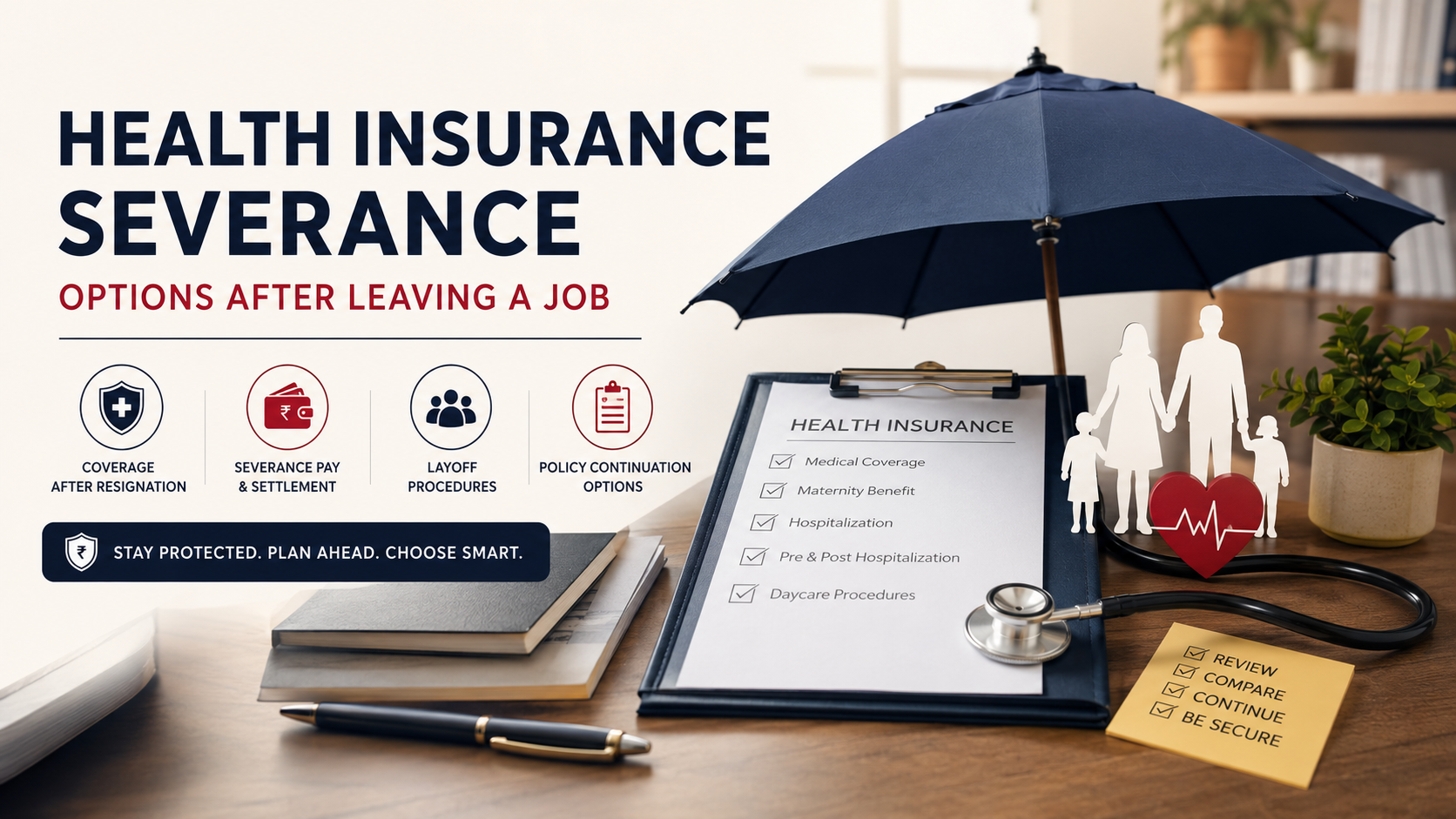
Leaving a job brings significant career changes, but your financial and medical security should never be left to chance. Navigating health insurance severance requires understanding how your corporate policy transitions when you resign or face a layoff. According to the Insurance Regulatory and Development Authority of India (IRDAI), understanding your policy terms is essential for seamless medical coverage continuity. Many professionals assume their group health coverage extends indefinitely, which can lead to unexpected out-of-pocket medical expenses during a career transition. This comprehensive guide answers critical questions about health insurance severance, severance pay eligibility, layoff procedures, job loss insurance covers, policy continuation options, and corporate health insurance validity after resignation.
What Happens to My Health Insurance Coverage After I Resign in India?
When you resign from a job in India, your employer-sponsored health insurance usually ends when your employment ends. The exact termination date depends on your employer’s group policy terms. In many cases, coverage continues through the notice period and ends on your last working day.
Once the group policy stops covering you, you may lose access to benefits such as cashless hospitalization and employer-funded medical coverage. Your dependents may also lose coverage under the same corporate policy. For a broader understanding of policy coverage, exclusions, and key considerations, review medical insurance facts you should know.
Do not wait until your employment ends before reviewing your options. Medical emergencies can occur without warning, and even a short coverage gap can create significant financial pressure.
Before leaving your job, ask HR or the insurer for the exact coverage end date. Then compare individual health insurance, migration, and portability options. This gives you time to arrange replacement coverage before your corporate policy ends.
Portability and Retail Conversion Options
Depending on the policy and insurer, you may be able to migrate your group health policy to an individual policy or port to another insurer. These options can help preserve eligible continuity benefits, including credits for certain waiting periods.
Contact your insurer or HR team as early as possible. Do not rely on a fixed 30-day deadline without confirming the applicable policy terms and current regulatory requirements.
Do I Get Severance Pay If I Quit My Job?
Voluntarily resigning from a job in India does not normally create an automatic right to severance pay. Severance is generally associated with employer-initiated termination, redundancy, retrenchment, or other qualifying circumstances rather than a standard resignation. Before making an exit decision, employees can also review when and how to take a voluntary severance package.
However, resignation does not mean you lose everything owed by your employer. Your full and final settlement may include unpaid salary, eligible leave encashment, and other contractual or statutory amounts.
Gratuity may also be payable when you satisfy the applicable eligibility requirements. The commonly cited five-year service requirement has exceptions in certain circumstances, so employees should not assume that every case follows the same rule.
Your employment contract and company policies can also provide additional benefits. Some employers offer retention payments, contractual exit benefits, or other amounts under specific conditions.
Before accepting your final settlement, review the calculation carefully. Check your salary, deductions, leave balance, gratuity eligibility, bonuses, and notice-period adjustments.
Final Settlement Components
Your final settlement may contain several separate components. These can include unpaid wages, notice period adjustments, eligible leave encashment, incentives, bonuses, and statutory benefits.
Ask HR for a detailed settlement statement rather than relying only on the final amount credited to your bank account. Check whether deductions match your employment terms.
Also confirm when your employer-sponsored health insurance ends. Your final settlement and your medical coverage are separate issues, so resolving one does not automatically resolve the other.
What Should I Do After Being Laid Off?
A layoff requires faster financial and insurance planning than a normal resignation. Start by reviewing your layoff notice, employment agreement, separation documents, and any severance terms provided by your employer.
Pay particular attention to the date your salary stops and the date your health insurance ends. Do not assume your medical coverage continues simply because your insurance card shows a later policy expiration date.
Next, calculate how much cash you have available and create a realistic short-term budget. Update your resume and professional profiles while beginning your job search. Managing short-term vs long-term savings can also help you decide how much money to reserve for immediate needs versus future goals.
Your health insurance should be treated as a separate priority. Check whether you can migrate or port your group policy. Compare that option with purchasing an individual health insurance policy for yourself and your family.
Also check whether you qualify for any applicable government support or other financial assistance. The availability of such programs depends on your circumstances and location.
Managing Cash Flow Wisely
Create an emergency budget as soon as your employment ends. Start with essential expenses such as housing, food, utilities, loan payments, and insurance premiums. Building an emergency fund for financial stability can also help you manage unexpected expenses during periods of unemployment.
Then identify expenses that you can temporarily reduce or remove. Non-essential subscriptions, discretionary purchases, and unnecessary recurring payments can quickly consume savings during unemployment.
Avoid treating your entire severance payment as disposable income. Your savings may need to support you for several months while you search for another position. Following good financial habits that build wealth can make it easier to protect your savings during a career transition.
Set aside money for health insurance premiums before allocating funds to less urgent expenses. A medical emergency without adequate insurance can seriously damage your remaining savings.
Review your budget every few weeks. If your job search takes longer than expected, adjust spending early rather than waiting until your cash reserves become critically low.
What Type of Insurance Covers Job Loss?
There is no universal health insurance product in India that automatically replaces your salary after you lose your job. Some financial products provide limited protection against involuntary unemployment, but their coverage is usually narrower than people expect.
Job-loss protection may be available through credit protection or loan protection products. These products can sometimes cover loan installments for a limited period after an eligible involuntary job loss.
Such protection is more commonly linked to financial liabilities than to everyday living expenses. For example, a policy may help with certain EMI payments rather than provide unrestricted monthly income.
Traditional health insurance does not normally cover unemployment. Term life insurance also does not replace income simply because you lose your job.
Before purchasing job-loss protection, read the policy wording carefully. Check eligible employment conditions, waiting periods, exclusions, benefit limits, and claim requirements.
Do not assume that voluntary resignation qualifies. Many products specifically exclude resignation, dismissal for misconduct, or other non-qualifying employment exits.
Understanding Loan Protection Riders
Loan protection products can provide a temporary financial cushion after an eligible involuntary job loss. Their purpose is usually to help borrowers manage loan repayments rather than replace their complete income.
Coverage periods and conditions vary between products. Some may cover eligible installments for only a few months, subject to policy limits and other conditions.
Before buying such protection, check exactly what qualifies as job loss. Voluntary resignation may be excluded, while redundancy or certain employer-initiated terminations may qualify.
Also check the waiting period and documentation requirements. You may need evidence from your former employer before the insurer processes a claim.
Compare the premium with the actual benefit available. A product that covers only a small number of installments may not provide enough protection to justify its cost.
Can You Continue Health Insurance After Leaving a Job?
Yes, you may have options for continuing health insurance after leaving employment in India. However, the process is not as simple as assuming your corporate policy remains active.
Depending on the policy and insurer, you may be able to migrate from a group health policy to an individual or family floater policy. You may also have portability options if you want to move to another insurer.
These options can help preserve eligible continuity benefits earned under the previous policy. They can be particularly important when you have accumulated waiting-period credits.
Do not wait until after your employment ends to start the process. Ask your insurer about available options, deadlines, required documents, premiums, and coverage differences.
The best choice depends on your existing coverage, age, dependents, medical needs, budget, and policy terms.
Portability Rules and Timelines
Health insurance portability can allow you to move from one insurer to another while retaining eligible continuity benefits. Migration to an individual policy may also be available under applicable policy and regulatory provisions.
The exact process and timeline depend on the circumstances and the insurer’s requirements. Therefore, confirm the deadline directly with your insurer rather than relying on a generic time limit.
Ask for written confirmation of your options before your corporate coverage ends. You should also compare the new policy’s coverage, exclusions, waiting periods, room-rent limits, deductibles, and premiums.
Continuity benefits can be valuable, but they do not mean every condition becomes immediately covered. Existing waiting periods and policy conditions still need to be understood.
Starting the process early reduces the risk of an unintended insurance gap.
Is Corporate Health Insurance Valid After Resignation?
You should not assume that your corporate health insurance remains valid after your employment ends. Coverage normally depends on your membership in the employer’s group policy and the specific terms governing employee exits.
The important date is the actual end of your coverage, not simply the date displayed on an insurance card or mobile application. Your HR department or insurer can confirm when your coverage terminates.
A claim for treatment after coverage has ended may be rejected. However, the exact outcome depends on the policy terms and the circumstances of the claim.
This is why checking your health insurance coverage after resignation should be part of your exit planning. Ask for confirmation of the last date on which you and your dependents remain insured.
If your employer provides a migration option, begin the application process promptly. You can also compare an individual policy before your existing coverage ends.
Never rely on assumptions about your corporate insurance. Get the coverage end date in writing and arrange replacement protection when necessary.
Grace Periods and Emergency Claims
Some employers or insurers may have administrative procedures that affect the timing of coverage termination. However, you should not assume that an informal grace period automatically protects you after leaving employment.
Ask HR and the insurer whether any extension, migration window, or other arrangement applies to your policy. Get the response in writing whenever possible.
If you need medical treatment during the transition, confirm whether your existing policy is active before relying on cashless hospitalization.
The safest approach is to arrange replacement coverage before your employer-sponsored policy ends. This can reduce the risk of paying unexpected medical bills from your own savings.
Your health insurance severance planning should therefore focus on continuity rather than assuming your corporate policy will continue automatically. Review your options early, understand the applicable deadlines, and choose coverage that fits your needs after employment ends.
FAQ SECTION
What happens to my accumulated corporate health insurance bonus after leaving?
Accumulated no-claim bonuses or health checkup perks tied to a group corporate policy generally do not transfer when you leave a job. Group policies treat employees collectively, meaning individual bonuses rarely migrate to retail policies. When porting to an individual retail plan, you start fresh regarding cumulative bonuses unless specified otherwise by the insurer’s specific transition guidelines.
Can I buy a retail health policy if I have an ongoing medical condition?
Yes, you can purchase a retail health insurance policy even with an ongoing medical condition, but insurers may apply standard waiting periods or underwriting loadings. However, if you port your corporate group policy to a retail plan within the regulatory window, insurers must give you credit for the time you spent under the group policy, reducing your pre-existing disease waiting period.
Are family members covered under health insurance severance transition options?
Family members who were covered under your employer’s group health policy can usually be included when you convert or port your policy into an individual retail plan. Insurers permit family floater conversions during the transition window, provided you pay the corresponding individual premium rate. Always confirm dependent inclusion terms directly with your insurance provider before the corporate coverage deadline lapses.
How soon should I buy a new health policy after resigning?
You should ideally secure alternative health insurance coverage before your last working day or during the immediate 30-day post-resignation window. Acting quickly ensures there is zero gap in your medical protection. Maintaining continuous coverage is vital to safeguard your savings against unexpected accidents or sudden illnesses during your job transition period.
Conclusion
Navigating career changes requires a careful balance of professional planning and financial safeguarding, especially regarding your medical security. Understanding health insurance severance empowers you to take control of your healthcare needs without fearing sudden coverage gaps. Whether you resign voluntarily or face an unexpected layoff, proactive steps like converting your group policy, budgeting your severance pay, and purchasing retail health insurance protect your family’s financial future. Remember that corporate health insurance terminates immediately upon departure, making timely action essential. By applying the insights shared in this guide, you can transition smoothly into your next professional chapter with total peace of mind and robust medical protection intact.
What is the Best Place to Keep Your Savings Safely?
Finding the right spot for your hard-earned cash is one of the most important financial decisions you will ever make. When you want the best places to keep your savings safely, you must balance security with growth. According to the Federal Deposit Insurance Corporation, traditional banking institutions offer unmatched protection for your principal balance. Whether you are building an emergency fund or saving for a major milestone, knowing where to park your funds prevents unnecessary financial stress. This comprehensive article explores the safest vehicles, smart money rules, high-yield accounts, and structured monthly saving schemes designed to keep your wealth secure.
What Is the Safest Place to Keep Savings Money?
When security is your top priority, federally insured deposit accounts are among the safest places to keep savings. In the United States, FDIC-insured banks protect eligible deposits up to applicable coverage limits. NCUA-insured credit unions provide similar protection for eligible deposits. This coverage helps protect your money if a covered financial institution fails.
Traditional savings accounts, money market deposit accounts, and certificates of deposit can all provide this type of protection when offered by an insured institution. However, federal insurance does not protect unlimited amounts. You should understand the applicable coverage limits and account ownership rules before depositing large sums.
These accounts also keep your money separate from market investments. Your balance does not normally rise or fall with stock prices. They can therefore work well for emergency funds, short-term goals, and cash you cannot afford to lose.
For maximum safety, verify that your bank or credit union is federally insured. Also, keep your balance within applicable insurance limits whenever possible.
Maximizing Protection Through Federal Insurance Coverage
Federal deposit insurance can provide an important layer of protection for your savings. However, simply having several accounts at the same bank does not automatically multiply your coverage. Insurance limits generally depend on the depositor, ownership category, and institution.
If you have more money than the applicable insurance limit, consider spreading eligible deposits across separately insured institutions. Different ownership categories may also receive separate coverage under applicable rules.
Before moving money, check the current FDIC or NCUA coverage rules. Your bank or credit union can also explain how your accounts are categorized. This matters because account structures can affect how much of your money receives insurance protection.
For example, keeping excess cash at multiple qualifying institutions may help you remain within applicable coverage limits. You should not assume that every financial product offered by a bank is insured. Stocks, bonds, mutual funds, and other investments generally do not receive FDIC or NCUA deposit insurance.
The goal is simple: understand where your money sits, determine whether it is insured, and stay within the relevant limits.
What Is the 7-7-7 Rule for Money?
The 7-7-7 rule for money is not a universally standardized financial rule. Different personal finance sources use the term to describe different saving or budgeting approaches. Therefore, you should verify which version a particular source means before applying it to your finances.
Some versions use three separate financial priorities. These may include building savings, preparing for long-term goals, and allowing money for personal spending. The broader idea is to divide your financial resources deliberately instead of treating all available money as spendable.
A structured approach can help you build better habits. It can also reduce the risk of ignoring emergency savings while focusing entirely on retirement or investments. However, there is no single percentage allocation that works for everyone.
Your income, debt, expenses, emergency fund, and financial goals should determine your actual allocation. Someone with expensive debt may need a different approach from someone with stable income and substantial savings.
Use the 7-7-7 concept as a budgeting framework, rather than a guaranteed formula for building wealth.
Applying the Three-Part Framework to Daily Finances
If you use a three-part savings framework, start by identifying your most important financial priorities. Emergency savings should generally come before aggressive long-term investing when you have little accessible cash.
You can then divide your monthly surplus between short-term savings and long-term financial goals and discretionary spending. The exact percentages should reflect your circumstances rather than an arbitrary formula.
For example, you might direct part of each paycheck toward an emergency fund. Another portion could support retirement or other long-term investments. The remaining amount could cover planned personal spending.
Automation can make this process easier. Schedule transfers shortly after receiving your income so saving happens before unnecessary spending.
Review the allocation regularly as your income and expenses change. A new job, major purchase, debt repayment, or family responsibility may require adjustments.
The main benefit is consistency. A simple framework gives each dollar a purpose and helps prevent short-term spending from consuming money intended for future goals.
Where Is the Safest Place to Keep a Lot of Money?
Keeping a large amount of money requires more planning than choosing a standard savings account. The first priority should be determining how much protection your deposits receive. Large balances can exceed standard federal insurance limits, creating additional exposure if everything is held at one institution.
For substantial cash holdings, you may consider several options. These can include multiple federally insured bank accounts, insured cash sweep arrangements, Treasury bills, and other appropriate short-term government securities.
Treasury bills are short-term U.S. government securities. They are generally considered very low-risk because they are backed by the U.S. government. However, they are investments rather than bank deposits, so they do not receive FDIC insurance.
Money market mutual funds are another option, but they are also investments. Their balances are not protected by FDIC or NCUA deposit insurance. They can therefore behave differently from insured bank deposit accounts.
For large sums, the right strategy depends on safety, liquidity, taxes, and time horizon. Avoid assuming that a product is insured simply because a bank or financial institution sells it.
Utilizing Treasury Bills for Government-Backed Security
U.S. Treasury bills can be useful when you want to hold significant cash outside a traditional deposit account. They are short-term government securities with maturities ranging from several weeks to one year.
Treasury bills are backed by the U.S. government’s ability to meet its obligations. This makes them widely regarded as one of the lower-risk options for preserving capital over short periods.
However, Treasury bills are not identical to savings accounts. You purchase a security and generally hold it until maturity or sell it before maturity. Their prices can vary if you sell before maturity.
They also do not provide the same instant account access as a regular savings account. You should therefore consider when you will need the money before choosing a maturity period.
For large cash balances, Treasury bills can complement insured bank deposits. For example, you might keep your emergency cash in an insured savings account while using short-term Treasury bills for money you will not need immediately.
The key is matching the investment with your cash-flow needs and time horizon. Safety does not mean every option works equally well for every purpose.
Where Is the Best Place to Keep Savings?
The best place to keep savings depends on when you need the money and how much access you require. There is no single account that is automatically best for everyone.
For emergency savings and short-term goals, a high-yield savings account can offer a useful combination of accessibility and interest earnings. These accounts may pay more interest than traditional savings accounts, although rates can change over time.
If you do not need immediate access to your money, a certificate of deposit may be another option. CDs generally provide a fixed interest rate for a specific term. You can also compare CDs with other savings and investment choices using FD vs mutual fund returns. In exchange, withdrawing money early may result in a penalty.
Traditional savings accounts can still be useful when convenience and branch access matter more than maximizing interest. The difference in rates should be weighed against account requirements and fees.
When comparing accounts, look beyond the advertised interest rate. Check the annual percentage yield, minimum balance requirements, withdrawal restrictions, fees, and insurance status.
Your savings strategy should also separate emergency money from long-term investments. Cash needed soon should not depend on stock-market performance.
Choosing Between Flexible Savings and Fixed Certificates
High-yield savings accounts and certificates of deposit serve different purposes.Comparing FD and mutual fund returns can also help you understand how deposit-based savings options differ from market-linked investments when choosing the right place for each portion of your savings.
A high-yield savings account generally provides easier access to your money. You can usually make withdrawals or transfers when needed, subject to the account’s terms and applicable rules. The interest rate can change over time.
A CD typically requires you to keep your money deposited for a specified term. In return, you may receive a fixed interest rate for that period. Early withdrawal can result in a penalty, depending on the account.
Consider a savings account for your emergency fund and near-term expenses. A CD may suit money you know you will not need until a specific future date.
You can also use both options. Keep immediately accessible savings in a high-yield account and place some longer-term cash into CDs.
Before opening either account, compare rates, fees, terms, minimum deposits, and insurance coverage. The highest advertised rate is not always the best choice if the account has restrictions that do not fit your needs.
Best Bank Investment Plans
Bank investment plans can help you pursue long-term financial goals, but they are fundamentally different from insured savings accounts. Investment products can include mutual funds, bonds, stocks, structured products, and professionally managed portfolios. Comparing SIPs and fixed depositscan help you understand how different options balance potential returns and risk. Their potential returns come with varying levels of risk.
The right investment strategy depends on your time horizon, financial goals, and tolerance for losses. Money needed for an emergency or near-term purchase generally should not be placed in volatile investments.
For long-term goals such as retirement, diversified investments may provide greater growth potential than keeping all your money in cash. However, market values can fall, sometimes significantly.
Banks may offer investment services, but the fact that an investment is sold through a bank does not make it federally insured. FDIC insurance generally covers eligible deposits, not market investments.
Before selecting an investment plan, understand its fees, risks, expected time horizon, and underlying assets. Avoid choosing a product simply because a bank employee recommends it.
A suitable portfolio should reflect your broader financial plan. Diversification can reduce concentration risk, but it cannot eliminate investment losses or guarantee returns.
Diversifying Your Portfolio for Balanced Growth
Diversification means spreading your investments across different assets rather than relying heavily on one investment. It can help reduce the impact of a poor performance from a single company, sector, or asset class.
A diversified portfolio might contain a combination of stocks, bonds, and other suitable investments. The appropriate mix depends on your financial goals and risk tolerance.
You can also diversify within an asset class. For example, stock exposure can be spread across different companies, industries, and geographic markets. Bond investments can vary by issuer, maturity, and credit quality.
However, diversification does not guarantee profits. A broad portfolio can still decline during a major market downturn. Its main purpose is to reduce concentration risk and create a more balanced exposure to different sources of return.
Review your portfolio periodically rather than reacting to every short-term market movement. Your allocation may need adjustment as your goals, income, or time horizon changes.
For long-term investors, diversification can provide a more disciplined approach to investing. It is generally more reliable than trying to predict which single investment will perform best.
Best Monthly Saving Scheme
Choosing among the Best Places to Keep Your Savings Safely also means finding a savings method you can maintain consistently. A monthly savings scheme turns saving into a regular financial habit. Understanding short-term and long-term savings goals can help you decide how much to save and where to keep it. Instead of deciding how much to save each month, you set a predetermined contribution and automate the process.
You can use this approach with a savings account, recurring deposit, or another suitable savings product. The right choice depends on your country, financial institution, interest rates, account terms, and personal goals. Always check whether the product provides applicable deposit insurance or other protections.
Regular contributions can help your savings grow steadily over time. They also reduce the temptation to spend money that you intended to save. When comparing the Best Places to Keep Your Savings Safely, consider more than the interest rate.
Check the maturity period, withdrawal rules, minimum contribution, fees, penalties, and insurance status. For short-term goals, prioritize liquidity and capital safety. For longer-term goals, investments may offer greater growth potential but also involve market risk.
A monthly savings plan works best when the contribution fits your budget. Consistent saving is usually more sustainable than an unrealistic target that you cannot maintain.
Automating Deposits to Build Effortless Saving Habits
Automation can make saving easier by removing repeated decisions from your monthly routine. You can schedule a recurring transfer from your primary account to a dedicated savings account after receiving your income.
This approach supports the pay-yourself-first strategy. Instead of saving whatever remains after spending, you set aside your planned amount first. This can help you make steady progress toward emergency funds andshort-term and long-term financial goals.
When reviewing the Best Places to Keep Your Savings Safely, consider accounts that support automatic transfers. Start with an amount you can comfortably maintain. If your income or expenses change, adjust the transfer to protect your cash flow.
You can also create separate accounts for different goals. One account could hold your emergency fund, while another supports a planned purchase or annual expense.
Review your automated transfers regularly. Check the account’s interest rate, fees, withdrawal conditions, and insurance status. Remember that automation does not replace a budget. You still need to monitor spending, debt, and overall financial progress.
The goal is to make saving easier to repeat. A consistent automated contribution can turn saving into a long-term habit and help you choose the Best Places to Keep Your Savings Safely.
Frequently Asked Questions
What Is the Difference Between a Savings Account and a CD?
When comparing the Best Places to Keep Your Savings Safely, a savings account offers more flexibility than a certificate of deposit (CD). You can usually deposit or withdraw money from a savings account when needed, while its interest rate may change over time. A CD requires you to keep your money deposited for a fixed period. In return, it may provide a guaranteed interest rate. Early CD withdrawals can result in penalties. Savings accounts generally suit emergency funds, while CDs can work well for planned expenses.
Are Online Banks Safe for Holding Large Savings?
When considering the Best Places to Keep Your Savings Safely, online banks can be a secure option. The key factor is whether the institution carries appropriate federal deposit insurance. In the United States, eligible deposits at FDIC-insured banks receive protection within applicable limits. Credit unions may provide NCUA insurance instead. Online banks can also offer competitive interest rates because they often have lower operating costs. Before depositing a large amount, verify the institution’s insurance status and understand the applicable coverage limits. Do not assume every financial product offered online is insured.
How Much Money Should I Keep in a Liquid Savings Account?
Choosing the Best Places to Keep Your Savings Safely also means deciding how much money should remain easily accessible. A common guideline is to keep around three to six months of essential living expenses in an emergency fund. Your personal situation may require more or less. Consider your income stability, household expenses, debt, and job security when setting the target. Keep this money in a liquid account where you can access it without selling investments or paying an early withdrawal penalty. The purpose is to cover unexpected expenses without disrupting your long-term financial plans.
Can I Lose Money in a High-Yield Savings Account?
Among the Best Places to Keep Your Savings Safely, a federally insured high-yield savings account can provide strong protection for eligible deposits. However, the statement that you can never lose money needs an important qualification. Federal deposit insurance protects eligible deposits within applicable coverage limits, but not every financial product labeled as a savings product is insured. Interest rates can also change, affecting how quickly your balance grows. Unlike stocks or mutual funds, an insured savings deposit is not directly exposed to daily market price fluctuations. Always verify the institution’s insurance status and applicable coverage limits.
Conclusion
Choosing the Best Places to Keep Your Savings Safely requires more than selecting the account with the highest advertised interest rate. You should consider security, accessibility, insurance coverage, fees, and your financial timeline before making a decision. Federally insured savings accounts can provide a strong foundation for emergency funds and short-term goals. CDs may suit money you can leave untouched for a fixed period. Treasury bills and diversified investments may serve different long-term purposes. The right approach is to match each portion of your money with its specific purpose. Review your current savings strategy, automate regular contributions, and keep your cash in suitable financial vehicles.
Moving to a fresh location brings excitement, but figuring out how to find work after relocating to a new city can quickly feel overwhelming. You leave behind your established professional network, local employer reputation, and daily routine. Whether you moved for family, adventure, or personal growth, securing a paycheck in an unfamiliar place requires a structured game plan. According to the U.S. Bureau of Labor Statistics, job searches involving geographic changes often demand targeted local networking and tailored resume updates. This guide answers your most pressing career transition questions, from understanding generational hiring hurdles to navigating job transfers and mastering the timeline of landing a new role.
Why Are Gen Z Struggling to Find Jobs?
Younger professionals often face unique challenges when entering the workforce or moving to another city. Many employers now emphasize proven experience, practical skills, and measurable results instead of degrees alone. This can create a difficult barrier for early-career applicants.
The problem becomes more noticeable after relocation. Candidates who move to a new city may lack local references, professional contacts, and knowledge of nearby employers. They may also compete against applicants who already have established relationships within the local job market. Avoiding common relocation problems can make this transition easier, so reviewing common relocation mistakes to avoid when moving can help job seekers prepare more effectively.
Automated applicant tracking systems can create another challenge. These systems may screen resumes for relevant skills and keywords before recruiters review them. A poorly tailored resume can therefore disappear before reaching a hiring manager.
Remote hiring has also changed how companies evaluate candidates. Employers may expect applicants to demonstrate independence, communication skills, and relevant digital experience. Gen Z job seekers can respond by building portfolios, networking directly, and tailoring applications to specific roles.
The Shift Toward Skills-Based Hiring
Recruiters increasingly look beyond academic credentials when evaluating candidates. Practical experience can demonstrate whether someone can apply knowledge in real workplace situations. This is particularly important for younger professionals who may not have several years of employment history.
A strong portfolio can help close that experience gap. Include relevant projects, internships, freelance work, certifications, or volunteer experience. Focus on outcomes rather than simply listing responsibilities. For example, explain what you built, improved, analyzed, or achieved.
Your professional online presence also matters. Keep your LinkedIn profile current and use a clear headline that reflects your target role. Share useful industry content when appropriate, but avoid posting simply for visibility.
Networking can provide another advantage. Informational interviews can help you understand local employers and discover opportunities before they become widely advertised. Local professional groups can also introduce you to people who understand the city’s hiring market.
For anyone learning how to find work after relocating to a new city, skills-based positioning makes the transition easier. Employers need evidence that you can contribute, regardless of where you previously worked.
What Is the 3-Month Rule in a Job?
The three-month rule commonly refers to the first 90 days of employment. Many companies use this period as a practical benchmark for evaluating a new employee’s performance, although probation policies vary by employer and location.
During the first three months, employers may assess your productivity, communication, reliability, teamwork, and ability to learn the role. You also evaluate whether the position matches your expectations and career goals.
However, the three-month mark does not guarantee permanent job security. Some companies use longer probation periods, while others have different performance review schedules. Always check your employment contract instead of assuming that every employer follows the same timeline.
If you recently relocated for work, the first 90 days can be especially important. You are adjusting to a new workplace while potentially adapting to an unfamiliar city. Building relationships early can help you understand workplace expectations faster.
Set clear priorities during your first few weeks. Learn your responsibilities, ask questions, document important processes, and request feedback. These actions can help you establish credibility while avoiding preventable mistakes.
Making It Through Your First Ninety Days
Your first 90 days should focus on learning, delivering results, and building professional relationships. Start by understanding what your manager considers successful performance. Clear expectations make it easier to prioritize your time and measure progress.
Regular communication is also important. Ask your supervisor for feedback instead of waiting until a formal review. If you identify a skill gap, create a practical plan to improve it.
Building relationships with teammates can make workplace integration easier. You do not need to become close friends with everyone. Instead, focus on being dependable, respectful, and willing to collaborate.
Keep track of your accomplishments throughout the probation period. Record completed projects, positive feedback, measurable improvements, and new responsibilities. This information can support future performance discussions.
If you moved specifically for the position, give yourself time to adjust. A new commute, neighborhood, workplace, and social environment can create additional pressure. Establishing routines can make the transition easier.
Ultimately, your goal is not simply to survive the first three months. You should use this period to demonstrate that hiring you was a sound decision.
What Is the Hardest Month to Find a Job?
The difficulty of finding a job can change throughout the year. December is often slower because many companies focus on year-end budgets, holidays, financial planning, and existing priorities. Hiring activity can therefore become less predictable during this period.
However, calling December universally the hardest month would be misleading. Hiring patterns vary by industry, location, company size, and job type. Some sectors continue recruiting throughout December because their business needs do not follow traditional corporate calendars.
Job seekers should therefore avoid stopping their search completely. A slower hiring period can still produce opportunities. Companies sometimes advertise positions when they have urgent vacancies or need to prepare for upcoming growth.
Relocation adds another consideration. If you are moving to a new city, begin researching employers before your move. This gives you time to understand which companies are actively hiring and what qualifications they require. You should also prepare for the practical side of the move by following tips to consider when moving to your new house.
Instead of focusing only on application volume, improve the quality of your search. Tailor your resume, strengthen your professional profiles, and contact relevant people in your target industry.
Understanding seasonal hiring patterns can help you plan how to find work after relocating to a new city without depending entirely on one month’s job market.
Navigating Slow Hiring Seasons
A slow hiring season should be treated as preparation time rather than wasted time. Start by reviewing your resume and removing information that does not support your target role. Replace generic descriptions with measurable achievements wherever possible.
Update your professional profiles as well. Make your new city visible if you have already relocated or include your relocation timeline when appropriate. This can prevent recruiters from assuming you are unavailable locally. Planning the practical details of your move alongside your job search can also help you avoid common relocation mistakes to avoid when moving.
Use slower periods to research companies you want to target. Identify their current openings, hiring requirements, locations, and business areas. Create a shortlist instead of applying randomly to dozens of unrelated positions.
Networking can also become more valuable during slower periods. Contact former colleagues, classmates, recruiters, and professional groups. Keep conversations focused on learning and building relationships rather than immediately asking for a job.
You can also prepare applications before hiring activity increases. Save customized resume versions and maintain a list of suitable employers. When recruitment accelerates, you can respond quickly.
The goal is to enter a busy hiring season prepared. Better preparation can reduce the pressure of finding employment while adjusting to a new city.
How Do I Transfer Jobs to Another City?
Moving to another city does not always require leaving your current employer. An internal transfer may allow you to relocate while keeping your existing role, experience, and benefits. However, approval depends on company policy, available positions, and business requirements. If an internal move is not possible, exploring careers that let you travel may also help you consider roles with greater geographic flexibility.
Start by reviewing your employer’s relocation and internal mobility policies. Check whether your company operates in the destination city and whether your role can be performed from another location.
Next, speak with your manager before making firm assumptions about the move. Explain your situation clearly and provide enough notice. Avoid presenting the request as an ultimatum unless you have no alternative.
Prepare a practical transition plan. Explain how you will maintain productivity, attend meetings, handle responsibilities, and collaborate with your existing team. If an office transfer is possible, identify a suitable position or department.
You should also explain the value of retaining you. Highlight recent achievements, specialized knowledge, and responsibilities that would be difficult to replace quickly.
If an internal transfer is unavailable, ask whether remote work, a hybrid arrangement, or a different position could provide another solution. These alternatives may help you relocate without immediately starting a completely new job search.
Building Your Internal Case for Relocation
A successful internal relocation request should focus on business continuity as much as your personal needs. Your employer needs confidence that moving will not reduce your performance or create unnecessary disruption.
Start by documenting recent achievements. Include completed projects, measurable improvements, important responsibilities, and positive performance feedback. This evidence strengthens your case more than general statements about your value.
Then create a clear transition proposal. Explain where you will work, how you will communicate with colleagues, and how you will maintain existing deadlines. Address potential concerns before management raises them.
If your current position cannot transfer directly, research comparable roles within the company. A different department or branch may offer a practical alternative.
You can also offer reasonable support during the transition. For example, you might document processes or help train someone who takes over location-specific responsibilities. Do not promise unrealistic workloads simply to secure approval.
Timing matters as well. A request made during a major project or staffing shortage may face more resistance. Whenever possible, give management enough time to plan.
The stronger your operational plan, the easier it becomes for decision-makers to view relocation as manageable rather than disruptive.
What Is a Good Reason to Ask for a Transfer?
A good reason for requesting an internal transfer is one that is genuine, professional, and easy for your employer to understand. Common circumstances can include a spouse’s career relocation, family responsibilities, or significant personal changes.
You do not necessarily need to disclose private details. Give enough information to explain why relocation is important while maintaining appropriate personal boundaries.
Your explanation should also show that you want to remain with the company. Employers may respond more positively when they understand that the transfer is an effort to continue your employment rather than an attempt to leave your current team.
Avoid framing the request around temporary frustration. Complaints about coworkers, boredom, commuting inconvenience, or dissatisfaction with a manager may weaken your case. If these issues are the real reason, consider whether another solution could address them.
The location itself may also matter. Explain why transferring to another branch, team, or remote arrangement would allow you to continue performing effectively.
A strong request combines a legitimate reason with a workable business plan. The goal is to show that relocation can solve your personal need without creating an unnecessary problem for your employer.
Presenting Your Request Professionally
When requesting a transfer, keep the discussion clear and focused. Start by explaining that you would like to explore an opportunity to relocate while continuing with the company.
Briefly explain the reason for your request. You can mention family responsibilities, a partner’s relocation, or another significant personal circumstance. Avoid providing more personal information than necessary.
Next, explain how you plan to maintain your responsibilities. Discuss remote work, another office location, adjusted reporting arrangements, or an internal position that matches your skills.
Give reasonable notice whenever possible. Early communication allows your manager and HR team to assess staffing needs and identify potential solutions. It also demonstrates that you are considering the company’s operational requirements.
Be prepared for questions or alternatives. Your employer may offer a different location, role, timeline, or working arrangement. Evaluate these options carefully instead of assuming the first proposal will be approved.
If the transfer cannot be accommodated, begin exploring external opportunities before your relocation becomes urgent. Update your resume, research employers, and start networking in the destination city.
Knowing how to find work after relocating to a new city is ultimately about preparation. Build connections early, tailor your applications, and use every available professional resource to make the transition easier.
Frequently Asked Questions
How Long Does a Typical City-to-City Job Search Take?
A typical city-to-city job search can take three to six months, although the timeline varies by industry, experience, location, and job type. Relocating can make the process longer because you may need to build local connections and understand the regional employment market. If you are learning how to find work after relocating to a new city, start applying before your move whenever possible. Research employers, update your resume, and begin networking early. Starting ahead of time can help you secure interviews before you arrive and reduce the pressure of finding work immediately after relocating.
Should I Update My Resume Address Before Moving?
You can update your resume with your destination city if you are genuinely relocating there soon. However, avoid suggesting that you already live there if you have not moved yet. Instead, clearly mention your relocation plans, such as “Relocating to Mumbai in October 2026.” This gives recruiters useful information about your availability. Your location alone does not determine whether an application passes an applicant tracking system. Relevant skills, experience, and job-specific keywords usually matter more. If you are figuring out how to find work after relocating to a new city, keeping your relocation timeline transparent can make your application easier for recruiters to understand.
How Do I Network for a Job in a New City?
Networking should begin before you relocate rather than after you arrive. Use professional platforms such as LinkedIn to connect with alumni, former colleagues, recruiters, and industry professionals in your destination city. Personalize your messages and explain your relocation plans briefly. Avoid immediately asking for a job. Instead, ask about the local industry, hiring trends, and useful professional groups. After moving, attend relevant meetups, conferences, alumni events, and business networking sessions. Building genuine relationships can help you discover opportunities that are not widely advertised. For anyone researching how to find work after relocating to a new city, local networking can provide valuable connections and market knowledge.
Can I Negotiate Relocation Assistance With a New Employer?
Yes, relocation assistance can sometimes be negotiated, particularly for specialized positions, senior roles, or competitive industries. However, not every employer provides financial support for moving expenses. The best time to discuss relocation assistance is generally after receiving a formal job offer. At that point, the employer has already shown strong interest in hiring you. Research typical relocation benefits for your position before making a request. Depending on the company, support may include moving costs, temporary accommodation, travel expenses, or other transition benefits. If you are planning how to find work after relocating to a new city, include potential relocation costs when evaluating the overall value of a job offer.
Conclusion
Finding work after relocating to a new city requires planning, patience, and consistent effort. Starting your search only after moving can create unnecessary financial and professional pressure. Instead, research employers, identify suitable positions, and begin networking before your relocation whenever possible. Preparing your new home in advance can also reduce moving-day stress, so consider these tips to consider when moving to your new house.
Understanding local hiring patterns can also help you time your applications more effectively. If you already have a job, investigate internal transfer or remote-work options before resigning. Tailor your resume to each relevant position and make your relocation timeline clear to employers. Most importantly, remember that how to find work after relocating to a new city is not about applying everywhere. It is about targeting suitable employers, building local connections, and presenting your skills clearly. A focused strategy can make your career transition more manageable and improve your chances of finding the right opportunity.
Best Malware Protection Tips for Home and Business Users in 2026
Finding reliable malware protection tips is essential for protecting your devices, accounts, and personal data in 2026. Cyber threats continue to evolve, targeting home users, businesses, and connected devices. Attackers now combine malware with phishing, credential theft, and social engineering tactics.
Strong protection requires more than installing antivirus software. You also need regular updates, secure backups, strong passwords, and careful browsing habits. Guidance from the Cybersecurity and Infrastructure Security Agency (CISA) supports a proactive approach to cybersecurity.
This guide explains the best strategy for malware protection and why antivirus still matters. It also covers leading antivirus options and practical ways to reduce infection risks. Finally, you will learn about the seven main malware types and how to recognize them. These malware protection tips can help individuals and businesses build a stronger security routine.
What Is the Best Strategy for Protection Against Malware?
The best strategy for protection against malware uses several security layers instead of relying on one tool. Start by protecting every connected device with reputable endpoint or antivirus security. Keep operating systems, browsers, applications, and security software updated. These updates often fix vulnerabilities that attackers can exploit.
Enable multi-factor authentication (MFA) on important accounts. MFA adds another verification step if a password becomes compromised. Businesses should also apply least-privilege access and separate critical systems through network segmentation.
Regular backups provide another essential defense against ransomware and destructive attacks. Keep multiple backup copies and protect at least one copy from direct network access. CISA also recommends measures such as zero trust principles and strong access controls for reducing unauthorized access. Learn more about how malware spreads and the methods attackers use to understand why these layered defenses matter.
Finally, train users to recognize phishing, suspicious downloads, and social engineering attempts. Combining technology with informed user behavior creates a stronger malware defense strategy and limits the damage caused by successful attacks.
Malware Protection Tips:
Use reputable antivirus or endpoint security on every device.
Keep your operating system, browser, and applications updated.
Enable MFA on email, banking, cloud, and administrator accounts.
Create regular backups and keep one copy isolated from your network.
Use least-privilege access to limit unnecessary permissions.
Train users to identify phishing emails and suspicious downloads.
Monitor devices and accounts for unusual activity.
Avoid installing software from unknown or untrusted sources.
Zero Trust Architecture Principles
Zero trust architecture strengthens malware protection by removing automatic trust from users, devices, and network locations. Instead, every access request must meet defined security requirements before resources become available. This approach can limit the damage caused by stolen credentials or compromised devices.
CISA describes zero trust as an approach based on least-privilege, per-request access decisions. It also emphasizes continuous validation and monitoring.
For businesses, zero trust can protect sensitive applications, databases, and cloud resources. Start by identifying critical assets and limiting access to only what each user needs. Require MFA for important accounts and monitor unusual login activity.
Device security also matters. Organizations should verify device health before allowing access to sensitive resources. Regularly review permissions and remove unnecessary accounts or privileges.
Home users can apply simpler zero trust principles too. Use separate accounts, enable MFA, restrict unnecessary permissions, and avoid giving unknown applications administrative access. These steps reduce opportunities for malware to move between accounts, devices, and services.
Malware Protection Tips for Zero Trust:
Verify users and devices before granting access.
Apply least-privilege permissions to sensitive resources.
Require MFA for important accounts and services.
Review account permissions regularly.
Remove inactive accounts and unnecessary administrator access.
Monitor unusual login attempts and device activity.
Separate sensitive systems from general network traffic.
What Is the Best Way to Protect Yourself From Malware?
The best way to protect yourself from malware is to combine secure habits with reliable security technology. Start by avoiding unexpected links, attachments, downloads, and software from untrusted sources. Phishing remains a major pathway for attackers, so learn how to identify a phishing attack email before taking action.
Keep your operating system, browser, applications, and security software updated. Software patches often address vulnerabilities that criminals can exploit. Turn on automatic updates whenever the option is available.
Use strong, unique passwords for important accounts. A reputable password manager can create and store complex passwords for you. Add MFA wherever possible, especially for email, banking, cloud storage, and administrator accounts.
Back up important files regularly. Keep at least one backup separated from the device or network. This can reduce the impact of ransomware and hardware failure.
Avoid unknown USB drives and suspicious pop-ups. Download applications from trusted sources and review permissions before installation. Businesses should also train employees to recognize social engineering attacks. If you suspect an infection, knowing the warning signs your computer has malware can help you respond quickly.
These practical malware protection tips work best when followed consistently. No single tool can eliminate every risk, but layered defenses can significantly reduce the likelihood and impact of an infection.
Malware Protection Tips for Everyday Security:
Never open unexpected email attachments or suspicious links.
Download software only from trusted sources.
Enable automatic security and software updates.
Use a password manager for strong, unique passwords.
Turn on MFA for important online accounts.
Avoid unknown USB drives and suspicious pop-ups.
Back up important files regularly.
Report suspicious messages or security incidents promptly.
Essential Software Patch Management
Software patch management is one of the simplest and most important malware protection practices. Developers regularly release updates to fix security vulnerabilities, improve stability, and address newly discovered threats. Delaying those updates can leave known weaknesses exposed.
Home users should enable automatic updates for operating systems, browsers, applications, and security tools. Restart devices when required so important patches can finish installing. Remove applications that you no longer use because unsupported software may remain vulnerable. For Windows users, understanding what happens if you skip Windows updates can reinforce why timely patching matters.
Businesses need a more structured approach. Maintain an inventory of hardware and software across the organization. Prioritize critical vulnerabilities and apply patches according to risk. Test important updates when necessary, but avoid unnecessary delays.
Patch management should also cover third-party applications. Attackers can exploit weaknesses in browsers, document tools, media software, and other commonly installed programs.
CISA’s cybersecurity guidance emphasizes maintaining secure systems and reducing exploitable weaknesses.
A consistent update routine reduces the attack surface across your environment. Combine patching with endpoint protection, backups, MFA, and user awareness. Together, these controls form a practical malware prevention strategy for homes and businesses.
Malware Protection Tips for Software Updates:
Turn on automatic updates whenever possible.
Install critical security patches without unnecessary delays.
Keep browsers and third-party applications updated.
Remove unsupported or unused software.
Maintain an inventory of business applications and devices.
Prioritize patches for critical vulnerabilities.
Restart devices when updates require it.
Review update settings regularly to ensure protection remains active.
Is Antivirus Needed in 2026?
Yes, antivirus protection remains useful in 2026, although it works best as part of a broader security strategy. Modern security software does more than detect traditional viruses. Many products monitor applications, files, websites, and system behavior for suspicious activity.
Current independent testing supports the value of modern antivirus solutions. In its June 2026 Windows 11 testing, AV-TEST evaluated 14 security products against malware and other threats. Several products achieved strong protection, performance, and usability scores.
Built-in protections can provide a solid baseline for many users. However, additional security suites may offer features such as ransomware protection, password tools, identity monitoring, VPN services, or centralized management.
Businesses often need more advanced endpoint protection. These platforms can provide centralized monitoring and alerts across many devices. Home users should choose software that fits their operating system, budget, and usage habits.
Most importantly, antivirus cannot replace safe browsing, software updates, MFA, or reliable backups. Effective malware protection depends on combining these defenses rather than relying on one application. Adding multi-factor authentication (MFA) provides another important layer for protecting accounts if passwords are compromised.
Behavioral Analysis and AI Detection
Modern antivirus products increasingly use behavioral analysis to identify suspicious activity. Instead of depending only on known malware signatures, these systems examine how applications behave. This approach can help identify previously unseen or modified threats.
For example, security software may flag an application that suddenly changes many files, modifies protected settings, or attempts unusual network connections. Such behavior can indicate ransomware or another malicious process.
Artificial intelligence and machine learning can support this analysis by identifying patterns across large amounts of security data. However, these technologies are not perfect. Legitimate applications can sometimes behave unusually and trigger false positives.
That is why reputable security tools combine multiple detection methods. These can include signatures, cloud intelligence, behavioral monitoring, reputation systems, and exploit protection.
Users should also keep security software updated. Detection technologies depend on current threat intelligence and software improvements. Businesses should monitor alerts instead of ignoring repeated warnings.
For home users, automatic real-time protection is usually the most practical choice. It can monitor threats continuously without requiring manual scans throughout the day. This makes AI-powered malware detection a useful layer within a broader security strategy.
What Are the Top 5 Antivirus Programs?
There is no universal top-five antivirus ranking because performance varies by operating system, test methodology, features, and user requirements. However, several established products performed strongly in recent independent testing. AV-TEST’s June 2026 Windows 11 results included Bitdefender, ESET, Kaspersky, McAfee, and Norton among its tested products.
Five strong options to consider include:
Bitdefender Total Security: Strong malware protection with broad security features.
Kaspersky Premium: Comprehensive protection with multiple security and privacy tools.
Norton 360 Deluxe: Useful for users seeking security, backup, and privacy features.
McAfee Total Protection: Designed for multi-device protection and family use.
ESET Security: A lightweight option with strong detection and configuration controls.
These products should not be treated as permanent rankings. Independent testing changes as vendors release new versions. Your choice should depend on device compatibility, features, performance, pricing, and support.
Availability can also vary by country and platform. Before purchasing, check the vendor’s current product offering and licensing terms. If you accidentally encounter a suspicious URL, follow these smart steps after clicking a suspicious link to reduce potential risks.
Choosing the Right Security Suite
Choosing the right security suite depends on how you use your devices. A household with several computers and phones may benefit from multi-device protection. Families may also value parental controls, password management, and identity monitoring.
Performance is another important consideration. A security product should protect your device without creating unnecessary slowdowns. Independent testing can help compare protection, performance, and usability. AV-TEST evaluates these areas separately when assessing consumer security products.
Businesses usually need more than consumer antivirus software. Look for centralized management, endpoint monitoring, policy controls, threat alerts, and administrative reporting. Larger organizations may also require endpoint detection and response capabilities.
Consider your operating system before selecting a product. Protection and available features can differ between Windows, macOS, Android, and other platforms. Recent AV-TEST evaluations cover Windows, macOS, and Android security products.
Finally, compare the total cost rather than focusing only on introductory pricing. Check renewal rates, device limits, included features, and support. The best antivirus software is the one that provides suitable protection without making security difficult to maintain.
What Are the 7 Main Types of Malware?
Understanding the seven main types of malware makes suspicious activity easier to recognize. Each type uses different methods and can cause different kinds of damage.
Ransomware: Encrypts or locks data and demands payment from victims.
Trojans: Pretend to be legitimate programs while delivering malicious actions.
Spyware: Secretly monitors activity and can collect sensitive information.
Adware: Displays unwanted advertisements and may track browsing behavior.
Worms: Replicate automatically and can spread between connected systems.
Rootkits: Hide malicious activity and can maintain privileged system access.
Keyloggers: Record keystrokes to capture passwords, messages, and other information.
Some malware can combine several of these behaviors. For example, a Trojan may install spyware after a user launches a malicious file. A ransomware attack may also begin with stolen credentials or a phishing message.
Recognizing these malware types helps users understand why layered protection matters. Antivirus software can detect many malicious files and behaviors, while backups can reduce the consequences of ransomware. Safe browsing and regular updates can further reduce common infection routes.
Recognizing Ransomware and Trojans
Ransomware and Trojans remain important threats because attackers can disguise malicious activity as something legitimate. A Trojan may appear as a useful application, software update, document, or email attachment. Once opened, it can install additional malware or provide unauthorized access.
Ransomware focuses on disrupting access to files or systems. Attackers may encrypt important data and demand payment for recovery. Some campaigns also threaten to publish stolen information.
Watch for warning signs such as unexpected software installation, unusual file extensions, disabled security tools, or sudden system slowdowns. Suspicious email attachments and unofficial software downloads deserve particular caution.
The strongest protection combines several controls. Keep security software active and update your operating system regularly. Use MFA to protect important accounts and limit administrator privileges where possible.
Most importantly, maintain offline or otherwise isolated backups of critical data. Backups can provide a recovery option when ransomware affects connected systems. CISA’s StopRansomware guidance also recommends protective measures such as access controls and zero trust principles.
Early recognition, layered defenses, and reliable recovery plans can significantly reduce the impact of these threats.
Frequently Asked Questions
How often should I run a full system virus scan?
Running a full system scan once a week is generally recommended for optimal security. However, modern antivirus software runs continuous real-time background protection, catching active threats instantly. Manual full scans serve as a secondary health check to locate dormant files.
Can Apple Mac computers get infected with malware?
Mac computers can definitely get infected with malware, contrary to popular belief. Cybercriminals increasingly target macOS systems with trojans, adware, and specialized spyware variants. Using dedicated security software on Apple devices ensures complete protection across all platforms.
What should I do if my device gets infected?
Disconnect your infected device from the internet immediately to prevent lateral network spread. Boot the machine into safe mode and run a deep scan using your trusted antivirus program. If the threat persists, wipe the system clean and restore data from a verified backup.
Are free antivirus programs safe to use?
Reputable free antivirus programs provide basic malware detection for everyday home users safely. However, they often lack advanced features like firewalls, secure VPNs, and identity theft monitoring. Premium paid versions offer comprehensive protection required for complete digital peace of mind.
Conclusion
Applying effective malware protection tips can help protect home devices, business systems, and valuable personal information. Strong cybersecurity begins with simple habits. Keep software updated, use reputable security tools, enable MFA, and avoid suspicious links or downloads.
Businesses should build additional layers around these basics. Use least-privilege access, monitor endpoints, segment important systems, and maintain reliable backups. Zero trust principles can further reduce unauthorized access and limit the movement of attackers after a compromise.
Remember that antivirus is only one part of malware protection. Current independent testing shows that many reputable security products can provide strong protection, but no product eliminates every cyber risk.
Your security strategy should also evolve as threats change. Review account permissions, update recovery plans, remove unused software, and educate users about phishing and social engineering.
Start with the basics today. Then strengthen your defenses based on your devices, accounts, data, and risk level. Consistent malware prevention is far more effective than reacting after an attack has already caused damage. Staying informed about how AI phishing attacks are becoming more dangerous can also help you prepare for increasingly sophisticated threats.
Understanding the Difference Between Generative AI and Multimodal AI
Artificial intelligence is evolving quickly and changing how we work, create, and use technology. Understanding the difference between generative AI and multimodal AI makes modern AI tools easier to evaluate. These terms are often confused because many applications now combine both capabilities.
Generative AI focuses on creating new content from patterns learned during training. Multimodal AI focuses on processing and understanding different types of information. These can include text, images, audio, and video.
The two concepts can overlap within the same AI system. However, they describe different capabilities. Generative AI mainly concerns content creation, while multimodal AI concerns data understanding across multiple modalities. According to research published by OpenAI, understanding model design enables better deployment strategies.
This distinction also helps explain related concepts, including large language models, multi-model systems, and analytical AI. The sections below explain these differences with practical examples and clear comparisons.
What Is the Key Difference Between Multimodal AI and Generative AI?
The main difference between generative AI and multimodal AI is their primary function. Generative AI focuses on creating new content from patterns learned during training. Multimodal AI focuses on processing and understanding different types of information. These can include text, images, audio, and video. For a broader introduction, see what generative AI is.
Multimodal AI processes multiple types of information within one system. These inputs may include text, images, audio, or video. A multimodal system can understand an image while also processing a written question about it.
The two capabilities are not mutually exclusive. A model can be both generative and multimodal. For example, an AI assistant may analyze an uploaded image and generate a detailed written response.
The key distinction can be summarized as follows:
Generative AI: focuses on creating new content.
Multimodal AI: focuses on understanding multiple data types.
Generative multimodal AI: combines both capabilities.
This combination enables AI assistants to analyze charts, interpret photographs, understand voice commands, and generate useful responses from several input types.
Understanding Input Versus Output Capabilities
Input and output capabilities provide another useful way to understand the difference between generative AI and multimodal AI. Multimodal systems can accept different forms of input. These inputs may include written prompts, photographs, audio recordings, or videos.
Generative systems focus more strongly on what they produce. They can transform a prompt into an original article, image, song, summary, or computer program.
Modern AI systems often combine both capabilities. For example, an assistant could receive a photograph of a chart and a spoken question. It could then analyze the chart and generate a written explanation.
This creates a more natural interaction between people and machines. Users no longer need to convert every type of information into plain text first.
The distinction remains important, however. Multimodality describes the range of information a system can understand, while generation describes its ability to create new outputs.
What Is the Difference Between Multimodal and Multi-Model AI?
Multimodal AI and multi-model AI sound similar, but they describe different system designs. Multimodal AI refers to systems that can work with multiple types of data. These modalities can include text, images, audio, and video.
Multi-model AI, by contrast, involves multiple AI models working within the same workflow. Each model may perform a different task. One model could detect sentiment, another could translate text, and a third could create a summary.
For example, a customer service platform might use several specialized models. A language model could classify a request, while another model translates the message. A separate model could then generate the final response.
A multi-model architecture can offer several practical advantages:
Specialized models can handle specific tasks.
Individual components can be replaced independently.
Organizations can select models based on cost or performance.
Developers can isolate problems more easily.
The simplest distinction is this: multimodal means multiple data types, while multi-model means multiple AI models.
Collaborative Workflows in Multi-Model Systems
Multi-model systems use separate AI models to complete different parts of a larger task. This approach can be useful when one model cannot perform every required function efficiently.
Consider an international customer support workflow. A classification model could identify the customer’s issue first. A translation model could convert the message into another language. A summarization model could then extract the key details.
An orchestration layer coordinates these individual steps. It determines which model should process the information and when the next model should receive the result.
This modular structure provides several benefits:
Flexibility: Teams can replace individual models when better options appear.
Specialization: Each model can focus on a narrow task.
Control: Developers can monitor individual stages.
Scalability: Components can be adjusted based on workload.
However, multi-model systems also introduce additional complexity. Developers must manage communication between models and monitor the complete workflow.
Therefore, multi-model architecture is best understood as a collaborative system of separate models, rather than a single model handling multiple modalities.
What Is a Multimodal AI Example?
A practical example of multimodal AI is an assistant that can analyze a handwritten equation from a photograph. The user could upload the image and ask a question about the equation using text or voice.
The system must understand more than one information type. It needs to interpret the visual content and understand the user’s request. It can then generate a response explaining the solution.
Other multimodal AI examples include systems that combine medical images with written records. A healthcare application might analyze an X-ray while processing relevant patient information. Such systems can help professionals examine different information sources together.
Multimodal AI can support many everyday applications, including:
Vision and voice assistants that understand camera feeds and spoken instructions.
Document analysis tools that interpret text, tables, and images.
Educational systems that analyze diagrams and written questions.
Media applications that process audio, video, and text together.
These examples show why multimodal AI differs from traditional text-only systems. It can connect information from different sources and interpret them within the same interaction.
Real-World Vision and Voice Integration
Vision and voice integration demonstrates how multimodal AI can make technology easier to use. A user can point a camera at an object while asking a spoken question about it.
The system can process the visual information and the spoken request together. It can then generate an answer based on both inputs.
For example, someone could photograph a household device and ask how to use it. A multimodal assistant could examine the device and explain its controls.
This approach reduces the need for manual data entry. Users can communicate naturally instead of describing every detail through typed text.
Common applications include:
Smartphone assistants that combine cameras, microphones, and language models.
Accessibility tools that describe visual content through spoken language.
Education platforms that analyze diagrams alongside student questions.
Customer support tools that process screenshots and voice messages.
The technology also creates opportunities for more intuitive human-computer interaction. Instead of treating text, images, and audio as separate inputs, multimodal systems can connect them.
As these systems improve, multimodal interaction may become a standard feature across consumer and enterprise applications.
What Are the Different Types of AI Other Than Generative AI?
Generative AI is only one category within the broader field of artificial intelligence. Other AI approaches focus on analysis, prediction, classification, interaction, and perception.
Analytical AI examines data to identify patterns and support predictions. Businesses can use it for sales forecasting, trend analysis, and risk assessment.
Discriminative AI focuses on distinguishing between categories. For example, an email system can determine whether a message belongs in the spam folder.
Other systems focus on interaction and physical environments. Conversational AI supports customer service and digital assistants. Perception AI helps machines interpret their surroundings. Robotics AI combines perception, decision-making, and control to perform physical tasks.
These categories can overlap. A single application may use several AI approaches at once.
Important AI categories include:
Analytical AI: analyzes data and identifies patterns.
Discriminative AI: classifies or separates information.
Robotics AI: enables machines to perceive and act.
Understanding these categories makes it easier to see where generative AI and multimodal AI fit within the larger AI landscape.
Analytical and Discriminative Intelligence Models
Analytical and discriminative AI systems solve different problems from generative models. it examine data to identify patterns, relationships, and possible future outcomes.
For example, a business could use analytical AI to forecast customer demand. Traditional statistical methods, regression techniques, and machine learning models can support these predictions.
Discriminative models focus on classification. They learn how to distinguish between different categories within data. Spam detection provides a simple example. The model determines whether an incoming message belongs to the spam or legitimate category.
These systems do not need to generate creative content. Their main purpose is to analyze existing information and make decisions or predictions.
Analytical and discriminative approaches remain important across many industries. Businesses use them for fraud detection, forecasting, recommendation systems, quality control, and risk assessment.
Modern applications may combine these techniques with generative AI. For example, an analytical model could identify an unusual transaction. A generative model could then produce a natural-language explanation.
This demonstrates an important point: AI systems can combine multiple approaches rather than fitting into one category.
Is ChatGPT an LLM or Generative AI?
ChatGPT can be described as both an LLM and generative AI. These terms describe different aspects of the technology.
LLM stands for Large Language Model. It refers to a class of AI models designed to understand and generate language. These models learn statistical patterns from large amounts of training data.
Generative AI describes a broader capability. It refers to AI systems that create new content in response to user instructions. ChatGPT can generate text, summarize information, write code, and perform many other content-generation tasks.
Modern versions of ChatGPT can also support multimodal interactions. Depending on the available features and model, users may provide information through different formats. The system can then interpret that information and generate an appropriate response.
Therefore, the labels are not competing definitions:
LLM: describes the model’s language-focused technology.
Generative AI: describes its content-generation capability.
Multimodal AI: describes its ability to work with multiple information types.
This distinction explains why one AI system can belong to several categories simultaneously.
The Evolution Toward Universal Capabilities
Modern AI systems increasingly combine capabilities that were once handled by separate tools. Language understanding, image analysis, audio processing, reasoning, and content generation can now work together.
This evolution has changed how users interact with AI. People can provide information through text, images, voice, or other supported formats. The system can then interpret that information and produce a useful response.
These capabilities blur traditional boundaries between AI categories. A single assistant can function as a language model, a generative system, and a multimodal interface.
This does not mean that all AI models work identically. Different systems use different architectures, training methods, and supported modalities. Their capabilities also depend on the specific model and application.
The broader trend is clear, however. AI is moving toward systems that can understand and generate across multiple information types.
For users, this means AI tools are becoming more flexible. For developers, it creates new opportunities for building applications that combine perception, reasoning, and generation.
Understanding these overlapping capabilities makes modern AI terminology much easier to navigate.
Frequently Asked Questions
Can a Generative AI Model Also Be Multimodal?
Yes. A generative AI model can also be multimodal when it can process multiple types of input and generate content from them.
For example, a multimodal generative system could receive a photograph and a written question. It could analyze the image and produce a detailed text response. Some systems can also work with audio or video inputs.
The two terms describe different capabilities. Generative AI describes what the system creates, while multimodal AI describes the types of information it can process.
This combination is increasingly common in modern AI applications. It allows users to interact with systems through more natural inputs.
A multimodal generative system might support tasks such as:
Describing an uploaded image.
Answering questions about a chart.
Transcribing and summarizing audio.
Analyzing visual documents.
Generating content from mixed inputs.
Therefore, asking whether a system is generative or multimodal is not always an either-or question. A single model or application can support both capabilities.
The important distinction is understanding what each label describes. Generative AI concerns content creation, while multimodal AI concerns information processing across different modalities.
How Do Multimodal Systems Process Different Data Types?
Multimodal AI systems must represent different forms of information in ways that a neural network can process. Text, images, and audio have very different original structures.
A system can convert these inputs into numerical representations called embeddings or other learned representations. These representations allow the model to identify relationships between different information types.
For example, an image can be transformed into a representation that captures visual features. Text can receive a representation that captures words and their relationships. Audio can undergo a similar transformation into a form the model can process.
The system can then combine these representations within its architecture. Attention mechanisms and other neural network techniques can help the model identify relationships across modalities.
This enables tasks such as:
Answering questions about images.
Connecting spoken instructions with visual information.
Summarizing multimedia content.
Generating descriptions from photographs.
The exact architecture varies between AI systems. Not every multimodal model processes every modality in exactly the same way.
The central idea remains consistent: multimodal AI connects different information types so the system can understand them together.
Why Is Multi-Model Architecture Preferred in Enterprise Settings?
Enterprises may choose multi-model architectures because they provide flexibility and specialization. Instead of depending on one model for every task, organizations can combine several specialized systems.
For example, one model might classify customer requests. Another could translate messages, while a third generates responses. Each component can be selected according to its performance, cost, speed, or security requirements.
This modular design can make enterprise AI systems easier to maintain. Developers can replace one model without redesigning the entire application.
Key benefits include:
Flexibility: Teams can select different models for different tasks.
Specialization: Each model can focus on a specific function.
Cost control: Organizations can use smaller models for simpler tasks.
Maintainability: Individual components can be updated independently.
Scalability: Workloads can be distributed across different services.
However, multi-model systems require careful orchestration. Developers must manage communication, monitoring, latency, and failure handling across components.
For this reason, multi-model architecture is not automatically better. It is useful when specialized models provide meaningful advantages over a single general-purpose system.
Does Analytical AI Require Massive Neural Networks?
No. Analytical AI does not necessarily require large neural networks or extensive computing resources.
Traditional analytical systems can use methods such as linear regression, decision trees, statistical models, and other machine learning techniques. These approaches can work well for structured business data.
For example, a company could use regression to forecast sales based on historical performance. A decision tree could help classify customers according to specific business criteria.
Deep learning is also used for analytical tasks. It can be valuable when datasets are large or highly complex. However, larger neural networks are not always the most practical solution.
Traditional approaches can provide several advantages:
They may require less computing power.
They can be easier to interpret.
They often work well with structured datasets.
They can be simpler to deploy and maintain.
They may perform effectively with smaller datasets.
The right approach depends on the problem, available data, performance requirements, and business goals.
Therefore, analytical AI should not be defined by model size. Its defining feature is its focus on examining information to identify patterns, make predictions, or support decisions.
Conclusion
Understanding the difference between generative AI and multimodal AI makes modern AI terminology easier to navigate. Generative AI focuses on creating new content. Multimodal AI focuses on understanding multiple forms of information.
The two capabilities can work together. A multimodal generative system can understand an image, process a voice request, and generate a useful response.
It is also important to distinguish multimodal AI from multi-model AI. Multimodal systems work across different data types. Multi-model architectures combine separate AI models within a larger workflow.
Other AI categories, including analytical and discriminative AI, solve different problems. They can analyze information, classify data, predict outcomes, or support business decisions.
As AI continues to develop, individual systems will increasingly combine several capabilities. Understanding these distinctions can help you choose the right tools and evaluate AI products more effectively.
Ultimately, the key difference is simple: generative AI creates, while multimodal AI understands across multiple types of information. When these capabilities come together, they enable more flexible and natural AI experiences. For a deeper look at one important generative AI technique, explore generative adversarial networks.
YouTube Premium vs. Spotify Premium: Which Is Right for You?
Choosing between YouTube Premium vs. Spotify Premium depends on how you use digital entertainment each day. Both services offer extensive music libraries, personalized recommendations, and offline listening. However, their strengths are quite different.
Spotify focuses primarily on music, podcasts, playlists, and audio discovery. YouTube Premium combines ad-free video viewing with access to YouTube Music. That combination can make it especially useful for people who regularly watch YouTube content.
The right choice also depends on your listening habits. Some users want powerful music discovery and organized playlists. Others want music, videos, live performances, remixes, and creator content in one subscription.
This guide compares Spotify Premium and YouTube Premium across features, audio quality, pricing, and everyday value. It also explains whether YouTube Premium can replace Spotify and which service may suit different types of users.
Is It Better to Use Spotify or YouTube?
Whether Spotify or YouTube is better depends on your daily content habits. Spotify remains a strong choice for music discovery, curated playlists, podcasts, and personalized recommendations. Its recommendation system learns from your listening behavior and helps introduce you to new artists and songs.
YouTube offers a much broader content library. Users can access official music videos, live performances, remixes, covers, interviews, and user-created content. Some recordings are difficult or impossible to find on traditional music streaming platforms.
YouTube also becomes more valuable if you already spend significant time watching videos. YouTube Premium removes video advertisements while providing access to YouTube Music. That makes it a practical option for people who want both video and audio entertainment.
Spotify may suit users who primarily want a dedicated music experience. YouTube Premium may be better for people who regularly switch between music and video content.
Ultimately, your preferred platform should match your habits rather than simply having the longest feature list.
The Power of Music Discovery Algorithms
Spotify has built a strong reputation around personalized music discovery. Features such as Discover Weekly and Release Radar help users find new songs based on their listening patterns. Why You Should Switch To YouTube Music Today can also help you explore the benefits of YouTube Music as an alternative.
These recommendations can make Spotify feel like a personal DJ. The service also organizes music around moods, genres, artists, and listening history.
YouTube uses a broader recommendation system. Its suggestions can connect music with videos, creators, searches, and viewing history. This approach can uncover unusual performances, remixes, covers, and niche content.
Spotify generally feels more focused when your goal is discovering music. YouTube provides broader discovery across both music and video.
For dedicated music listeners, Spotify’s focused approach can be a major advantage. For multimedia users, YouTube’s broader recommendations may offer more variety.
Can YouTube Premium Replace Spotify Premium?
YouTube Premium can replace Spotify for many casual and moderate music listeners. A subscription includes access to YouTube Music, which provides official albums, singles, playlists, and background playback. You also receive an ad-free YouTube experience across supported content.
This combination can simplify your subscriptions. If you already spend most of your entertainment time on YouTube, adding a separate music service may not be necessary.
However, Spotify still offers advantages for dedicated music listeners. Its music-focused interface, playlist tools, recommendations, and cross-device experience can feel more polished for audio-first users.
Your decision should therefore depend on how you consume content. YouTube Premium makes sense if music and video are equally important. Spotify may remain the better choice if music is your primary form of entertainment.
Before switching, consider your favorite playlists, listening habits, devices, and podcast usage. A platform that fits your routine will provide more value than one with features you rarely use.
Assessing Your Daily App Usage
Before canceling Spotify, review how much time you actually spend on each platform. Your daily habits can reveal which subscription provides greater value.
If most of your entertainment already happens on YouTube, Premium can consolidate several activities under one subscription. You can watch creators, listen to music, and access music videos without switching between services.
If Spotify is your main music app, switching may feel less convenient. Consider how often you create playlists, discover new artists, listen to podcasts, or move playback between devices.
A simple usage audit can help. Ask yourself:
Which app do you open most often?
Do you mainly listen to music or watch videos?
How important are personalized playlists?
Do you regularly use YouTube for creator content?
Would one subscription replace another service?
These answers can make the YouTube Premium vs. Spotify Premium decision much easier.
Is YouTube Audio Quality Better Than Spotify?
Audio quality is important when comparing streaming services. However, bitrate alone does not determine which platform sounds better. Your device, headphones, connection, audio settings, and listening environment also affect the experience.
Spotify Premium has traditionally offered higher maximum streaming bitrates than YouTube Music. Spotify’s highest-quality setting can reach up to 320 kbps, while YouTube Music’s highest setting has generally reached lower maximum bitrates.
That difference can give Spotify a technical advantage on paper. Still, many listeners may not notice a meaningful difference on standard earbuds or smartphone speakers.
YouTube offers another advantage through its broader content library. Users can find live recordings, remixes, covers, and music videos that may have different mixes or performances.
For casual listening, both services can provide good everyday sound. Audiophiles should compare actual listening results on their preferred hardware rather than relying only on bitrate specifications.
The best option depends on whether you prioritize technical audio settings or broader content availability.
Evaluating Bitrates and Hardware Limits
Higher audio quality matters most when your equipment can reproduce those differences. Good wired headphones, capable speakers, and suitable audio hardware can reveal more detail than basic speakers. For a broader look at how music can affect attention and mental performance, see Music and the Brain: How Rhythm Improves Memory & Focus.
Bluetooth devices can also introduce their own limitations. As a result, a higher streaming bitrate does not automatically guarantee noticeably better sound.
Your listening environment matters too. Differences are harder to notice during commuting, exercise, or other noisy activities.
If you use premium headphones in a quiet room, Spotify’s higher maximum bitrate may matter more. If you mainly use wireless earbuds, the practical difference may be smaller.
You should also consider whether your internet connection supports consistent high-quality streaming. Downloading music for offline listening can help when connectivity is unreliable.
In short, audio quality should be one factor rather than the only deciding factor. Content selection, recommendations, playback features, and subscription value may matter more for everyday users.
Which Is Cheaper, Spotify or YouTube Premium?
Price is an important part of the YouTube Premium vs. Spotify Premium comparison. However, comparing the monthly subscription price alone can be misleading because the services provide different combinations of features.
Spotify Premium focuses mainly on music and podcasts. Depending on your market and plan, Spotify also offers options designed for students, families, and individual users.
YouTube Premium combines ad-free YouTube with YouTube Music. This means one subscription covers both video and music streaming. For someone who watches YouTube regularly, that bundled value can be significant.
The best deal therefore depends on what you would otherwise pay for separately. If you only want music, Spotify may provide the more focused service. If you want ad-free YouTube as well, Premium can offer greater overall utility.
Prices and plan availability can change by country and over time. Always check the current official pricing before subscribing.
Rather than choosing the cheapest monthly fee, compare what you actually use each day. The subscription that replaces more of your existing entertainment services may deliver better value.
Factoring in Bundled Video Value
YouTube Premium’s biggest financial advantage is its bundled video benefit. The subscription removes ads from YouTube while also providing access to YouTube Music.
This matters if YouTube is already part of your daily entertainment routine. You can watch tutorials, creator videos, music videos, and other content without standard video advertisements. If you’re also interested in building an audience on the platform, Grow Your YouTube Channel with These Tips offers additional YouTube-focused guidance.
Spotify does not provide the same video-focused subscription benefit. Its value comes primarily from music, podcasts, recommendations, and audio-focused features.
Consider the services you currently pay for. If YouTube Premium could replace a separate music subscription, its higher price may be easier to justify.
However, the bundle only provides extra value when you actually use it. Paying more for features you rarely access does not necessarily make a subscription better.
A practical comparison should therefore include:
Monthly subscription cost
Music and podcast usage
YouTube viewing habits
Family or student eligibility
Offline listening needs
Playlist and discovery preferences
Looking at the complete package gives you a more realistic picture of each service’s value.
Should I Buy YouTube Premium or Spotify Premium?
The choice between YouTube Premium vs. Spotify Premium comes down to your entertainment priorities. Neither service is universally better, because each one targets a slightly different type of user.
Choose YouTube Premium if you spend significant time watching YouTube. It is also a strong option if you enjoy music videos, remixes, live performances, and creator content. You get ad-free YouTube and YouTube Music within one subscription.
Choose Spotify Premium if music is your main priority. Spotify provides a dedicated audio experience with strong discovery features, curated playlists, and podcast support.
Your existing subscriptions should also influence the decision. If YouTube already dominates your entertainment habits, Premium can simplify your setup. If Spotify is already your primary music platform, switching may offer fewer practical benefits.
Think about your budget, devices, listening habits, and favorite features. Then choose the service that you will use most frequently.
The best subscription is not necessarily the one with the most features. It is the one that provides the most useful features for your everyday routine.
Taking Advantage of Free Trials
A free trial can help you make a more confident decision when one is available. Use the trial period to test both services on the devices you use most.
Listen to your regular playlists and search for your favorite artists. Then explore each platform’s recommendations and discovery features.
You should also test playback controls, downloads, background listening, and device switching. These everyday features can affect your experience more than a comparison chart suggests.
During testing, pay attention to:
Recommendation quality
Playlist organization
Search results
Audio settings
Offline playback
Cross-device controls
App usability
A trial also gives you time to determine whether YouTube Music can genuinely replace Spotify. If you continue missing Spotify features, the switch may not be worthwhile.
Likewise, Spotify may not justify its separate subscription if YouTube Premium already covers everything you need.
Test the services with your normal listening routine rather than relying only on advertised features. Your actual experience will provide the clearest answer.
Frequently Asked Questions
Can I download music for offline listening on both platforms?
Yes, both services allow you to download tracks, albums, and playlists directly to your mobile device for offline playback. This feature is essential for traveling, commuting through areas with poor cellular coverage, or saving mobile data while on the go. Both apps manage offline storage efficiently within their settings menus.
Do both services offer family and student discount plans?
Both platforms provide heavily discounted student tiers and shared family plans for multiple household accounts. These options significantly reduce the monthly cost per person when shared among trusted family members or college roommates. Be sure to check official eligibility requirements for student verifications before signing up.
How do their podcast libraries compare?
Spotify has invested heavily in exclusive podcasts and robust hosting tools, making it a premier destination for spoken-word audio fans. YouTube has also integrated podcasts directly into its main app and YouTube Music, allowing seamless switching between audio and video podcast formats easily.
Will my playlists transfer easily if I switch services?
Playlists do not transfer automatically between platforms natively, but third-party transfer tools make migration relatively simple. Services like FreeYourMusic or TuneMyWay can move your favorite songs and albums across platforms within a few minutes with minimal hassle.
Conclusion
Choosing between YouTube Premium and Spotify Premium depends on what you value most. Spotify remains an excellent choice for dedicated music listeners who prioritize discovery, playlists, and a focused audio experience.
YouTube Premium offers a broader package. It combines YouTube’s ad-free video experience with YouTube Music, making it particularly useful for people who regularly watch videos and listen to music.
Audio quality can also influence the decision. Spotify’s higher maximum bitrate may appeal to listeners with capable audio equipment. However, many casual listeners may notice little practical difference.
Price should be evaluated alongside the features you actually use. A slightly more expensive subscription can provide better value when it replaces multiple services.
Before making your decision, consider your music habits, YouTube usage, budget, devices, and favorite features. If a free trial is available, use it to test the experience with your normal routine.
Ultimately, the better service is the one that fits naturally into your everyday entertainment habits. For more troubleshooting help, see our guide on YouTube PiP Not Working on iPhone.
Good Debt vs Bad Debt Explained: How to Borrow Wisely
Understanding the concept of good debt vs bad debt explained clearly can completely transform your personal financial journey. Many people view all borrowing as stressful or harmful. However, financial experts and institutions like the Consumer Financial Protection Bureau emphasize that not all liabilities are created equal. Borrowing money strategically can help build long-term wealth, while reckless borrowing can drain your resources rapidly. Knowing the distinction helps you make smarter choices every single day. This comprehensive guide answers what is an example of good debt vs bad debt, what are the four types of debt, how much money is considered bad debt, what is an example of good debt, and reviews essential good debt vs bad debt examples to keep your budget safe and secure.
Good Debt vs Bad Debt Explained: Examples, Types, and Risks
What Is an Example of Good Debt vs Bad Debt?
Good debt vs bad debt often depends on what the borrowed money helps you achieve. Good debt can increase your net worth, improve earning potential, or create future value. A common example is a low-interest mortgage used to buy a home that may appreciate over time.
Bad debt usually pays for items or experiences that lose value quickly. For example, using a high-interest credit card to fund a luxury vacation creates debt without producing a financial return. The interest can also make the purchase much more expensive.
When comparing the two, consider what you receive in return for borrowing money. Ask yourself:
Will the purchase increase in value?
Can it generate income?
Could it improve your future earning potential?
Is the interest rate reasonable?
Identifying Value Versus Depreciation
To identify good debt, examine what you acquire with the borrowed funds. An asset that generates income, appreciates, or supports your career may provide long-term value. For a clearer understanding of how these financial concepts connect, see Understanding Assets and Liabilities for Beginners.
By contrast, depreciating purchases with high interest costs can quickly become financial burdens. Understanding this difference helps you make more informed borrowing decisions.
What Are the Four Types of Debt?
Personal finance commonly divides debt into four major categories based on how the money is borrowed and used. Revolving debt allows you to borrow repeatedly up to a specific credit limit. Credit cards are the most common example, and balances can carry over from month to month.
Installment debt provides a fixed amount that you repay through scheduled payments. Auto loans and personal loans commonly fall into this category.
Mortgages are another type of installment borrowing, but they are specifically secured by real estate. They usually have longer repayment periods than other consumer loans.
Finally, student loans help borrowers pay for higher education, training, or career development. Their value depends partly on the education’s cost and its potential effect on future income. For more detailed guidance, see Student Loan Guidelines 2026: Everything You Need to Know.
Categorizing Your Financial Obligations
Knowing your debt type makes repayment planning easier. High-interest revolving debt often deserves priority because interest can accumulate quickly.
Installment loans usually offer predictable payments, which can make monthly budgeting simpler. However, the interest rate, loan term, and purpose still matter when evaluating the debt.
How Much Money Is Considered Bad Debt?
There is no specific dollar amount that automatically makes debt bad. Instead, financial risk depends on factors such as your income, interest rates, monthly expenses, and ability to repay the balance.
High-interest consumer debt can become especially risky when payments begin consuming money needed for essential expenses. Large credit card balances can also become expensive when annual percentage rates are high.
Rather than focusing only on the balance, consider how the debt affects your overall cash flow. A manageable loan payment may fit comfortably within your budget. The same payment could create serious pressure for someone with lower income or higher living costs.
Your debt-to-income ratio (DTI) is another useful measure. It compares your monthly debt payments with your gross monthly income.
Assessing Your Debt-to-Income Ratio
A lower DTI generally gives you more financial flexibility. Many lenders view a DTI below 36% as a healthier range, although standards vary by lender and loan type.
If debt payments consume too much of your income, consider reducing borrowing, increasing payments, or restructuring expensive balances. A practical budgeting approach can also help you manage these obligations alongside your regular expenses.
What Is an Example of Good Debt?
A common example of good debt is a student loan used for valuable education or professional training. A degree, certification, or specialized program may increase your skills and improve your long-term earning potential.
However, education debt is not automatically good. The cost of the program, expected income, repayment terms, and career opportunities should all be considered before borrowing.
A business loan can also represent good debt when it funds equipment, technology, inventory, or another investment that supports growth. If the investment improves efficiency or increases revenue, the borrowing may create meaningful long-term value.
The key is to compare the expected benefits with the total borrowing cost. Interest, fees, and repayment obligations can reduce your eventual return.
Maximizing Educational and Career Investments
Before borrowing for education or business expansion, research the likely financial outcome. Compare program costs with expected salaries and employment demand. For education-related borrowing, Managing Education Expenses Wisely: A Complete Guide can provide additional guidance.
For business borrowing, estimate whether the investment can produce enough additional revenue to justify its cost. Careful planning helps ensure that debt supports your financial goals rather than limiting them.
Good Debt vs Bad Debt Examples
Practical examples make the difference between good debt and bad debt easier to understand. A modest home purchased with a manageable mortgage may be considered good debt when the property provides housing value and potentially appreciates over time.
Financing reliable transportation can also be reasonable when the vehicle is necessary for employment and the loan fits your budget. However, this does not make every auto loan good debt.
Bad debt often involves expensive borrowing for purchases that provide little lasting financial value. Examples include luxury purchases charged to high-interest credit cards, lavish weddings financed through loans, or payday loans used for nonessential expenses.
Practical Budgeting for Everyday Purchases
Before using credit, consider the purchase’s long-term value. Ask whether it supports your income, builds an asset, or simply provides short-term enjoyment. Comparing needs vs. wants can also help you avoid unnecessary borrowing for discretionary purchases.
For everyday depreciating goods, paying with available cash can help prevent unnecessary interest charges. Most importantly, focus on affordability, interest costs, and purpose rather than labeling every type of debt as automatically good or bad.
FAQ SECTION
How can I pay off bad debt quickly?
Start by listing all your high-interest balances and choose between the debt avalanche or debt snowball repayment methods. Dedicate extra cash flow each month strictly to the highest-interest balance while paying minimums on the rest. Cutting unnecessary monthly expenses accelerates this elimination process significantly.
Does good debt affect my credit score?
Yes, managing good debt responsibly through on-time monthly payments significantly improves your credit score. Lenders view timely mortgage or student loan payments as proof of reliability. Keeping these accounts active and well-managed demonstrates strong creditworthiness to future financial institutions.
Can good debt turn into bad debt?
An obligation can become harmful if your personal financial circumstances change unexpectedly. For instance, a low-interest mortgage can strain your budget if you lose your primary source of income. Always maintain an emergency fund to protect your beneficial borrowing commitments.
Is a car loan considered good or bad?
A car loan sits in a middle ground depending entirely on your specific lifestyle and transportation needs. If a dependable vehicle is strictly necessary to reach your job and earn an income, it functions as a helpful tool. If you purchase an expensive luxury vehicle that drains your savings, it acts as bad debt.
Conclusion
Mastering the principles behind good debt vs bad debt explained throughout this guide empowers you to take control of your financial destiny. By distinguishing between liabilities that build long-term value and those that drain your resources, you can make informed borrowing decisions. Remember that strategic borrowing like mortgages or education can elevate your financial standing, while high-interest consumer borrowing requires extreme caution. Apply these insights to evaluate your current financial portfolio, prioritize high-interest liabilities, and build a secure, prosperous future. Consistent, smart management of your financial obligations is the ultimate key to achieving lasting peace of mind and enduring wealth.
Understanding the Backbone of Modern Technology: What Is a Data Center?
A data center is the physical infrastructure behind many digital services we use every day. Streaming, email, cloud storage, online banking, and AI services all depend on these facilities. They house servers, storage systems, networking equipment, power systems, and cooling infrastructure.
These facilities process, store, and transmit enormous amounts of information. They also support enterprise applications, websites, databases, and cloud platforms. As demand for cloud computing and artificial intelligence grows, understanding the characteristics of big data is becoming increasingly important.
Modern facilities are designed for continuous operation. They use redundant power, cooling, networking, and security systems to reduce downtime. This reliability allows businesses to keep critical applications available around the clock.
The industry is also changing rapidly. Operators are investing in energy efficiency, renewable electricity, advanced cooling, and higher-density computing. These improvements aim to support growing digital demand while reducing environmental impacts. The International Energy Agency notes that data centers already represent a significant electricity load worldwide. According to the International Energy Agency, digital infrastructure demand continues to scale rapidly across global markets.
Understanding how a data center works helps explain the infrastructure supporting today’s connected economy.
What Exactly Does a Data Center Do?
A data center provides a secure physical environment for computing, storage, networking, and digital services. Organizations use these facilities to run applications, manage databases, host websites, and store business information, including the infrastructure behind AI data centers and cloud storage data centers.
When someone loads a website, the request travels through networks to computing infrastructure. Servers process the request and retrieve the required information. The response then travels back to the user’s device, often within milliseconds through real-time data streaming systems.
Data centers perform several essential functions:
Compute: Servers process applications, transactions, AI workloads, and other tasks.
Storage: Storage systems preserve databases, files, backups, and digital content.
Networking: Switches and routers connect servers with users, businesses, and cloud platforms.
Security: Physical and digital controls protect critical infrastructure and information.
Availability: Redundant systems help services remain operational during equipment failures.
Facilities also manage heat, electricity, physical access, and equipment maintenance. Engineers monitor temperatures, power usage, network performance, and hardware health.
This combination of computing, storage, connectivity, and resilience makes the data center a foundation of modern digital infrastructure.
Core Processing and Hardware Management
Hardware management keeps thousands of servers, storage devices, and networking systems operating reliably. Data center technicians monitor equipment continuously and respond to performance or hardware problems.
Servers handle different workloads depending on their design and configuration. Some support websites and business applications. Others provide databases, cloud services, scientific computing, or AI processing.
Storage systems also require careful management. Facilities use different storage technologies to balance performance, capacity, reliability, and cost. Networking equipment connects these systems and moves data between users, servers, and external networks.
Maintenance teams regularly inspect hardware and replace failed components. They also install firmware and software updates when required. Monitoring tools help identify problems before they cause service interruptions.
Modern facilities increasingly use automation to manage routine operations. Sensors can track temperature, power consumption, airflow, and equipment status. Software can then alert technicians when readings move outside expected ranges.
This approach improves reliability while helping operators use computing resources efficiently. It also becomes increasingly important as agentic AI workloads and data engineering demands place greater demands on power and cooling systems.
Which Data Center Is the Largest in India?
Determining India’s largest data center depends on the metric used. Facility size, IT power capacity, rack capacity, and total campus capacity can produce different rankings.
Yotta NM1 in Navi Mumbai is widely identified by its operator as Asia’s largest Tier IV data center. Yotta lists the facility at about 820,000 square feet, with capacity for more than 7,000 racks. Its current published specifications include up to 52 MW of IT load.
The facility forms part of Yotta’s larger Navi Mumbai data center park. The broader campus is designed for significant future expansion. This makes the site important to India’s rapidly growing cloud and AI infrastructure market.
However, claims about India’s “largest” facility should specify the measurement used. New hyperscale projects and expansions can quickly change industry rankings. Microsoft also opened its largest India data center hub in Hyderabad in August 2026.
For this reason, Yotta NM1 is best described as one of India’s largest operational facilities, rather than treating “largest” as an absolute ranking across every possible measure.
Strategic Location and Power Infrastructure
Data center locations depend heavily on power availability, connectivity, land, and network latency. Navi Mumbai benefits from its proximity to Mumbai’s major commercial and technology ecosystem.
Strong connectivity is especially important for facilities serving cloud platforms and enterprise customers. Multiple network providers and fiber routes can improve resilience and reduce dependence on a single connection.
Power infrastructure is equally important. Data centers need reliable electricity around the clock. They typically use utility connections alongside UPS systems, batteries, generators, and other backup infrastructure.
Yotta describes NM1 as a carrier-neutral facility with direct access to major telecommunications providers, internet service providers, and cloud platforms. The facility is also designed for high availability and scalable computing requirements.
Location can also affect operating efficiency. Access to suitable land and electrical infrastructure can make future expansion easier.
For hyperscale and AI facilities, power planning has become even more important. High-density servers can require substantially more electricity and cooling capacity than traditional enterprise workloads. As a result, power availability is now a major factor in data center development.
What Is a Data Center and Why Are They Bad?
A data center is not inherently “bad.” It provides essential infrastructure for modern communication, business, entertainment, healthcare, finance, and cloud computing. However, large facilities can create significant environmental and resource challenges.
Electricity is one major concern. Servers, networking equipment, cooling systems, and other infrastructure consume substantial amounts of power. The environmental impact depends heavily on how that electricity is generated.
Water use is another concern, particularly at facilities that rely on evaporative cooling. However, consumption varies widely by climate, cooling technology, workload, and facility design. Recent research from Lawrence Berkeley National Laboratory found that data center water use can vary by more than 10,000-fold across workloads and operating conditions.
Other concerns include:
Carbon emissions associated with electricity and construction.
Water consumption from certain cooling systems.
Electronic waste from equipment replacement and upgrades.
Land use for large campuses and supporting infrastructure.
Local grid pressure when facilities require very large power connections.
These challenges do not mean data centers should not exist. Instead, they highlight the need for efficient designs, cleaner electricity, responsible water management, better equipment recycling, and innovative sustainable data center technologies.
Environmental Impact and Energy Consumption
The environmental footprint of a data center depends on several interconnected factors. Energy efficiency, electricity sources, cooling systems, water availability, and equipment lifecycles all influence its impact.
The International Energy Agency estimates that global data centers consumed about 240–340 TWh of electricity in 2022. It also identifies water use and electronic waste as additional environmental concerns.
Operators are responding with several approaches. Renewable electricity can reduce emissions when it replaces more carbon-intensive generation. More efficient servers can also deliver greater computing output for the same energy input.
Cooling technology is another major area of innovation. Some facilities use outside air or highly efficient mechanical systems. Others are adopting direct-to-chip or other liquid-cooling technologies for dense AI hardware.
Water management also varies considerably. Some operators reduce freshwater demand through closed-loop systems, recycled water, or air-based cooling. Digital Realty reported that 75% of its sites operated without evaporative cooling in 2025.
The goal is not simply to build larger facilities. It is to increase computing capacity while using energy and resources more efficiently.
What Are the World’s Largest Data Centers?
The world’s largest data centers can be compared using several measurements. These include physical size, power capacity, rack capacity, and total campus scale.
Switch’s Citadel Campus in Northern Nevada is one of the best-known examples. Switch describes the Tahoe Reno campus as the world’s largest data center campus, with up to 7.2 million square feet of planned data center space and up to 650 MW of power.
Other major facilities and campuses exist across North America, Asia, and Europe. Some support cloud computing, while others serve hyperscale technology companies, telecommunications providers, governments, or large enterprises.
It is important to distinguish a data center building from a data center campus. A campus can contain multiple buildings and supporting infrastructure. This distinction explains why different sources sometimes identify different facilities as the world’s largest.
Modern mega-campuses are built to support huge computing workloads. They may include dedicated substations, backup generation, extensive fiber connectivity, advanced cooling systems, and large-scale security infrastructure.
As AI adoption accelerates, power density is becoming increasingly important. Future facilities may therefore be judged less by floor area and more by their ability to deliver efficient, reliable high-density computing.
Scale and Power Capacity Metrics
The scale of a modern data center is often measured through power capacity rather than floor space alone. Operators commonly discuss IT load in megawatts, rack capacity, and the amount of space available for computing equipment.
Power capacity indicates how much electricity can support the facility’s IT equipment. Rack capacity shows how many server racks the building can accommodate. Floor space provides another measure but does not necessarily indicate computing capability.
Large campuses may require dedicated electrical substations and extensive backup systems. These can include uninterruptible power supplies, batteries, generators, and multiple utility feeds.
Cooling capacity must also match electrical and computing requirements. Almost all electricity consumed by servers eventually becomes heat. That heat must be removed to maintain safe operating temperatures.
AI infrastructure is changing these requirements. Traditional server racks may operate at lower power densities than modern GPU systems. High-density AI racks can therefore require specialized cooling and stronger electrical infrastructure.
For operators, the objective is to balance power, cooling, connectivity, space, and reliability. A facility with a huge footprint is not necessarily more capable than a smaller facility with greater usable power density.
Who Is the Biggest Builder of Data Centers?
There is no single company that can accurately be called the world’s biggest data center builder. Different companies lead different parts of the market, including ownership, development, construction, and operation.
Digital Realty describes itself as the world’s largest data center owner, operator, and developer, with facilities across more than 55 metropolitan markets.
Equinix operates one of the world’s largest data center networks. Its current footprint includes hundreds of facilities across multiple continents.
Hyperscale technology companies also develop major facilities for their own platforms. These include Microsoft, Google, Amazon, and Meta. Their infrastructure supports cloud services, AI workloads, online platforms, and internal computing requirements.
Construction itself involves many additional specialists. Developers work with architects, engineering firms, contractors, electrical suppliers, cooling specialists, and equipment manufacturers.
This means the modern data center industry is built through a broad ecosystem rather than a single builder. The leading developers focus on scalable design, power availability, cooling, connectivity, security, and rapid deployment.
Hyperscale Construction and Engineering Expertise
Building a hyperscale facility requires careful coordination across architecture, electrical engineering, cooling, networking, and physical security.
The design must support large numbers of servers while maintaining reliable airflow and safe operating temperatures. Electrical systems must provide stable power and tolerate equipment failures without disrupting critical workloads.
Construction teams also plan around future expansion. Modular designs can allow operators to add computing capacity as customer demand increases. This approach can reduce construction delays and improve flexibility.
AI workloads add another layer of complexity. High-density GPU systems can require much more power and cooling than conventional enterprise servers. As a result, developers increasingly consider liquid cooling, higher rack densities, and stronger electrical distribution during the design stage.
Connectivity also shapes the facility. Multiple fiber routes and network providers can improve resilience and provide customers with better access to cloud and telecommunications services.
Physical security remains essential. Data centers may use controlled access, surveillance, perimeter protection, and strict visitor procedures.
Together, these engineering disciplines create facilities that can operate continuously while adapting to changing technology and workload requirements.
Frequently Asked Questions
How much water does a typical facility consume?
A medium-to-large facility can consume hundreds of thousands of gallons of water daily for evaporative cooling towers to maintain optimal operating temperatures. Operators are increasingly adopting closed-loop systems and recycled wastewater to drastically minimize this daily consumption.
What is a hyperscale facility?
A hyperscale facility is a massive data center designed to scale computing infrastructure efficiently, typically housing thousands of servers and spanning over 10,000 square feet. These installations are usually built and operated by major cloud service providers like Amazon, Google, or Microsoft.
Why are these facilities built in remote locations?
Many organizations build large server farms in rural or colder regions to take advantage of cheaper land, lower tax rates, and natural ambient cooling. Colder climates reduce the energy required to run mechanical air conditioning units throughout the year.
How do these facilities protect stored information?
Facilities employ multi-layered security protocols, including biometric access controls, 24/7 video surveillance, armed perimeter guards, and advanced cybersecurity firewalls. Redundant data backups and encryption ensure that stored information remains secure against both physical and digital threats.
CONCLUSION
Data centers serve as the vital operational heartbeat of the modern digital landscape, enabling global communication, enterprise computing, and cloud storage. Throughout this guide, we explored how a data center processes and stores information, examined the largest facilities in India and globally, evaluated their environmental challenges, and identified key industry builders. While their massive energy and water consumption present significant ecological hurdles, ongoing innovations in renewable energy and cooling technology continue to drive the industry toward sustainability. Recognizing the monumental role of these facilities helps clarify the infrastructure required to sustain our increasingly connected world. Readers are encouraged to explore how sustainable technology initiatives are actively reshaping the future of digital infrastructure development.
Understanding Risk vs Return in Investing: A Complete Guide
When you start your wealth-building journey, understanding risk vs return in investing is the single most important concept to master. Every financial decision you make balances the danger of losing capital against the potential reward of financial growth. Without grasping this fundamental trade-off, building a resilient, long-term portfolio becomes nearly impossible. According to the Securities and Exchange Commission, virtually all investments carry some degree of risk, and higher potential returns almost always require accepting higher uncertainty. This comprehensive article answers the core questions every smart investor asks, including the differences between risk and return, popular allocation frameworks like the 70-20-10 and 40-40-20 rules, the seven types of risks, measurement techniques, and practical real-world examples.
What Is the Difference Between Risk and Return in Investing?
Risk and return are two of the most important concepts in investing. They help investors understand the potential rewards and possible losses associated with an investment. Return refers to the gain or loss generated over a specific period. It can include capital appreciation, dividends, and interest income. For investors comparing relatively stable and growth-oriented options, FD vs Mutual Fund Returns can provide useful context.
Investment risk refers to the uncertainty surrounding those returns. It includes the possibility that actual returns may be lower than expected. In some cases, investors can also lose part or all of their original investment.
Generally, investments with higher potential returns also involve greater uncertainty. However, higher risk does not guarantee higher returns. An investment can carry substantial risk and still perform poorly.
Understanding the risk-return relationship helps investors choose assets that match their financial goals, investment horizon, and tolerance for losses. A balanced approach is usually more useful than simply chasing the highest possible return. This also means developing good financial habits that build wealth rather than making investment decisions based only on short-term returns.
The Trade-Off Mechanics
The basic risk-return principle suggests that investors usually demand greater potential compensation for accepting greater uncertainty. Lower-risk investments, such as high-quality government securities, generally offer more predictable income. Their long-term growth potential may also be lower.
Higher-risk investments, including equities and some speculative assets, can experience much larger price movements. They may generate strong returns over time, but losses can also be substantial during market downturns.
This does not mean investors should automatically choose higher-risk assets. Risk tolerance depends on personal circumstances, including income, financial goals, investment horizon, and ability to absorb losses.
For example, a young investor with a long time horizon may tolerate more equity-market volatility. Someone approaching retirement may prioritize capital preservation instead.
The key is to understand what you are giving up when seeking higher returns. Greater return potential usually comes with greater uncertainty, not a guaranteed reward. Diversification can help manage this trade-off without eliminating investment risk completely.
What Is the 70-20-10 Rule for Investing?
The 70-20-10 rule is a portfolio allocation approach that divides investments into three broad categories. However, it is not a universal investing rule or a scientifically established formula. Its usefulness depends on an investor’s goals, risk tolerance, and financial situation.
Under this framework, 70% of the portfolio may be allocated to relatively established investments. These could include broad-market index funds, diversified large-cap stocks, or other core holdings. The next 20% can target additional diversification or moderate growth opportunities.
The remaining 10% may be allocated to higher-risk investments. Examples include speculative stocks, emerging technologies, or other assets with substantial volatility.
The purpose is to create a core-and-satellite portfolio. Most capital remains in diversified core investments, while a smaller portion can pursue higher growth potential.
Investors should not treat these percentages as fixed requirements. Asset allocation should reflect financial goals, time horizon, risk capacity, and the investor’s need for liquidity.
Core Portfolio Stability
The 70% core allocation is intended to provide the foundation of the portfolio. Holding diversified, established investments can reduce dependence on a small number of speculative assets. However, it cannot prevent losses during a broad market decline.
A core portfolio might include diversified index funds, high-quality bonds, or established companies. The exact mix should depend on the investor’s objectives and risk profile.
The smaller allocations can then provide exposure to areas with different return characteristics. This structure may help investors participate in growth opportunities without placing their entire portfolio in highly volatile assets.
However, calling the core portion completely safe would be misleading. Stocks can decline sharply, even when they represent established companies. Bonds can also lose value when interest rates rise.
The main benefit is diversification rather than guaranteed stability. Investors should also review fees, taxes, liquidity, and concentration risk before selecting individual investments.
A sensible portfolio should protect against excessive exposure while still providing enough growth potential to meet long-term financial goals.
What Are the 7 Types of Risks?
Investors face several types of risk, and these risks can affect different assets in different ways. Market risk refers to losses caused by broad market movements. Economic conditions, investor sentiment, and corporate earnings can all influence market prices.
Credit risk is the possibility that a borrower or bond issuer fails to meet its obligations. Liquidity risk occurs when an investor cannot sell an asset quickly at a reasonable price.
Inflation risk reduces purchasing power when investment returns fail to keep pace with rising prices. Interest rate risk is especially important for bonds because changing rates can affect their market values.
Currency risk affects international investments when exchange-rate movements change the value of returns. Political and regulatory risk can arise when government policies, taxes, or regulations affect an investment.
These risks can overlap. Understanding them helps investors evaluate potential losses before investing. No strategy can eliminate every type of risk, so investors should focus on managing risk rather than expecting to remove it completely.
Mitigating Market Threats
Diversification is one of the most practical ways to manage investment risk. Instead of concentrating money in one company, industry, asset class, or country, investors can spread exposure across different investments.
For example, a diversified portfolio might contain domestic and international equities, bonds, and cash or cash equivalents. These assets may respond differently to economic events.
Diversification does not guarantee profits or prevent losses. A broad market decline can still reduce the value of a diversified portfolio. However, diversification can reduce the impact of problems affecting a single investment.
Investors should also consider their investment horizon. Short-term goals may require more stable and liquid assets because there is less time to recover from market declines. Understanding short-term vs long-term savings can help investors match their savings strategy with the time horizon of each financial goal.
Regular portfolio reviews can help identify excessive concentration. Rebalancing may also restore the intended asset allocation after large market movements.
The goal is not to avoid every loss. Instead, effective risk management aims to ensure that one unexpected event does not cause damage that permanently derails long-term financial plans.
What Is the 40-40-20 Rule in Investing?
The 40-40-20 rule is another asset allocation framework that divides a portfolio among domestic equities, fixed-income investments, and international equities. Like the 70-20-10 approach, it should not be treated as a universal formula.
Under this framework, 40% of the portfolio is allocated to domestic stocks. Another 40% goes toward bonds or other fixed-income investments. The remaining 20% is allocated to international equities.
The intended purpose is to combine growth, income, and geographic diversification. Domestic equities can provide exposure to the investor’s home economy. Bonds may provide income and reduce overall portfolio volatility. International equities can add exposure to different economies and markets.
However, the appropriate allocation varies between investors. A portfolio for a 25-year-old investor may look very different from one designed for someone nearing retirement.
Investors should also consider inflation, taxes, currency movements, bond duration, and the specific funds or securities they choose. Asset allocation should be personalized, rather than followed mechanically.
International Exposure Benefits
International investments can provide diversification because foreign markets do not always move in the same direction as the investor’s domestic market. Exposure to different economies can therefore reduce dependence on one country’s economic performance.
For example, a domestic recession may affect local companies while some foreign markets continue growing. International holdings could potentially offset part of that weakness.
However, international diversification introduces additional risks. Currency movements can increase or reduce investment returns when foreign assets are converted into the investor’s home currency.
Foreign markets may also have different political conditions, regulations, accounting standards, and economic structures. Some markets can be less liquid or more volatile than developed domestic markets.
For these reasons, international exposure should be considered as part of an overall diversification strategy. A 20% allocation is not automatically appropriate for every investor.
The right percentage depends on the investor’s objectives, existing portfolio, risk tolerance, and investment horizon. International funds can provide a convenient way to gain diversified global exposure without selecting individual foreign stocks.
How Are Risk and Return Measured in Investing?
Measuring risk and return helps investors compare investments more systematically. Investment return can be measured using total return, which includes both price changes and income such as dividends or interest. Using these comparisons alongside a SIP vs FD calculator can help investors evaluate potential outcomes more systematically.
Investors may also use annualized returns to compare investments held for different periods. Compound annual growth rate, or CAGR, shows the annualized rate required to grow an investment from its starting value to its ending value over a specified period.
Risk can be measured in several ways. Standard deviation measures how widely returns have historically varied around their average. A higher standard deviation generally indicates greater historical volatility.
Other measures provide different perspectives. The Sharpe ratio compares excess return with the volatility taken to achieve it. Maximum drawdown measures the largest historical decline from a peak to a subsequent low.
No single metric captures every type of investment risk. Historical volatility also does not guarantee future behavior. Investors should therefore combine quantitative measures with factors such as liquidity, credit quality, time horizon, and economic conditions.
Utilizing Standard Deviation
Standard deviation is commonly used to evaluate the historical volatility of an investment. It shows how widely an asset’s returns have moved around its average return during a particular period.
A higher standard deviation generally means the investment experienced larger historical fluctuations. A lower value indicates that returns were more stable during the period measured.
However, standard deviation is not a complete measure of investment risk. It treats upward and downward movements as volatility, even though investors may view gains differently from losses.
It also relies on historical data. Future market conditions can differ significantly from the past. An investment with low historical volatility can still experience a sudden decline.
Investors should therefore use standard deviation alongside other measures. These may include maximum drawdown, credit risk, liquidity, and the Sharpe ratio.
The most useful question is not simply whether an investment has high or low volatility. Instead, investors should ask whether its historical risk characteristics fit their financial goals and ability to withstand losses.
What Is the Relationship Between Risk and Return? Example
The relationship between risk and return is often described as a trade-off. Investments with greater uncertainty may offer higher potential returns because investors require compensation for accepting additional risk.
However, this relationship is not a guarantee that higher risk produces higher returns. Riskier investments can lose money or underperform for long periods.
Consider two hypothetical investments. Option A is an insured certificate of deposit offering a 4% annual return, subject to applicable terms and insurance limits. Option B is an emerging-market equity fund that could potentially earn 15% in a strong year but could also experience a 20% decline during a market downturn.
The second investment has greater return potential, but it also carries substantially more uncertainty. An investor’s choice should depend on their financial goals, time horizon, and ability to tolerate losses.
Someone with a short-term financial need may prefer greater stability. A long-term investor may accept greater equity volatility in pursuit of higher growth potential.
The example shows why risk and return should be evaluated together, rather than focusing only on headline returns.
Real-World Asset Comparison
A comparison between cash savings and equities helps illustrate the risk-return relationship. Cash and savings deposits generally provide greater stability and liquidity, but their returns may be modest and may not always keep pace with inflation. This distinction is also important when deciding whether an emergency fund or savings should be prioritized for short-term financial security.
Equities can experience significant short-term declines. However, they have historically provided stronger long-term growth potential than cash in many markets. Past performance does not guarantee future results.
The difference becomes especially important when considering an investor’s time horizon. Someone saving for a purchase next year may have little capacity to tolerate a major market decline.
An investor saving for a goal several decades away may have more time to recover from temporary losses. Even then, the investor must be able to remain invested during periods of severe volatility. For shorter-term financial needs, building an emergency fund can provide accessible reserves without requiring the investor to sell volatile assets during a downturn.
The key lesson is that risk should match the investor’s circumstances. There is no single asset allocation that works for everyone.
Instead of chasing the highest possible return, investors should consider expected return, downside risk, diversification, liquidity, taxes, and their ability to stay invested through market cycles.
Frequently Asked Questions
What Is a Good Risk-to-Reward Ratio in Investing?
There is no single risk-to-reward ratio that guarantees investment success. A commonly used benchmark is 1:2, meaning you target ₹2 of potential profit for every ₹1 you are willing to risk. This concept is more useful for individual trades than long-term investing. In Risk vs Return in Investing, both potential return and the probability of achieving it matter. A favorable ratio does not make a trade profitable by itself.
How Does Time Horizon Affect Investment Risk?
Your investment time horizon can strongly influence how much market volatility you can tolerate. A longer horizon gives investments more time to recover from temporary declines, but it does not eliminate risk. This is important when considering Risk vs Return in Investing. For example, an investor with a 20-year goal may tolerate greater equity volatility than someone needing money within two years. Longer periods can also allow compounding to work, but markets can still experience prolonged downturns.
Can You Achieve High Returns With Zero Risk?
No, consistently achieving high returns with zero risk is not realistic in legitimate financial markets. Higher potential returns usually involve greater uncertainty, although taking more risk does not guarantee higher returns. This principle is central to Risk vs Return in Investing. Relatively safe investments, such as certain government securities, generally offer lower expected returns. Be cautious of investments promising unusually high guaranteed returns. Such claims may indicate excessive risk, misleading marketing, or potential investment fraud.
How Do I Determine My Personal Risk Tolerance?
Your personal risk tolerance depends on your financial goals, investment timeframe, income stability, savings, and ability to handle losses. Your emotional response to market declines also matters. If a 10% decline would cause you to sell immediately, an aggressive portfolio may not suit you. However, Risk vs Return in Investing also requires considering risk capacity. You may feel comfortable taking high risks but still lack the financial ability to absorb major losses. A suitable portfolio should balance both factors.
Conclusion
Understanding Risk vs Return in Investing helps investors make better decisions about potential gains and possible losses. This guide covered the core relationship between risk and return, asset allocation strategies, seven major investment risks, and common methods for measuring volatility. We also examined how time horizon and personal risk tolerance affect investment choices. Successful investing is not about eliminating risk. It is about understanding, measuring, and managing risk while pursuing realistic long-term returns. Use Risk vs Return in Investing as a framework for building a portfolio that fits your financial goals, time horizon, and ability to withstand market losses.
Managing personal finances often feels overwhelming with endless digital transactions and automated payments. Many people search for a reliable way to regain control over their spending habits and save more money. According to the Consumer Financial Protection Bureau, structured budgeting strategies significantly improve long-term financial stability and reduce household debt. The envelope budgeting method has stood the test of time as a tangible strategy for tracking expenses and curbing impulse purchases. This comprehensive guide answers the most important questions about the envelope budgeting method, exploring how the strategy functions in today’s digital economy, examining popular alternative money rules like the 70/20/10 framework, and reviewing which financial institutions and applications support modern cash tracking.
What Is the Envelope Method of Budgeting?
The envelope method of budgeting is a cash-management strategy that divides your income into specific spending categories. Each category receives a fixed amount based on your monthly budget. For a broader introduction to budgeting principles, see What Is Budgeting? A Beginner’s Guide to Managing Money.
Traditionally, you place physical cash into labeled envelopes for expenses such as groceries, entertainment, dining out, clothing, and transportation. You then spend only the money assigned to each category. When an envelope becomes empty, you stop spending in that category until the next budgeting period.
The method creates clear spending limits and makes your available money easier to understand. It can also reduce impulse spending because each purchase directly reduces the cash available for that category.
You normally pay fixed bills first, then allocate your remaining discretionary money. The system works best when your categories reflect your actual spending habits.
Unlike a general spending plan, the envelope system gives every category a defined limit. This makes overspending easier to identify before it becomes a problem.
The Psychology Behind Physical Cash Spending
Physical cash can make spending feel more tangible because you can see your money leaving your hands. This is often called the pain of paying. Digital payments can feel less immediate because the money exists mainly as a number on a screen.
When you physically hand over cash, the transaction becomes more noticeable. That extra awareness may encourage you to pause before making an unnecessary purchase.
The effect is particularly useful for discretionary categories. These include dining out, entertainment, shopping, and other expenses that can easily exceed a planned budget. Learning to distinguish between essential purchases and discretionary spending can also help; Needs vs Wants: How to Spend Money Wisely explores this distinction in more detail.
However, cash is not automatically better for everyone. Some people manage money more effectively through banking apps and automatic transaction tracking.
The key benefit is the spending boundary. Physical envelopes make that boundary visible and immediate. Digital envelopes can create a similar structure when they clearly show how much remains in each category.
Does the Envelope System Really Work?
The envelope budgeting system can work well for people who frequently overspend in flexible categories. Its main advantage is simplicity. Instead of checking a large account balance, you can look at the amount remaining for a specific expense.
For example, suppose you allocate ₹8,000 for groceries. Once that category reaches zero, you know that your planned grocery budget has been used. This creates a clear decision point before you spend more.
The method can also help identify spending patterns. If you repeatedly run out of money for dining out, your budget may need adjustment.
However, the system is not automatically effective. It requires accurate category planning, regular reviews, and enough discipline to respect the limits. Physical cash can also become inconvenient for online purchases and recurring payments.
The best approach depends on your spending habits. People who need stronger spending boundaries may benefit from physical envelopes. Others may prefer digital tools that provide similar controls without requiring cash.
Overcoming the Inconveniences of Carrying Cash
Carrying cash can create practical problems. It may be inconvenient for online purchases, recurring subscriptions, large payments, and situations where merchants prefer digital transactions.
You can reduce these problems by keeping physical cash only for categories where you tend to overspend. For example, you might use envelopes for groceries, entertainment, and dining while paying fixed bills electronically.
You also do not need to carry every envelope with you. Keep the cash for less frequently used categories in a secure location at home. Take only the money needed for your planned errands.
Another option is to combine physical and digital budgeting. Use cash for discretionary spending and a bank account for fixed expenses.
Review your envelopes once a week. Check whether you are spending faster than expected and adjust future allocations when necessary.
The goal is not to make your finances unnecessarily complicated. The goal is to create spending limits that you can actually follow.
What Is the 70/20/10 Rule for Money?
The 70/20/10 rule is a percentage-based budgeting framework that divides monthly net income into three broad categories. Unlike envelope budgeting, it does not require you to assign a specific cash amount to every individual expense.
Under the version described here, 70% of income covers regular living expenses and everyday needs. This can include housing, utilities, groceries, transportation, insurance, and other essential costs.
Another 20% is directed toward financial priorities. These may include retirement contributions, emergency savings, or debt payments above required minimums.
The remaining 10% can support charitable giving, personal development, or discretionary spending, depending on your priorities.
The percentages are guidelines rather than universal rules. Your housing costs, debt obligations, income level, and financial goals may require different allocations.
For someone with variable expenses, percentage budgeting can provide a flexible starting point. You can calculate each category from your actual monthly income instead of rebuilding a fixed-dollar budget every time your earnings change.
Adapting Percentage Rules for Variable Income
Percentage-based budgeting can be useful when your income changes from month to month. Freelancers, commission-based workers, contractors, and business owners may find fixed monthly spending limits difficult to maintain.
Instead of assigning the same dollar amount every month, you can calculate your budget after receiving your income. The percentages then scale with your available money.
For example, a lower-income month produces smaller allocations. A stronger month produces larger allocations while maintaining the same general structure.
However, variable income requires another safeguard. Your essential expenses may not decrease as quickly as your income. Rent, insurance, and debt payments can remain fixed even during a weaker month.
For that reason, build an emergency fund before relying heavily on percentage rules. You can also calculate your essential monthly expenses and establish a minimum income threshold. For more guidance, How to Build an Emergency Fund: Risk, Returns & Liquidity explains how to approach this financial safety net.
The 70/20/10 framework should therefore serve as a starting point, not a rigid formula. Adjust the percentages when your financial circumstances require it.
Which Banks Offer the Envelope Budget System?
Most traditional banks do not provide literal physical budgeting envelopes. Instead, some banks and financial platforms offer digital features that divide money into categories.
For example, Ally Bank currently offers Spending Buckets within its Spending Account. Customers can allocate money toward expenses such as groceries, bills, and other planned spending. Ally also offers savings buckets for separate financial goals.
These features resemble digital envelopes because they organize money by purpose. However, they do not necessarily impose the same hard spending restriction as physical cash. Ally notes that transactions can still use available funds outside a particular bucket.
Qube Money also focuses on digital cash-envelope budgeting. Its current Qube+ product lets users organize money into Bills, Spend, and Goals categories while connecting existing financial accounts.
Before choosing a platform, check availability, fees, account requirements, transaction rules, and supported financial institutions.
Choosing the Right Feature Set for Your Needs
The best digital envelope system is not necessarily the one with the most features. It is the one that matches how you actually manage money.
Start by identifying the categories where you need the most control. If groceries and dining are your problem areas, prioritize clear spending categories and real-time transaction visibility.
If your main goal is saving, look for tools that separate savings goals from everyday spending. Automatic transfers can also reduce the need for manual budgeting. You can also compare different approaches inShort-Term vs Long-Term Savings: Mastering Your Goals.
Before opening an account or subscribing to an app, review:
Monthly or annual fees
Account minimums
ATM availability
Transaction limits
Bank-account compatibility
Automatic transfer options
Mobile-app functionality
Rules for moving money between categories
Also check whether the digital envelopes actually restrict spending or simply organize your balance. That distinction matters.
A tool that only labels your money may not provide enough control if you frequently overspend. Choose a system that creates the level of accountability you need without making everyday banking unnecessarily difficult.
Digital Envelope Budgeting
Digital envelope budgeting recreates the basic structure of physical envelopes through a banking app, budgeting application, or spreadsheet. Instead of placing cash into separate envelopes, you assign money to virtual categories.
For example, you could create categories for groceries, transportation, entertainment, clothing, and household expenses. Each category receives a planned amount based on your income and expected spending.
Digital systems remove several problems associated with physical cash. You do not need to visit an ATM, carry large amounts of money, or keep multiple envelopes at home.
Some platforms also connect with financial accounts and track transactions automatically. Goodbudget, for example, is designed around the envelope budgeting method and supports budgeting across web and mobile platforms.
The biggest advantage is convenience. You can review category balances from your phone and update your budget without handling physical currency.
However, digital budgeting can feel less restrictive. A card transaction may not create the same psychological reaction as spending cash. Strong notifications, regular reviews, and clear category limits can help close that gap.
Maintaining Awareness Without Physical Cash
The biggest challenge with digital envelope budgeting is maintaining spending awareness. When you pay with a card, the transaction can feel disconnected from the remaining amount in your budget.
You can reduce this problem by turning on transaction notifications. Seeing a purchase immediately can make your spending more visible.
Another useful habit is checking your category balances before making discretionary purchases. Do not wait until the end of the month to discover that you have exceeded your planned limit. For additional practical strategies, 7 Money Saving Tips You Must Know: Your Finance Guide covers ways to reduce unnecessary spending.
You can also schedule a short weekly budget review. Compare your actual spending with the amount remaining in each category.
For example, if your entertainment budget is ₹3,000 and you have already spent ₹2,500, you know that only ₹500 remains. That information can influence your next decision.
Some digital systems also allow you to record transactions before they fully clear. This can make your category balance more responsive to your actual spending decisions.
The objective is to recreate the awareness of physical cash while keeping the convenience of digital payments.
Free Envelope Budgeting Apps
A free envelope budgeting app can help you test the method without adding another subscription to your monthly expenses. Free options are useful when you are unsure whether envelope budgeting fits your habits. If you want to compare more budgeting tools, see Best Budgeting Apps for Students: Track & Save Money.
Goodbudget is one established option built specifically around the envelope budgeting approach. Its platform is available on the web, Android, and iPhone, and it allows users to organize spending through digital envelopes.
Free plans can be enough for simple household budgeting. However, they may include restrictions on the number of envelopes, accounts, or automated features available.
Before choosing an app, decide whether you need automatic bank synchronization. Manual tracking may be sufficient if you have a small number of transactions and want stronger awareness of your spending.
If you prefer automation, compare the available bank connections and transaction features before committing.
Avoid choosing an app simply because it advertises itself as free. Review what the free version actually includes and whether important features require payment.
The best free budgeting app is the one you can use consistently without making your budgeting routine unnecessarily complicated.
Maximizing Free-Tier Features for Success
Free budgeting tools often provide enough functionality for beginners, but you may need to manage transactions manually. That can feel inconvenient at first, yet it can also increase awareness of where your money goes.
Start with a small number of categories. Create envelopes only for expenses that require active control. Too many categories can make budgeting difficult to maintain.
Set aside a few minutes each week to review your transactions. Enter missing expenses, compare category balances, and identify areas where spending is running ahead of plan.
You can also use receipts and bank statements to improve accuracy. Keep your digital balances updated rather than relying on memory.
If an app offers transaction synchronization on its free tier, enable it and still review the imported transactions regularly. Automatic categorization can occasionally place purchases in the wrong category.
Once you understand your spending patterns, decide whether you actually need premium features. Paying for software is not automatically an improvement.
A simple system that you use every week is more valuable than an advanced budgeting app that you abandon after a month.
FAQ SECTION
Can I use the envelope budgeting method if I pay most of my bills online?
Yes, you can easily adapt the envelope budgeting method for online bill payments by using a hybrid approach. Keep physical cash exclusively for discretionary categories like dining out and groceries, while managing fixed monthly bills through designated checking account sub-accounts or digital software tools. This separation ensures your essential housing and utility obligations are met automatically without requiring cash withdrawals for digital transactions.
How do I handle unexpected expenses that do not fit my current envelopes?
Unexpected expenses require you to practice flexibility by reallocating funds from a lower-priority envelope to cover the emerging cost. If your car needs an unexpected repair, pull the necessary money from your entertainment or clothing envelope for that month. To prevent this from disrupting your core budget, establish a miscellaneous buffer envelope specifically designed to absorb small, unforeseen daily surprises.
What happens to leftover money in my envelopes at the end of the month?
Leftover money at the end of the month gives you complete flexibility to choose between several strategic financial moves. You can roll the remaining balance over into the same category for the upcoming month to build a larger safety cushion. Alternatively, you can sweep the surplus funds directly into your savings account or put them toward accelerating your current debt payoff goals.
Is the envelope budgeting method suitable for high-income earners?
The envelope budgeting method works exceptionally well for high-income earners who want to curb lifestyle inflation and build intentional spending habits. High earners often struggle with unconscious spending because discretionary funds feel limitless on digital cards. Establishing strict category limits restores mindfulness, ensuring that surplus income actively contributes to long-term wealth creation rather than disappearing into unmonitored purchases.
Conclusion
Mastering your personal finances requires intentional strategies that align with your spending psychology and long-term goals. The envelope budgeting method remains a remarkably effective tool for building financial discipline, whether you choose traditional physical cash or modern digital applications. By setting clear boundaries for your discretionary spending and eliminating unconscious purchases, you take active control of your financial future. Reflect on your current spending habits, select the digital or physical tracking style that fits your lifestyle best, and start applying these principles today to watch your savings grow.
Understanding Modern Asset Allocation Strategies for Beginners
Stepping into the world of investing can feel overwhelming without a clear roadmap. Modern asset allocation strategies help beginners divide their money across various asset classes to balance potential risks and rewards. Understanding how to distribute your capital correctly is essential for long-term financial growth and stability. Whether you are building your first portfolio from scratch or refining an existing plan, knowing the right frameworks makes all the difference. This comprehensive guide answers critical questions about Warren Buffett’s 90/10 rule, the 40-40-20 rule, Harry Markowitz’s Modern Portfolio Theory, the 70/30 strategy, and other primary types of asset allocation strategies. For official regulatory context on financial markets and investor protection, you can visit the U.S. Securities and Exchange Commission. By exploring these time-tested methods, you will gain the knowledge needed to make confident, informed investment decisions that align with your personal financial goals.
What Is Warren Buffett’s 90/10 Rule?
Warren Buffett’s 90/10 rule is a simple investment strategy for people who prefer a hands-off approach to building wealth. Buffett has recommended that the trustee of his estate invest 90% of the cash designated for his wife in a very low-cost S&P 500 index fund. The remaining 10% should go into short-term U.S. government bonds. The idea is to avoid stock picking, market timing, and unnecessary fund-management costs.
A 90/10 portfolio puts most assets in equities, giving investors broad exposure to large U.S. companies and their long-term growth potential. The bond allocation adds a modest layer of stability and liquidity during market declines. However, this strategy can still experience substantial losses because 90% remains invested in stocks.
The approach rests on three principles: low costs, broad diversification, and long-term discipline. It is simple, but it is not suitable for every investor or every time horizon.
Why Low-Cost Index Funds Drive the Strategy
Low-cost index funds are central to Buffett’s 90/10 approach because fees directly reduce investment returns. Even small annual expenses can compound into a meaningful difference over several decades. An index fund also removes the need to identify individual stocks or predict which companies will outperform, which is particularly relevant when comparing FD and mutual fund returns.
An S&P 500 index fund provides exposure to leading U.S. companies across multiple industries. This broad exposure reduces the impact of a single company performing poorly. However, diversification does not eliminate market risk, and the fund remains concentrated in U.S. large-cap stocks.
The main benefits of low-cost index investing include:
Lower fees: More of the portfolio’s return stays invested.
Broad diversification: One fund can provide exposure to many companies.
Simplicity: Investors do not need to research individual stocks.
Consistency: The fund follows a defined market index instead of relying on manager decisions.
For long-term investors, controlling costs can be more dependable than trying to beat the market.
What Is the 40/40/20 Rule in Investing?
The 40/40/20 rule in investing is a portfolio allocation framework that divides capital among three broad buckets. However, there is no single, universally accepted 40/40/20 formula. One common interpretation uses 40% large-cap domestic equities, 40% international or growth-oriented assets, and 20% fixed-income securities or cash equivalents.
The purpose is to spread risk across different asset classes and geographic exposures. The equity portions provide most of the portfolio’s growth potential, while the 20% defensive allocation can provide stability and liquidity during difficult markets.
This framework can help investors maintain discipline because it creates clear target weights. Still, the right allocation depends on factors such as:
Risk tolerance
Investment horizon
Financial goals
Need for near-term cash
Tax considerations
Investors should also remember that international, growth, and fixed-income assets carry different risks. A fixed allocation does not guarantee profits or prevent losses.
Balancing Risk Through Strategic Capital Splits
Balancing risk through strategic capital splits requires investors to monitor their target allocation and rebalance when necessary. Rebalancing means bringing the portfolio back toward its intended percentages after market movements cause them to drift.
For example, suppose an investor starts with 40% domestic equities, 40% international or growth assets, and 20% bonds or cash. If stocks rise sharply, equities may become a much larger share of the portfolio. The investor could then sell some of the overweight assets and add to the underweight allocation.
This process can help maintain the portfolio’s intended risk level. It can also create a disciplined pattern of trimming assets after strong performance and adding to assets that have fallen.
Many investors review their allocation once or twice a year instead of making frequent changes. The key is to follow a clear rule instead of reacting emotionally to market headlines. Rebalancing should also account for taxes, transaction costs, and the investor’s circumstances.
What Is Harry Markowitz’s Modern Portfolio Theory?
Harry Markowitz’s Modern Portfolio Theory (MPT) is a foundational framework for understanding how diversification can improve portfolio construction. Markowitz introduced the theory in 1952, arguing that investors should evaluate each holding by how it affects the risk and return of the entire portfolio.
An asset with high individual volatility may still improve a portfolio if its returns do not closely track the portfolio’s other holdings. Combining assets with different correlations can therefore reduce overall portfolio volatility. Stocks and bonds are a common example, although their relationship can change over time.
MPT introduced the concept of the efficient frontier. It represents portfolios that aim to provide the highest expected return for a given level of risk.
The theory does not promise a specific return or eliminate losses. Instead, it provides a framework for thinking about diversification, correlation, expected returns, and risk. Its central lesson is that portfolio construction matters, not just individual security selection.
Understanding Asset Correlation in Portfolio Construction
Asset correlation measures how closely two investments tend to move relative to each other over time. Correlation ranges from -1 to +1. A correlation near +1 means two assets tend to move together, while a correlation near -1 indicates opposite movements.
This concept matters because combining assets with lower correlations can reduce portfolio volatility. If one investment falls while another remains stable or rises, the overall portfolio may experience a smaller decline than a concentrated portfolio.
Relationships between stocks, bonds, commodities, and international markets can change during different economic environments. Assets that appeared diversified in one period may move together during a severe market shock.
Investors should therefore avoid assuming that diversification guarantees protection. Asset correlation is one tool for evaluating investment relationships, alongside liquidity, valuation, credit risk, and investment horizon. This makes correlation especially important when designing a diversified investment portfolio.
What Is a 70/30 Investment Strategy?
A 70/30 investment strategy allocates 70% of a portfolio to growth-oriented assets, usually stocks, and 30% to more conservative assets, such as bonds or cash equivalents. For investors evaluating different ways to build wealth, understanding how FD and mutual fund returns compare can also help when considering the role of conservative and growth-oriented assets.
The 70% equity allocation gives the portfolio substantial exposure to corporate earnings and economic growth. The 30% defensive allocation can provide income, liquidity, and some diversification when stock markets decline. However, the bond portion does not guarantee that the portfolio will avoid losses.
A 70/30 portfolio may suit investors who want meaningful growth but do not want the full volatility of an all-stock portfolio. It can also serve as a starting framework for investors with a medium- or long-term horizon.
Still, there is no universal “correct” allocation. Investors should consider:
Time horizon
Risk capacity and tolerance
Income needs
Financial goals
Other assets and liabilities
The allocation should fit the investor.
Choosing the Right Mix for Your Timeline
Choosing the right 70/30 mix depends heavily on your investment timeline and financial goals. An investor with several decades before needing the money may have enough time to recover from major stock-market declines. Someone approaching retirement may have less time to recover and may need greater portfolio stability, making retirement planning across different ages an important consideration.
A 70/30 allocation can reduce equity exposure compared with a 100% stock portfolio, but it can still experience meaningful losses during severe market downturns.
Your decision should consider more than age alone. Think about when you will need the money, how much income you require, and whether you could stay invested during a major decline.
As a goal approaches, some investors gradually increase their allocation to bonds or cash. Others keep a consistent allocation and rebalance regularly. The right approach depends on the goal and the investor’s ability to tolerate volatility. Regular reviews can keep the allocation aligned with changing needs.
Types of Asset Allocation Strategies
Types of asset allocation strategies differ mainly in how actively investors adjust their portfolio weights. Strategic asset allocation sets a long-term target mix and periodically rebalances back to those targets.
Tactical asset allocation allows temporary changes from the target mix when an investor expects certain opportunities or risks. Constant-weighting strategies maintain target percentages through regular rebalancing. Insured asset allocation focuses on maintaining a portfolio floor and increasing defensive positioning if the portfolio approaches that level.
Dynamic asset allocation changes portfolio weights more actively as market conditions, valuations, or economic factors change.
Each method has trade-offs:
Strategic: Simple and disciplined.
Tactical: Flexible but more difficult to execute.
Constant-weighting: Systematic but requires regular monitoring.
Insured: Focuses on protecting a minimum value.
Dynamic: Responsive but more dependent on forecasts.
No strategy guarantees better returns. The choice should match the investor’s objectives and capacity for risk.
Selecting the Best Strategy for Your Goals
Selecting the best asset allocation strategy depends on your goals, risk tolerance, time horizon, and ability to manage the portfolio.
Beginners may prefer strategic asset allocation because it provides clear target percentages and reduces the temptation to react to short-term market movements. A diversified mix of stock and bond funds can be easier to maintain than a portfolio requiring frequent decisions.
More experienced investors may consider tactical or dynamic approaches. These methods require more research, monitoring, and discipline. Incorrect forecasts can reduce returns and increase risk.
Before choosing a strategy, consider:
When you need the money
How much loss you can financially tolerate
How much volatility you can emotionally tolerate
Whether you need regular income
How often you are willing to review the portfolio
The best strategy is usually one you can maintain through both strong markets and severe downturns.
FAQ SECTION
How Often Should I Rebalance My Investment Portfolio?
You should generally review and rebalance your portfolio once or twice a year, or when an asset class moves significantly away from its target allocation. A common guideline is a 5% deviation, but there is no universal threshold. Rebalancing helps maintain your intended risk level and supports disciplined Modern Asset Allocation Strategies. Avoid making frequent changes because of short-term market movements, which can increase costs and encourage emotional decisions.
Is Asset Allocation More Important Than Stock Picking?
For most long-term investors, asset allocation is more important than trying to select individual winning stocks. Your mix of stocks, bonds, and other assets strongly influences your portfolio’s overall risk and return characteristics. Modern Asset Allocation Strategies emphasize diversification rather than relying on a few successful investments. Stock picking can produce higher returns, but it also creates concentration risk and requires significant research. A diversified allocation provides a more systematic approach to managing investment risk.
Can Beginners Start Investing With a Small Amount of Money?
Yes, beginners can start investing with relatively small amounts of money. Many investment platforms provide fractional shares, while low-cost index funds and ETFs can offer diversified exposure without requiring a large initial investment. Modern Asset Allocation Strategies can be adapted to smaller portfolios by using broad, low-cost funds. Starting early can also matter more than starting with a large amount because consistent contributions and long-term compounding can gradually build wealth.
What Is the Difference Between Stocks and Bonds in a Portfolio?
Stocks represent ownership in companies and generally offer greater long-term growth potential, but they also experience higher price volatility. Bonds represent loans to governments or companies and typically provide interest income while offering different risk characteristics from stocks. Modern Asset Allocation Strategies often combine both assets to balance growth and stability. Stocks can drive long-term capital appreciation, while high-quality bonds may provide income, diversification, and liquidity during periods of market stress.
Conclusion
Understanding Modern Asset Allocation Strategies can help investors build portfolios that match their goals, time horizons, and risk tolerance. Warren Buffett’s 90/10 rule, the 40/40/20 framework, Markowitz’s Modern Portfolio Theory, and the 70/30 strategy illustrate different approaches to diversification. None guarantees profits or eliminates investment risk. The most important step is choosing an allocation you can maintain through market ups and downs. Focus on reasonable diversification, low costs, regular reviews, and disciplined rebalancing. Modern Asset Allocation Strategies work best when applied consistently rather than changed whenever markets become uncertain. For beginners, starting with a simple portfolio and gradually increasing contributions can provide a practical foundation for long-term retirement planning.
A Beginner Guide to Improving Your Credit Score Fast
Improving your credit score fast can create better financial opportunities. A stronger credit profile may help when you apply for a home loan, car loan, or credit card. It can also help you qualify for more favorable borrowing terms.
This beginner-friendly guide explains practical ways to improve your credit score. You will learn how to raise your credit score immediately, reach a 900 CIBIL score, and potentially raise your score significantly within 30 days.
We will also cover how to get a 700 credit score in 3 months, improving your credit score fast in India, and how to increase your CIBIL score from 750 to 800. These strategies focus on responsible borrowing, timely payments, lower credit utilization, and accurate credit-report information.
For reliable information about consumer credit and financial rights, you can also consult the Consumer Financial Protection Bureau. However, readers in India should prioritize guidance from relevant Indian credit bureaus and financial institutions.
How Do I Raise My Credit Score Immediately?
Raising your credit score immediately is possible in some cases, but there is no guaranteed instant fix. The fastest gains usually come from correcting inaccurate information or reducing reported credit card balances. For practical guidance on handling card balances and borrowing responsibly, see credit card tips you need to know. Credit scoring models consider payment history, balances, account age, credit mix, and recent applications.
Start by checking your latest credit report. Look for incorrect late payments, unfamiliar accounts, outdated balances, or other reporting errors. If you find an error, dispute it with the bureau and the lender that supplied the information. A correction can improve your score after the report updates.
If your revolving balances are high, pay them down before the lender reports the next balance. Keeping utilization below 30% is a useful target, while lower utilization can be better. Paying off debt and clearing balances quickly can also help you manage high-interest obligations more effectively. However, no utilization percentage guarantees a specific score increase.
Avoid unnecessary new credit applications while trying to improve your score. Most importantly, continue making every payment on time.
Requesting Rapid Rescoring Through Your Lenders
Rapid rescoring can help when you are applying for a mortgage and need an updated credit profile quickly. Consumers generally cannot order it directly. Instead, the mortgage lender requests the expedited update from the credit bureau. If you are preparing for a home purchase, mindful tips for buying your first home can also help you think through the broader financial planning involved.
The process usually involves paying down a balance or resolving another issue affecting your application. You then provide documentation, such as payment confirmation, to the lender. The lender submits the information for an expedited update.
Rapid rescoring is mainly useful when a small score change could affect mortgage approval or loan terms. It does not guarantee a higher score because results depend on the information changed and the scoring model.
If you are not applying for a mortgage, focus on normal reporting cycles. Ask your lender when it reports updated balances. Paying a balance does not always mean your credit report changes the same day.
For most borrowers, reducing debt and correcting genuine errors remain the practical priorities.
How to Get a 900 CIBIL Score?
A 900 CIBIL score is the top of TransUnion CIBIL’s current scoring range, which runs from 300 to 900. Reaching 900 is possible, but it is not a practical target for most borrowers.
The foundation is a long record of on-time payments. Pay every credit card bill and loan EMI by the due date. Keep credit card balances low compared with their limits. Lower utilization can support a healthier profile.
You should also avoid unnecessary loan and credit card applications. Multiple enquiries within a short period can affect your CIBIL score. Maintain a sensible mix of secured and unsecured credit when it naturally fits your needs.
Most importantly, give your credit history time. There is no legitimate shortcut that guarantees a 900 score. Focus on habits that reduce risk and build a reliable record.
Maintaining Old Credit Accounts for Maximum History
Older accounts can support your credit profile because they contribute to the age and depth of your credit history. However, keeping every old account open is not always necessary. Consider the account’s fees, terms, usefulness, and effect on your finances.
If an older credit card has no meaningful annual fee and you can manage it responsibly, keeping it open may preserve useful history. Use it occasionally if needed, then pay the balance on time. Avoid carrying debt just to keep an account active.
Closing an account can also change your available credit and affect utilization. The effect varies by credit report and scoring model. Therefore, do not close an old card solely because you rarely use it.
The better strategy is to maintain suitable long-standing accounts while avoiding unnecessary fees and debt. A strong credit history comes from consistent repayment behavior over time, not simply from keeping the oldest account open.
How to Raise Your Credit Score 100 Points in 30 Days?
A 100-point credit score increase in 30 days is possible for some people, but it is not guaranteed. Large changes are more plausible when your score was recently hurt by high balances or inaccurate information. A clean report with low utilization usually offers fewer opportunities for rapid growth.
First, check your credit reports and identify the reason for your current score. If credit card balances are high, reduce them before the lender reports the next statement balance. This can lower reported utilization and may improve the score after an update.
Next, dispute genuine errors, such as accounts you do not recognize or payments reported incorrectly. Do not dispute accurate negative information simply because it hurts your score.
Avoid unnecessary credit applications during the month. New enquiries and accounts can affect your profile. If your score does not rise by 100 points, your actions may still have improved your financial position.
Becoming an Authorized User for Quick Points
Becoming an authorized user can sometimes help build or strengthen a credit profile, but it is not a guaranteed way to gain points quickly. The effect depends on whether the account is reported to the relevant credit bureau and how the scoring model treats the information.
If you use this strategy, choose a trusted person with a long-standing account, strong payment history, and low utilization. Avoid joining an account with missed payments, high balances, or other negative information. Those details could work against you if they appear on your report.
Ask the card issuer whether authorized-user activity is reported to the bureaus before relying on the strategy. Being an authorized user also does not necessarily make you responsible for the account’s debt.
Do not pay someone simply for access to their credit history. It works best as a supplement to your own positive payment history.
How to Get a 700 Credit Score in 3 Months?
Reaching a 700 credit score within three months can be realistic for some borrowers, but it depends heavily on your starting score and history. Someone with high card balances may improve faster than someone with serious recent defaults. No method can guarantee a 700 score within 90 days.
Start by putting every account on automatic payment or calendar reminders. Your goal is to avoid new late payments. Then reduce high credit card utilization as quickly as your budget allows.Arranging your budget effectively can make it easier to prioritize debt payments while keeping essential expenses covered. Check when your lenders typically report balances because the reported balance can differ from the amount due.
If you have little or no credit history, a secured credit card may help establish reported payment activity. Use it lightly and pay on time. Do not open several accounts at once.
Review your credit report for genuine errors and dispute them through the appropriate process. Avoid unnecessary applications while improving your profile.
Utilizing Secured Credit Cards for Fast Recovery
A secured credit card can help when you have limited or damaged credit history. It usually requires a refundable security deposit, which often determines the card’s credit limit. The issuer may then report your account activity to credit bureaus.
Use the card for small, planned purchases rather than treating it as extra spending money. Pay the bill on time and keep the balance low. Paying the statement balance in full can help you avoid interest while building a positive payment record.
Before applying, confirm that the issuer reports activity to the credit bureaus. Compare fees, interest rates, deposit requirements, and upgrade policies. A secured card is not automatically beneficial if fees are excessive or activity is not reported.
A secured card will not create an instant score jump. Its value comes from adding positive information to your credit history over time. Combine it with low utilization, timely payments, and limited new applications.
Improving Your Credit Score Fast in India
Improving your credit score quickly in India starts with understanding what appears on your credit report. TransUnion CIBIL calculates its score on a 300-to-900 scale using information in your credit history. Other bureaus may produce different scores.
Begin by reviewing your CIBIL report for missed payments, incorrect balances, unfamiliar accounts, and inaccurate enquiries. CIBIL states that lenders submit account data periodically, so a recent payment may take time to appear. If you find an error, raise a dispute and provide supporting documents.
If an account is marked settled, contact the lender about clearing the remaining amount. CIBIL advises paying the full outstanding balance and asking the lender to update the status where appropriate. Do not assume the bureau can independently change accurate lender data.
Avoid multiple credit applications within a short period. Maintain timely EMI and card payments, keep balances controlled, and borrow only when necessary. Managing your finances wisely can help you maintain these habits and make more informed borrowing decisions.
Clearing Settled Accounts to Restore Trust
A settled account can make your credit profile less attractive because it shows that the lender accepted less than the originally agreed repayment amount. TransUnion CIBIL advises consumers with settled accounts to pay the remaining balance and contact the lender about removing the settled status where appropriate.
If you have a settled account, ask the lender for the exact outstanding amount and the steps required to close the account. Keep payment receipts and written confirmation. After the lender updates its records, check your CIBIL report again.
Do not assume that paying the balance instantly erases the account’s historical information. Credit reports contain account history, and updates depend on lender reporting. CIBIL also notes that it cannot directly change lender-supplied data without authorization from the credit institution.
Once the account is correctly updated, focus on building positive history. Pay current dues on time, keep card utilization manageable, and avoid unnecessary applications. If you are working through multiple balances, paying off your debt and tracking your progress can help you stay focused on reducing what you owe.
How to Increase CIBIL Score From 750 to 800?
Moving a CIBIL score from 750 to 800 is possible, but no action guarantees a 50-point increase. A score of 750 is already strong, so further gains may take more time. The best approach is to protect your existing record while reducing factors that may hold it back.
Keep credit card balances low relative to your limits. CIBIL recommends controlling credit utilization, but no universal percentage guarantees a particular score. Paying balances before reporting dates may help if high reported balances are the issue.
Continue making every EMI and card payment on time. Avoid unnecessary loan or credit card applications because repeated enquiries can affect your score. Review your report regularly for incorrect information or enquiries you did not authorize.
Scoring models consider multiple factors, and the ideal profile varies by person. Focus on steady improvement rather than chasing a perfect score.
Monitoring Credit Health and Preventing Hard Inquiries
Once your CIBIL score is around 750 or higher, preventing unnecessary damage becomes as important as seeking further gains. Start by checking your credit report regularly and confirming that balances, payment history, and enquiries are accurate. Personal finance apps can also help you monitor spending, budgets, and other aspects of your financial activity.
Avoid applying for several loans or credit cards in a short period. CIBIL records lender enquiries, and multiple applications close together can affect your score. Apply only when the credit is genuinely useful.
Keep existing credit card balances under control. A temporary increase in spending can raise reported utilization even when you pay the bill later. If needed, make payments earlier so the reported balance remains manageable.
Watch for unfamiliar enquiries or accounts. If something does not belong to you, contact the lender and raise a dispute with the relevant bureau. Keep records of your requests and documents.
A stable payment record matters more than small score fluctuations.
FAQ SECTION
What Happens to My Credit Score When I Close an Old Credit Card?
Closing an old credit card can affect your credit profile, especially if the card has a high credit limit or a long history. Once closed, you lose that available credit, which can increase your overall credit utilization ratio if you have balances on other cards. The effect on account age can also vary by credit bureau and scoring model. Before closing an old card, consider its annual fee, credit limit, and usefulness. If it has no fee and remains manageable, keeping it open may support your credit profile. However, you should never keep an unnecessary card solely to improve your score.
Do Checking and Savings Account Balances Affect My Credit Score?
Checking and savings account balances generally do not directly affect your credit score. Credit bureaus primarily use information about your borrowing and repayment behavior, such as credit cards, loans, payment history, and credit utilization. However, bank balances can still matter when you apply for certain loans. Lenders may review your income, savings, account statements, and cash flow during their underwriting process. Therefore, having healthy savings can strengthen your overall financial position even though it does not directly raise your credit score. If your goal is Improving Your Credit Score Fast, focus first on timely payments, manageable debt, and accurate credit-report information.
How Long Do Negative Marks Stay on My Credit Report?
There is no single universal rule that says every negative credit entry remains for exactly seven years. Reporting periods depend on the country, credit bureau, type of information, and applicable rules. In India, lenders and credit bureaus maintain credit information according to applicable reporting requirements and their records. A missed payment, default, or settlement can continue to appear in your credit history after the underlying issue is resolved. However, its effect on your credit profile can change as newer positive information is added. If you notice inaccurate or outdated negative information, contact the lender and raise a dispute with the relevant credit bureau. Accurate information generally cannot simply be removed because it is unfavorable.
Does Checking My Own Credit Score Lower It?
Checking your own credit score does not normally lower your credit score. When you access your own credit report or score through a credit bureau or consumer service, it is generally treated as a soft inquiry rather than a lender’s credit application inquiry. Lenders may perform a hard inquiry when you apply for a new loan or credit card, and multiple applications can affect your credit profile. Therefore, regularly monitoring your own report is a useful part of Improving Your Credit Score Fast. It can also help you identify unfamiliar accounts, incorrect payment information, or unauthorized enquiries before they create bigger problems.
Conclusion
Improving Your Credit Score Fast requires targeted actions rather than shortcuts. The fastest improvements usually come from correcting genuine reporting errors and reducing high credit card balances. However, your payment history remains one of the most important parts of a healthy credit profile.
Throughout this guide, we covered practical ways to improve your credit score, increase your CIBIL score, and build stronger credit habits in India. We also examined strategies involving credit utilization, old accounts, secured credit cards, credit enquiries, and settled accounts.
Start by checking your credit report for inaccurate information. Then, make every EMI and credit card payment on time. Keep your revolving balances manageable and avoid unnecessary loan applications.
Remember that Improving Your Credit Score Fast does not always mean seeing a dramatic increase within days. Some changes require several reporting cycles. Focus on consistent financial behavior rather than chasing a specific score.
Over time, these habits can strengthen your credit profile and improve your chances of receiving better borrowing terms.
The Best Teacher Reflection Questions After Every Lesson
Finding the right teacher reflection questions can completely transform how you approach your daily classroom instruction. According to research from the Association for Supervision and Curriculum Development, intentional post-lesson evaluation helps educators refine their methods and improve overall student outcomes. When you take a few moments to review your teaching strategies, you gain clarity on what worked well and what needs adjustment. This article explores essential teacher reflection questions, including what are some good reflection questions for teachers, what are some good reflection questions, what are some questions about reflection, what are 7 questions you can use as self-reflection, what is reflection question and answer, and what are the 10 questions about yourself. Evaluating your lessons regularly builds professional resilience and creates a more dynamic, responsive learning environment for every student in your classroom.
What Are Some Good Reflection Questions for Teachers?
Good reflection questions for teachers focus on instructional clarity, student engagement, pacing, classroom management, and student progress. After a lesson, teachers can examine what worked and what needs adjustment. This process turns everyday teaching experiences into practical opportunities for a teacher self-reflection routine and professional growth.
Ask yourself whether students understood the main learning objective. Consider whether some students struggled with specific activities or instructions. Reviewing these details can reveal gaps that may need attention in the next lesson.
Student engagement also deserves careful attention. Think about when students participated actively and when their attention declined. Consider whether the lesson activities, resources, or teaching methods supported meaningful participation.
Classroom management is another useful area for reflection. Ask whether transitions were smooth and whether your strategies supported a positive learning environment. Specific observations are more useful than broad judgments about lesson quality.
Assessing Student Understanding and Engagement
Evaluating student understanding soon after a lesson can prevent misconceptions from carrying into future units. Review formative assessment results, class discussions, student questions, and completed activities. These sources can show whether students achieved the main learning objective.
Ask yourself:
Did most students understand the key concept?
Which students needed additional support?
Which questions revealed confusion?
Did the activity match the intended learning outcome?
When did student engagement increase or decrease?
Pay attention to patterns rather than isolated moments. One incorrect answer does not necessarily indicate a wider problem. However, repeated errors may suggest that your explanation or activity needs adjustment.
Student engagement also provides useful information about lesson design. Consider whether students had enough opportunities to participate, ask questions, collaborate, or apply what they learned. Use these observations and student engagement strategies to make specific changes to future lessons.
What Are Some Good Reflection Questions?
Good reflection questions also examine the teacher’s personal growth, emotional well-being, and professional satisfaction. Teaching can involve demanding schedules, challenging behavior, and constant decision-making. Regular reflection helps educators understand how these experiences affect their energy and mindset.
Consider which parts of the school day felt rewarding. Then identify situations that created unnecessary frustration or stress. This comparison can reveal patterns that are easy to overlook during a busy teaching schedule.
You can also reflect on your relationships with students and colleagues. Ask whether your communication was respectful, clear, and supportive. Consider whether you responded thoughtfully during difficult interactions or reacted too quickly. Reflecting on building positive student relationships can help you identify practical areas for improvement.
Reflection should not become a process of criticizing yourself. Its purpose is to identify useful lessons and practical improvements. A balanced approach recognizes successful moments alongside areas that need attention.
Maintaining Emotional Balance and Mindset
Reflecting on your emotional state can help you recognize early signs of frustration or exhaustion. Consider how you felt before, during, and after the school day. Look for situations that consistently affect your mood or energy.
Useful questions include:
Which teaching moment gave me the most satisfaction?
What interaction felt unnecessarily difficult?
Did I respond calmly to challenging behavior?
What helped me stay focused?
What could make tomorrow’s workload more manageable?
These questions can reveal emotional patterns that influence classroom performance. They may also help you identify where clearer boundaries or better preparation could reduce unnecessary pressure.
Self-reflection should remain practical and constructive. You do not need to analyze every emotion in detail. A few honest observations can help you make better decisions while protecting your professional well-being.
What Are Some Questions About Reflection?
Questions about reflection often focus on its purpose, frequency, and practical use. Teachers may wonder how often they should reflect or whether they need a formal journal. In reality, reflective practice can take several forms.
The most useful approach is one that fits naturally into your teaching routine. Some educators prefer written journals, while others use brief notes, voice recordings, or mental checklists. The format matters less than the quality and consistency of the reflection.
Teachers should also consider what they want reflection to achieve. Simply describing what happened is less useful than identifying why something happened and what should change next time.
A short reflection can be enough after an ordinary lesson. More detailed reflection may help after a difficult class, assessment, observation, or major teaching project. Watching your teaching on replay can provide another way to identify areas for improvement. The goal is to create a sustainable habit that supports continuous professional development.
Establishing a Sustainable Reflective Habit
Consistency is more important than spending a long time reflecting. Set aside a few minutes after class while the lesson details remain fresh. Record the most important observation, the reason behind it, and one possible action.
A simple routine might include these three questions:
What worked well today?
What did not work as expected?
What will I change next time?
You can write your answers in a notebook, teaching planner, or digital document. Some teachers may prefer recording short voice notes immediately after class.
Avoid turning reflection into another administrative task. Keep the process focused on useful observations and realistic changes. Reviewing previous reflections can also reveal recurring patterns in student needs, lesson pacing, or classroom management.
Over time, this habit creates a practical record of your professional growth. It can help you prepare more effectively and make future lessons more responsive to student needs.
What Are 7 Questions You Can Use as Self-Reflection?
Seven focused self-reflection questions can provide a simple framework for evaluating a completed lesson or teaching day. The questions should cover both instructional performance and personal experience. This prevents reflection from becoming focused only on mistakes or student behavior.
Consider asking:
Did students understand the main learning objective?
Which activity generated the strongest engagement?
Where did the lesson pacing feel too fast or slow?
What unexpected challenge affected the lesson?
What did the assessment results reveal?
Was my explanation clear enough for different learners?
How did I feel throughout the teaching experience?
These questions create a balanced review of your lesson. They examine student outcomes, instructional decisions, classroom dynamics, and your own well-being. For lessons that rely heavily on collaboration, reflecting on how to make group work work can provide another useful perspective on classroom dynamics.
You do not need to answer every question in detail. Choose the questions most relevant to that day’s lesson. The important part is turning your observations into specific actions.
Breaking Down the Seven Daily Inquiries
Each question provides a different perspective on your teaching practice. Student understanding shows whether the lesson achieved its intended purpose. Engagement reveals which activities encouraged meaningful participation.
Pacing can highlight sections that felt rushed or unnecessarily long. Unexpected challenges can help you prepare better responses for similar situations. Assessment results provide evidence that can guide future instruction. Reviewing how your school assessment system works can also help you interpret assessment information more effectively.
Instructional clarity deserves special attention. A lesson may appear successful while some students still misunderstand the core concept. Reflect on whether your examples, explanations, instructions, and questions supported different learning needs.
The final question focuses on your own experience. Your energy, confidence, and emotional state can affect how you teach.
Use your answers to choose one or two improvements. Avoid trying to change everything at once. Small, targeted adjustments are easier to apply and evaluate during future lessons.
What Is a Reflection Question and Answer?
A reflection question-and-answer format involves asking a specific question about your teaching and writing an honest response. This method makes reflective practice more structured. Instead of simply thinking that a lesson went well or poorly, you examine the reasons behind that judgment.
For example, asking “Why did students struggle with this activity?” encourages deeper analysis. Your answer might identify unclear instructions, insufficient background knowledge, limited practice time, or an activity that did not match the learning objective.
This approach also turns reflection into an actionable process. After identifying the problem, consider what you can change in the next lesson. The answer should therefore move beyond describing the past and point toward a practical next step.
Keeping these reflections over time can reveal recurring patterns. You may discover that certain activities consistently increase engagement or that specific transitions regularly cause difficulties.
Documenting Insights for Future Planning
Keeping written reflection questions and answers creates a useful record of your teaching experiences. You can use a notebook, spreadsheet, teaching journal, or digital document. Choose a format that makes reviewing previous entries simple.
Before beginning a new unit, review relevant reflections from earlier lessons. Look for recurring challenges, successful strategies, and unresolved student needs. This information can influence your lesson plans and help you avoid repeating ineffective approaches.
A useful reflection entry can include:
The situation you observed.
What you think caused it.
Evidence from students or assessments.
What worked well.
One change to make next time.
This structure keeps reflection focused and practical. It also creates a record of professional growth that becomes more valuable over time.
Rather than collecting lengthy journal entries, prioritize specific observations. A few useful sentences can provide more value than several pages of general thoughts.
What Are the 10 Questions About Yourself?
Ten self-reflection questions can help teachers examine their values, communication style, strengths, weaknesses, and professional goals. These questions move beyond individual lessons and focus on the educator behind the instruction.
Consider asking yourself:
What kind of teacher do I want to be?
Do my daily actions reflect my teaching values?
What are my strongest teaching skills?
Which skills need further development?
How do I respond when students challenge me?
Do I communicate expectations clearly?
How well do I listen to students?
What situations consistently frustrate me?
How do I respond to my own mistakes?
What professional goal should I focus on next?
These questions encourage deeper teacher self-reflection. They can reveal differences between your intentions and your everyday classroom behavior.
The goal is not to judge yourself harshly. Instead, use the answers to understand your habits and identify realistic areas for growth.
Aligning Personal Values With Classroom Practice
Your teaching values influence how you communicate, manage behavior, design activities, and respond to mistakes. Reflection can help you determine whether your daily decisions reflect those values.
For example, if you value patience, consider how you respond when students repeatedly make the same mistake. If you value inclusion, examine whether your activities allow different learners to participate meaningfully.
Ask yourself whether your classroom expectations are clear and consistent. Consider whether your responses to difficult behavior match the kind of educator you want to become.
This type of reflection can also strengthen relationships with students and colleagues. When your actions consistently reflect your values, students are more likely to understand what they can expect from you.
Personal reflection should lead to practical changes. Choose one behavior that you want to improve and define how you will approach it differently. Over time, these small adjustments can strengthen your teaching practice and support long-term professional satisfaction.
Frequently Asked Questions
How Long Should a Teacher Spend on Daily Reflection?
A daily reflection should take about five to ten minutes. This timeframe is long enough to identify useful patterns without making reflection feel like another task. Use a few focused teacher reflection questions instead of writing a detailed account of the entire day. Note what worked, what did not, and what you will change next time. Keeping the process short makes it easier to maintain consistently.
Can Teacher Reflection Improve Student Academic Performance?
Yes, teacher reflection questions can support better student academic performance. Reflecting on assessment results, student questions, and common mistakes can reveal learning gaps early. Teachers can then adjust explanations, activities, or practice opportunities before students move to more difficult concepts. Reflection does not guarantee higher achievement, but it helps educators make evidence-based instructional changes that can improve understanding and support stronger learning outcomes.
Should Teachers Share Their Reflections With Students?
Yes, teachers can share appropriate reflections with students. Discussing a lesson that did not work as planned can show students that learning involves adjustment and improvement. This approach also models a healthy growth mindset and encourages students to evaluate their own work. However, private emotional concerns or sensitive professional issues should remain confidential. Share reflections that support learning, not personal information that students do not need.
What Is the Best Medium for Keeping a Teaching Journal?
The best teaching journal format is the one you can use consistently. A physical notebook works well for teachers who prefer quick handwritten notes. Digital tools may be better if you want searchable entries and easy access across devices. You can also use short voice notes after class. Choose a simple format that makes answering teacher reflection questions quick, practical, and easy to maintain.
Conclusion
Using teacher reflection questions regularly can strengthen instructional practice and encourage continuous professional growth. Reflecting on lessons, student engagement, classroom management, and your own mindset can reveal practical areas for improvement. You do not need to answer every question daily. Start with two or three prompts after your next class. Keep your answers brief, focus on evidence, and turn each reflection into one realistic action.
How to Build a High-Performing Team: Proven Strategies
Learning how to build a high-performing team is one of the most critical skills for any modern leader. In today’s fast-paced business environment, success relies on collaboration, trust, and clear direction rather than individual effort alone. Organizations must foster environments where every member can thrive and contribute meaningfully. According to research published by the Harvard Business Review, cohesive groups consistently outperform individuals by leveraging diverse skills and shared accountability. This comprehensive article explores several foundational frameworks designed to elevate your group’s output. By reading further, you will discover the answers to what are the 5 elements of high performance teams, what are the 7 C’s to build a winning team, how to make your team high-performing, what are the 5 C’s of high-performing teams, what are the 7 habits of high-performing teams, and what are the 5 pillars of teamwork.
What are the 5 elements of high-performance teams?
High-performing teams rely on several foundational dynamics that separate them from average work groups. These elements create an environment where trust, productivity, and collaboration can grow consistently. The first is psychological safety, which helps members share ideas, questions, and concerns without fear of negative consequences. The second is a shared purpose that gives everyone a clear reason to work toward the same outcome. Third, clear roles reduce confusion and strengthen accountability across projects. Fourth, open communication keeps information moving and prevents teams from working in isolated silos. Finally, effective conflict resolution helps members address disagreements before they damage relationships or performance.
When these five elements work together, teams become more resilient and focused. Leaders can strengthen them through regular feedback, clear expectations, and honest conversations. These practices also help employees understand how their individual contributions support wider organizational goals. Over time, this creates a healthier workplace culture and more consistent team performance.
Cultivating Psychological Safety Daily
Psychological safety is a foundation of high-performing teams because it encourages people to speak openly. Team members should feel comfortable sharing ideas, asking questions, and admitting mistakes. Without this safety, employees may remain silent even when they notice serious problems or better solutions.
Leaders play an important role in creating this environment. They can ask for different opinions and respond to criticism without becoming defensive. They should also recognize useful contributions, even when an idea does not become the final solution.
Daily behaviors matter more than occasional team-building exercises. Managers can model openness by acknowledging their own mistakes and inviting feedback. Regular one-to-one conversations can also reveal concerns that employees may hesitate to raise publicly.
Psychological safety does not mean avoiding accountability. Instead, it creates an environment where people can take responsible risks, learn from mistakes, and improve their work. When employees feel heard and respected, teams can solve problems faster and develop more creative solutions.
What are the 7 C’s to build a winning team?
Building a winning team requires more than hiring talented people. The 7 C’s of teamwork provide a practical framework for creating consistent performance. Clarity ensures that everyone understands the team’s goals, responsibilities, and expectations. Commitment encourages members to stay focused on shared objectives, especially during difficult periods. Capability ensures the team has the skills and resources needed to succeed.
Coordination brings individual efforts together and prevents duplicated work. Communication keeps important information moving across the group. Cohesion strengthens trust, respect, and relationships between colleagues. Finally, continuous improvement encourages teams to review their performance and make useful adjustments.
These principles work best when leaders apply them together rather than treating them as isolated ideas. A capable team can still struggle without clear goals. Strong communication can also fail when members lack commitment or coordination.
By reviewing each of the seven C’s regularly, managers can identify weaknesses before they affect results. This approach creates clearer expectations, stronger collaboration, and better long-term team performance across different projects and work environments.
Fostering Cohesion Through Team Activities
Cohesion helps transform a collection of skilled employees into a unified team. People work more effectively when they understand, respect, and trust their colleagues. Team activities can support this process by creating opportunities for employees to communicate outside their normal responsibilities and build stronger workplace connections through structured team activities.
However, team building should not rely only on games or social events. Activities should connect to genuine workplace needs. Collaborative problem-solving exercises, cross-functional projects, and structured discussions can strengthen relationships while improving practical teamwork skills.
Regular collaboration also helps employees understand different working styles. This awareness can reduce unnecessary misunderstandings and make future cooperation easier. Managers should create inclusive activities that allow quieter team members to participate without pressure.
Cohesion becomes especially valuable during demanding projects. Strong relationships help employees ask for support, share workloads, and resolve disagreements more constructively. They also contribute to stronger team morale when deadlines become difficult.
The goal is not to make everyone close friends. The goal is to build enough trust and familiarity for people to cooperate effectively. When cohesion supports clear goals and accountability, teams can become more adaptable and productive.
How to make your team high-performing?
Turning an ordinary work group into a high-performing team requires consistent leadership and deliberate effort. Start with a clear vision that explains what the team is trying to achieve and why it matters. Each member should understand their responsibilities and how their work contributes to the larger goal. Clear project management practices can also help teams keep responsibilities, priorities, and progress aligned.
Leaders should also empower employees to make appropriate decisions without unnecessary approval. Meaningful delegation builds ownership while helping people develop stronger problem-solving skills. Regular feedback is equally important because employees need to understand what they are doing well and where they can improve.
Continuous learning can strengthen both technical and interpersonal skills. Training, mentoring, peer learning, and practical project experience can all contribute to development. Leaders should also recognize meaningful progress instead of focusing only on major achievements.
Finally, high-performing teams need accountability. Everyone should understand deadlines, standards, and expected outcomes. When leaders combine support with clear expectations, employees are more likely to take ownership and deliver consistent results.
Empowering Through Strategic Delegation
Strategic delegation is more than simply giving employees additional tasks. It gives team members meaningful responsibility while allowing them to develop judgment and ownership. Effective delegation starts by matching responsibilities with a person’s skills, experience, and development goals.
Leaders should explain the expected outcome clearly before handing over responsibility. Employees need enough context to make good decisions without constantly returning for approval. Managers should also define deadlines, quality standards, and any important limits.
Micromanagement can weaken the benefits of delegation. Constantly checking every small decision signals a lack of trust and can discourage independent thinking. Instead, leaders should establish reasonable checkpoints and remain available when genuine support is needed.
Delegation also creates opportunities for professional growth. Employees can strengthen decision-making, communication, planning, and problem-solving skills through real responsibilities. Over time, these experiences can prepare them for more complex projects and leadership roles.
However, delegation does not remove accountability from the manager. Leaders remain responsible for setting direction and providing support. When responsibility and authority are balanced properly, delegation can increase engagement, confidence, and overall team capability.
What are the 5 C’s of high-performing teams?
The 5 C’s of high-performing teams provide a simple framework for understanding effective collaboration. The first is Connection, which creates strong working relationships and trust among colleagues. The second is Communication, which ensures information moves clearly and quickly across the team. The third is Core purpose, which keeps everyone focused on shared priorities.
The fourth is Collaboration, encouraging employees to combine their knowledge and skills instead of working in isolation. The fifth is Capability, ensuring that team members have the expertise, tools, and resources required to perform effectively.
These five elements influence one another. Strong communication becomes more useful when people share a clear purpose. Collaboration becomes easier when relationships are strong and employees have the right capabilities.
Managers can use this framework to identify performance gaps. For example, missed deadlines may reflect unclear communication rather than a lack of effort. Similarly, repeated coordination problems may indicate missing skills or unclear priorities.
Reviewing the five C’s regularly can help leaders make targeted improvements. It also provides a straightforward way to discuss teamwork without relying on vague ideas about performance.
Strengthening Alignment Around Core Goals
Alignment ensures that daily work supports the team’s wider objectives. Employees should understand not only what they need to complete but also why the work matters. This connection helps people prioritize tasks when competing demands appear.
Leaders can strengthen alignment by communicating goals clearly and reviewing priorities regularly. Short team check-ins can help identify changes before they create confusion. Written goals and project updates can also give employees a consistent reference point.
Alignment does not mean every employee performs identical work. Different roles naturally require different priorities and responsibilities. The important factor is whether those activities contribute to the same broader outcome.
Managers should also encourage employees to question tasks that no longer support current priorities. Business needs can change, and teams may continue outdated activities simply because they have always done them.
When priorities remain visible, decision-making becomes easier. Employees can compare new requests against established objectives before changing direction. This reduces wasted effort and helps teams concentrate their time on work that creates meaningful value.
Strong alignment also improves accountability. Everyone can see how individual responsibilities connect to collective results, making progress easier to measure.
What are the 7 habits of high-performing teams?
High-performing teams often develop habits that reinforce strong performance over time. The first is radical transparency, where relevant information is shared honestly and appropriately. The second is proactive problem-solving, which encourages employees to address issues before they become larger obstacles.
The third habit is continuous learning. Strong teams regularly improve their knowledge, processes, and skills instead of relying on past success. The fourth is accountability, which means people take ownership of their commitments and results.
The fifth habit is active listening. Team members should understand different viewpoints before responding. The sixth is constructive debriefing, where teams review completed projects to identify lessons and improvements. The seventh is mutual support, which helps colleagues manage pressure and maintain stronger team morale during difficult periods.
These habits are most effective when they become part of everyday work. Leaders can reinforce them through regular conversations, project reviews, and clear expectations.
No single habit creates a high-performing team. Together, however, they establish behaviors that support trust, learning, responsibility, and collaboration. Consistent practice helps teams become more adaptable while improving the quality and reliability of their results.
Implementing Constructive Project Debriefs
Project debriefs help teams learn from completed work instead of repeating the same mistakes. A useful debrief should examine both successes and problems without turning the discussion into a search for someone to blame. Structured team activities can reinforce this kind of collaborative learning by giving employees opportunities to solve problems together.
Teams can begin by asking what happened, what worked well, and where the process broke down. They can then identify specific lessons and decide which actions should change in future projects.
The discussion should focus on evidence rather than assumptions. Looking at deadlines, outcomes, customer feedback, or other available information can make the conversation more objective. Team members should also have an opportunity to explain challenges they experienced.
A debrief becomes valuable when it produces actionable improvements. Assigning owners and deadlines to agreed actions prevents useful lessons from disappearing after the meeting.
Regular debriefs also support psychological safety. Employees learn that discussing mistakes is part of improving the system, rather than automatically creating blame.
Over time, these reviews create a knowledge base for the team. Each completed project provides information that can improve planning, communication, decision-making, and execution during future work.
What are the 5 pillars of teamwork?
Effective teamwork depends on several structural foundations. The five pillars of teamwork are mutual trust, respect, accountability, shared goals, and open dialogue. Mutual trust allows employees to rely on one another and reduces the need for unnecessary supervision.
Respect creates an environment where different perspectives can be discussed without dismissing people. This is especially important when teams contain employees with different experiences, skills, and working styles. Accountability ensures that individuals honor commitments and take responsibility for their results.
Shared goals give the team a common direction. Without them, employees may optimize their own tasks while missing the wider objective. Open dialogue completes the framework by allowing people to raise concerns, clarify expectations, and resolve misunderstandings.
These pillars reinforce one another. Trust makes communication easier, while clear accountability strengthens trust. Shared goals also give disagreements a useful reference point because employees can focus on outcomes rather than personal preferences.
Leaders can strengthen these pillars through clear expectations, consistent follow-through, regular communication, and fair decision-making. When these foundations are strong, collaboration becomes more reliable and team performance becomes easier to sustain.
Nurturing Mutual Trust Through Accountability
Trust and accountability work together in high-performing teams. Employees are more likely to trust colleagues when those colleagues consistently meet commitments and communicate when problems arise. Reliability creates confidence without requiring constant supervision.
Accountability should focus on clear expectations rather than excessive control. Team members need to know what they own, when work is due, and what quality standards apply. These expectations make performance easier to evaluate fairly.
When someone cannot meet a commitment, early communication matters. A team can usually adjust when it knows about a problem early. Hidden delays create greater disruption and can weaken trust between colleagues.
Leaders should also apply accountability consistently. Favoring certain employees or ignoring repeated missed commitments can damage team confidence. Fair standards help employees understand that responsibility applies to everyone.
Strong accountability does not require micromanagement. In fact, reliable employees often need less supervision because their actions create confidence within the group. This gives leaders more time to focus on strategy and development.
When trust and accountability reinforce each other, teams can work with greater independence. Employees become more comfortable sharing concerns, taking ownership, and supporting colleagues when challenges arise.
Frequently Asked Questions
What is the most important factor in building a high-performing team?
Trust is one of the most important factors when learning How to Build a High-Performing Team. Without trust, employees may avoid sharing ideas, concerns, or mistakes. Leaders can build trust through consistent actions, honest communication, transparency, and fair decision-making. Psychological safety also matters because people need to feel comfortable speaking openly. When trust becomes part of the workplace culture, collaboration improves and employees take greater ownership of their responsibilities.
How long does it take for a team to become high-performing?
There is no fixed timeline for becoming a high-performing team. The process can take several months or longer, depending on the team’s experience, goals, leadership, and working environment. Classic team development models describe stages such as forming, storming, norming, and performing. Leaders learning How to Build a High-Performing Team should focus on consistent improvement rather than rushing the process. Clear goals, trust, communication, and accountability can help teams progress more effectively.
What role does leadership play in high-performing teams?
Leadership plays a central role in How to Build a High-Performing Team. Effective leaders provide direction without controlling every decision. They establish clear goals, remove obstacles, provide useful resources, and create an environment where employees can take ownership. Strong leaders also give regular feedback and recognize meaningful contributions. Instead of micromanaging, they empower people to solve problems independently. This approach strengthens confidence, accountability, collaboration, and long-term team performance.
How can you measure the performance of a team?
Measuring team performance requires more than tracking output. Leaders should combine quantitative measures, such as productivity, quality, project completion, and deadline adherence, with qualitative factors. Employee engagement, communication, collaboration, and retention can reveal important performance trends. When applying How to Build a High-Performing Team strategies, managers should review these measures regularly. Comparing results against clear goals helps identify weaknesses, recognize progress, and determine which processes need improvement.
Conclusion
Learning How to Build a High-Performing Team is an ongoing process that requires consistent leadership and deliberate action. Trust, psychological safety, clear communication, accountability, and shared goals provide the foundation for sustainable performance. The 5 elements, 7 C’s, and key teamwork habits offer useful frameworks for identifying gaps and improving collaboration. Leaders should also empower employees, remove obstacles, and encourage continuous learning rather than relying on micromanagement. If you want to understand How to Build a High-Performing Team, start with practical changes that employees can experience every day. Strengthen trust, clarify responsibilities, review progress, and create opportunities for people to contribute their ideas. Over time, these habits can turn an ordinary work group into a more capable, connected, and accountable team.
The artificial intelligence landscape has changed quickly, making an objective Anthropic Claude Review valuable for anyone choosing an AI assistant. Developed by Anthropic, Claude has earned attention for its natural writing, reasoning, and coding capabilities, as part of the broader evolution of generative AI.
Developed by Anthropic, Claude has quickly become a leading assistant known for its nuanced writing, deep reasoning, and advanced coding capabilities.
Choosing the right AI tool can save time, reduce repetitive work, and improve output quality. Claude targets these needs with a conversational interface and models designed for demanding knowledge work.
This Anthropic Claude Review examines Claude’s real-world performance, major use cases, pricing considerations, and availability in India. It also compares Claude with ChatGPT to show where each platform can be a better fit.
Claude is useful for more than casual questions. Developers can use it for coding and debugging. Writers can use it for drafting, editing, and research. Teams can also use Claude for broader business workflows.
Anthropic continues to expand its presence in India. The company says India is now its second-largest market for Claude.ai usage. Nearly half of Claude usage in India involves computer and mathematical tasks.
Whether you are a developer, content creator, researcher, or curious user, this Anthropic Claude Review will help you evaluate Claude’s strengths, limitations, and overall value.
Is Anthropic Claude Any Good?
Anthropic Claude is a highly capable AI assistant for reasoning, writing, coding, and knowledge work. Its conversational style often feels natural and focused. This makes it useful for tasks that require several instructions or detailed context.
Claude can handle complex prompts and lengthy source material on supported models. Its ability to work with substantial context helps users analyze documents, code, and research without constantly repeating information.
Anthropic also emphasizes safety through its approach to AI development. However, safety measures do not make Claude error-free. Like other AI systems, Claude can produce incorrect information and should be checked for important decisions.
Its strongest advantage is versatility. A developer can use it to explain code, while an editor can refine an article. A researcher can also use it to summarize and compare information.
Overall, Claude is a strong choice for users who value clear reasoning, natural writing, and reliable instruction following. Its usefulness depends on the model, task, and workflow involved.
For this Anthropic Claude Review, the key takeaway is simple. Claude offers strong performance across many professional and creative tasks. It is especially useful when users need thoughtful responses and detailed context handling.
Real-World Performance and Reliability
Performance consistency matters when an AI assistant becomes part of your daily workflow. Claude performs well across multi-step reasoning, coding, document analysis, and creative tasks.
Its larger-context models can process substantial amounts of information. Anthropic currently lists models with context windows reaching up to one million tokens. This can help users analyze long documents, repositories, and complex project materials.
Claude is also useful for iterative work. You can provide feedback, request revisions, and refine an output across multiple turns. This makes it feel closer to working with a digital collaborator than using a simple question-and-answer tool.
However, performance varies between models and workloads. Users should not assume every Claude model offers identical capabilities.
For professional tasks, verification remains important. Claude can make reasoning errors, misunderstand source material, or provide outdated information without web search. These are examples of why users should understand and avoid common AI mistakes when relying on AI tools.
That balance matters when evaluating Claude. This Anthropic Claude Review finds that the platform is powerful, but it works best when users treat its responses as AI-assisted work rather than unquestionable facts.
Is Claude Anthropic as Good as ChatGPT?
Claude and ChatGPT are both advanced AI assistants, but their strengths can differ by task. Claude often appeals to users who prioritize natural writing, detailed reasoning, and long-form collaboration.
Writers may appreciate Claude’s ability to preserve tone and structure during revisions. Developers can also use Claude for code generation, debugging, documentation, and broader software tasks.
ChatGPT has its own advantages. Its broader product ecosystem, multimodal capabilities, and integrations can make it more suitable for users who want many tools within one platform.
The best choice therefore depends on your workflow. Someone focused on editing and long documents may prefer Claude. Another user may value ChatGPT’s wider ecosystem and additional features.
Neither platform wins every task. Results can also change as models are updated. Current model versions, subscription limits, and available tools all influence the experience.
For that reason, an effective Anthropic Claude Review should focus on your actual needs. Test both assistants with the same prompts and judge the results for accuracy, writing quality, reasoning, coding, speed, and usability.
Claude is particularly attractive for users who want a focused AI workspace. ChatGPT may appeal more to people who want a broader range of integrated capabilities.Claude is particularly attractive for users who want a focused AI workspace. ChatGPT may appeal more to people who want a broader range of integrated capabilities, reflecting how AI assistants are changing daily productivity tools.
Nuance and Writing Style Comparison
Claude’s writing style is one of its most noticeable strengths. It often produces polished responses with a conversational tone and clear structure.
This can make Claude particularly useful for editing, content development, brainstorming, and professional communication. It can also follow detailed style requirements across longer tasks.
Another useful trait is its willingness to question assumptions. A strong AI assistant should not simply agree with every statement. Claude can identify questionable premises and explain why a different approach may be better.
This makes it valuable for editorial reviews and critical thinking. However, users should still verify its reasoning rather than treating disagreement as proof of correctness.
ChatGPT can also produce excellent writing, so the difference is not absolute. Personal preference plays a major role.
The practical takeaway from this Anthropic Claude Review is straightforward. Claude is especially compelling for users who value nuanced, structured, and natural-sounding writing.
ChatGPT may be preferable when writing needs to connect with a broader collection of tools and workflows. Your preferred platform ultimately depends on the type of content you create and how you work.
Is Claude Available in India?
Yes. Claude is officially available in India for eligible users. Anthropic’s support documentation lists India among the countries where Claude can be accessed. Users can access Claude through the web, desktop applications, and mobile apps.
Anthropic has also expanded its presence in the Indian market. The company opened its Bengaluru office in 2026 and announced partnerships across enterprise, education, and other sectors.
India is especially important to Anthropic. The company reports that India is its second-largest market for Claude.ai. Technical and programming-related tasks account for a substantial share of usage.
Indian users can therefore use Claude for writing, research, coding, education, and business workflows. Availability can still depend on account eligibility and the specific Claude plan.
For businesses, access can also come through cloud platforms and enterprise arrangements. These options provide additional controls for organizations with more demanding security and governance requirements.
Overall, this Anthropic Claude Review confirms that Claude is accessible to eligible users in India. It is therefore a practical option for individual users, developers, startups, and organizations.
Enterprise Integration and Local Compliance
Enterprise adoption requires more than access to an AI chatbot. Organizations need security controls, governance, retention policies, and clear responsibilities around business data.
Claude supports enterprise deployments through Anthropic’s commercial offerings and third-party cloud platforms. Organizations can access Claude through services such as Amazon Bedrock, Google Cloud, and Microsoft platforms.
However, businesses should avoid assuming that every deployment automatically provides Indian data residency. The original claim that Claude processes enterprise data entirely on domestic Indian servers is too broad.
Data handling depends on the selected product, cloud provider, configuration, and contractual terms. Enterprise customers can also use retention controls and other security features depending on their plan.
This distinction matters for regulated industries. Banking, finance, telecommunications, and government organizations should review the applicable data-processing and residency terms before deployment.
Anthropic also states that commercial customers generally control how their submitted data is handled under their agreements. Anthropic does not use commercial customer data for model training unless the organization opts into its Development Partner Program.
For organizations evaluating Claude, this Anthropic Claude Review highlights an important point. Enterprise suitability depends on more than model performance. Security, governance, compliance, and data-handling requirements should also guide the final decision.
What Is Claude AI Good For?
Claude is particularly useful for complex knowledge work, software development, research, and long-form content creation. Its ability to follow detailed instructions makes it practical for tasks that require several stages.
Writers can use Claude to create drafts, improve existing content, summarize research, and adapt material for different audiences. Editors can use it to review structure, clarity, tone, and consistency.
Developers can use Claude for coding, debugging, documentation, refactoring, and architecture discussions. Claude Code also extends its usefulness into software development workflows.
Researchers can provide large documents and ask Claude to identify themes, compare findings, or organize information. Students and educators can use it to explain difficult concepts in simpler language.
Businesses can also apply Claude to reports, customer-support workflows, internal documentation, and other text-heavy processes, similar to the broader applications covered in AI chatbots for business automation.
The strongest use cases usually involve reasoning, transformation, synthesis, and structured writing. Claude is less useful when a task requires guaranteed factual accuracy without verification.
Its capabilities also vary by model. Users should choose a model and plan based on the complexity, speed, context, and usage requirements of their work.
One major finding from this Anthropic Claude Review is Claude’s flexibility. It can support many workflows without being limited to one specific type of task.
Advanced Coding and Data Analysis
Claude is a strong option for technical workflows because it can reason through code and explain its suggestions. Developers can use it to generate functions, identify bugs, refactor existing code, and improve documentation.
Claude Code further expands these capabilities by providing an agentic coding workflow designed for software development. Anthropic describes Claude Code as a coding agent that can work across real development tasks, with newer model capabilities also discussed in this Claude Sonnet 5.0 guide.
Claude can also assist with data analysis. Users can provide structured information and ask for summaries, transformations, calculations, or explanations. It can help write SQL queries and interpret trends.
However, AI-generated code still requires testing. Claude may produce incorrect logic, overlook edge cases, or misunderstand an unfamiliar codebase.
The same principle applies to data analysis. Calculations and conclusions should be checked before they influence important business decisions.
For technical professionals, Claude’s biggest benefit is speed. It can reduce the time spent on repetitive coding and analysis tasks.
The findings in this Anthropic Claude Review suggest that Claude works best as a technical collaborator. It can accelerate development and analysis while leaving final testing and human judgment to the user.
Used carefully, it can improve productivity without replacing professional review.
Why Is Claude So Expensive?
Premium AI services can cost more because advanced models require substantial computing resources. Training frontier models involves large-scale infrastructure, specialized processors, engineering, research, and extensive safety testing.
Running these models also creates ongoing costs. Every user request requires computing resources, and complex tasks can require significantly more processing than simple questions.
Context size can influence costs as well. Models designed to process very large inputs need infrastructure capable of handling those workloads efficiently, while optimizing tokenization for AI performance and cost can also affect how efficiently AI systems process information.
Anthropic’s current model lineup also includes different pricing structures. API usage is generally charged according to input and output tokens, while consumer and enterprise plans use different subscription or usage models.
That means Claude may appear expensive compared with basic AI services. However, the value depends on how much work it can save.
For professionals, the cost can be reasonable when Claude reduces hours of writing, coding, research, or analysis. Casual users may find the free tier sufficient.
Ultimately, Claude’s price makes the most sense when measured against productivity gains, not against the cost of ordinary software subscriptions.
Infrastructure and Safety Research Costs
Operating an advanced AI assistant involves more than paying for servers. Anthropic must maintain computing capacity, improve model performance, monitor safety risks, and develop safeguards as capabilities increase.
Infrastructure costs can be significant because frontier models require large amounts of specialized computing power. Anthropic has continued expanding its relationship with Amazon Web Services to secure additional capacity for training and deploying Claude.
Safety research adds another layer of investment. Anthropic develops safeguards designed to reduce harmful or misused outputs while maintaining useful model capabilities.
Large context windows also require efficient infrastructure. Processing lengthy documents or complex codebases can demand more resources than short conversations.
These expenses help explain why premium AI plans and API usage can cost more than conventional software.
However, price alone does not determine value. A developer may recover the subscription cost through faster coding. A writer may save hours during research and editing.
For businesses, the calculation should include usage, productivity, security requirements, and administrative controls. That provides a more realistic picture than comparing subscription prices alone.
Frequently Asked Questions
How do I sign up for an account?
Signing up for an account is a straightforward process that takes only a few minutes. Users can visit the official website, enter an email address, or authenticate quickly using a preferred Google account. Once verified, you gain immediate access to the free tier to test out core features.
Can the tool browse the live internet?
The platform features built-in web search capabilities that allow it to retrieve up-to-date information from online sources. When answering queries that require current facts or recent news, it queries the web dynamically to provide accurate and timely responses.
Is my uploaded data kept private?
Privacy remains a core focus for the platform, with strict data protection policies governing user inputs. Data submitted through consumer interfaces is handled securely, and enterprise customers benefit from even stricter data governance and confidentiality agreements.
What are the main subscription tiers available?
The platform offers a free tier for casual users alongside paid plans designed for heavy individual users and teams.Paid tiers provide significantly higher usage limits, priority access during peak traffic hours, and early access to newly released features.
Conclusion
Choosing the right artificial intelligence assistant can significantly improve how you write, research, code, and manage daily work. This Anthropic Claude Review shows why Claude has become a strong competitor in the rapidly changing AI market, alongside other options such as free AI writing tools.
Claude stands out for natural writing, complex reasoning, coding support, and long-form knowledge work. Its large-context capabilities can also help users work with substantial documents and technical projects.
The platform is officially available in India, and Anthropic has expanded its local presence through a Bengaluru office and new partnerships.
Claude is not perfect, though. It can make mistakes, and users should verify important information. Pricing also depends on the plan, model, and amount of usage.
For writers, developers, researchers, and professionals, Claude can be a valuable productivity tool. Its strongest value appears when it becomes part of a repeatable workflow rather than a simple chatbot.
If you are curious about Claude, starting with the free option is a practical way to evaluate it. Test the tasks that matter most to you, compare the results with alternatives, and decide whether the performance justifies the cost.
Long before modern neural networks transformed everyday technology, scientists and science fiction writers imagined a bold 60s vision of AI. They pictured intelligent robots, flying cars, and computers that could communicate naturally with humans.
In 2026, technology looks different, but some of those ambitions remain familiar. We still have not achieved proven human-level artificial general intelligence or machine consciousness. However, generative AI, autonomous agents, and machine learning now influence almost every major industry.
This article compares the 60s vision of AI with reality in 2026. It explores modern AI hype, business value, Gen Z concerns, historical predictions, and highlights the current heavyweights leading the field according to updates from OpenAI. It also examines whether today’s technology matches the expectations created decades ago.
Is AI Overhyped in 2026?
The debate over whether AI is overhyped in 2026 centers on the gap between bold promises and practical results. Millions of users gain real value from AI-assisted coding, content creation, research, and data analysis. These applications show that AI has moved beyond science fiction and into everyday workflows.
However, important limitations remain. AI systems can produce inaccurate information, misunderstand context, and struggle with unpredictable real-world situations. Businesses also face high implementation costs, integration challenges, and concerns about reliability. These issues make some claims about AI’s near-term capabilities seem unrealistic.
The Real Business Value
The strongest business value often comes from automating repetitive tasks. AI can help companies analyze information, improve workflows, support customer service, and optimize operations through AI chatbots and business automation. Specialized machine learning systems can also improve forecasting and supply-chain planning.
The real opportunity is not replacing every worker with a machine. It is improving how people complete routine and information-heavy tasks. AI can reduce manual work and help employees focus on higher-value decisions.
Therefore, the hype should not obscure the technology’s practical impact. AI remains economically significant, even when individual predictions fail to match reality.
Why Is Gen Z Against AI?
Gen Z’s relationship with AI is more complicated than simply being against the technology. Many younger users actively use AI for research, education, productivity, and entertainment. At the same time, they often question how companies develop and deploy these systems.
Concerns about authenticity, privacy, employment, and creative ownership are especially important. Some young creators believe mass-produced AI content can weaken the value of human-made art, particularly as questions around AI and copyright become more important. Others worry that automation could reduce opportunities in entry-level creative and administrative careers.
Privacy also remains a major concern. Large-scale data collection and model training can raise questions about consent, ownership, and transparency. These concerns become stronger when users feel they have little control over how their work or personal information is used.
Authenticity in Creative Spaces
Human-made content has therefore become a stronger cultural preference in some online communities. Certain creators and platforms actively discourage or restrict generative AI content.
This movement reflects more than technological skepticism. It highlights a desire to protect human creativity, emotion, imperfection, and lived experience.
The debate will likely continue as AI-generated images, music, writing, and video become more sophisticated. Rather than rejecting every AI tool, many young users are pushing for clearer boundaries between human and machine creation.
What Did Nikola Tesla Say About AI?
Nikola Tesla discussed automation and machines long before modern artificial intelligence existed. He did not use today’s terminology for neural networks, generative models, or artificial general intelligence. However, some of his writings and interviews explored the possibility of increasingly autonomous machines.
Tesla imagined automated devices that could perform complex tasks with limited human intervention. His ideas reflected a broader belief that electricity, wireless communication, and automation could dramatically change society. These concepts were remarkably forward-looking for the early twentieth century.
However, modern claims about Tesla predicting conscious AI should be treated carefully. His writings do not provide a direct prediction of today’s artificial intelligence systems. Instead, they reveal an early interest in machines becoming increasingly independent and capable.
The Dawn of Mechanical Minds
Tesla believed automation could reduce the burden of manual labor. He expected technological progress to increase productivity and reshape human work.
That idea connects naturally with today’s AI discussion. Modern systems can perform tasks that once required considerable human effort. Yet they remain fundamentally different from the conscious mechanical beings imagined in science fiction.
Tesla’s legacy is therefore most useful as historical context. His work demonstrates how long humans have imagined machines gaining greater autonomy.
Which AI Model Is the Most Powerful in 2026?
There is no single answer to which AI model is the most powerful in 2026. Performance depends on the task, benchmark, model version, and deployment environment, much like the comparison between SLMs and LLMs in enterprise AI. A system that excels at coding may not lead in creative writing or multimodal reasoning.
Today’s frontier models compete across areas such as mathematics, software development, long-context processing, image understanding, audio, and reasoning. Some models focus on general-purpose assistance, while others target specific professional applications.
Model size also does not automatically determine performance. Smaller systems can achieve strong results through better training, optimization, specialized datasets, and efficient inference. Reliability and consistency can matter as much as raw benchmark scores.
Multimodal Mastery and Efficiency
Modern AI capability increasingly depends on multimodal performance. Leading systems can work with combinations of text, images, audio, and other forms of information, which is central to understanding what multimodal AI can do.
This flexibility allows organizations to use AI across several departments. A single system might support customer service, document analysis, software development, and research.
However, impressive demonstrations should not be confused with universal intelligence. Models still make mistakes and require appropriate oversight.
For businesses, the most powerful model is often the one that delivers reliable results at a reasonable cost. Efficiency, accuracy, security, and integration can matter more than leaderboard position.
Which AI Is Smarter Than ChatGPT?
Asking which AI is smarter than ChatGPT requires a clear definition of intelligence. Different systems can outperform one another on specific benchmarks without being universally superior, making the broader ChatGPT vs Gemini comparison useful when evaluating general-purpose AI.
Some AI models perform especially well in software development, mathematics, research, or long-form reasoning. Specialized tools may also provide better results for particular professional workflows. Meanwhile, general-purpose assistants remain valuable because they combine multiple capabilities in one interface.
Benchmark results can provide useful comparisons, but they do not capture every aspect of real-world performance. Accuracy, consistency, speed, context handling, tool use, and ease of integration can all affect the user experience.
Specialized Competitors in Action
Rival AI laboratories increasingly focus on specialized capabilities. Some models target coding, scientific research, enterprise analysis, or complex reasoning. These systems can outperform broader assistants on carefully designed tasks.
That does not necessarily make them smarter than ChatGPT overall. It shows that AI performance is becoming increasingly task-specific.
The best choice depends on what the user needs. A developer may prioritize coding accuracy, while a researcher may value long-context reasoning. A general user may prefer versatility and ease of use.
Frequently Asked Questions About the 60s Vision Of AI
Is artificial intelligence safe for everyday use?
Most consumer platforms implement strict safety filters and content moderation guidelines to protect users from harmful outputs. However, risks like data privacy leaks, AI phishing attacks, and sophisticated misinformation campaigns remain prevalent. Users must exercise caution, verify critical outputs independently, and avoid sharing sensitive personal information with public-facing conversational platforms to ensure safe daily interactions.
Will automation replace all human jobs by 2030?
Complete job replacement remains unlikely, though workforce restructuring is already happening rapidly. Routine administrative tasks, data entry, and basic coding face heavy automation. Conversely, roles requiring emotional intelligence, complex physical dexterity, strategic oversight, and genuine human empathy will continue to grow in demand, creating entirely new employment categories globally.
How do modern language models actually learn?
Modern models learn by processing massive datasets containing billions of text pages, images, and code repositories. Using neural network architectures, they identify complex statistical patterns between words and concepts, with tokenization playing an important role in AI performance and cost. Through massive computational training and human feedback reinforcement, they learn to predict the most accurate subsequent words in response to user prompts.
What is the difference between narrow and general intelligence?
Narrow intelligence refers to systems designed to excel at one specific task, such as playing chess or translating languages. Artificial general intelligence represents a hypothetical future milestone where a machine matches or exceeds human cognitive capabilities across all economically valuable domains, possessing independent reasoning, adaptability, and self-awareness.
Conclusion: From the 60s Vision Of AI to 2026
The journey from the 60s vision of AI to the reality of 2026 reveals both remarkable progress and significant differences. Earlier generations imagined conscious robots, household automation, and machines that could communicate naturally with people.
Some elements of those predictions have arrived in unexpected forms. Generative AI can write, analyze, create images, assist with programming, and communicate through natural language. Autonomous systems are also becoming more capable across business and consumer applications.
Yet the biggest science fiction promises remain unfinished. Today’s systems do not provide conclusive evidence of machine consciousness or universally capable human-level intelligence.
The social response has also become an important part of the story. Businesses see opportunities for productivity, while many users remain concerned about privacy, authenticity, employment, and misinformation.
The most useful approach is neither blind optimism nor complete rejection. AI works best when its capabilities and limitations are understood clearly.
As technology continues to develop, human judgment will remain essential. The future may not look exactly like the 60s vision of AI, but its central question remains unchanged: how far can machines go in augmenting human intelligence and work?
Understanding Large Language Models: A Comprehensive Guide to Modern AI
Large Language Models have transformed how people interact with technology. As a result, they now support content creation, data analysis, coding, research, and many other tasks. These systems learn patterns from large datasets and generate language based on those patterns.
For beginners and professionals alike, understanding Large Language Models is increasingly important. It helps explain how tools such as ChatGPT, Claude, Gemini, and Llama work.
In this guide, we answer five important questions about LLMs. First, you will learn what an LLM is and how ChatGPT fits into the field. Next, we will compare LLMs, GPT models, and artificial intelligence.
You will also discover leading LLM examples, common applications, and important limitations. Finally, the FAQ covers training, new information, hallucinations, and business security.
Is ChatGPT an LLM?
ChatGPT is a conversational AI application that uses GPT-family language models. Those models, in turn, are examples of Large Language Models. ChatGPT uses the underlying model as an interactive assistant that can follow instructions and maintain a conversation.
First, an LLM learns patterns from large amounts of training data. It can then predict and generate likely sequences of tokens. Understanding tokenization for AI performance and cost helps explain how these sequences are represented and processed. As a result, it can answer questions, summarize text, translate languages, write code, and create content.
In addition, modern language models use transformer-based architectures. These architectures use self-attention to identify relationships between tokens. Therefore, models can process context across long passages more effectively. This language processing also connects to the broader Natural Language Processing pipeline used by AI systems.
ChatGPT also includes additional training and product-level systems around the underlying models. Together, these systems help improve instruction following, safety, and usability.
The Role of Conversational Fine-Tuning
Fine-tuning helps turn a general language model into a more useful assistant. For example, developers can use supervised examples and preference-based training to improve responses.
Furthermore, human feedback can help models produce more helpful and safer outputs. Other techniques can also improve instruction following and reduce undesirable behavior.
However, an LLM and a chatbot are not always the same thing. An LLM is the underlying technology. By contrast, a conversational application uses that technology with additional software, training, and controls.
What Is the Difference Between LLM and GPT?
The terms LLM and GPT describe related but different concepts. LLM stands for Large Language Model. In general, it is a broad category of models designed to process and generate human language.
GPT stands for Generative Pre-trained Transformer. It refers to a family of transformer-based language models developed by OpenAI. Therefore, GPT models belong to the broader LLM category.
To make the distinction clearer, think of LLM as a category of vehicles. GPT is then one particular vehicle family within that category.
Meanwhile, other organizations develop their own LLM families. Examples include Claude, Gemini, Llama, Qwen, and Mistral models. These models may differ in their training methods, architectures, data strategies, and deployment approaches.
In short, every GPT model is an LLM, but not every LLM is GPT. This distinction is useful when comparing AI language models and their capabilities.
Architectural Origins of GPT
GPT models use the transformer architecture. Importantly, transformers became influential because self-attention allows models to evaluate relationships between tokens efficiently.
Instead of processing language only as a strict sequence, attention lets a model weigh relevant parts of the surrounding context. As a result, this approach can improve language understanding and generation.
The original transformer architecture was introduced by researchers at Google and the University of Toronto. Later, GPT applied the architecture to large-scale language modeling.
Since then, modern models have developed far beyond early GPT systems. They may include multimodal capabilities, reasoning techniques, tool use, and larger context windows.
What Are the Top 10 LLM Models?
There is no universal ranking of the top LLM models. Instead, performance depends on the task, benchmark, cost, context length, deployment method, and licensing requirements.
Moreover, the LLM market changes quickly. For that reason, older lists can become outdated within months. Therefore, current examples worth evaluating include the following:
GPT-5.6 from OpenAI for advanced reasoning and coding.
Claude Opus 4.8 from Anthropic for complex knowledge work and agentic tasks.
Gemini 3.1 Pro from Google for advanced multimodal workloads.
Llama 4 Maverick from Meta for open-weight development.
DeepSeek-V4 for reasoning and cost-conscious deployments.
Grok 4.5 from xAI for coding, agents, and knowledge work.
Mistral Large 3 for open-weight, multilingual, multimodal applications.
Qwen3 from Alibaba for multilingual and reasoning workloads.
Command A from Cohere for enterprise applications and retrieval.
Phi-4 from Microsoft for compact language-model deployments.
Ultimately, these models serve different needs, so the “best” option depends on your specific use case.
Choosing the Right LLM
Choosing a language model requires more than comparing benchmark scores. Instead, start by identifying your application’s goals and technical requirements.
In particular, consider these factors:
Performance: Does the model handle your most important tasks reliably?
Cost: Can your budget support expected usage?
Context: Can it process the documents or conversations you need?
Privacy: Where will your data be processed and stored?
Deployment: Do you need an API, cloud service, or local hosting?
Licensing: Does the model’s license support your intended use?
Generally, proprietary models can offer managed infrastructure and strong general-purpose performance. On the other hand, open-weight models can provide greater control over deployment and customization, making the open-source AI vs. closed AI decision an important consideration.
Ultimately, the best choice is usually the model that fits your requirements. A larger model is not automatically better for every application.
What Are LLM Examples?
Large Language Models appear across modern software, search tools, productivity platforms, and business applications. For example, well-known examples include GPT models from OpenAI, Claude from Anthropic, Gemini from Google, and Llama from Meta. These applications are increasingly becoming part of AI-powered productivity tools.
In addition, other notable LLM families include Qwen, Mistral, DeepSeek, Cohere Command, and Microsoft’s Phi models. These systems vary in size, capabilities, licensing, context length, and deployment options.
As a result, LLMs can support many everyday and professional workflows. Common applications include AI chatbots for customer service:
Content generation: Drafting articles, emails, summaries, and marketing copy.
Coding: Generating, explaining, reviewing, and debugging software.
Search and research: Summarizing information and answering questions.
Customer support: Handling common requests through conversational systems.
Translation: Producing multilingual content and assisting localization.
Document analysis: Extracting information from large collections of files.
Furthermore, businesses can connect LLMs to internal knowledge bases. Retrieval-Augmented Generation can help models retrieve relevant information before generating an answer.
Enterprise and Specialized Applications
Organizations increasingly adapt LLMs for specific industries and workflows. For instance, legal teams may use them for document review. Financial teams can use them for research and structured analysis.
Similarly, healthcare organizations may apply language models to administrative and documentation tasks. However, these uses require careful validation because accuracy and compliance can be critical.
Although domain-specific data can improve performance for specialized tasks, customization does not automatically eliminate errors or hallucinations.
Therefore, organizations should combine model evaluation, access controls, monitoring, human review, and clear governance. This approach helps teams gain value while managing operational and security risks.
What’s the Difference Between LLM and AI?
Artificial Intelligence is a broad field that includes many technologies designed to perform tasks associated with human intelligence. These tasks can include perception, prediction, reasoning, planning, language processing, and decision-making.
By comparison, a Large Language Model is one type of AI system. Its primary purpose is to process and generate language. It can learn patterns from text and other training data, depending on its design.
However, AI includes many systems that are not LLMs. Computer vision models can analyze images. Robotics systems can control physical machines. Recommendation systems can predict user preferences. Likewise, traditional machine-learning systems can perform classification and forecasting.
This relationship is easier to understand as a hierarchy. In simple terms, AI is the broad category, while LLMs are a specialized part of that category.
As a result, understanding this distinction prevents common terminology mistakes. ChatGPT is an AI application that uses language models. GPT is a family of LLMs. Meanwhile, AI includes many technologies beyond language generation.
The Broader Scope of Artificial Intelligence
Artificial intelligence extends well beyond text generation. For example, modern AI can interpret images, recognize speech, recommend content, control robots, and support autonomous systems.
In addition, computer vision can support image analysis, while AI systems can assist with navigation. Chess engines also demonstrate AI capabilities without relying on conversational language models.
At the same time, some modern models are multimodal. They can process combinations of text, images, audio, or other inputs. Consequently, the boundaries between language systems and broader AI applications continue to evolve.
Nevertheless, the basic distinction remains useful. LLMs focus primarily on language, while artificial intelligence covers a much wider range of intelligent systems.
Ultimately, knowing this hierarchy makes technical discussions easier. It also helps users choose the right technology for a particular problem.
Frequently Asked Questions About Large Language Models
How are Large Language Models trained?
Large Language Models are trained using massive datasets containing books, articles, websites, and code repositories. During the initial pre-training phase, the neural network learns to predict the next word in a sentence across billions of examples. Following this unsupervised phase, developers use supervised fine-tuning and human feedback to align the model’s behavior, ensuring it provides helpful, safe, and accurate responses to user queries.
Can Large Language Models learn new information after training?
Traditional Large Language Models cannot permanently update their core internal knowledge weights after their training cutoff without retraining. However, developers overcome this limitation using techniques like Retrieval-Augmented Generation. This method connects the model to external databases or live web search tools, allowing it to retrieve up-to-date facts and incorporate current information directly into its conversational responses instantly.
What causes hallucinations in Large Language Models?
Hallucinations occur because these models operate on statistical probability rather than factual lookup databases. When prompted with ambiguous or unfamiliar topics, the system predicts words that sound plausible and grammatically correct based on its training patterns rather than verifying objective truth. Developers continuously work to minimize these errors through common AI mistakes and better practices, better training data curation, reasoning frameworks, and external verification mechanisms.
Are open-source Large Language Models secure for business use?
Open-source or open-weights models offer high security for businesses because companies can host the software on their own private servers. This ensures that sensitive corporate data never leaves the organization’s internal infrastructure, satisfying strict regulatory and privacy requirements. However, organizations must still manage model vulnerabilities, prompt injection risks, and ensure proper internal governance when deploying these systems.
Conclusion: Why Large Language Models Matter for Modern AI
Large Language Models have changed how people interact with digital information. They can generate text, summarize documents, assist with coding, translate languages, and support many other workflows.
Understanding these systems starts with a few important distinctions. An LLM is a type of AI technology focused on language. GPT is a specific family of LLMs. ChatGPT is a conversational application built around language models.
The LLM landscape continues to evolve quickly. New models introduce improvements in reasoning, coding, multimodal processing, context handling, efficiency, and agentic capabilities.
Choosing the right model therefore requires more than looking for a single “best” option. Consider performance, cost, privacy, deployment, context requirements, licensing, and your specific workflow.
It is equally important to understand limitations. LLMs can hallucinate, rely on outdated information, and require additional safeguards for sensitive applications.
With realistic expectations and responsible deployment, Large Language Models can become powerful tools for productivity, research, software development, and business innovation.
Maintaining a high-performance computer with liquid cooling requires care, precision, and an understanding of hardware limits. Many builders choose custom loops or factory-sealed systems to keep temperatures under control. However, poor maintenance habits can still damage expensive components or reduce cooling performance.
According to hardware insights from NVIDIA, managing thermal loads effectively prevents long-term component degradation. If you rely on liquid cooling, you need to understand the hidden risks and daily maintenance mistakes that lead to failure.
Liquid cooling offers strong thermal performance, but it also introduces additional components and potential failure points. Pumps, fittings, tubing, radiators, and coolant all require appropriate care. Even an AIO cooler, which needs far less maintenance, can eventually experience pump wear or reduced cooling efficiency.
If you rely on liquid cooling, understanding its risks can help you avoid expensive mistakes. This guide answers important questions about liquid cooling disadvantages, system risks, maintenance, AIO reliability, and potential leaks.
The goal is simple: know what to stop doing so your cooling system remains reliable, efficient, and safe for your hardware.
1.Stop thinking a sealed AIO needs zero maintenance
A sealed AIO requires far less maintenance than a custom loop, but it is not completely maintenance-free. You should still keep the radiator and fans free from dust. Dust buildup restricts airflow and can gradually increase CPU temperatures.
You should also monitor your CPU temperature, pump behavior, and fan performance. A sudden temperature increase can indicate a pump problem, poor radiator airflow, or another cooling issue. Unusual noises can also provide an early warning that the pump is wearing out.
Do not open, refill, or modify a sealed AIO unless the manufacturer specifically designed it for servicing. Opening the unit can introduce leaks and may affect your warranty.
Instead, perform simple visual and performance checks during routine PC maintenance. Check for damaged tubing, unusual residue, and changes in cooling performance.
A sealed design reduces maintenance requirements. It does not eliminate them. Treat your AIO as a sealed cooling system that still needs basic monitoring and cleaning throughout its service life.
2.Stop mounting the radiator with the pump fighting gravity
Radiator placement matters because coolant and trapped air behave differently inside a liquid cooling system. The goal is to prevent air from collecting inside the pump chamber, where it can increase noise and potentially affect pump operation.
With a front-mounted radiator, installing the tubes at the bottom is generally preferred when the case allows it. This arrangement helps keep trapped air away from the pump.
Top-mounted radiators are also commonly used and can work very well. In that position, the radiator is normally above the CPU pump block, allowing air to remain in the radiator rather than inside the pump.
The key rule is simple: avoid making the pump the highest point of the loop. The pump should not be forced to continually move air instead of coolant.
Check the cooler manufacturer’s installation guidance because radiator and tube orientation can vary by design. Correct positioning can reduce bubbling, improve acoustics, and help maintain reliable coolant circulation over time.
3.Stop ignoring strange noises from the loop
Liquid cooling systems can produce some normal operating sounds, but sudden or unusual noises deserve attention. A brief bubbling sound during startup can occur when air moves through the loop. However, persistent rattling, grinding, buzzing, or loud gurgling may indicate a problem.
A rattling or grinding pump can suggest mechanical wear. Repeated gurgling may indicate that air is reaching the pump. A sudden change in pump noise can also point to developing hardware problems.
Do not immediately assume that every noise means the cooler is failing. Check the pump speed, CPU temperature, radiator fans, and mounting position first. Dust buildup can also make radiator fans sound louder than usual.
If the noise appears alongside rising temperatures, investigate the cooling system promptly. Continuing to run a system with a potentially failing pump can increase thermal stress on the processor.
For custom loops, also check the coolant level and look for visible air accumulation. Unusual noise combined with higher temperatures is a warning sign, not something you should simply ignore.
4.Stop running the pump at 100% around the clock
Running a liquid cooling pump at 100% is not automatically dangerous. Many pumps can operate continuously at high speeds. However, maximum speed is not always necessary for everyday workloads.
Higher pump speeds can increase noise without providing a meaningful temperature improvement once adequate coolant flow has been achieved. The exact relationship depends on the pump, water blocks, radiator, tubing, and overall loop design.
For many systems, a suitable fixed speed or controlled pump curve can provide a better balance between cooling performance and acoustics. Some users prefer maximum pump speed because it simplifies configuration and can provide additional flow. Others prioritize quieter operation.
Do not reduce pump speed blindly. Monitor CPU and GPU temperatures while adjusting the setting. If temperatures remain stable, a lower speed may be perfectly adequate.
Always follow the pump manufacturer’s recommended operating range. Some pumps have specific minimum speeds or control methods.
The goal is not to run the pump as slowly as possible. The goal is to use enough flow for reliable cooling without unnecessary noise.
5.Stop assuming coolant and tubing last forever
Coolant and tubing can remain reliable for years, but neither should be treated as permanent. In custom loops, coolant can gradually degrade, while tubing can discolor, harden, cloud, or develop other signs of aging.
The correct replacement interval depends on the coolant, tubing, metals, and loop design. Instead of following one universal schedule, use the manufacturer’s maintenance recommendations. Inspect the coolant regularly for cloudiness, particles, unusual color changes, or deposits.
Tubing also deserves periodic inspection. Look for cracks, kinks, discoloration, brittleness, or changes around fittings. These signs can indicate that replacement is becoming necessary.
AIO coolers are different because their coolant and tubing are sealed at the factory. You generally should not open or refill them. However, very slow fluid loss through tubing permeability can occur over long periods.
If an AIO develops higher temperatures, unusual pump noise, or obvious physical damage, investigate the cooler rather than assuming it will continue working indefinitely.
Regular inspection helps you identify aging components before they become leaks or cooling failures.
What are the disadvantages of liquid cooling?
Liquid cooling provides excellent thermal performance, especially during heavy and sustained workloads. However, it is more complex than traditional air cooling. A liquid-cooled system may include pumps, radiators, tubing, fittings, reservoirs, and water blocks. Each component adds another possible point of failure.
Pump failure is one important concern. A failed pump can stop coolant circulation and cause temperatures to rise quickly. Custom loops also require careful installation because loose fittings, damaged tubing, or poor routing can increase leak risks.
Liquid cooling can also take up considerable space inside a PC case. Large radiators may create clearance problems around the motherboard, memory, or graphics card. Choosing the right PC case for air and liquid cooling can help ensure adequate radiator clearance and component compatibility. Custom systems require even more planning.
Other disadvantages include:
Higher initial hardware costs
More complicated installation
Greater maintenance requirements
Potential pump failure
Possible coolant leaks
Additional space requirements
Coolant degradation in custom loops
For many users, a quality air cooler remains a simpler option. Comparing air cooling vs liquid cooling can help determine which approach makes more sense for your performance, aesthetics, and workload needs.
Higher Financial Cost and Maintenance
Advanced liquid cooling systems usually cost more than standard air cooling. A custom loop may require a pump, reservoir, radiator, CPU block, GPU block, fittings, tubing, and coolant. These parts can quickly increase the total system budget.
Maintenance also adds long-term costs. Custom loops may require coolant replacement, flushing, cleaning, and occasional replacement of worn components. Acrylic blocks and fittings should also be inspected for cracks, damage, or other signs of wear.
However, not every liquid cooling system requires the same level of maintenance. AIO coolers are factory-sealed and generally need much less attention. Users normally only need to keep the radiator and fans clean while monitoring temperatures and pump operation.
Before choosing liquid cooling, consider both the purchase price and maintenance requirements. Understanding how long liquid cooling systems last can also help you evaluate the long-term value of a cooler. A high-end air cooler may provide excellent results without the added complexity.
For enthusiasts, the extra expense may be worthwhile. For everyday users, however, simpler cooling can provide better value and easier long-term ownership.
How risky is liquid cooling?
The risk associated with liquid cooling depends on the cooler design, installation quality, component reliability, and maintenance routine. Modern AIO coolers are factory-filled and sealed, which greatly reduces user-related installation mistakes. Custom loops involve more potential risks because users assemble the system themselves.
Poorly tightened fittings, damaged tubing, incorrect components, or improper routing can increase the chance of leaks. Using low-quality parts can also create unnecessary reliability concerns.
Pump failure is another possible problem. If coolant stops circulating, CPU temperatures can rise rapidly. Modern processors include thermal protection and can throttle or shut down when temperatures become unsafe. However, preventing the problem is still better than relying on emergency protection.
To reduce liquid cooling risks:
Use components from reputable manufacturers.
Follow installation instructions carefully.
Leak-test custom loops before powering the PC.
Monitor pump operation and temperatures.
Inspect tubing and fittings regularly.
Avoid unnecessary modifications to sealed AIO units.
Catastrophic failures are uncommon when systems are installed correctly. Good components, careful installation, and regular monitoring make liquid cooling a reliable option for many PC builders.
Preventing Sudden Pump Failure
A pump is essential to a liquid cooling system because it keeps coolant moving through the loop. If the pump stops, heat can build up quickly around the CPU or other cooled components.
Monitoring pump operation can help you identify unusual behavior early. Many motherboards allow users to monitor pump or fan headers through the BIOS. Software monitoring tools can also display temperatures and fan or pump readings while Windows is running.
Do not ignore sudden temperature increases or unusual pump noises. These symptoms can indicate a developing mechanical problem.
You can also configure temperature warnings through your motherboard or monitoring software. If temperatures rise beyond your normal range, an alert gives you an opportunity to shut the system down before the problem becomes more serious.
Keep in mind that pump-speed readings vary between coolers. Some pumps operate at fixed speeds, while others support speed control. Always follow the manufacturer’s recommended settings.
Regular monitoring cannot prevent every pump failure. It can, however, help you detect cooling problems early and reduce the chance of prolonged overheating.
How to take care of liquid cooling?
Proper maintenance helps your liquid cooling system maintain stable temperatures and reliable performance. The required maintenance depends heavily on whether you use an AIO or custom loop.
For AIO coolers, routine care is relatively simple. Keep the radiator and fans free from dust, check temperatures occasionally, and watch for unusual pump noises. You generally should not open or refill a factory-sealed AIO.
Custom loops require more attention. Inspect tubing, fittings, reservoirs, and water blocks for discoloration, deposits, cloudiness, cracks, or signs of leakage. Follow the coolant manufacturer’s instructions for flushing and replacement rather than relying on one universal schedule.
Useful maintenance tasks include:
Cleaning radiator fins and fans
Inspecting fittings and tubing
Monitoring coolant condition
Checking for deposits or corrosion
Watching CPU and GPU temperatures
Following manufacturer maintenance recommendations
Dust is another important concern. Dirt on radiator fins restricts airflow and reduces heat transfer. Cleaning the radiator regularly helps the cooling system work efficiently.
Inspecting Fittings and Tubing
Fittings and tubing deserve regular attention, particularly in custom liquid cooling loops. Small problems can develop slowly before becoming visible leaks. Checking connection points regularly gives you a better chance of finding issues early.
Look for moisture, staining, discoloration, cracks, or residue around fittings and tubing. Pay particular attention to areas above the graphics card, motherboard, and power supply. Coolant can travel away from the original leak point, making early detection important.
Do not overtighten compression fittings. Excessive force can damage threads, seals, or acrylic components. Always use the installation method recommended by the manufacturer.
You do not need to dismantle your loop during every inspection. A careful visual check is usually enough for routine monitoring.
Radiator cleaning is also important. Dust buildup restricts airflow and can increase component temperatures. Use suitable compressed air and prevent fans from spinning freely while cleaning them.
If you notice moisture or suspected coolant residue, shut the system down safely. Do not continue operating a PC while investigating a possible leak.
How risky is AIO cooling?
AIO cooling offers a convenient middle ground between traditional air cooling and custom liquid loops. Manufacturers assemble, fill, and seal these coolers before they reach customers. This removes many installation risks associated with custom systems.
You do not need to fill the loop, connect separate fittings, mix coolant, or bleed trapped air. That makes an AIO easier for beginners and users who want liquid cooling without extensive maintenance.
However, AIO coolers still contain mechanical components. The integrated pump can wear over time, while fans can also fail. Tubing can slowly lose small amounts of fluid through permeability over many years.
A failing AIO does not automatically destroy a PC. Modern processors have thermal protection that can reduce performance or shut the system down when temperatures become excessive. Still, an aging cooler can cause higher temperatures, thermal throttling, or unusual noise.
When choosing an AIO, consider:
Cooler size and case compatibility
CPU power requirements
Pump and fan design
Manufacturer reputation
Warranty coverage
Expected system lifespan
A quality AIO can provide reliable cooling for years when installed correctly and monitored regularly.
Understanding Long-Term Fluid Permeability
AIO tubing can gradually allow very small amounts of coolant to escape as vapor over long periods. This process is called fluid permeability. It happens slowly and does not normally create an immediate cooling problem.
Over several years, however, gradual fluid loss can contribute to reduced cooling performance. An older AIO may begin showing higher temperatures, increased pump noise, or other signs of aging.
There is no single replacement date that applies to every AIO cooler. Lifespan depends on the cooler’s design, materials, pump quality, operating conditions, and usage. Some units may remain reliable for several years, while others may develop problems sooner.
Instead of replacing an AIO based only on age, monitor its performance. Rising temperatures without a change in workload can indicate that the cooler is becoming less effective.
Never open a sealed AIO unless the manufacturer specifically designed it for servicing. Opening the unit can introduce leaks and may void the warranty.
If an older AIO shows clear signs of failure, replacing it is usually safer than continuing to operate it under heavy loads.
Can an AIO leak destroy a PC?
An AIO leak can damage PC hardware, but it does not automatically mean the entire computer will be destroyed. The outcome depends on the amount of coolant released, where it travels, and whether the system is powered when the leak occurs.
Some coolants are designed with low electrical conductivity. However, you should never assume leaked coolant is completely harmless. Contamination and contact with other materials can affect its electrical properties.
If you suspect a leak, shut the computer down immediately. Disconnect power safely before touching wet components. Do not continue using the system to determine whether it still works.
After disconnecting power, identify the affected components and inspect the source of the leak. Hardware should be cleaned and dried appropriately before any attempt to restart the PC.
A small leak does not always result in permanent damage. In some cases, careful cleaning and complete drying may allow hardware to be recovered. However, coolant reaching a powered motherboard, graphics card, or other sensitive electronics can cause electrical damage.
Prevention remains the best approach. Inspect your cooling system regularly and replace damaged components before a small problem becomes a major failure.
Immediate Steps After a Leak
If you discover an AIO or custom-loop leak, remain calm and avoid restarting the PC. The first priority is to stop electrical power safely.
Follow these basic steps:
Shut the PC down if it is still running.
Disconnect the system from its electrical supply safely.
Avoid touching wet components while power remains connected.
Identify the leak source and affected components.
Remove affected hardware only when it is safe to do so.
Clean contaminated components using appropriate methods.
Allow all affected hardware to dry completely.
Inspect and repair the cooling system before testing again.
Do not use excessive heat to speed up drying. Heat can damage sensitive components and may push moisture into areas that are difficult to reach.
Never power on hardware simply to check whether it survived. Doing so while moisture remains present can cause additional electrical damage.
If coolant has reached major components such as the motherboard, graphics card, or power supply, consider professional inspection. Proper leak prevention and careful maintenance remain the best protection for your PC.
Frequently Asked Questions
How long does a typical AIO liquid cooler last?
Most sealed AIO liquid coolers last between three to six years depending on usage intensity and pump quality. Over time, the internal pump bearings wear down and minor fluid evaporation reduces cooling efficiency. Replacing the unit proactively prevents unexpected thermal throttling.
Do I need special coolant for custom liquid loops?
Yes, you must use specialized pre-mixed coolants designed specifically for PC liquid cooling loops. These fluids contain anti-corrosive inhibitors and biological growth preventatives. Using plain tap water will quickly ruin your copper blocks and metal fittings.
Can liquid coolers leak right out of the box?
Factory defects can occasionally cause dead-on-arrival leaks, though quality control testing makes this rare. This is why thorough dry-testing or paper-towel testing your system outside the chassis before final assembly remains a crucial step for every PC builder.
Is liquid cooling better than air cooling for gaming?
Liquid cooling generally offers better thermal performance under heavy, sustained workloads and keeps processor boost clocks higher for longer durations. However, high-end dual-tower air coolers often match budget AIO liquid coolers while remaining completely silent and virtually bulletproof.
Conclusion
Managing a liquid-cooled PC requires diligence, attention to detail, and sensible maintenance. Liquid cooling can deliver excellent performance, but it introduces additional components that need proper care.
Understanding the disadvantages and potential risks helps you make better decisions. Stop ignoring pump behavior, skipping recommended maintenance, or overlooking visible problems around fittings and tubing.
A few simple habits can protect your investment:
Monitor pump operation and temperatures.
Keep radiators and fans clean.
Inspect custom-loop fittings and tubing.
Use the correct coolant for your system.
Follow manufacturer maintenance guidance.
Shut down immediately if you suspect a leak.
Never power on wet hardware.
AIO coolers generally require less maintenance than custom loops, but they are not completely maintenance-free. Pumps and other components can still wear over time.
With proper installation, monitoring, and maintenance, liquid cooling can remain a reliable way to control temperatures. Avoiding these common mistakes can help keep your system cool, quiet, stable, and efficient for years. If you plan to push your processor beyond standard settings, follow this guide tooverclock your CPU safely.
Will a Matte Screen Protector Ruin Your Phone’s Display?
Choosing the right screen protection matters for any smartphone owner. Many users wonder whether a matte screen protector can ruin the underlying display. The short answer is no. A quality protector does not permanently damage your phone’s screen.
However, a matte finish can change how your display looks and feels. Its textured surface scatters light to reduce glare and reflections. That benefit can come with a small loss in perceived sharpness, contrast, and color vibrancy.
According to display technology insights shared by DisplayMate Technologies, physical overlays change how light transmits from your phone panel to your eyes, but they rarely cause structural harm. When you apply a high-quality protective film, your core hardware remains entirely safe underneath
This article explains how a matte screen protector affects display quality. It also covers the main disadvantages, compares matte and glossy protectors, and answers common questions. By the end, you can choose the best option for your daily viewing habits.
Does a Matte Screen Protector Affect Display Quality?
A matte screen protector can affect perceived display quality, but it does not physically damage your phone’s screen. The frosted surface scatters light instead of reflecting it directly toward your eyes. This reduces glare, especially under bright lights or outdoors.
The same light diffusion can slightly reduce perceived sharpness and contrast. Colors may also look less vibrant compared with the display’s uncovered surface. The effect is usually subtle, but sensitive users may notice it while reading text or viewing detailed images.
Your phone’s OLED or LCD panel remains protected underneath the accessory. The protector does not change the pixels or permanently reduce their performance. Removing it should restore the display’s original appearance, assuming the panel itself has no separate damage.
The Science of Light Diffusion
The textured finish scatters ambient light in several directions. This prevents strong reflections from reaching your eyes at the same angle. As a result, screen glare becomes less distracting in bright environments.
However, the texture also scatters some light produced by the display. This can create a softer image compared with smooth glass. The difference becomes easier to notice on white backgrounds, fine text, and highly detailed images.
This optical trade-off is intentional. A matte protector gives up a small amount of visual clarity for better glare control. For many outdoor users, that trade-off is worthwhile.
The quality of the protector also matters. Better materials usually provide a more consistent finish and less visible grain. Choosing a reputable matte protector can therefore help balance clarity and anti-glare performance.
What Are the Disadvantages of a Matte Screen Protector?
The main disadvantages of a matte screen protector involve clarity, sharpness, color vibrancy, and surface texture. Its frosted coating can make images appear slightly softer than they do through clear glass. Some users may also notice a grainy or sparkling effect on light backgrounds.
The textured finish can increase friction between your finger and the screen. Many people enjoy this because it creates a paper-like feel. However, users who prefer effortless swiping may find smooth glass more comfortable.
A matte surface can also hold oils and dust within its microscopic texture. Regular cleaning may therefore be necessary to maintain a clear appearance. Stylus users should also consider surface friction because frequent use may increase wear on some stylus tips.
Despite these drawbacks, a matte screen protector offers useful benefits. It can reduce reflections, hide fingerprints, and improve usability in bright surroundings.
The Sparkle and Grain Effect
Some users notice a subtle sparkle or grain effect on white and light-colored screens. This happens because the microscopic texture scatters light from individual pixels. The result can make uniform areas appear slightly less smooth.
The effect varies between protectors. A lower-quality film may produce more visible grain than a premium product. Screen resolution, pixel density, and viewing distance can also influence how noticeable the effect becomes.
Many users stop noticing the texture after regular use. Others remain sensitive to it, particularly when reading documents or viewing detailed content. If you value maximum image clarity, a clear protector may be a better choice.
Before buying a matte protector, consider how you normally use your phone. Heavy readers and graphic designers may notice the effect more often. Outdoor users may prefer the reduced glare despite the slight visual trade-off.
Is Glossy or Matte Better for Screen Protectors?
Neither glossy nor matte screen protectors is universally better. The right choice depends on your environment, viewing preferences, and daily activities.
Glossy protectors generally preserve the original appearance of your phone’s display. They offer strong clarity, vivid colors, and sharp contrast. They are often preferred by mobile gamers, photographers, and people who watch videos frequently.
Matte protectors prioritize glare reduction and a more textured touch experience. They can work particularly well for outdoor workers, students, writers, and productivity-focused users. The reduced reflections can make the screen easier to view under bright lights.
Your typical lighting conditions should guide the decision. If you mostly use your phone indoors or in dark rooms, glossy glass may suit you better. If you often use your phone outdoors, matte may provide greater practical comfort.
Ultimately, the best protector balances visual quality, comfort, and everyday usability.
Matching Your Personal Usage Style
Your daily habits can make one screen protector more suitable than another. Gamers and movie watchers often prefer glossy surfaces because they preserve sharp details and vibrant colors. These benefits become especially noticeable during high-resolution video or fast-paced games.
Students, professionals, and frequent readers may prefer matte surfaces. Reduced reflections can make text easier to view in classrooms, offices, and outdoor spaces. The textured surface can also feel more controlled during long writing sessions.
Consider these factors before choosing:
Choose glossy for maximum clarity and color vibrancy.
Choose matte for better glare control.
Choose glossy if you often watch movies or play games.
Choose matte if you frequently work outdoors.
Choose matte if fingerprints and reflections bother you.
There is no universal winner. Your environment and personal preferences should determine which surface works best.
Do Screen Protectors Ruin Display Quality?
Screen protectors do not normally ruin display quality in a permanent or destructive way. Quality tempered glass and premium films are designed to sit over your phone’s existing display without harming the underlying panel.
A screen may look cloudy or degraded after installation for several reasons. Trapped dust, air bubbles, fingerprints, poor adhesive, and low-quality materials can all affect the viewing experience. Some inexpensive films can also develop scratches or yellowing over time.
These problems usually affect the protector rather than the phone’s actual display. Replacing or removing the protector can restore the intended viewing experience. The underlying panel should remain unaffected when the accessory is installed and removed correctly.
Identifying Low-Quality Material Issues
Low-quality plastic films can develop scratches, discoloration, or yellowing more quickly. Their surface may also produce uneven glare or unwanted visual distortion. Poor installation can make these problems even more noticeable.
A premium tempered glass or high-quality matte film can provide a more consistent experience. Look for products with durable coatings, good optical clarity, and reliable adhesive.
Keep these quality factors in mind:
Consistent anti-glare coating
Smooth and responsive touch performance
Strong scratch resistance
Reliable adhesive coverage
Minimal visible grain or sparkle
A good protector should protect the screen without creating unnecessary viewing problems. If the display looks significantly worse after installation, inspect the protector first. The accessory is often responsible rather than the phone’s display hardware.
Which Is Better, a Clear or Matte Screen Protector?
Choosing between a clear and matte screen protector comes down to your priorities. Clear protectors focus on preserving the phone’s original viewing experience. Matte protectors prioritize glare reduction and a more textured surface. If privacy is also a concern, Privacy Phone Screen Protectors: Essential Buyer Guide offers another factor to consider when choosing screen protection.
A high-quality clear protector generally offers excellent brightness, color accuracy, contrast, and sharpness. It can feel similar to the phone’s original glass while adding protection against scratches and everyday impacts.
A matte protector introduces a light-diffusing surface. This can make the screen easier to view under harsh lighting. However, the finish may slightly reduce perceived sharpness and color intensity.
Neither option should permanently damage your phone’s display. The better choice depends on how and where you use your device.
The Impact on Touch and Feel
Clear glass usually provides a smooth, low-friction surface. This makes swiping, gaming, and general navigation feel fast and effortless. It closely resembles the feel of a modern smartphone’s original display.
Matte protectors provide more friction. Many users enjoy this paper-like feel for drawing, note-taking, and writing. The textured surface can also make fingerprints less noticeable.
Stylus users should consider this difference carefully. The added friction can improve control, but it may also increase wear on some stylus tips. Check the protector and stylus manufacturer’s recommendations when compatibility matters.
For everyday phone use, both surfaces can provide responsive touch performance. Your preferred tactile experience may ultimately matter as much as visual quality.
Frequently Asked Questions
Do matte screen protectors reduce touch sensitivity?
Matte screen protectors do not noticeably reduce touch sensitivity on modern smartphones. Modern devices feature high-sensitivity touch layers that easily register inputs through thin films and tempered glass. While the textured surface creates slightly more physical friction for your fingers, your phone registers every tap and swipe accurately without any noticeable lag or missed inputs.
Can matte screen protectors cause eye strain?
Matte screen protectors actually help reduce eye strain in bright environments by eliminating harsh glare and reflections from your field of view. However, if used in dim indoor lighting, the slight reduction in sharpness and contrast can occasionally force your eyes to work slightly harder. Matching your protector type to your typical lighting environment ensures optimal visual comfort, much like considerations discussed in Do Blue Light Screen Protectors Work? Clear Facts & Guide.
Are matte screen protectors harder to clean than glossy ones?
Matte screen protectors can sometimes trap facial oils and dust more stubbornly than smooth glass due to their micro-textured surface. While glossy screens wipe clean with a single stroke, matte protectors may require a microfiber cloth and a drop of screen cleaner to lift trapped oils completely out of the tiny surface grooves without leaving smudges.
Do matte screen protectors scratch easily?
Matte screen protectors feature durable surface coatings designed to resist daily wear and tear from keys, coins, and pocket debris. However, the soft anti-glare coating can show scuffs and scratches more visibly than clear glass because the frosted finish highlights surface abrasions. High-end tempered glass matte protectors offer better scratch resistance than basic plastic matte films.
Conclusion
A matte screen protector does not permanently ruin your phone’s display. Instead, it changes how the display looks and feels by scattering light across its textured surface.
That design can reduce glare and make outdoor viewing more comfortable. It can also reduce perceived sharpness, contrast, and color vibrancy. Some users may notice a subtle grain or sparkle effect, particularly on white backgrounds.
The best choice depends on your priorities. Glossy protectors are better for users who want maximum clarity and vivid colors. Matte protectors are better for users who value glare reduction, fingerprint resistance, and a textured writing feel. For readers interested in reducing screen dependence, the screen-free tech trend offers another perspective on how technology is evolving beyond traditional displays.
Quality also matters. A well-made protector can minimize unwanted visual effects while protecting the underlying screen. If you prefer comfortable viewing in bright environments, a matte screen protector can be an excellent option.
Consider your typical lighting, viewing habits, and touch preferences before choosing. The right protector should improve your everyday experience without compromising the safety of your phone’s display.
Tempered Glass vs. Plastic Screen Protectors: Which Is Best?
When you buy a new smartphone, protecting the display is often a top priority. Choosing between tempered glass vs. plastic screen protectors can feel confusing. Both materials protect against everyday scratches, but they perform differently during impacts.
This guide compares tempered glass and plastic film based on durability, scratch resistance, clarity, touch response, and safety. You will also learn which option works best for different phones and lifestyles.
If you want stronger protection against drops, tempered glass is usually the better choice. Plastic film remains useful when you want a thin, flexible, and affordable layer. Understanding these differences can help you choose the right screen protector for your device. For official guidance on mobile device durability standards, you can review resources provided by the Consumer Product Safety Commission.
Is Tempered Glass Better Than Protective Film?
Tempered glass generally offers better protection against impacts than traditional plastic film. It creates a rigid barrier over the display and can help absorb or distribute some impact energy during a drop. However, no screen protector can guarantee that a phone screen will never break.
Plastic film works best against minor scratches, scuffs, and everyday surface wear. It is thin and flexible, so it works well on curved displays. However, it provides less protection against direct impacts than tempered glass. For users concerned about eye comfort during screen use, blue light screen protectorsare another type of display accessory to consider.
Tempered glass also provides a smoother surface that feels closer to the original phone display. A good oleophobic coating can reduce fingerprints and make swiping easier.
Plastic protectors have some advantages, too. They are usually lighter, thinner, and less expensive. They can also resist cracking because they flex instead of breaking.
For most users, tempered glass offers the better balance of impact protection, scratch resistance, clarity, and everyday usability.
Superior Impact Protection
Tempered glass can provide stronger impact protection because it is rigid and designed to spread force across its surface. During a drop, the protector may crack or fracture while helping reduce direct damage to the display underneath. The phone itself can still suffer damage, especially after a severe impact.
Plastic film behaves differently. Its flexibility allows it to absorb minor surface contact without cracking, but it offers limited protection from strong impacts. A hard object can still transfer significant force through the film.
The effectiveness of either protector also depends on its thickness, adhesive quality, coverage, and installation. A poorly fitted protector may leave vulnerable areas exposed.
For stronger drop protection, combine a tempered glass screen protector with a protective phone case. A case can help protect the phone’s frame and edges, while the screen protector focuses on display protection.
This combination provides more complete protection than relying on either accessory alone.
What Material Is Best for a Screen Protector?
Tempered glass is generally the best all-around material for smartphone screen protection. It offers a strong combination of scratch resistance, clarity, smooth touch response, and impact protection. Its rigid construction also gives the display a more natural glass-like feel.
Plastic protectors, including TPU films, remain useful for specific situations. Their flexibility makes them suitable for curved screens and devices with unusual display shapes. They are also thinner and often less noticeable during everyday use.
Hybrid protectors combine flexible materials with harder surface layers. These products can provide a useful middle ground, but their performance varies by design and manufacturer.
When choosing a screen protector, consider more than material alone. Look for accurate device compatibility, strong adhesive coverage, good edge protection, and a quality oleophobic coating.
For most flat smartphone displays, tempered glass is the strongest overall choice. Plastic film is better suited to users who prioritize flexibility, thinness, or low cost over maximum impact protection.
The Role of Surface Hardness
Surface hardness plays an important role in preventing scratches. However, claims about screen protector hardness can be misleading. Many tempered glass products advertise 9H hardness, but this usually refers to pencil hardness testing. It does not mean the protector measures 9 on the Mohs mineral hardness scale.
A harder surface can resist scratches from everyday objects more effectively. Still, no protector is completely scratch-proof. Sand and other abrasive particles can damage glass surfaces over time.
Plastic films generally have softer surfaces. They can develop visible marks and scuffs more easily, although some TPU films can hide minor scratches through their flexible construction.
When comparing products, consider the manufacturer’s testing claims rather than relying on a single hardness number. A good protector should also offer strong adhesion and reliable coverage.
For everyday scratch protection, tempered glass usually provides the more durable surface. Hardness is useful, but overall protector quality matters just as much.
Which Is Better, a Glass or Plastic Phone Cover?
A glass screen protector and a plastic phone case serve different purposes. A screen protector covers the display, while a phone case protects the device’s frame, back, and edges.
If your main concern is screen protection, tempered glass is usually the stronger option. It can help protect against scratches and some impact damage. Plastic film provides basic scratch protection but offers less defense against drops.
For overall phone protection, combining both accessories is often the best approach. A tempered glass protector can shield the display, while a flexible or polycarbonate case can help absorb impact around the phone’s body.
Plastic screen protectors still have a useful advantage. They are flexible and can fit curved displays more easily. They also add very little thickness to the device.
Your choice should therefore depend on your priorities. Choose tempered glass for stronger display protection. Choose plastic film when flexibility, thinness, and affordability matter more.
Clarity and Touch Sensitivity
Screen clarity and touch response are important when choosing a protector. High-quality tempered glass usually provides excellent transparency and preserves the original feel of a smartphone display.
A well-made protector should not noticeably reduce brightness or interfere with normal touch input. Its smooth surface can also make scrolling and gaming feel natural.
Plastic film can perform well, but its surface may feel softer or slightly less smooth. Some lower-quality films can also develop visible marks, reduce clarity, or create unwanted optical effects.
The adhesive layer matters as much as the protector material. Poor adhesive coverage can create bubbles, reduce clarity, or affect touch performance.
For the best experience, look for a protector designed specifically for your phone model. Check that it supports the display’s fingerprint sensor and does not interfere with the case.
Premium tempered glass usually offers the closest experience to using the original display without protection.
What Are the Disadvantages of Tempered Glass Screen Protectors?
Tempered glass offers strong protection, but it is not perfect. Its biggest disadvantage is that it is thicker and less flexible than plastic film. Some users may notice the added thickness around the display edges.
Glass protectors can also chip or crack at the edges after repeated impacts. Once the protector becomes damaged, replacing it is usually the best option. The protector is designed to be sacrificial, so visible damage can mean it has done its job.
Tempered glass also tends to cost more than basic plastic film. Installation requires careful alignment and a clean display. Dust trapped beneath the adhesive can create visible bubbles or imperfections.
Some thick protectors may also cause compatibility problems with certain cases or under-display fingerprint sensors. Choosing a phone-specific, case-compatible protector can reduce these issues.
Despite these drawbacks, tempered glass remains a strong choice for most users. Its combination of durability, clarity, and scratch resistance often outweighs its added thickness and replacement cost.
Edge Chipping Vulnerability
The edges are often the most vulnerable part of a tempered glass protector. Repeated contact with pockets, bags, tables, or phone cases can place pressure on these areas.
Small chips can appear after minor impacts. Once an edge becomes damaged, cracks may spread across the protector. Replacing a damaged protector helps maintain reliable coverage.
Case compatibility is especially important. A case that presses directly against the protector’s edges can cause lifting or chipping. Look for a case-friendly design when you use both accessories together.
Edge-to-edge protectors can provide broader coverage, but they may require more precise installation. Some users may prefer slightly smaller protectors that leave a narrow border around the display.
Plastic film has an advantage here because it bends rather than chips. However, it can peel, crease, or develop scratches over time.
To reduce edge damage, install the protector carefully and avoid forcing an incompatible case over it. Good alignment and proper case compatibility can significantly improve its lifespan.
What Is the Safest Screen Protector?
A high-quality, shatter-resistant tempered glass protector is generally a good choice for users who want strong display protection. However, no screen protector should be described as completely shatter-proof or guaranteed to prevent injuries.
Tempered glass protectors are designed to break under severe stress rather than remain perfectly intact. Many models include a protective film or adhesive layer that helps keep broken pieces together.
This design can make damaged glass easier and safer to remove. However, users should still avoid touching cracked protectors unnecessarily. Replace a protector when it becomes significantly damaged.
Safety also depends on product quality. Look for reliable adhesive materials, accurate sizing, smooth edges, and compatibility with your specific phone. If privacy is another concern when using your phone in public, privacy phone screen protectors can provide an additional layer of display protection.
Plastic film does not create broken glass when damaged, which can make it appealing to some users. However, it generally provides less impact protection.
For most smartphones, a quality tempered glass protector combined with a protective case offers a strong balance of display protection and everyday safety.
Anti-Shatter Film Technology
Many tempered glass protectors include an adhesive layer or backing designed to hold the protector together after it cracks. This helps reduce the chance of loose fragments separating from the damaged protector.
This feature is useful because tempered glass is intended to act as a sacrificial layer. If the protector takes a severe impact, replacing it can be easier than repairing the phone’s actual display.
However, terms such as “shatter-proof” should be treated cautiously. Tempered glass can still break, chip, or produce sharp edges after significant damage. No consumer screen protector can eliminate every risk.
When shopping, look for products that clearly describe their safety construction and adhesive system. Avoid choosing a protector based only on marketing claims.
Proper installation also matters. A protector with gaps, poor alignment, or incomplete adhesive coverage may perform less effectively.
For everyday use, a well-installed tempered glass protector provides strong protection against scratches and many common impacts. Replace it promptly after major damage to maintain reliable coverage.
Frequently Asked Questions
Do tempered glass screen protectors affect touch sensitivity?
High-quality tempered glass protectors do not noticeably affect touch sensitivity or screen responsiveness. Modern manufacturers design these shields to be ultra-thin while maintaining structural strength. Your fingers will glide smoothly across the oleophobic coating just as they would on a bare display. Poorly manufactured or extremely thick glass may occasionally cause minor touch registration issues, but premium options perform flawlessly every single day.
Can you remove and reuse a tempered glass screen protector?
You cannot successfully remove and reuse a tempered glass screen protector once it has been installed. The silicone adhesive backing loses its stickiness and collects microscopic dust particles immediately upon removal. Attempting to reinstall an old glass protector will result in permanent air bubbles and poor adhesion. It is always best to use a brand new screen protector whenever you need to replace an old or damaged one.
How do you prevent bubbles during installation?
Preventing bubbles during installation requires cleaning your phone screen thoroughly with an alcohol wipe and microfiber cloth. Use the included dust removal sticker to capture any tiny particles floating on the display surface before applying the glass. Align the protector carefully with the earpiece and edges, then let it drop naturally. The silicone adhesive will automatically spread across the screen, pushing out trapped air seamlessly.
Are expensive screen protectors better than cheap ones?
Expensive screen protectors usually offer better manufacturing quality, stronger edge-strengthening treatments, and superior oleophobic coatings. Cheap alternatives often scratch easily, shatter too quickly, and lack proper adhesive coverage along curved display edges. Investing in a slightly more expensive brand guarantees better optical clarity, longer durability, and reliable protection for your expensive smartphone display.
Conclusion
Choosing between tempered glass vs. plastic screen protectors depends on your priorities. Tempered glass is usually the better option when you want stronger protection against scratches and everyday impacts.
Plastic film remains useful when you prefer a thinner and more flexible protector. It can work particularly well on curved displays or for users who mainly want scratch protection.
Tempered glass does have drawbacks. It can chip, crack, add some thickness, and cost more than plastic film. Installation also requires care to avoid dust and alignment problems.
For most smartphone users, however, tempered glass offers the best overall balance of protection, clarity, durability, and touch response.
For maximum protection, pair a quality screen protector with a durable phone case. Choose a protector made specifically for your device and replace it when significant damage appears.
The right combination can help reduce everyday wear and keep your smartphone display looking and functioning well for longer.
Knowing how to set academic goals is one of the most powerful skills you can develop as a student. Without clear targets, studying can feel overwhelming, directionless, and exhausting. This comprehensive guide helps you transform your educational journey by providing actionable steps and proven strategies. According to research published by the American Psychological Association, structured goal-setting significantly improves academic performance and personal motivation. Throughout this article, you will discover how to set an academic goal, learn how can I focus 100% on studying, review what are 5 academic goals, explore what are 10 good goals, and examine practical academic goals examples for students. By mastering these concepts, you can take complete control of your learning path and achieve the academic excellence you truly deserve.
How to Set an Academic Goal
How to Set an Academic Goal: A Practical Approach
Learning how to set an academic goal starts with turning a broad ambition into a clear target. Saying you want better grades is not enough. A useful academic goal should tell you what to improve, how you will measure it, and when you will finish.
Start with one subject, skill, or academic habit. Then add a measurable result, such as raising a grade from 70% to 80% or completing two practice sets each week. Keep the target challenging but realistic for your current workload. Consider your classes, assignments, and other responsibilities before setting it.
Finally, choose a deadline and write the goal down. A simple goal might be: “I will raise my mathematics grade from 70% to 80% by the end of the semester.” This approach gives you a clear target, makes progress easier to track, and keeps your study efforts focused.
Breaking Down Your Goals
Large academic goals can feel difficult when you view them as one major task. Breaking them into smaller actions makes the workload easier to manage. Instead of trying to improve an entire subject at once, identify the steps that will move you toward the final result.
For example, a semester research project can become a series of weekly milestones. You might choose a topic in week one, collect sources in week two, create an outline in week three, and complete a first draft in week four. Each milestone should have a clear deadline.
Daily tasks can then support those weekly targets. Spending 30 minutes reviewing notes or completing five practice questions may seem small. However, consistent actions build progress over time. This structure also makes it easier to identify delays before they become serious problems. By focusing on the next practical step, you can reduce academic stress and maintain steady progress toward your larger goal.
How Can I Focus 100% on Studying?
Focusing completely on studying is difficult when your environment constantly competes for attention. Rather than chasing perfect concentration, build conditions that make focused study easier. Start by removing the biggest distractions before each session.
Turn off nonessential phone notifications and keep your phone away from your workspace. Use website blockers when social media interrupts your work. Then choose a study schedule with defined start and stop times. The Pomodoro Technique can help by combining focused work periods with short breaks.
Your physical and mental state also affects concentration. Get enough sleep, drink water regularly, and avoid demanding work when you are exhausted. Before each session, decide exactly what you will complete. A clear target is easier to follow than a vague plan to “study.”
You may not focus perfectly every minute. The goal is to create repeatable conditions that support deep work and reduce avoidable interruptions.
Creating a Dedicated Study Space
A dedicated study space can make it easier to begin academic work without wasting time. Using the same desk for studying creates a consistent environmental cue. Over time, sitting there can help you transition into a focused routine with a minimalist study desk setup.
Choose a location with good lighting and comfortable seating. Keep essential supplies nearby, including notebooks, textbooks, chargers, and stationery. You should not need to leave your workspace repeatedly for basic materials, especially when using free student software for academic success to support your studies.
Keep the area visually simple. Remove unrelated devices, gaming equipment, and other items that invite distraction. A clean desk also makes it easier to find what you need when you start working.
Your study space does not need to be expensive. A quiet bedroom corner, library desk, or shared table can work. What matters most is consistency. When possible, reserve the space mainly for academic tasks. This helps separate study time from entertainment and relaxation and supports better concentration.
What Are 5 Academic Goals?
Five practical academic goals can help you build habits that support stronger performance. The best goals are specific enough to measure but flexible enough to fit your workload.
Finish weekly reading: Complete assigned readings before the related class.
Participate in class: Contribute to discussions at least twice each week.
Review notes: Revisit lecture notes within 24 hours to reinforce concepts.
Prepare early: Begin exam revision at least two weeks before a major test.
Seek feedback: Review instructor comments and improve future assignments.
These goals focus on behaviors you can control. Measure whether you completed readings, reviewed notes, or practiced questions. Over time, these behaviors can improve understanding and make progress more consistent.
Choose goals that match your current weaknesses instead of trying to change everything at once. A smaller set of realistic targets is easier to maintain throughout a semester.
Building Consistent Study Habits
Consistent study habits often matter more than occasional periods of intense effort. A regular routine gives your brain repeated exposure to the material and helps make studying more predictable. Using effective productivity systems for students can also make that routine easier to maintain.
Start with a schedule you can realistically maintain. You might review notes for 20 minutes each evening or complete practice questions after specific classes. The exact routine matters less than following it consistently, and time blocking for students can help organize these study sessions.
Track your habits for a few weeks. A simple checklist can show whether you are completing planned sessions. If you repeatedly miss a task, adjust the schedule instead of treating the problem as personal failure.
Consistency also reduces last-minute cramming. Regular review gives you time to identify difficult topics and ask for help. These habits strengthen memory and confidence. The aim is not to study constantly. It is to create a sustainable routine that supports your academic goals throughout the semester. This approach keeps your workload manageable and predictable.
What Are 10 Good Goals?
Good academic goals should improve performance without ignoring your health or personal development. Choose targets that cover study habits, organization, skills, and well-being, including healthy and effective online learning habits when much of your education takes place digitally.
Improve time management by planning each week.
Attend lectures consistently and arrive prepared.
Join or create a focused study group.
Use relaxation techniques to manage exam stress.
Read one additional textbook chapter each week.
Maintain a clear assignment planner.
Improve essay structure through regular practice.
Learn a research method relevant to your course.
Maintain a consistent sleep schedule.
Recognize small milestones instead of waiting for final results.
These goals work best when they are measurable. For example, “improve essay writing” is broad, while “complete one practice essay every two weeks” gives you a clear action. You do not need to pursue all ten simultaneously. Choose two or three priorities first, then add others when your routine becomes stable.
Cultivating Balance and Wellness
Academic progress should not come at the expense of basic health and recovery. A schedule that leaves no time for sleep, meals, movement, or rest can become difficult to maintain. Protecting your well-being helps you sustain effort during demanding study periods.
Build short breaks into longer study sessions. A brief walk can provide a change of environment after concentrated work. Regular meals and adequate hydration also support daily energy. Most importantly, maintain a consistent sleep schedule when possible.
Balance does not mean avoiding challenging work. It means managing your workload so effort remains sustainable. If assignments repeatedly push you toward exhaustion, review your schedule and priorities.
Academic success includes more than high grades. It also involves developing habits that help you handle pressure, solve problems, and continue learning. A balanced routine can support both immediate performance and long-term educational growth.
Academic Goal Examples for Students
Realistic academic goals examples for students can make goal setting easier. The right target depends on your grade level, subject, and current performance, as well as whether you are preparing for major transitions such as starting college with a college survival guide for freshers.
A high school student might aim to raise a mathematics grade from C to B by attending weekly tutoring and completing extra practice questions. A college student could aim to read 50 pages of academic literature each week before comprehensive exams.
Students can also set organization goals. For example, a thesis student might organize research files by topic before beginning the writing process. Another student might submit every assignment 24 hours before deadlines.
Each example includes a specific behavior or measurable result. That makes progress easier to evaluate. Avoid copying someone else’s target simply because it sounds impressive. Your goal should reflect your current needs, available time, and academic responsibilities. A useful goal gives you direction without creating an unrealistic workload.
Tailoring Examples to Your Major
Academic goals become more useful when they reflect the demands of your specific major. Different majors require different skills. Start by identifying the abilities your courses repeatedly require.
Science students might set goals around laboratory accuracy, problem-solving, or interpreting results. Humanities students may focus on critical reading, evidence-based writing, and source analysis. Business students could practice presentations, case analysis, or quantitative decisions. Computer science students might set goals for coding practice, debugging, or small projects.
Review your syllabus, assignments, and instructor feedback for clues. They can reveal which skills need the most attention. Then turn one weakness into a measurable target.
For example, instead of saying “I need to improve research,” aim to evaluate three academic sources each week. Specific targets make study time more purposeful. They show whether your effort improves a relevant skill. Effective academic goals connect to real course requirements and future learning needs.
FAQ SECTION
How Often Should I Review My Academic Goals?
You should review your academic goals at least once a week to measure progress and identify problems early. A weekly review gives you time to adjust your study schedule before small delays become larger setbacks. When learning how to set academic goals, regular reviews are just as important as setting the goals themselves. Check which tasks you completed, where you struggled, and whether your deadlines remain realistic. If your workload changes, adjust your targets without abandoning your overall objective. This simple habit keeps your academic goals relevant and helps you stay focused throughout the semester.
What Should I Do If I Fall Behind on My Goals?
Falling behind does not mean your academic goals have failed. First, identify what caused the delay. Poor time management, unexpected responsibilities, difficult topics, or an unrealistic schedule can all affect your progress. Once you understand the problem, adjust your remaining tasks instead of trying to complete everything at once. Prioritize urgent assignments and important exams first. Break larger tasks into smaller steps and set achievable deadlines. When learning how to set academic goals, remember that flexibility matters. Your plan should guide your progress, not create unnecessary pressure. Review your schedule regularly and make practical changes when circumstances change.
Can Academic Goals Include Non-Grade Achievements?
Yes, academic goals can focus on skills and achievements rather than grades alone. Grades measure performance, but they do not capture every important part of learning. You might set a goal to improve public speaking, write stronger research papers, learn a programming language, or become more confident during presentations. These goals can support both your education and future career. When you learn how to set academic goals, consider the skills your course or career requires. Make each target measurable so you can track improvement. For example, instead of saying “improve public speaking,” aim to complete three presentations during the semester and request feedback after each one.
How Do I Stay Motivated When Studying Gets Difficult?
Staying motivated becomes easier when you focus on small actions instead of the entire workload. Break difficult assignments into short, specific tasks that are easier to begin. For example, start by reading five pages, solving three problems, or writing one paragraph. Track these small wins so you can see your progress. Remind yourself why the goal matters, but avoid relying on motivation alone. A consistent routine is more reliable. Take planned breaks, protect your sleep, and reward yourself after completing important tasks. If your original target feels overwhelming, revisit how to set academic goals and make the goal more realistic without losing its main purpose.
Conclusion
Learning how to set academic goals gives you a practical way to turn broad educational ambitions into measurable actions. Effective goals should be specific, realistic, and connected to a clear deadline. They should also reflect your current workload and the skills you actually need to develop.
Break larger objectives into smaller weekly and daily tasks. Review your progress regularly and change your strategy when something is not working. If you fall behind, focus on the most important tasks instead of abandoning your entire plan.
Remember that academic success is not based on perfect performance every day. Consistency, flexibility, and deliberate practice matter more over the long term. Your goals should help you study with greater direction while keeping your workload manageable.
Start by choosing one important academic objective today. Write it down, define how you will measure progress, and set a realistic deadline. Then turn that objective into your next small action. This approach makes How to Set Academic Goals a practical process rather than a one-time exercise.
How to Build Confidence in Students for Lifelong Success
Learning how to build confidence in students is one of the most powerful ways educators and parents can shape a child’s future. When young learners believe in their own abilities, they approach academic challenges with resilience instead of fear. According to research published by the American Psychological Association, self-assurance plays a fundamental role in motivation, mental well-being, and academic achievement. Without this inner strength, talented learners often struggle to reach their full potential due to self-doubt. This comprehensive guide answers critical questions about how to increase students’ confidence, how to be a top 1% student, what the 7 types of confidence are, what the 5 C’s of confidence include, how to build confidence in a sensitive child, and 10 essential points on self-confidence. By understanding these core concepts, you can transform a hesitant learner into a thriving, self-assured individual ready to take on the world.
How to Increase Students’ Confidence
Increasing students’ confidence requires a nurturing environment where mistakes become learning opportunities rather than failures. When educators and parents celebrate small victories, learners begin to trust their decisions and abilities. Praise should focus on effort, strategy, persistence, and improvement instead of innate intelligence or final grades. This approach supports a growth mindset and encourages students to tackle difficult subjects without fearing mistakes.
Teachers can also assign leadership roles during group projects. These opportunities give hesitant learners a chance to contribute and develop their communication skills. Constructive feedback should remain private, specific, and supportive. This protects self-esteem while showing students how they can improve.
Over time, consistent encouragement builds genuine self-assurance. Students become more willing to ask questions, solve unfamiliar problems, and express their opinions. These habits can strengthen confidence at school and in everyday situations.
Fostering a Safe Classroom Culture
Creating a safe classroom culture means establishing a space where questions are welcomed and mockery is not tolerated. Students learn better when they feel physically and emotionally secure. They become more willing to share ideas, attempt difficult tasks, and learn from mistakes without worrying about embarrassment. This is closely connected to building positive student relationships in the classroom.
Teachers can help by setting clear expectations for respectful communication. They should respond to incorrect answers calmly and explain why mistakes are a normal part of learning. Practical resources such as a tool kit for mentor teachers can also help educators develop supportive approaches. This prevents students from associating mistakes with personal failure.
Educators can also model vulnerability by admitting their own mistakes. Showing that adults also make errors helps normalize imperfection. It sends a powerful message that learning does not require constant perfection.
Parents can reinforce the same approach at home. Instead of asking only about grades, they can ask what the student learned and what challenged them. This shifts attention toward progress rather than performance.
A supportive classroom ultimately gives students the psychological safety needed to participate, experiment, and develop stronger confidence.
How to Be a Top 1% Student
Becoming a top 1 percent student is rarely about having extraordinary intelligence or studying all night. It depends more on disciplined habits, effective time management, focused practice, and genuine curiosity. High-performing students participate actively in lessons, ask useful questions, and review important material consistently instead of waiting until exams approach.
They also treat setbacks as useful information. When a test goes poorly, they examine what went wrong and change their study approach. This prevents one disappointing result from becoming a permanent judgment about their ability.
Top students also protect their energy. They understand that adequate sleep, regular breaks, healthy routines, and meaningful activities support academic performance. Studying longer is not always the same as studying better.
Surrounding yourself with motivated peers can also raise your standards and provide opportunities to develop networking skills for career success over time. However, comparison should remain constructive rather than becoming a source of pressure.
Ultimately, exceptional academic performance comes from consistent execution. Students who plan carefully, study actively, review regularly, and learn from mistakes are more likely to achieve strong results over time.
Mastering Strategic Time Management
Mastering strategic time management helps high-performing students balance coursework, extracurricular activities, personal responsibilities, and rest. Learning to upskill and reskill throughout your career also requires the ability to manage learning alongside other responsibilities. Without a clear system, even motivated learners can become overwhelmed by competing deadlines and unnecessary tasks.
Students can begin by identifying their most important academic priorities. Frameworks such as the Eisenhower Matrix can help separate urgent tasks from important long-term work. This makes it easier to focus on activities that produce meaningful academic progress.
Breaking large assignments into smaller tasks also reduces procrastination. Instead of planning to “study chemistry,” a student might schedule specific activities such as reviewing formulas or completing practice questions.
Time blocking can make study sessions more purposeful. Students can assign dedicated periods for focused work and planned breaks. During those sessions, removing phone notifications and other distractions can improve concentration.
Effective time management is not about filling every hour with work. It is about using available time deliberately while protecting sleep and recovery. A balanced schedule makes consistent studying easier to maintain and reduces last-minute exam stress.
What Are the 7 Types of Confidence?
Understanding the seven types of confidence can help educators identify areas where a learner needs additional support. These commonly include social, emotional, academic, physical, creative, spiritual, and moral confidence. Each area influences how students understand themselves and respond to different situations.
Academic confidence helps learners approach challenging subjects and unfamiliar problems. Social confidence supports communication, friendship, teamwork, and participation in groups. Emotional confidence helps students manage difficult feelings during exams, conflicts, or stressful situations.
Physical confidence relates to feeling comfortable participating in physical activities and developing body awareness. Creative confidence encourages students to write, design, perform, experiment, or create without excessive fear of judgment. Spiritual confidence can involve personal meaning, values, or a sense of purpose, depending on the individual and family.
Moral confidence involves making decisions based on personal values and ethical principles. These areas can overlap, but each provides a different perspective on development.
Recognizing these dimensions helps adults provide more targeted encouragement. Student performance tracking can also help educators identify areas where a learner is progressing or needs additional support. A student may feel academically capable while struggling socially, so confidence-building should address individual needs.
Targeting Specific Confidence Dimensions
Targeting specific confidence dimensions allows parents, teachers, and mentors to provide more personalized support. A student who performs well academically may still lack social confidence or feel uncomfortable participating in physical activities. Treating confidence as one single quality can therefore overlook important challenges.
Adults should first identify where the student feels most uncertain. Simple conversations can reveal whether the difficulty involves friendships, schoolwork, creativity, emotional control, or physical activities.
The next step is creating manageable opportunities for progress. For example, a child who lacks physical confidence might benefit from a non-competitive activity such as martial arts, swimming, or recreational sports. The goal should be participation and skill development rather than immediate competition.
Similarly, a student with low social confidence could begin with paired activities before moving toward larger groups. Pair reading activities can provide one practical way to give learners structured opportunities to participate with a partner. Small successes provide evidence that the learner can handle unfamiliar situations.
This targeted approach makes confidence-building more practical. Rather than demanding that a child “be confident,” adults can help them develop specific skills through repeated, supportive experiences.
Over time, progress across several areas can create a more balanced and durable sense of capability.
How to Build Confidence in a Sensitive Child
Building confidence in a sensitive child requires patience, empathy, and an approach that avoids unnecessary pressure. Sensitive learners may experience criticism, conflict, and stressful situations more intensely than some of their peers. Constant pressure can therefore make them withdraw rather than become more confident.
Parents and teachers should provide reassurance while still encouraging gradual independence. Instead of forcing a child into the spotlight, adults can begin with low-pressure opportunities to participate. A private conversation may feel easier than speaking before an entire classroom.
Acknowledging strong emotions is also important. Telling a child that their feelings matter can help them feel understood and secure. However, reassurance should not mean avoiding every challenging situation. Children still need opportunities to face manageable discomfort and discover that they can handle it.
Praise should focus on specific behaviors. Recognizing preparation, persistence, kindness, creativity, or thoughtful problem-solving gives children clear evidence of their strengths.
Adults can also help sensitive children view their traits positively. Empathy, careful observation, and thoughtfulness can become valuable strengths when properly supported.
The goal is not to change a sensitive child’s personality. It is to help them develop confidence while respecting their individual temperament.
Creating Low-Pressure Learning Spaces
Creating low-pressure learning spaces can help sensitive children process information without unnecessary anxiety. A supportive environment does not remove every challenge. Instead, it gives learners enough psychological safety to approach challenges gradually.
For example, a teacher might allow a student to discuss an answer with a partner before presenting it to the entire class. This creates a transition between private thinking and public participation.
Parents can use a similar strategy at home. Asking open-ended questions without demanding an immediate answer gives children time to organize their thoughts. Rushing them can increase pressure and make communication harder.
The physical environment can also matter. A quiet study area with fewer interruptions may help sensitive learners concentrate more effectively. Creating a calm home environment can also provide additional stability when schoolwork feels overwhelming. Predictable routines can make that support even more consistent.
Adults should still encourage gradual growth. Avoiding every uncomfortable experience can reinforce the belief that the child cannot handle challenges. Instead, introduce manageable steps and acknowledge progress.
With consistent support, sensitive children can become more comfortable expressing ideas, handling mistakes, and trying unfamiliar activities. Confidence often develops quietly through repeated experiences of coping successfully.
10 Points on Self-Confidence
Self-confidence helps individuals pursue meaningful goals, handle setbacks, and approach unfamiliar situations with greater resilience. It does not appear instantly. Confidence usually develops through repeated experiences of preparation, action, improvement, and reflection.
Here are 10 practical points that can strengthen self-confidence:
Prepare consistently: Building skills through regular practice creates genuine confidence.
Challenge negative thoughts: Replace harsh internal criticism with realistic and constructive thinking.
Set achievable goals: Smaller milestones create visible evidence of progress.
Accept failure: Mistakes provide information that can improve future decisions.
Use confident body language: Posture and eye contact can influence how you feel and communicate.
Find supportive mentors: Helpful teachers, parents, and mentors can provide useful guidance.
Celebrate small wins: Recognizing progress reinforces productive behaviors.
Avoid unhealthy comparison: Compare your current performance with your previous performance.
Take responsibility: Owning decisions and mistakes develops self-respect.
Keep learning: New knowledge and skills increase adaptability and independence.
These habits work together rather than separately. Genuine confidence comes from evidence that you can prepare, act, learn, and improve.
Replacing Negative Self-Talk
Replacing negative self-talk with realistic positive reframing can strengthen confidence and emotional resilience. Students often make broad statements after struggling, such as “I cannot do this” or “I am bad at this subject.” Such statements turn one difficult experience into a judgment about their entire ability.
A more useful approach is to describe the specific problem. Instead of saying, “I cannot solve this,” a student could say, “I do not understand this method yet.” Adding “yet” does not magically solve the problem, but it leaves room for learning and improvement.
Students can also question negative assumptions. Ask whether the thought is supported by evidence or influenced by one disappointing result. Then replace it with a realistic alternative.
For example, “I failed this test, so I am not intelligent” can become “I performed poorly on this test, so I need to change how I prepare.”
This approach keeps expectations realistic. Positive thinking should not mean pretending that every situation is easy. It means recognizing difficulties without turning them into permanent conclusions about yourself.
With repeated practice, healthier self-talk can help students respond to challenges with greater patience and persistence.
FAQ
What Is the Main Driver of Student Confidence?
The main driver of student confidence is consistent progress through practice, encouragement, and meaningful achievement. When learners experience small successes, they gain evidence that their effort can produce results. Parents and teachers can build confidence in students by praising effort, useful strategies, and persistence rather than focusing only on grades. Setting realistic challenges also helps students develop skills without feeling overwhelmed. Over time, repeated experiences of learning and improving make confidence more stable and genuine. This approach helps build confidence in students because their self-belief comes from real experiences rather than empty praise or unrealistic reassurance.
How Can Parents Help Shy Students Feel Confident?
Parents can build confidence in students who are shy by creating gradual opportunities for positive social experiences. Instead of forcing a child to speak before a large group, parents can begin with conversations at home or activities involving one or two familiar people. Listening without judgment is equally important because children need to feel safe expressing their thoughts. Parents should also avoid labels such as “too shy” or “antisocial,” which can become part of a child’s self-image. Encouraging hobbies, creative activities, and small responsibilities can provide additional opportunities for success. These experiences help children develop communication skills while slowly becoming more comfortable around others. Patience is essential because confidence develops at different speeds for different children.
Does Academic Failure Destroy Self-Confidence?
Academic failure can temporarily reduce confidence, but it does not have to cause lasting damage. The response to failure matters more than the setback itself. Teachers and parents can build confidence in students by helping them examine what went wrong without treating the result as a judgment of their intelligence. Students should identify specific problems, such as poor preparation, ineffective study methods, or difficulty understanding a topic. They can then create a practical plan for improvement. This process turns failure into useful feedback instead of a permanent label. Students also need opportunities to experience small successes after setbacks. Completing easier tasks, improving one skill, or performing better on the next assessment can restore their sense of capability. In this way, failure can become part of the learning process.
Why Is Emotional Confidence Important for Learners?
Emotional confidence helps students manage difficult feelings while continuing to make thoughtful decisions. Learners regularly face pressure from exams, assignments, friendships, family expectations, and unfamiliar situations. Without emotional confidence, frustration or fear can quickly become avoidance and discouragement. Parents and teachers can build confidence in students by teaching them to identify emotions, communicate their needs, and use healthy coping strategies. Students should understand that feeling nervous or disappointed does not mean they are incapable. Learning to pause, reflect, and respond constructively can improve resilience. Emotional confidence also supports academic performance because students are better able to recover after mistakes and maintain focus during challenging tasks. When adults consistently model calm problem-solving, they provide students with practical examples of how to handle pressure.
Conclusion
Learning how to build confidence in students requires patience, consistency, and an understanding of individual needs. Confidence does not develop through praise alone. Students need real opportunities to practice skills, solve problems, make decisions, and experience progress. Parents and teachers can build confidence in students by creating supportive environments where mistakes are treated as part of learning rather than evidence of failure.
It is also important to recognize that confidence has several dimensions. A student may feel academically capable but struggle socially, emotionally, creatively, or physically. Effective support should therefore address the specific area where confidence is lacking.
Sensitive and shy students may need smaller steps and lower-pressure opportunities. High-achieving students may need help managing perfectionism and setbacks. In every case, consistent encouragement should be combined with realistic expectations.
The goal is not to make students confident in every situation immediately. The goal is to help them develop enough self-belief to attempt difficult things, learn from mistakes, and keep improving. By using these practical strategies, parents and educators can build confidence in students and help them become more resilient, capable, and independent learners.
Lifelong learning is an essential mindset that empowers individuals to adapt, grow, and thrive in an ever-changing world. Embracing lifelong learning means extending education beyond traditional schooling and pursuing knowledge continuously throughout your life. This habit matters because modern careers, technologies, and personal challenges require constant adaptation and mental flexibility.
In this comprehensive article, we will explore why we never stop learning, uncover the hindi meaning of the famous phrase about teaching, examine any potential drawbacks, understand why knowledge acquisition is endless, review the top five benefits, and share inspiring quotes. To explore broader educational insights, you can visit UNESCO Institute for Lifelong Learning. Cultivating curiosity enriches our daily experiences, builds resilience, and unlocks new opportunities. When we approach each day as an opportunity to discover something new, we enhance our cognitive abilities and foster a deeper understanding of the world around us. Let us dive into the core questions that define this powerful journey of personal development and endless intellectual discovery.
Why Should We Never Stop Learning?
We should never stop learning because the world around us changes constantly. Technology, industry standards, and social expectations continue to evolve. These changes require us to update our knowledge and skills regularly. Without continuous learning, we may miss valuable opportunities or struggle to adapt.
Lifelong learning also keeps the mind active and encourages intellectual growth. When we explore unfamiliar ideas, we challenge ourselves to think differently. This process can strengthen problem-solving skills and increase confidence. Learning can also help us discover new interests, career paths, and personal goals.
Continuous learning is not limited to classrooms or formal courses. We can learn through books, work experiences, conversations, hobbies, mistakes, and everyday challenges. Each experience can provide a useful lesson when we remain curious and open-minded.
By making learning a lifelong habit, we become more adaptable and informed. We also become better prepared to handle change, solve problems, and contribute meaningfully at work and in our communities.
Adapting to Rapidly Changing Environments
The modern professional environment changes quickly, making regular skill development increasingly important. New technologies, workplace practices, and industry expectations can make previously valuable skills less relevant. Professionals who continue learning through continuous learning for career success can respond to these changes with greater confidence.
Continuous education also makes it easier to learn new digital tools and understand emerging career opportunities. Instead of viewing workplace changes only as threats, lifelong learners can treat them as opportunities to develop new abilities.
However, adapting does not mean learning everything at once. A better approach is to identify the skills that matter most for your current role or future goals. You can then build those skills through practical projects, courses, reading, or workplace experience.
This approach can reduce career anxiety and improve professional flexibility. It also helps people remain competitive in changing job markets by understanding upskilling vs reskilling for your career without constantly chasing every new trend.
“Never Stop Learning Because Life Never Stop Teaching” का हिंदी अर्थ क्या है?
“Never stop learning because life never stop teaching” का सरल हिंदी अर्थ है: “सीखना कभी बंद मत करो क्योंकि ज़िंदगी कभी पढ़ाना बंद नहीं करती।” यह विचार बताता है कि शिक्षा केवल स्कूल, कॉलेज या विश्वविद्यालय तक सीमित नहीं होती।
हमारा जीवन एक खुली पाठशाला की तरह है। हर दिन हमें नए अनुभव, लोग, सफलताएँ, असफलताएँ और परिस्थितियाँ कुछ न कुछ सिखाती हैं। जब हम इन अनुभवों को ध्यान से समझते हैं, तो हमें अपने व्यवहार और निर्णयों को बेहतर बनाने के अवसर मिलते हैं।
इस विचार का अर्थ यह भी है कि गलतियों को केवल असफलता नहीं मानना चाहिए। वे भविष्य के लिए महत्वपूर्ण lessons दे सकती हैं। इसी तरह, सफलता भी हमें यह समझने में मदद कर सकती है कि कौन-से प्रयास प्रभावी रहे।
Lifelong learning का यही दृष्टिकोण हमें अधिक adaptable और mature बनाता है। यह हमें हर परिस्थिति में सीखने के अवसर खोजने और जीवनभर व्यक्तिगत विकास जारी रखने के लिए प्रेरित करता है।
अनुभव से मिलने वाली सच्ची सीख
किताबें और courses महत्वपूर्ण ज्ञान देते हैं, लेकिन वास्तविक जीवन के अनुभव अलग तरह की समझ विकसित करते हैं। रोजमर्रा की परिस्थितियाँ हमें ऐसे practical lessons देती हैं जो केवल theory से हमेशा नहीं मिलते।
गलतियाँ इसका अच्छा उदाहरण हैं। जब हम किसी निर्णय के परिणाम को समझते हैं, तो भविष्य में बेहतर विकल्प चुन सकते हैं। इसी तरह, कठिन परिस्थितियाँ patience, responsibility और problem-solving जैसे गुण विकसित कर सकती हैं।
लोगों के साथ बातचीत भी सीखने का महत्वपूर्ण स्रोत है। अलग विचारों और अनुभवों को समझने से हमारा दृष्टिकोण व्यापक हो सकता है। इससे हम अपनी assumptions पर भी सवाल उठाना सीखते हैं।
इसलिए सीखना केवल किताब पढ़ने या course पूरा करने का नाम नहीं है। अनुभव से सीखना भी lifelong learning का महत्वपूर्ण हिस्सा है। यदि हम अपने अनुभवों पर नियमित रूप से विचार करें, तो छोटी घटनाएँ भी meaningful lessons में बदल सकती हैं।
What Are the Disadvantages of Lifelong Learning?
Although lifelong learning provides many benefits, it also has potential challenges. Continuous education requires time, energy, attention, and sometimes money. People who already manage demanding jobs, family responsibilities, or other commitments may struggle to find enough time for learning.
Trying to learn too many things at once can create another problem. Information overload may reduce concentration and make it difficult to develop genuine expertise. Constantly switching between subjects can also lead to superficial knowledge rather than meaningful mastery.
There is also a risk of burnout. When people treat self-improvement as a constant obligation, learning can become stressful instead of enjoyable. Not every free hour needs to be used for productive study.
The solution is not to avoid lifelong learning. Instead, learners should set realistic goals and choose priorities carefully. A sustainable learning routine should include breaks, rest, and time for other important areas of life.
Managing Time and Avoiding Burnout
Balancing learning with work and personal responsibilities requires realistic planning. Trying to study for several hours every day may not be practical for everyone. A smaller and consistent routine can often produce better long-term results.
Start by choosing one clear learning goal. Decide what you want to achieve and how much time you can realistically dedicate each week. Short study sessions can be useful when they fit naturally into your schedule.
It is also important to recognize signs of learning burnout. Constant tiredness, poor concentration, frustration, and loss of motivation may indicate that your routine needs adjustment.
Rest should not be treated as wasted time. The brain needs recovery to process information and maintain attention. Taking breaks can therefore support learning rather than interfere with it.
A sustainable approach focuses on consistency instead of intensity. By setting manageable milestones and protecting personal time, learners can continue developing their skills without turning education into another source of unnecessary stress.
Why Does Learning Never End?
Learning never ends because there is always more to discover, understand, and experience. Human knowledge continues to expand across science, technology, medicine, art, business, and countless other fields. New discoveries can also change what we previously believed to be true.
Our own lives keep changing as well. A person may become a parent, manager, business owner, mentor, or retiree. Each stage introduces different responsibilities and situations that require new knowledge and skills.
Curiosity also encourages us to keep asking questions. Even after mastering one subject, we can discover related areas that require further exploration. No individual can know everything, regardless of their education or experience.
This makes lifelong learning an ongoing journey rather than a final destination. The goal is not to become an expert in every subject. Instead, it is to remain curious, adaptable, and willing to learn when circumstances change.
As long as the world and our lives continue evolving, there will always be something new to understand.
The Infinite Expansion of Global Knowledge
Human knowledge continues to grow through research, innovation, creativity, and shared experience. New technologies create new professions, while scientific discoveries can introduce ideas that did not exist previously.
Digital platforms have also changed how quickly information becomes available. People can now access courses, books, tutorials, research, and educational communities from almost anywhere. Building digital literacy skills every student needs can also help learners evaluate and use this information more effectively.
Not every piece of information is accurate or useful. Lifelong learners must therefore develop critical thinking skills alongside subject knowledge. They need to compare sources, question unsupported claims, and distinguish reliable information from misleading content.
The expanding knowledge base can seem overwhelming, but it does not need to be. You do not have to follow every development or learn every new technology. Focus instead on topics you should educate yourself on that support your goals, interests, and responsibilities.
This mindset turns learning from an endless obligation into an ongoing opportunity for discovery, growth, and meaningful personal development.
What Are the 5 Benefits of Lifelong Learning?
Lifelong learning can improve both professional development and personal well-being. Its benefits extend beyond gaining qualifications or adding skills to a resume. Regular learning can influence how we think, work, communicate, and respond to change, especially when developing in-demand skills for jobs in 2026.
Here are five important benefits of lifelong learning:
Career growth: Learning new skills can improve professional knowledge and create opportunities for advancement.
Better cognitive skills: Challenging the brain can support memory, concentration, and problem-solving.
Greater confidence: Mastering unfamiliar subjects can strengthen self-confidence and encourage further growth.
A broader perspective: Learning about different subjects and cultures can improve understanding and empathy.
Personal well-being: Meaningful hobbies and intellectual activities can provide purpose, engagement, and enjoyment.
These benefits are not automatic. They depend on how learning is approached. Choosing relevant subjects, practicing consistently, and allowing enough time for rest can make the experience more sustainable.
Boosting Mental Health and Cognitive Longevity
Keeping the brain mentally active can support cognitive health throughout life. Learning unfamiliar skills requires attention, memory, reasoning, and problem-solving. These activities encourage the brain to process and connect new information.
Learning can also provide a sense of progress. Completing a course, understanding a difficult concept, or developing a new hobby can create a feeling of achievement. That progress may support confidence and motivation.
However, lifelong learning should not be presented as a guaranteed way to prevent cognitive decline. Cognitive health depends on many factors, including overall lifestyle, health, sleep, social connection, and age.
A balanced approach is therefore more useful. Choose mentally stimulating activities that are challenging but enjoyable. Reading, learning a language, playing an instrument, studying a subject, or developing a practical skill can all provide opportunities for mental engagement.
The broader goal is to keep curiosity active. Mental stimulation and continuous learning can help people remain engaged with the world while developing useful knowledge and skills throughout life.
Learning Never Stops Quotes
Inspirational quotes about learning can remind us why curiosity and personal growth matter. Many well-known thinkers have expressed the idea that education should continue throughout life. Their words can encourage people to remain open to new experiences and ideas.
One frequently cited quote attributed to Mahatma Gandhi says, “Live as if you were to die tomorrow. Learn as if you were to live forever.” The message emphasizes the importance of continuing to learn regardless of age.
Another commonly attributed quote to Albert Einstein says, “Once you stop learning, you start dying.” Benjamin Franklin is also widely associated with the idea that an investment in knowledge provides lasting value.
Quotes should not replace practical action, but they can provide useful motivation. The strongest lesson behind these sayings is simple: curiosity should not have an expiration date.
Whether you are learning for your career, personal interests, or everyday life, staying curious can help you continue growing. These ideas remain relevant because learning is a process that can continue throughout every stage of life.
Finding Daily Motivation Through Wisdom
Learning can become difficult when progress feels slow or daily responsibilities take priority. Short reminders about curiosity and personal growth can help people reconnect with their reasons for learning.
Instead of treating inspirational quotes as promises of instant success, use them as prompts for reflection. Ask yourself what a difficult experience taught you, which skill you want to improve, or what subject you would like to explore next.
This simple habit can make learning feel more connected to everyday life. You do not need to make dramatic changes. Reading a few pages, practicing a skill, asking a thoughtful question, or reviewing a mistake can create meaningful progress.
Daily learning motivation is most effective when it leads to action. Choose one small learning activity and make it part of your routine. Over time, these small efforts can build stronger knowledge and confidence.
The goal is not constant productivity. It is maintaining curiosity and staying willing to improve. When we treat everyday experiences as opportunities to learn, life itself becomes an ongoing source of education.
FAQ SECTION
FAQ 1: How can I start a lifelong learning habit with a busy schedule?
Starting a lifelong learning habit requires integrating small, manageable educational tasks into your daily routine. You can dedicate just ten to fifteen minutes each day to reading articles, listening to educational podcasts during your commute, or watching short tutorial videos. Consistency matters far more than intensity. By replacing idle scrolling with purposeful micro-learning, you accumulate substantial knowledge over time without overwhelming your existing schedule or causing unnecessary stress.
FAQ 2: Is lifelong learning only beneficial for career advancement?
Lifelong learning extends far beyond professional development and career advancement. While it certainly helps you acquire new workplace skills and promotions, it also enriches your personal life, emotional intelligence, and mental well-being. Exploring creative arts, philosophy, history, or new languages fosters deep personal fulfillment, expands your worldview, and introduces you to vibrant communities of like-minded individuals who share your passions and curiosities.
FAQ 3: What are the best methods to retain new information effectively?
Retaining new information effectively involves active engagement rather than passive reading or listening. Techniques such as the Feynman Technique—explaining complex concepts in simple terms—help solidify your understanding. Additionally, spaced repetition and practical application ensure that theoretical knowledge transfers into long-term memory. Testing yourself regularly through quizzes or teaching others reinforces neural pathways and makes your continuous learning journey significantly more productive.
FAQ 4: How does continuous education impact overall mental health?
Continuous education positively impacts mental health by providing a strong sense of purpose, direction, and accomplishment. Learning new skills stimulates the release of dopamine, the brain’s reward chemical, which boosts mood and combats feelings of stagnation. Furthermore, keeping the mind actively engaged acts as a healthy mental distraction from daily anxieties, reduces stress levels, and fosters greater psychological resilience in the face of life’s unexpected challenges.
Conclusion
Embracing lifelong learning is one of the most powerful commitments you can make to your personal and professional evolution. Throughout this article, we explored why learning never stops, examined the hindi wisdom behind continuous teaching, reviewed potential challenges, and highlighted the remarkable benefits of intellectual curiosity. By making continuous education a daily priority, you unlock your highest potential, adapt seamlessly to change, and cultivate lasting mental resilience. Remember that every small step you take toward acquiring new knowledge shapes a brighter, more capable future. Start today by exploring a topic you love, stay curious, and let your journey of lifelong learning transform your world from the inside out.
The Connection Between Education and Career Success
Understanding the connection between education and career success is vital for anyone hoping to build a stable and fulfilling professional life. From developing core competencies to unlocking specialized job markets, learning shapes our long-term trajectory. According to the U.S. Bureau of Labor Statistics, higher levels of educational attainment consistently correlate with lower unemployment rates and higher lifetime earnings. This article explores how education and career success intertwine by answering the questions you care about most. We will examine core career guidance steps, the necessity of degrees, alternative paths for Gen Z, and the impact of being uneducated. Let us dive into the details to help you navigate your professional future.
What Are the 5 Points for Career Guidance?
Navigating today’s professional landscape requires a structured approach to career planning and skill development. Career guidance helps individuals connect their strengths, interests, and goals with realistic opportunities in the job market. It can also reduce uncertainty when choosing education, training, or a career path.
The five key points are:
Assess yourself: Identify your skills, interests, values, strengths, and areas for improvement.
Research career options: Explore industries, occupations, salary expectations, job demand, and future opportunities.
Identify education requirements: Determine which degrees, certifications, technical skills, or practical experience employers expect.
Build a professional network: Connect with mentors, employers, teachers, peers, and professionals in your target field.
Review and adapt: Track your progress and adjust your career plan as your interests, skills, or market conditions change.
Whether you are entering the workforce or planning a career change, these steps provide a practical framework. They help you make informed decisions instead of relying on guesswork.
Core Pillars of Professional Direction
Effective career guidance begins with self-awareness and continues through research, preparation, networking, and regular evaluation. Start by assessing your existing skills and identifying the subjects or activities that genuinely interest you. This creates a clearer foundation for choosing suitable career options.
Next, research industries that match your abilities and long-term goals. Look at current demand, required qualifications, earning potential, and opportunities for advancement. Avoid choosing a career based only on salary or popularity.
Once you identify promising options, determine the education and training required. Some careers need degrees, while others value certifications, portfolios, apprenticeships, or practical experience.
Networking also plays an important role. Conversations with professionals can reveal workplace realities that online research may miss. Finally, review your progress regularly. Career planning is not a one-time decision. Your goals and the job market can change, so your plan should remain flexible.
Why Is Education Key to Success?
Education provides a foundation for developing knowledge, critical thinking, communication, and technical skills. These abilities can improve your chances of finding suitable employment and progressing within a chosen field. However, education alone does not guarantee career success. Its value depends on how effectively you apply what you learn.
A strong educational background can help you understand complex problems, evaluate information, and learn new technologies. These abilities become increasingly important as industries change. Employers may also use qualifications as an initial signal of knowledge and commitment, especially for careers with specific educational requirements.
Education can also create access to professional networks, internships, mentors, and further training. These opportunities can influence career development beyond the classroom.
At the same time, practical experience matters. Communication, teamwork, adaptability, and problem-solving often develop through real-world situations. The strongest approach combines education with practical skills and continuous learning. This combination helps professionals remain competitive while adapting to changing workplace expectations.
The Role of Knowledge in Adaptability
Continuous learning helps professionals respond when industries, technologies, and job requirements change. A qualification may open the first door, but maintaining relevant skills can determine how long you remain competitive. For people developing technical skills, how to become a web developer in 2026 offers one example of how focused learning can support a changing career path.
Automation and artificial intelligence are already changing many workplace tasks. Workers may therefore need to update their technical knowledge or develop complementary human skills. Learning does not always require another full degree. Short courses, professional certifications, workshops, online programs, and workplace training can provide targeted development.
Adaptability also involves learning how to solve unfamiliar problems. Professionals who can understand new tools and apply existing knowledge often adjust more easily to changing responsibilities.
Lifelong learning should therefore focus on useful skills rather than collecting qualifications without purpose. Before starting a course, consider whether it supports your career goals or addresses a genuine skill gap.
A flexible learning approach allows you to respond to new opportunities without constantly starting over. It also makes career planning more practical because your skills can evolve alongside your industry.
Why Is Education Important? 5 Points
Education can influence both professional opportunities and personal development. Its benefits extend beyond memorizing information or completing examinations. A useful education helps people develop knowledge and skills that can be applied to work, further study, and everyday decisions. For a broader look at these benefits, why education is important in our life provides additional context.
Five important benefits include:
Career skills: Education can provide technical and professional knowledge required for specific occupations.
Critical thinking: Learning encourages people to analyze information, evaluate evidence, and solve problems.
Career opportunities: Certain professions require formal qualifications before candidates can enter the field.
Earning potential: Higher levels of education are often associated with higher average earnings, although results vary by field and experience.
Personal development: Education can strengthen confidence, communication, discipline, and independent learning.
These benefits do not mean that every person needs the same educational path. Career outcomes depend on many factors, including experience, skills, location, industry, networking, and economic conditions.
The most valuable education is therefore relevant, purposeful, and connected to your goals.
Key Benefits of Formal Learning
Structured learning provides a clear environment for developing knowledge and professional abilities. It can help learners progress from basic concepts to more advanced skills through planned lessons, assignments, feedback, and assessment. For learners considering digital alternatives, the pros and cons of online learning can help clarify whether this approach fits their goals.
Formal education can also provide credentials. In fields such as medicine, engineering, teaching, and law, recognized qualifications are often essential for professional practice. In other industries, employers may place greater emphasis on portfolios, certifications, experience, or demonstrated skills.
Another benefit is exposure to different perspectives. Classrooms and training programs bring learners together with teachers and peers. These relationships can develop communication skills and create useful professional connections.
Education also encourages critical thinking and problem-solving. Instead of simply accepting information, learners can practice evaluating evidence and forming reasoned conclusions.
However, formal learning works best when combined with practical application. A qualification has limited value if you cannot use the knowledge effectively. Projects, internships, volunteering, freelance work, and workplace experience can help turn academic knowledge into useful professional capability.
Is Education Necessary for Success?
No. Formal education is not universally necessary for success, but it remains essential for many careers and can provide a significant advantage in others. The right path depends on the profession, individual goals, financial situation, and skills required.
Some careers require specific degrees, licenses, or regulated qualifications. In these fields, skipping formal education may prevent you from entering the profession altogether. Other industries, including parts of technology, design, sales, and entrepreneurship, may place greater weight on demonstrated ability and experience.
Successful professionals without traditional degrees do exist. However, their stories should not be treated as proof that education has little value. Many developed valuable skills through alternative forms of learning, extensive experience, networking, or business opportunities.
Practical experience also matters. Employers often evaluate communication, problem-solving, reliability, teamwork, and technical ability alongside qualifications.
The better question is not whether education is necessary for everyone. Ask which type of education or training your chosen career actually requires. That approach prevents both unnecessary credentials and costly gaps in preparation.
Alternative Paths Versus Traditional Degrees
Traditional university degrees remain valuable, especially when a profession requires a recognized academic qualification. They can also provide structured learning, professional networks, internships, and access to specialized knowledge.
However, alternative pathways can make sense for careers where skills can be demonstrated directly. Coding bootcamps, professional certifications, apprenticeships, vocational programs, online courses, and portfolio-based learning can provide focused preparation. Micro-credentials as an alternative to traditional degrees are another option worth evaluating when choosing a career-focused learning path.
These options are not automatically better or faster. Their value depends on the quality of the program, industry recognition, employer expectations, and the learner’s ability to build practical skills. A short course may teach a useful tool, but it may not replace the broader knowledge required for a degree-based profession.
A practical career strategy often combines different forms of learning. You might complete a certification, build projects, gain work experience, and later pursue a degree if it becomes necessary.
Before choosing an alternative path, research actual job postings in your target field. Look for recurring requirements. Let employer expectations guide your education choices, and consider practical certification options such as Google certifications for beginners rather than assuming one pathway works for every career.
Why Does Gen Z Not Go to College?
It is too broad to say that Gen Z simply does not want college. Many young people still pursue university degrees, while others are questioning whether a traditional four-year program offers enough value for its cost.
Tuition costs and student debt are major concerns. Students may worry about spending years in education while entering the workforce with substantial financial obligations. Some also question whether their chosen degree will lead to relevant employment after graduation.
The growth of remote work, freelancing, online businesses, creator careers, and digital learning has expanded the number of visible alternatives. Platforms and online resources also make it easier to learn specific skills outside traditional classrooms.
However, these alternatives have limitations. Not every online course leads to employment, and self-learning requires strong discipline and practical application. Some careers still require degrees or professional licenses.
Gen Z’s education choices are therefore better understood as a shift toward evaluating return on investment, rather than a rejection of education itself. Many young adults want flexible, affordable, and career-relevant learning options.
The Financial Burden of Tuition
The cost of higher education can strongly influence how young adults approach career planning. Tuition is only one expense. Students may also face accommodation, transportation, books, technology, and other living costs.
Student debt can add another concern. Borrowing money for education may be reasonable when a qualification is required for a stable career. However, the decision becomes more complicated when tuition is high and employment outcomes are uncertain.
Some learners therefore consider shorter programs, vocational training, professional certifications, apprenticeships, or direct employment. These options can reduce upfront costs while providing practical experience. They are not risk-free, however. A low-cost credential has limited value if employers do not recognize it, which is why comparing internships versus full-time jobs can also be useful when evaluating early career options.
Before choosing a pathway, compare total education costs, expected career opportunities, salary potential, and employer requirements. Research actual job postings rather than relying only on promotional claims from educational providers.
The goal should not be avoiding college at any cost. It should be choosing the most suitable learning investment for your intended career.
What Happens If a Person Is Not Educated?
Limited access to quality education can create serious barriers to employment and economic mobility. However, the term “uneducated” can be misleading because people may have valuable practical knowledge, skills, and life experience without completing formal schooling.
Basic education provides important literacy, numeracy, communication, and problem-solving skills. Without these foundations, people may face greater difficulty completing applications, understanding contracts, managing finances, or accessing certain jobs.
Limited education can also reduce the number of available career options. Some employers require specific qualifications, while others expect basic digital and communication skills. Workers with fewer formal qualifications may therefore have less flexibility when industries change.
These challenges can contribute to lower earnings and greater economic vulnerability. However, educational disadvantages are not permanent. Adult education, vocational training, apprenticeships, literacy programs, and skill-development courses can create new opportunities.
Access also matters. Poverty, geography, family responsibilities, disability, and limited resources can affect a person’s ability to pursue education. Addressing these barriers requires more than telling individuals to study harder.
Education is an important tool for improving opportunity, but broader social and economic conditions also influence outcomes.
Economic Vulnerability and Limited Mobility
Limited formal education can increase economic vulnerability, particularly when workers lack skills demanded by changing industries. People may have fewer options when a job disappears or an employer changes its requirements.
Some workers without recognized qualifications enter occupations with lower wages or fewer advancement opportunities. These roles can still require valuable skills and hard work. The problem is often limited access to pathways that lead toward higher-paying or more secure positions.
Skill development can improve mobility. Vocational training, apprenticeships, digital literacy programs, professional certifications, and adult education can help workers build capabilities that employers value.
However, education should not be treated as a guaranteed escape from poverty. Employment opportunities, local economies, discrimination, health, family responsibilities, and access to transportation can also influence career outcomes.
A practical solution combines education with employable skills and real-world experience. Learners should identify skills that are actually demanded in their target labor market.
Career guidance can help here by connecting training choices with realistic employment opportunities. This approach is more useful than pursuing education without considering where the resulting skills can be applied.
The Importance of Education for Your Future Career
Education can play an important role in building a sustainable career, but its value depends on relevance and application. Employers often look for a combination of knowledge, technical ability, communication, problem-solving, and practical experience.
A strong educational foundation can help you qualify for entry-level roles and develop the knowledge needed for more advanced responsibilities. Further learning can then support specialization, professional certifications, leadership opportunities, or career changes.
Education also helps professionals respond to economic and technological changes. As tools and job requirements evolve, people who continue learning may find it easier to update their capabilities.
However, career development should not become a race to collect qualifications. More degrees do not automatically produce better outcomes. The right learning investment depends on your industry, career goals, current skills, and employer expectations.
A sustainable approach combines formal education, practical experience, networking, and continuous skill development. Review your career goals regularly and identify the next skill that will create a meaningful opportunity.
This approach keeps education connected to real professional progress rather than treating learning as an end in itself.
Long-Term Career Compound Growth
Career development can build gradually when education, experience, and skills reinforce one another. An initial qualification may help you enter a field. Practical experience can then strengthen your competence and credibility.
Over time, additional training can support specialization or advancement. A professional certification may qualify you for new responsibilities, while advanced education may open opportunities in fields with higher qualification requirements.
However, career growth is not automatically linear. Industries change, employers restructure, and personal priorities evolve. Some skills may become less valuable while others gain importance. Regular career reviews can help you recognize these shifts before they create major problems.
Think of education as one part of a broader development cycle:
Learn relevant knowledge.
Apply it through projects or work.
Build professional relationships.
Measure your progress.
Adapt when your goals or market conditions change.
This approach creates sustainable career growth without assuming that one degree or certification will guarantee lifelong success. The strongest long-term strategy is continuous, purposeful development linked to real opportunities.
Frequently Asked Questions
How Does Higher Education Impact Lifetime Earnings?
The Connection Between Education and Career Success is often reflected in long-term earning potential. Higher education can qualify people for specialized professions and roles with higher entry requirements. Graduates may also gain access to broader career opportunities and advancement paths. However, earnings vary by industry, experience, location, and skills. Education can provide an advantage, but practical experience and continuous learning also influence lifetime financial outcomes.
Can Someone Be Successful Without a College Degree?
Yes, people can build successful careers without a traditional college degree. The Connection Between Education and Career Success does not depend on one educational pathway. Entrepreneurship, skilled trades, certifications, apprenticeships, and self-directed learning can all lead to meaningful opportunities. Success often requires practical experience, networking, adaptability, and strong skills. However, some professions still require formal degrees, so career requirements should guide your education decisions.
What Role Do Soft Skills Play Alongside Education?
Soft skills strengthen the Connection Between Education and Career Success by helping professionals apply their knowledge effectively. Communication, teamwork, empathy, problem-solving, and leadership can influence workplace performance and professional relationships. Education may provide technical knowledge, but soft skills help people collaborate, handle challenges, and communicate with colleagues or clients. Employers often value candidates who combine relevant qualifications with strong interpersonal and professional abilities.
How Is Technology Changing Modern Career Education?
Technology is changing the Connection Between Education and Career Success by making learning more accessible and flexible. Online courses, digital certifications, virtual training, and educational platforms allow people to develop skills outside traditional classrooms. Professionals can learn new tools while continuing to work. Technology also supports faster access to industry knowledge. However, learners should choose credible programs and focus on skills that employers actually value.
Conclusion
The Connection Between Education and Career Success remains important in a rapidly changing professional landscape. Education can build knowledge, develop useful skills, and create access to career opportunities. However, qualifications alone do not guarantee success. Practical experience, networking, adaptability, and continuous learning also shape professional growth.
Whether you choose university, vocational training, certifications, or self-directed learning, focus on education that supports your goals. Start by assessing your current skills and identifying realistic career opportunities. Then choose learning opportunities that address genuine skill gaps.
The connection between education and career success becomes stronger when knowledge is applied through real-world experience. Lifelong learning can help you respond to changing technologies, workplace expectations, and career opportunities. By combining relevant education with practical skills, you can build a more adaptable and sustainable professional future.
How to Ask for Feedback at Work: A Professional Guide
Knowing how to ask for feedback at work is essential for anyone looking to grow professionally and improve their daily performance. Many professionals struggle with this task because they fear criticism or worry about bothering busy colleagues. However, seeking constructive insights shows dedication, self-awareness, and a strong commitment to professional development. According to a study by Harvard Business Review, proactive employees who regularly request input often advance faster than those who wait passively for annual reviews. This comprehensive guide covers everything you need to know, including practical strategies, helpful email templates, and exact phrases to help you navigate these conversations smoothly. We will explore how to professionally ask for feedback, address common challenges, and look at specific examples you can use with your manager and peers.
How to Professionally Ask for Feedback at Work
Learning how to ask for feedback at work requires clear communication, humility, and a willingness to improve. The goal is not to receive praise. It is to understand what you can do better.
Start by choosing an appropriate time to speak with a colleague, manager, or supervisor. Avoid asking when they are rushed or dealing with an urgent deadline. Then, explain the area where you want feedback. You might ask about a presentation, report, project, communication style, or leadership skills.
Specific questions usually produce more useful answers than broad requests. Instead of asking, “How am I doing?” ask what you could improve in a recent task. You can also ask what worked well and what you should change next time.
A professional feedback request should show that you value the other person’s experience. Listen carefully, avoid becoming defensive, and thank them for being honest. Most importantly, act on useful suggestions.
Setting the Right Tone and Context
The way you ask for feedback can affect the quality of the response. A respectful tone makes people more comfortable sharing honest opinions. It also shows that you are serious about professional growth.
Start by explaining why you value the person’s perspective. For example, mention their experience with a project or their knowledge of the process. This gives context and makes your request feel intentional.
Choose a suitable setting for the conversation. A private discussion may work better for sensitive feedback. A quick conversation may be enough for a simple task or recent deliverable.
During the discussion, listen without interrupting. Take brief notes if the feedback includes several useful points. Avoid immediately explaining why something happened.
You do not need to agree with every comment. However, you should understand the reasoning behind the feedback. Ask follow-up questions when something is unclear.
Learning how to ask for feedback at work becomes easier when you make it part of your normal routine. You do not need to wait for an annual review or a major mistake.
Start with small requests after meetings, presentations, or collaborative projects. Ask for feedback while the work is still fresh in everyone’s mind. This often produces more specific observations.
Before asking, identify what you want to learn. Your goal might involve communication, technical work, teamwork, leadership, or time management. A clear goal helps the other person provide relevant advice.
For example, ask, “Was my explanation clear during today’s meeting?” You could also ask, “What could I improve in my approach to this task?”
Regular feedback can reveal patterns that you might otherwise miss. One comment may not represent a serious issue. Similar comments from several people deserve closer attention.
Avoid turning every interaction into a feedback session. Frequent but focused requests work better than constant questions. Keep the process simple and respectful.
Over time, this habit can make feedback feel normal. It can also help you make smaller improvements before problems become larger performance concerns.
Building a Habit of Continuous Improvement
Regular feedback works best when you use it to guide specific improvements. Treat each useful comment as information rather than a personal judgment.
Consider scheduling brief check-ins with your manager during regular one-on-one meetings. Monthly or quarterly discussions can help you review progress without creating unnecessary pressure.
You can also request feedback after important milestones. Ask what went well, what could improve, and what you should focus on next. This creates a simple improvement cycle.
Keep track of recurring feedback when it relates to important skills. For example, several people may mention that your explanations lack structure. That pattern gives you a clear development target.
You can also return to the person later and share your progress. This shows that their advice had a practical impact.
The purpose of continuous feedback is not constant self-criticism. It is to identify useful adjustments early and build better professional habits over time.
How to Ask for Feedback: Examples
Practical examples make it easier to ask for feedback at work without sounding uncertain or overly formal. Your wording should match the situation and your relationship with the person.
After completing a project, you could say, “Could you share one thing I handled well and one thing I could improve?”
For a presentation, try, “I want to improve my presentation skills. What could I make clearer next time?” You can also explore how to create better presentations for work for additional guidance.
If you want feedback on teamwork, ask, “How could I communicate better with the team during projects?” This can also help you make group work work more effectively.
You can also ask for feedback on a specific deliverable. For example, say, “Could you take a quick look at this report and tell me if anything needs improvement?”
These questions work because they give the other person a clear direction. They also make the request easier to answer.
Avoid memorizing scripts word for word. Instead, understand the purpose behind each question. Then adapt your language to your workplace.
A relaxed workplace may suit a casual request. A formal environment may require more structured wording.
Whatever approach you choose, focus on learning rather than defending your existing approach.
Utilizing Simple and Direct Phrases
Direct language makes feedback requests easier for both people. Avoid long explanations before asking your actual question.
A simple request might be, “Could you give me one suggestion for improving this process?” This question is specific without demanding a lengthy response.
You can also ask for feedback about one particular skill. For example, say, “I am working on my communication skills. Was my explanation clear in today’s meeting?”
Another useful approach is to ask about your next step. Try, “What is one thing I should do differently next time?”
Specific questions usually create more actionable conversations. They also reduce the chance of receiving a vague response.
Avoid questions that sound like requests for reassurance. “Did I do everything perfectly?” does not encourage honest criticism.
Instead, show that you genuinely want useful information. You can say, “I would appreciate an honest suggestion, even if it is something I need to improve.”
Keep your tone calm and professional. You are asking for another person’s perspective, not asking them to judge your overall ability.
Simple wording also helps when speaking with senior colleagues. Clear questions show that you respect their time and know what you want to learn.
What Is a Good Sentence for Feedback?
A good feedback request should be specific, respectful, and action-oriented. It should tell the other person what you want to improve.
Instead of saying, “How am I doing?” identify a particular task or skill. For example, you could say, “I am working on my cross-functional communication. Could you share one suggestion about my latest proposal?”
Another useful question is, “What is one habit I should start or stop to improve team collaboration?” This encourages a focused and practical response.
You can also ask for feedback immediately after an important task. Try, “Now that we have finished the project, what would you suggest I handle differently next time?”
The best sentence depends on the situation. A manager may provide feedback about performance or career development. A colleague may offer more useful observations about teamwork or communication.
Avoid making your question too broad. Broad questions often produce general answers that are difficult to apply.
Your wording should also communicate openness. Make it clear that you are willing to consider suggestions, even when they are difficult to hear.
Good feedback questions create a conversation. They do not simply ask someone to rate your performance.
Crafting Actionable and Specific Inquiries
Specific questions are more likely to produce useful feedback. They help the other person focus on an observable behavior or result.
Instead of asking, “How am I doing?” ask, “What could I improve about my project updates?” The second question gives the person a clear area to consider.
You can also ask about a recent situation. For example, say, “During yesterday’s meeting, was there anything I could have explained more clearly?”
Another useful question focuses on future performance. Try, “What should I change before I lead the next client presentation?”
Questions about strengths can also be valuable. Ask, “What part of my approach should I continue using?” This helps you understand which behaviors are worth maintaining.
Avoid asking several unrelated questions at once. The person may struggle to provide thoughtful answers.
If the feedback seems unclear, ask for an example. You could say, “Could you give me an example of where I could have handled that differently?”
Specific inquiries turn feedback into practical information. They make it easier to identify an action and measure improvement later.
How to Politely Ask for Feedback in Email: Examples
Knowing how to ask for feedback at work by email is especially useful in hybrid and remote workplaces. Written requests should be polite, specific, and easy to answer.
Start with a clear subject line. Something like “Quick Feedback on Client Presentation” tells the recipient exactly what you need.
Keep the opening brief. Explain what you are working on and why you want their perspective. Then identify the specific document, task, or skill you want them to review.
Give the recipient a simple response option. You could ask for two quick points or offer a short conversation. This reduces the effort required to respond.
For example:
Hi Sarah,
I am reviewing my client presentation approach and would appreciate your feedback on the attached slides. If you have a few minutes, could you share one thing that worked well and one area I could improve?
Thank you for your time and honest input.
Avoid sending lengthy explanations before making your request. Respect the recipient’s workload and keep the message focused.
You should also avoid demanding an immediate response. Give the person reasonable time unless the feedback is genuinely time-sensitive.
Keeping Written Requests Short and Sweet
Short emails are easier to read and easier to answer. Your recipient should understand the request within a few seconds.
Start by naming the specific work you want reviewed. Mention the purpose of the feedback in one sentence.
For example, write, “Could you review the attached report and share any suggestions about its structure?” This is clearer than asking, “Can you give me some feedback?”
If possible, limit your request to one or two areas. Asking someone to review everything can make the task feel larger than necessary.
You can also suggest a convenient response format. Ask for “two quick points” or offer a five-minute conversation. This gives the recipient flexibility.
Avoid unnecessary background information. Include only the context needed to understand your request.
Your closing should thank the person for their time. You do not need to over-apologize for asking.
A concise email also works well when requesting feedback from senior colleagues. It shows that you understand their time constraints.
If the person does not respond, avoid sending repeated messages immediately. Give them reasonable time before following up politely.
The goal is to make providing feedback easy, not to create another demanding task in their inbox.
How to Ask for Feedback From a Manager: Examples
Learning how to ask for feedback from a manager can help you understand expectations and improve your performance. Your manager can often provide context that colleagues cannot.
Use regular one-on-one meetings as a natural opportunity. You can ask about your progress, current priorities, or specific skills.
For example, say, “I want to continue improving my leadership skills. What is one area I should focus on this quarter?”
You could also ask after completing a major deliverable. Try, “Now that this project is complete, what would you recommend I do differently next time?”
If you want broader career guidance, ask how your current work connects with future responsibilities. This can reveal skills you should develop and help you focus on building authority in your industry.
Avoid asking only for positive feedback. Managers may assume you want reassurance rather than constructive advice.
Instead, invite honest observations. You could say, “I would appreciate direct feedback on where I can improve.”
Listen carefully when your manager responds. Ask for examples if the feedback is unclear.
You should also distinguish between preference and performance expectations. Not every difference in working style represents a problem.
Finally, agree on one or two practical actions. This turns the conversation into a development plan rather than a one-time discussion.
Maximizing Your One-on-One Meetings
One-on-one meetings provide a useful setting for professional feedback. However, do not wait until the final minute to raise important concerns.
If feedback matters, mention it when setting the meeting agenda. Your manager can then prepare more thoughtful observations.
Prepare two or three focused questions beforehand. For example, ask what you should continue doing and what you should change.
You can also discuss progress on feedback from previous meetings. Ask whether your recent changes have addressed the original concern, especially when working onteam projects and project management.
Another useful question is, “What would stronger performance look like in this area?” This helps clarify expectations instead of leaving them open to interpretation.
Take notes during the conversation. Record specific actions rather than writing down every sentence.
After the meeting, choose a small number of changes to implement. Trying to fix everything at once can reduce your focus.
Bring progress updates to future one-on-ones. This shows that you take feedback seriously and gives your manager a chance to reassess your development.
Remember that your manager’s feedback is one perspective. Consider it alongside project results, team input, and your own observations.
Used consistently, one-on-one feedback can help you identify skill gaps, clarify expectations, and make steady career improvements.
FAQ SECTION
How often should I ask for feedback at work?
You should aim to ask for feedback regularly rather than waiting for annual reviews. Requesting quick insights after completing major tasks or projects is ideal. For broader career guidance, setting up a brief monthly or quarterly check-in with your manager works best. This consistent approach prevents surprises and keeps your professional growth on a steady, positive trajectory.
What should I do if I receive negative feedback?
When you receive negative feedback, focus on listening actively without becoming defensive or emotional. Take brief notes to process what is being said and ask clarifying questions to fully understand their perspective. Thank the person for their honesty, take time to reflect on the points raised, and create a concrete action plan to address the constructive criticism professionally.
Can I ask for feedback from peers instead of just my manager?
Asking for feedback from your peers is a fantastic way to gain well-rounded insights into your daily workplace habits. Peers often see how you collaborate, communicate, and handle pressure up close. Peer input complements your manager’s perspective and gives you a broader view of your strengths and areas where you can improve your teamwork.
How do I respond when someone gives me feedback?
Always respond with sincere gratitude, regardless of whether the feedback is positive or constructive. Acknowledge the effort they took to share their thoughts with you by saying thank you and highlighting one specific takeaway. Following up later to show how you applied their advice builds immense trust and strengthens your professional relationships significantly.
Conclusion
Mastering how to ask for feedback at work is a transformative skill that accelerates your career growth and strengthens professional relationships. By proactively seeking insights, you demonstrate maturity, self-awareness, and a deep commitment to continuous improvement. Whether you are sending a polite email, speaking with a peer, or talking with your manager during a one-on-one meeting, framing your requests clearly makes all the difference. Remember to keep your questions specific, listen actively without defensiveness, and take actionable steps to implement the advice you receive. Start small by trying out these examples and templates in your workplace today, and watch how constructive insights help you unlock your full professional potential.
OnePlus Pad Lite Vs iPad Air: Complete Tablet Buying Guide
Choosing a new tablet can feel overwhelming with so many capable options available. The OnePlus Pad Lite Vs iPad Air comparison is especially interesting for buyers with different priorities. One focuses on affordable everyday use, while the other targets higher-end performance and productivity.
Your ideal tablet depends on how you plan to use it. Students may value battery life and affordability. Creators may prioritize processing power, display quality, and stylus support. Professionals may care more about accessories and software.
The OnePlus Pad Lite features an 11-inch 90Hz LCD, a MediaTek Helio G100 processor, 9,340mAh battery, and quad speakers. The iPad Air offers a much faster Apple silicon chip and a fully laminated display.
This guide compares their strengths and limitations. It also answers common questions about OnePlus tablets, iPads, accessories, software, and everyday productivity.
Is the OnePlus Pad Better Than the iPad?
The answer depends on your priorities rather than one specification. The OnePlus Pad family offers strong value, smooth displays, capable multitasking, and competitive battery life. It can be an excellent choice for entertainment, browsing, studying, and everyday productivity.
The iPad family has a different advantage. Apple’s tablets benefit from a mature app ecosystem and powerful processors. The current iPad Air uses Apple’s M-series silicon, which provides substantial performance for demanding creative and productivity apps, especially for users already comparing it with iPhone or Android devices for students.
For buyers focused on price and everyday entertainment, OnePlus can offer better value. For buyers who need professional apps, advanced accessories, and long-term performance, the iPad Air is stronger.
The decision becomes easier when you consider your workflow:
Choose OnePlus for affordable entertainment and everyday tasks.
Choose iPad Air for demanding creative and productivity work.
Consider ecosystem compatibility before switching platforms.
Compare accessory costs before deciding your total budget.
There is no universal winner. The better tablet is the one that matches your actual needs.
Performance and Ecosystem Tradeoffs
Performance is one of the biggest differences in the OnePlus Pad Lite Vs iPad Air comparison. The Pad Lite uses the MediaTek Helio G100 with up to 8GB RAM. It is designed for everyday tasks such as streaming, browsing, video calls, reading, and light multitasking.
The iPad Air sits much higher in Apple’s tablet range. Its Apple silicon is built for demanding workloads. Depending on the generation, it can handle advanced video editing, graphics work, and professional applications with considerably more headroom.
Software also changes the experience. OnePlus uses OxygenOS and offers features such as Open Canvas and cross-device connectivity. The Pad Lite can also share content with an iPhone through the O+ Connect app.
Apple’s ecosystem remains a major advantage for iPhone and Mac users. Features across Apple devices can make file sharing, messaging, and workflow continuity simpler.
In short, OnePlus emphasizes value and flexibility, while the iPad Air emphasizes performance and ecosystem integration.
Is the OnePlus Pad Lite Good to Buy?
The OnePlus Pad Lite is a sensible choice for buyers who want a large-screen tablet without paying flagship prices. It has an 11-inch display with a 90Hz refresh rate, 500-nit peak brightness, and a 1,920 × 1,200 resolution.
Its MediaTek Helio G100 processor is better suited to everyday workloads than intensive professional tasks. Web browsing, video streaming, online classes, reading, and casual multitasking fit its intended use well.
Battery life is another major strength. OnePlus lists a 9,340mAh typical battery and support for 33W SUPERVOOC charging. The tablet also includes four Hi-Res Audio-certified speakers.
The Pad Lite therefore makes sense for:
Students attending classes and reading study material, particularly those building strong digital literacy skills..
Families looking for an affordable shared tablet.
Streaming users who want a large screen and strong audio.
Casual users who need browsing, email, and video calls.
However, demanding creators should consider a more powerful tablet. The Pad Lite is not designed to compete directly with premium iPads for professional workloads.
For budget-focused buyers, it remains a practical and well-rounded option.
Value for Everyday Entertainment
The OnePlus Pad Lite is particularly attractive as an entertainment tablet. Its 11-inch 16:10 display provides plenty of space for movies, browsing, reading, and casual gaming. The 90Hz refresh rate also makes scrolling feel smoother than a typical 60Hz panel.
Audio is another strong point. OnePlus equips the tablet with four Hi-Res Audio-certified speakers. That setup makes the device useful for streaming without immediately reaching for headphones.
Battery capacity is also generous. OnePlus lists a 9,340mAh typical capacity and claims up to 11 hours of video playback under its test conditions. Real-world results will vary with brightness, apps, connectivity, and usage habits. Charging performance also depends on the charger and power standard, as explained in this guide to 5V 1A vs. 5V 2A charging
The tablet works well for several everyday situations:
Watching movies during travel.
Reading recipes in the kitchen.
Joining online classes.
Browsing social media.
Reading websites and digital books.
Playing casual games.
Its biggest limitation is performance. Users running demanding professional software should look at a more powerful device.
For affordable entertainment, however, the Pad Lite offers a strong balance of screen size, sound, battery capacity, and price.
What’s Better, iPad or iPad Air?
The standard iPad and iPad Air target different types of buyers. The standard iPad is designed as an accessible entry point into Apple’s tablet ecosystem. It works well for browsing, education, streaming, communication, and general home use.
The iPad Air is built for users who want more performance and advanced features. Apple’s current iPad Air uses an M-series chip and supports accessories such as Apple Pencil Pro and the Magic Keyboard, making iPad accessories an important part of the overall buying decision.
The Air also offers a fully laminated display with an antireflective coating. That design helps make writing and drawing feel more direct.
Choose the standard iPad if:
Your tasks are mostly basic.
You want to minimize spending.
You do not need professional-level performance.
Choose the iPad Air if:
You edit photos or videos.
You use demanding creative applications.
You want Apple Pencil Pro support.
You expect heavier multitasking.
You want more performance for future workloads.
For many students and professionals, the Air offers better long-term headroom. For casual users, the standard iPad can provide everything they need.
Display Technology and Accessory Support
Display quality is an important difference when comparing affordable tablets with the iPad Air. The OnePlus Pad Lite uses an 11-inch LCD with 1,920 × 1,200 resolution, 500-nit peak brightness, and a 90Hz refresh rate. It also supports 10-bit color depth through its 8+2-bit panel configuration.
The iPad Air uses a Liquid Retina display with a higher 2,360 × 1,640 resolution on the 11-inch model. It also provides P3 wide color, True Tone, full lamination, and an antireflective coating.
Accessory support further separates the two. The iPad Air supports Apple Pencil Pro and Apple Pencil USB-C. It also works with Apple’s Magic Keyboard designed for the Air.
The Pad Lite does not list active stylus support in its official specifications. Buyers who need serious handwriting or digital art should therefore verify accessory compatibility before purchase.
For basic media use, the OnePlus display is capable. For creative work, the iPad Air offers the stronger overall display and accessory platform.
Is There Any Tablet Better Than iPad?
There are tablets that can be better than an iPad for specific users. However, there is no single tablet that wins in every category. The right choice depends on your operating system, workflow, accessories, and preferred apps.
High-end Android tablets can offer large displays, flexible multitasking, and features that appeal to users who prefer more control. Some models also provide desktop-style interfaces and broader file-management options.
Windows tablets serve another audience. They run desktop software that may not have a suitable mobile equivalent. This can make them more useful for users who depend on traditional Windows applications.
The iPad remains particularly attractive to people already using Apple devices. iPhone and Mac users can benefit from Apple’s tightly connected ecosystem and broad tablet app selection.
Before choosing an alternative, consider:
Software: Does your essential app support the platform?
Accessories: Is the keyboard or stylus you need available?
Performance: Can the tablet handle your workload?
Portability: Is the size comfortable for daily travel?
Ecosystem: Will it work smoothly with your existing devices?
So, another tablet can be better for your specific needs. The iPad is not automatically the best choice for everyone.
Android Multitasking Versus iPadOS Simplicity
Android tablets often appeal to users who value flexibility. Depending on the device and software version, Android can provide versatile multitasking, file management, and broader customization. OnePlus also offers Open Canvas on the Pad Lite for working with multiple apps.
The iPad takes a different approach. iPadOS focuses on a controlled interface with strong app optimization and close integration with Apple’s hardware ecosystem. That simplicity can be valuable for users who want fewer configuration decisions.
OnePlus also provides cross-device features for compatible OnePlus phones. The Pad Lite supports screen mirroring and content syncing, while iPhone sharing is available through the O+ Connect app.
The best platform depends on your habits:
Choose Android for customization and flexible device choices.
Choose iPadOS for Apple’s ecosystem and tablet-focused apps.
Choose OnePlus if you already use compatible OnePlus devices.
Choose iPad if you rely heavily on an iPhone or Mac.
Neither approach is universally superior. Android offers flexibility, while iPadOS offers consistency and ecosystem integration.
Frequently Asked Questions
Can I use a OnePlus tablet with an iPhone?
Yes, you can use a OnePlus tablet alongside an iPhone, though you will not get ecosystem features like AirDrop or Universal Clipboard. Basic services like cloud storage, web browsers, third-party messaging apps, and email sync across both devices seamlessly. However, pairing an Android tablet with an Android phone or an iPad with an iPhone offers a much more integrated and smooth daily experience.
Does the OnePlus Pad Lite support stylus input?
Stylus support varies by specific regional bundles and exact Lite configurations released in different markets. While some budget models support basic capacitive styluses for taking simple notes, they usually lack the pressure sensitivity and low latency found on flagship pens. Buyers who prioritize digital art and heavy handwritten note-taking should verify active stylus compatibility before making a final purchase decision.
How many years of updates do OnePlus tablets receive?
OnePlus typically provides several years of major Android operating system upgrades and consistent security patches for its flagship devices. Budget or Lite variants may receive a slightly shorter update lifecycle compared to premium models. Checking the official manufacturer support policy ensures your device stays secure and runs the latest software features smoothly for years to come.
Is the iPad Air powerful enough to replace a laptop?
The iPad Air handles many traditional laptop tasks—such as word processing, spreadsheet management, email correspondence, and media streaming—exceptionally well when paired with a keyboard case. However, its mobile operating system still imposes limitations for users who rely on legacy desktop software, specialized file management, or complex coding environments. For mobile professionals and students, it easily replaces a laptop.
Conclusion: Which Tablet Should You Choose?
The OnePlus Pad Lite Vs iPad Air comparison ultimately comes down to value versus performance. The OnePlus Pad Lite is designed for affordable everyday use. Its 11-inch 90Hz display, large battery, quad speakers, and practical multitasking features make it attractive for students and entertainment-focused buyers.
The iPad Air targets a more demanding audience. Its Apple silicon, laminated display, Apple Pencil Pro support, and strong accessory ecosystem make it better suited to creative and professional workflows.
Choose the OnePlus Pad Lite if your priorities include:
Affordable everyday performance.
Streaming and entertainment.
Long battery capacity.
Web browsing and online learning.
A large, smooth display.
Choose the iPad Air if you need:
Higher performance.
Professional creative applications.
Advanced stylus support.
Strong Apple ecosystem integration.
Greater productivity headroom.
Neither tablet is automatically right for everyone. Match the device to your budget, workflow, and existing devices. That approach will help you make a smarter tablet purchase.
Learning how to choose the perfect gaming monitor can transform your gaming experience. Whether you play competitive shooters or immersive open-world games, your monitor matters. It affects visual clarity, responsiveness, motion smoothness, and overall immersion.
To choose the perfect gaming monitor, start by understanding the specifications that matter most. Consider resolution, refresh rate, panel type, response time, adaptive sync, and screen size.
Your graphics card also plays an important role. A powerful GPU can take better advantage of high resolutions and faster refresh rates. Before buying, compare your hardware with the monitor’s native specifications and learn more about integrated and discrete graphics.
It also helps to understand modern display standards and technologies. Resources from the Video Electronics Standards Association can provide useful background on current display benchmarks. You can also check the official VESA Association standards for more information about modern video electronics.
This guide explains how to pick a good gaming monitor for different needs and budgets. We will compare 120Hz versus 4K, 144Hz versus 240Hz, and 27-inch versus 32-inch displays. You will also learn whether a 27-inch monitor is too large for gaming.
How to Pick a Good Gaming Monitor
Picking a good gaming monitor starts with identifying the features that affect your actual gaming experience. If you want to choose the perfect gaming monitor, begin with the panel type. IPS, OLED, and VA panels each offer different strengths. IPS panels provide strong colors and wide viewing angles. OLED panels deliver exceptional contrast and fast pixel response. VA panels typically offer strong contrast and deep blacks.
Next, consider your graphics card. Your GPU should be capable of producing suitable frame rates at the monitor’s native resolution. Buying a high-refresh display makes little sense if your system cannot deliver enough frames.
Adaptive sync is another important feature. Technologies such as AMD FreeSync and NVIDIA G-SYNC can reduce tearing and stuttering. They help synchronize the monitor’s refresh rate with your GPU’s frame output.
Also check the monitor’s response time, ports, stand, and adjustment options. Your budget should guide the final decision. However, avoid sacrificing essential features for unnecessary extras.
Essential Panel Technologies and Sync Features
Panel technology has a direct effect on image quality, motion performance, and contrast. IPS monitors are popular because they offer accurate colors and wide viewing angles. They work well for gaming, general use, and content creation.
OLED monitors provide excellent contrast because individual pixels can turn off completely. This produces deep blacks and impressive image quality. OLED panels can also offer extremely fast response times, making them attractive for competitive gaming.
VA panels provide strong contrast and can be a good choice for players who enjoy darker games. However, motion performance can vary between models.
Adaptive sync is equally important for smooth gameplay. FreeSync and G-SYNC help match the monitor’s refresh rate to your graphics card’s output. This reduces visible tearing and inconsistent motion.
When comparing monitors, look beyond one specification. Consider the panel, resolution, refresh rate, response time, and sync support together. A balanced combination will usually provide a better experience than an expensive monitor with one standout feature.
Is 120Hz or 4K Better for Gaming?
Choosing between 120Hz and 4K depends on your gaming priorities and hardware. These specifications improve different parts of the experience, so neither option is automatically better.
A 120Hz monitor refreshes the image up to 120 times per second. This can make fast movement appear smoother and more responsive. It is especially useful for competitive shooters, racing games, and other fast-paced titles.
A 4K monitor focuses on image detail instead. With 3840 × 2160 resolution, it provides four times as many pixels as 1920 × 1080. This creates sharper textures, clearer environments, and more detailed images.
The main limitation is GPU performance. Running modern games at native 4K can require significantly more graphics power. Some systems may need reduced settings or upscaling to maintain high frame rates.
Competitive players often prioritize refresh rate and responsiveness. Players who value cinematic visuals may prefer 4K. Your GPU, favorite games, and desired frame rate should determine the better choice.
Balancing Refresh Rates and Pixel Resolution
Finding the right balance between refresh rate and resolution is essential when choosing a gaming monitor. Higher refresh rates improve motion smoothness, while higher resolutions improve image detail.
A high refresh rate is especially valuable when your system can consistently produce matching frame rates. For example, a 144Hz monitor becomes more useful when your GPU can regularly deliver well over 100 frames per second.
Resolution matters more when you prioritize visual quality. A 1440p monitor can provide a noticeable sharpness improvement over 1080p without demanding as much GPU power as 4K. This makes 1440p a popular choice for modern gaming PCs.
Your preferred games should also influence the decision. Competitive titles often benefit from high frame rates and quick response. Story-driven games can benefit more from higher resolution and stronger image quality.
Before upgrading, check your graphics card’s typical performance. Choosing specifications your hardware cannot use effectively can waste money. Aim for a monitor that matches your GPU performance, gaming style, and budget.
Is 144Hz or 240Hz Better for Gaming?
The choice between 144Hz and 240Hz depends on your gaming habits, hardware, and sensitivity to motion. Both refresh rates provide a major improvement over traditional 60Hz displays.
A 144Hz monitor refreshes the image 144 times each second. It delivers smoother movement and lower perceived latency than 60Hz. For most gamers, this already provides a highly responsive experience.
A 240Hz monitor pushes motion smoothness even further. The improvement is most noticeable in fast competitive games, where rapid camera movements and precise tracking are important. However, the difference between 144Hz and 240Hz is less dramatic than the jump from 60Hz to 144Hz.
Your computer also needs to produce enough frames to benefit from 240Hz. If your system regularly falls below 200 frames per second, the extra refresh capacity may provide limited value, making it important to consider your CPU performance alongside your graphics hardware.
For casual and general gaming, 144Hz is usually more than sufficient. Competitive players with powerful hardware may prefer 240Hz for additional responsiveness and motion clarity.
Understanding Motion Clarity and Frame Rates
Refresh rate and frame rate work closely together when determining gaming smoothness. Refresh rate describes how often your monitor can update the image. Frame rate describes how many frames your computer generates.
A higher refresh rate can improve motion clarity when your system produces enough frames. This is particularly noticeable during quick camera movements, tracking targets, or turning rapidly in competitive games.
However, buying a faster monitor does not automatically increase your frame rate. Your CPU and GPU still determine how many frames your system can render.
Before choosing a 240Hz monitor, check your typical performance in the games you play. If your system consistently produces 240 frames per second, you can take fuller advantage of the display.
Response time also affects motion clarity. A low response time helps reduce ghosting and trailing behind moving objects.
For competitive gaming, prioritize a combination of high refresh rate, strong frame rates, low response time, and adaptive sync. These features work together to create a responsive experience. For casual gaming, a balanced 144Hz display can provide excellent performance without unnecessary expense.
Is a 27 or 32 Better for Gaming?
Choosing between a 27-inch and 32-inch gaming monitor depends on your desk, viewing distance, and preferred level of immersion. Both sizes can work well, but they suit different setups.
A 27-inch monitor is a popular desktop gaming choice. It provides plenty of screen space while remaining easy to view from a typical desk position. At 1440p, it also offers a strong balance between sharpness and performance.
A 32-inch monitor provides a larger viewing area. This can create a more immersive experience in open-world, simulation, and cinematic games. However, the larger panel may require a deeper desk and greater viewing distance.
Your resolution should also match the screen size. A 27-inch 1440p monitor can look very sharp for gaming. A 32-inch display can benefit from 1440p or 4K, depending on your viewing distance and hardware.
Before buying, measure your desk depth and available width. Consider how far you normally sit from the screen. The best gaming monitor size is the one that provides comfortable viewing without excessive head or eye movement.
Evaluating Desk Space and Viewing Distances
Your physical gaming setup should influence your monitor choice as much as technical specifications. A monitor that looks excellent on paper may feel uncomfortable if it does not suit your desk.
Start by measuring your desk depth and width. Larger monitors need enough space to maintain a comfortable viewing distance. A 32-inch display can feel overwhelming when positioned too close to your eyes.
Your seating position also matters. You should be able to view the entire screen comfortably without constantly moving your head. This becomes increasingly important with larger screens and ultrawide displays.
Monitor stands can make a difference too. Look for adjustable height, tilt, swivel, and rotation features when possible. These adjustments can help you create a more comfortable posture.
Consider your room and surrounding equipment as well. Speakers, a keyboard, a mouse, and other gaming equipment all compete for desk space.
A practical setup should balance screen size, viewing distance, ergonomics, and available space. Taking measurements before shopping can prevent an expensive monitor from becoming an awkward addition to your gaming desk.
Is 27-Inch Too Big for Gaming?
A 27-inch gaming monitor is not generally too big for a desktop setup. In fact, it has become one of the most popular sizes for modern PC gaming.
The size offers a useful balance between immersion and practicality. It provides more screen space than smaller displays without requiring the viewing distance of a much larger panel.
Resolution also affects how a 27-inch monitor looks. At 1440p, the screen provides a high pixel density that keeps games, text, and interface elements sharp. It also avoids some of the performance demands associated with 4K gaming.
Players moving from a laptop or smaller monitor may need a short adjustment period. Once accustomed to the larger screen, many users appreciate the additional space for games and multitasking.
Your desk depth remains important. A 27-inch monitor should sit at a comfortable distance so you can view the whole screen naturally.
If your desk can accommodate it, 27 inches is an excellent all-around gaming size. It works particularly well with 1440p resolution and refresh rates from 144Hz upward. For many desktop gamers, it offers one of the best combinations of size, sharpness, and performance.
Adapting to Modern Display Dimensions
Moving to a larger monitor can change how you interact with games, applications, and desktop interfaces. The larger viewing area may feel different initially, especially if you previously used a small laptop or compact display. If you’re upgrading from a portable gaming setup, choosing the right gaming laptop can also help you compare display and hardware considerations.
Most players can adjust quickly once the monitor is positioned correctly. The key is maintaining a comfortable viewing distance and eye level.
Monitor placement can have a greater effect on comfort than screen size alone. Position the display so you can see the entire image without excessive head movement. Adjust the stand height and tilt to suit your natural sitting position.
A larger screen can also improve multitasking. You have more space for game windows, communication apps, browsers, and other tools. However, larger dimensions are not always better if your desk cannot support them comfortably.
Before purchasing, measure your setup and consider your typical viewing distance. Think about how the monitor will fit alongside your keyboard, mouse, speakers, and other accessories.
A well-positioned 27-inch or 32-inch monitor can provide excellent immersion without sacrificing comfort. Your physical setup should always support the specifications you are paying for.
Frequently Asked Questions About Gaming Monitors
What resolution should I look for in a gaming monitor?
Resolution depends heavily on your graphics card capabilities and screen size preferences. 1080p works well for budget setups and high frame rates. 1440p offers the best balance of visual sharpness and performance. 4K delivers stunning clarity but demands top-tier hardware to run smoothly.
Do I need HDR on my gaming monitor?
High Dynamic Range improves contrast and color depth, making bright highlights pop and dark scenes look richer. However, entry-level HDR monitors often lack the local dimming zones needed to make a noticeable difference. Look for high peak brightness specifications for true HDR performance.
What response time is best for gaming?
A lower response time reduces motion blur and ghosting behind fast-moving objects on screen. Look for monitors with a gray-to-gray response time of 1ms or lower. IPS and OLED panels generally offer excellent response times suitable for fast competitive gameplay.
Are curved monitors better for gaming?
Curved monitors wrap slightly around your field of view, creating a more immersive experience on ultrawide or large screens. They also help maintain uniform viewing angles across the entire display. However, flat screens remain better if you do professional photo editing alongside gaming.
Conclusion
choose the perfect gaming monitor requires a balance between your budget, hardware, and gaming preferences. Learning how to choose the perfect gaming monitor makes it easier to compare specifications without getting overwhelmed.
Start with the features that matter most to your setup. Consider resolution, refresh rate, panel technology, response time, adaptive sync, and screen size. Your graphics card should also influence your final decision.
Competitive gamers may benefit from high refresh rates such as 144Hz or 240Hz. Players focused on cinematic visuals may prefer 1440p or 4K resolution. For many desktop users, a 27-inch 1440p monitor offers an excellent balance.
Remember to consider your physical setup too. Measure your desk, check your viewing distance, and choose a monitor that fits comfortably.
The perfect gaming monitor is not necessarily the most expensive model. It is the display that matches your hardware, games, space, and personal priorities.
Take time to compare your options before buying. With the right combination of performance and image quality, your new monitor can make every gaming session smoother, sharper, and more enjoyable.