
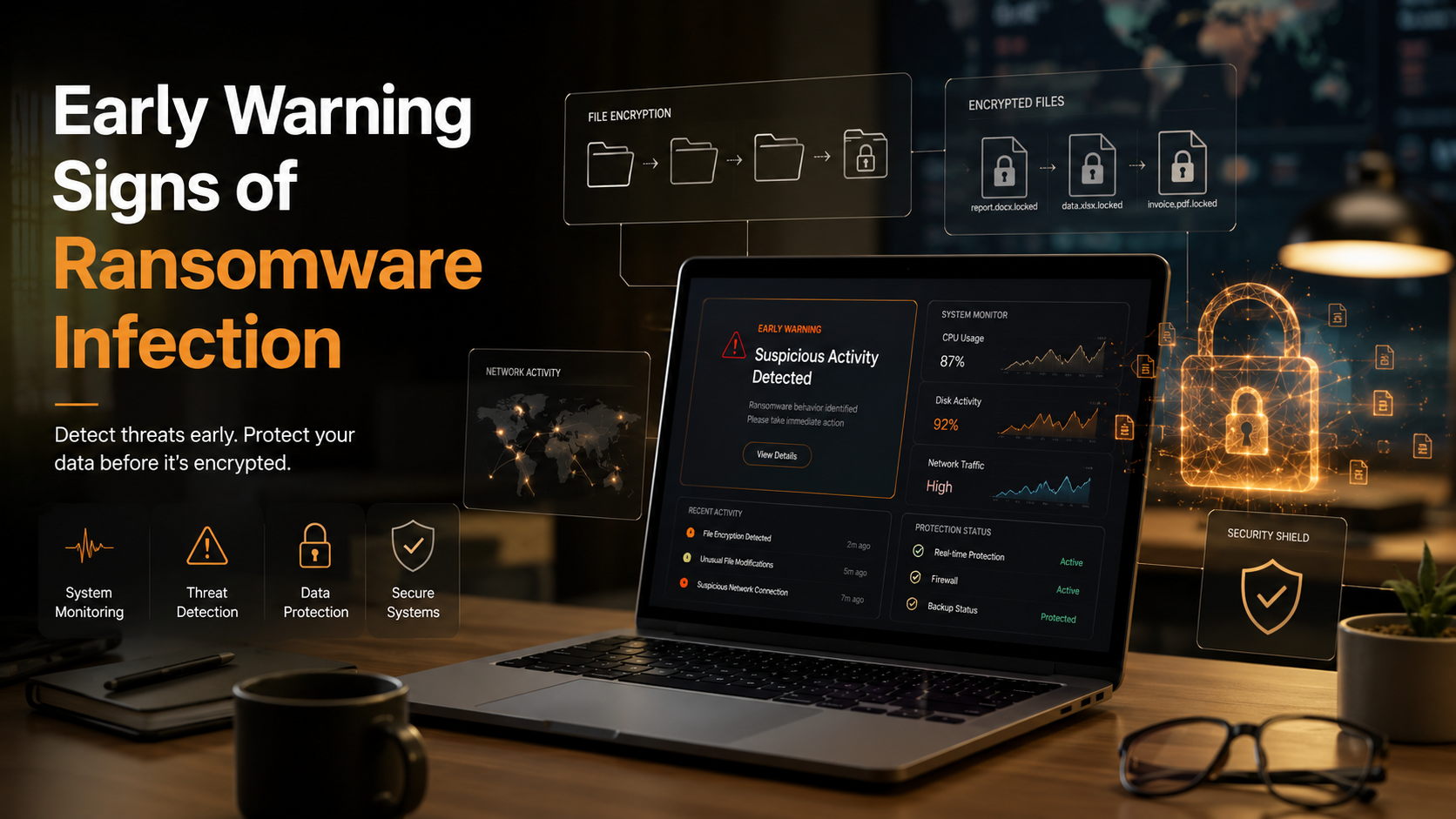
Early Warning: Signs Your Computer Is Infected With Ransomware
Imagine opening your laptop and seeing a terrifying message that demands payment to access your data. Ransomware attacks can devastate your system, but they rarely appear without warning. Cybercriminals often spend days or even weeks inside a system, quietly exploring files and preparing the attack before they activate the payload that locks your screen. You can protect your data, money, and peace of mind by recognizing the early signs your computer is infected with ransomware and responding quickly before encryption begins.. According to cybersecurity guidelines from the Cybersecurity and Infrastructure Security Agency (CISA), early detection and rapid isolation are the absolute best defenses against catastrophic data loss.
When you understand the signs your computer is infected with ransomware, you can detect suspicious behavior before attackers fully lock your files. This guide explains those warning signs, how ransomware operates, and what actions you should take immediately.
What Is Ransomware Doing Before It Attacks?
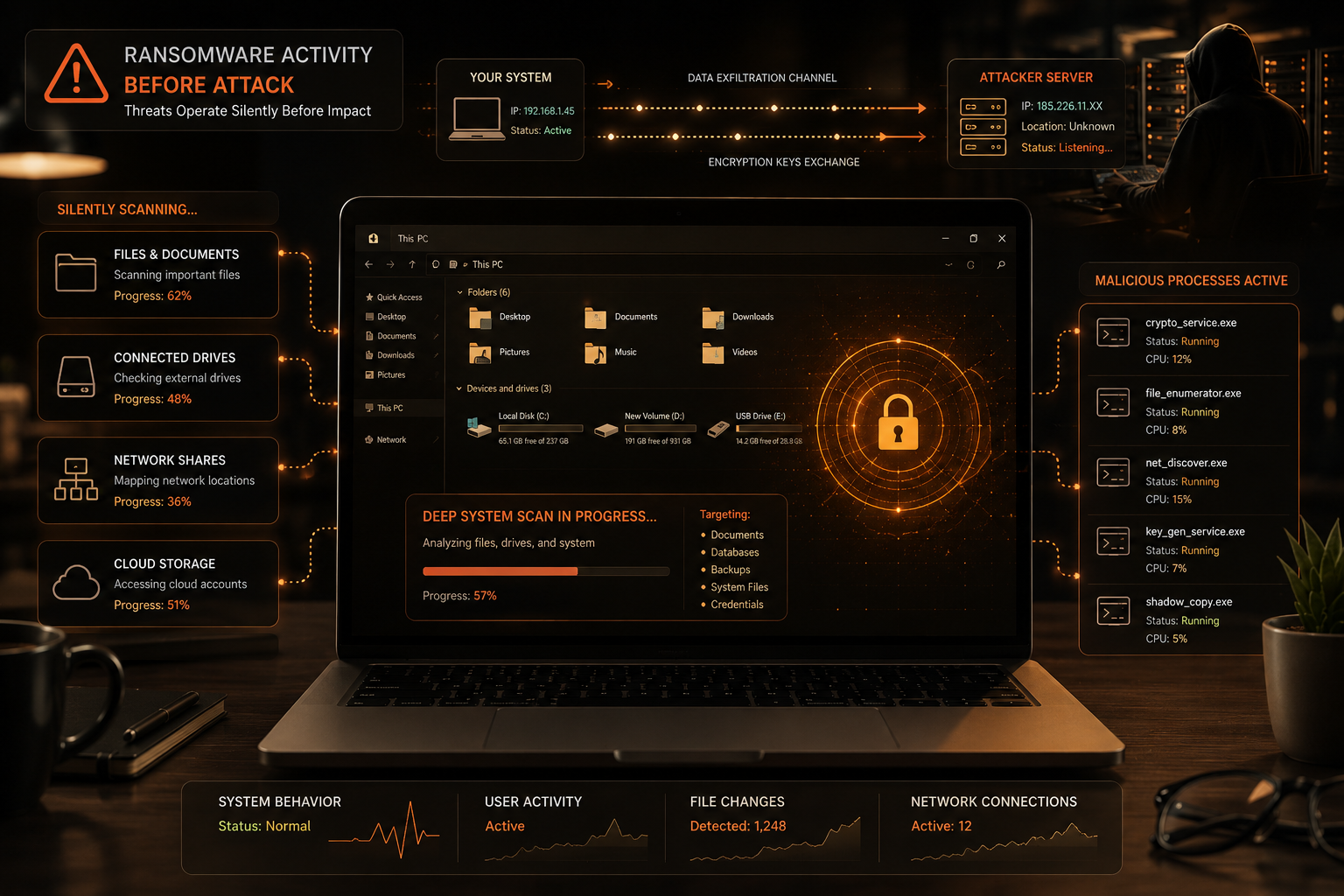

Before launching an attack, ransomware operates silently in the background. It prepares your system for encryption and possible data theft.
During this stage, it typically:
- Gains access through phishing emails, fake downloads, or software vulnerabilities
- Installs itself without alerting the user
- Connects to attacker-controlled servers to receive instructions
- Scans files, folders, and connected drives for valuable data
- Maps network connections and cloud storage
Your system may still look normal, but background activity increases. These hidden actions eventually lead to signs your computer is infected with ransomware such as slow performance and file issues.
Early Signs Your Computer Has Ransomware Infection
Ransomware often starts quietly, and users usually mistake early symptoms for normal system issues.
Key warning signs include:
- Sudden system slowdown without any clear reason
- High CPU or disk usage while the system sits idle
- Antivirus or security tools turning off unexpectedly
- Unknown processes running in the background
- Files behaving strangely or becoming inaccessible
When several of these signs your computer is infected with ransomware appear together, assume malicious activity may already be active.
Slow Performance as One of the Signs Your Computer Is Infected With Ransomware
One of the most common early indicators involves sudden performance drops.
You may notice:
- Programs and files opening slowly
- High CPU usage without heavy applications running
- Loud fan noise during simple tasks
- System lag while browsing folders
Ransomware uses system resources to scan and prepare files for encryption, which directly slows down your computer.
Unusual Disk Activity and Signs Your Computer Is Infected With Ransomware
Constant disk activity often signals hidden malicious processes.
Watch for:
- Continuous hard drive usage even when idle
- Storage light blinking non-stop
- Slow file access or saving
- Background activity without explanation
Ransomware actively reads and modifies files during preparation, which increases disk usage noticeably.
File Changes as Critical Signs Your Computer Is Infected With Ransomware
File modification often signals that ransomware has already started its work.
You may see:
- File extensions changing to
.lockedor.encrypted - Documents becoming unreadable
- Images or videos failing to open
- Random file renaming
These changes usually indicate that encryption has already started or completed.
Security Failures as Hidden Signs Your Computer Is Infected With Ransomware
Ransomware often disables security software to avoid detection.
Common signs include:
- Antivirus turning off without user input
- Firewall settings changing unexpectedly
- Security tools failing to open
- No alerts despite suspicious activity
Attackers intentionally weaken protection systems to complete encryption without interruption.
Unknown Processes as Technical Signs Your Computer Is Infected With Ransomware
Suspicious processes often reveal ransomware activity.
Check for:
- Unknown programs in Task Manager
- High resource usage from unfamiliar processes
- Applications restarting on their own
- Strange startup entries
These processes usually handle encryption or communicate with attacker servers.
Immediate Actions You Should Take
Act immediately if you notice ransomware signs:
- Disconnect from the internet
- Unplug external storage devices
- Stop using the affected system
- Avoid paying any ransom
- Contact cybersecurity professionals if possible
Quick action reduces damage and may prevent full encryption.
How to Prevent Ransomware Infection
You can significantly reduce risk by following strong security practices:
- Keep your system and software updated
- Use strong passwords and enable multi-factor authentication
- Avoid suspicious emails and attachments
- Install trusted antivirus with real-time protection
- Maintain regular offline backups
Prevention always works better than recovery.
FAQ SECTION
How do you know if ransomware is on your computer?
You can detect ransomware by watching for unusual system behavior and checking key performance indicators. First, check system speed. If your computer slows down suddenly without heavy usage, ransomware may run in the background. High CPU or disk usage during idle time often shows active file scanning.
Next, inspect your files. Look for changed extensions or unreadable files, as ransomware may already modify or encrypt data. Also, check your antivirus. If it turns off or changes settings without permission, treat it as a warning.
Open Task Manager and review running processes. Unknown or high-resource processes often indicate malicious activity. If multiple issues appear together, assume ransomware is active and act immediately.
What are the signs of a ransomware attack?
A ransomware attack shows clear system and file changes. Your computer may slow down suddenly, and applications may take longer to open. The cooling fan may run loudly even during simple tasks.
Files may stop opening, disappear, or change names. Security software may fail or turn off without your action. You may also see errors when accessing folders or programs.
As the attack progresses, ransom notes may appear on your desktop or inside folders. These files often demand payment for file recovery. When these signs appear together, ransomware likely controls your system.
What happens when your computer is infected with ransomware?
Ransomware first enters your system and runs quietly. It scans files, folders, and connected drives to find valuable data. Then it starts encrypting files using strong algorithms.
During encryption, your system slows down because the malware uses high CPU power. You may notice lag or freezing.
After encryption, the attacker shows a ransom note. It demands payment for a decryption key and often adds threats of data loss or leaks. In some cases, ransomware spreads to other devices on the same network or cloud storage, increasing damage.
Where do 90% of all cyber incidents begin?
Most cyber incidents start with phishing emails. Attackers send fake messages that look real and trusted. They use these emails to trick users into clicking links or opening attachments.
Once you click, malware runs automatically in the background. It downloads ransomware or other malicious code onto your system.
This method works because it targets user trust, not system flaws. After infection, the malware gains access, scans files, and prepares for encryption. Email remains the most common entry point for cyberattacks.
Can antivirus software stop ransomware before files are locked?
Yes, modern antivirus tools can stop ransomware early. They use behavior tracking instead of only signature detection. They monitor actions like rapid file changes, mass encryption, and unusual system access.
If antivirus detects this behavior, it blocks the process immediately. It may also quarantine the file and stop further damage.
However, no antivirus tool offers 100% protection. Some advanced ransomware can bypass detection. That is why you should combine antivirus protection with updates, safe browsing, and backups for stronger security.
What should I do immediately if I suspect a ransomware infection?
Act fast if you suspect ransomware. First, disconnect your computer from the internet. Turn off Wi-Fi and unplug Ethernet cables to stop communication with attackers.
Next, remove USB drives and external storage devices. This prevents spread to backups or other systems.
Do not open files or run unknown programs. Do not pay the ransom, as recovery is not guaranteed.
If possible, contact a cybersecurity expert or IT support. Keep the system isolated and untouched to preserve evidence and improve recovery chances.
CONCLUSION
The signs your computer is infected with ransomware often appear before full encryption begins, giving you a critical window to respond. You should never ignore early warnings such as sudden system slowdown, unusual file behavior, disabled security tools, or unknown background processes. These symptoms usually indicate that ransomware has already entered your system and started executing malicious tasks.
You must act quickly once you notice these signs. Disconnect your device from the internet, stop all unnecessary activity, and secure any external storage devices. Early response helps you limit damage and may prevent complete file encryption.
Strong cybersecurity habits reduce the risk of infection. You should keep your system updated, avoid suspicious emails, use strong passwords, enable multi-factor authentication, and maintain offline backups. These actions help you stop ransomware before it causes serious harm.
For more practical guidance on avoiding modern online scams, you can read here:
Avoid Remote Job Scams Guide