
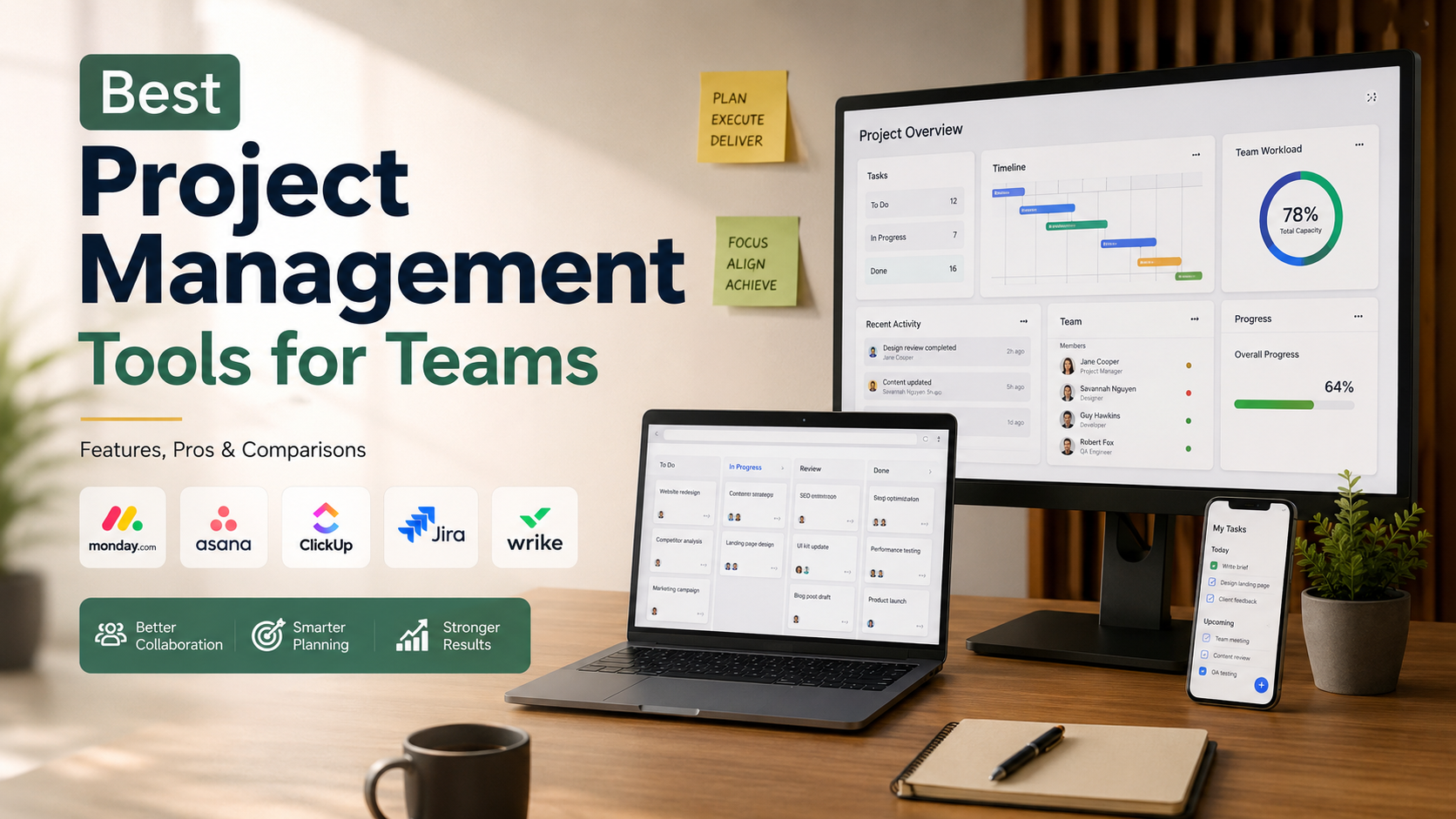
Best Project Management Tools for Teams
Choosing the right software can significantly transform your company’s productivity. Therefore, if you want to streamline workflows and hit strict deadlines, finding the best project management tools for teams is absolutely essential. Undeniably, organizations waste much less money when they invest in proven operational practices. For instance, the Project Management Institute (PMI) continuously highlights how structured management directly improves project success rates. However, with so many platforms available today, selecting the perfect fit can easily feel overwhelming.
Modern businesses face unique operational challenges daily. Specifically, remote work, complex deliverables, and cross-department collaboration require robust digital solutions. Consequently, a simple shared spreadsheet no longer cuts it. Today’s software offers advanced automation, real-time communication, and artificial intelligence to keep everyone perfectly aligned. Furthermore, these platforms eliminate confusing email threads completely.
In this comprehensive guide, we will explore the top software available in 2026. Moreover, we will dive deep into their core features, evaluate their pros and cons, and provide clear side-by-side comparisons. Thus, whether you lead a small creative agency or a large enterprise department, this article delivers actionable insights. Ultimately, you will discover exactly how the best project management tools for teams can help your staff collaborate better and deliver outstanding results.

What Is the Best Project Management Tool for Teams?
Selecting the best project management tools for teams depends on your organization’s size, workflow, budget, and collaboration requirements. There is no single solution that fits every business. A platform that works well for a startup may not provide the advanced features required by a large enterprise. Evaluating your team’s daily processes is the best way to identify the best project management tools for teams that improve productivity without creating unnecessary complexity.
Microsoft Teams is widely used as a collaboration hub because it combines messaging, video meetings, file sharing, and seamless integration with Microsoft 365 applications. For dedicated project planning and task tracking, Monday.com is considered one of the best project management tools for teams due to its visual dashboards, customizable workflows, and powerful automation features.
Smaller businesses often prefer simple platforms that are easy to learn, while larger organizations typically need advanced reporting, resource management, and workflow automation. Comparing features, scalability, integrations, and pricing helps you choose the best project management tools for teams based on your specific needs. Investing in the best project management tools for teams can improve communication, increase efficiency, and support successful project delivery.
Assessing Your Team’s Needs
Before purchasing a subscription, test the software with a small group of team members during a trial period.
Ask employees for honest feedback about the interface, usability, and learning curve. If the software feels difficult to use, adoption rates will quickly decline.
A successful project management tool should simplify work, reduce manual tasks, and support collaboration instead of creating additional administrative work.
What Are the Top 5 Project Management Tools?
The market includes hundreds of project management platforms, but a handful consistently rank among the industry’s best. Monday.com stands out for its highly customizable workspace that suits marketing, HR, sales, and operations teams. Asana excels at breaking large projects into manageable tasks with clear deadlines and dependencies. Trello remains a favorite for teams that prefer a simple Kanban board approach. Jira is the leading choice for software development teams using Agile or Scrum methodologies. ClickUp offers an all-in-one productivity platform that combines task management, documentation, goals, automation, and collaboration. These tools have earned their popularity through reliable performance, strong security, and extensive third-party integrations. While each platform has unique strengths, comparing these five solutions provides an excellent starting point for businesses looking to improve project planning, communication, and workflow efficiency.
Comparing Key Software Features
When comparing these platforms, focus on features that directly impact your team’s productivity.
Look for workflow automation, customizable dashboards, reporting tools, and time tracking capabilities. Automation reduces repetitive work and saves valuable time every week.
Also, confirm that the software integrates smoothly with your email platform, cloud storage, communication tools, and existing business applications. Strong integrations prevent data silos and create a more efficient workflow.
What Are the 4 P’s of PMO?
The Project Management Office (PMO) follows a framework commonly known as the four P’s: Portfolio, Program, Project, and People. Each element plays a vital role in helping organizations achieve strategic objectives while maintaining efficient project execution. The Portfolio focuses on selecting and prioritizing initiatives that align with long-term business goals. The Program manages related projects together to maximize business value and deliver coordinated outcomes. The Project component oversees the planning, execution, and successful completion of individual initiatives. Finally, People emphasizes leadership, communication, training, and resource management. Together, these four pillars create a structured governance model that supports better decision-making, improves project success rates, and keeps organizations focused on both immediate deliverables and future growth.
Why the People Pillar Matters
Processes and technology alone cannot guarantee successful project delivery.
The People pillar focuses on developing skilled professionals, encouraging collaboration, and maintaining clear communication across departments.
Strong leadership keeps teams motivated during challenging projects, while continuous training ensures employees can adapt to changing business requirements. Investing in people consistently delivers long-term organizational value.
Is Jira a PMO tool?
Jira functions primarily as an issue tracking and agile project management application rather than a traditional Project Management Office (PMO) governance system. Developed by Atlassian, it excels at managing software development workflows, bug tracking, sprints, and technical backlogs. While enterprise versions offer portfolio management features, it lacks the comprehensive multi-project financial tracking, resource allocation, and strategic governance required by a dedicated PMO. Organizations often use it for tactical tracking while relying on broader portfolio tools for executive reporting. Understanding this distinction helps teams deploy the software appropriately without expecting high-level corporate governance capabilities from a code-centric platform.
Evaluating Agile Tracking Versus Strategic Governance
Evaluating agile tracking versus strategic governance reveals why Jira suits development teams more than high-level PMOs. Its core architecture focuses on individual tasks, sprints, and rapid issue resolution rather than multi-project budgeting or corporate portfolio analysis. Teams must recognize these operational boundaries to select software that accurately matches their structural management requirements.
Is Zoho Projects Free?
Yes, Zoho Projects offers a free plan designed for freelancers, independent professionals, and small teams with basic project management needs. The free version supports up to three users and allows collaboration on two active projects. It includes essential features such as task management, issue tracking, milestones, and mobile app access. However, the free plan comes with limited storage and excludes advanced capabilities like workflow automation, detailed reporting, and resource management. As your business grows, these limitations may become restrictive. Upgrading to a paid plan unlocks additional storage, advanced reporting, time tracking, Gantt charts, custom workflows, and automation tools that improve productivity. For growing businesses, premium plans provide the flexibility needed to manage larger teams and increasingly complex projects.
Deciding When to Upgrade
Consider upgrading once your team grows beyond three users or you need to manage multiple active projects.
You should also upgrade if you require advanced reporting, automation, time tracking, or resource planning.
Premium plans help managers monitor workloads, identify bottlenecks, and improve overall project efficiency as business operations expand.
FAQ
How Much Do Project Management Tools Typically Cost?
Pricing varies depending on the platform, features, and team size. Most cloud-based project management software follows a monthly subscription model, typically costing between $5 and $20 per user per month. Enterprise solutions with advanced security, compliance, and customization usually require custom pricing. Many leading platforms also provide free plans with limited features for individuals or small teams. Before choosing a solution, calculate the total annual cost, including add-ons, integrations, and future scalability, to ensure it fits your budget.
What Is a Kanban Board?
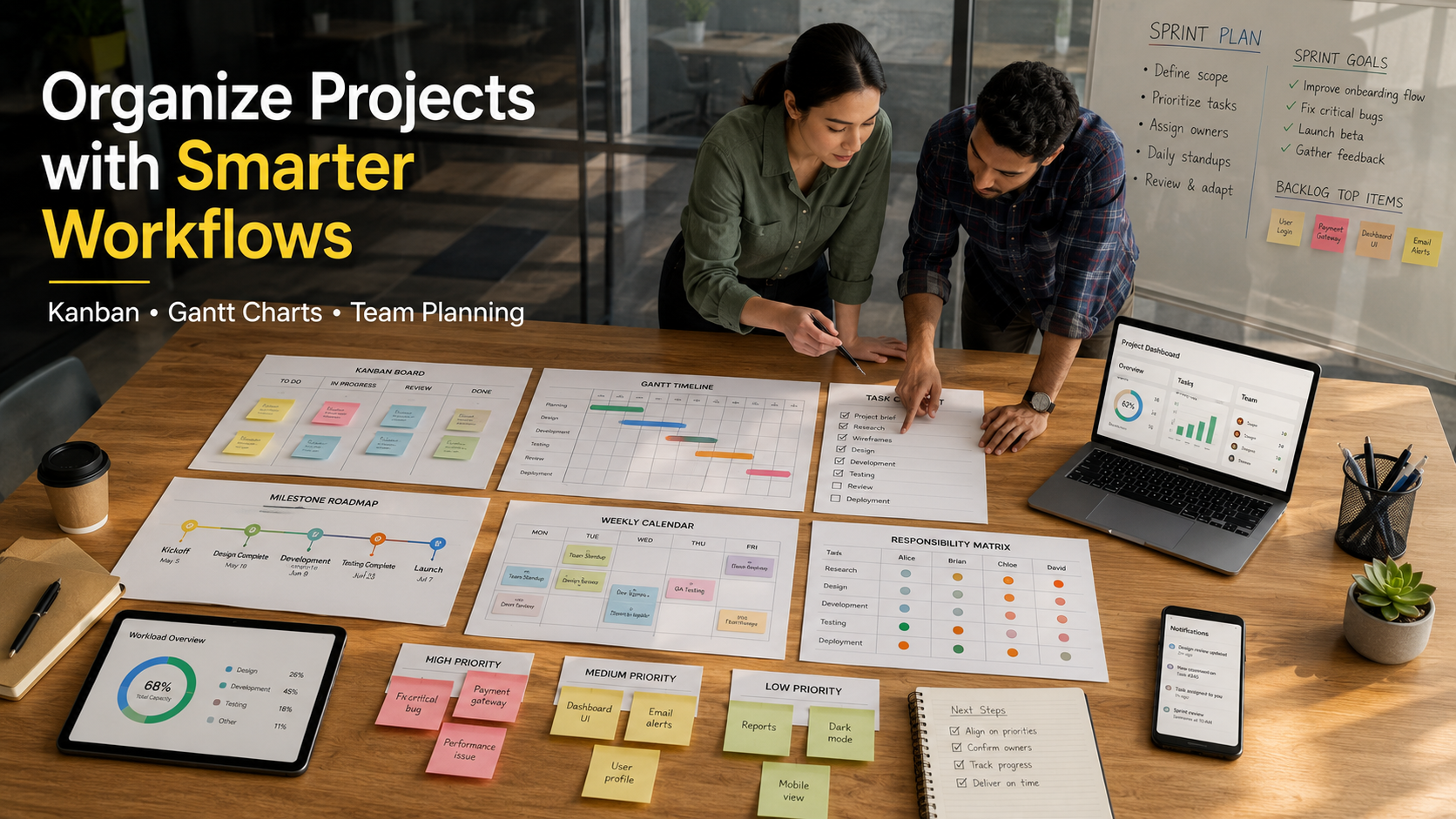
A Kanban board is a visual workflow management system that organizes work into columns representing different stages of a project. Common stages include To Do, In Progress, and Done. Tasks move across these columns as work progresses, giving every team member instant visibility into project status. Kanban helps identify bottlenecks, improve workflow efficiency, and maintain a steady pace of work. Trello is one of the most popular project management tools built around the Kanban methodology.
Can Project Management Software Improve Remote Work?
Yes. Project management software plays a critical role in supporting remote and hybrid teams. It provides a centralized workspace where employees can collaborate, share files, assign tasks, and track progress from any location. Cloud-based platforms ensure everyone works with the latest information, reducing confusion caused by lengthy email chains or manual updates. They also improve accountability, increase transparency, and help teams stay aligned on deadlines and business goals regardless of time zone.
How Long Does It Take to Implement a New PM Tool?
Implementation time depends on your organization’s size and the complexity of the software. Small teams can often adopt a simple project management platform within a few days. Larger organizations may require several weeks or even months to migrate historical data, configure workflows, integrate existing systems, and train employees. A phased implementation approach usually minimizes operational disruptions while giving teams enough time to adapt to the new system. Proper planning and training significantly improve long-term adoption and project success.
Conclusion
Implementing a robust digital workspace is evidently no longer optional for modern businesses. As we have clearly explored, selecting the best project management tools for teams directly impacts your overall efficiency, communication, and bottom line. Platforms like monday.com, Asana, and ClickUp successfully provide incredible value by centralizing your data and automating tedious administrative tasks.
Remember that the most expensive tool is certainly not always the best fit for your specific needs. Rather, your final decision should align perfectly with your team’s technical expertise, daily workflow, and long-term scaling goals. Take full advantage of free trials and generous demo periods. Furthermore, test the software with your actual company data to see exactly how it handles your unique operational challenges.
By strategically choosing a system that your team actually enjoys using, you will dramatically increase software adoption rates. You can further strengthen collaboration by understanding the principles of project-based learning, which encourage teamwork, problem-solving, and structured project execution. Consequently, when everyone works from the exact same streamlined platform, project delays shrink, visibility improves, and team morale inevitably rises. Evaluate your software options today, choose your pilot program carefully, and confidently take the first step toward a more organized, highly productive future.