
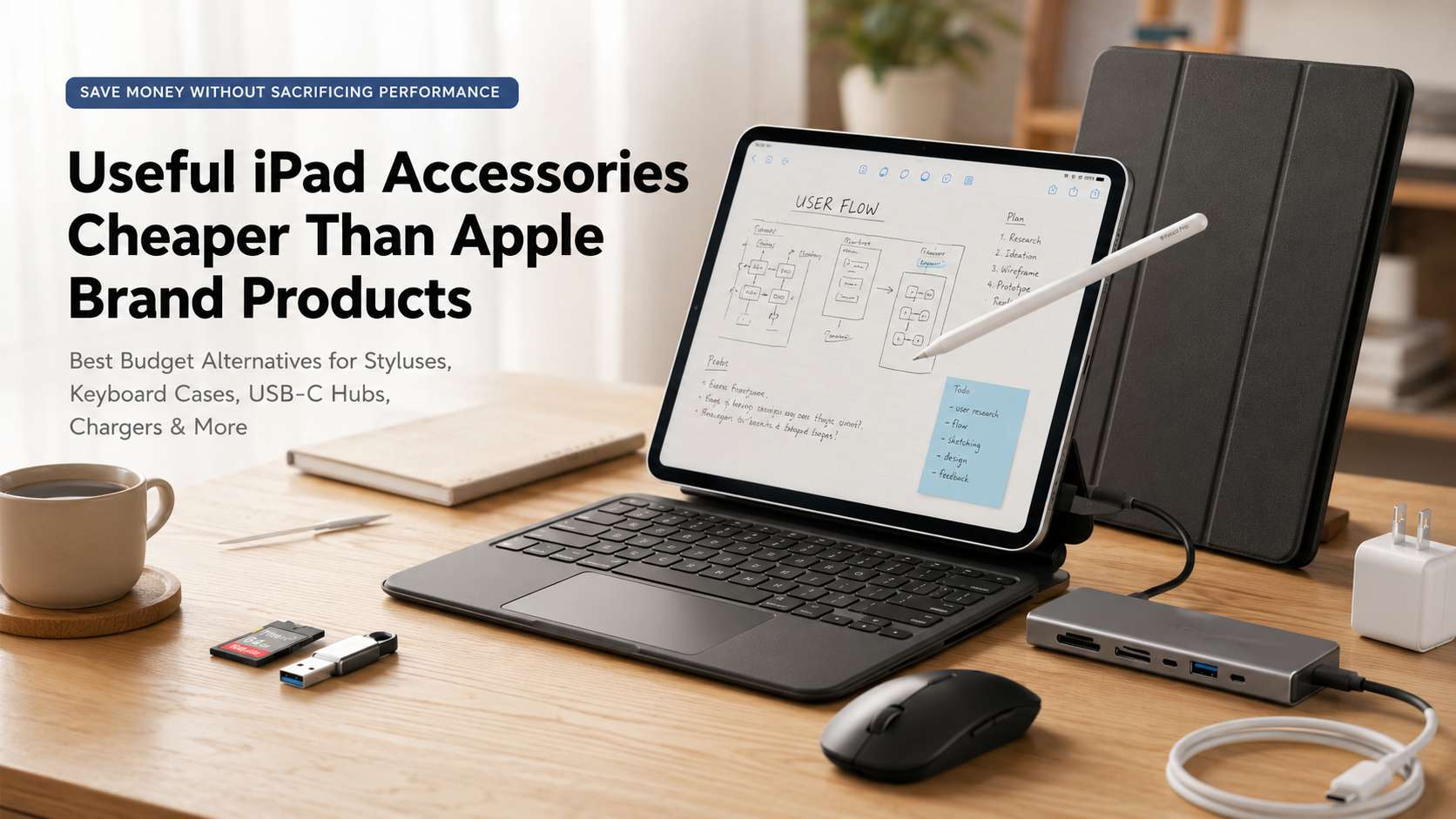
Useful iPad Accessories Cheaper Than Apple Brand Products
Buying a new iPad is an exciting upgrade, but official accessories can quickly increase the total cost. Choosing iPad accessories cheaper than Apple allows you to create a powerful setup without paying premium prices for every add-on. From styluses and keyboard cases to USB-C hubs and protective covers, affordable alternatives can deliver excellent performance for students, professionals, creators, and everyday users.
Apple accessories such as the Apple Pencil, Magic Keyboard, and official adapters offer premium design and seamless integration. However, many third-party brands now provide similar features at much lower prices. These affordable iPad accessories include responsive styluses, durable cases, multi-port hubs, and reliable charging solutions.
Modern third-party products are no longer simple budget replacements. Many include features like palm rejection, magnetic attachment, fast charging, adjustable stands, and precision tracking. This makes them practical alternatives for users who want better value.
In this guide, we compare the best iPad accessories cheaper than Apple products. You will discover cost-effective options that improve productivity, protect your device, and help you build a complete iPad workspace without overspending.
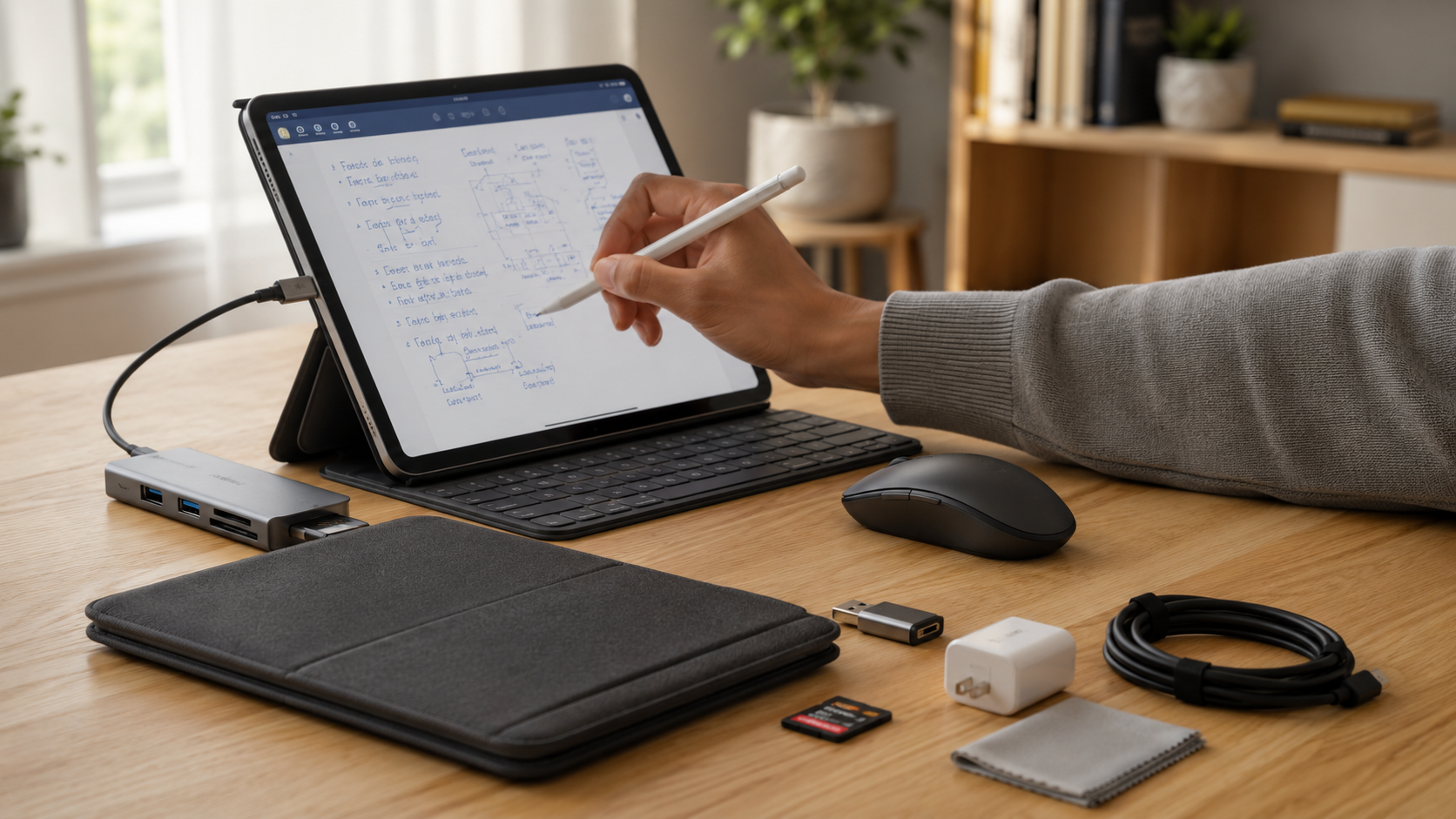

1. Metapen Pencil A8: A Budget Apple Pencil Alternative for iPad
Best for: Students, note-taking, casual drawing, and document marking
The Apple Pencil is one of the best styluses available for iPad users, especially for artists who need pressure sensitivity and precise control. However, many users do not need advanced professional features, making a cheaper alternative a smarter choice.
The Metapen Pencil A8 is one of the most affordable Apple Pencil alternatives available. It provides essential features for everyday iPad tasks, including palm rejection, tilt sensitivity, and quick charging.
You can use it for:
- Handwritten notes
- PDF annotations
- Digital planning
- Simple sketches
- Online classes
One of its biggest advantages is the simple setup process. After charging, you can quickly connect and start writing without complicated pairing steps.
The stylus also offers impressive battery performance. A short charging session provides enough power for regular daily use, while a full charge can last several hours depending on activity.
However, professional artists should remember that it does not include pressure sensitivity like Apple Pencil models. This means it may not be ideal for advanced illustration work.
For students and everyday users, though, the Metapen Pencil A8 delivers excellent value at a fraction of Apple’s stylus price.
Buy on Amazon:Metapen Pencil A8 Stylus Pen for iPad
2. Logitech Combo Touch: A Cheaper Magic Keyboard Alternative
Best for: Turning your iPad into a laptop replacement
A keyboard case is one of the most useful upgrades for iPad productivity. Apple’s Magic Keyboard offers an excellent typing experience, but its high price makes it difficult for many users to justify.
The Logitech Combo Touch is a strong alternative that provides many of the same productivity benefits at a lower price. It combines a protective case, detachable keyboard, and built-in trackpad into one accessory.
Important features include:
- Comfortable laptop-style typing
- Integrated precision trackpad
- Adjustable kickstand
- Protective outer case
- Backlit keys
Unlike basic Bluetooth keyboards, the Combo Touch creates a more complete laptop-like experience. The adjustable stand also provides multiple viewing angles, making it useful for writing, video calls, and entertainment.
Additionally, Logitech offers versions for several iPad models, including iPad, iPad Air, and iPad Pro. This makes it easier to find a compatible option based on your device.
For students, remote workers, and professionals, this keyboard case provides excellent productivity features without the premium cost of Apple’s Magic Keyboard.
Buy : Logitech Combo Touch iPad Keyboard Case
3. MoKo iPad Case: Affordable Protection Instead of Apple Smart Folio
Best for: Everyday protection and comfortable viewing angles
Protecting your iPad does not have to be expensive. Apple’s Smart Folio cases look great and work well, but they can cost significantly more than many reliable third-party options.
The MoKo iPad Case is a budget-friendly alternative that provides similar everyday protection and functionality. It includes a lightweight design with a front cover that can fold into different viewing positions.
Key benefits include:
- Affordable pricing
- Multiple colors and designs
- Slim lightweight construction
- Auto sleep/wake support
- Adjustable viewing angles
The case helps protect your iPad from scratches, dust, and everyday surface damage. It is especially useful for students and casual users who want basic protection without adding extra bulk.
However, it is important to note that slim folio-style cases are not designed for heavy drop protection. Users who frequently travel in rough conditions may prefer a rugged case.
For everyday home, office, and classroom use, the MoKo case provides excellent value and performs many of the same functions as Apple’s official folio case.
Buy on Amazon:MoKo iPad Case Cover
4. IFEART USB-C Cable: Affordable Charging Cable for iPad
Best for: Replacement cables and multi-device charging
Charging cables are another category where you can save money. Apple’s USB-C cables are reliable, but they are often more expensive compared with many high-quality alternatives.
The IFEART USB-C to USB-C Cable offers a more affordable solution for iPad users who need extra cables for home, office, or travel.
Features include:
- USB-C Power Delivery support
- Durable cable construction
- Multiple length options
- Fast charging compatibility
- Affordable multi-pack options
A major advantage of buying third-party cables is convenience. Having extra charging cables in different locations means you do not need to constantly move one cable between rooms or bags.
Furthermore, quality USB-C cables can provide charging performance similar to Apple cables when paired with a compatible power adapter.
Always avoid extremely cheap unknown brands because they may lack proper safety protections. Choosing a trusted charging cable helps protect both your device and your investment.
Buy on Amazon:IFEART USB-C to USB-C Cable for iPad
5. RAPIQUE Bluetooth Mouse: A Budget Magic Mouse Alternative
Best for: Improving iPad productivity and desktop-style navigation
The iPad supports Bluetooth accessories, which means adding a mouse can make your tablet feel more like a traditional computer.
Apple’s Magic Mouse works well with iPad, but its price is higher than many users want to pay. The RAPIQUE Bluetooth Wireless Mouse provides a cheaper alternative for people who want better navigation and productivity.
Features include:
- Wireless Bluetooth connection
- Quiet clicking buttons
- Lightweight design
- Long battery life
- Comfortable everyday use
A mouse is especially useful when working with documents, spreadsheets, emails, and multitasking apps. It provides more precise control compared with using only the touchscreen.
The RAPIQUE mouse is not designed to replace Apple’s premium experience completely. However, it delivers the essential benefits most users need at a much lower cost.
For students and professionals looking for affordable iPad accessories cheaper than Apple options, adding a budget Bluetooth mouse can be a simple but effective upgrade.
Buy on Amazon: RAPIQUE Bluetooth Wireless Mouse for iPad
Frequently Asked Questions About iPad Accessories Cheaper Than Apple
Do third-party iPad styluses work as well as the Apple Pencil?
Third-party styluses can perform very well for everyday iPad tasks. In fact, they are excellent choices for students, professionals, and casual users who need reliable handwriting and navigation features.
Many affordable styluses include important functions such as palm rejection, tilt sensitivity, and low-lag writing performance. As a result, they provide a smooth experience for taking notes, marking documents, and creating simple sketches.
However, cheaper alternatives may not include every advanced feature found in Apple Pencil models. The biggest difference is usually pressure sensitivity. This feature allows artists to control line thickness by adjusting writing pressure.
For this reason, professional illustrators and digital artists may still prefer premium styluses because they require precise control. On the other hand, regular users can often get excellent value from a quality third-party option.
Before purchasing, check compatibility with your iPad model. Additionally, confirm that the stylus supports the features you need. A well-designed alternative can handle most daily tasks while costing significantly less than Apple’s official accessory.
Will non-Apple chargers and cables damage my iPad battery?
Using non-Apple chargers and cables does not automatically damage your iPad battery. Generally, many third-party charging accessories are designed with advanced safety systems and meet industry standards.
For example, reliable accessories from trusted manufacturers often include protection against:
- Overheating
- Excess voltage
- Power fluctuations
- Overcharging
When choosing a charger or cable, look for safety certifications such as MFi, UL, or CE approval. These certifications help ensure that the product follows established quality and safety requirements.
However, avoid extremely cheap, unbranded charging accessories. Poor-quality cables may use weak materials or lack proper protection systems. As a result, they can create charging problems and reduce long-term reliability.
Therefore, a certified USB-C charger and high-quality cable can safely power your iPad. You do not always need Apple-branded accessories to maintain battery health.
Ultimately, choosing reputable brands helps you save money while keeping your device protected during daily charging.
Are cheap Bluetooth keyboard cases reliable for daily typing?
Affordable Bluetooth keyboard cases can be reliable for everyday typing when you choose a quality model. Today, many modern alternatives use improved designs that provide comfortable typing and stable wireless connections.
Budget keyboard cases often include features similar to expensive options, including:
- Scissor-switch keys
- Adjustable viewing angles
- Built-in trackpads
- Rechargeable batteries
- Bluetooth 5.0 connectivity
Because of these features, they are suitable for writing documents, replying to emails, and managing work tasks. Additionally, many models can last several weeks on a single charge, depending on usage.
However, the main differences between budget and premium keyboard cases are usually material quality and extra features. Apple’s accessories often use higher-end materials and tighter integration. Nevertheless, affordable alternatives can still provide a productive experience.
Before purchasing, check customer reviews and confirm compatibility with your iPad model. With the right choice, a reliable keyboard case can transform your tablet into a practical laptop replacement without the high price.
Can I connect an external hard drive to my iPad using a third-party USB hub?
Yes, you can connect external storage devices to your iPad using a compatible USB-C hub. Fortunately, modern versions of iPadOS support many external drives through the built-in Files app.
With a quality USB-C hub, you can connect:
- External hard drives
- USB flash drives
- Memory cards
- Cameras
- Other USB accessories
Additionally, iPadOS supports common file systems such as APFS, FAT32, and exFAT. This makes transferring photos, videos, documents, and other files simple.
However, some external hard drives require more power than an iPad can provide. In these situations, a powered USB hub or pass-through charging connection can improve performance.
For this reason, photographers, creators, and professionals can benefit greatly from a multi-port hub. It creates a more flexible workspace without requiring expensive Apple adapters.
Finally, always choose a reliable hub from a trusted manufacturer. Proper power management helps prevent connection issues and improves long-term reliability.
Do paper-texture screen protectors wear down stylus tips faster?
Paper-texture screen protectors can increase stylus tip wear compared with smooth glass protectors. This happens because their textured surface creates friction, producing a realistic paper-like writing experience.
For artists and note-takers, this extra resistance can be beneficial. It provides more control and allows many users to enjoy a more natural writing feel.
However, the same friction gradually wears down plastic stylus tips. Therefore, users who write or draw frequently may need to replace tips more often.
Fortunately, replacement tips are generally affordable and easy to install. Additionally, checking the condition of your stylus tip regularly helps maintain smooth performance.
If you mainly watch videos, browse websites, or use your iPad casually, a tempered glass protector may be a better choice. It provides excellent clarity and creates less friction.
Ultimately, the best option depends on your priorities. Choose paper-texture protection for writing comfort and drawing control, or select glass protection for maximum clarity and everyday durability.
Conclusion: Build a Better iPad Setup With Accessories Cheaper Than Apple
Creating a powerful iPad setup does not require spending hundreds of dollars on official Apple accessories. By choosing iPad accessories cheaper than Apple, you can enjoy excellent performance, better flexibility, and significant savings without sacrificing essential features.
Today, affordable third-party accessories offer impressive value across almost every category. For example, budget styluses provide smooth writing experiences for students and note-takers, while keyboard cases can transform an iPad into a practical laptop replacement. Similarly, USB-C hubs, chargers, and storage accessories help expand your device’s capabilities at a much lower cost.
Additionally, protective cases and screen protectors are smart investments because they help prevent expensive repairs. Choosing the right accessories can improve your daily workflow while keeping your iPad safe from accidental damage.
However, the best accessory depends on how you use your device. Students may benefit most from a reliable stylus and keyboard case. Meanwhile, professionals may need productivity-focused tools like external storage hubs and advanced charging solutions. Artists may prefer accessories that improve drawing accuracy and screen control.
Before purchasing, always check compatibility, build quality, safety certifications, and customer reviews. A lower price does not always mean lower quality, especially when buying from trusted accessory brands.
Ultimately, modern third-party manufacturers have created excellent alternatives to Apple’s premium products. With careful selection, you can build a reliable, productive, and affordable iPad ecosystem while enjoying the benefits of iPad accessories cheaper than Apple without unnecessary spending.
If you are choosing an iPad setup for school or college, your device choice also matters. Before making a final decision, explore this guide on Mac or Windows for students to understand which platform may better match your learning needs and workflow.