
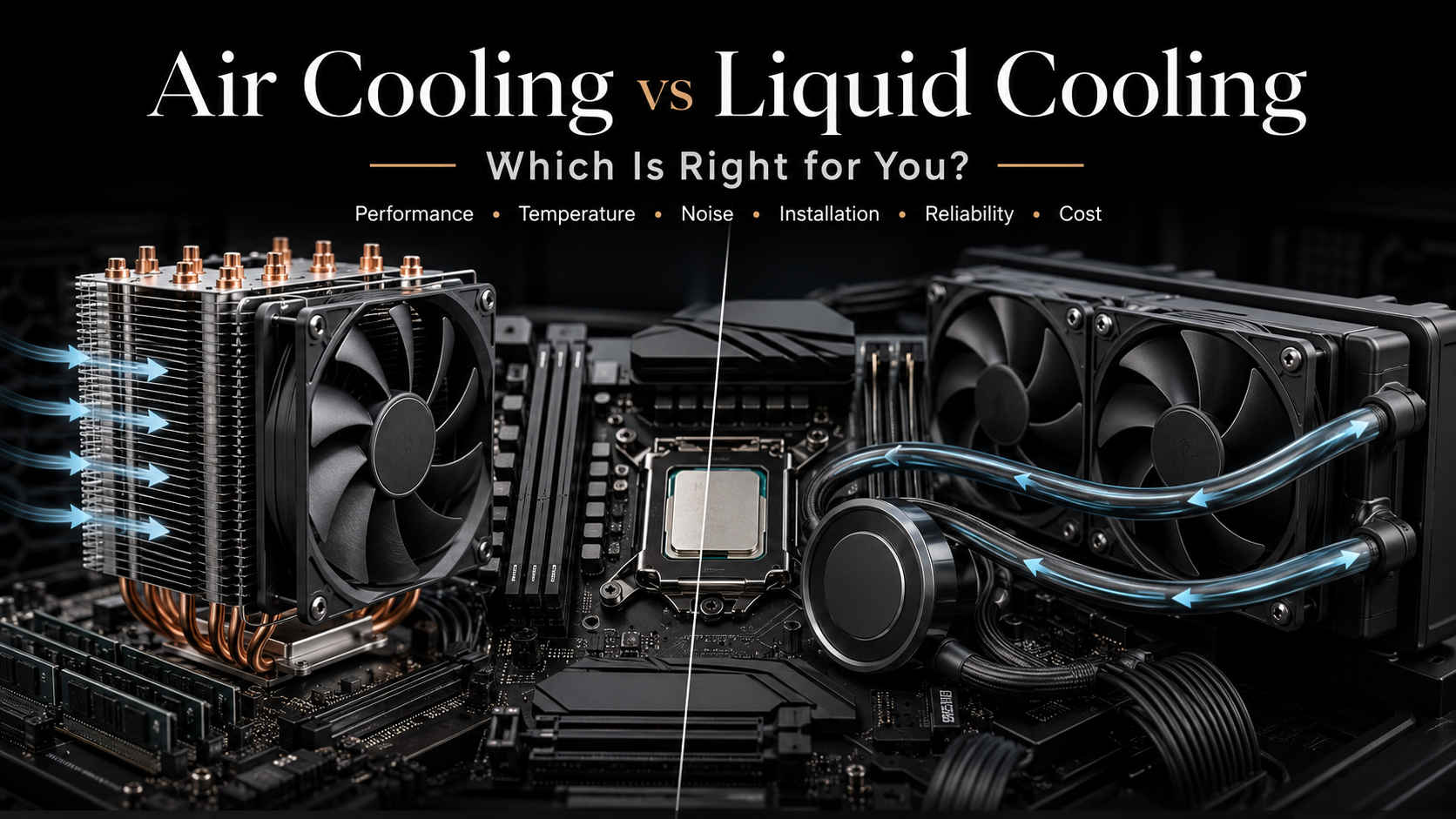
Air Cooling vs Liquid Cooling: Which Is Right for You?
When building or upgrading a gaming PC, choosing between air cooling vs liquid cooling is one of the most important decisions you will make. Your processor produces significant heat during gaming, content creation, and demanding workloads. A reliable cooling solution helps maintain stable performance, prevents thermal throttling, and extends component lifespan.
Before selecting a cooler, it helps to understand your processor’s power requirements. Manufacturers such as Intel provide specifications like thermal design power (TDP), which can help determine the cooling capacity your system needs.
This guide compares air coolers and liquid coolers across several important areas. We will cover temperature performance, noise levels, installation difficulty, pricing, and long-term reliability.
Whether you are building an affordable gaming PC or a high-end workstation, understanding these differences will help you choose the right thermal solution.
Is air cooling better than liquid cooling?
When deciding whether air cooling is better than liquid cooling, the choice ultimately depends on your specific performance needs, budget, and maintenance preferences.
Air coolers are renowned for their reliability, cost-effectiveness, and ease of installation. Because they rely on solid metal heatsinks and fans with no liquid or pumps, there is zero risk of leaks and fewer components that can fail. They are ideal for standard builds and mid-range processors.
On the other hand, liquid coolers excel in thermal performance and aesthetics. They efficiently transfer heat away from high-end, heavily overclocked CPUs to a separate radiator, often running quieter under extreme loads while keeping temperatures lower. However, they are more expensive, harder to install, and carry a small risk of leakage over time.
Ultimately, air cooling wins on durability and value, while liquid cooling wins on peak performance and aesthetics.
Which Is Better: Air-Cooled or Liquid-Cooled?
Determining whether air cooling or liquid cooling is better depends on your priorities. Both solutions can effectively manage CPU temperatures when matched with the right hardware.
Air cooling is known for durability and simplicity. High-quality air coolers can deliver excellent performance while producing minimal noise. If a fan eventually fails, replacement is usually inexpensive and straightforward.
Liquid cooling provides faster heat transfer because liquid moves heat more efficiently than air. This advantage becomes noticeable during sustained workloads, such as 3D rendering, streaming, and overclocking.
However, liquid coolers include additional components, including pumps and tubing. Pump noise may bother users who prefer a completely quiet system. A failed pump can also require replacing the entire cooling unit.
Your ideal choice depends on your needs. Air cooling is practical and reliable, while liquid cooling offers better thermal performance for demanding systems.
Balancing Noise and Thermal Efficiency
Creating a quiet PC requires balancing cooling power with noise output. Larger air coolers often use bigger fans that spin slowly, reducing noise while maintaining effective heat removal.
Modern liquid coolers also focus on quieter operation. Many models adjust pump and fan speeds automatically based on temperature levels.
For users who want a silent productivity machine, a quality air cooler can be an excellent choice. For enthusiasts seeking maximum cooling performance with lower temperatures during heavy workloads, liquid cooling may provide better results.
Is Cooler or AC Healthier?
When comparing room cooling methods, air coolers and air conditioners serve different purposes. They are not the same as PC cooling systems but follow similar principles of heat management.
Traditional air conditioners remove heat and humidity from indoor spaces. This creates a more stable environment and can reduce conditions that encourage mold growth.
Evaporative air coolers work differently. They lower temperatures by adding moisture to the air. This makes them useful in dry climates but less effective in humid environments.
High humidity can contribute to mold growth and discomfort. For most homes, air conditioning provides better control over temperature and indoor air quality.
Proper filters and regular maintenance also help reduce dust, pollen, and other airborne particles.
Does the RTX 5090 Need Liquid Cooling?
The NVIDIA GeForce RTX 5090 is designed for extreme performance. Its high processing power creates significant heat, especially during advanced gaming, AI workloads, and professional applications.
Most RTX 5090 models use advanced air cooling systems with large heatsinks and multiple fans. These designs can handle normal operating conditions when paired with good case airflow.
Liquid cooling can offer benefits for users who want lower temperatures, reduced fan noise, or aggressive overclocking. Hybrid and custom liquid solutions can provide additional thermal capacity for extreme builds.
However, liquid cooling is not mandatory for every RTX 5090 owner. A properly ventilated case and a high-quality air-cooled model can deliver reliable performance for most users.
Always consider case dimensions, power requirements, and your workload before selecting a cooling solution.
Understanding High-End GPU Cooling Requirements
Powerful graphics cards generate significant heat during demanding tasks. Effective thermal management helps maintain stable clock speeds and prevents performance drops.
High-end GPUs benefit from strong airflow, efficient heatsinks, and properly designed cooling systems. Enthusiasts who push their hardware beyond standard limits may consider advanced liquid cooling options.
For most users, a balanced setup with good airflow provides excellent results without unnecessary complexity.
What Are the Disadvantages of Air Cooling?
Although air cooling is reliable, it has some limitations. Large air coolers can create installation challenges because of their size and weight.
Some dual-tower models may block tall RAM modules or interfere with motherboard components. Users building compact PCs need to carefully check clearance measurements before purchasing.
Large heatsinks can also add physical stress to the motherboard if they are not mounted correctly. Additionally, air coolers release heat inside the case, which may increase internal temperatures if airflow is poor.
During long, intensive workloads, large liquid radiators can sometimes remove heat more effectively than traditional air coolers.
Despite these limitations, air cooling remains a popular choice because of its affordability, reliability, and low maintenance requirements.
Air Cooling vs Liquid Cooling: Which One Should You Choose?
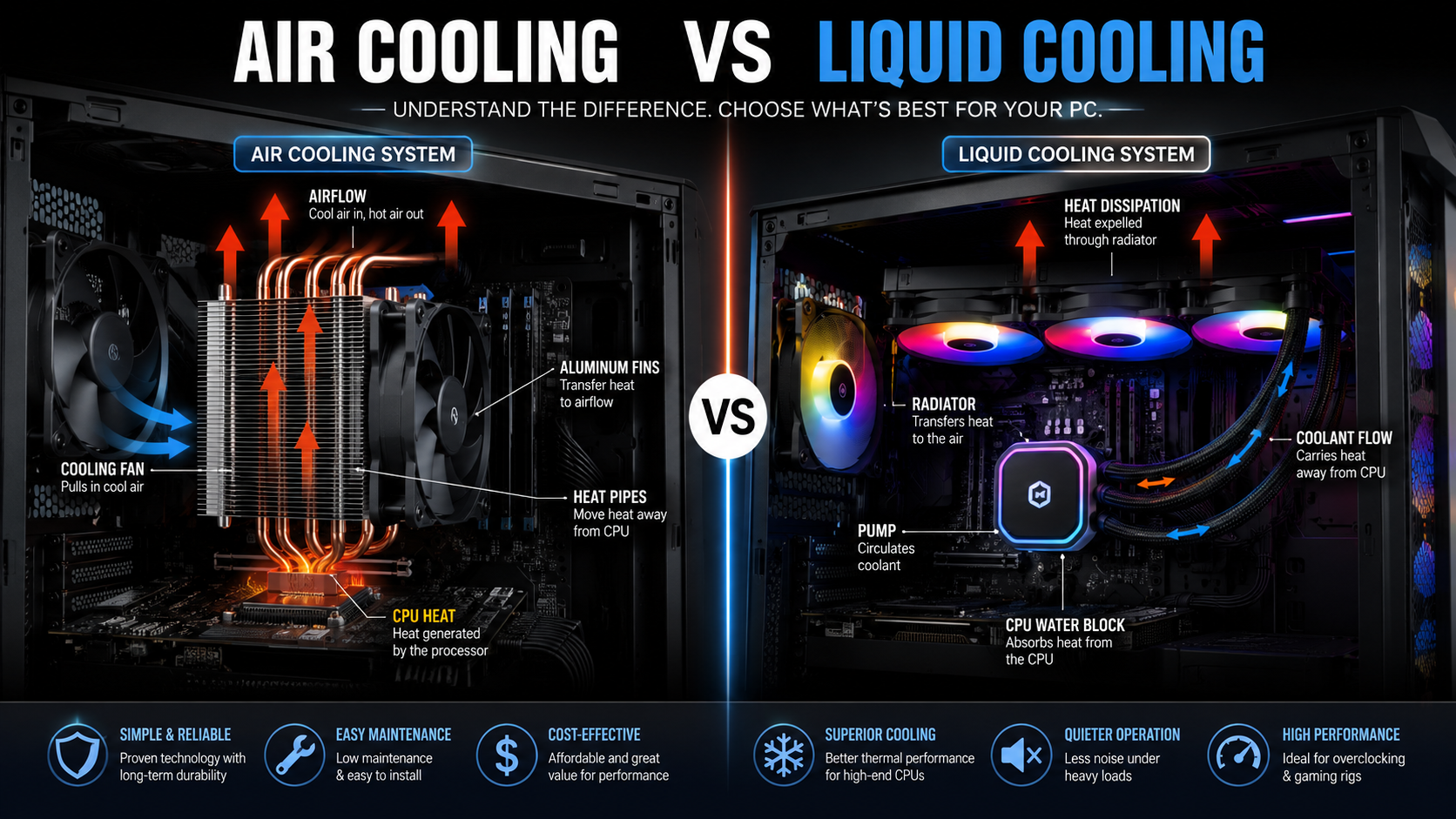

The best cooling solution depends on your hardware requirements, budget, and personal preferences. There is no single option that works perfectly for every PC builder.
Air cooling is usually the better choice for users who want reliability, affordability, and simple maintenance. It delivers excellent performance for most gaming PCs and everyday systems.
Liquid cooling is better suited for enthusiasts who need additional thermal performance, prefer a cleaner appearance, or use high-end processors that generate significant heat.
Before choosing between air cooling and liquid cooling, consider these factors:
- CPU power consumption: High-performance processors benefit more from advanced cooling solutions.
- Budget: Air coolers usually provide better value for money.
- Case compatibility: Check radiator support and heatsink clearance before buying.
- Maintenance preference: Air coolers require less maintenance over time.
- Visual design: Liquid coolers often provide a cleaner and more modern appearance.
For most mainstream gaming builds, a reliable air cooler is the smarter investment. It delivers strong performance without unnecessary complexity.
For premium gaming PCs, workstation builds, and overclocked systems, liquid cooling can provide additional thermal headroom and improved temperature control.
The right choice depends on balancing performance, cost, reliability, and your specific computing needs.
Air Cooling vs Liquid Cooling FAQs
Is liquid cooling better than air cooling for gaming?
Liquid cooling is not always better for gaming. It can maintain lower temperatures during long, demanding sessions, especially with powerful CPUs. However, premium air coolers often deliver similar gaming performance at a lower cost.
The right option depends on your processor, case design, budget, and personal preferences.
Can a liquid cooler leak and damage my PC?
Modern AIO liquid coolers are designed with durable tubing and reliable seals. Leaks are uncommon, but they remain a possible risk with any liquid-based system.
Custom loops require more caution because users install the fittings and tubing themselves. Proper leak testing is essential before running a custom liquid cooling setup.
Which cooling option lasts longer?
Air coolers generally last longer because they have a simpler design. The heatsink and heat pipes rarely fail. Usually, only the fan may need replacement after years of use.
Liquid coolers rely on pumps that can wear out over time. Most AIO coolers typically need replacement after several years of regular use.
Are air coolers difficult to install?
Air coolers are generally easy to install. The process usually involves mounting the bracket, applying thermal paste, and securing the heatsink.
The main challenge is physical size. Large coolers may interfere with RAM modules or nearby components, so always check compatibility before purchase.
Which option is better for a budget build?
Air cooling is usually the most cost-effective choice for budget PC builds. Affordable tower coolers can handle many mid-range processors while leaving more money available for upgrades like a better graphics card or storage drive.
For users focused on value, air cooling offers an excellent balance of performance and reliability.
Conclusion
Choosing between air cooling vs liquid cooling depends on your performance needs, budget, and long-term expectations.
Air coolers provide excellent reliability, lower costs, and simple maintenance. They are ideal for most gaming PCs, office systems, and everyday workstations.
Liquid cooling offers stronger performance for demanding workloads, improved aesthetics, and better heat management for high-end processors. It is especially attractive for enthusiasts and overclockers.
Before purchasing a cooler, check your CPU requirements, case compatibility, and preferred maintenance level. A properly selected cooling solution will keep your processor running efficiently for years.
Along with choosing the right cooling system, selecting the correct storage solution is also important for overall PC performance. Faster storage can improve boot times, application loading, and workflow efficiency. If you want to understand how modern storage technology improves system speed, check out our complete guide on NVMe SSD benefits, speed, and use cases guide.