All posts by The Perfect Blogger

Oracle Cuts 21000 Jobs: AI reshapes tech workforce

Oracle Cuts 21000 Jobs: AI Expansion Drives Massive Workforce Reduction

Oracle cuts 21000 jobs in what is being described as one of the most significant workforce restructurings in the technology sector. The company disclosed a substantial reduction in employee headcount as part of a broader strategic transformation focused on artificial intelligence, cloud computing, and infrastructure expansion. The layoffs represent a major shift in how large technology companies are allocating resources as competition in the AI market intensifies.

Key factors behind the restructuring include:

  • Increased investment in artificial intelligence infrastructure
  • Expansion of cloud computing capabilities
  • Growing demand for automated business solutions
  • Pressure to improve operational efficiency

The workforce reduction comes at a time when enterprise technology companies are investing billions of dollars into AI infrastructure, advanced computing systems, and large-scale data center projects. As organizations race to meet growing demand for artificial intelligence services, many are reviewing operating costs and reallocating capital toward high-priority growth initiatives.

For Oracle, the decision reflects a long-term strategy centered on strengthening its position in cloud infrastructure and AI services. While the layoffs affect thousands of employees worldwide, company leadership views the move as part of a broader effort to improve operational efficiency and support future business growth.

Furthermore, the restructuring comes amid a wider trend of workforce changes across the technology sector. According to a recent report from the BBC covering major AI-driven workforce transformations, companies are increasingly balancing employee costs with growing investments in artificial intelligence infrastructure and automation technologies. Readers can learn more about this broader industry trend in this BBC analysis.


Why Oracle Cuts 21000 Jobs Amid Rising AI Investments

The decision that Oracle cuts 21000 jobs appears closely linked to the company’s aggressive investment strategy in artificial intelligence and cloud infrastructure. Across the technology industry, organizations are directing enormous financial resources toward building data centers, purchasing advanced computing hardware, and developing AI-powered products and services.

Artificial intelligence projects require substantial capital expenditures. Companies must invest in:

  • High-performance computing systems
  • Advanced AI processors
  • Cloud infrastructure
  • Data storage solutions
  • Cybersecurity platforms
  • AI development tools

These investments can cost billions of dollars over multiple years, creating pressure to optimize spending in other areas of the business.

Oracle has been actively expanding its cloud infrastructure offerings to compete with leading cloud providers. As demand for AI-related computing power continues to increase, the company is focusing heavily on scaling its infrastructure capabilities.

This strategic shift has resulted in a reassessment of staffing needs across various departments, including:

  • Traditional software operations
  • Support functions
  • Business services
  • Administrative roles

Industry experts note that workforce restructuring has become a common trend among technology firms pursuing AI transformation. While layoffs reduce operational costs in the short term, companies hope that automation, productivity improvements, and AI-enabled systems will generate long-term efficiencies.


Impact of Oracle Cuts 21000 Jobs Across Business Units

The impact of Oracle cuts 21000 jobs extends across multiple departments and geographic regions. Rather than targeting a single division, the restructuring appears to affect a broad range of business functions.

Major areas impacted include:

  • Sales and marketing teams
  • Research and development departments
  • Customer support operations
  • Administrative functions
  • Regional business units

Sales and marketing teams often experience significant changes during large-scale corporate transformations because companies increasingly rely on automation tools, digital engagement platforms, and AI-assisted customer relationship management systems.

These technologies can help businesses:

  • Automate repetitive tasks
  • Improve customer communication
  • Analyze market trends faster
  • Reduce manual workloads

Research and development functions may also be affected as organizations shift priorities toward projects that directly support artificial intelligence and cloud infrastructure objectives.

At the same time, specialized technical positions remain in high demand, especially roles involving:

  • Machine learning
  • Data engineering
  • Cloud architecture
  • Cybersecurity
  • AI development

The layoffs have implications for employees, local economies, and the broader technology labor market. Workers affected by restructuring efforts may face challenges transitioning into new roles, while employers seek talent with increasingly specialized AI-related skills.


How Artificial Intelligence Is Reshaping the Technology Workforce

The fact that Oracle cuts 21000 jobs highlights a larger transformation occurring throughout the global technology industry. Artificial intelligence is changing how businesses operate, manage resources, and deliver products and services.

AI systems are increasingly being used for:

  • Data analysis
  • Customer service automation
  • Software testing
  • Business forecasting
  • Workflow management
  • Content creation

While automation can increase efficiency, it also changes the skills employers prioritize when hiring and retaining employees.

The growing emphasis on AI has created strong demand for professionals with expertise in:

  • Artificial intelligence development
  • Cloud computing
  • Data science
  • Machine learning
  • Infrastructure engineering

Employees who develop these skills are often better positioned to adapt to evolving workplace requirements.

However, concerns remain about:

  • Job displacement
  • Workforce disruption
  • Skills gaps
  • Employee retraining needs

Policymakers, business leaders, and educational institutions continue to debate how organizations can balance technological innovation with workforce stability.

Oracle’s restructuring serves as a high-profile example of how AI adoption is influencing employment decisions across major corporations.


Financial Implications of Oracle Cuts 21000 Jobs

Large-scale layoffs typically involve significant financial costs before organizations realize long-term savings. Workforce reductions can create immediate expenses related to:

  • Severance payments
  • Employee benefits
  • Legal requirements
  • Restructuring programs
  • Operational adjustments

Despite these upfront costs, businesses often pursue restructuring initiatives to:

  • Improve efficiency
  • Reduce recurring expenses
  • Redirect investment toward growth areas
  • Strengthen competitive positioning

In Oracle’s case, resources may be increasingly focused on:

  • Cloud infrastructure expansion
  • AI-related development
  • Data center investments
  • Enterprise technology solutions

Investors frequently evaluate restructuring announcements based on their potential impact on:

  • Profit margins
  • Revenue growth
  • Innovation capacity
  • Market competitiveness

Some market participants view workforce reductions as a sign that management is taking proactive steps to improve financial performance. Others raise concerns about possible impacts on employee morale, customer service, and long-term innovation.

The long-term success of any restructuring effort depends on whether the organization can achieve its strategic objectives while maintaining operational excellence.


Risks and Challenges Following Oracle Cuts 21000 Jobs

Although workforce reductions can improve efficiency, they also introduce significant operational risks. When organizations reduce staffing levels, they may lose:

  • Institutional knowledge
  • Technical expertise
  • Experienced employees
  • Customer relationships

Employee morale is another important consideration. Remaining workers may experience uncertainty about future organizational changes, which can affect:

  • Engagement
  • Productivity
  • Retention
  • Workplace confidence

Maintaining clear communication and providing support during periods of transition is often critical to minimizing disruption.

Customer service and product quality can also be affected if workforce reductions occur too quickly or without sufficient planning.

Companies must ensure:

  • Essential teams remain properly staffed
  • Critical knowledge is transferred
  • Customers continue receiving quality support
  • Business operations remain stable

The decision that Oracle cuts 21000 jobs demonstrates the complex balance companies face when pursuing transformation initiatives.

While leadership may anticipate long-term benefits from increased efficiency and AI adoption, the transition period can present considerable challenges. Successfully managing these risks will play an important role in determining whether the company’s strategic objectives are achieved.


Frequently Asked Questions

What Does Oracle Exactly Do?

Oracle is a global technology corporation that specializes in enterprise software, cloud computing, and database management systems. Most notably, the company is known for its Oracle Database platform, which enables businesses to securely store, organize, and retrieve massive amounts of information. As a result, many of the world’s largest organizations rely on Oracle’s technology to support critical business operations.

In addition to databases, Oracle develops a wide range of enterprise applications. For example, the company offers enterprise resource planning (ERP) software that helps organizations manage finances, human resources, procurement, and operations. Furthermore, Oracle provides customer relationship management (CRM) solutions that assist businesses in improving customer engagement and sales performance. Similarly, its supply chain management tools help companies optimize logistics, inventory management, and production planning.

Over the past several years, Oracle has increasingly focused on cloud computing. Specifically, Oracle Cloud Infrastructure (OCI) provides businesses with computing power, storage, networking, and artificial intelligence capabilities through cloud-based services. Moreover, companies can use OCI to host applications, process large datasets, and run advanced AI workloads.

Additionally, Oracle serves customers across industries such as healthcare, finance, retail, manufacturing, telecommunications, and government. Consequently, the company has become one of the most influential enterprise technology providers in the world. Overall, Oracle’s mission is to help organizations manage data more efficiently, improve productivity, and accelerate digital transformation through innovative software and cloud solutions.

Is Oracle Laying Off 30,000 Employees?

No, Oracle has not officially confirmed layoffs of 30,000 employees. However, speculation about significantly larger workforce reductions circulated earlier in the year through industry reports, analyst discussions, and employee posts on social media platforms. As a result, many observers believed the total number of job cuts could eventually approach 30,000 positions worldwide.

According to the company’s reported workforce figures, Oracle reduced its global employee count substantially during the most recent fiscal year. Nevertheless, the reported reduction was closer to 21,000 positions rather than the widely rumored 30,000. Consequently, Oracle’s total workforce declined from approximately 162,000 employees to around 141,000 employees globally. Although the final figure is lower than initial speculation, it still represents a major corporate restructuring affecting thousands of workers across multiple regions and business units.

Furthermore, the workforce reduction reflects broader changes occurring throughout the technology sector as companies invest heavily in artificial intelligence, cloud infrastructure, and automation technologies. In addition, many organizations are reevaluating staffing requirements while redirecting resources toward strategic growth initiatives.

Therefore, while Oracle has not announced 30,000 layoffs, the reported reduction of approximately 21,000 jobs remains one of the largest workforce restructurings in the company’s history. Overall, the situation highlights how rapidly evolving technology priorities are reshaping employment trends across the global tech industry.

Is Oracle a Big 4 Company?

No, Oracle is not considered a “Big 4” company. In fact, the term “Big 4” has a very specific meaning in the business world and refers exclusively to the four largest professional services and accounting firms: Deloitte, Ernst & Young (EY), KPMG, and PricewaterhouseCoopers (PwC). These organizations primarily provide audit, tax, consulting, risk management, and advisory services to businesses, governments, and institutions worldwide.

Oracle, on the other hand, operates in an entirely different industry. Specifically, Oracle is a global technology company that focuses on enterprise software, cloud computing, database management systems, and artificial intelligence infrastructure. Furthermore, Oracle is best known for its database technology, enterprise applications, and cloud services that help organizations manage business operations and digital transformation initiatives.

Although Oracle is not part of the Big 4 accounting firms, it remains one of the largest and most influential technology companies in the world. Moreover, Oracle competes with major technology providers such as Microsoft, Amazon, and Google in areas such as cloud infrastructure, enterprise software, and AI services. Additionally, many Fortune 500 companies rely on Oracle products to manage databases, financial systems, supply chains, and customer relationships.

Therefore, while Oracle is not classified as a Big 4 company, it is widely recognized as a leading enterprise technology provider with a significant global presence. Overall, Oracle occupies a prominent position in the software and cloud computing industry rather than the accounting and consulting sector.

Is Oracle Bigger Than JPMorgan Chase?

No, Oracle is generally not considered bigger than JPMorgan Chase when comparing key business metrics such as revenue, assets, employee count, and overall financial scale. Although Oracle is one of the world’s largest enterprise software and cloud computing companies, JPMorgan Chase operates on a much larger scale as a global banking and financial services institution.

To begin with, JPMorgan Chase serves millions of consumers, businesses, governments, and institutional clients across numerous countries. As a result, the bank manages trillions of dollars in assets and processes enormous volumes of financial transactions every day. Furthermore, JPMorgan Chase consistently ranks among the largest financial institutions in the world by total assets, market value, and profitability.

Oracle, meanwhile, is a technology company that specializes in database software, cloud infrastructure, enterprise applications, and artificial intelligence services. While Oracle generates tens of billions of dollars in annual revenue and serves thousands of organizations worldwide, its business model differs significantly from that of a global banking giant. Additionally, Oracle’s workforce is substantially smaller than JPMorgan Chase’s employee base.

However, the comparison depends on the metric being used. For example, Oracle is larger and more influential within the enterprise software industry than JPMorgan Chase because the bank does not primarily operate as a technology provider. Conversely, JPMorgan Chase is much larger in terms of total assets, revenue generation, workforce size, and overall financial reach.

Therefore, when evaluating overall corporate scale, JPMorgan Chase is generally considered the larger organization. Nevertheless, Oracle remains one of the most powerful companies in the global technology sector and continues to play a critical role in cloud computing, database management, and enterprise software solutions used by businesses around the world.

Why Are Tech Companies Doing Layoffs While Making Record Profits?

Many technology companies are announcing layoffs despite reporting strong profits and revenue growth. At first glance, this may seem surprising. However, these job cuts are often part of a broader business strategy rather than a response to financial problems.

One major reason is the rapid rise of artificial intelligence. Companies are investing billions of dollars in AI infrastructure, data centers, cloud computing, and advanced chips. Consequently, executives are reallocating resources to support these expensive initiatives. As a result, some departments experience workforce reductions while AI-focused teams continue to grow.

Furthermore, many tech firms expanded rapidly during the pandemic and hired thousands of employees to meet increased demand. However, as growth rates normalized, companies began reassessing staffing levels and operational costs. Therefore, layoffs are often viewed as a way to improve efficiency and maintain profitability.

Additionally, automation is helping organizations streamline routine tasks, reducing the need for certain roles. Ultimately, many layoffs reflect a shift toward AI-driven business models rather than financial weakness. Companies are prioritizing long-term competitiveness while adapting to changing technology and market demands.


Conclusion

The news that Oracle cuts 21,000 jobs serves as a landmark case study for the modern workplace, signaling a profound transformation in how the technology sector manages human capital. By explicitly stating in regulatory documents that internal AI deployment is actively shrinking its headcount, Oracle has turned a long-standing industry prediction into a tangible corporate reality. The company is wagering its future on an aggressive, debt-financed $70 billion infrastructure expansion, betting that automated efficiency can successfully replace traditional human corporate roles without sacrificing enterprise product quality.

For the broader workforce, this historic restructuring emphasizes the critical need for continuous technical upskilling. As corporate strategies continue to favor autonomous systems over traditional labor to protect margins, professionals must adapt to working alongside advanced automated systems. The ultimate takeaway is clear: the integration of artificial intelligence is no longer just a tool for future optimization, but an active catalyst rewriting the rules of corporate employment today.

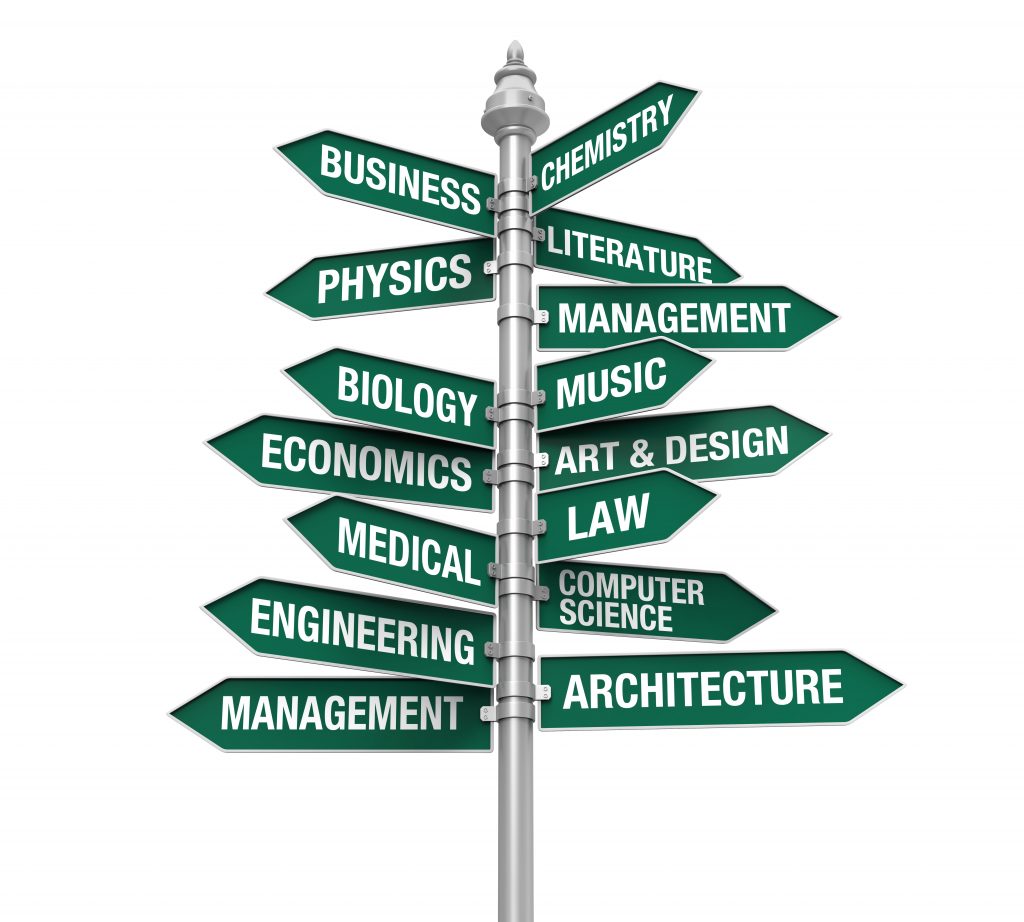
As technology continues to transform the job market, students and professionals should focus on exploring future-ready career paths and building skills that remain valuable in an AI-driven economy. Students looking for guidance on choosing the right career direction after science education can explore different opportunities and options after 12th Science without NEET or JEE to better prepare for the evolving workforce.

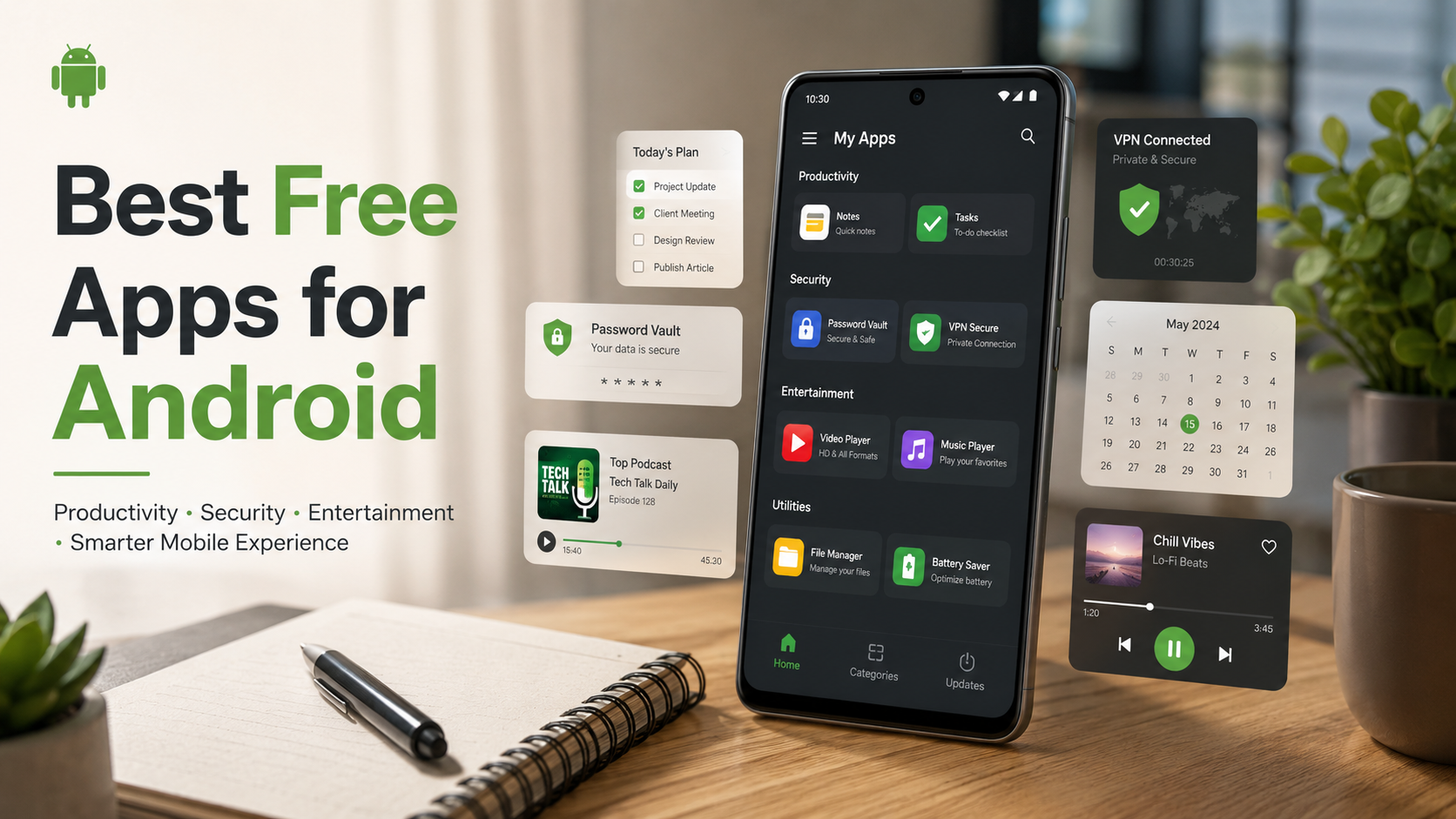
 

Best Free Apps for Android Users (2026 Guide)

Best Free Apps for Android Users to Elevate Your Smartphone Experience

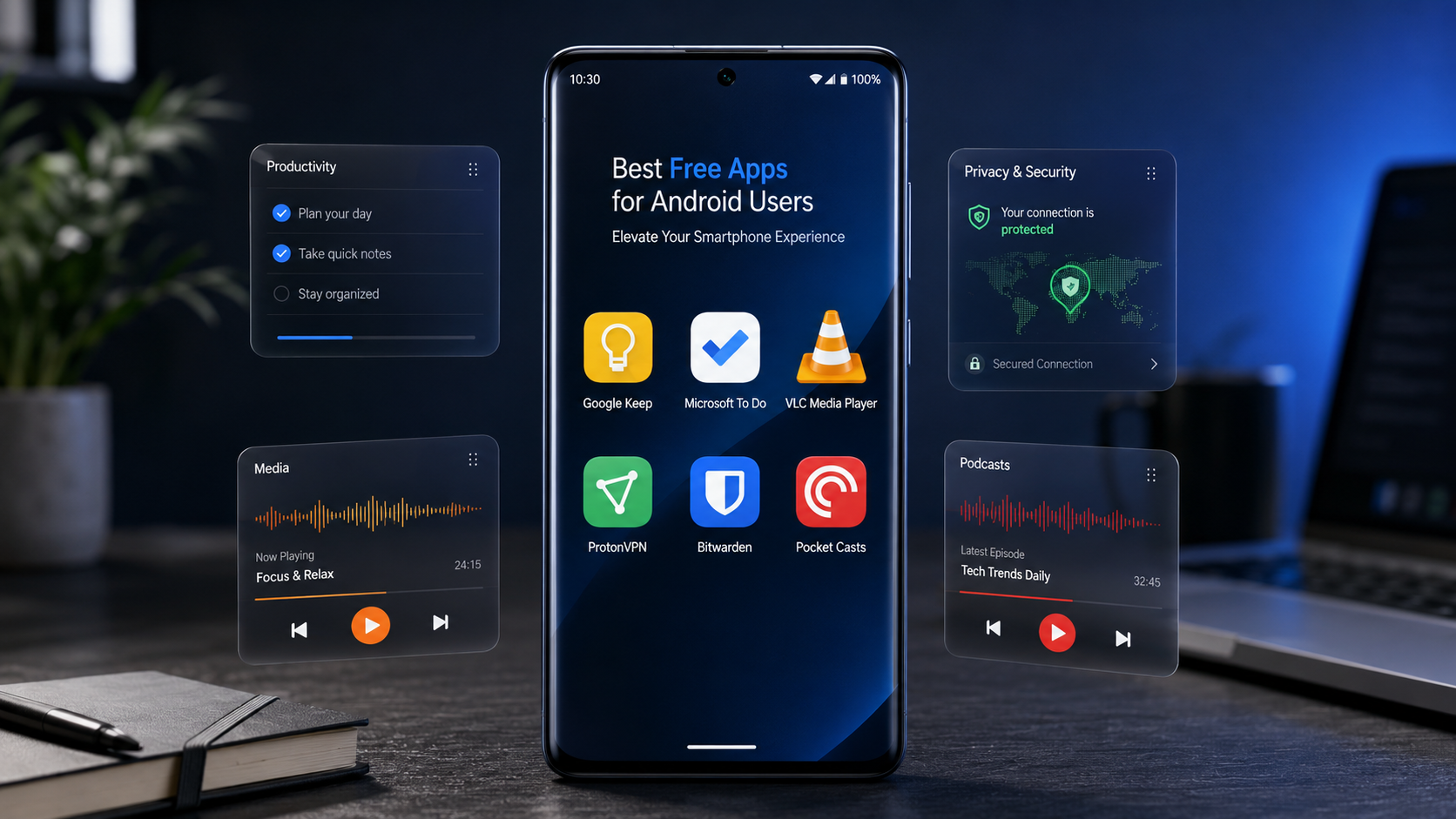
The Google Play Store hosts millions of applications, making it incredibly overwhelming to separate truly valuable tools from bloated software. Finding the best free apps for Android can completely transform how you use your smartphone, turning it into a powerhouse for productivity, creativity, and entertainment. Whether you want to streamline your daily workflow, secure your personal data, or simply enjoy high-quality entertainment without opening your wallet, the right software makes all the difference. You can browse the official Google Play Store to explore options, but filtering out the noise requires a strategic approach.

Understanding what makes an application worth your storage space involves looking at performance, user privacy, and overall utility. Many applications claim to be completely free, yet they bombard you with intrusive advertisements or hide essential features behind aggressive paywalls. This comprehensive guide highlights outstanding, genuinely helpful software that offers massive value at zero cost. We have thoroughly tested these options to ensure they deliver top-tier performance while respecting your device’s resources. From robust security tools to seamless organization utilities, let’s dive into the essential downloads that will elevate your mobile experience today.


Top Productivity and Organization Tools for Android

Staying organized on the move is essential, and your smartphone is the ultimate tool for efficiency if you equip it correctly. Managing daily schedules, setting reminders, and tracking complex projects becomes completely seamless with the right mobile software.

Google Keep: The Ultimate Lightweight Note-Taking Solution

Google Keep is a simple yet powerful note-taking and organization app designed for Android users who want to capture ideas, manage tasks, and save important information instantly. Its lightweight design makes it extremely fast and reliable, even on entry-level smartphones. Google Keep works perfectly for students, professionals, business owners, and anyone who wants a digital notebook that is always available.

Key Features of Google Keep:

  • Quick Note Creation: Create text notes, checklists, voice notes, and image-based notes within seconds.
  • Automatic Sync: All your notes are synchronized through your Google account across smartphones, tablets, and computers.
  • Smart Reminders: Set time-based or location-based reminders for important tasks.
  • Color Organization: Use different colors to categorize notes and improve visual organization.
  • Labels and Search: Add labels and quickly find saved information using Google’s powerful search system.
  • Shopping Lists: Create practical grocery lists and receive reminders when reaching specific locations.
  • Voice Notes: Record ideas quickly when typing is inconvenient.
  • Simple Interface: The clean design ensures smooth performance without unnecessary features.

Google Keep is one of the best free productivity apps for Android because it balances simplicity and useful features. It helps users stay organized without complicated menus or expensive subscriptions. Whether you need a daily planner, reminder tool, or personal notebook, Google Keep provides an efficient solution.

Microsoft To Do: Seamless Task Management

Microsoft To Do is a complete task management application that helps Android users plan their days, organize projects, and improve productivity. It is designed for people who want more than basic reminders and need a structured system for managing responsibilities.

Key Features of Microsoft To Do:

  • Daily Planning: The “My Day” feature creates a focused workspace for your most important tasks.
  • Task Breakdown: Divide large projects into smaller, easier steps.
  • Due Dates and Reminders: Set deadlines and receive alerts before important tasks.
  • Recurring Tasks: Create repeating reminders for habits, meetings, and regular activities.
  • Priority Settings: Mark important tasks so you can focus on urgent work.
  • Device Synchronization: Access your tasks from multiple devices using your Microsoft account.
  • Outlook Integration: Connect your tasks with Microsoft services for better workflow management.
  • Simple Interface: Easy navigation makes it suitable for beginners and professionals.

Microsoft To Do is one of the top productivity apps for Android because it combines powerful planning tools with a free and user-friendly experience. It helps users manage work schedules, personal goals, and daily routines effectively.


Essential Security and Privacy Applications

Protecting your digital footprint is more critical than ever. Android offers solid built-in security, but adding specialized software ensures your passwords, browsing history, and personal data remain completely shielded from malicious third parties.

Bitwarden: Open-Source Password Management

Bitwarden is a highly secure password manager app that protects your online accounts by storing passwords safely in an encrypted digital vault. With increasing cyber threats, managing strong and unique passwords has become essential, and Bitwarden makes the process simple.

Key Features of Bitwarden:

  • Secure Password Storage: Store unlimited usernames, passwords, and private information safely.
  • Open-Source Security: Its code can be reviewed by security experts, improving transparency.
  • Password Generator: Automatically creates strong and unique passwords.
  • Autofill Support: Quickly log into apps and websites without typing passwords manually.
  • Encrypted Vault: Protect sensitive information with advanced encryption technology.
  • Multi-Device Sync: Access your saved passwords across Android phones, tablets, and computers.
  • Biometric Login: Unlock your vault using fingerprint or device security features.
  • Two-Factor Authentication: Add extra protection to your account.

Bitwarden is one of the best free password manager apps for Android because it provides strong security features without making the experience complicated. It is ideal for users who want privacy, convenience, and better digital protection.

ProtonVPN: Secure Browsing Without Data Caps

Proton VPN is a privacy-focused VPN application that helps Android users browse the internet securely. It protects your connection by encrypting internet traffic, making it useful when using public Wi-Fi networks or browsing sensitive websites.

Key Features of ProtonVPN:

  • Encrypted Internet Connection: Protects your online activity from unwanted monitoring.
  • Public Wi-Fi Protection: Adds security when using networks in airports, hotels, and cafes.
  • Privacy-Focused Design: Built with user security and data protection in mind.
  • Free VPN Option: Provides access to VPN protection without requiring a paid plan.
  • Multiple Server Locations: Helps users maintain reliable connections while traveling.
  • Easy Setup: Simple interface suitable for beginners.
  • No Complex Settings: Connect quickly with a single tap.
  • Secure Browsing: Helps protect personal information during online activities.

ProtonVPN is among the best VPN apps for Android because it combines security, ease of use, and privacy features. It is a useful tool for anyone who wants safer browsing and improved online protection.


Must-Have Media and Entertainment Software

Your smartphone is a powerful pocket entertainment center. Upgrading your media experience with specialized tools allows you to enjoy music, videos, and podcasts exactly the way you want.

VLC for Android: Powerful Universal Media Player

VLC for Android is a popular media player app that allows Android users to play almost any video or audio file format. Known for its reliability and open-source development, VLC provides a complete entertainment experience without unnecessary restrictions.

Key Features of VLC for Android:

  • Multiple Format Support: Plays MP4, MKV, AVI, MP3, FLAC, and many other formats.
  • No Advertisements: Offers a clean entertainment experience without intrusive ads.
  • Subtitle Support: Easily load and customize subtitles.
  • Gesture Controls: Adjust volume, brightness, and playback using simple swipes.
  • Audio Tools: Manage sound settings and playback options.
  • Network Streaming: Play media directly from online sources or networks.
  • Background Playback: Continue listening even when switching apps.
  • Free and Open Source: Provides powerful features without subscription fees.

VLC for Android is one of the best video player apps because it offers smooth performance, wide compatibility, and complete control over media playback. It is perfect for movie lovers, music listeners, and anyone who manages offline media files.

Pocket Casts: A Premium Podcast Experience

Pocket Casts is a feature-rich podcast application that improves the way Android users discover, organize, and listen to podcasts. Its modern design and advanced playback controls make it a favorite choice among podcast enthusiasts.

Key Features of Pocket Casts:

  • Podcast Discovery: Find new shows based on interests and categories.
  • Custom Playback Speed: Adjust listening speed according to your preference.
  • Silence Removal: Automatically skips unnecessary pauses in episodes.
  • Smart Filters: Organize podcasts by topic, category, or release date.
  • Automatic Downloads: Save episodes for offline listening.
  • Episode Management: Easily track played and unplayed episodes.
  • Clean Interface: Enjoy a smooth and attractive user experience.
  • Cross-Device Sync: Continue listening across supported devices.

Pocket Casts is one of the best podcast apps for Android because it combines organization, customization, and excellent audio controls. It is ideal for users who follow multiple podcasts and want a smarter way to manage their subscriptions.


FAQ SECTION

What are the best free apps for Android to improve daily productivity?

Improving daily productivity on Android becomes much easier when you use the right organization tools. Among the best free productivity apps available, Google Keep and Microsoft To Do stand out because they offer simple yet powerful features for managing tasks, notes, and daily responsibilities. These applications are especially useful for students, professionals, and anyone who wants to stay organized while working on the go.

First of all, Google Keep is an excellent choice for users who need a fast and flexible note-taking solution. It allows you to instantly save ideas, create checklists, record voice notes, and store images. Moreover, its color-coded notes and labeling system make it easier to find important information quickly. In addition, Google Keep supports reminders, including location-based alerts, so you never forget important tasks.

On the other hand, Microsoft To Do provides a more structured productivity experience. It helps users break large projects into smaller tasks, assign deadlines, create recurring reminders, and organize daily priorities. Furthermore, the “My Day” feature allows you to focus on essential activities without feeling overwhelmed.

Are free Android security applications genuinely safe to use?

Free Android security applications can be genuinely safe to use; however, it is important to choose trusted and well-established apps. Reliable security tools such as Bitwarden and Proton VPN are popular choices because they focus on privacy, transparency, and user protection. These applications provide useful security features without requiring users to pay for expensive subscriptions.

First of all, open-source applications like Bitwarden offer an additional level of trust because their source code can be reviewed by independent security researchers. As a result, potential weaknesses can be identified and improved more quickly. Furthermore, Bitwarden helps users create strong passwords, store login details securely, and protect accounts from unauthorized access.

Similarly, ProtonVPN improves online safety by encrypting internet traffic and helping protect users when they connect to public Wi-Fi networks. In addition, reputable VPN services clearly explain their privacy policies and security practices, which makes them more trustworthy.

Which free Android applications work completely offline?

Many free Android applications provide excellent offline functionality, making them useful when you have limited internet access or want to save mobile data. Two great examples are VLC for Android and Google Keep. Both apps allow users to complete important tasks without needing a constant internet connection.

First of all, VLC for Android is one of the best offline media player apps available. It allows you to watch movies, listen to music, and open locally stored files without Wi-Fi or mobile data. Moreover, VLC supports a wide range of formats, including MP4, MKV, AVI, MP3, and FLAC, so users do not need additional media players. In addition, features like subtitles, playback controls, and audio adjustments continue working completely offline.

Similarly, Google Keep is a reliable offline note-taking application. Users can create new notes, edit existing lists, write reminders, and organize information even when they are not connected to the internet. Furthermore, once the device reconnects to Wi-Fi or cellular data, all updates automatically synchronize with the user’s Google account.

How do free apps make money if they do not charge users?

Free Android applications can generate revenue in several ways, even when they do not require users to pay for downloads. Many developers use business models that allow them to provide useful features for free while still supporting ongoing development, updates, and customer support.

First of all, one of the most common methods is advertising. Many free apps display advertisements within the application, and developers earn money based on views or user interactions. However, reputable apps usually keep advertisements limited so they do not damage the user experience.

Another popular approach is the freemium model. In this system, users can access basic features completely free, while advanced tools require a paid upgrade. For example, an app may offer free note-taking or productivity features but charge for extra storage, customization options, or professional tools.

Can I find a free video editor for Android without watermarks?

Yes, you can find several free video editing apps for Android that allow you to create professional-looking videos without adding permanent watermarks. Two excellent options are CapCut and VN Video Editor. These applications are especially popular among beginners, social media creators, and users who want powerful editing tools without paying for expensive software.

First of all, CapCut is a feature-rich video editor that provides a wide range of creative tools for free. It allows users to trim clips, combine videos, add music, apply effects, and create engaging content for platforms like social media. Moreover, CapCut includes advanced features such as multi-layer editing, transitions, filters, text animations, and speed controls. As a result, users can produce high-quality videos directly from their smartphones.

Similarly, VN Video Editor offers a professional editing experience with a clean interface and powerful controls. It supports multi-track timelines, keyframe animations, color adjustments, subtitles, and advanced transition effects. Furthermore, VN is designed to give creators more control over their projects while keeping the editing process simple.


CONCLUSION

Equipping your smartphone with the best free apps for Android allows you to maximize your device’s potential without spending a single dime. From the robust, open-source password security of Bitwarden to the seamless multimedia versatility of VLC Media Player, these tools prove that top-tier software does not always carry a premium price tag. Investing a few minutes to download and configure these applications will drastically improve your mobile privacy, organization, and daily efficiency.

As you curate your personal app collection, always prioritize transparency, user reviews, and sensible device permissions to protect your digital safety. The right mix of software turns your mobile device into an optimized tool tailored directly to your lifestyle. Start by downloading one or two utilities that address your most immediate digital bottlenecks, whether that means cleaning up your cluttered daily schedule or securing your online accounts. Ultimately, the flexibility of the Android ecosystem grants you total control over your user experience. Take advantage of these exceptional free resources today, explore their deep feature sets, and enjoy a smarter, safer, and significantly more productive mobile lifestyle.

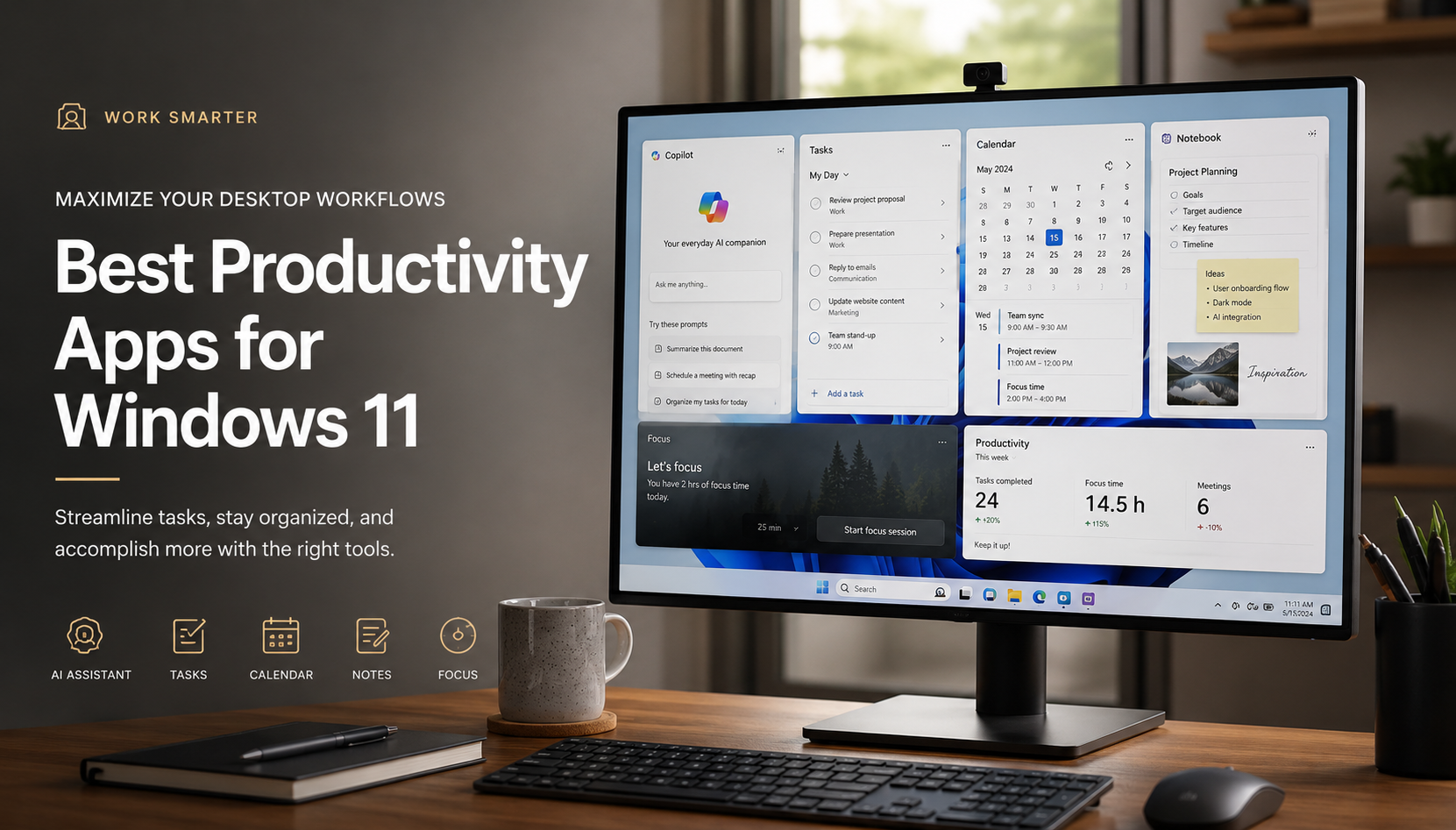
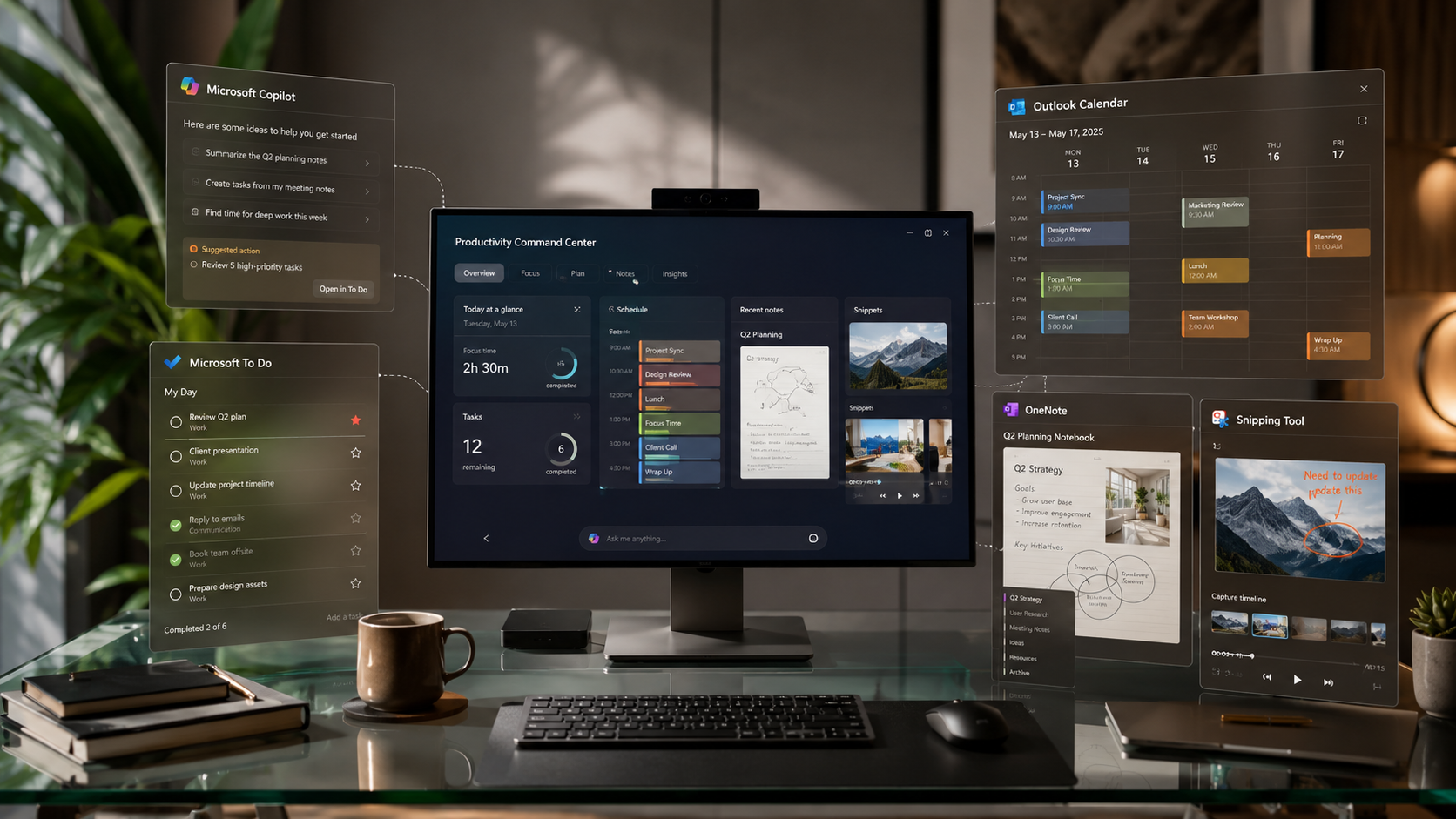
If you are looking to improve productivity beyond your smartphone, check out our guide on best productivity apps for Windows 11 to discover powerful desktop tools that can help you manage tasks, organize workflows, and boost efficiency across your devices.

How to Speed Up Your Android Phone in 2026

How to Speed Up Your Android Phone in 2026 

If you want to speed up your Android phone without deleting your files, changing a few system settings and improving storage management can make a noticeable difference. A slow Android phone can quickly turn simple daily tasks into frustrating experiences. Whether you are opening applications, browsing websites, taking photos, or switching between different tasks, performance issues can make your device feel outdated. However, in most cases, you do not need to replace your smartphone or perform a factory reset to solve these problems. Modern Android devices are designed to manage resources efficiently, but over time, unnecessary files, background activities, and poorly optimized applications can affect overall speed.

Many users assume that their phone becomes slower because the hardware becomes weaker. In reality, smartphone processors and memory components usually continue working at the same capability they had when the device was new. Instead, software-related issues are often responsible for slow performance. For example, temporary files, unused apps, excessive background processes, and limited storage space can prevent Android from operating smoothly. If you are experiencing performance issues, following this guide to Speed up a slow Android device can help you free up storage and improve your phone’s responsiveness.

Fortunately, you can restore much of your phone’s original performance by making a few smart adjustments. By cleaning unnecessary data, controlling background activity, improving storage management, and adjusting hidden system settings, you can make your Android phone feel faster again. Furthermore, these methods allow you to keep your personal photos, apps, and files without removing everything through a factory reset.

This guide explains the most effective ways to speed up your Android phone in 2026 while keeping your important data safe.


Understanding Why You Need to Speed Up Your Android Phone

Before applying performance improvements, it is important to understand why Android devices slow down in the first place. A smartphone does not usually become slow because the processor suddenly loses power. Instead, performance problems typically develop because the operating system has to handle more tasks than before.

Every application installed on your phone requires storage space, memory, and processing power. Over time, many apps continue running background services even when you are not actively using them. As a result, your device may spend resources syncing data, checking notifications, downloading updates, or collecting information in the background.

Additionally, storage space plays a major role in Android performance. When your internal storage becomes almost full, the operating system has less room to create temporary files and manage system operations. Therefore, apps may take longer to open, animations may feel delayed, and multitasking can become slower.

Another common reason is outdated software. Although updates are usually created to improve security and performance, older applications may not always work efficiently with newer Android versions. Consequently, compatibility issues can create lag, crashes, or battery drain.

Moreover, visual effects, widgets, live wallpapers, and heavy launchers can increase the workload on your phone’s processor. While these features make your device look attractive, they may reduce responsiveness on older or budget smartphones.

The good news is that these problems are usually reversible. With proper optimization, your Android phone can regain speed and provide a smoother experience.


Practical Ways to Speed Up Your Android Phone

You do not need to perform a frustrating factory reset to get your performance back. Use these highly effective, non-destructive expert strategies instead.

1. Clear Cache Files to Speed Up Your Android Phone

One of the easiest and safest ways to speed up an Android phone is by clearing unnecessary cached data. Cache files are temporary files created by applications to help them load information faster. For example, social media apps store images, videos, and website elements in cache so they can appear quickly the next time you open them.

However, while cache files are useful, they can become excessive over time. Large amounts of outdated cache data may occupy valuable storage space and sometimes create conflicts with newer app versions. As a result, applications may become slower, freeze unexpectedly, or consume more system resources than necessary.

To clean cached data, open your Android device settings and go to Settings > Storage. From there, you can review unnecessary files and remove temporary data. Additionally, if a specific application is causing problems, you can clear its individual cache by visiting:

Settings > Apps > Select App > Storage > Clear Cache

This process does not delete your personal information. Your photos, messages, accounts, and login details remain untouched. Instead, Android simply removes temporary files that the application can rebuild when needed. Clearing cache is one of the safest ways to speed up your Android phone because it removes temporary files without deleting your personal data.

2.Remove Unused Apps and Files to Improve Android Speed

Another effective way to improve Android performance is by removing applications and files that you no longer use. Many users install apps for temporary purposes but forget to uninstall them later. Although these apps may appear inactive, they can still create background processes, receive updates, store data, and consume valuable storage space.

When your phone storage becomes crowded, Android has less available space for important system operations. The operating system requires free storage to manage temporary files, app updates, and internal processes. Therefore, keeping your storage clean allows your device to respond faster.

Start by reviewing your installed applications. Open your app drawer and identify programs that you have not used recently. If an app has been untouched for several weeks or months, uninstalling it can immediately free space and reduce background activity.

Additionally, check your Downloads folder because it often contains forgotten files such as old documents, duplicate images, videos, installation packages, and compressed files. These items may not seem important, but together they can occupy several gigabytes of storage. Regularly removing unused apps is a simple habit that helps you speed up your Android phone and maintain better long-term performance.

3.Update Apps and Software to Speed Up Your Android Phone

Keeping your Android applications and system software updated is one of the most important steps for maintaining smooth performance. Many people delay updates because they believe new versions only add features or change the appearance of apps. However, updates often include important improvements that directly affect speed, stability, security, and resource management.

Application developers regularly release updates to fix bugs, improve compatibility, and optimize how their software uses memory and processing power. For example, an older version of an application may contain unnecessary background activities that slow down your device. After an update, those issues may be resolved, allowing the app to run more efficiently.

Similarly, Android system updates often include performance improvements from manufacturers and Google. These updates can improve battery management, memory handling, and overall system responsiveness. Therefore, keeping your phone updated helps ensure that your hardware and software continue working together properly.

To update your applications, open the Google Play Store, tap your profile icon, and select Manage apps & device. From there, choose Update all to install available updates. Additionally, check your phone’s system updates by opening:

Settings > System > System Update

However, updating alone is not enough. It is also a good idea to remove apps that are no longer supported or maintained. Old applications may become inefficient over time because they are not optimized for newer Android versions.

By combining regular updates with proper app management, you can prevent performance problems before they appear. As a result, your Android phone stays faster, safer, and more reliable without requiring a factory reset.

4.Restart Your Device Regularly for Faster Android Performance

Many Android users keep their phones running continuously for weeks or even months without restarting them. Although modern smartphones are designed to operate for long periods, occasional restarts can significantly improve system responsiveness. A simple reboot helps clear temporary memory issues, refresh background processes, and close applications that may have become stuck.

When you use your phone every day, different apps open and close repeatedly. Sometimes, applications do not completely release the memory or resources they were using. Over time, these small issues can accumulate and cause slower performance, delayed responses, or unexpected app crashes.

Restarting your phone gives Android a clean working environment. During the reboot process, temporary files stored in active memory are removed, background services restart properly, and the operating system reorganizes its processes. Consequently, your phone often feels smoother immediately after turning back on.

For better maintenance, consider restarting your device once every week. This simple habit requires only a few seconds but can prevent many common performance problems. Furthermore, restarting can help identify whether an issue is caused by software rather than hardware.

To restart your phone, press and hold the power button, then select the restart option. Some newer devices may require holding the power button and volume key together.

Although a restart is not a permanent solution for every issue, it is an easy and effective method for keeping your Android phone running efficiently over time.

5.Use Developer Options to Speed Up Your Android Phone Instantly

Android includes a hidden set of advanced tools called Developer Options. Originally created for developers and technicians, these settings allow users to control certain system behaviors. When adjusted carefully, some of these options can make your phone feel significantly faster without changing your personal files.

To activate Developer Options, open:

Settings > About Phone

Then tap the Build Number seven times. After entering your security verification, a message will appear confirming that Developer Options have been enabled.

Next, go to:

Settings > System > Developer Options

One of the most useful adjustments is changing animation settings. Android uses animations when opening apps, switching screens, and moving through menus. These effects look smooth, but they also require processing power. By reducing them, your phone can respond more quickly.

Find these options:

  • Window animation scale
  • Transition animation scale
  • Animator duration scale

Change each setting from 1x to 0.5x. Alternatively, you can disable them completely for an even faster interface.

You can also adjust the Background process limit. This setting controls how many applications remain active in the background. Reducing the limit can help older phones with limited RAM by preventing too many apps from running simultaneously.

However, avoid changing unknown developer settings because some options can affect system behavior. When used properly, Developer Options can make your phone feel faster, smoother, and more responsive without risking your data.

6.Use Lightweight Apps and Web Versions Whenever Possible

Heavy applications are one of the biggest reasons older Android phones become slow. Many popular apps now include advanced features such as automatic video playback, artificial intelligence tools, animations, and constant background syncing. While these features improve the user experience, they also require more RAM, storage, and processing power.

A simple way to improve performance is to switch to lightweight alternatives. Many companies offer simplified versions of their applications that use fewer resources. These lighter apps usually remove unnecessary features while keeping the essential functions you need.

For example, instead of installing a large application, you can sometimes use a mobile website through your browser. Modern browsers support Progressive Web Apps (PWAs), which allow websites to behave almost like installed applications. You can simply open a website in Chrome and choose the option to add it to your home screen.

This approach saves storage space and reduces background activity. Additionally, browser-based versions often receive updates automatically without requiring large downloads.

Another advantage is improved battery life. Since lightweight apps use fewer system resources, your phone does not need to work as hard throughout the day. As a result, you may notice better speed, longer battery performance, and fewer slowdowns.

Therefore, replacing unnecessary heavy apps with simpler alternatives is a practical way to extend the useful life of your Android phone.

7.Remove Heavy Widgets and Live Wallpapers

Your home screen may look attractive with multiple widgets and animated wallpapers, but these features can quietly reduce your phone’s performance. Widgets are constantly updating elements that display information such as weather, news, calendar events, or social media updates. Although they seem simple, many widgets regularly connect to the internet and refresh data in the background.

Live wallpapers also require continuous processing power because they create animations and visual effects every time you unlock your device. On powerful smartphones, the impact may be small. However, on older phones or devices with limited RAM, these extra processes can contribute to lag.

Removing unnecessary widgets can immediately reduce background activity. Start by reviewing your home screen and keeping only the widgets you actually use. For example, if you rarely check a weather widget, removing it can save resources without affecting your daily routine.

Similarly, replacing animated wallpapers with a simple static image can reduce GPU usage and improve battery efficiency. Your phone will spend less energy creating visual effects and more resources on important tasks.

Additionally, a cleaner home screen can make navigation faster because Android does not need to load as many visual elements. Therefore, simplifying your interface is a small but effective optimization technique.

By reducing unnecessary visual features, you can make your Android experience smoother while still maintaining a clean and personalized appearance.

8.Manage Auto-Sync Accounts to Reduce Background Usage

Automatic synchronization is a useful Android feature that keeps your information updated across different services. For example, your phone can automatically sync emails, contacts, calendars, cloud files, and application data. However, having too many accounts syncing at the same time can quietly consume system resources.

Every active sync service requires internet access, battery power, and processing capability. If multiple accounts are connected, your phone may constantly check for new information even when you are not using those services. As a result, your device may experience slower performance, faster battery drain, and increased background activity.

To improve efficiency, review the accounts connected to your phone. Go to:

Settings > Passwords & accounts

Here, you can see which accounts are active and what information they synchronize. If you find old email accounts, unused cloud services, or apps that you no longer rely on, you can disable their synchronization.

Additionally, consider reducing the sync frequency for applications that do not require real-time updates. For example, not every service needs instant notifications. A longer sync interval can reduce the workload on your device.

Furthermore, managing synchronization improves privacy because fewer apps continuously exchange data in the background. Therefore, this simple adjustment benefits both performance and security.

By controlling automatic syncing, you allow Android to focus its resources on the apps and tasks that matter most. This helps your phone feel faster and more responsive throughout the day without removing important accounts or personal information.

9.Optimize Battery Settings and Restrict Resource-Hungry Apps

Battery management and performance are closely connected on Android devices. When certain applications consume excessive power, they are often using a large amount of processing power in the background. Therefore, identifying and controlling these apps can significantly improve your phone’s speed.

Many applications continue running after you close them. They may refresh content, track location, send notifications, or perform background tasks. Although these features can be useful, poorly optimized apps can overload your system resources.

To check which apps are causing problems, open:

Settings > Battery > Battery Usage

This section shows which applications are consuming the most energy. If you notice an app using an unusually high amount of battery, consider limiting its background activity.

Android provides options such as:

  • Background restriction
  • Battery optimization
  • Adaptive Battery

Adaptive Battery uses your usage patterns to decide which applications should receive priority. As a result, frequently used apps stay responsive while rarely used apps receive fewer resources.

Additionally, restricting unnecessary background activity reduces CPU workload. This means your processor spends less time handling hidden tasks and more time responding to your actions.

However, be careful with important apps such as messaging tools or alarms because restricting them too aggressively may delay notifications.

By regularly reviewing battery usage and controlling resource-heavy apps, you can achieve better speed, improved battery life, and a smoother Android experience.

10.Reset App Preferences Without Losing Personal Data

Sometimes Android performance problems are caused by incorrect application settings rather than the apps themselves. Over time, users change permissions, disable important services, or modify default app settings. These changes can create conflicts that affect how the system operates.

Fortunately, Android includes an option called Reset App Preferences. This feature restores default settings for applications without deleting your personal files, accounts, or installed apps.

To access this option, go to:

Settings > Apps > See all apps

Then tap the menu icon and choose:

Reset app preferences

This process restores several settings, including:

  • Disabled applications
  • Default app selections
  • Background permission settings
  • Notification restrictions

For example, if an important system service was accidentally disabled, resetting preferences can bring it back to normal operation.

Moreover, this method is useful when your phone feels unusually slow but you cannot identify the cause. Instead of performing a factory reset and losing everything, you can first try this safer solution.

However, remember that some customized settings may return to their original state. You might need to adjust certain app permissions again afterward.

Overall, resetting app preferences is a powerful troubleshooting method. It fixes hidden configuration problems while preserving your personal data, making it an excellent option for improving Android performance.


Frequently Asked Questions

How do I increase the speed of my Android phone?

You can increase your phone’s speed by freeing up local storage space, updating your apps, and restarting your device regularly. Additionally, clearing cached data from heavy apps like social media platforms prevents system bottlenecks. For an immediate boost, turn on Developer Options and lower your animation scales to 0.5x. This makes your phone transition between screens much faster.

What does *#9900# do to your phone?

The *#9900# code opens the SysDump menu, which is a hidden diagnostic tool on Android devices. Selecting the “Delete dumpstate/logcat” option within this menu clears out old system logs and error reports. This safely frees up internal storage space without deleting any personal user data. It is an excellent way to resolve sudden, unexplained system sluggishness.

How do I make my phone 10x faster?

To achieve maximum speed improvements, go to Developer Options and change the window, transition, and animator scales to 0.5x or off. Next, restrict the background process limit to a maximum of three apps to optimize RAM usage. Finally, remove bloated widgets from your home screen and uninstall heavy apps that run constantly in the background.

Why is Android so laggy and slow?

Android phones generally experience lag when their internal storage capacity is nearly full, which leaves little room for virtual memory. Furthermore, having too many apps running background services drains your RAM and battery resources. Over time, corrupt system cache files and unoptimized software updates can also degrade your hardware’s processing efficiency.

Will clearing cache delete my personal photos?

No, clearing your app or system cache will not delete personal photos, videos, or documents. Cache files are simply temporary files that apps use to load information a bit faster. Deleting them is completely safe and helps resolve performance bugs.

Conclusion

Learning how to speed up your Android phone does not require advanced technical skills or a risky factory reset. By clearing hidden log files using diagnostic codes, optimizing your device storage, and adjusting animation scales, you can instantly revive an old device. These simple adjustments reduce the heavy burden on your phone’s processor and RAM. Commit to restarting your phone once a week and keeping your storage clean to maintain peak performance. Try these adjustments today to enjoy a faster, lag-free mobile experience.

If you also want to improve your computer’s performance and make your PC run faster, check out our guide on how to increase CPU speed and boost PC performance for more optimization tips.

How to Speed Up Your iPhone in 2026: Fast Fixes

How to Speed Up Your iPhone and Make It Feel Faster Again

If you want to speed up your iPhone and restore its smooth performance, you do not always need to buy a new device. Over time, iPhones can become slower because of limited storage, too many background processes, outdated software, battery aging, and heavy apps. Learning how to properly manage your settings and resources can help your iPhone feel faster and more responsive again. If your device is already experiencing performance issues, you can also check Apple’s guide on what to do if your iPhone or iPad is running slow for additional troubleshooting steps.

Modern iOS versions include powerful features, advanced security tools, and smarter background functions. While these improvements make the experience better, older devices may need regular maintenance to keep up. By following a few simple steps, you can speed up your iPhone, reduce lag, and improve everyday performance without expensive upgrades.

The good news is that a few simple adjustments can often restore a smoother, faster experience. From cleaning storage and managing apps to improving battery performance, these steps can help your iPhone feel responsive again.


How to Speed Up Your iPhone: Why Your Device Feels Slow

Before you try to speed up your iPhone, it is important to understand why the slowdown happens. Most performance problems are caused by storage issues, background activity, battery health, or software-related problems.

A slow iPhone is usually affected by one or more of these factors:

Low Storage Space

Your iPhone needs free space for temporary files, app data, updates, and system operations. When storage gets almost full, iOS has less room to manage these tasks efficiently.

This can lead to:

  • Apps opening slowly
  • Keyboard delays
  • Stuttering animations
  • Longer loading times

Keeping some free storage available helps iOS work more smoothly.

Too Many Background Processes

Some apps continue performing tasks even when you are not actively using them. They may refresh content, check your location, download updates, or sync data.

A few background processes are useful, but too many can consume battery and processing power.

Battery Aging

An older battery may not deliver power as efficiently as it once did. iOS can adjust performance in certain situations to prevent unexpected shutdowns, which may make your phone feel slower.

Software Problems

Temporary bugs, memory issues, or outdated software can also affect performance. Sometimes a simple restart or update can fix problems that seem much bigger.


1. Restart Your iPhone to Quickly Speed Up Your iPhone Performance

One of the simplest ways to speed up your iPhone is restarting it regularly. A restart clears temporary files, refreshes system memory, and closes processes that may have become stuck.

A restart clears temporary system issues, refreshes memory, and stops processes that may have become stuck. If your iPhone suddenly feels unusual, apps are freezing, or the keyboard is lagging, restarting should be your first step.

To restart a modern iPhone:

  1. Press and hold the Side button and either Volume button.
  2. Wait until the power menu appears.
  3. Slide the Power Off option.
  4. Wait about 30 seconds.
  5. Hold the Side button again until the Apple logo appears.

If your iPhone is frozen and does not respond, try a force restart:

  1. Quickly press and release Volume Up.
  2. Quickly press and release Volume Down.
  3. Hold the Side button until the Apple logo appears.

A restart does not erase your data or change settings, but it can solve many random slowdowns.


2. Stop Closing Every App Manually

Many people believe that constantly removing apps from the App Switcher makes an iPhone faster. In reality, iOS already manages apps intelligently.

When you leave an app, the system usually pauses it and prevents it from consuming unnecessary resources. Closing it completely means the phone has to reload everything from the beginning the next time you open it.

This can actually make app launching slower and may use more battery.

A better approach:

  • Leave apps alone when they are working correctly.
  • Only force-close apps that are frozen, crashing, or behaving incorrectly.

Let iOS handle memory management instead of manually fighting the system.


3. Free Storage Space to Speed Up Your iPhone

Storage management is one of the most effective ways to speed up your iPhone. When your device is almost full, iOS has less room to handle temporary files, updates, and background tasks.

When your device is packed with photos, videos, downloads, messages, and unused apps, the system has less room for temporary operations.

To check storage:

  1. Open Settings.
  2. Tap General.
  3. Select iPhone Storage.

You will see a breakdown of what is using space.

Remove:

  • Large videos you no longer need
  • Old screenshots
  • Huge message attachments
  • Unused apps
  • Duplicate files

You can also use Offload Unused Apps. This removes the app itself but keeps your documents and data, allowing you to reinstall it later without losing information.

Try keeping around 10–15% of your storage free for the best results.


4. Clear Safari Data and Browser Clutter

Your browser collects temporary files, cookies, and website data over time.

A large cache can sometimes make browsing feel slower.

To clear Safari data:

  1. Open Settings.
  2. Scroll to Safari.
  3. Choose Clear History and Website Data.

This can improve Safari responsiveness, especially if pages are loading slowly or the browser feels heavy.


5. Update iOS to Help Speed Up Your iPhone

Keeping your software updated is another important step to speed up your iPhone. Apple regularly releases updates that improve stability, fix bugs, and optimize performance.

Apple frequently releases updates that include:

  • Bug fixes
  • Security improvements
  • Memory optimizations
  • Performance improvements

If your iPhone is slowing down because of a software problem, updating may solve it.

Check for updates:

  1. Open Settings.
  2. Tap General.
  3. Select Software Update.
  4. Install the latest available update.

You can enable automatic updates, but manually checking is useful when your phone is already having problems.


6. Manage Background Activity to Speed Up Your iPhone

Background App Refresh allows apps to update content when you are not actively using them.

It can be useful for apps like:

  • Messaging
  • Email
  • Weather

But dozens of apps running background tasks can create unnecessary workload.

To manage it:

  1. Go to Settings.
  2. Open General.
  3. Tap Background App Refresh.

You can:

  • Turn it off completely
  • Disable it only for unnecessary apps

This can help speed up your iPhone by reducing the amount of work your device performs when you are not actively using it.


7. Limit Location Services

Some apps constantly request your location even when you are not using them.

GPS activity can increase battery drain and create extra background workload.

To adjust location access:

  1. Open Settings.
  2. Go to Privacy & Security.
  3. Tap Location Services.

Review apps individually and choose:

  • Never
  • Ask Next Time
  • While Using the App

Only allow constant location access when it is actually needed.


8. Check Battery Health to Improve iPhone Speed

Battery condition can directly affect performance.

To check:

  1. Open Settings.
  2. Tap Battery.
  3. Select Battery Health & Charging.

Pay attention to maximum capacity and performance messages.

A heavily degraded battery may cause slower performance because iOS tries to protect the device from unexpected shutdowns.

Replacing an old battery can sometimes make an older iPhone feel significantly better.


9. Use Low Power Mode to Make Your iPhone Run Smoother

Low Power Mode is mainly designed to save battery, but it can also reduce unnecessary background activity.

It limits things like:

  • Background syncing
  • Some visual effects
  • Certain automatic tasks

To enable it:

  1. Open Settings.
  2. Tap Battery.
  3. Turn on Low Power Mode.

It is especially helpful when:

  • Your battery is almost empty
  • The phone is getting warm
  • You need longer usage time

10. Reduce Animations to Speed Up Your iPhone Experience

iOS animations look smooth, but older devices may feel faster with fewer effects.

To reduce motion:

  1. Open Settings.
  2. Go to Accessibility.
  3. Tap Motion.
  4. Enable Reduce Motion.

You can also reduce transparency:

  1. Go to Accessibility.
  2. Open Display & Text Size.
  3. Turn on Reduce Transparency.

This reduces some visual effects and may make navigation feel quicker.


11. Reset Your iPhone as a Last Resort

If your iPhone remains slow after trying everything, a clean reset may help.

Over years of use, devices collect:

  • Old settings
  • Broken configurations
  • Unused files
  • App leftovers

Before resetting:

  1. Back up your iPhone.
  2. Perform a factory reset.
  3. Set it up again.

A fresh installation can remove long-term software problems.


12. Keep Your iPhone Cool for Better Performance

Temperature also affects speed.

When an iPhone becomes too hot, the system may reduce performance to protect the hardware.

Avoid:

  • Using heavy apps while charging
  • Leaving your phone in direct sunlight
  • Using thick cases during intense tasks

Keeping the device at a normal temperature helps maintain consistent performance.


Frequently Asked Questions About Speeding Up Your iPhone

How can I make my iPhone faster in 2026?

Making an iPhone faster in 2026 does not always require purchasing a newer model. In many cases, performance issues come from storage pressure, background activity, outdated software, or battery wear. The first thing to do is check your available storage and remove unnecessary files such as old videos, large message attachments, unused apps, and duplicate photos. Keeping some free space allows iOS to manage temporary files and system operations more efficiently.

A simple restart can also solve many small performance problems by clearing temporary glitches and refreshing system processes. Managing Background App Refresh is another useful step because too many apps constantly updating in the background can slow things down and drain battery.

You should also install the latest iOS updates because Apple regularly releases improvements that fix bugs and improve system stability. Reducing animations through Accessibility settings, limiting unnecessary location tracking, and checking battery health can make an older iPhone feel smoother.

If your iPhone still feels slow after these steps, a backup and clean reset may help remove years of accumulated settings and software issues.

Which iPhone models are best for long-term use?

The best iPhone for long-term use is usually a newer model with a powerful processor, enough memory, and strong battery efficiency. Recent iPhone generations are designed to handle future iOS updates better because they have faster chips and improved hardware capabilities.

When choosing an iPhone for several years of use, it is important to consider more than just the camera or design. Processor performance, RAM, battery capacity, and expected software support all affect how well the device will age. Newer Pro models often provide extra performance headroom, making them better suited for demanding tasks such as gaming, video editing, photography, and advanced AI-based features.

However, a standard model from a newer generation can also be a great choice because Apple’s processors are generally powerful and efficient. A well-maintained iPhone with good battery health can remain useful for many years.

For someone planning to keep their phone for five or more years, choosing a recent model is usually the safest option because it will receive software updates longer and handle newer apps more comfortably.

Can an iPhone last 10 years?

An iPhone can physically last 10 years if it is maintained properly, but long-term usability depends on several factors. The hardware itself can remain functional for a decade, especially if the phone is protected from drops, water damage, overheating, and extreme conditions.

One of the biggest challenges with an older iPhone is battery aging. After years of charging cycles, the battery naturally loses capacity, which means shorter battery life and possible performance limitations. Replacing the battery can significantly extend the useful life of an older device.

Software support is another important factor. As iOS continues to evolve, older models may eventually stop receiving major updates. Even if the phone still works, missing security updates and app compatibility can become problems over time.

A ten-year-old iPhone can still handle basic tasks like calling, messaging, browsing, and simple apps. However, it may struggle with newer features, advanced applications, and modern performance expectations.

With proper care, regular updates, and occasional repairs, many iPhones can remain reliable far beyond their original lifespan.

Does deleting apps make an iPhone faster?

Deleting unused apps can improve iPhone performance, but it depends on the situation. Removing apps that you never use helps by freeing storage space, reducing clutter, and giving iOS more room to manage system processes. This is especially helpful when your device is almost full.

However, deleting every app from the App Switcher or constantly closing apps is not the same thing. iOS is designed to manage memory automatically, and frequently force-closing apps can sometimes make things slower because the phone has to reload those apps completely when you open them again.

The best approach is to remove apps you no longer need, offload large apps you rarely use, and review which apps consume the most storage. Some apps also run background tasks, send notifications, or use location services, so removing unnecessary ones can reduce extra activity.

If your iPhone is slow, focus on overall storage management, battery health, software updates, and background settings instead of only deleting apps. These changes usually have a bigger impact on speed and responsiveness.

If you also want to improve your computer’s performance and make your PC run faster, check out our guide on how to increase CPU speed and boost PC performance for more optimization tips.


Final Thoughts

A slow iPhone does not always mean it is time for an upgrade. Small maintenance habits can keep your device running smoothly for much longer.

Keep storage under control, avoid unnecessary background activity, update regularly, protect battery health, and restart your phone occasionally.

With the right settings and a little care, your iPhone can continue delivering a fast and reliable experience for years.

AI vs Google for Studying: Which Is Best?

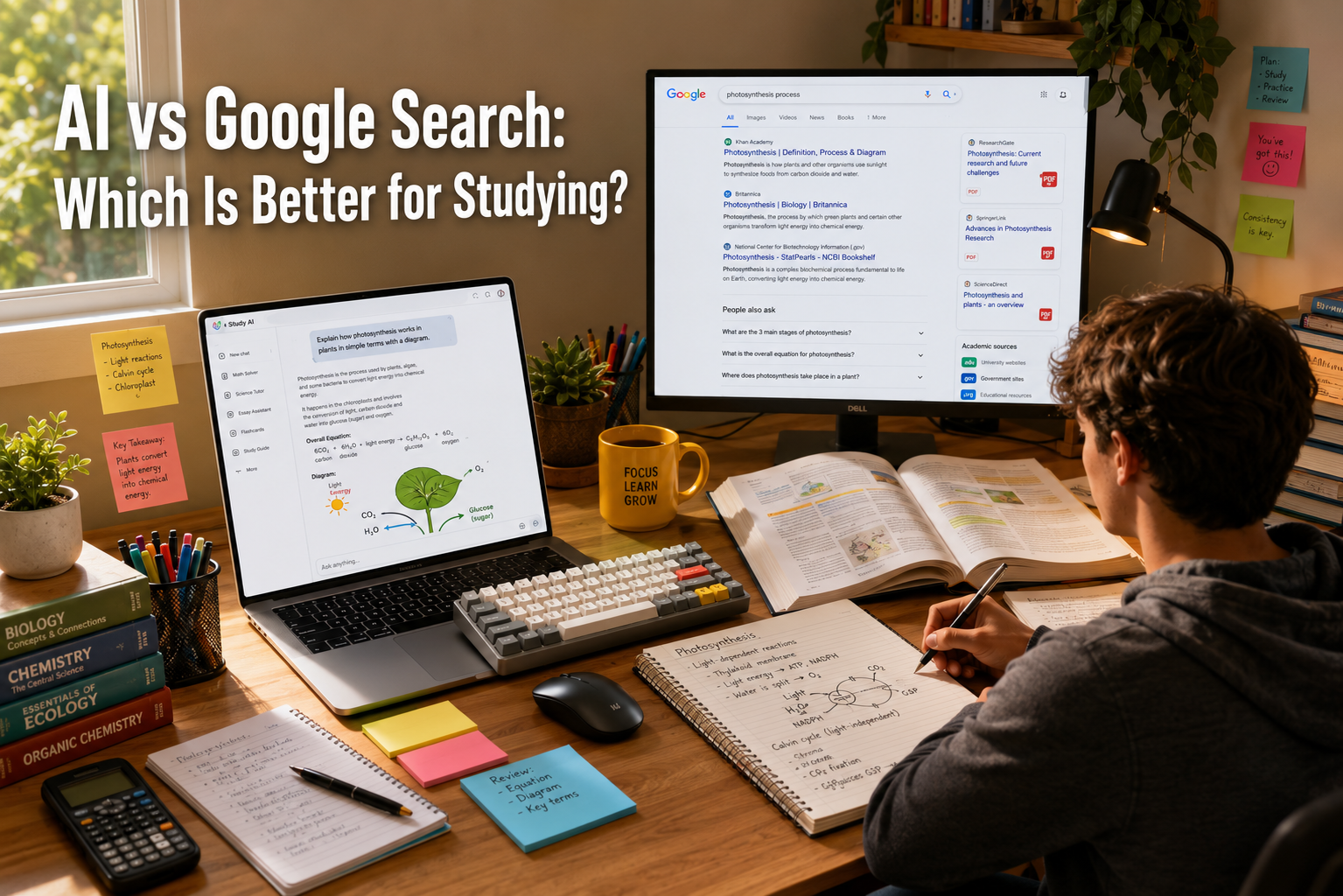
AI vs Google Search: Which Is Better for Studying?

The debate over AI vs Google Search for studying has completely transformed how students approach homework, research, and exam preparation. For decades, standard search engines served as the undisputed gateway to information, requiring users to sift through pages of links to find answers. However, modern generative platforms now offer instant, synthesized explanations tailored to individual needs. Navigating this shift requires understanding how these tools affect your learning efficiency and academic integrity. According to guidance on Google Search Central, the focus remains on finding helpful, high-quality information, whether created by humans or automation.

Choosing the right platform depends entirely on your immediate academic goal. While one tool excels at breaking down complex formulas, the other remains unmatched for finding primary research documents. This article explores the strengths, limitations, and practical applications of both methods to help you study smarter. We will also explain how both technologies process information so you can choose the best tool for your next big assignment. If you prefer listening to study notes instead of reading them, you can also explore our guide on AI voice generators without a subscription to make revision more convenient.

AI vs Google Search for Studying: The Main Differences

The fundamental difference lies in how these platforms retrieve and process data. Google operates as an indexer, pointing you toward existing live web pages. Conversely, artificial intelligence acts as a synthesizer, processing vast amounts of data to generate a cohesive response from scratch. This divergence fundamentally alters the user experience, changing you from a passive browser into an active conversationalist. When you search on a traditional platform, you must click multiple links, read through paragraphs of text, and compile the answers yourself.

Understanding this distinction changes how you approach assignments. When you use a search engine, you must evaluate multiple sources to verify accuracy. When you use an intelligent assistant, you receive a direct answer, but you must actively guard against potential misinformation or “hallucinations.” Traditional search engines respect the original context of the publisher, showing you exactly where the data lives. Artificial intelligence strips that context away to give you a clean, unified summary. Both methods possess clear advantages, but they require entirely different levels of critical thinking and source verification from the student.

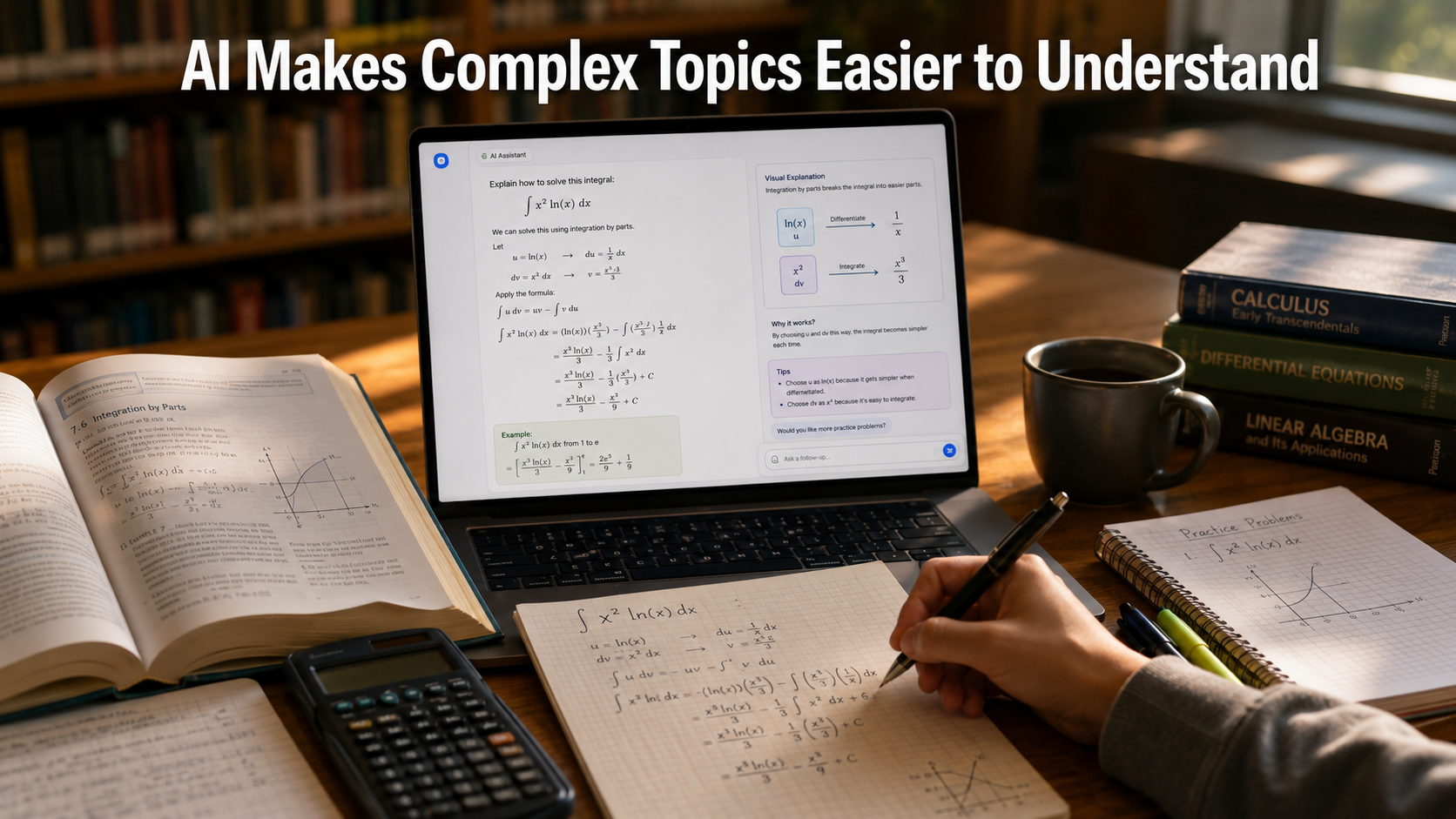
Why AI Excels at Explaining Complex Concepts

Artificial intelligence shines when you need to understand difficult, abstract topics. Instead of reading an entire academic paper, you can ask a tool to simplify the material. The technology acts as a personalized assistant that never runs out of patience, allowing you to ask the same question in ten different ways until you completely grasp the core concept. It eliminates the frustration of hitting paywalls or navigating cluttered, ad-heavy websites just to find a basic definition.

An intelligent assistant can adapt its explanation to your current learning level. If a textbook definition of quantum physics feels overwhelming, you can request an analogy suited for a high school student. This interactive, conversational dynamic mimics a private tutor, allowing you to ask follow-up questions until the concept clicks. You can easily paste a confusing paragraph from your syllabus and ask the machine to translate it into plain English, saving you hours of academic frustration.

For STEM subjects, generative models provide structured, sequential breakdowns of complex equations. They do not just give you the final answer; they detail the journey required to get there. For instance, computer science students can paste broken code blocks to find syntax errors instantly. Math students can view calculus workflows step by step, seeing exactly which algebraic rule applies to each line. This guided feedback helps you identify your mistakes, turning a simple homework session into an active, independent learning experience.

Where Google Search Remains Unmatched for Students

Despite the rapid growth of automation, traditional web search remains an essential asset for serious academic research. The open web holds billions of verified documents, real-time statistics, and primary sources that algorithms cannot reliably replicate from memory alone. When you need absolute factual certainty, historical accuracy, or official institutional data, standard indexing platforms remain the gold standard. They provide the necessary transparency that rigorous academic environments demand from researchers.

Traditional search connects you directly to the source code of global knowledge. If you need a specific government report, a historical archive, or real-time news data, search engines deliver the exact URL. This direct access ensures that you can cite your sources cleanly, which is a core requirement for university-level writing. It also allows you to discover niche forums, PDF datasets, and library catalogs that an artificial intelligence model might overlook or condense into a generic summary.

Because search engines display the exact website hosting the information, evaluating authority becomes straightforward. You can easily check if an article originates from a peer-reviewed journal or a personal blog. This transparency supports critical thinking, ensuring your study materials align with high academic standards. It forces you to look at author credentials, publication dates, and institutional backing. Ultimately, relying on verified search results protects your reputation and prevents you from building an entire research paper on automated fabrications.

How to Combine Both Tools for Maximum Study Efficiency

You do not have to choose just one platform. In fact, the most successful students use a hybrid strategy that leverages the unique strengths of both systems. By treating these technologies as complementary forces rather than direct rivals, you can build a highly optimized workflow. This balanced methodology allows you to maintain extreme academic accuracy while significantly reducing the time you spend reading, formatting, and organizing your study materials.

Start your assignment by using traditional search engines to gather high-quality sources, PDF studies, and data points. This ensures your foundation rests on verifiable, peer-reviewed facts. Once you compile your reading list, use an intelligent assistant to summarize long paragraphs, extract key themes, or generate flashcards for active recall. You can feed the verified search results directly into the generative model, asking it to quiz you on the specific data you discovered.

This hybrid approach protects the accuracy of your data while drastically accelerating your overall reading speed. For example, you can find a complex economic report via a standard search engine, then use an automation tool to break down the key financial metrics. By letting the search engine handle discovery and the intelligent tool handle synthesis, you protect yourself from misinformation while maximizing your productivity. It represents the ultimate modern blueprint for academic success.

FAQ Section

Is AI Better Than Google for Exam Preparation?

AI is generally better for active exam preparation. It can generate interactive practice quizzes, create custom flashcards, and simulate real testing conditions using your lecture notes. It also helps you test your memory through active recall. This learning method is scientifically proven to improve long-term retention. By turning static bullet points into multiple-choice questions, AI becomes a personalized study partner that adapts to your pace.

Google is better when you need official past exam papers, answer keys, or syllabus guidelines. It helps you find the exact materials published by your school or examination board. AI, on the other hand, helps you understand and practice that material. For example, you can use Google to find a past chemistry paper. Then, you can ask AI to explain why option C is correct, step by step. Using both tools together provides a more complete exam preparation strategy.

Can Using AI for Studying Cause Academic Dishonesty?

Yes, using AI can lead to academic dishonesty if you copy generated text and submit it as your own. Most schools and universities consider uncredited AI-generated content to be plagiarism. It does not reflect your own critical thinking, research, or writing skills. Academic integrity policies require that your work represents your own learning. Using AI to write an entire assignment bypasses that process. As a result, many institutions now use AI-detection tools.

Use AI ethically by treating it as a brainstorming partner or study assistant. It can explain difficult concepts, create essay outlines, and proofread your drafts. However, you should write your final essays, code, and lab reports yourself. Doing so helps you maintain academic integrity and avoid penalties such as failing a course or facing suspension.

Why Does AI Sometimes Give Incorrect Information When Studying?

AI systems do not actually know real-world facts. They predict the most likely sequence of words based on patterns in their training data. This design can produce “hallucinations.” These are responses that sound convincing but contain false information, incorrect dates, or made-up facts. AI models also write with confidence, even when they are wrong. This can mislead students who do not verify the information.

Always check important facts before using them in assignments or exams. Verify formulas, historical dates, and key concepts with trusted sources. Compare AI responses with your textbook or reliable educational websites. Never rely on AI alone for high-stakes academic work.

Which tool is better for finding academic papers?

Google, specifically Google Scholar, remains vastly superior for locating peer-reviewed academic papers, established journals, and official legal documents. It provides direct, unfiltered access to live institutional databases, original publisher links, and comprehensive citation counts. These metrics are absolutely essential for verifying a paper’s academic impact and tracing the chronological history of a specific scientific or historical debate.

While modern AI assistants can sometimes search the web or summarize uploaded PDFs, they frequently invent fake sources, hallucinate URLs, or misattribute authors, making them entirely unreliable for foundational source gathering. Serious academic research requires transparent tracking, stable bibliographies, and verified index links that only a dedicated academic search engine can provide. Using Google ensures that your literature review is built on legitimate, traceable scholarship, allowing you to cite real authors and defend your research paper’s bibliography under strict academic scrutiny.

Does Google Search Use AI to Help Students?

Yes. Modern search engines use AI to improve search results for students. In the debate over <strong&gt;AI vs Google for studying, Google now combines both technologies. Features like AI Overviews summarize complex topics at the top of the results page. They also provide links to trusted sources for further reading. This gives students a quick overview and access to reliable information.

&lt;p>The comparison of AI vs Google for studying is becoming less clear because Google now includes AI-powered features. Students can read a summary and then explore the original sources. This saves time while supporting fact-checking. When comparing AI vs Google for studying, Google offers both AI-generated explanations and traditional search results. As AI vs Google for studying continues to evolve, students benefit from using both approaches together. Overall, AI vs Google for studying is no longer about choosing one tool over the other. It is about using each tool for its strengths.

Conclusion

When evaluating AI vs Google Search for studying, the ideal solution is integration rather than exclusion. Artificial intelligence functions beautifully as a flexible, patient tutor that can simplify dense textbook jargon, format complex code, and build customized practice tests on demand. It streamlines your cognitive load, transforming overwhelming amounts of text into actionable, conversational insights that match your unique learning speed. By handling the heavy lifting of summarization and interactive testing, it makes study sessions far more dynamic and engaging than traditional reading.

Meanwhile, traditional web search serves as your anchor for factual accuracy, providing direct access to primary academic journals, live data, and verifiable citations. It ensures your academic foundation remains securely rooted in real-world evidence, keeping you safe from algorithmic errors and plagiarism concerns. Search engines preserve the critical human element of research, linking you directly to the experts, institutions, and peer-reviewed studies that drive global education forward.

By utilizing search engines to discover your core facts and intelligent tools to process them, you can build a highly efficient, reliable study routine. This dual approach saves time without sacrificing depth, allowing you to master complex subjects quickly while ensuring every claim in your homework is backed by genuine authority. Ultimately, the future of studying belongs to students who know how to navigate both technologies responsibly.

AI Study Planner: Does It Really Work?

AI Study Planner: Does It Really Work?

Staying on top of coursework can feel like a losing battle for modern students. Between attending lectures, submitting weekly assignments, maintaining a social life, and managing personal commitments, managing your time requires constant, exhausting effort. This ongoing challenge has led many struggling students to turn to a digital AI study planner to fully automate their daily routines. Platforms like Shovel and other smart scheduling tools promise to eliminate procrastination by calculating exactly what to study and when. However, do these digital assistants actually improve your academic performance, or are they just a glorified version of a Google Calendar?

The harsh reality of academic stress is driving this massive shift toward automation. Traditional paper planners and static calendar applications require manual updates every single time a deadline moves or a lecture gets unexpectedly rescheduled. When life gets chaotic, maintaining the planner itself becomes just another tedious chore on your endless to-do list. If you still prefer organizing your study sessions manually, you can also learn how to create a study timetable that complements digital planning tools.

An automated scheduling tool aims to solve this friction by adapting to changes dynamically. This comprehensive review explores how digital study assistants function under real-world conditions. We will analyze their core features, discuss their practical benefits, and highlight potential limitations. By the end, you will know exactly whether integrating an artificial intelligence tool into your academic routine is truly worth the investment.

How Does an AI Study Planner Actually Work?

Traditional calendar apps act as passive storage for your tasks, relying entirely on you to sort through the clutter. In contrast, an automated scheduler acts as an active project manager for your education. When you first set up the software, you do not just type in your exam dates and hope for the best. You input your class schedule, recurring personal commitments, target grades, and current confidence levels in specific subjects. The underlying algorithm processes these variables to identify your true available free hours each day.

By calculating these metrics, it breaks massive study goals into bite-sized, manageable daily tasks. If you tell the system that you have a chemistry exam in two weeks, it will not wait until the night before to alert you. Instead, it systematically distributes study blocks across your calendar, ensuring you cover every topic without burning out. Moreover, these platforms learn from your daily behavior over time. If you consistently skip a scheduled study session on Thursday afternoons, the algorithm notices the pattern. It adjusts future recommendations, shifting heavy cognitive tasks to times when you are statistically more focused and productive. This creates a deeply personalized rhythm that matches your natural biological energy levels.

The Benefits of Using an Automated Scheduling Tool

The primary advantage of using a smart scheduler is the complete elimination of decision fatigue. Many students waste valuable energy simply deciding what to study first, which often leads to total avoidance of the task. An automated system removes this mental barrier by presenting a clear, singular directive the moment you open your laptop. You no longer have to choose between history or math; the planner makes the optimal choice for you based on impending deadlines.

Furthermore, every student processes information at a completely unique pace. A smart planner recognizes this variance by allowing you to adjust how much time you dedicate to specific modules. For instance, if a mathematics concept takes longer to master than expected, the software recalculates your remaining weeks automatically. It also builds hidden safety margins into your week, keeping you on track even if unexpected events occur. This predictive buffer time ensures that a single bad day does not ruin your entire monthly preparation strategy. By partitioning a syllabus into thirty-minute daily milestones, the software lowers the barrier to entry, reducing academic procrastination and making massive projects feel achievable.

Potential Drawbacks of Digital Revision Assistants

While the technology offers clear benefits, a digital scheduler is not a magic solution for academic success. The software relies entirely on the accuracy of the data you provide. If you fail to log your assignments or consistently overestimate your daily free time, the generated schedule becomes completely useless. Algorithms lack human intuition, meaning they cannot guess that you are feeling exhausted or that an assignment turned out to be doubly difficult.

Furthermore, some users experience a phenomenon known as optimization anxiety. Watching an algorithm recalculate your entire month because you missed a single study block can feel discouraging and clinical. If you possess a highly unpredictable schedule or a chaotic personal life, the rigid structure of automated time-blocking might feel restrictive rather than liberating. It takes immense discipline to look at a machine-generated plan and follow it precisely without rebeling against the structure. Therefore, students who prefer spontaneous learning might find these digital tools create more stress than they actually solve.

Maximizing the Efficiency of Your AI Study Planner

To get the most out of your digital assistant, you must establish a consistent routine around its functionality. Treat the software as a strict operational framework rather than a casual suggestion. The optimization process works beautifully, but it requires clean data. You must make it a habit to input new assignments the exact moment your professor assigns them, ensuring the algorithm always calculates your workload using real-time parameters.

Additionally, you must sync all personal calendars with the software. Never isolate your academics from the rest of your life, as they constantly influence each other. Integrate your work shifts, social events, and fitness routines into the platform. If the algorithm does not know you work a job on Tuesday nights, it will continue to schedule heavy revision sessions during those hours. Finally, spend ten minutes every Sunday conducting a thorough progress audit. Review the accuracy of your planner and adjust your estimated task completion speeds based on the previous week’s actual performance. This regular maintenance ensures the algorithm stays aligned with your actual operational capacity.

The Verdict: Should You Switch to an Intelligent Planner?

An AI study planner is an incredibly effective tool for students who struggle with time management and organizational consistency. It bridges the gap between knowing what to do and actually finding the physical time to execute it. The software takes away the stress of organization, leaving you with more cognitive energy to actually focus on your coursework. It turns an overwhelming syllabus into a daily step-by-step checklist that guarantees coverage of the material.

However, the software cannot sit at the desk and do the hard work for you. It is a tool for execution, not a replacement for effort. If you are willing to input accurate data and respect the generated schedule, this technology can significantly reduce your academic stress and elevate your final grades. It represents a major upgrade over traditional methods for anyone ready to commit to a structured routine. For those students, the investment yields massive returns in both productivity and peace of mind.

Frequently Asked Questions

Can an AI study planner help me prepare for major standardized exams?

Yes, these specialized platforms excel at preparing students for high-stakes, long-term standardized exams like the SAT, MCAT, or LSAT. These massive tests require months of sustained, structured revision rather than ineffective short-term cramming sessions. The advanced algorithm calculates the total number of study hours required to cover the comprehensive material and distributes them evenly across your remaining timeline. This systematic approach effectively prevents last-minute panic and ensures you allocate sufficient time to practice exams and weak subject areas. By tracking your progress over months, the planner keeps you accountable, ensuring you peak intellectually right when exam day arrives. Additionally, it adapts to your changing performance metrics, dynamically offering more focus on topics where your practice scores lag, acting as a highly efficient, automated personal tutor that optimizes every single study session.

Are there reliable free versions of these automated tools available?

Many platforms offer functional free tiers or trial periods for students on a tight budget. These basic versions usually include core features like deadline tracking and fundamental time-blocking. However, advanced features like predictive analytics, deep calendar synchronization, and hyper-personalized study recommendations usually require a monthly premium subscription. The free versions are typically excellent for determining whether you enjoy the digital workflow before committing financially. It is wise to test a few free tools to see which user interface matches your personal style before upgrading to a premium account. Furthermore, some open-source projects or institutional applications provide robust scheduling algorithms entirely free of charge through university partnerships, meaning you should always check if your academic institution provides institutional access to premium organization software before spending your own money.

How does an AI study planner handle sudden changes in my schedule?

When you miss a deadline or add an unexpected event, the algorithm instantly rebalances your remaining schedule. It looks at your upcoming free blocks and redistributes the missed tasks across the next few days automatically. This real-time flexibility is the main reason students prefer automated tools over static paper planners, as it removes the stress of manually erasing and rewriting your entire week. The system adapts to your life, ensuring that an emergency on Tuesday does not derail your success on Friday, keeping your momentum alive without manual scheduling work. This automatic redistribution process ensures that tasks never pile up into an unmanageable bottleneck, allowing you to easily visualizer a realistic path forward even after taking an unplanned day off due to illness, unexpected work shifts, or personal emergencies.

Will using a smart scheduler eliminate academic burnout?

It can significantly reduce the risk of burnout, but it cannot eliminate it entirely without your active cooperation. The system works to prevent burnout by discouraging dangerous cramming sessions and ensuring you take regular breaks. It visualizes your actual workload, making it easier to see when you are overcommitting yourself. However, you must still listen to your body and explicitly schedule rest days within the application to maintain long-term mental health. The tool provides the framework for balance, but you must possess the wisdom to enforce your own physical boundaries. An algorithm can flag that you are studying ten hours a day, but if you choose to ignore the warnings and bypass the built-in rest periods, the technology loses its preventative efficacy, making human compliance the ultimate deciding factor in long-term wellness.

Is my personal data safe with these online educational platforms?

Most reputable educational software companies prioritize user privacy and employ standard data encryption protocols to protect your information. They collect data strictly to train the scheduling algorithm and improve your overall user experience. Before signing up, you should always review the platform’s privacy policy to ensure they do not sell your personal data to third-party advertisers or data brokers. Look for applications that comply with modern data protection regulations to ensure your academic records and daily habits remain completely secure, private, and out of the wrong hands. Additionally, you can choose platforms that allow you to use an anonymous email alias and minimize the amount of real-world personal identifiers you upload into the cloud database, giving you complete control over your digital footprint while still leveraging the powerful scheduling capabilities of the software.

Conclusion

Embracing an AI study planner can transform the way you approach your academic workload. By transforming your static to-do list into a dynamic, responsive schedule, these tools remove the administrative friction of being a student. They eliminate the daily guesswork of lesson planning, allowing you to focus entirely on deep learning and retention. This shift in focus maximizes your academic efficiency, ensuring that every hour spent at your desk yields real results. The software acts as a supportive digital coach, keeping you moving forward even when motivation wanes.

While they require initial setup and honest data entry to function optimally, the return on investment is undeniable. The technology has matured to a point where it genuinely understands human scheduling conflicts and learning curves. If you want to optimize your time, eliminate procrastination, and reduce exam anxiety, let an intelligent algorithm handle your calendar. Stop fighting your schedule and start mastering it with the help of modern automation.

Best Notion Templates for Students to Organize College

Master Your Studies: The Ultimate Guide to Notion Templates for Students

College life is a fast-paced balancing act that can easily overwhelm even the most dedicated individuals. Between tracking complex assignment deadlines, managing daily lecture notes, and maintaining a healthy social life, it is incredibly easy to feel scattered. Fortunately, Notion provides an incredible, all-in-one digital workspace that helps you centralize your entire academic world in one organized space. By utilizing specialized Notion templates for students, you can completely skip the tedious setup process and immediately build a high-functioning digital system that keeps you deeply focused.

This comprehensive guide explores how Notion templates for students can improve the way you study. We cover the essential features every workspace should include, review the best template layouts, and share practical customization tips. Whether you want to prepare for exams, organize assignments, or track daily habits, the right workspace can improve productivity and reduce stress. In addition, if you’re planning to build a student portfolio or launch a personal project, our guide on making a small business website on a budget can help you create a professional online presence without spending a fortune. Overall, investing a little time in setting up your workspace today can save you hundreds of hours throughout your college years.

Why Academic Layouts Change the Way You Study

Traditional paper planners and basic text documents often fail modern college students because they lack flexibility. For example, if a professor changes an exam date or extends a project deadline, you must update your schedule manually. As a result, you waste time rewriting plans and correcting mistakes.

However, digital workspaces solve this problem with connected databases. You can link your class schedule to your daily task list. Therefore, a change in one place updates related information automatically. This saves time and keeps your schedule accurate.

Moreover, these structured workspaces keep all your study materials in one place. Instead of searching through notebooks or desktop folders, you can quickly find everything in the cloud. In addition, this organized system reduces mental clutter and improves focus. Consequently, you spend less time looking for files and more time learning the concepts that matter most.

Key Features Every Student Dashboard Needs

An effective academic workspace must do much more than just look aesthetically pleasing on your computer screen. It needs to serve as a functional, high-powered engine for your daily productivity and academic achievement. When selecting or building your custom setup, you must ensure it includes several core components that work together seamlessly. Without these fundamental pillars, your workspace will eventually become just another disorganized digital junk drawer that you avoid using.

Dynamic Assignment Trackers

Your assignment tracker is the ultimate heartbeat of your entire digital workspace layout. It should allow you to instantly sort tasks by due date, urgency, course name, and completion status. Advanced layouts utilize a comprehensive calendar view or a Kanban board to give you a highly visual representation of your upcoming weeks. Therefore, you can easily spot busy exam periods ahead of time and plan your study sessions before stress builds up.

Interconnected Lecture Notes Databases

Static notes written in isolated documents severely limit your ability to make meaningful connections between complex academic topics. A great student dashboard uses relational databases to link your notes directly to specific classes, professors, and text readings. You can also implement active recall strategies, like hiding crucial study answers inside drop-down toggle lists, to easily quiz yourself right inside the application before big exams.

Personal Habit and Budget Logs

True student success always extends far beyond achieving a perfect grade point average. Managing your personal life, health, and finances is equally critical to avoiding burnout during the semester. The best digital setups include built-in daily habit trackers, workout logs, meal planners, and monthly budget trackers. Keeping these personal databases alongside your academic trackers ensures you maintain a healthy, balanced lifestyle while pursuing your degree.

The Best Notion Templates for Students to Boost Productivity

Finding the perfect setup depends heavily on your specific workflow preferences, tech-savviness, and unique academic major. Let us look deeply at the most popular layout styles that high-achieving individuals use every single day to stay ahead of their coursework.

STUDENT DASHBOARD CORE

1. Academics
  • Class Notes
  • Assignment Log
2. Personal
  • Daily Habits
  • Meal Planner
3. Life Tracking
  • Budget Logs
  • Goal Setting

The Minimalist Clean Workspace

If you get easily distracted by too many visual elements, a minimalist design is absolutely your best choice. These layouts focus strictly on clean text, subtle lines, and hidden databases, keeping your immediate daily priorities front and center. They typically feature a clean to-do list and a straightforward calendar view, ensuring lightning-fast loading times on both your laptop and mobile phone.

The Aesthetic Notion Templates for Students

For many visual learners, the overall appearance of their workspace directly impacts their daily motivation and focus. Aesthetic layouts use beautifully cohesive color palettes, custom cover images, unique icons, and embedded widgets like lo-fi music players or countdown timers. While these visual additions make studying more enjoyable, always verify that the underlying database structure remains highly practical and organized.

The Master All-in-One University Operating System

This is the ultimate setup for heavy users who want a fully automated, connected digital experience. A master university operating system connects every single sub-page in your entire workspace using complex relational tools. For instance, when you check off an assignment in your tracker, it can automatically update your course progress bar and log your study hours into a main dashboard.

Step-by-Step Guide to Customizing Your Study Workspace

Once you download a basic layout, customizing it to match your unique workflow is the next essential step to achieving true efficiency. Every university has different requirements, so forcing yourself into a rigid, pre-made layout without adjustments will only hinder your productivity over time. Follow these simple steps to tailor the digital workspace entirely to your daily routine and personal preferences.

  • Input your current syllabus: Open all your course outlines at the start of the semester and fill your master database with every exam, project, and reading assignment.

  • Set up automated status tags: Use vibrant, colorful tags like “Not Started,” “In Progress,” “Reviewing,” and “Submitted” to quickly identify where you need to focus your immediate energy.

  • Embed external learning tools: Add live widgets, embed Spotify study playlists, or link your Google Drive folders directly inside your project pages for seamless access to resources.

  • Create a quick-capture mobile page: Design a simple, highly accessible button on your phone’s home screen to jot down sudden ideas, tasks, or reminders while walking across campus.

FAQ Section

How do I add student templates to my personal Notion account?

Adding Notion templates for students to your account is simple. First, sign in to your Notion workspace using a desktop or laptop browser. Next, open the public page for the Notion templates for students that you want to use. Then, click the Duplicate button in the top-right corner.

After you click Duplicate, the selected Notion templates for students are copied to your personal workspace. The template, databases, linked pages, and layouts are added automatically. As a result, you can start using the template immediately.

Once the process is complete, you have full control over your copy. You can edit, rename, delete, or customize every page without affecting the original version. In addition, you can modify the layout, add new databases, and personalize the design. This flexibility makes Notion templates for students ideal for different study styles and academic goals. Ultimately, well-organized Notion templates for students can help you manage courses, assignments, and deadlines more efficiently throughout the semester.

Is Notion completely free for university students?

Yes. Notion offers a free upgrade to its Plus Plan for eligible university students and educators. To qualify, sign up with your official university email address. This is usually an email ending in .edu or your institution’s local equivalent.

If you already use a personal Gmail or Yahoo account, you can change your login email in your account settings. After verification, you can claim the student plan.

The free student upgrade includes several premium benefits. You get unlimited file uploads and a 30-day version history for your pages. If you accidentally delete important notes, you can restore them within that period. This feature is especially useful during busy exam seasons.

Can I use these templates effectively on my smartphone?

Yes. You can access, view, and edit your study workspace using the official mobile app. It is available for both Android and iPhone devices. Keep in mind that large dashboards may not display well on smaller screens. Wide tables, multi-column layouts, and heavy widgets can feel crowded on a phone.

For a better experience, create a separate mobile-friendly page. Place it near the top of your sidebar for quick access. Add large action buttons and simple vertical task lists. This makes it easy to check off assignments, update habits, and find classroom information. You can do all of this while moving between classes without scrolling through large databases.

What is the best way to track my grades using a digital layout?

The most efficient and accurate method to track your academic grades is to utilize a master database that features weighted formula properties. Within your main assignment tracker database, create a numerical column for your earned score, another column for the total possible points, and a third column for the specific percentage weight of that task according to your syllabus. By applying a standard mathematical formula property, your main course dashboard will automatically calculate your real-time cumulative grade dynamically. This means every time you type in a quiz score, your overall predicted grade updates instantly. This allows you to see exactly where you stand mathematically throughout the entire semester. Consequently, you can prioritize your study time effectively, focusing heavily on heavily-weighted final projects while maintaining a clear, accurate, and predictable projection of your final grade point average.

How do I keep my workspace from becoming cluttered?

Keeping your workspace organized requires a simple weekly routine. First, set aside 10 to 15 minutes every Sunday evening for maintenance. Then, review completed assignments and archive finished group projects. Next, remove temporary notes from your inbox. After that, delete unnecessary scratchpad files and outdated documents. Finally, update your habit tracker and plan your schedule for the coming week.

At the end of each semester, move completed courses into a master Archive page. As a result, your main dashboard stays clean and ready for the next term.

A well-organized workspace reduces visual clutter and makes important information easier to find. In addition, it helps you stay focused and lowers unnecessary stress. Overall, regular maintenance keeps your dashboard useful instead of letting it become another source of distraction.

Conclusion

Embracing Notion templates for students is one of the most effective ways to improve your academic workflow and reduce college stress. These customizable templates replace scattered notebooks and forgotten sticky notes with one organized digital system. Everything you need stays in a single workspace. This makes it easier to manage classes, assignments, notes, and deadlines.

By using connected databases, you can clearly track your weekly schedule and academic progress. This improves time management, reduces stress, and helps you stay focused. As a result, you can work more efficiently and improve your grades.

The best productivity system is one that grows with your academic needs. Update your workspace as your classes and priorities change. Rearrange your layout, replace widgets, or modify your databases whenever necessary. Small improvements over time often produce the best results.

Now is the perfect time to build a digital workspace that supports your goals. Take control of your schedule, stay organized every day, and create a more productive and successful college experience.

Best Free Student Software for Academic Success

Best Free Student Software for Academic Success

Juggling classes, assignments, and tight budgets is a core part of the university experience. Fortunately, being a student comes with major perks, including access to powerful digital tools completely free of charge. Finding the right free student software can transform how you take notes, manage projects, and create presentations, saving you hundreds of dollars each semester. Many top tech companies offer premium tools at zero cost to anyone with a valid school email address.

Instead of stretching your budget for expensive licenses, you can leverage these resources to streamline your workflow. For instance, you can access powerful productivity suites directly through the Microsoft Education platform, which provides essential tools for writing and data analysis. Utilizing these free options allows you to focus your financial resources on other university essentials while maintaining a high standard of academic work.

This comprehensive guide covers the essential applications every student needs this year. We will explore top-tier alternatives for writing, graphic design, programming, and time management. If you’re looking for subject-specific recommendations, don’t miss our guide on the best apps to help students with their science homework, which highlights useful tools for improving learning and completing assignments more efficiently. By the end of this article, you will know exactly how to equip your laptop with premium-grade utilities without spending a single penny.

Master Your Studies with the Right Digital Tools

Essential Productivity and Office Suites

Every student needs a reliable office suite for essays, spreadsheets, and presentations. While proprietary software used to cost a fortune, students can now access premium ecosystems entirely free. Academic writing requires a stable platform that supports complex formatting, citation plug-ins, and cloud backups to avoid losing data during system crashes. Fortunately, the current software landscape offers incredible tools that rival paid corporate platforms in every category.

By utilizing free office suites, you ensure that your files remain compatible with your professors’ systems. These platforms also offer extensive template libraries for resumes, lab reports, and budget trackers. Choosing the right productivity ecosystem early in your academic career helps build standard workplace skills that transfer directly into future professional environments.

Microsoft 365 and Google Workspace

Most universities partner with major tech providers to give students free access to cloud-based tools. If your school provides a .edu email address, you can likely download Word, Excel, and PowerPoint for free. These desktop versions offer advanced data analysis and complex formatting tools necessary for engineering, mathematics, and business majors.

Alternatively, Google Workspace offers seamless real-time collaboration that requires no installation. It is incredibly useful for group projects where multiple people need to edit a single document simultaneously. Google Drive also provides reliable cloud storage, ensuring your essays are safe even if your laptop suddenly stops working. Both ecosystems integrate perfectly with popular learning management platforms used by universities worldwide.

Powerful Open-Source Alternatives

If you prefer offline access without cloud dependencies, open-source programs are fantastic choices for privacy-conscious users. LibreOffice and Apache OpenOffice provide fully functional word processors, spreadsheet editors, and presentation applications at zero cost. These programs run smoothly on older laptops because they require very little system memory or processing power compared to modern cloud apps.

Furthermore, open-source applications support standard file formats like .docx and .xlsx, meaning your professor will always be able to open your submissions. They contain no hidden paywalls, subscription prompts, or data-tracking algorithms. This makes them an incredibly stable option for students who want a clean, distraction-free environment for deep academic focus.

Advanced Creativity and Design Applications

Graphic design, video editing, and UI layout tools are no longer reserved solely for design majors. Modern coursework across all disciplines frequently requires visual presentations, business reports, marketing pitches, and digital portfolios. Having professional tools allows you to elevate your assignments and stand out in competitive academic environments.

Investing in creative software suites can quickly drain a student’s bank account due to expensive recurring monthly subscriptions. Thankfully, the creative tech industry has embraced the student community by offering highly capable free tiers and open-source equivalents. These applications provide the exact same toolsets used by professional studios and creative agencies worldwide.

Free Tiers of Premium Creative Tools

Canva is a massive favorite among students for creating quick, stunning graphics, posters, and interactive slide decks. The platform offers a highly generous free tier that satisfies most classroom requirements with thousands of templates. You can design professional-looking infographics for science classes or pitch decks for business competitions within minutes using their intuitive drag-and-drop interface.

For interface design, user experience mapping, and digital prototyping, Figma offers a robust free education plan. This plan gives you access to professional-grade collaboration features used by industry experts in tech companies. Students can build interactive mobile app mockups or website layouts collaboratively in real time, making it an indispensable asset for computer science and design courses.

Open-Source Multimedia Editors

If you need deeper editing capabilities for video or audio projects, proprietary software can be prohibitively expensive. Thankfully, tools like DaVinci Resolve offer Hollywood-grade video editing, color correction, and audio post-production software completely free. While it has a slight learning curve, it provides unmatched power for producing high-quality video presentations and film projects.

For audio editing, podcast assignments, or sound design, Audacity remains the undisputed gold standard for quick, high-quality audio manipulation. It allows students to record live audio, remove distracting background noise, and mix multiple tracks seamlessly. Because it is lightweight, Audacity runs efficiently on almost any computer configuration without causing system lag.

Organization, Note-Taking, and Time Management

Staying organized is often the hardest part of college life as assignments begin to pile up. Between tracking overlapping deadlines, managing massive amounts of reading material, and balancing extracurricular activities, a digital second brain is essential. Relying on paper planners or simple text files often leads to missed deadlines and unnecessary stress.

Modern organization tools allow you to centralize your academic life into a single, cohesive dashboard. By automating your scheduling and categorization, you free up mental bandwidth to focus entirely on learning. The right organizational framework helps turn chaotic lecture notes into searchable, valuable knowledge bases that last long after graduation.

Smart Note-Taking Repositories

Notion has taken the academic world by storm and is one of the best free student software options due to its highly customizable workspaces and database structures. Students can upgrade to a Personal Pro plan for free using their school email, allowing for unlimited file uploads and detailed project tracking. You can build custom assignment trackers, lecture note repositories, and daily planners that sync perfectly across your phone and laptop, making it an excellent choice for free student software users.

Similarly, Obsidian offers a powerful, markdown-based local note-taking experience for students who prefer privacy and speed. It helps you connect ideas visually through an interactive graph view, showing how different course topics intersect over time. Because Obsidian stores files locally as plain text, your notes remain completely secure and accessible even without an active internet connection, making it another reliable free student software solution for organized studying.

Reference and Citation Managers

Writing long research papers requires meticulous source tracking, accurate formatting, and extensive reading lists. Instead of compiling bibliographies manually at two in the morning, smart tools like Zotero and Mendeley automate the entire process. These programs integrate directly with your web browser to save source metadata, PDF files, and web snapshots with a single click.

Furthermore, they install plug-ins directly into your word processor to generate perfectly formatted in-text citations and bibliographies. Whether your department requires APA, MLA, Chicago, or Harvard style, these managers adjust the punctuation instantly. This eliminates formatting errors that could cost you valuable points on major term papers and thesis submissions.

FAQ SECTION

What is the best free student software for writing research papers?

Zotero is arguably the best tool for organizing research and generating bibliographies automatically. It allows you to save journal articles, books, and web pages with a single click from your browser. For the actual writing process, Google Docs and Microsoft Word (accessible via student accounts) are the industry standards. Using Zotero alongside these processors helps ensure your citations are perfectly formatted according to academic guidelines. This combination saves hours of manual formatting work, tracks your PDF files efficiently, and prevents accidental plagiarism by keeping your sources meticulously organized throughout your entire writing process.

Beyond standard features, Zotero acts as an archive, extracting metadata from obscure files and enabling seamless tag organization. You can create shared group libraries to collect references with project partners, eliminating duplicated efforts. By localizing your literature search and simplifying data entry, it establishes an incredibly reliable workspace for undergraduate theses, comprehensive literature reviews, and demanding graduate-level research papers.

Can I get professional design software for free as a student?

Yes, many top software companies offer full-featured educational licenses to verified academic users. Figma provides its professional design and prototyping platform entirely free for verified students and educators, which is excellent for UI/UX projects. For graphic design and quick presentations, Canva offers a highly functional free tier with thousands of templates. If you need advanced video editing, DaVinci Resolve offers a professional studio-grade editor completely free of charge. These tools ensure you do not have to compromise on quality when creating multimedia assignments, portfolios, or visual reports for your classes.

Accessing industrial software for free enables you to practice with identical interfaces used by modern agencies. For example, learning advanced video rendering in DaVinci Resolve or master component systems within Figma directly strengthens your professional resume. This dynamic ecosystem bridges the gap between theoretical classroom knowledge and corporate production realities, giving you a distinct advantage in internship searches.

Do I need a school email address to get free software?

In most cases, yes, an educational email address is required for instant verification. A valid email address ending in .edu or your regional institutional equivalent serves as instant proof of enrollment. Tech companies use automated verification systems like SheerID or UNiDAYS to check these credentials safely. However, if your school does not provide a student email address, many platforms allow manual verification. You can typically upload an official enrollment letter, a current tuition receipt, or a dated student ID card to unlock your free software benefits through their support portals.

The verification process remains highly streamlined across modern software suites. Once approved, access usually lasts for a full academic year before requiring a quick re-verification step. This dynamic allows student developers, creators, and researchers continuous access to premium tools, maximizing software utility throughout extended degree paths or multi-year academic programs without creating unfair financial barriers.

What are the best free alternatives to Microsoft Office?

Google Workspace is the most popular cloud-based alternative, offering Docs, Sheets, and Slides for easy collaboration. It allows multiple students to work on the same presentation or document simultaneously in real time. If you prefer a traditional desktop application that does not require an internet connection, LibreOffice is an excellent open-source alternative. It replicates almost all advanced features of Excel and Word, possesses high compatibility with standard file formats, and contains absolutely no hidden fees, paywalls, or advertisements, making it incredibly reliable for old laptops.

Choosing between Google’s collaborative cloud framework and LibreOffice’s secure offline ecosystem depends entirely on your specific workload requirements. Google handles fast group work elegantly, whereas LibreOffice handles macro scripts and large-scale data sets with ease. Combining both tools gives you a fully comprehensive, free alternative infrastructure capable of conquering every complex office assignment without ever purchasing a commercial license.

Is free open-source software safe to use on my laptop?

Yes, reputable open-source software is incredibly safe and often more secure than proprietary programs. Programs like Audacity, LibreOffice, and Zotero are developed transparently by global communities of programmers who constantly monitor the code. Because the source code is public, security vulnerabilities and bugs are caught and patched much quicker than in closed corporate systems. Always ensure you download these applications directly from their official project websites rather than third-party download portals to avoid modified or malicious installation bundles that could harm your operating system.

Furthermore, open-source utilities protect your digital privacy by excluding background telemetric tracking and hidden monetization features. Because these programs run natively without constant corporate data collection, they require significantly fewer background resources from your CPU. This background optimization translates directly into improved battery performance and faster system operations during long, intensive study sessions in the campus library.

CONCLUSION

Equipping your computer with the right tools does not have to break your bank account. The abundance of high-quality free student software available today ensures that financial constraints will never stand in the way of your academic success. From robust office suites like Google Workspace to advanced organization systems like Notion, you have access to the exact same utilities used by global professionals every day. Utilizing these applications effectively allows you to level the playing field, regardless of your personal budget.

Leveraging these digital resources allows you to organize your study schedules, collaborate seamlessly on group assignments, and produce beautiful visual projects. Taking the time to set up these applications at the beginning of the semester pays massive dividends when finals week arrives and stress levels rise. Explore these options, verify your student status using your institutional credentials, and build a streamlined digital workspace that helps you achieve your academic goals efficiently and comfortably.

Secure Home Network Guide for Remote Engineers

Secure Home Network Guide for Remote Engineers: Securing the Digital Workspace

As a remote developer, your local workstation is a direct gateway to production servers, proprietary source code, and sensitive client databases. Consequently, knowing Secure Home Network Guide for Remote Engineers demands is no longer just a nice-to-have skill; rather, it is a critical professional requirement. According to cybersecurity frameworks published by the National Institute for Standards and Technology (NIST), securing remote endpoints is the first line of defense against sophisticated supply chain attacks. Therefore, taking immediate steps to fortify your local setup is paramount to your engineering role.

When you work from home, standard consumer router settings leave you incredibly vulnerable to lateral network movement and malicious data interception. Cybercriminals frequently target software developers because a single compromised credential can grant them unauthorized access to an entire corporate repository. As a result, building a robust defense system at home protects both your professional livelihood and your company’s critical infrastructure.

This comprehensive guide will walk you through the essential architecture needed to isolate your development environment completely. Specifically, we will cover advanced hardware segregation, strict traffic encryption techniques, and router hardening strategies. By the end of this article, you will have a clear, actionable roadmap to turn your home office into an enterprise-grade secure hub.

Secure Home Network Guide for Remote Engineers: Why Standard Home Wi-Fi Fails

Most consumer home networks operate on a completely flat architecture, which means every connected device can talk to every other device freely. Consequently, if your smart refrigerator, a guest’s phone, or a family member’s tablet gets infected with malware, an attacker can easily scan your network for open SSH ports or unencrypted local databases running on your development machine. This lack of isolation turns a minor smart-home vulnerability into a major corporate risk.

Furthermore, default ISP routers often lack the processing power and advanced firmware updates necessary to block modern automated exploits. Indeed, they rarely support custom firewall rules, granular logging, or virtual local area networks (VLANs). For a software engineer handling highly sensitive API keys, cloud credentials, and deployment tokens, relying on default configurations is, therefore, a massive professional liability. Attackers know these devices are weak links and actively exploit them to gain initial access.

Additionally, consumer routers usually have weak encryption protocols enabled by default for backward compatibility with older devices. This vulnerability allows close-range attackers to sniff wireless packets and potentially capture sensitive data in transit. Therefore, standard home setups inherently fail to meet the rigorous security baselines required for handling modern enterprise software repositories.

Secure Home Network Guide for Remote Engineers: Essential Security Setup

1. Implement Network Segmentation via VLANs

The most effective way to secure your workspace is to isolate your development machine from the rest of your chaotic household traffic. Accordingly, you can achieve this by creating Virtual Local Area Networks (VLANs) on a managed switch or a prosumer router. This layout ensures that even if another device on your network is compromised, the threat remains safely contained.

  • Production/Work VLAN: Dedicate this exclusively to your work laptop, test local servers, and production deployment tools.

  • IoT VLAN: Move all smart TVs, smart plugs, and voice assistants to a separate network so they cannot communicate with your workstation.

  • Guest VLAN: Keep friends and family on an isolated channel that only grants internet access without local visibility.

By establishing these boundaries, you build a resilient defense-in-depth architecture. Consequently, a compromised smart bulb on your IoT network cannot execute code or scan ports on your primary machine. This simple logical separation dramatically reduces your overall attack surface.

2. Upgrade to a Prosumer Router or Firewall

Ditch the basic router provided by your internet service provider immediately. Instead, invest in dedicated hardware running open-source or prosumer firmware like pfSense, OPNSense, or Ubiquiti UniFi. These platforms are excellent because they allow you to configure strict firewall rules, monitor real-time traffic spikes, and run network-wide intrusion detection systems.

Prosumer routing hardware offers frequent security patches and robust processing power to handle encrypted tunnels without slowing down your internet speed. Moreover, they give you deep visibility into packet traffic, allowing you to spot unauthorized outbound connections from your network. This level of control is absolutely essential for diagnosing anomalous behavior before it turns into a severe breach.

Furthermore, professional hardware allows you to configure multiple service set identifiers (SSIDs) mapped directly to your custom VLANs. This means your work Wi-Fi network can remain invisible to unauthorized devices. Ultimately, upgrading your hardware transitions your home office from a hobbyist setup into a hardened enterprise micro-branch.

3. Enforce Strict Firewall Rules

Once you segment your network, you must establish explicit firewall rules to control the traffic moving between your newly created subnets. By default, you should adopt a posture of implicit deny, which blocks all traffic unless it is explicitly permitted by a rule.

  • Block all inbound traffic from the IoT and Guest VLANs directly to the Work VLAN.

  • Allow the Work VLAN to establish connections to the internet, but completely restrict local broadcast discovery protocols.

  • Change all default management ports on your router and restrict router dashboard access to a physical, wired ethernet connection only.

Regularly auditing these firewall logs helps you identify rogue devices attempting to communicate across boundaries. Similarly, restricting configuration access ensures that an unauthenticated wireless user cannot tamper with your routing tables. Consequently, these rules ensure your development assets remain completely dark to the rest of the house.

Advanced Device Hardening and Safe Remote Access

Utilizing Dedicated Hardware VPNs

While software VPNs protect your laptop’s data in transit, running a dedicated hardware-level VPN client on your prosumer router provides a reliable extra layer of defense. For this reason, it ensures that every piece of data leaving your workspace is automatically encrypted before it even hits the public internet. This setup removes the risk of human error, such as forgetting to turn on your desktop VPN client before pulling code.

Moreover, a hardware-to-hardware VPN tunnel allows you to seamlessly connect your entire local development subnet to your company’s cloud VPC. This approach provides a stable, encrypted pipeline for staging environments and remote databases. Consequently, your development tools communicate securely without exposing open ports to the broader internet.

Additionally, this method protects your metadata by hiding your true destination IP addresses from your local ISP. Therefore, even if your local machine suffers from a software misconfiguration, the underlying hardware routing layer acts as a safety net to keep your development traffic thoroughly encrypted.

Transitioning to a Zero Trust Network Architecture

Modern corporate security is rapidly shifting away from traditional network perimeters toward a comprehensive Zero Trust Network Access (ZTNA) model. Therefore, you should implement tools like Tailscale, Perimeter 81, or Cloudflare Tunnels for your personal development projects and remote work flows. These tools ensure that devices must continuously verify their identity, device posture, and context before gaining access to any local development servers.

Under a Zero Trust framework, being on the correct physical network or VLAN is no longer enough to grant implicit trust. Every single request is authenticated, authorized, and encrypted from end to end. Consequently, this model completely neutralizes the threat of stolen credentials being used from an unrecognized or unverified device.

Furthermore, using lightweight mesh networks allows you to access your home development rig securely from anywhere in the world without opening risky firewall ports. As a result, transitioning to Zero Trust principles ensures that your home coding workspace aligns perfectly with modern enterprise-grade security standards.

Frequently Asked Questions

Why should a remote software engineer segment their home network?

Network segmentation is one of the best ways to improve home network security. Many home networks use a flat structure where all devices communicate freely. This setup creates unnecessary risks for remote software engineers. If a smart TV, gaming console, or IoT device becomes infected with malware, an attacker may use it as a starting point to target more valuable systems.

Creating separate network segments reduces this risk. A dedicated work VLAN can isolate development machines, testing environments, and deployment tools. Personal devices and smart-home equipment can remain on separate networks. This isolation limits the impact of a security incident and prevents attackers from moving freely across your network.

Segmentation also improves visibility and control. You can apply custom firewall rules to each network segment. This makes it easier to monitor suspicious activity and block unauthorized connections. Since remote engineers often manage source code, API keys, and cloud infrastructure, network segmentation provides an important layer of protection. It is a simple but highly effective way to strengthen home office security.

Can I secure my home development network using a standard ISP router?

A standard ISP router can provide basic protection for everyday internet use. However, it is often not enough for remote software engineers who handle sensitive data and production systems. Most ISP-provided routers focus on convenience rather than advanced security. As a result, they usually lack features such as VLAN support, detailed traffic monitoring, intrusion detection, and advanced firewall controls.

Firmware updates are another concern. Some ISP routers receive updates infrequently, which can leave known vulnerabilities unpatched. Attackers frequently target outdated networking equipment because it often contains security weaknesses.

Upgrading to a prosumer router or firewall can significantly improve protection. Platforms such as pfSense and OPNsense offer advanced security features. These include custom firewall rules, VPN support, network segmentation, and detailed logging. Such tools provide greater visibility into network activity and help identify unusual behavior. While a standard router may be acceptable for casual users, developers should consider more advanced hardware to protect valuable company assets and development resources.

How does a hardware firewall differ from a software firewall for developers?

Hardware and software firewalls serve different purposes, but both are important for security. A software firewall runs on a specific device. It monitors incoming and outgoing traffic for that machine. This helps block unauthorized access and restrict potentially harmful applications.

A hardware firewall operates at the network level. It sits between your internet connection and your local network. All traffic passes through it before reaching connected devices. This allows it to protect multiple systems at the same time.

Using both solutions creates a layered security model. The hardware firewall serves as the first line of defense. It filters malicious traffic before it enters the network. The software firewall then provides device-specific protection. This combination helps reduce risk and improve overall security.

For remote software engineers, layered protection is especially valuable. Development systems often connect to cloud services, repositories, and production environments. If one security layer fails, the other continues to provide protection. This approach makes it more difficult for attackers to gain access to sensitive systems and data.

Is changing the default Wi-Fi password enough to protect my work?

Changing the default Wi-Fi password is an important security step. However, it is only the beginning. Modern cyber threats target many areas beyond wireless passwords. Attackers often look for weak router settings, outdated firmware, and unsecured devices connected to the network.

A strong and unique Wi-Fi password helps prevent unauthorized access. However, additional measures are necessary. Disable Wi-Fi Protected Setup (WPS) because it has known security weaknesses. Change the default administrator credentials used to manage your router. Keep router firmware updated to patch security vulnerabilities. Whenever possible, enable WPA3 encryption for stronger wireless protection.

You should also separate work devices from personal and IoT devices. VLANs and guest networks make this process easier. A properly configured firewall adds another layer of defense. Multi-factor authentication further protects important accounts and services.

For remote software engineers, protecting source code and company resources requires a layered approach. A strong password is essential, but it should be part of a broader security strategy. Combining multiple protections provides much stronger defense against modern threats.

Should I use a separate internet connection for remote engineering work?

A separate internet connection can improve isolation and security. However, it is not necessary for most remote software engineers. The main advantage is physical separation between work and personal activities. This can reduce risk and simplify compliance requirements for certain industries.

The downside is cost. Maintaining a second internet connection increases monthly expenses. It may also require additional networking equipment and configuration. For many professionals, these costs outweigh the benefits.

A properly configured home network often provides sufficient protection. VLANs, dedicated work Wi-Fi networks, VPNs, and strong firewall rules can isolate development systems from personal devices. These measures create a secure environment while using a single internet connection.

A dedicated connection may be appropriate for government contractors or organizations with strict compliance requirements. Some employers may require complete physical separation of work systems. However, most remote engineers can achieve excellent security through network segmentation and modern security controls. The right choice depends on your risk profile, budget, and organizational requirements.

Conclusion

Building a secure home workspace requires planning and consistent effort. Remote software engineers work with valuable assets such as source code, credentials, and production systems. Protecting these resources should be a top priority.

This Secure Home Network Guide for Remote Engineers highlights several key security practices. Network segmentation helps isolate critical systems. Advanced routers and firewalls provide greater visibility and control. VPNs and Zero Trust solutions strengthen secure remote access. Together, these measures reduce the risk of cyberattacks and unauthorized access.

Home networks are no longer used only for personal activities. They now serve as extensions of corporate infrastructure. A single security weakness can expose sensitive information and disrupt business operations.

Take time to review your current network setup. Update firmware regularly. Use strong authentication methods. Monitor network activity and apply security updates promptly. By following this Secure Home Network Guide for Remote Engineers, you can create a safer development environment and protect both personal and professional assets from evolving cyber threats.

A secure digital workspace is also about maintaining a healthy balance between productivity, focus, and personal responsibilities while working remotely. For more practical advice on creating an efficient remote work routine, check out our guide on scheduling your work-from-home day around kids.

What Is a Generative Adversarial Network?

Understanding the Power of a Generative Adversarial Network (GAN)

Imagine two talented artists working in the same room, but instead of cooperating, they are locked in a fierce, ongoing competition. One artist acts as a master copyist, constantly trying to create a perfect forgery of a classical masterpiece. The other artist operates as a brilliant art detective, analyzing every brushstroke to catch the fake. This intense competitive dynamic is exactly how a generative adversarial network operates in the digital world. Originally introduced by artificial intelligence researcher Ian Goodfellow and his colleagues in 2014, this revolutionary architecture completely transformed the field of machine learning. Instead of just analyzing existing information, machines could suddenly generate brand-new, realistic data from scratch, a major leap forward that is thoroughly detailed in the machine learning archives of GeeksforGeeks.

Understanding this technology matters immensely because it powers many of the cutting-edge visual tools we see today, from deepfakes and special effects to advanced medical imaging systems. It allows computers to move far beyond standard data analysis and enter the complex realm of realistic creation. By setting up a digital battleground where two algorithms constantly challenge each other, engineers can train software to mimic real-world patterns with incredible accuracy. In this comprehensive guide, we will explore exactly how these networks function under the hood, break down their core architectural components, examine their real-world use cases across various industries, and look at the unique technical challenges they face during training.

How Does a Generative Adversarial Network Work?

To understand a generative adversarial network, you must look closely at its two internal core components: the generator and the discriminator. These two separate neural networks engage in a continuous, algorithmic game of cat and mouse, which completely drives the learning process from start to finish. At the beginning of the process, the entire system is highly inefficient, but the adversarial tension forces rapid improvement.

The Generator in a Generative Adversarial Network

The generator in a generative adversarial network is responsible for creating artificial data that closely resembles real-world examples. Its main goal is to produce outputs that are realistic enough to fool the discriminator into believing they are genuine. At the beginning of training, the generator starts with random noise and creates outputs that often appear unrealistic or meaningless.

As training continues, the generator receives feedback from the discriminator about the quality of its results. It uses this information to adjust its internal parameters and learn important features. These features include patterns, textures, shapes, and other details found in the original dataset.

Over thousands of training cycles, the generator becomes better at creating realistic content. It can produce images, videos, audio samples, and other forms of synthetic data. This ability to improve through competition is one of the main reasons why generative adversarial networks can create highly convincing results.

The Discriminator in a Generative Adversarial Network

The discriminator works as the judge of the generative adversarial network. It receives two types of data: real examples from the training dataset and fake examples created by the generator. Its purpose is to decide whether each piece of data is genuine or artificial.

The discriminator can be compared to an expert who checks whether something is authentic or fake. It studies the details of the input and provides a probability score. A score close to 1 means the data is likely real, while a score close to 0 suggests it is fake.

As the discriminator improves, it becomes better at detecting generated content. This forces the generator to create more accurate outputs. The continuous competition between these two networks helps the entire system become stronger and more effective.

The Adversarial Training Loop

The true magic happens when these two components interact inside a continuous, cyclical training loop. The process follows a strict, repeating sequence of events that pushes both networks to their structural limits:

  • The generator takes a random string of numbers, known as a latent vector, and transforms it into a synthetic image.

  • The discriminator evaluates this new synthetic image alongside a selection of real images from the database.

  • The discriminator penalizes its own network if it accidentally misclassifies a fake image as real or a real image as fake.

  • The generator receives a heavy mathematical penalty if the discriminator successfully identifies its output as a fabrication.

Consequently, both neural networks get smarter simultaneously through this mutual punishment. The generator learns how to make better fakes, and the discriminator learns how to be a sharper detective. This adversarial process continues until the generated data is virtually indistinguishable from real data, creating a state of equilibrium where the detective can no longer tell the difference.

The Core Challenges of Training Competitive Neural Networks

Although generative adversarial networks have powerful creative abilities, training them is a complex process. These systems depend on two neural networks that compete with each other. The first network is the generator, which creates new data. The second network is the discriminator, which checks whether the generated data is real or fake. Both networks must improve together for the system to work properly.

The main challenge is maintaining a balance between these two networks. If the discriminator becomes too strong, the generator may not receive enough useful feedback. If the generator improves too quickly, the discriminator may struggle to identify fake outputs. This imbalance can reduce the quality of the results.

Training also requires large amounts of data and computing power. Engineers must carefully adjust many settings, such as learning rates and network structures. Small changes can have a major effect on performance. Because of these difficulties, GAN training is often unpredictable. Researchers continue developing improved methods to make these systems more stable, accurate, and efficient.

Mode Collapse

Mode collapse is one of the most common problems that occurs during GAN training. It happens when the generator finds a small number of outputs that successfully trick the discriminator. Instead of learning the full range of patterns in the training data, the generator starts producing similar results repeatedly.

This problem prevents the model from creating diverse outputs. For example, a GAN trained to generate images of different animals should create many types of animals. However, a model affected by mode collapse may create only one animal repeatedly. The images might appear realistic, but they do not represent the variety of the original dataset.

Mode collapse occurs because the generator chooses an easier path. It focuses on outputs that already receive positive feedback from the discriminator. As a result, it stops exploring new possibilities. This reduces the usefulness of the model, especially in creative applications.

Researchers use different techniques to reduce mode collapse. These include improving training methods, changing network designs, and adding better evaluation strategies. Solving this issue helps GANs create more realistic and diverse content.

Vanishing Gradients

Vanishing gradients are another important challenge in training competitive neural networks. This issue occurs when the discriminator becomes much better than the generator during the early stages of training. The discriminator may quickly identify fake outputs with very high accuracy.

When this happens, the generator receives weak feedback. The information it needs to improve becomes very limited. During training, neural networks depend on gradients to update their internal settings. If these gradients become extremely small, the generator cannot make meaningful changes.

As a result, the learning process slows down or stops completely. The generator may continue creating poor-quality outputs because it cannot understand how to improve. This creates an imbalance between the two networks.

Researchers have developed several methods to reduce the problem of vanishing gradients. Some approaches involve changing the loss functions or improving the architecture of the networks. These techniques help maintain better communication between the generator and discriminator. By solving this challenge, GANs can become more stable and capable of producing higher-quality results.

The Core Challenges of Training Competitive Neural Networks

Although these systems have impressive creative abilities, training them can be difficult. Two neural networks must learn at the same time. They must maintain a careful balance to work effectively. If one network becomes much stronger than the other, the entire training process can fail.

Mode Collapse

One common problem in GAN training is called mode collapse. It happens when the generator discovers a specific output that easily fools the discriminator. Instead of creating different and creative results, the generator keeps producing the same type of output.

This reduces the diversity of the generated data. For example, if a GAN is trained to create images of different dog breeds, a generator affected by mode collapse may produce only one type of dog repeatedly. It may create realistic images, but it fails to represent the full variety of the training dataset.

Vanishing Gradients

Another challenge is the problem of vanishing gradients. This occurs when the discriminator becomes too powerful during training. It may quickly identify all generated outputs as fake. As a result, the generator receives very little useful feedback.

Without proper feedback, the generator cannot improve its results. The learning process slows down or stops completely. Researchers continue to develop better training methods to overcome these issues and make generative models more stable and reliable.

FAQs

What is a generative adversarial network?

A Generative Adversarial Network (GAN) is a machine learning framework that uses two neural networks working against each other. These networks compete in a process based on game theory. The two main parts of a GAN are the generator and the discriminator.

The generator creates new data from random inputs. Its goal is to produce realistic results that look similar to real examples. The discriminator examines the generated data and compares it with real training data. It then decides whether the output is genuine or fake.

This competition helps both networks improve over time. The generator learns to create more realistic content, while the discriminator becomes better at identifying differences. Through this process, GANs can produce high-quality synthetic data.

GANs are widely used in generative artificial intelligence. They can create realistic images, improve video quality, generate audio, and support research in many fields. Their ability to produce new and convincing data has made them an important development in modern AI.

How are these networks used in healthcare?

In healthcare, these networks are used to create synthetic medical data, such as CT scans, mammograms, and MRI images. This helps researchers train medical AI systems with larger datasets. It also reduces the need to use real patient records, which can protect privacy and support compliance with healthcare data regulations.

These models are especially useful when real medical data is limited. Some rare diseases have very few available examples, making it difficult to train accurate diagnostic systems. Generative models can create realistic synthetic cases that help researchers study these conditions more effectively.

They are also used to improve medical imaging technologies. AI systems trained with synthetic data can assist doctors in detecting diseases, analyzing scans, and improving diagnosis. However, these generated images must be carefully tested to ensure accuracy and reliability.

Overall, these networks provide valuable support in healthcare research. They help overcome data limitations while creating new opportunities for faster and more advanced medical solutions.

What is mode collapse in AI training?

Mode collapse is a common failure that can happen when training Generative Adversarial Networks (GANs). It occurs when the generator network starts producing only a limited variety of outputs.

In this situation, the generator finds a few outputs that consistently fool the discriminator. Instead of exploring new possibilities, it keeps repeating those successful patterns. As a result, the model stops learning the full diversity of the training data.

This leads to repetitive and low-variation results. For example, an image generator might keep producing nearly identical faces or objects. Even though the outputs may look realistic, they lack variety.

Mode collapse reduces the usefulness of the model. The goal of generative AI is to capture the full range of real data distributions. When mode collapse happens, that goal is not achieved. Researchers continue to develop new training methods to reduce or prevent this issue.

Can these systems generate text?

Yes, these systems can generate text, but they are more commonly used for creating images and videos. Text generation is more challenging because language works differently from visual data. Images contain continuous values, such as pixel colors, which can be adjusted gradually. However, text is made of separate units called tokens, including words and punctuation.

Because of this difference, it is harder for a generator to improve text output through the feedback process. The discriminator must judge whether the generated text appears realistic and meaningful. Small changes in language can also completely change the meaning of a sentence.

Despite these challenges, researchers have created specialized versions of these models for natural language tasks. These systems can perform activities such as text summarization, translation, and dialogue generation. Although GANs are not the primary technology used for modern text generation, they have contributed to the development of creative AI systems. Their ideas continue to influence research in language and generative models.

Who invented this AI architecture?

Generative Adversarial Networks (GANs) were introduced by computer scientist Ian Goodfellow and his research colleagues in 2014. They presented this idea in their influential research paper, which proposed a new approach to machine learning. The paper introduced a system where two neural networks compete with each other.

One network, called the generator, creates new data. The other network, called the discriminator, checks whether the data is real or generated. This competition follows the principles of game theory. Over time, both networks improve their abilities through continuous training.

The creation of GANs became a major milestone in artificial intelligence. It changed how researchers approached data generation and creative machine learning tasks. The technology made it possible to create realistic images, videos, and other forms of synthetic content. Today, GANs continue to influence modern generative AI systems. Their development helped establish new possibilities for how humans and machines can create and interact with digital information.

Conclusion

The evolution of Generative Adversarial Networks (GANs) has changed the direction of modern artificial intelligence and machine learning. This technology introduced a new way for machines to create realistic content. GANs work by using two neural networks that compete with each other. One network generates new data, while the other evaluates its quality. Through this process, the system learns to produce more accurate and creative results.

GANs have moved AI beyond simple data analysis and classification. They have opened new possibilities in areas such as healthcare, entertainment, and scientific research. For example, they can support medical image creation, improve visual effects, and help generate useful training data. However, GANs still face challenges. Issues such as mode collapse, unstable training, and high computational requirements continue to affect their development.

Despite these limitations, GANs remain one of the most important innovations in AI. As technology improves, these systems will become more reliable and powerful. They will continue to influence the way humans and machines work together in creative and practical fields.

To understand more about the future of artificial intelligence and how machines create new content, explore our detailed guide on what is generative AI.

AI Voice Generator Without Subscription: Best Picks

Finding the Best AI Voice Generator Without Subscription Models

Content creators, independent filmmakers, and software developers frequently need high-quality voiceovers. However, paying a recurring monthly fee for a premium tool can quickly increase costs. Thankfully, finding the best AI voice generator without subscription models is now easier than ever.

As artificial intelligence technology continues to improve, creators can access realistic text-to-speech, voice cloning, and narration tools without being locked into expensive monthly memberships. Many modern platforms now provide free, open-source, or pay-as-you-go options that allow users to create professional audio whenever they need it.

An AI voice generator without subscription gives creators more flexibility by removing unnecessary billing commitments. Instead of paying every month, users can choose tools that match their workflow, whether they create occasional YouTube videos, podcasts, audiobooks, games, or online courses.

According to open-source AI communities and developer platforms, the growth of generative audio models has made advanced voice technology more accessible worldwide. You no longer need professional recording equipment or a large budget to produce realistic voice content.

This guide explores the best subscription-free AI voice tools available today, including open-source projects, pay-as-you-go platforms, and affordable alternatives for creators.


Best Standalone AI Voice Tools to Try Right Now

If you want to skip the search and jump straight into concrete tools, several platforms stand out for their lack of traditional subscription friction. These applications either run entirely on your own desktop hardware for free or offer flexible, wallet-friendly payment terms.

1. ElevenLabs — Pay-As-You-Go AI Voice Generator Alternative

ElevenLabs is one of the most advanced AI voice generation platforms available today, known for producing ultra-realistic human-like speech with natural emotion, tone, and expression. While many users know ElevenLabs for its monthly subscription plans, the platform also offers a flexible pay-as-you-go API option that allows creators, developers, and businesses to generate AI voices without committing to a recurring subscription.

With ElevenLabs API, users only pay for the amount of text converted into speech, making it an excellent choice for creators who generate content occasionally. The platform supports realistic voice cloning, multilingual AI voices, audiobook narration, YouTube voiceovers, podcasts, and professional storytelling.

Its biggest advantage is the quality of voice output. ElevenLabs uses advanced AI models designed to capture human-like pacing, pronunciation, and emotional delivery. Whether you need a cinematic narrator, character voice, or realistic virtual assistant voice, ElevenLabs provides premium-level results without requiring expensive audio equipment.

For creators looking for the closest experience to professional voice acting, ElevenLabs remains one of the best AI voice generator tools available.

Official: https://elevenlabs.io/

2. Murf AI — Professional AI Voice Generator for Creators

Murf AI is a powerful AI voice generator designed for creators, marketers, educators, and businesses who need realistic voiceovers without hiring professional voice actors. The platform uses advanced text-to-speech technology to transform written scripts into natural-sounding human voices suitable for videos, presentations, advertisements, podcasts, and online courses.

One of the biggest strengths of Murf AI is its large library of AI-generated voices covering different accents, languages, tones, and styles. Users can customize voice speed, pitch, emphasis, and pauses to create more engaging audio content. This makes it a popular choice for YouTube creators, video editors, and digital marketers.

Unlike traditional voice recording methods, Murf AI saves time by allowing users to generate professional voiceovers directly from text. It also includes tools for syncing voices with video projects, making the entire content creation workflow easier.

For people searching for an ElevenLabs alternative with a simple interface and studio-style features, Murf AI is a strong option.

Official: https://murf.ai/

3. Chatterbox — Open Source AI Voice Cloning Tool

Chatterbox is an open-source AI voice generation and voice cloning project developed by Resemble AI. It is designed for users who want more control over their AI-generated voices without depending on subscription-based platforms. Because it is open source, creators and developers can download, modify, and run the technology on their own hardware.

The main attraction of Chatterbox is its ability to create highly realistic AI voices using voice cloning technology. Users can provide a voice sample and generate speech that closely matches the original speaker’s style and characteristics. This makes it useful for storytelling, gaming, AI assistants, character voices, and creative projects.

Unlike many cloud-based AI voice platforms, Chatterbox gives users more privacy because processing can happen locally. It is especially attractive for developers, researchers, and advanced creators who want unlimited experimentation.

For anyone searching for a free ElevenLabs-style alternative with customization and open-source freedom, Chatterbox is one of the most exciting AI voice tools to explore.

Official: https://github.com/resemble-ai/chatterbox

4. Fish Audio — Realistic AI Voice Generation Platform

Fish Audio is a next-generation AI voice platform focused on creating realistic and expressive synthetic voices. It provides advanced text-to-speech technology that allows users to generate natural speech with impressive clarity and emotional quality. The platform is designed for creators, developers, and businesses looking for high-quality AI voices.

Fish Audio supports realistic voice generation, voice cloning, and multilingual speech capabilities. It can be used for YouTube videos, audiobooks, virtual characters, games, advertisements, and AI applications. The platform focuses on making AI voices sound less robotic by improving pronunciation, rhythm, and natural speech patterns.

One of the benefits of Fish Audio is its accessibility. Users can experiment with AI voice technology without needing expensive recording equipment or professional voice actors. It provides a modern solution for anyone wanting to convert written content into engaging audio.

For creators searching for an ElevenLabs competitor with realistic voices and advanced AI speech features, Fish Audio is worth testing.

Official: https://fish.audio/

5. Kokoro TTS — Free Open Source AI Voice Generator

Kokoro TTS is an open-source AI text-to-speech system designed for users who want free and flexible voice generation without subscription limits. Unlike many commercial AI voice platforms, Kokoro allows users to run the technology locally, giving creators more control over their generated audio.

The tool focuses on producing high-quality speech with natural pronunciation and smooth voice delivery. Because it is open source, developers can integrate Kokoro TTS into their own applications, automation workflows, and AI projects. It is suitable for content creators, programmers, researchers, and anyone interested in experimenting with AI-generated voices.

Kokoro TTS is especially appealing because there are no traditional monthly fees. Users can generate voices using their own hardware and customize the system according to their needs. It provides an excellent alternative for people who want an ElevenLabs-style experience while maintaining privacy and independence.

For free AI voice generation, local processing, and open-source flexibility, Kokoro TTS is one of the best tools available.

Official: https://github.com/hexgrad/kokoro


Top Ways to Access an AI Voice Generator Without Subscription

An AI voice generator without subscription based on open-source technology gives creators complete freedom to generate realistic voices without paying monthly fees. These tools are becoming popular among YouTubers, developers, filmmakers, and content creators because they provide unlimited access and more control over generated audio.

Open-source AI voice software allows users to download models and run them directly on their own computers. This means your voice files remain private, and you are not dependent on online platforms or changing pricing plans. Many open-source solutions support text-to-speech, voice cloning, multiple languages, and customizable voice settings.

The biggest advantage of choosing an AI voice generator without subscription is that there are no recurring costs. After installation, users can create unlimited voiceovers depending on their computer hardware. While advanced models may require a good GPU for faster processing, they can deliver professional-quality results.

For creators searching for a free AI voice generator without subscription restrictions, open-source tools provide flexibility, privacy, and long-term value.

1. Open-Source Desktop Software

Running voice synthesis tools locally is the ultimate way to achieve complete financial freedom. Software packages built on open-source libraries allow you to generate unlimited audio files without ever opening your wallet.

  • Bark by Suno: An incredibly flexible, open-source audio generation model that can produce highly realistic speech, background music, and ambient noise.

  • Tortoise TTS: Known for its deep customization options and ultra-realistic text-to-speech quality, though it requires a decent graphics card to run smoothly.

2. Lifetime Deal Platforms

Many software startups launch their products on tech marketplaces using lifetime deals. By paying a single upfront fee, you secure lifetime access to their cloud-based AI generation services.

These deals are perfect for creators who want an easy, web-based interface but refuse to commit to monthly bills. You simply buy a package of credits that never expires, or you receive a generous daily generation limit forever.

3. Pay-As-You-Go API Services

If you have a basic understanding of software development, you can use major cloud provider application programming interfaces (APIs). Tech giants like Google Cloud, Amazon Web Services, and Microsoft Azure offer world-class speech synthesis.

Instead of charging you a monthly flat rate, they charge you fractions of a cent per character processed. If you only generate ten minutes of audio in a month, your bill will literally be a few pennies.


Key Features to Look For in Subscription-Free Tools

Not all free or one-time payment tools offer the same level of quality. When evaluating your options, pay close attention to specific core capabilities.

Realistic Voice Clones and Accent Options

The biggest giveaway of a low-quality tool is a robotic tone. Ensure your chosen software supports emotional inflection, natural pausing, and realistic breathing sounds. Look for a tool that offers diverse accent options to match your target audience perfectly.

Commercial Usage Rights

Always read the fine print regarding intellectual property rights. Some free tools limit your usage to personal or educational projects. If you plan to monetize your videos or sell an audiobook, you must choose a tool that explicitly grants you full commercial rights for the generated audio files.


Frequently Asked Questions (FAQ)

Can I get high-quality voice clones without a subscription?

Yes, it is possible to create high-quality AI voice clones without paying for a monthly subscription. Many modern AI voice tools now provide free, open-source, or pay-as-you-go options that allow users to generate realistic voices without being locked into recurring payments. Open-source projects such as local AI voice models let users run voice cloning software directly on their own computers, giving them more privacy and control over their audio files.

For the best results, a computer with a dedicated GPU is recommended because AI voice generation requires significant processing power. Users who do not have powerful hardware can also use cloud-based platforms that charge only for usage instead of requiring monthly memberships. These options are especially useful for YouTube creators, game developers, audiobook producers, and content creators who need professional-quality narration but do not generate audio every day.

Are free text-to-speech tools safe for commercial use?

Free AI text-to-speech tools can be used for commercial projects, but it depends on the license and terms provided by the specific platform. Some open-source AI voice models allow commercial usage, while others may limit usage to personal or non-profit projects.

Before using an AI-generated voice for YouTube monetization, advertisements, podcasts, courses, or business content, always check the software license. Some free websites provide impressive voices but include restrictions on downloads, redistribution, or commercial usage. Choosing a tool with clear commercial rights helps avoid copyright issues and ensures your content remains protected.

What is the difference between pay-as-you-go and monthly AI voice plans?

The main difference is how you are charged. Monthly subscription plans require users to pay a fixed amount every month, usually providing a set number of voice generation credits. If you do not use those credits, they may expire depending on the platform.

Pay-as-you-go AI voice services work differently. You only pay for the amount of audio you actually create, usually calculated by characters, words, or processing time. This makes pay-as-you-go models ideal for occasional creators who need realistic AI voices without maintaining an active monthly subscription.

Do open-source AI voice generators require expensive hardware?

Hardware requirements depend on the AI model being used. Basic text-to-speech systems can run on normal laptops or desktop computers without major problems. However, advanced voice cloning models that produce extremely realistic human-like voices usually need more processing power, especially a modern GPU.

If your computer does not have strong hardware, cloud-based AI voice platforms can be a better option because the processing happens on remote servers. This allows users to access premium-quality voices without buying expensive equipment.

Can I use AI-generated voices for YouTube monetization?

Yes, AI-generated voices can be used for YouTube content, including monetized videos, as long as the content follows platform guidelines and provides original value. Many creators use AI narration for documentaries, educational videos, storytelling channels, tutorials, and entertainment content.

However, simply generating large amounts of low-effort AI content may not perform well or meet monetization requirements. The best results come from combining AI voices with original scripts, quality editing, visuals, and meaningful storytelling. Always make sure the AI voice tool you choose provides commercial usage rights before publishing monetized content.


Conclusion

Finding a high-quality AI voice generator without subscription traps is a smart financial move for any independent creator or business. By moving away from restrictive monthly billing cycles, you gain predictable production expenses and complete creative control. Whether you choose to run advanced open-source software locally, buy a lifetime deal, or utilize pay-as-you-go developer APIs, the options are broader than ever before.

AI tools are also changing the way creators produce content, from voice generation to writing and automation workflows. If you are exploring more free AI solutions for content creation, check out our guide on the free AI writing tool without signup to discover useful writing tools that require no registration.

How Large Language Models Work: A Beginner’s Guide

How Large Language Models Work? Complete Beginner’s Guide

Every time you use ChatGPT, ask Google Gemini for a recipe, or let an AI assistant draft an email, you interact with advanced artificial intelligence. But have you ever wondered how large language models work behind the scenes? These systems can appear intelligent and human-like. In reality, they run on mathematics, code, and massive computer networks.

Researchers at Stanford University continue to study how these systems process language so effectively. Understanding this technology helps us navigate a world where AI plays a growing role. It also helps us see these tools for what they are. They are sophisticated software systems built on data and logic.

Artificial intelligence often seems difficult because of the technical jargon. However, the core concepts are easier to understand than many people think. This beginner’s guide explains how large language models work. It covers their architecture, training process, and text prediction capabilities. For readers who want to explore the field further, the Stanford Institute for Human-Centered Artificial Intelligence  provides valuable research and educational resources on modern AI systems. By the end of this guide, you will understand the technology behind modern AI. You will also be better prepared for the changes it is bringing to our digital world.

What Is a Large Language Model (LLM)?

Before exploring the technical details, it helps to define what a Large Language Model (LLM) is. An LLM is a type of artificial intelligence trained on vast amounts of text data. It learns patterns in human language and communication. These models use deep learning to recognize, summarize, translate, predict, and generate text. They power many of today’s most popular AI applications.

The term “large” refers to two key aspects of the model. The first is the size of the training dataset. These datasets can contain billions of pages of text from many sources. The second is the number of parameters inside the model. Parameters are internal values that the AI adjusts during training. They help the system learn language patterns and relationships.

Modern LLMs often contain hundreds of billions of parameters. This scale helps them understand subtle patterns in grammar, style, and meaning. It also allows them to perform more advanced tasks. As a result, they are far more capable than earlier chatbots. Today, they support complex workflows across many industries and professions.

The Core Architecture: Understanding Transformers

To understand how large language models work, you must first understand the structural framework that makes them possible. This framework is known as the Transformer architecture, which fundamentally changed the path of modern machine learning. Introduced by tech researchers in 2017, the Transformer revolutionized how machines process human language by treating sentences as interconnected networks rather than simple lists of words. This structural shift allowed computers to handle the vast complexity of human communication with unprecedented speed and accuracy.

The Power of Tokenization

Computers do not read words or appreciate literature the way humans do. Instead, an LLM breaks text down into smaller, mathematically manageable pieces called tokens. A token can be a whole word, a syllable, or even a single character depending on the system’s configuration. The model converts these tokens into numerical values, which allows the system to perform complex mathematical calculations on raw text.

By turning language into math, the system can map words into a multi-dimensional conceptual space. In this space, words with similar meanings sit closer together, which helps the algorithm see connections between ideas. This foundational step ensures that every piece of text enters the processing pipeline in a structured format, enabling the computational layers to analyze the data efficiently.

The Self-Attention Mechanism

Older AI models processed text one word at a time, often forgetting the beginning of a sentence by the time they reached the end. Transformers solved this issue through a concept called self-attention, which acts as a dynamic spotlight for data. This mechanism allows the model to look at every word in a sentence simultaneously and weigh their relative importance to one another.

Consequently, the AI can determine how words relate to each other, regardless of how far apart they sit in the text block. For instance, in the sentence “The bank clerk signed the document after walking along the river bank,” self-attention helps the model instantly distinguish between the financial institution and the physical riverbank based on the surrounding context. This breakthrough enables deep contextual understanding across long essays.

How Large Language Models Work: The Training Process

Building a functional AI model requires a massive investment of time, computational power, and engineering expertise. This journey happens in two distinct phases: pre-training and fine-tuning, which move the system from a blank slate to a polished conversationalist.

Phase 1: Massive Pre-Training

During pre-training, the model devours vast libraries of data from books, articles, and websites to build its base knowledge. The primary goal here is simple next-word prediction, which serves as the ultimate teacher for the underlying algorithm. The system hides a word from itself, guesses what word should come next, and checks its own accuracy against the original source text.

At first, the model guesses randomly and makes endless mistakes because it has no concept of language. However, after repeating this process billions of times across massive server clusters, it starts to grasp grammar, facts, reasoning capabilities, and even subtle nuances of tone. This phase creates a broad, raw intelligence that understands how words fit together but lacks specific behavioral boundaries or conversational guidelines.

Phase 2: Fine-Tuning and Alignment

Pre-training creates a powerful text-completion machine, but it does not create a helpful assistant that can safely answer user queries. To fix this, developers use a process called fine-tuning, which shapes the raw model into a functional consumer product. Human reviewers grade the model’s responses and guide it toward being helpful, accurate, polite, and safe.

Developers also use reinforcement learning from human feedback to reward the system when it answers questions correctly and penalize it when it veers off course. This step ensures the system follows instructions, matches the user’s requested format, and actively avoids generating harmful or malicious content. It bridges the gap between raw statistical probability and helpful human interaction.

Advanced Capabilities of Modern Text Predictors

Once an LLM completes its training, it can execute an astonishing variety of language tasks that surprise even its creators. It no longer just mimics human speech; it actively solves problems based on context and demonstrates emergent capabilities that were not explicitly programmed into its code.

  • Contextual Understanding: The AI analyzes the surrounding text to distinguish between words with multiple meanings, ensuring the correct definition applies to the scenario.

  • In-Context Learning: Users can provide examples inside a prompt, and the model will rapidly adapt its output style without needing permanent updates to its core code.

  • Code Generation: Because programming languages follow strict logical rules, these systems excel at writing, debugging, and explaining complex software code across various languages.

The combination of these advanced capabilities allows the model to shift between roles seamlessly. A user can ask the system to write a poem, analyze a financial spreadsheet, and debug a python script all within the same conversation. This extreme adaptability stems from the model’s deep grasp of underlying patterns, making it a universal text interface rather than a single-use tool.

Real-World Applications and the Impact of Advanced AI

The practical applications of these systems extend far beyond conversational chatbots and casual experiments. Businesses across the globe deploy this technology to streamline operations, reduce overhead costs, and enhance human creativity in highly competitive fields.

For example, customer support departments use automated systems to resolve common user inquiries instantly, freeing human agents to tackle more nuanced problems. Writers and designers use these tools to conquer writer’s block, generate initial outlines, and organize complex brainstorms into coherent strategies. Additionally, medical researchers use language algorithms to comb through thousands of academic journals, which accelerates the discovery of new scientific insights and drug interactions. By processing information at a scale no human could ever match, these models act as powerful cognitive amplifiers for the global workforce.
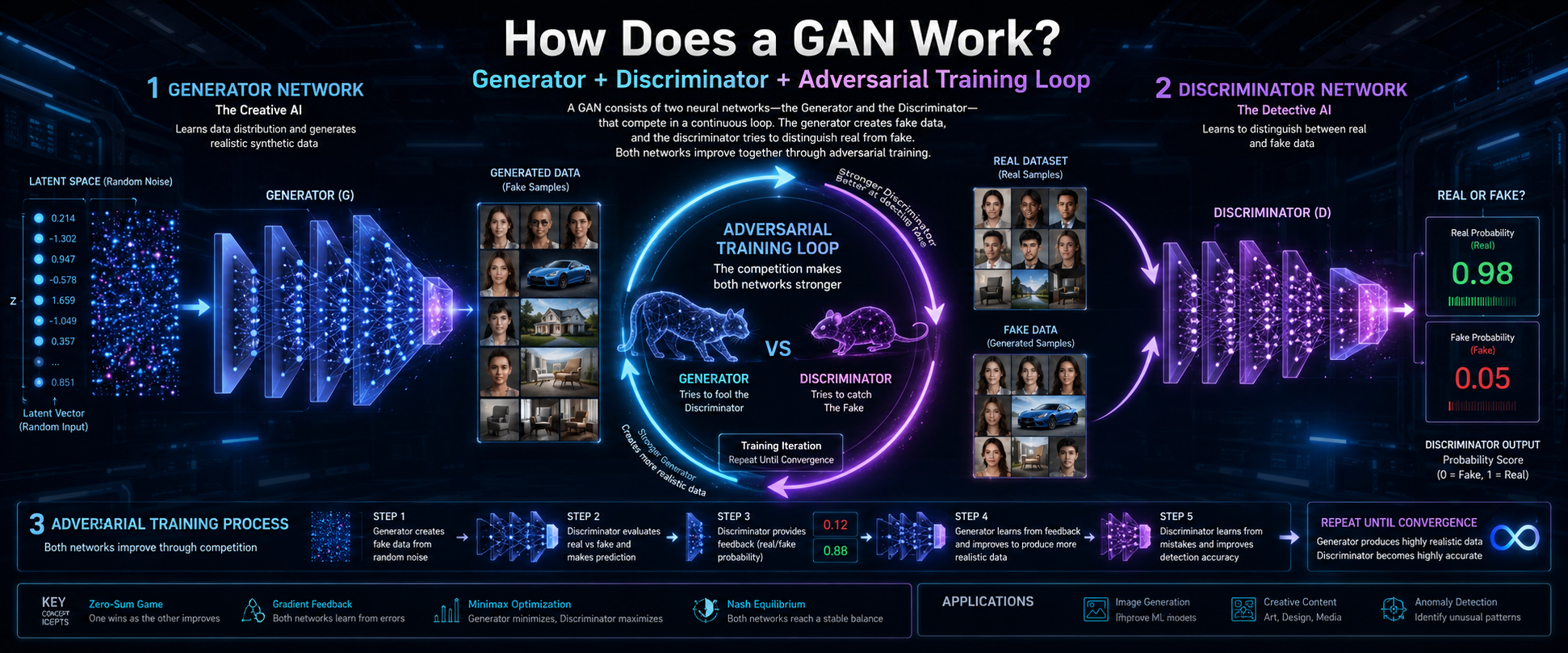
Frequently Asked Questions

How do large language models work in simple terms?

An LLM works like an incredibly advanced version of the predictive text feature on your smartphone. When you write a message, your phone tries to guess the next word you want to type based on your past typing habits and basic grammar rules. Large language models operate on a much grander, global scale. They analyze the words you type into a prompt, look at the patterns they learned from billions of pages of internet text, and calculate the most statistically likely words to follow your request.

Instead of understanding concepts deeply like a human, they build responses word by word, or rather, token by token. They use complex mathematical probabilities to generate complete, coherent sentences that closely match the tone, context, and intent of your initial query. This enables them to draft essays, answer questions, or write poems by simply calculating what text should naturally come next based on historical patterns.

What data do developers use to train these systems?

Developers train these models using massive text datasets sourced from public internet data. This includes digitized books, news articles, academic journals, online encyclopedias, public discussion forums, and open-source code repositories. The main goal of collecting this vast library is to expose the system to as many diverse examples of human communication, logic, creative writing, and factual knowledge as possible. This wide exposure helps the model learn standard grammar, regional idioms, professional terminology, and overarching cultural contexts.

Creators carefully filter and clean this raw data to remove spam, explicit content, and repetitive low-quality text. This pre-processing ensures the model learns from high-quality language patterns that accurately reflect proper informational structures and diverse human perspectives. Some companies also license private datasets or hire human specialists to create custom question-and-answer pairs to expand the model’s specialized reasoning capabilities.

Do language models actually understand what they are saying?

No, these systems do not possess genuine consciousness, feelings, beliefs, or intentional understanding. They do not know what a concept actually feels or looks like in the physical world; a model knows the word “apple” only by its mathematical relationship to words like “fruit,” “red,” or “pie.” Instead of conscious thought, they excel at pattern recognition and mathematical probabilities. When a model gives a deeply thoughtful, wise, or empathetic response, it simply replicates the linguistic patterns that human writers used in its training data.

It processes symbols and tokens with extreme mathematical precision, but it lacks the real-world experience, self-awareness, and sentient thought that define actual human comprehension. It operates entirely as a reflection of human knowledge, acting as a highly advanced mirror rather than an independent, thinking mind that genuinely comprehends the meaning behind its own output.

Why Do Some AI Models Make Up False Information?

When an AI model generates false information, experts call it a hallucination. Hallucinations occur because the model focuses on producing fluent and believable text. It does not prioritize factual accuracy in the same way a database does. Instead, it predicts words based on patterns learned during training. If the model lacks reliable information about a topic, it may still generate an answer. Unless specifically trained to do so, it may not respond with “I don’t know.”

As a result, the model can produce statements that sound convincing but are incorrect. This happens because it relies on probability rather than verified facts. The system cannot independently confirm whether a claim is true. It simply predicts the most likely sequence of words. In some cases, this process can create fictional events, statistics, or sources.

What Is the Difference Between an LLM and Generative AI?

Generative AI is a broad category of artificial intelligence. It creates new content such as text, images, music, videos, voices, and 3D models. If you are new to the concept, read our complete guide to Generative AI. A Large Language Model (LLM) is a specific type of generative AI. It focuses on text generation and language understanding.

Understanding how large language models work helps clarify the difference between LLMs and other generative AI systems. All LLMs are generative AI tools. However, not all generative AI systems are LLMs. For example, an AI image generator can create digital artwork from a text prompt. It is a generative AI system, but it uses computer vision models instead of language models.

Learning how large language models work also shows why they excel at language-based tasks. LLMs are designed for text generation, conversation, and content analysis. Other generative AI systems focus on images, audio, video, or design. Together, these technologies form the modern AI ecosystem.

Conclusion

Large language models are not magical minds. They are advanced software systems built through modern engineering. Using the Transformer architecture and massive datasets, they convert human language into mathematical patterns. This process allows them to predict text with remarkable accuracy. As a result, they help bridge the gap between human communication and machine computation.

The impact of this technology will continue to grow. It is already changing business, education, and everyday life. Understanding the basics helps you use AI tools more effectively. It also helps you evaluate their outputs with a critical mindset. As AI becomes more common, this knowledge will become increasingly valuable. By learning how these systems work, you can write better prompts and achieve stronger results in both professional and personal projects.

AI Terms Every Beginner Should Know: A Complete Guide

AI Terms Every Beginner Should Know: A Complete Guide

Artificial intelligence is no longer a futuristic concept confined to sci-fi movies or elite laboratory environments. It quietly powers our daily tools, smart devices, workplace automation platforms, and communication channels. However, the rapid rise of this technology has introduced a massive wave of complex jargon that can easily feel overwhelming to newcomers. Understanding these AI terms every beginner should know is essential for staying competitive, informed, and confident in today’s digital landscape. According to a comprehensive digital economy report published by the Stanford University Human-Centered Artificial Intelligence institute, AI integration across global industries has accelerated exponentially over the past few years, making basic tech literacy a fundamental requirement for the modern workforce.
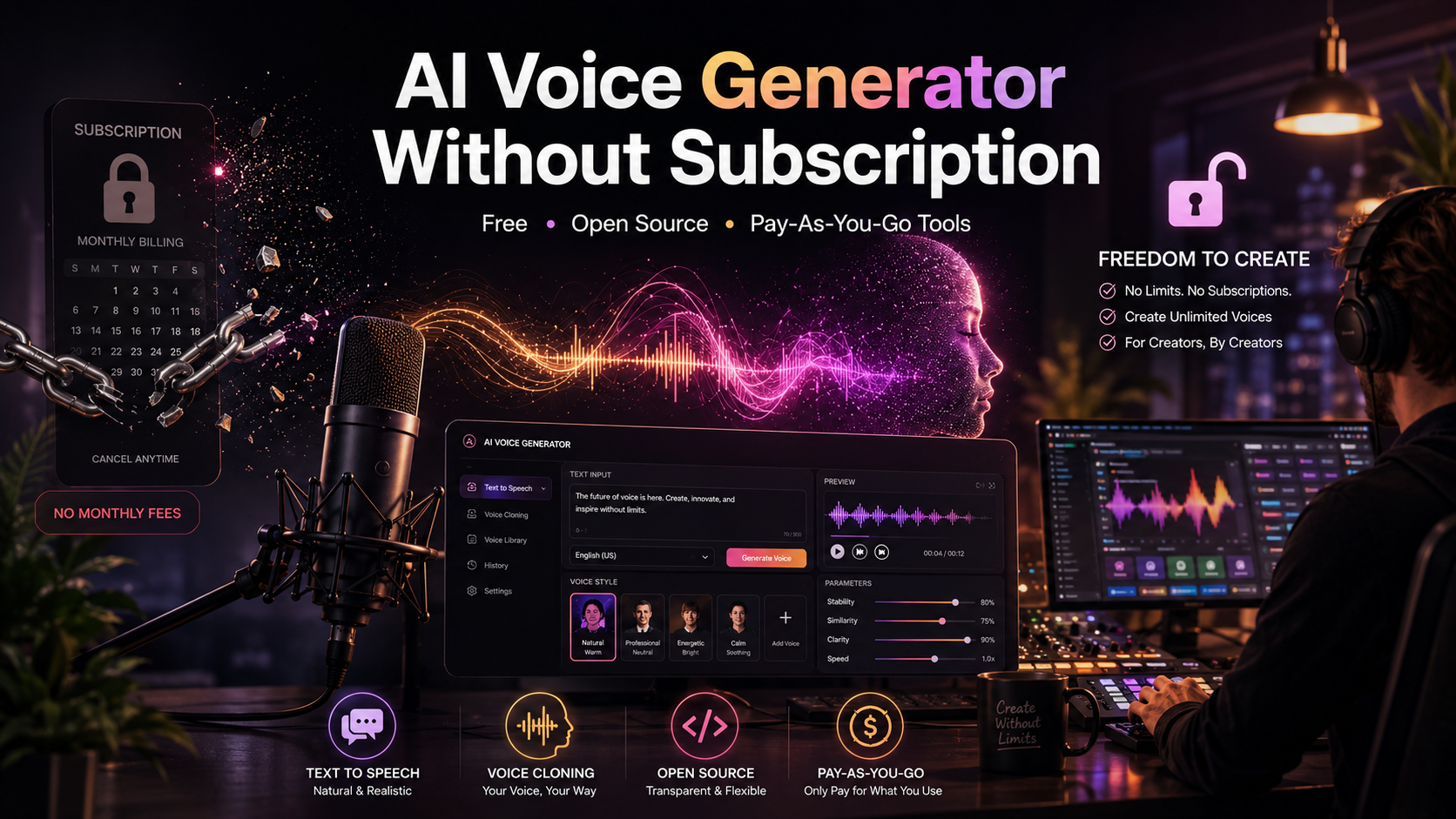
Navigating the world of artificial intelligence does not require a computer science degree or advanced mathematical training. By breaking down the AI terms every beginner should know into plain, accessible language, anyone can confidently participate in conversations about digital transformation.

As AI continues to reshape industries, understanding its impact on employment is equally important. For additional insights, read our guide on how AI may create more jobs in the future .

This comprehensive beginner’s guide will demystify the core concepts of machine learning, neural networks, data processing, and generative models. You will gain a practical understanding of how these systems work, how they apply to real-world scenarios, and the ethical considerations shaping their development. Armed with this knowledge, you will be better prepared to use AI tools in both your professional and personal life.

Defining the Core: What Is Artificial Intelligence?

When exploring the AI terms every beginner should know, it is important to understand what artificial intelligence means. At its core, AI refers to computer systems that mimic human thinking processes. These processes include learning, reasoning, problem-solving, and understanding language.

Unlike traditional software, AI can adapt to new information. It learns from data and improves over time. This ability allows machines to perform tasks that once required human intelligence.

Today, AI is used in many everyday applications. Examples include financial trading systems and smartphone predictive text tools. Its influence continues to grow across industries and daily life.

Narrow AI vs. General AI

Most AI systems we use today are examples of Narrow AI. It is also known as Weak AI. These systems are designed to perform specific tasks. They can complete those tasks quickly and accurately.

Common examples include email spam filters, facial recognition software, and chess-playing programs. However, Narrow AI cannot operate outside its assigned role. For example, a medical diagnosis system cannot suddenly drive a self-driving car.

Artificial General Intelligence (AGI) is very different. It is often called Strong AI. Unlike Narrow AI, AGI would be able to learn and apply knowledge across many tasks. It would have abilities similar to human intelligence. A true AGI system could create art, write software, and learn new languages. It would not need separate programming for each task. However, AGI remains a theoretical concept. Researchers still debate whether it can be achieved. It remains one of the most discussed topics in modern technology.

Machine Learning: The Engine of Modern AI

You cannot discuss artificial intelligence for long without encountering the phrase machine learning (ML). Machine learning represents a major, foundational subset of artificial intelligence that acts as the engine driving most modern applications. It focuses specifically on building software systems that learn from data to improve their performance over time without needing explicit, hard-coded programming from an engineer. Instead of writing rigid, permanent rules for a computer to follow, data scientists feed the system vast amounts of information, allowing the algorithms to discover patterns and formulate their own logical conclusions autonomously.

How Machines Learn from Data

The learning process begins when an algorithm receives an immense dataset, which serves as its primary textbook. The system analyzes this data, identifies hidden statistical patterns, and creates highly accurate predictive models based on its findings. For example, by analyzing millions of historical bank transactions, a machine learning model naturally learns what standard purchasing behavior looks like. Consequently, when it spots an unusual transaction pattern occurring halfway across the world, it flags the event as potential fraud instantly, saving businesses and consumers billions of dollars annually.

To make this happen, the system relies on specialized mathematical architectures that break down information into manageable numerical features. If the model is training to predict housing prices, it processes square footage, neighborhood crime rates, school ratings, and historical sales trends simultaneously. The algorithm constantly adjusts its internal parameters through a process of trial and error, slowly reducing its margins of error until its predictions match real-world outcomes. This continuous refinement cycle allows the software to grow progressively smarter over time. As a result, it can confidently handle brand-new data points it has never encountered before, transforming raw data inputs into actionable, forward-looking insights for businesses.

Supervised vs. Unsupervised Learning

  • Supervised Learning: The AI system learns from carefully labeled training data provided by human managers. Think of this method as a teacher guiding a student with an analytical answer key. If you feed the system thousands of photos explicitly labeled as “cars” or “trucks,” it quickly learns the defining characteristics of each vehicle and can accurately identify them in new, unseen images.

  • Unsupervised Learning: The system receives completely unlabeled data and must discover its own hidden structures and patterns within the information. The algorithm groups the data based on shared traits without any human guidance. E-commerce platforms frequently use this method to cluster customers with similar shopping habits together, allowing businesses to target niche audiences with highly relevant marketing campaigns.

Deep Learning and Neural Networks Explained

As we explore the AI terms every beginner should know, deep learning is an important concept to understand. It is a specialized branch of machine learning. Many advanced AI applications rely on it.

Examples include self-driving cars, language translation tools, and medical imaging systems. These technologies use deep learning to process large amounts of data.

One key advantage of deep learning is its ability to learn from raw data. This reduces the need for extensive manual data preparation. Deep learning models can also identify subtle patterns that traditional machine learning systems may miss.

Inspired by the Human Brain

Deep learning relies entirely on artificial neural networks, which are highly complex computational models inspired by the physical structure of biological human brains. A neural network consists of interconnected layers of algorithms called nodes, or “neurons,” that process information sequentially. The system contains an input layer to receive raw data, an output layer to deliver final conclusions, and multiple hidden layers sandwiched in between where the deep computational processing occurs.

Input Layer ➔ Hidden Layer 1 ➔ Hidden Layer 2 ➔ Output Layer

The word “deep” in deep learning refers specifically to the large number of these hidden layers within the network architecture. As information passes through these sequential layers, the system extracts increasingly abstract features from the data. For example, when processing a digital image, the first layer might identify simple edges and lines, the middle layers detect shapes and textures, and the final layers recognize entire human faces or specific objects. This multi-layered approach enables computers to handle incredibly sophisticated tasks with minimal human intervention.

Generative AI and Large Language Models

Generative AI represents the newest and most visible frontier in consumer technology applications, fundamentally shifting how humans interact with machines. Unlike traditional analytical systems that merely review, categorize, or filter existing data, generative tools possess the unique capability to create entirely new, original content from scratch. Within seconds, these systems can generate high-quality text, stunning digital artwork, functional software code, and intricate musical compositions based entirely on the training patterns they have observed during development.

The Power of Large Language Models (LLMs)

Popular AI tools like ChatGPT are powered by Large Language Models (LLMs). These models are trained on massive text datasets. The data comes from books, articles, websites, and other written sources.

LLMs learn patterns in language. They use those patterns to predict the most likely next word in a sentence. This process helps them generate human-like text.

LLMs do not simply copy existing content. Instead, they create responses based on learned patterns. As a result, they can write essays, answer questions, and help debug code. They can also understand context and generate fluent responses.

Prompts and Prompt Engineering

To interact with these generative models effectively, you must utilize a tool called a prompt. A prompt is simply the natural language instruction, question, or phrase you type into the user interface to command the system. As a result of this technology, prompt engineering has emerged as a crucial professional skill in the modern workplace. This practice involves meticulously crafting specific, structured inputs to extract the most accurate, relevant, and creative outputs possible from the underlying AI model.

Natural Language Processing and Computer Vision

For artificial intelligence systems to interact with our physical world effectively, they must possess capabilities equivalent to human sight and hearing. Two vital fields of study enable these exact capabilities, transforming how software processes human communication and visual environments. Without these sensory technologies, AI would remain confined to processing numbers and structured spreadsheets, missing out on the vast wealth of unstructured data that humans generate every single day through speech, text, and video.

By integrating these perceptual tools, modern applications can read documents, listen to spoken commands, and view physical spaces to make real-time decisions. This perceptual evolution transforms passive databases into active, contextual tools. Consequently, industries ranging from retail to heavy manufacturing use these automated senses to streamline complex operations, improve workplace safety, and deliver intuitive customer experiences. As these technologies mature, they will continue to blur the line between human and machine perception, changing how we interact with software forever.

Natural Language Processing (NLP)

Natural Language Processing bridges the gap between messy human communication and rigid computer understanding. It allows software applications to read written text, interpret spoken words, translate languages, and accurately measure human emotional sentiment. Virtual voice assistants like Alexa and Siri rely heavily on NLP algorithms to comprehend your spoken commands, decipher your intent despite background noise, and respond with coherent sentences, making technology vastly more accessible to users worldwide.

Beyond simple voice commands, NLP analyzes massive volumes of unstructured text to extract valuable business intelligence. It powers automated customer service chatbots that resolve complex inquiries instantly, and it runs corporate sentiment tools that monitor thousands of product reviews to gauge consumer satisfaction. By evaluating sentence structure, grammar rules, and cultural idioms, NLP converts chaotic human speech into highly structured data. This capability allows organizations to automate paperwork processing, summarize lengthy legal transcripts, and enhance global communication lines with unprecedented speed.

Computer Vision

This dynamic field trains computers to interpret, analyze, and thoroughly understand the visual world. By processing digital images, live video streams, and graphic data, computer vision systems can accurately identify, track, and classify diverse objects. Autonomous vehicles utilize computer vision to detect pedestrians, interpret traffic lights, and spot lane boundaries in real-time, while modern security systems use it for rapid facial recognition and anomaly detection.

The software works by breaking down visual data into individual pixels, analyzing colors, shapes, and textures to construct a logical understanding of a scene. In modern healthcare, computer vision algorithms assist radiologists by scanning x-rays and MRIs to spot tiny tumors that might escape human detection. In agriculture, drones equipped with visual sensors monitor vast crop fields to assess plant health and optimize water distribution. By granting sight to software, computer vision expands AI capabilities far past digital interfaces and into the physical environment.

Ethical AI: Bias, Ethics, and Data Privacy

Ethics and data privacy are important AI terms every beginner should know. Understanding artificial intelligence requires looking beyond algorithms and technical performance. It also requires examining the technology’s impact on society.

AI systems are increasingly involved in hiring, lending, healthcare, and law enforcement. As a result, ethical concerns have become a major focus for developers, businesses, and regulators. Creating systems that are fair, transparent, and respectful of human rights is essential.

Accountability is also important. When an AI system rejects a loan application or filters a job candidate, users should understand why. This challenge has led to the growth of Explainable AI. These methods help make AI decisions easier to understand and review.

For anyone learning the AI terms every beginner should know, ethical AI is a key concept. Without proper oversight, AI systems can reduce trust, threaten privacy, and create unfair outcomes.

The Challenge of Algorithmic Bias

AI systems depend on the data used to train them. If training data contains human biases or social inequalities, AI models can reproduce those same problems. This issue is known as algorithmic bias. Reducing bias requires careful planning. Developers should use diverse datasets and perform regular audits. Diverse teams can also help identify blind spots during development. Algorithmic bias can appear in many ways. For example, a facial recognition system may perform poorly on certain skin tones. An automated hiring tool may unfairly favor some candidates over others.

Solving these problems requires more than new code. Developers must review and clean training data. They should also test models for fairness before deployment. In addition, teams can limit the use of sensitive demographic information. These steps help create fairer and more reliable AI systems.

Hallucinations and Reliability

Sometimes, large language models confidently state entirely false or fabricated information as absolute fact. In technical terms, this error is called an AI hallucination. This occurs because the model prioritizes linguistic patterns over factual databases, making it crucial for users to remain analytical, verify important data through reliable primary sources, and avoid blindly trusting automated text generation for critical business or medical decisions.

Because these neural networks function as probability engines rather than true databases, they prioritize producing smooth, natural language over verifiable truth. A hallucinated answer can include fictional historical dates, non-existent legal case precedents, or made-up scientific references that look completely convincing at first glance. As these generative tools find widespread use in education, law, and research, recognizing this behavioral limitation is vital. Users must establish secondary validation layers to ensure automated content remains reliable before it is published or integrated into strategic workflows.

FAQ Section

What is the difference between AI, machine learning, and deep learning?

Understanding the difference between these concepts is an important part of learning the AI terms every beginner should know. Artificial intelligence (AI) is the broad field focused on creating systems that can perform tasks that normally require human intelligence. These tasks include reasoning, problem-solving, and decision-making.

Machine learning (ML) is a subset of AI. Instead of following fixed programming rules, machine learning models learn from data. They identify patterns and improve their performance over time.

Deep learning is a specialized branch of machine learning. It uses artificial neural networks with multiple layers. These networks can process large amounts of unstructured data, such as images, audio, and text.

For example, a basic AI system may automate a routine task. A machine learning model can predict user preferences. A deep learning model can power facial recognition systems or self-driving vehicles.

What does NLP stand for in artificial intelligence?

NLP stands for Natural Language Processing, which is a specialized and rapidly advancing branch of artificial intelligence. This field bridges the gap between rigid, binary computer code and messy, nuanced human communication. Essentially, NLP gives computer programs the ability to read written text, interpret spoken words, accurately translate between global languages, and analyze human emotional sentiment. Rather than requiring users to communicate with machines using complex coding syntax, NLP allows systems to interact with us using natural everyday speech.

This specific technology operates silently behind the scenes of many digital tools we use daily. It powers real-time translation apps, automated customer service chatbots, email text completion tools, and voice-activated smart home assistants like Siri or Alexa. By analyzing syntax, context, and grammar, NLP algorithms break down sentences to understand human intent. Consequently, this makes modern technology vastly more accessible and user-friendly for people around the world, fundamentally changing how humans interact with digital systems.

What is an algorithm in simple terms?

An algorithm is simply a step-by-step set of instructions, logical rules, or mathematical formulas given to a computer to solve a specific problem or complete a designated task. You can think of an algorithm as a digital recipe; it takes specific starting inputs, processes them through a sequence of clearly defined, logical operations, and delivers a predictable, structured output. Without algorithms, computers would not know how to organize data, render websites, or perform basic automated calculations.

In the context of artificial intelligence, algorithms become dynamic rather than static. Instead of just executing a fixed set of instructions, AI algorithms are built to analyze massive amounts of information to discover hidden patterns and make automated predictions. For example, social media platforms use these formulas to determine which videos appear on your feed, while navigation apps calculate the fastest driving route based on live traffic data. These algorithms constantly optimize their own performance over time as they process more data, allowing the system to become smarter and more accurate with usage.

What does it mean when an AI “hallucinates”?

When learning the AI terms every beginner should know, it is important to understand AI hallucinations. An AI hallucination happens when a model generates false or inaccurate information. The response may sound confident and convincing. However, the information may be completely incorrect.

This can be misleading for users. AI-generated text often appears professional and believable. As a result, mistakes are not always easy to spot. Hallucinations occur because AI models do not truly understand facts or reality. They generate responses by predicting likely word patterns. These predictions are based on their training data.

Because of this limitation, AI can invent dates, legal citations, or scientific references. It may also create details about events that never happened. For example, an AI might generate a fictional account of a non-existent historical event.

Human review is therefore essential. Users should verify important information before relying on it. This is especially important for business, academic, legal, or medical purposes.

Why is data privacy a concern in AI development?

Data privacy is one of the AI terms every beginner should know because it affects how AI systems collect and use information. Modern AI systems need large amounts of data to learn, train, and make accurate predictions. Companies often collect data from user interactions, browsing activity, social media platforms, and public sources.

Problems arise when personal or sensitive information is used without clear consent. Lack of transparency can also create ethical and legal concerns. Users may not know how their data is collected or used.

Large datasets are attractive targets for cybercriminals. A security breach can lead to identity theft, corporate espionage, or unauthorized tracking. Sensitive medical and financial information may also be exposed if AI systems are not properly protected.

These risks have increased public concern about privacy. In response, governments have introduced stronger data protection regulations. Examples include the European Union’s GDPR. These laws encourage responsible AI development and help protect individual privacy rights.

Conclusion

Understanding the AI terms every beginner should know is the first step toward succeeding in a technology-driven world. From machine learning to generative AI, these technologies are changing how we work, learn, and solve problems. Learning these core concepts helps you use AI tools more effectively. It also makes it easier to collaborate with technical teams and adapt to modern workplaces. A strong grasp of AI terminology can improve both confidence and decision-making across various professional industries. As automation integrates into retail, finance, healthcare, and education, individuals who master this basic vocabulary will find themselves uniquely positioned to lead digital transformation initiatives within their organizations.

As artificial intelligence continues to evolve at a rapid pace, staying informed is essential for personal and professional growth. Keep exploring new tools and concepts as they emerge in the tech landscape. Test different prompts, experiment with various platforms, and evaluate AI-generated outputs carefully to ensure accuracy and reliability. By remaining curious, analytical, and adaptable, you can make the most of the immense opportunities AI creates while minimizing the risks of algorithmic bias and data security issues. The future belongs to those who learn to work alongside these intelligent systems, using them as cognitive amplifiers to unlock unprecedented levels of creativity, productivity, and innovation.

Diploma vs Degree: Which Is Better? Complete Guide

Diploma vs Degree: Which Is Better? Complete Beginner’s Guide

When planning your career, the path you choose after school sets the tone for your professional future. A common crossroads for many students is deciding between a diploma vs degree. Both pathways offer distinct advantages, but they cater to different goals, budgets, and learning preferences.

Before making a decision, it is also important to understand how your field of study can affect future career opportunities. Our guide on choosing the right college major can help you evaluate your options and align your education with your long-term goals.

Understanding the differences between a diploma vs degree early can help you avoid wasting time and money on a path that does not match your career ambitions. By comparing costs, duration, job prospects, and earning potential, you can make a more informed decision about your future.

According to data tracking international educational standards from the UNESCO Institute for Statistics, higher education structures generally divide technical training from broader academic pursuits. This distinction is crucial. While one path focuses on rapid, hands-on skills, the other offers a deep, theoretical foundation. This complete beginner’s guide will break down the core mechanics of both options, compare their long-term value, and help you confidently decide which path suits your life.

What is a Diploma?

A diploma is a specific academic credential focused primarily on practical, hands-on training. Educational institutions design these programs to prepare you for the workforce as quickly as possible. Unlike broader academic programs, a diploma skips general elective subjects and dives straight into core technical skills. You will not spend semesters studying broad history or general sociology unless it directly applies to your job. Instead, your classes mimic real-world work environments to build immediate technical competence.

Many community colleges, vocational schools, and specialized trade academies offer these programs across diverse fields. Because the curriculum cuts out the fluff, you focus entirely on mastering specific tools, software, or physical techniques. This streamlined educational framework makes the learning process highly efficient. Students who thrive in interactive, kinetic environments usually prefer this option over sitting through long theoretical lectures. It serves as a direct bridge from the classroom straight into an entry-level professional role.

Key Characteristics of Diploma Programs

  • Shorter Duration: Most programs take anywhere from six months to two years to complete.

  • Technical Focus: The curriculum zeroes in on specific trade or vocational skills, such as web development, culinary arts, or plumbing.

  • Lower Cost: Because these programs wrap up quickly, they generally cost significantly less than multi-year university tracks.

  • Flexible Enrollments: Community colleges and technical schools often offer rolling admissions and flexible evening classes.

What is a Degree?

A degree is a comprehensive academic credential awarded by universities and colleges upon the completion of a long-term course of study. This pathway provides a well-rounded education, combining deep theoretical knowledge in your major with a broad understanding of general subjects like humanities, mathematics, and science. The philosophy behind this structure is to build critical thinking, deep analytical skills, and a holistic understanding of the world. Consequently, you will study a wide range of subjects alongside your chosen specialization.

Universities structure these programs to encourage research, intellectual debate, and conceptual problem-solving. This academic depth ensures that you do not just learn how to perform a task, but you also understand the core science and history behind why the task is performed that way. This comprehensive background prepares graduates for long-term adaptability in the job market. It gives you a broader worldview, which helps you pivot between different industries or advance into high-level strategic management roles over time.

The Different Levels of Higher Degrees

Degrees follow a structured, progressive hierarchy in higher education:

  1. Associate Degree: A two-year introductory program often completed at community colleges.

  2. Bachelor’s Degree: The traditional four-year undergraduate program required for most professional corporate roles.

  3. Master’s Degree: An advanced post-graduate program lasting one to two years, focusing on specialization.

  4. Doctorate (PhD): The highest academic tier, heavily focused on original research and teaching.

Diploma vs Degree: Key Differences Explained

To choose the right option, you must compare how these two pathways stack up across the practical areas of student life and career growth.

Program Duration and Time Commitment

Time is a valuable asset when planning your education. Diploma programs offer a fast track to graduation, making them perfect if you want to start earning an income quickly. Most students finish these tracks in less than two years, allowing them to enter the job market while university students are still completing their general education requirements.

Conversely, earning a Bachelor’s degree demands a firm four-year commitment of full-time study. This longer timeline requires sustained dedication, stable living arrangements, and the ability to delay full-time employment for multiple years. You must carefully evaluate whether you have the personal and financial stability to commit to a multi-year academic journey without losing focus.

Financial Investment and Tuition Costs

Tuition fees vary wildly between these two choices, creating a massive impact on your financial future. Universities charge higher tuition rates per credit hour, and because the programs last longer, the total accumulated cost multiplies quickly. You must also factor in four years of expensive textbooks, campus infrastructure fees, student healthcare plans, and university housing costs.

A technical credential costs a mere fraction of this total amount. Because you graduate quickly, you also save thousands of dollars on living expenses and campus fees. This affordability allows many vocational students to graduate completely debt-free, giving them a significant financial head start. They can start saving, investing, or buying assets while university graduates are busy paying off large student loans.

Curriculum Structure and Learning Styles

The daily classroom experience feels entirely different in each program, catering to different types of minds. If you choose a vocational track, you will spend most of your time in labs, commercial kitchens, design studios, or field placements practicing real-world tasks. The teaching style is direct, visual, and highly interactive.

If you enroll in a university program, you will spend significant time reading academic papers, writing lengthy research essays, and participating in lecture halls. The evaluation methods rely heavily on midterms, finals, and group presentations rather than practical demonstrations. You must decide whether you learn better by physically doing a task or by analyzing the underlying theory through reading and writing.

Career Opportunities and Earning Potential

Your choice directly shapes your initial job search and your long-term financial trajectory. Employers view these credentials through different lenses depending on their industry.

Immediate Job Placement vs Long-Term Growth

Technical credentials excel at getting your foot through the door for highly specialized roles right after graduation. Industries like healthcare assistance, automotive repair, network administration, and digital design value immediate technical expertise above all else. They need workers who can perform the job on day one without extensive corporate onboarding.

However, a traditional university qualification often serves as a mandatory gatekeeper for executive leadership, corporate management, and highly regulated professions like law, civil engineering, or medicine. Without a formal university title, climbing past the glass ceiling into upper corporate management becomes incredibly difficult in traditional business environments, regardless of your practical skills.

Analyzing the Income Gap

Data from organizations such as the Organization for Economic Co-operation and Development (OECD) shows a clear trend. Individuals with university qualifications often earn higher median lifetime wages than those with vocational training. University graduates also tend to experience stronger salary growth over time. Their peak earnings are often reached during the middle or later stages of their careers.

Technical graduates usually start earning sooner. They can secure good salaries early in their careers. However, income growth may slow after several years. University graduates often catch up financially within a decade. Promotions, bonuses, and management roles can accelerate their earnings.

When comparing these paths, consider both short-term and long-term outcomes. Early earnings provide immediate financial benefits. Higher academic qualifications may create greater earning potential later in life.

How to Choose the Right Path for Your Future

No single option wins the debate for everyone. The ideal choice depends entirely on your current personal situation, financial health, and ultimate career vision.

When to Choose a Diploma

Choosing a shorter, technical path makes immense sense if your primary goal is rapid financial independence. If you want to enter the workforce in under two years and avoid the burden of student debt, this route is ideal. It suits individuals who prefer practical, physical work over abstract concepts, essays, and long lectures.

This path is also perfect if you have already identified a specific trade or technical niche that you love, such as software development, aviation mechanics, or graphic design. By avoiding general electives, you maximize your time and focus exclusively on the precise skills that local employers are actively looking for right now.

When to Choose a Degree

Investing in a university track is the right move if your dream career requires a formal, accredited qualification. Fields like architecture, finance, teaching, and engineering legally require a university degree before you can obtain a professional license to practice. This path is also ideal if you genuinely enjoy deep research, academic writing, and complex analytical thinking.

If you are unsure of your exact career path, a university program provides a broad educational foundation that allows you to shift between industries later in life. It acts as a long-term investment that prepares you for high-level corporate ladder climbing, global networking, and future postgraduate research opportunities.

Frequently Asked Questions

Can I transfer my diploma credits into a full degree program later?

Yes, you can absolutely transfer your technical credits into a university program later, but the exact process depends entirely on the institutions involved and their specific academic policies. Many community colleges and vocational institutes maintain formal bilateral arrangements known as articulation agreements with local or national universities. These structural pathways allow you to apply your completed practical credits directly toward a Bachelor’s qualification, mapping your previous coursework to university equivalents.

This educational approach, frequently referred to as a laddering program or a degree completion pathway, lets you gain practical skills early, enter the workforce to earn an income, and upgrade your formal education later without restarting your academic journey from scratch. However, you must proactively check with an academic advisor beforehand to confirm your specific credits will transfer cleanly, as policy variations between institutions, regional accreditation differences, and minimum grade requirements can significantly impact your transfer eligibility and overall timeline.

Which option looks better to corporate employers?

Neither option is universally superior in the eyes of corporate recruiters; the preference depends completely on the specific industry, job function, and corporate culture of the company you want to enter. For traditional corporate, managerial, executive, or highly regulated fields like investment banking, civil engineering, corporate law, and human resources, employers strictly prefer—and often mandatory require—a traditional university qualification. They view a multi-year degree as proof of long-term commitment, cultural polish, structural discipline, and advanced analytical capacity required for high-stakes decision-making.

Conversely, in highly agile, technical fields like information technology, creative graphic design, software engineering, or skilled industrial trades, modern employers value proven practical abilities and demonstrated execution over a prestigious university stamp. In these creative and technical spaces, a robust portfolio of real-world projects paired with a targeted technical credential looks highly favorable and routinely beats a purely theoretical academic background during the hiring process.

Is a diploma considered higher than an associate degree?

No, an associate degree sits slightly higher on the formal academic ladder than a standard technical diploma or certificate. An associate program requires a minimum commitment of two years of full-time undergraduate study and intentionally includes mandatory general education electives—such as college-level mathematics, English composition, and social sciences—alongside your core major subjects. This balanced structure mimics the first two years of a traditional four-year university program, providing a broad foundational framework.

In contrast, a standard technical certificate or vocational program focuses exclusively on job-specific, hands-on training, completely bypassing general academic electives, and can often be completed in six to twelve months. If you plan to transition to a four-year university later to complete a Bachelor’s qualification, an associate program provides a much smoother academic bridge because mainstream universities easily accept those general education credits, whereas purely vocational credits might not transfer as traditional academic units.

Do University Graduates Always Earn More Money?

Global statistics generally show that university graduates earn higher average lifetime incomes. However, this is not a guarantee for every person or career path.

A highly skilled worker in a specialized field can often earn more than a university graduate. Examples include industrial electricians, underwater welders, commercial pilots, and software engineers. This is especially true when graduates hold qualifications in saturated or low-demand fields.

Earning potential depends on more than education alone. Market demand plays a major role. Geographic location, skill level, work experience, and networking ability also influence income.

Choosing a path that matches industry demand can improve your earning prospects. Developing valuable skills is equally important. Learning to negotiate salary and benefits can also increase long-term wealth. In many cases, these factors matter more than the title on your diploma or degree certificate.

Can I get a high-paying tech job with just a diploma?

Yes. The technology sector is known for accepting alternative education pathways. Employers often value practical skills and problem-solving ability more than traditional academic credentials.

Many successful software engineers, cloud architects, cybersecurity specialists, and UI/UX designers started with diplomas, community college programs, or coding bootcamps. Employers focus on technical competence, real-world experience, and a strong portfolio. Personal projects and open-source contributions can also strengthen your application.

If you can demonstrate your skills during technical interviews, your qualifications matter less. Employers want proof that you can write clean code, build responsive applications, or secure networks against vulnerabilities.

The tech industry is highly merit-based. A targeted technical qualification, combined with continuous self-learning, can lead to a high-paying career.

Conclusion: Finding the Right Balance in the Diploma vs Degree Debate

The Diploma vs Degree decision is not about finding a universally perfect answer. Instead, it is about choosing the educational path that aligns with your goals, budget, and career plans.

If you want to enter the workforce quickly, the Diploma vs Degree comparison may favor a diploma. Diploma programs are usually shorter and more affordable. They focus on practical, job-ready skills that employers need. As a result, many students achieve financial independence sooner.

On the other hand, the Diploma vs Degree debate may favor a degree if you want a broader education. A university degree can provide greater academic depth and long-term career flexibility. It also offers access to professional networks and may create opportunities for senior management positions.

When evaluating Diploma vs Degree options, consider your learning style, financial situation, and career objectives. Research the requirements of your target industry before making a choice.

Ultimately, there is no single winner in the Diploma vs Degree comparison. The best option depends on your personal circumstances. By carefully assessing the advantages of a diploma vs degree, you can make a confident decision that supports long-term career growth, job satisfaction, and financial security.

Support Learning at Home: How Parents Can Help

Support Learning at Home: How Parents Can Help

The modern educational landscape is shifting rapidly, placing a much greater emphasis on the educational environment created outside the traditional classroom. Parents now play a vital role in bridging the gap between school lessons and real-world understanding. According to research published by the Harvard Graduate School of Education, active parental involvement in a child’s education significantly correlates with higher academic achievement, better social-emotional development, and improved graduation rates. When parents intentionally support learning at home, they help transform education from a series of tedious school tasks into a lifelong passion.

This comprehensive beginner’s guide will break down actionable strategies you can implement immediately to transform your household dynamic. We will cover everything from setting up optimized physical spaces to fostering a resilient psychological mindset. Whether your child is just entering kindergarten or navigating the complex pressures of middle school, these steps will build a permanent foundation for academic success.

For families looking to make learning more engaging, hands-on activities can reinforce important concepts outside the classroom. You can also explore our guide to the best science kits for kids to discover fun ways to encourage curiosity, critical thinking, and STEM learning at home.

Let’s explore how you can confidently guide your child’s educational journey without needing to be an expert in every single school subject.

Why Creating a Dedicated Study Space Matters

Children thrive on structure. Their environment plays a major role in focus and learning. A noisy or cluttered space can make it harder to concentrate. It may also reduce memory retention and increase homework stress.

A dedicated study area helps create a learning routine. It signals that it is time to focus on schoolwork. Over time, children begin to associate that space with concentration and productivity.

This type of spatial conditioning can be very effective. It helps children settle into their work more quickly. As a result, they can focus better and learn more efficiently.

Choosing the Right Location


You do not need a massive house or a separate, expensive home office to make this environment work effectively. A quiet corner of the living room, a cleared desk in their bedroom, or a designated spot at the dining table can serve as an excellent study hub. The primary requirement is minimizing auditory and visual distractions during study blocks. Consequently, keep this area away from the television, video game consoles, and out of the direct line of high-traffic household zones. Ensuring a quiet backdrop allows their working memory to focus entirely on the academic task at hand rather than filtering out domestic noise.

To make the space highly functional, involve your child in the decoration process to build a sense of ownership. When they help choose the setup, they feel more inclined to respect the boundaries of that environment. Keep electronics like tablets and smartphones completely out of arm’s reach unless they are strictly required for the current assignment. By physically separating leisure devices from the learning workspace, you reduce the temptation to multitask, allowing their attention span to deepen over time.

Stocking Essential Supplies

Make sure your child has easy access to all necessary learning materials before they sit down to work. This simple preparation prevents frequent interruptions that break their concentration and derail their momentum. When a child has to get up multiple times to look for a ruler, a sharpener, or a reference book, their cognitive focus is fractured, making it harder to re-engage with the material.

  • Writing tools: Sharpened pencils, colored pens, erasers, and highlighters.

  • Organization: Folders, notebooks, labels, and color-coded sticky notes.

  • Comfort: A supportive, child-sized chair and adequate lighting to prevent eye strain.

Having these resources grouped in a caddy or a desk drawer minimizes friction at the start of a study session. It turns the preparation stage into a quick ritual rather than a frantic scavenger hunt. Over time, having an organized physical environment instills personal responsibility, as children learn to maintain their own supplies and prepare their tools for the next day’s tasks.

Establishing Consistent Daily Routines

Routine provides children with a deep sense of psychological safety and predictability. When daily schedules are clear, kids waste far less emotional energy resisting tasks and spend more time actively engaging with their studies. Therefore, building a reliable home learning routine stands as an absolute cornerstone of long-term academic growth and emotional regulation.

Setting a Fixed Homework Time

Work collaboratively with your child to determine the absolute best time for their daily schoolwork. Some children need a 30-minute physical break immediately after school to burn off energy and have a snack, while others prefer to finish their assignments right away while still in school mode. Once you choose a specific time block, protect it fiercely and stick to it every day to build a sustainable, automatic habit. This consistency eliminates the daily negotiation and arguing about when homework will get done, saving time and energy for both parents and students.

To lock this habit in place, treat the chosen time block as an important appointment that cannot be easily skipped or moved. If your child does not have official homework on a particular day, use that designated time for quiet reading, educational games, or reviewing past lessons. This ensures the routine remains unbroken regardless of the school’s shifting daily workload. Consistency reinforces the understanding that learning is an ongoing part of daily life rather than a sporadic obligation.

Balancing Study and Rest

The human brain requires regular, structured breaks to process and consolidate new information effectively. Consider using the Pomodoro Technique, where your child works intensely with full focus for 25 minutes and then takes a 5-minute restorative break. During these intentional intervals, encourage them to stretch, get a glass of water, or step outside for fresh air rather than looking at another digital screen. This rhythmic balance prevents mental fatigue, reduces frustration with difficult subjects, and ensures that the time spent studying is highly efficient and productive.

For older students with heavier workloads, you can gradually lengthen the focus periods while keeping the rest periods meaningful. The absolute rule during breaks is to engage in activities that refresh the nervous system. Avoid complex video games or social media scrolling during these short intervals, as digital platforms often overstimulate the brain rather than resting it. By managing energy levels rather than just managing time, you keep learning sustainable and stress-free.

How Parents Can Support Learning at Home Through Partnership

You do not need to know advanced calculus, complex grammar rules, or niche scientific theories to be an incredibly effective educational guide for your child. Your primary role is to serve as a supportive facilitator and an encouraging cheerleader, helping your child figure out how to learn rather than just giving them the right answers.

Effective parent-teacher communication serves as the critical first step in a child’s academic journey. By maintaining an open and ongoing dialogue with educators, parents can quickly identify specific learning gaps and behavioral shifts early in the school year before they grow into larger obstacles. Spotting these challenges early allows both sides to design tailored support plans and targeted interventions at home and in the classroom, which ultimately leads to significantly better academic outcomes and emotional growth for the student.

Asking Open-Ended Questions

When your child asks for help, avoid giving the answer right away. Instead, ask open-ended questions. For example, ask, “What do you think the first step should be?” You could also ask, “Can you find a similar example in your textbook?”

This approach encourages critical thinking and independence. It also rewards resourcefulness and problem-solving. Over time, children become more confident learners. They learn how to work through challenges on their own.

If your child becomes frustrated, ask them to explain what they already understand. This simple step shifts attention away from panic. It helps them focus on logic and reasoning instead.

By acting as a thinking partner, you support long-term learning. You also model the problem-solving skills they will need during exams and other academic challenges.

Collaborating with Teachers

Maintain an active, open line of communication with your child’s educators throughout the academic year. Teachers can provide invaluable insights into specific behavioral patterns and learning gaps that you might not notice at home. By aligning your home strategies with classroom goals, you create a seamless, unified support system that accelerates student progress and catches issues early. Do not wait for the report card to speak with teachers; proactively check in to ensure your home efforts match what is happening in the classroom.

When communicating with educators, frame your questions around how you can reinforce their specific classroom methodologies at home. For example, ask about the particular math strategies or reading frameworks they use, so you do not confuse your child with conflicting instructions. A united front between home and school reassures the student that their entire community is invested in their long-term growth.

Fostering a Growth Mindset in Your Child

The specific attitude your child holds toward learning dictates exactly how they handle academic challenges, failures, and setbacks. Renowned psychologists emphasize that praising effort over innate intelligence nurtures deep resilience and a lifelong love of learning. When children realize that mistakes are simply data points in the learning process rather than reflections of their worth, they become eager to take on harder tasks.

Praising the Process, Not the Outcome

Instead of saying, “You are so smart at math,” try saying, “I am proud of how hard you worked on this project.” This small change can have a big impact. It teaches children that skills grow through effort, practice, and effective strategies. As a result, they are more likely to persist with difficult homework and academic challenges.

Praise the process rather than the outcome. Doing so gives children a clear path to follow when they face future challenges. They learn that success comes from actions they can repeat and improve.

Focus your compliments on specific behaviors. Highlight persistence, concentration, and problem-solving strategies. For example, you might say, “I noticed that you tried three different methods before finding the answer.” This type of feedback is both clear and encouraging.

Targeted praise helps children recognize what led to success. It reinforces the connection between effort and achievement. Over time, this mindset supports confidence, resilience, and long-term learning.

Redefining Failure as Feedback

When your child brings home a poor test grade or struggles with a concept, view it as an opportunity for growth rather than a disappointment. Sit down together and analyze the mistakes calmly without placing blame or showing frustration. Ask them what they learned from the experience, what went wrong, and how they might adjust their study habits for the next assessment. This approach removes the paralyzing fear of failure, encouraging kids to take healthy academic risks and participate more fully in their own education.

Teach them to add the word “yet” to negative self-talk. If they complain, “I don’t understand fractions,” gently correct them with, “You don’t understand fractions yet.” This minor linguistic correction fundamentally transforms their outlook. It reframes a seemingly permanent intellectual wall into a temporary hurdle that can be cleared with patience, time, and the right strategies.

Incorporating Educational Activities into Daily Life

Learning should never stop completely when the school bell rings or when the textbook closes. In fact, some of the most profound, lasting lessons happen during ordinary household activities and family routines. By weaving educational concepts naturally into daily life, you show your child that education is highly relevant to the real world and not just something confined to a school building.

Kitchen Science and Math

Cooking and baking provide a hands-on way to explore math and science. Measuring ingredients teaches fractions, ratios, and scaling. Watching ingredients change during baking introduces basic chemistry concepts. Children can also learn about heat transfer and chemical reactions.

The kitchen becomes a practical learning space. Abstract ideas become easier to understand when children can see and experience them. This approach encourages curiosity and strengthens academic understanding.

Challenge older children by asking them to double or halve a recipe. This activity develops mental math and fraction skills. You can also discuss why bread rises or how ingredients emulsify. These conversations make science more approachable and engaging.

Real-world examples often feel less intimidating than textbook lessons. They help children connect concepts to everyday life. The result is stronger understanding and more memorable learning experiences.

Reading for Pleasure

Create a literacy-rich home by making reading a daily family activity. Keep it enjoyable rather than treating it as a chore. Let your children see you reading books, newspapers, or magazines for pleasure. Children often learn by observing the habits of adults around them.

Read aloud with younger children whenever possible. Talk about the story, characters, and new vocabulary together. These conversations can strengthen reading comprehension and language skills.

For older children, consider creating a family book club. Discuss books or articles during dinner or family time. This encourages critical thinking and deeper analysis.

Offer a variety of reading materials throughout the home. Include graphic novels, science magazines, biographies, and historical fiction. Avoid limiting choices to school reading lists. Instead, encourage children to explore topics that interest them.

When children discover books that match their interests, reading becomes more rewarding. It shifts from an academic task to a tool for independent learning and personal growth.

FAQs

What is the most effective way to help a child who is struggling with homework?

The most effective approach is to identify the root cause of the struggle without doing the work for them. Begin by asking your child to explain the assignment in their own words to check for basic comprehension. Break complex, multi-step tasks down into smaller, manageable pieces to prevent psychological overwhelm and anxiety. If they remain stuck, review past classroom examples together or consult trusted online educational resources. Always maintain a calm, encouraging demeanor throughout the process. If the difficulties persist across multiple weeks, reach out to their teacher immediately to discuss additional targeted interventions and support.

Furthermore, pay close attention to when the frustration spikes during their study session. If the breakdown happens immediately, they likely missed a fundamental instruction in class. If it happens after 30 minutes, they might simply be exhausted. Keeping a simple log of these struggles can give their teacher highly specific information to help resolve the issue in class.

How can I keep my child motivated to learn without relying on rewards?

Internal motivation lasts much longer than external rewards like toys, video games, or money. To build internal drive, focus on your child’s specific interests and explicitly connect their schoolwork to those real-world passions. Celebrate their incremental progress and point out how much their skills have improved over time through hard work. Allow them to have a voice in creating their study schedule, which builds a healthy sense of autonomy and ownership. When children feel competent, independent, and connected to the material, they naturally develop an internal desire to learn for the sake of discovery.

Additionally, encourage curiosity by exploring the “why” behind school subjects. If they are learning world history, watch a documentary together or visit a local historical site to bring the stories to life. Showing them that knowledge grants power and understanding in the real world provides a deep sense of purpose that no cheap plastic toy or financial reward can ever replicate.

How much time should my child spend on home learning activities each day?

The ideal duration depends entirely on your child’s age, attention span, and developmental stage. As a general rule, elementary school students benefit most from 10 to 30 minutes of focused homework or educational reading per night. Middle school students can typically handle 60 to 90 minutes of daily study without burning out. High schoolers may require two hours or more, depending on their specific course load and advanced classes. It is crucial to monitor their stress levels; quality of focus matters far more than the total number of hours spent sitting miserably at a desk.

If you notice your child regularly exceeding these general timeframes while staring blankly at their papers, it is a sign to step in. Prolonged, unproductive study sessions lead to exhaustion and a deep resentment toward education. Break the work into shorter segments or end the session early and send a quick note to the teacher explaining that the assignment took longer than expected.

How can I support learning at home if I work full-time?

You can easily provide excellent support by focusing on consistency and structure rather than constant physical supervision. Set up a predictable evening check-in routine where you review your child’s assignments and celebrate their daily achievements together. Use weekends for interactive, experiential learning opportunities, such as visiting a local museum or exploring nature trails. You can also leverage high-quality educational apps and online tools that track progress automatically while you are working. Remember that your emotional encouragement and genuine interest in their education matter far more than the quantity of hours you spend sitting directly next to them.

You can also establish a reliable network by forming study groups with neighbors or using after-school programs that offer structured homework help. When you get home, your role can shift entirely from a stressful supervisor to an encouraging audience. Asking them to teach you one thing they learned that day validates their effort and reinforces their learning while keeping your evening interactions positive.

What should I do if my child refuses to do their schoolwork at home?

When resistance occurs, look for the underlying emotional or cognitive cause instead of entering a stressful power struggle. Often, defiance masks frustration, hidden learning difficulties, extreme fatigue, or confusion about the material. Give your child a structured choice to restore their sense of control, such as letting them choose whether to do math or reading first. If emotions run too high, implement a brief cooling-off period before returning to the task calmly. Keep a consistent daily routine so that doing schoolwork becomes an expected, non-negotiable part of their lifestyle.

Avoid using threats or raising your voice, as stress actively shuts down the brain’s ability to learn and process logic. If the refusal is chronic, sit down during a calm moment outside of homework hours to discuss the issue. Use “I” statements like, “I notice you get very upset during math time, and I want to help make it easier for you.” Working together to find a solution builds trust and reduces behavioral friction.

Conclusion

Learning does not end when the school bell rings. Parents who actively support learning at home can make a lasting difference in their child’s development. When families support learning at home consistently, children strengthen their academic, cognitive, and creative skills.

Create a quiet study space and establish predictable routines. These simple steps help support learning at home and encourage better focus. Working closely with teachers can also support learning at home by reinforcing classroom goals and expectations.

Your role is to guide and encourage rather than demand perfection. When you support learning at home with patience and positive reinforcement, children develop resilience and a growth mindset. These qualities build confidence and independence over time.

Small efforts can lead to meaningful results. Reading together, exploring educational activities, and solving problems as a team all help support learning at home. These everyday experiences create valuable opportunities for growth.

Stay positive and celebrate progress, even when it seems small. The strategies in this guide can help you support learning at home more effectively. By choosing to support learning at home every day, you can help your child develop strong study habits and succeed in school and beyond.

How to Stay Motivated While Studying: A Complete Guide

How to Stay Motivated While Studying? Complete Beginner’s Guide


We have all been there. You sit down at your desk, open your textbook, and suddenly, cleaning your room feels like the most urgent task in the world. Learning how to stay motivated while studying is one of the biggest hurdles students face today. With endless digital distractions and heavy academic workloads, maintaining your focus can feel like an uphill battle. However, academic persistence is deeply tied to emotional well-being, as researchers at Harvard University have frequently noted in studies regarding student success and mental stamina.

Understanding motivation is not about forcing yourself to study through sheer willpower. Instead, it is about creating a sustainable system that supports consistent learning. When you improve your study habits, you reduce anxiety and achieve better grades with less stress.

This guide explains how to stay motivated while studying using practical, science-backed strategies. You will learn how to beat procrastination, improve focus, and maintain steady energy levels. These techniques can help you stay productive throughout your academic journey. Developing strong routines is essential, and adopting productive habits for a successful and complete life can make it easier to stay consistent with your studies.

Small changes to your environment can make studying easier. Adjusting your mindset can also improve concentration and consistency. Together, these strategies can transform ordinary study sessions into productive and rewarding habits.

The Psychology of Study Motivation

Before looking at practical strategies, we must understand why motivation drops in the first place. Motivation generally falls into two distinct categories: intrinsic and extrinsic drive. Intrinsic motivation comes entirely from within, such as a genuine curiosity about a subject or the personal satisfaction of mastering a new skill. Extrinsic motivation, on the other hand, comes from external rewards, like getting a high grade, earning a degree, or avoiding negative parental disapproval.

Relying solely on external rewards often leads to severe academic burnout because the immediate satisfaction is too far in the future. To build a lasting drive to study, you need to cultivate intrinsic interest. When you find a personal connection to the material, studying transforms from a boring chore into an engaging puzzle. Behavioral scientists note that linking an assignment to real-world applications instantly shifts how the brain prioritizes that task. Therefore, your goal should be to find purpose in the material, which creates a natural pool of mental energy that keeps you focused even when the topics become increasingly complex.

Practical Strategies to Find Inspiration to Learn

1. Build a Dedicated Study Sanctuary

Your physical environment heavily influences your brain’s ability to focus and process information. If you try to study in bed, your brain naturally associates that space with sleep and relaxation, which makes you feel drowsy within minutes. Designing a specific workstation tells your mind that it is time to work, streamlining your transition into deep focus.

  • Clear the clutter: A messy desk leads directly to a cluttered, distracted mind. Keep only your absolute essentials within arm’s reach.

  • Optimize your lighting: Use natural light where possible, or invest in a bright desk lamp to keep your eyes fresh and alert.

  • Ditch the phone: Keep your smartphone in another room or completely powered down to prevent mindless social media scrolling.

Creating this boundary protects your mental energy. When you step away from this dedicated space, your brain can fully relax. This balance ensures you do not feel constant guilt when taking time off. Over time, sitting at this desk will automatically trigger an internal signal that helps you dive straight into your coursework with minimal resistance.

2. Leverage the Pomodoro Technique

Staring at a massive, complicated textbook for hours on end is incredibly daunting and often triggers immediate procrastination. Instead of forcing yourself to focus indefinitely, you should break your time into manageable intervals. The Pomodoro Technique suggests studying intensely for 25 minutes, followed immediately by a short 5-minute break to rest your mind.

After completing four of these cycles, you treat yourself to a longer break of 20 to 30 minutes. This structured rhythm keeps your mind remarkably fresh and prevents the onset of mental fatigue. During the 25-minute work block, you must promise yourself to focus exclusively on one task. Knowing that a break is just a few minutes away makes it much easier to resist temptations. It changes your perception of time, turning a grueling study session into a series of small, easily winnable sprints that protect your daily productivity.

3. Set Micro-Goals Instead of Macro-Targets

Saying “I am going to study biology all day today” is far too vague for your brain to comprehend. Your mind does not know where to start, which creates friction and triggers avoidant behaviors. Instead of setting massive, intimidating goals, you need to break your syllabus down into tiny, highly actionable micro-goals.

For example, reframe your task as: “I will read exactly three pages of chapter four and write down a bulleted summary.” Achieving these tiny milestones triggers small dopamine releases in your brain, which naturally boosts your mood and increases your drive to continue working. These small victories accumulate quickly over a single afternoon. By focusing entirely on the immediate step right in front of you, you remove the emotional weight of a massive workload. This progressive momentum is the secret to sustaining high levels of academic motivation over long periods.

How to Overcome Procrastination and Mental Fatigue

Reward Yourself Strategically to Stay Motivated

One of the best ways to learn how to stay motivated while studying is to create a system of meaningful rewards. Human brains are naturally drawn to immediate gratification, which is why long study sessions can feel difficult. To overcome this challenge, reward yourself with a favorite snack, a short walk, or a brief entertainment break after completing a major study block.

If you’re wondering how to stay motivated while studying during demanding courses, connecting study sessions with positive rewards can make a significant difference. By linking effort to enjoyment, you train your brain to associate studying with achievement rather than stress. This positive reinforcement reduces resistance and makes it easier to start difficult tasks.

Over time, this simple habit can transform your mindset and teach you how to stay motivated while studying consistently, even when your workload increases.

Practice Active Recall

Another effective strategy for anyone searching for how to stay motivated while studying is active recall. Passive reading and endless highlighting often lead to boredom, distraction, and poor retention. Instead of simply reviewing information, challenge yourself to retrieve it from memory.

Effective active recall techniques include creating flashcards, taking practice quizzes, and explaining concepts aloud in your own words. These methods keep your brain actively engaged and help strengthen long-term memory.

Understanding how to stay motivated while studying becomes much easier when learning feels interactive rather than repetitive. Active recall turns studying into a problem-solving activity, which naturally increases focus and reduces mental fatigue.

By regularly using active recall, you’ll discover how to stay motivated while studying while also improving comprehension, confidence, and academic performance.

Expert Insight: According to educational frameworks analyzed by the World Bank in global learning assessments, active engagement with material significantly improves long-term retention and student confidence compared to passive memorization.

Creating a Sustainable Study Routine

Consistency will always beat intensity every single time. Cramming for ten hours straight right before an exam causes immense mental stress, elevates cortisol levels, and leads to incredibly poor information retention. Developing a sustainable daily routine trains your brain to enter a state of deep focus automatically at specific times of the day, reducing the need for willpower.

Strategy Actionable Step Benefit
Time Blocking Assign specific hours for studying every single day. Removes the decision fatigue of figuring out when to start working.
Healthy Snacking Eat raw nuts, fresh berries, and complex whole grains. Maintains stable blood sugar levels to prevent afternoon energy crashes.
Sleep Schedule Aim for 7 to 8 hours of high-quality sleep nightly. Consolidates your memories and restores total cognitive clarity.

When you treat studying as a regular, non-negotiable part of your daily schedule, the emotional debate about whether you feel like working completely disappears. You simply show up because it is the designated time to do so. This systematic approach preserves your limited energy for actual learning, making your academic journey far more predictable, balanced, and deeply successful.

FAQs About Staying Motivated to Study

Why do I lose motivation to study so quickly?

You likely lose motivation quickly because your goals are too vague or your study environment is filled with friction and digital distractions. When you face a massive, poorly defined task, your brain naturally views it as an overwhelming threat and immediately seeks easy dopamine sources like social media to escape the discomfort. Furthermore, relying purely on raw willpower instead of a structured routine quickly drains your limited mental energy reserves.

To fix this common issue, break your academic work down into tiny, bite-sized tasks and remove all immediate distractions from your sight before you open your books. Setting explicit mini-deadlines for each small task also builds momentum. When your brain recognizes a clear path forward without distractions, it naturally releases dopamine upon completion, which builds positive reinforcement and naturally keeps you locked into your learning session without feeling a sudden urge to quit.

How can I study when I am feeling completely exhausted?

If you are experiencing severe physical exhaustion, the best approach is to rest, as forcing yourself to study yields incredibly poor information retention and deepens burnout. However, if your exhaustion is actually mental boredom or resistance, you can jumpstart your brain by changing your physical environment or shifting tasks. Try moving your workspace to a quiet library, a lively coffee shop, or even an outdoor park bench.

Alternatively, lower the barrier to entry by committing to study for just five minutes. Often, simply starting is the hardest part. Once you clear that initial psychological hurdle, momentum takes over and helps you finish the task. You can also mix up your study formats by watching educational videos or listening to a textbook audio track instead of trying to read heavy blocks of text when your eyes feel tired.

Does listening to music help maintain focus while learning?

Yes, listening to music can certainly help maintain focus, but it depends entirely on the specific type of music you choose to play. Songs with lyrics tend to interfere directly with the language-processing parts of your brain, making reading comprehension or essay writing significantly more difficult. Therefore, you should opt for instrumental tracks, video game soundtracks, classical compositions, or lo-fi beats.

These specific genres provide a steady acoustic background that effectively masks disruptive ambient noises without hijacking your attention span, helping your mind enter a deep flow state much faster. Video game music, in particular, is scientifically designed to keep players engaged and focused on tasks without becoming distracted. Experimenting with different lyric-free playlists will allow you to discover what acoustic environment keeps your thoughts structured, sharp, and highly creative during long research sessions.

How do I stay focused on a school subject that I absolutely hate?

To stay focused on a subject you genuinely dislike, you must gamify the learning process or connect the material directly to a larger personal goal. Find a dependable peer to study with, or use flashcards to turn the boring material into a fast-paced self-test challenge. Additionally, try to reframe your mindset. Instead of focusing heavily on your dislike for the topic, focus on the intense satisfaction of checking it off your daily to-do list.

Remind yourself that mastering this difficult subject builds immense personal discipline, which is a highly valuable skill for your future career. You can also study your least favorite topic first thing in the morning when your brain is completely fresh. Getting it out of the way early removes the lingering anxiety that can ruin the rest of your productive day.

What should I do during my study breaks to avoid losing focus?

During study breaks, avoid activities that can easily capture your attention. This includes scrolling social media or watching videos online. These activities can make it difficult to return to studying.

Instead, focus on physical movement and genuine mental rest. Step away from your desk completely. Stretch your muscles, drink a glass of water, or take a short walk outside. Fresh air and movement help your brain recharge.

These simple activities allow your brain to process information in the background. As a result, returning to your studies feels easier. Taking a break from screens also reduces eye strain and mental fatigue. When your break ends, you are more likely to feel focused, refreshed, and ready to continue studying.

Conclusion

Mastering how to stay motivated while studying does not happen overnight. It is an ongoing process of testing different strategies and learning what works best for you. It also requires intentional adjustments to your study environment and daily habits.

Remember that motivation is not constant. It naturally rises and falls based on stress, sleep quality, and interest levels. That is why strong systems and routines matter. Consistent discipline delivers better results than waiting for inspiration to appear.

To stay motivated while studying, use proven techniques such as the Pomodoro method and clear micro-goals. Create a clean, distraction-free study space that supports focus and productivity. These habits provide a strong foundation for long-term academic success.

Be patient with yourself on low-energy days. Adjust your schedule when needed and keep your long-term goals in mind. If you continue applying these strategies, you can stay motivated while studying and make steady progress toward your academic goals. Start your next study session with confidence and take one step forward today.

What Is a Steam Machine? Valve’s Gaming Legacy

What Is a Steam Machine? Valve’s Gaming Legacy

The Steam Machine was one of Valve Corporation’s most ambitious attempts to reshape the gaming industry. Designed to bring the power and flexibility of PC gaming into the living room, Steam Machines aimed to combine the open nature of personal computers with the convenience and simplicity of traditional gaming consoles. Unlike the PlayStation or Xbox, Steam Machines were not a single device but a family of compact gaming PCs produced by multiple hardware manufacturers and powered by SteamOS, Valve’s Linux-based operating system.

The project emerged from Valve’s desire to create an open gaming ecosystem that was less dependent on Microsoft’s Windows platform. By partnering with manufacturers such as Alienware, Gigabyte, and Zotac, Valve hoped to offer players a console-like experience while still allowing the customization and upgradeability associated with PC gaming. To support this vision, the company also introduced complementary products including the Steam Controller and Steam Link, creating a complete entertainment ecosystem centered around the Steam digital storefront.

Officially released on November 10, 2015, Steam Machines generated significant interest among gamers and industry analysts. Although the platform struggled commercially and was largely discontinued by 2018, its impact extended far beyond sales figures. The project helped advance Linux gaming, influenced future Valve hardware initiatives, and remains an important chapter in the evolution of PC gaming technology.

The Origins of Steam Machines

The origins of Steam Machines can be traced back to Valve’s concerns about the future of PC gaming. During the early 2010s, Steam had become the dominant digital storefront for PC games, accounting for a large share of digital game sales on Windows. However, Valve became increasingly concerned about Microsoft’s direction with Windows 8 and the growing emphasis on closed software ecosystems.

Valve co-founder and CEO Gabe Newell publicly criticized Windows 8 and described it as a potential threat to the openness that had helped PC gaming thrive. To reduce dependence on Microsoft, Valve began investing heavily in Linux gaming. The company released a Linux version of Steam in 2012 and started encouraging developers to support the platform.

At the same time, Valve recognized that many gamers wanted a console-like experience without giving up access to PC games. This idea eventually evolved into the concept of the Steam Box, an internal project that later became Steam Machines. Valve envisioned compact gaming computers that could sit beside a television, boot directly into Steam, and provide a living-room experience comparable to dedicated gaming consoles.

Valve’s Vision for the Living Room

Valve’s goal was not simply to create another gaming console. Instead, the company wanted to redefine how players interacted with PC games. Traditional gaming PCs were typically used at desks with keyboards and mice, while consoles were designed for televisions and controllers. Steam Machines aimed to combine these two worlds.

The company imagined a future where players could purchase a small gaming PC, connect it to a television, and immediately access their entire Steam library. Because the platform was based on PC architecture, users would still enjoy the benefits of upgradeable hardware and open software.

Valve also envisioned a broader ecosystem that included game streaming, family sharing, parental controls, and cloud-based services. These features were designed to make PC gaming more accessible to casual players while retaining the flexibility valued by enthusiasts.

The living-room strategy was central to Valve’s long-term plans and influenced many of the products developed during this period.

SteamOS: The Operating System Behind Steam Machines

SteamOS served as the software foundation of every Steam Machine. Built on Debian Linux, the operating system was specifically optimized for gaming and entertainment.

Unlike traditional desktop operating systems, SteamOS launched directly into Big Picture Mode, a controller-friendly interface designed for televisions. Users could browse their game libraries, access the Steam store, communicate with friends, and manage settings without needing a keyboard or mouse.

SteamOS also introduced several advanced features, including:

  • Family Sharing
  • Parental Controls
  • Media Streaming
  • Steam In-Home Streaming
  • Cloud Saves
  • Multi-user support

One of SteamOS’s biggest challenges was game compatibility. At the time, most PC games were developed primarily for Windows. Valve later addressed this issue through Proton, a compatibility layer that enables Linux systems to run many Windows games without requiring native ports.

Today, Proton remains one of Valve’s most important software achievements and continues to power modern SteamOS devices.

Steam Machine Hardware Specifications

Unlike traditional consoles, Steam Machines did not use standardized hardware. Valve established minimum requirements while allowing manufacturers to create unique configurations.

The original beta hardware distributed to testers included several configurations featuring Intel processors and Nvidia graphics cards.

Typical specifications included:

Processor Options:

  • Intel Core i7-4770
  • Intel Core i5-4570
  • Intel Core i3

Graphics Options:

  • Nvidia GeForce GTX Titan
  • Nvidia GeForce GTX 780
  • Nvidia GeForce GTX 760
  • Nvidia GeForce GTX 660

Memory:

  • 16 GB DDR3-1600 RAM

Storage:

  • 1 TB Hybrid Drive with 8 GB SSD Cache

Power Supply:

  • 450-Watt Internal PSU

Valve also designed a specialized cooling system that separated airflow channels for the CPU, GPU, and power supply. This approach helped maintain thermal efficiency within the compact chassis.

Steam Controller: A New Approach to Gaming Input

The Steam Controller was one of the most innovative components of the Steam Machine ecosystem. Rather than relying solely on traditional analog sticks, it featured dual haptic touchpads designed to replicate mouse-like precision.

Valve created the controller to make genres such as strategy games, simulation titles, and first-person shooters more comfortable to play from a couch. The device included:

  • Dual haptic trackpads
  • Gyroscopic motion controls
  • Rear grip buttons
  • Customizable control schemes
  • Cloud-based profile sharing

Although the controller received mixed reviews, it developed a loyal fan base and influenced later Valve hardware designs.

Steam Link and Home Streaming

Alongside Steam Machines, Valve launched Steam Link, a small streaming device designed to bring PC gaming to televisions without requiring dedicated gaming hardware.

Steam Link connected to a home network and streamed games from a primary gaming PC. This allowed users to play their existing Steam libraries on a television in another room.

Ironically, Steam Link became one of the biggest competitors to Steam Machines themselves. Many consumers found it more affordable to purchase a Steam Link than invest in an entirely new gaming system.

Vendor Support and Hardware Partners

Valve partnered with numerous manufacturers to bring Steam Machines to market.

Major partners included:

  • Alienware
  • CyberPowerPC
  • Digital Storm
  • Falcon Northwest
  • Gigabyte
  • Zotac
  • Origin PC
  • Scan Computers
  • Webhallen

These companies produced machines ranging from entry-level gaming systems priced around $499 to premium configurations costing several thousand dollars.

While this flexibility appealed to enthusiasts, it also created confusion among mainstream buyers who were accustomed to straightforward console offerings.

Why Steam Machines Failed

Despite significant media attention, Steam Machines struggled to achieve widespread adoption.

Several factors contributed to their decline:

  • Limited Linux game support
  • High hardware prices
  • Hardware fragmentation
  • Competition from Windows PCs
  • Competition from PlayStation and Xbox
  • The success of Steam Link
  • Delays in SteamOS development

By mid-2016, fewer than 500,000 units had been sold. Many manufacturers eventually discontinued their models, and Valve removed Steam Machine sections from the Steam storefront in 2018.

The Return of Steam Machine in 2025

In November 2025, Valve announced a new singular version of the Steam Machine as part of its broader hardware lineup. Unlike the original initiative, which relied on numerous manufacturers, the new approach centers on a unified hardware design.

The upcoming device is scheduled for release on June 29, 2026. While Valve has not revealed every technical detail, the announcement marks the return of the Steam Machine brand after several years of absence.

This new strategy appears to address many of the issues that affected the original platform, particularly hardware fragmentation and inconsistent user experiences.

Legacy and Impact

Although the original Steam Machines were not commercially successful, they played an important role in Valve’s hardware evolution.

The project accelerated Linux gaming development, contributed to the creation of Proton, and helped Valve gain valuable experience designing gaming hardware. Many lessons learned during the Steam Machine era influenced later products and software initiatives.

Today, Steam Machines are remembered as a bold attempt to challenge the traditional console market and expand the possibilities of PC gaming. While the original experiment may have fallen short of expectations, its influence continues to shape Valve’s approach to gaming technology and open-platform development.


FAQ SECTION

How Much Did the Steam Machine Cost?

The price of a Steam Machine depended on the manufacturer, hardware configuration, and performance level. Unlike traditional consoles that launch with one standard model, Valve allowed several companies to create their own versions of Steam Machines. This approach gave buyers more choices but also created a wide price range.

Companies such as Alienware offered entry-level models that started around $450 to $500. These machines targeted players who wanted a simple living-room gaming setup without building a desktop PC. More expensive models included stronger processors, dedicated graphics cards, larger storage drives, and improved cooling systems. High-end versions could easily cost more than $1,500, while some premium configurations reached even higher prices.

Valve discontinued the original Steam Machine lineup in 2018, so retailers no longer sell new units. Today, collectors and enthusiasts occasionally buy used models through online marketplaces. Prices usually range from $100 to $300 depending on the hardware and condition.

Modern gamers usually choose newer gaming PCs or handheld devices instead because they offer better performance, compatibility, and long-term support.

What Is a Steam Machine Used For?

Valve created Steam Machines to bring PC gaming into the living room and give players a console-style experience. The devices allowed users to connect a compact gaming computer to a television and access their Steam library from a couch.

Steam Machines used SteamOS, a Linux-based operating system that Valve designed specifically for gaming. The system opened directly into Big Picture Mode, an interface that helped users browse games, purchase titles, manage settings, and communicate with friends using a controller.

The machines focused mainly on gaming, but they also worked as small home computers. Since SteamOS used Linux, owners could install applications, stream videos, browse the web, and use the device for entertainment purposes. This flexibility gave Steam Machines more freedom than traditional consoles.

Valve also supported the ecosystem with products like the Steam Controller and Steam Link. These accessories improved navigation and allowed players to stream games from another PC.

Although Steam Machines did not become popular, they introduced many ideas that shaped modern PC gaming devices.

Is the Steam Machine Still Coming?

The original Steam Machine project ended after Valve and its hardware partners failed to attract a large audience. Valve removed Steam Machine products from the Steam store in 2018 after sales remained low and many manufacturers stopped producing new models.

The company faced several challenges during the platform’s lifespan. Many PC games supported Windows but lacked Linux versions, which limited the available library. Consumers also struggled to understand the difference between various hardware models because each manufacturer offered different specifications.

However, Valve did not abandon the ideas behind Steam Machines. The company continued improving SteamOS and developed Proton, a technology that allows Linux systems to run many Windows games. These improvements solved one of the biggest problems that affected the original project.

Valve later used these lessons in newer hardware designs. The Steam Deck became the closest successor because it combined PC gaming flexibility with a simple console-like experience.

The Steam Machine name represents an important step in Valve’s hardware journey, even though the original product line disappeared.

Is a Steam Machine Worth Buying Today?

Most gamers should not buy an original Steam Machine today because the hardware has become outdated. The systems used components from the mid-2010s, and many modern games require much stronger hardware to deliver smooth performance.

The original Steam Machines also relied on early versions of SteamOS. At launch, Linux gaming had limited support, and many popular Windows games could not run properly. Valve improved the situation later with Proton, but the original devices did not receive the full benefits of that technology.

Still, some users may find value in a Steam Machine. Collectors may enjoy owning a unique piece of gaming history, while Linux enthusiasts can experiment with the hardware and customize the system. The compact design also makes some models useful as media centers or retro gaming machines.

For most people, modern gaming PCs, handheld PCs, or newer Valve hardware provide a much better experience. These options deliver stronger performance, wider game compatibility, and better future support.

A Steam Machine remains an interesting historical device, but it no longer makes sense as a primary gaming system.

Is a PC Better Than a Steam Machine?

A traditional gaming PC offers a better experience than an original Steam Machine for most players. Standard PCs provide access to a much larger selection of games because developers primarily design PC titles for Windows.

Gaming PCs also give users complete control over upgrades. Players can replace graphics cards, processors, memory, storage, and other components whenever they need more performance. Steam Machines offered less flexibility because many models used compact designs that limited hardware changes.

A PC also supports multiple gaming platforms. Users can access Steam, other digital stores, creative applications, streaming tools, and countless software options. This makes a gaming PC more versatile than a device focused mainly on SteamOS.

Steam Machines still introduced valuable ideas. They showed that many players wanted a simple living-room gaming experience without losing PC features. Valve used those lessons to improve SteamOS and create newer products.

For someone who wants maximum performance, customization, and compatibility, a gaming PC remains the stronger choice. Steam Machines mainly appeal to collectors and technology enthusiasts who appreciate Valve’s experimental approach.


CONCLUSION

The story of the Steam Machine is a classic tale of a brilliant concept arriving slightly ahead of its technological time. Valve correctly predicted that players wanted the freedom of open-source PC gaming combined with the comfortable, accessible form factor of a traditional television console. However, early hardware fragmentation, high pricing, and a lack of native game compatibility on Linux severely limited its mainstream commercial appeal. Instead of abandoning the initiative altogether, Valve patiently iterated on their software stack, systematically fixing their biggest ecosystem flaws behind the scenes.

Ultimately, this bold living room experiment laid the vital foundation for the modern portable gaming revolution. The creation of the Proton compatibility layer completely transformed Linux from an outsider platform into a gaming powerhouse. When you look closely at the success of modern portable devices, you are looking directly at the refined, perfected DNA of Valve’s original hardware vision. It proved that meaningful innovation requires a willingness to stumble, learn, and adapt.

The future of gaming continues to expand beyond traditional platforms, creating new ways for players to interact with technology and even explore opportunities like earning money while playing games.

Best Programming Languages for Beginners: 2026 Guide

Best Programming Languages? Complete Beginner’s Guide

Learning how to code is one of the most transformative decisions you can make for your career. However, stepping into the tech world can feel overwhelming when you are staring at dozens of different coding dialects. Choosing the best programming languages for beginners is crucial because your first language shapes your fundamental understanding of logic and software architecture. According to digital learning studies published by Harvard University, selecting a language with a gentle learning curve and high market demand ensures long-term learner retention and success.

This guide will demystify the coding landscape for you. We will break down the best programming languages for beginners, analyze their real-world applications, and help you choose the perfect starting point based on your personal goals. Whether you want to build mobile apps, design beautiful websites, or dive into data science, we have you covered. If your goal is a career in web development, check out our guide on how to become a web developer in 2026  for a complete roadmap.

Why Choosing the Right First Language Matters

Your initial experience with coding can make or break your tech journey. If you start with a language that has a notoriously complex syntax, you might get discouraged quickly. Conversely, starting with a beginner-friendly language builds your confidence early on. Many students drop out of computer science courses simply because their initial exposure feels dry, overly mathematical, or intensely confusing.

The goal isn’t just to memorize syntax. You need to learn how to think like a programmer. Once you master core concepts like loops, variables, and functions in an accessible language, transitioning to more complex systems later becomes surprisingly easy. The logic remains the same across almost all platforms; only the punctuation and spelling change. Therefore, giving yourself an easy win at the start of your journey ensures that you maintain the momentum required to tackle complex engineering concepts later down the road.

Top Entry-Level Coding Languages to Learn First

Python: The Undisputed King for Beginners

Python is almost universally recommended as the absolute best starting point for modern novices. Its syntax reads remarkably like standard English, which removes a massive layer of frustration for newcomers. Instead of worrying about missing semicolons or complex bracket arrangements, you can focus entirely on learning core programming logic. This clean layout reduces the cognitive load on a student, allowing for much faster progression through foundational programming theories.

Furthermore, Python is incredibly versatile. It serves as the backbone for data science, machine learning, and web backends. Tech giants like Google and Netflix rely heavily on Python to power their algorithms, ensuring that your skills will remain in high demand for years to come. Consequently, learning Python does not just give you an easy start; it also equips you with a highly marketable skill set that spans multiple industries worldwide.

JavaScript: The Language of the Internet

If you want to build things that people can see and interact with immediately, JavaScript is your best bet. It is the native language of the web. Every interactive element, animated pop-up, and dynamic web page you encounter relies on JavaScript to function properly. Without it, the internet would consist of static documents without any real utility or modern user engagement.

Similarly, JavaScript offers instant gratification because you only need a standard web browser to run your code. With the rise of modern frameworks like Node.js, you can now use JavaScript for backend server development too. This makes it a powerful, versatile tool for aspiring full-stack developers who want to manage both user interfaces and database management systems. By choosing this path, you quickly learn how data flows through the entire modern internet architecture.

HTML & CSS: The Essential Building Blocks

While technically not programming languages—HTML is a markup language and CSS is a style sheet language—they are mandatory foundations for anyone entering the tech space. They dictate the structure and visual layout of every website on the internet today. Skipping them to learn advanced programming languages often leaves severe gaps in your practical development knowledge.

Learning HTML and CSS gives you an immediate understanding of how the web functions at a structural level. They provide an excellent visual feedback loop, allowing you to see your visual changes instantly in real-time. Think of them as the gateway layout tools before jumping into heavy, logic-driven programming languages. Mastering these layout tools builds the tactile confidence needed to handle complex data structures later on.

  • Python is widely used for data science, artificial intelligence (AI), and web development. It has a very gentle learning curve, making it one of the best programming languages for beginners.
  • JavaScript is primarily used for web development, allowing developers to create interactive and dynamic websites. Its learning curve is generally considered gentle to medium.
  • HTML & CSS are essential technologies for web design and page layouts. They are very easy to learn, making them an excellent starting point for beginners interested in building websites.

How to Align Your Coding Choice with Career Goals

Landing a Job in Web Development

If your ultimate goal is web development, you should follow a clear path: master HTML and CSS first, then immediately dive into JavaScript. This trio forms the core foundation of front-end engineering, opening up thousands of global job opportunities. Software agencies constantly look for developers who can quickly translate design mockups into functional, interactive websites.

Moreover, the web development ecosystem is incredibly supportive of newcomers. There are millions of active forums, open-source repositories, and pre-built code libraries available to help you troubleshoot your errors. By focusing your efforts on web development languages, you put yourself on a fast track toward freelance opportunities and entry-level agency roles.

Entering the World of Data and Artificial Intelligence

For those fascinated by big data, automation, or machine learning, Python is the non-negotiable standard. The Organization for Economic Co-operation and Development (OECD) frequently highlights data literacy and automation skills as critical drivers for the future global workforce. Python’s rich ecosystem of pre-built libraries makes it the perfect tool to secure these highly future-proof career roles.
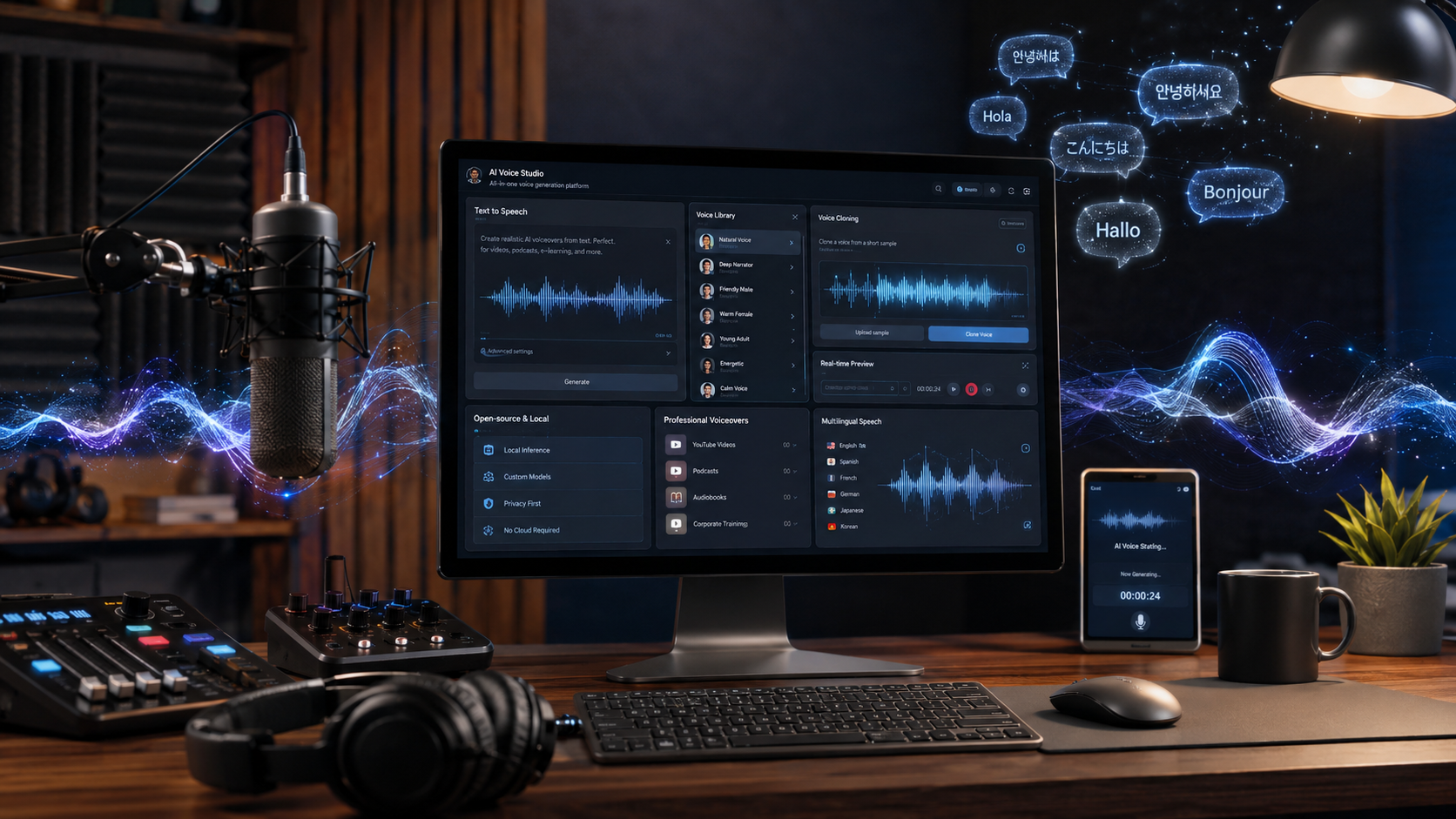
Furthermore, fields like financial modeling, scientific research, and predictive analytics rely completely on backend data processing. Python simplifies data manipulation, allowing you to clean messy spreadsheets and generate visual charts with just a few lines of code. If you enjoy analytical thinking, focusing on data-centric languages will yield incredible professional dividends.

Frequently Asked Questions

Is ChatGPT an agentic AI?

No, standard ChatGPT is not natively a fully autonomous agentic AI by default, but it represents the definitive stepping stone toward it. Historically, traditional generative AI systems operated as strictly reactive chatbots. They waited for user prompts, generated text answers, and lacked the power to complete workflows outside their window. However, the ecosystem changed drastically when OpenAI integrated dedicated “agent mode” capabilities natively into the application. Equipped with tools like virtual computers, text browsers, and direct terminal execution, modern iterations can browse the web and interact with complex browser user interfaces independently. True agentic AI requires complete multi-step execution, planning, and self-correction to solve abstract problems with minimal human intervention. While standard chatting feels conversational, modern backend updates have successfully pushed the app straight into the agentic era.

How long does it take to learn the basics of programming?

For most complete beginners, it takes roughly three to six months to grasp the foundational concepts of programming. This specific timeline assumes you dedicate approximately ten to fifteen hours per week to focused instruction and hands-on practice. Naturally, mastering an engineering discipline takes years of industry experience, but you can build simple, functioning tools much faster than you think. The key to accelerated learning is prioritizing daily coding exercises rather than cramming massive amounts of information over the weekend. Consistent exposure creates permanent neural pathways, cementing abstract syntax structures into your long-term memory. Over time, writing functional syntax transforms from a difficult conscious effort into a seamless mechanical habit.

Do I need a strong math background to learn how to code?

No, you do not need an advanced mathematical background or a genius intellect to excel at general software development. Most day-to-day software engineering consists of logical problem-solving, structural organization, pattern matching, and systemic data routing rather than complex calculus. If you fundamentally comprehend basic arithmetic and high school algebra, you possess plenty of mathematical foundation to build web apps and business databases. Specialized development fields like modern game engine physics, complex cryptography, 3D graphics rendering, and quantum machine learning models certainly require advanced mathematical training. Fortunately, mainstream engineering, mobile design, and enterprise cloud applications do not demand those niche skills. Focus your energy on developing clear logical workflows instead of stressing over complex formulas.

Can I learn programming on my own for free?

Absolutely, you can easily teach yourself software engineering without spending a single dollar on traditional tuition. The internet contains an abundance of incredible, high-quality educational material available completely for free to global citizens. Open education platforms like FreeCodeCamp, Coursera, Harvard’s CS50, and official framework documentations offer highly structured learning tracks for ambitious novices. The true challenge of self-guided software education is never a lack of information; rather, it is maintaining personal discipline and engineering a structured habit. Establishing a firm, unyielding daily study schedule allows you to navigate massive resource repositories efficiently. Thousands of elite enterprise developers globally launched their engineering careers utilizing nothing but free open-source tutorials, personal drive, and raw determination.

Should I learn multiple programming languages at the same time?

No. When exploring the best programming languages for beginners, it is usually better to focus on one language at a time. Trying to learn Python, JavaScript, and C++ simultaneously can create confusion because each language follows different syntax rules and programming approaches.

Many experts recommend choosing one of the best programming languages for beginners and building a solid foundation before moving on to another language. Focus on core concepts such as loops, conditional statements, functions, data structures, and problem-solving techniques. These skills transfer across most programming languages.

The reason the best programming languages for beginners are often recommended first is that they help new developers understand programming fundamentals without unnecessary complexity. Once you become comfortable with one language, learning additional languages becomes much easier.

If your goal is long-term success, start with one of the best programming languages for beginners, master the basics, and then gradually expand your skill set based on your career goals.

Conclusion

Choosing from the best programming languages for beginners does not have to be a stressful endeavor. The secret of the tech industry is that your first language is simply a vehicle to learn computational thinking. Python offers an unmatched entry point for data and AI, while JavaScript rules supreme for web interactivity. Focus entirely on your immediate career goals, pick one path, and stay consistent.

True mastery comes from building real projects, making mistakes, and writing code every single day. Do not worry about mastering every single tool available on the market right now. Start small, stay patient, and watch your digital toolset grow as you build real-world applications.

Best Productivity Apps for Windows 11: Top Tools

Maximize Your Desktop Workflows: The Best Productivity Apps for Windows 11

The operating system update changed how our desktops look and feel, but aesthetics alone cannot check off your daily to-do list. To transform your PC from a standard workspace into an efficient powerhouse, finding the best productivity apps for Windows 11 is essential. Relying entirely on generic tools or cluttered setups creates unnecessary digital friction, which slows down your progress. By integrating tailored applications directly into your daily routine, you can streamline complicated projects and safeguard your attention span. To set up your computer correctly for these programs, refer to the Microsoft Windows Support Documentation for performance and alignment guidance.

Modern workplaces require professionals to balance multiple projects simultaneously, making organizational software highly valuable. The correct application stack reduces the energy spent jumping between fragmented windows and browser tabs. These selected tools work alongside modern native desktop features like Snap Layouts and virtual desktops to ensure seamless multitasking. Below is an analytical look at the elite applications designed to revolutionize your administrative tasks, note-taking habits, and time management strategies.

Best Productivity Apps for Windows 11:

1. Microsoft Copilot: Your Built-In AI Companion

Artificial intelligence is now a key part of modern digital workspaces. Microsoft Copilot works as a smart desktop assistant that helps users complete tasks faster. It allows you to organize information, summarize content, and manage projects without switching between multiple applications. As a result, your workflow becomes smoother and more efficient.

Moreover, Copilot provides quick support when your workload increases. It can analyze information, suggest ideas, and help you make better decisions. Instead of spending extra time searching through files, you can use Copilot to find important details instantly.

Data Summarization:
When your inbox contains lengthy updates, Copilot can identify the most important points. Therefore, you can understand key information without reading every message.

Project Conversion:
If your ideas are spread across different documents, Copilot can bring them together. For example, it can turn simple notes into a clear project checklist with actionable steps.

Interactive Planning:
You can also chat with Copilot to plan events, create schedules, or organize personal tasks. Additionally, it can generate structured plans based on your instructions. This makes daily work easier and helps you stay focused on important goals.

Get started with Microsoft Copilot: Open Microsoft Copilot

2. Microsoft To Do: Simplified Task and List Management

Managing deadlines requires a simple system that keeps your work organized. Microsoft To Do gives you an easy way to handle daily tasks, important projects, and upcoming responsibilities. With this app, you can create lists, set reminders, and track progress without feeling overwhelmed.

Additionally, Microsoft To Do connects smoothly with Outlook and the wider Microsoft 365 ecosystem. This integration helps you keep emails, schedules, and tasks together in one place. As a result, you spend less time searching for information and more time completing your work.

The app lets you create custom lists for different areas of your life. For example, you can create separate lists for office projects, personal goals, or long-term plans. You can also add due dates and set recurring tasks for regular activities.

Overall, Microsoft To Do helps you build a better workflow. It combines simple task management with useful features that support productivity every day.

The Power of My Day: The “My Day” feature supports intentional prioritization by forcing you to select a manageable number of items for immediate action. This boundary prevents the psychological fatigue caused by looking at an endless master list.

Access Microsoft To Do here: Open Microsoft To Do

3. The New Outlook Calendar: Visualizing Your Schedule

Managing multiple schedules becomes easier when you use a clear and organized calendar system. The new Outlook Calendar for Windows helps you manage appointments, meetings, and daily commitments from one place. It allows you to view your schedule quickly and join meetings without unnecessary steps.

Additionally, Outlook Calendar connects different accounts to create a unified workspace. You can manage work and personal events together while keeping your plans organized. As a result, you avoid switching between separate calendar applications throughout the day.

Key Features and Benefits:

Multi-Account Sync:
Outlook Calendar brings Outlook, Google, and other supported accounts into one dashboard. Therefore, you can track all your important events from a single location.

Color-Coded Labels:
The calendar allows you to use different colors for different types of activities. For example, you can separate work meetings, personal plans, and important deadlines easily.

Direct Meeting Actions:
You can join online meetings, contact attendees, or update invitations directly from the calendar. This saves time and keeps your workflow moving.

Furthermore, using time-blocking techniques helps you plan your day better. By reserving specific hours for focused work, you protect your schedule from unexpected interruptions.

Try Outlook Calendar: Open Outlook Web

4. Microsoft OneNote: Your Complete Digital Notebook

Capturing ideas, research, and important information requires a flexible note-taking system. Microsoft OneNote gives you a digital workspace where you can store notes, files, images, and other content. It helps you organize information into notebooks, sections, and pages, making it easier to find what you need later.

Additionally, OneNote supports different ways to capture your thoughts. You can type notes, draw ideas with a stylus, add screenshots, or record audio. This flexibility allows you to choose the method that fits your workflow. As a result, you can collect information faster and keep everything in one place.

OneNote also syncs across desktop and mobile devices. Therefore, you can access your notes whenever you need them. Whether you are working from your office or traveling, your information stays available.

Furthermore, Copilot integration inside OneNote improves productivity even more. It helps you create outlines, organize messy notes, and generate new ideas with simple prompts. For example, you can turn rough thoughts into structured plans within seconds.

Overall, Microsoft OneNote combines organization and creativity. It works well for professionals, students, and anyone who wants a reliable digital notebook.

Start using OneNote: Open Microsoft OneNote

5. Snipping Tool: Accelerating Daily Communication

Clear communication becomes easier when you can share visual information quickly. The built-in Snipping Tool helps you capture screenshots and explain ideas more effectively. It works especially well for software development, technical support, and workplace collaboration.

You can open the Snipping Tool instantly by pressing the Windows logo key + Shift + S shortcut. This allows you to select the exact area you want to capture. As a result, you avoid taking unnecessary screenshots and keep your information focused.

Additionally, the tool includes simple editing features that improve your screenshots. You can highlight important sections, add text, and remove unwanted areas. These options help you guide attention toward the most useful details.

The Snipping Tool also includes a screen recording feature. Therefore, you can create short videos to demonstrate problems or explain processes. For example, a quick video showing a software issue often communicates the solution faster than a long written message.

Overall, the Snipping Tool saves time and improves teamwork. It turns complex explanations into clear visual instructions and helps users communicate more efficiently.

Learn more about Snipping Tool: Use Windows Snipping Tool


Why You Need the Best Productivity Apps for Windows 11

Windows 11 provides a strong foundation for daily tasks, but the default setup may not support every professional workflow. The best productivity apps for Windows 11 help users customize their workspace and improve the way they manage information. These tools make it easier to organize projects, track deadlines, and complete tasks without unnecessary distractions.

Additionally, specialized applications work together with Windows features to create a smoother experience. Features like Snap Layouts, virtual desktops, and cloud syncing help users switch between tasks more efficiently. As a result, you can spend less time managing your computer and more time focusing on important goals.

Furthermore, productivity apps help reduce digital clutter. Instead of keeping files, notes, and schedules in separate places, you can connect everything through a unified system. This approach improves organization and prevents delays during busy workdays.

The right tools also support better performance while working remotely. They help you manage battery usage, simplify workflows, and keep your data accessible across devices. Ultimately, choosing the right productivity apps allows you to save time.


FAQ: Best Productivity Apps for Windows 11

What makes these specific tools the best productivity apps for Windows 11?

These productivity tools stand out because they work smoothly with Windows 11. They connect directly with the operating system and create a more efficient workspace. Instead of using separate applications that do not communicate well, users can manage tasks, notes, and schedules through connected tools.

For example, Microsoft Copilot, OneNote, and Microsoft To Do work together to support daily workflows. This integration helps users move information between apps more easily. As a result, they spend less time organizing files and more time completing important tasks.

Additionally, these tools reduce unnecessary background activity. They use Windows features effectively and help maintain better system performance. The built-in connection also removes the need to manually transfer information between different platforms.

Furthermore, Windows 11 features like Snap Layouts and virtual desktops improve multitasking. Users can arrange applications, compare information, and switch between projects faster. Therefore, these productivity apps create a cleaner and more focused digital workspace.

How does Microsoft Copilot save time during a busy workday?

Microsoft Copilot helps you save time by handling repetitive tasks and organizing information quickly. It can process large amounts of text and find important details within seconds. Instead of spending a long time reading through emails or documents, you can ask Copilot to summarize the main points.

Additionally, Copilot helps you understand complex information faster. For example, it can identify important actions from a long email conversation and create a simple summary. As a result, you can focus on making decisions instead of searching for details.

Copilot also helps you manage unorganized notes. If you have ideas spread across different pages or files, it can organize them into a clear project plan. Therefore, you can turn simple thoughts into useful tasks without extra effort.

Furthermore, Copilot supports daily planning by helping you create outlines, prepare reports, and structure information. This reduces the time you spend on routine work.

Can I manage multiple email and calendar accounts using the built-in Windows tools?

Yes, you can manage multiple email and calendar accounts using the built-in Windows tools. The modern Outlook experience on Windows 11 allows you to connect different accounts in one place. You can add Microsoft accounts, Google accounts, and supported workplace accounts. As a result, you can check emails and schedules without opening several separate applications.

Additionally, Outlook Calendar brings all your appointments together in a single view. This makes it easier to track meetings, deadlines, and personal plans. You can also organize events with different colors. Therefore, you can quickly identify work tasks, personal activities, and important reminders.

The unified interface helps you save time throughout the day. Instead of switching between different apps, you can manage everything from one dashboard. Furthermore, Outlook keeps your information synchronized across devices, so your schedule stays updated wherever you work.

Overall, built-in Windows productivity tools simplify daily planning. They help you stay organized, reduce missed appointments, and create a smoother workflow.

What are the main benefits of using Focus Sessions in the Clock app?

Focus Sessions help you create better work habits by improving concentration and time management. The feature uses a structured approach similar to the Pomodoro technique. It divides your workday into focused periods followed by short breaks. As a result, you can maintain your energy and avoid feeling mentally exhausted.

Additionally, Focus Sessions connects with Microsoft To Do. This integration allows you to select specific tasks and add them to your focus timer. Therefore, you can stay clear about your goals and complete important work without distractions.

The feature also supports a more organized workspace by reducing interruptions. Instead of constantly checking notifications or switching between apps, you can focus on one task at a time. Furthermore, Spotify integration allows you to play background music directly while working.

This keeps your attention on the task instead of sending you to other websites or apps. Overall, Focus Sessions creates a simple but effective system that helps users manage their time, improve productivity, and build consistent daily routines.

Is OneNote suitable for both structured corporate work and creative brainstorming?

Yes, OneNote works well for both professional organization and creative thinking. Its flexible layout allows users to manage information in a way that matches their workflow. The app uses a simple notebook, section, and page structure. Therefore, users can store large amounts of business data without losing track of important details.

Additionally, OneNote gives each page a flexible workspace. You can add text, images, files, sketches, and audio recordings wherever you need them. As a result, the app supports different working styles and makes information easier to organize.

For corporate tasks, users can create meeting notes, project documents, research files, and detailed reports. Meanwhile, creative users can use the open canvas to draw ideas, create mind maps, and explore new concepts.

Furthermore, the digital stylus support makes brainstorming more natural. You can write ideas by hand and convert them into organized notes later.

Conclusion

Building a high-performance desktop setup with the best productivity apps for Windows 11 is the most effective way to optimize your professional schedule. Relying entirely on random browser extensions or fragmented setups limits your potential and increases cognitive fatigue. By utilizing the advanced AI capabilities of Microsoft Copilot, tracking milestones with Microsoft To Do, and using visual tools like the Snipping Tool, you create an environment optimized for deep focus.

True time management is about reducing friction and keeping your mind clear for high-value tasks. Take a few moments today to review your current daily bottlenecks, pick the tools that match your immediate needs, and integrate them into your workflow. You will notice a major improvement in your clarity, execution speed, and daily output almost immediately. For an even smoother Windows experience, you can also explore these tips on how to boost CPU speed on Windows and improve your system performance.

Best Coding Websites for Beginners: Learn to Code Fast

The Best Coding Websites for Beginners: Your Ultimate Guide to Learning Programming Online

Finding the best coding websites for beginners is an important first step for anyone who wants to start learning programming online. Learning how to code may feel challenging at the beginning because programming languages, tools, and technical concepts can seem unfamiliar. However, with the right coding websites for beginners, learners can gradually develop essential skills, understand programming logic, and build confidence through regular practice.

Today, many online coding websites for beginners offer different learning methods, including interactive lessons, video courses, coding challenges, and real-world projects. Therefore, choosing the right platform depends on your goals, learning style, and experience level. Some coding websites focus on teaching basic concepts, while others help learners create professional projects and prepare for technology careers.

Moreover, beginner-friendly coding websites make programming easier by providing structured lessons, practice exercises, and supportive communities. In this guide, we will explore the top coding websites for beginners, compare their features, and explain how each platform can help you start your journey from writing your first line of code to building useful applications.


Top Coding Websites for Beginners

1. FreeCodeCamp — Best for Project-Based Learning

freeCodeCamp is one of the most popular free coding platforms for beginners who want to learn programming through practical experience. Instead of only reading tutorials, students complete coding exercises and build real-world projects that help them understand how software is created. The platform covers important technologies such as HTML, CSS, JavaScript, Python, databases, APIs, and machine learning basics. It also provides certifications after completing different learning paths, which can help learners create a professional portfolio. freeCodeCamp is especially useful for self-taught developers because it provides a complete roadmap from beginner level to advanced topics. The lessons are organized clearly, making it easier for new programmers to follow without feeling overwhelmed.

Why it’s best:

  • Completely free learning platform
  • Real projects for practical skills
  • Certifications for portfolio building
  • Covers many programming technologies
  • Helpful community support

2. Codecademy — Best for Interactive Learning

Codecademy is a beginner-friendly coding website that teaches programming through interactive lessons directly inside the browser. Users can read explanations, write code, and immediately see the results without installing complicated software. This makes it an excellent choice for people who are starting programming for the first time. Codecademy offers courses in web development, Python, Java, JavaScript, SQL, data science, and many other technical areas. The platform breaks large topics into smaller lessons, helping learners understand programming concepts step by step. Beginners can practice coding regularly and build confidence before moving into more advanced projects. It also offers career-focused paths that guide students toward specific goals such as becoming a web developer or data analyst.

Why it’s best:

  • Easy-to-use coding environment
  • Interactive exercises
  • Beginner-friendly courses
  • Career learning paths
  • Immediate practice and feedback

3. W3Schools — Best for Quick Learning and Reference

W3Schools is a simple and widely used learning website for beginners who want quick explanations of programming concepts. It provides tutorials and examples for HTML, CSS, JavaScript, Python, SQL, Java, PHP, and many other technologies. The website is designed with simplicity in mind, making it easy for new learners to understand coding basics without complicated theory. One of its strongest features is the “Try It Yourself” editor, where users can test code directly in their browser. Many developers use W3Schools as a reference tool while working on projects because it provides quick syntax examples and explanations. It is especially useful when you forget a command or need a simple explanation of a programming concept.

Why it’s best:

  • Very simple explanations
  • Large collection of tutorials
  • Built-in code testing
  • Great for beginners
  • Useful as a coding reference

4. The Odin Project — Best for Becoming a Web Developer

The Odin Project is a free learning platform designed to help beginners become professional web developers. It provides a complete curriculum that teaches both frontend and backend development skills. Instead of focusing only on theory, the platform encourages students to build real websites and applications. Learners study important tools such as HTML, CSS, JavaScript, Git, databases, and server-side programming. The course structure follows a clear roadmap, allowing beginners to progress from basic concepts to advanced development topics. The Odin Project is especially valuable because it teaches practical skills that developers use in real jobs. Students also learn how to research problems, read documentation, and work like professional programmers.

Why it’s best:

  • Free full-stack curriculum
  • Real-world projects
  • Professional development approach
  • Teaches modern developer tools
  • Strong learning community

5. HackerRank — Best for Coding Practice

HackerRank is a platform focused on improving programming skills through coding challenges and problem-solving exercises. It helps beginners develop logical thinking and understand how programmers approach technical problems. The website includes challenges related to algorithms, data structures, Python, Java, SQL, and other programming languages. Users can practice problems at different difficulty levels, starting from simple exercises and gradually moving to advanced challenges. HackerRank is also commonly used by companies during technical hiring tests, making it useful for students preparing for programming interviews. Regular practice on this platform helps learners become faster and more confident at writing code.

Why it’s best:

  • Improves problem-solving skills
  • Coding practice for many languages
  • Useful for interviews
  • Different difficulty levels
  • Competitive programming experience

6. LeetCode — Best for Interview Preparation

LeetCode is one of the most popular coding practice websites used by programmers around the world. It provides thousands of programming problems that focus on algorithms and data structures. Although many experienced developers use it for technical interviews, beginners can also start with easier problems to improve their coding logic. The platform helps learners understand how to write efficient and optimized solutions. Practicing on LeetCode teaches important concepts such as arrays, strings, searching, sorting, recursion, and problem-solving techniques. It is especially helpful for students who want to prepare for software engineering jobs at technology companies.

Why it’s best:

  • Large problem collection
  • Builds strong coding logic
  • Interview preparation
  • Improves algorithm knowledge
  • Used by professional developers

7. Khan Academy — Best for Visual Learning

Khan Academy is a free educational platform that teaches programming through simple explanations and interactive lessons. It is ideal for beginners who prefer learning concepts visually instead of reading only technical documentation. The platform provides courses in HTML, CSS, JavaScript, and computer science fundamentals. Students can practice coding through interactive exercises and understand how programming works step by step. Khan Academy focuses on making difficult topics easier by explaining them in a beginner-friendly way. It is a good starting point for students who want to build a strong foundation before moving to more advanced programming platforms.

Why it’s best:

  • Free educational content
  • Visual explanations
  • Beginner-friendly approach
  • Interactive coding exercises
  • Strong foundation building

Key Features to Look For in a Beginner Programming Platform

Choosing the right beginner programming platform is an important step because the learning environment can strongly affect your progress. A good coding website should not only teach programming concepts but also make learning simple, practical, and enjoyable. Therefore, beginners should look for platforms that provide useful tools, clear guidance, and strong support while learning how to code.

1. An Intuitive Code Editor

One of the most important features of a beginner-friendly coding platform is an easy-to-use code editor. When starting programming, setting up tools like code editors, Git, command-line terminals, and development environments can feel confusing. As a result, many beginners lose focus before they even start writing code. A good platform removes this difficulty by allowing users to write, run, and test code directly in the browser. Furthermore, a simple code editor helps learners focus on understanding programming logic instead of dealing with technical setup problems. Features such as automatic suggestions, error messages, and instant results can make the learning process smoother. Therefore, an intuitive code editor helps beginners build confidence and learn faster.

2. Active Community Forums and Support

Learning to code involves making mistakes, facing errors, and solving difficult problems. In fact, every developer experiences challenges while programming. Therefore, having access to an active community is extremely valuable for beginners. Good coding platforms often provide discussion forums, chat groups, or community spaces where learners can ask questions and share solutions. Additionally, these communities allow beginners to search previous discussions and find answers to common problems. Support from other learners and experienced programmers can make difficult topics easier to understand. Moreover, being part of a coding community keeps learners motivated and prevents them from feeling stuck during their journey.

3. Clear Progress Tracking and Flexible Learning Paths

A strong beginner programming platform should provide clear progress tracking features. When learners can see their achievements, completed lessons, and upcoming goals, they are more likely to stay motivated. For example, progress bars, achievement badges, and structured courses help users understand how far they have advanced. However, a good platform should also provide flexibility instead of forcing every learner to follow the exact same path. Beginners often need to review older topics or explore different subjects based on their interests. Therefore, platforms with flexible learning paths allow students to learn at their own speed. This approach creates a more comfortable and effective learning experience.

4. Practical Projects and Real-World Practice

Another essential feature of a good coding platform is the ability to work on practical projects. Learning programming only through theory is not enough because developers need hands-on experience. Therefore, beginner platforms should include exercises and projects that simulate real-world tasks. Building websites, applications, or small programs helps learners understand how coding is used outside tutorials. Additionally, completed projects can become part of a portfolio that demonstrates skills to employers. As a result, project-based learning prepares beginners for future development work.

5. Beginner-Friendly Explanations

Finally, a quality programming platform should explain concepts clearly and avoid unnecessary complexity. Beginners need simple examples, step-by-step instructions, and understandable explanations before moving to advanced topics. Furthermore, good platforms introduce difficult ideas gradually so learners do not feel overwhelmed. A supportive learning environment helps students develop confidence and continue improving over time.

By choosing a platform with these important features, beginners can create a strong foundation and make their programming journey more successful.


Frequently Asked Questions About Coding Websites for Beginners

What are the best coding websites for beginners?

The best coding websites for beginners depend on your learning style, goals, and the type of programming skills you want to develop. Generally, platforms like FreeCodeCamp, Codecademy, W3Schools, Coursera, and The Odin Project are considered excellent choices for new learners. For example, FreeCodeCamp is perfect for students who prefer learning through real projects, while Codecademy provides interactive lessons that allow beginners to practice coding directly in their browser. Similarly, W3Schools works well as a quick reference guide because it explains programming concepts in a simple way. Additionally, Coursera and edX are useful for learners who want structured courses from universities. Therefore, beginners should choose a platform that matches their preferred learning method. Most importantly, practicing consistently and building small projects will help you improve faster than only watching tutorials.

Can I learn coding for free online?

Yes, you can learn coding completely free online by using many high-quality educational platforms available today. In fact, thousands of beginners start their programming journey without spending money on expensive courses. Websites such as FreeCodeCamp, W3Schools, Khan Academy, and The Odin Project provide free lessons, exercises, and project-based learning materials. Furthermore, many experienced developers have successfully learned programming through self-study using online resources. Free coding websites allow learners to study important technologies such as HTML, CSS, JavaScript, Python, databases, and web development. However, while free resources are enough to build strong skills, paid courses may offer additional benefits like mentorship, certificates, or career guidance. Therefore, the key to success is not the price of the course but your dedication, practice routine, and willingness to solve real programming problems.

Which programming language should a beginner learn first?

Choosing the first programming language depends on your goals, but Python and JavaScript are commonly recommended for beginners. Python is often considered one of the easiest languages because its syntax is simple, clean, and close to everyday English. As a result, beginners can focus on understanding programming logic instead of struggling with complicated code structures. Python is widely used in areas such as automation, artificial intelligence, data science, and software development. On the other hand, JavaScript is an excellent choice for anyone interested in web development because it helps create interactive websites and applications. Additionally, JavaScript works together with HTML and CSS to build modern websites. Therefore, both languages provide strong foundations. After learning one programming language, moving to others becomes much easier because many core concepts remain the same.

How long does it take to learn coding?

The time required to learn coding depends on your learning speed, practice schedule, and the level of programming knowledge you want to achieve. Generally, beginners can understand basic coding concepts within three to six months if they practice regularly. During this period, students can learn programming fundamentals, create simple projects, and understand how websites or applications work. However, becoming job-ready usually requires more time because professional development involves advanced topics, debugging, teamwork, and real-world experience. Furthermore, consistent daily practice is usually more effective than studying for many hours occasionally. For example, spending one hour coding every day can create better progress than studying only once a week. Therefore, beginners should focus on steady improvement, building projects, and solving programming challenges instead of rushing through lessons.

Do I need a powerful computer to learn how to code?

No, beginners do not need an expensive or powerful computer to start learning programming. In fact, many coding websites allow students to write and test code directly in a web browser, which means a basic laptop or desktop computer is usually enough. Platforms such as freeCodeCamp, Codecademy, and W3Schools provide online coding environments where beginners can practice without installing complicated software. Additionally, many programming tasks such as web development, basic Python projects, and coding exercises require very little computer power. However, if you later move into advanced fields like game development, video processing, or machine learning, a stronger computer may become useful. Therefore, beginners should focus more on learning skills and practicing regularly rather than worrying about having expensive equipment at the start of their coding journey.

Are coding websites enough to become a professional developer?

Yes, coding websites can provide a strong foundation for becoming a professional developer, especially when combined with consistent practice and real-world projects. These platforms teach important programming concepts, problem-solving skills, and development techniques that beginners need to start their journey. For example, websites like freeCodeCamp, The Odin Project, and Codecademy help learners understand web development, programming languages, and software tools step by step. However, learning from websites alone may not be enough if you do not practice outside the lessons. Therefore, beginners should also create personal projects, contribute to open-source work, and build a portfolio to demonstrate their abilities. Additionally, learning how to read documentation, debug errors, and search for solutions is essential because professional developers use these skills every day. In conclusion, coding websites are valuable learning resources, but your progress depends on how consistently you apply what you learn.


Conclusion

Choosing the right coding websites for beginners is one of the most important decisions when starting a programming journey. The right platform can make learning easier, more enjoyable, and more organized by providing clear lessons, practical exercises, and helpful resources. Furthermore, beginners should remember that programming is a skill developed through regular practice rather than something learned overnight. Platforms such as freeCodeCamp, Codecademy, W3Schools, Coursera, and The Odin Project each offer unique advantages for different types of learners.

Moreover, the best way to improve is to combine learning with action. Instead of only watching tutorials, beginners should write code, complete challenges, and build small projects regularly. Over time, these activities improve confidence, problem-solving ability, and technical knowledge. Additionally, learning programming requires patience because mistakes and errors are a normal part of the process. Therefore, choose a platform that matches your goals, stay consistent, and continue practicing. With dedication and the right resources, anyone can develop coding skills and move toward becoming a successful developer.

With dedication and the right resources, anyone can develop coding skills and move toward becoming a successful developer. If you want to continue your journey and learn more about building a career in web development, check out our detailed guide on how to become a web developer in 2026.

How Cloud Computing Works: A Complete Guide

How Cloud Computing Works: A Simple, Comprehensive Guide

How cloud computing works has transformed the way people and businesses use modern technology. Instead of storing files, running applications, or managing software only on a personal computer, cloud computing allows users to access digital resources through the internet. When you save photos online, stream videos, edit documents in a web browser, or use business applications remotely, cloud technology handles these tasks through powerful online systems. You can learn more about the basics of this technology through this detailed cloud computing definition and overview.

The basic concept of how cloud computing works is simple: large networks of servers located in data centers around the world store information and provide computing services whenever users need them. These servers process requests, manage data, and deliver services without requiring users to own expensive hardware.

Businesses no longer need to spend large amounts of money on physical servers, maintenance, and complex IT infrastructure. Instead, they can use cloud providers to access storage, computing power, and software based on their requirements. Cloud platforms such as Amazon Web Services have changed traditional computing by offering technology as a flexible, on-demand service.

Today, cloud computing supports remote work, online businesses, artificial intelligence, mobile applications, and digital transformation. Learning how cloud computing works helps individuals and organizations understand how technology improves flexibility, security, and scalability in the digital world.


Cloud Computing Architecture: Front End and Back End Explained

Cloud computing works through a combination of two major components: the front end and the back end. These two parts communicate with each other through the internet or another network connection. Together, they create a complete system that allows users to access cloud-based services from anywhere.

The Front End: The User Side of Cloud Computing

The front end is the part of the cloud system that users interact with directly. It includes devices such as laptops, smartphones, tablets, and desktop computers. It also includes applications, browsers, and user interfaces that allow people to send requests and receive information from cloud servers.

For example, when you open an online storage application and view your saved files, the application interface you see is part of the front end. Your device sends instructions to the cloud system, and the cloud responds by delivering the requested data.

The front end is designed to make cloud services simple and user-friendly. Users do not need to understand the complex infrastructure running behind the scenes. They only need an internet connection and an account to access powerful computing services.

The Back End: The Cloud Infrastructure

The back end is where all the major processing happens. It includes servers, databases, storage systems, networking equipment, and security technologies located inside data centers. These systems handle millions of requests from users around the world.

Cloud providers use advanced technologies to distribute workloads, protect information, and ensure reliable performance. The back end processes user requests, stores information securely, and sends results back through the network. This powerful infrastructure allows businesses and individuals to use computing resources without owning physical hardware.


How Cloud Computing Works Behind the Scenes

Cloud computing depends on several important technologies that allow providers to deliver fast, secure, and scalable services. The process begins when a user sends a request through an application or web browser. That request travels through the internet to a cloud data center, where it is processed and completed.

One of the most important technologies behind cloud computing is virtualization. Virtualization allows a single physical server to be divided into multiple virtual machines. Each virtual machine works like an independent computer with its own operating system and applications.

A special software layer called a hypervisor manages these virtual machines. It ensures that multiple users can share the same physical hardware safely without affecting each other. This improves efficiency because cloud providers can use their servers more effectively.

Cloud computing also relies heavily on automation and orchestration. These systems automatically assign resources, manage workloads, balance traffic, and increase capacity when demand grows. This allows cloud services to operate smoothly even when millions of users are accessing them at the same time.


The Three Main Cloud Computing Service Models

Cloud computing services are generally divided into three major categories known as service models. These models describe how much responsibility the cloud provider manages and how much control the customer has.

Infrastructure as a Service (IaaS)

Infrastructure as a Service provides basic computing resources through the internet. With IaaS, businesses can rent virtual servers, storage, and networking instead of purchasing physical equipment.

The customer manages the operating system, applications, and software, while the cloud provider manages the physical infrastructure. This model is popular among companies that need flexibility and control over their technology environment.

IaaS helps organizations reduce hardware costs and quickly increase or decrease resources based on demand.

Platform as a Service (PaaS)

Platform as a Service provides developers with a complete environment for building and deploying applications. The cloud provider manages the servers, operating systems, and development tools.

Developers can focus on writing code instead of worrying about infrastructure management. PaaS speeds up software development and makes it easier to launch applications.

Software as a Service (SaaS)

Software as a Service delivers ready-to-use applications through the internet. Users can access software directly from a browser without installing programs on their computers.

Examples include online email platforms, collaboration tools, and business management software. SaaS is the most common cloud model used by everyday consumers.


Types of Cloud Deployment Models

Organizations choose different cloud deployment methods depending on their security requirements, budget, and business goals. The three main deployment models are public cloud, private cloud, and hybrid cloud.

Private Cloud

A private cloud is a cloud computing environment designed exclusively for a single organization. Unlike a public cloud, where resources are shared among multiple customers, a private cloud provides dedicated infrastructure that gives businesses greater control over their computing resources. Organizations can customize the system according to their specific needs, manage security settings, and maintain complete control over their data.

Private clouds are commonly used by businesses and institutions that require strong data protection and compliance. Industries such as banking, healthcare, government, and large enterprises often rely on private cloud solutions because they handle sensitive and confidential information. With advanced security features, encryption, and controlled access, private clouds help reduce security risks while improving reliability and performance.

Hybrid Cloud

A hybrid cloud combines the advantages of both public and private cloud environments. It allows organizations to store sensitive applications and important data in a private cloud while using public cloud resources for general workloads, testing, or tasks that require extra scalability.

This flexible approach helps businesses achieve a balance between security, cost savings, and performance. Organizations can quickly increase computing power when needed without investing in additional hardware. Hybrid cloud models are popular because they provide flexibility, allowing companies to choose where their data and applications should run based on their requirements. This makes hybrid cloud a practical solution for modern businesses that need both control and scalability.


FREQUENTLY ASKED QUESTIONS (FAQs)

What is the simplest definition of how cloud computing works?

Cloud computing works by allowing users to access digital resources, applications, and storage through the internet instead of depending on their own computer’s hard drive. In simple terms, cloud computing moves data and software from your personal device to powerful remote servers managed by cloud providers.

When you upload a photo, open an online application, or save a document, your device sends a request through the internet. The cloud system receives the request, processes the information using advanced servers, and delivers the result back to your device within seconds. This entire process happens in the background without requiring users to understand the complex technology behind it.

Cloud computing uses large data centers filled with servers, storage systems, and networking equipment to handle user activities. These systems help people store files, run applications, and access services from almost anywhere. Instead of purchasing expensive hardware, users can rely on cloud services and pay only for the resources they need.

This technology also helps businesses reduce costs, improve flexibility, and scale their operations quickly. Cloud computing makes digital services faster, more accessible, and easier to manage for individuals and organizations

Where is my data actually stored in the cloud?

Your data in the cloud is stored inside large facilities called data centers. These data centers contain thousands of powerful physical servers, storage devices, networking systems, and security equipment that work together to manage digital information. When you save a photo, document, video, or application data online, your device sends that information through the internet to these remote facilities.

Cloud providers operate data centers in different parts of the world to deliver faster performance and reliable access. Instead of keeping your files on a single server, cloud systems usually create multiple copies of your data and store them across different servers or locations. This approach helps protect your information from hardware problems, technical failures, or unexpected disruptions.

These facilities use advanced security measures such as encryption, monitoring systems, controlled access, and backup technologies to protect user information. The cloud does not mean your data floats somewhere in the internet; it exists on real computers inside highly managed data centers.

Is cloud computing secure for sensitive business data?

Yes, cloud computing can provide strong security for sensitive business data when organizations use proper protection methods and follow security best practices. Many cloud providers build their platforms with advanced cybersecurity systems designed to protect valuable information from unauthorized access, cyber threats, and data loss.

Cloud companies use technologies such as data encryption, firewalls, identity management systems, and continuous monitoring to secure their infrastructure. Their data centers include strict access controls, surveillance systems, and other physical security measures to protect the servers that store customer information. These security features help businesses keep important files, applications, and databases safer.

However, cloud security depends on both the provider and the user. Cloud providers protect the infrastructure, but businesses must manage their own accounts carefully. Companies should create strong passwords, enable multi-factor authentication, limit user permissions, and regularly review security settings.

Cloud computing also offers advantages such as automatic backups and disaster recovery options. If a hardware failure or unexpected event affects one system, businesses can often restore their information from secure copies. With the right security practices, cloud computing can become a reliable solution for managing sensitive business data while supporting flexibility and growth.

What is virtualization in cloud computing?

Virtualization in cloud computing is a technology that allows a single physical computer or server to create multiple independent virtual environments. Instead of using one physical server for only one task, virtualization divides its resources, such as processing power, memory, and storage, into several virtual machines.

A special software layer called a hypervisor manages this process. The hypervisor creates and controls multiple virtual machines on the same physical server. Each virtual machine works like a separate computer because it can run its own operating system, applications, and settings. Users can operate these virtual environments without knowing that they share the same physical hardware.

Cloud providers use virtualization to improve resource usage and deliver flexible services. For example, one physical server can support multiple customers at the same time while keeping each customer’s data and applications separate. This approach helps providers reduce hardware costs, improve performance, and quickly allocate resources when users need them.

Virtualization also makes cloud systems easier to manage because providers can create, move, or remove virtual machines quickly. It plays a major role in making cloud computing scalable, reliable, and cost-effective for businesses and individuals.

What happens if the internet goes down while using the cloud?

If your internet connection stops working while you are using cloud services, your access to real-time cloud applications and online features will usually become limited. Since cloud computing depends on internet connectivity, your device needs a network connection to communicate with remote servers, retrieve information, and save updates.

When the connection drops, some cloud applications may stop working immediately, while others may continue using offline features. Many modern cloud-based tools allow users to work without an active internet connection by temporarily saving files and changes on the local device. This allows users to continue editing documents, viewing certain files, or completing tasks until the connection returns.

Once the internet connection becomes available again, the application reconnects with the cloud servers and uploads the saved changes. The system then synchronizes the updated information so that the latest version appears across all connected devices.

However, not every cloud service supports offline access. Applications that require constant communication with servers, such as live collaboration platforms or real-time business systems, may not function properly without internet access.

Why do companies prefer cloud services over traditional servers?

Companies choose cloud services over traditional servers because cloud technology provides greater flexibility, cost efficiency, and faster business growth. Traditional server systems require businesses to purchase expensive hardware, build dedicated infrastructure, and hire IT teams to manage maintenance, security, and upgrades. These responsibilities can increase operational costs and slow down innovation.

Cloud computing changes this approach by allowing companies to access computing resources through a flexible, pay-as-you-use model. Instead of investing heavily in physical servers, businesses can rent storage, processing power, and software services whenever they need them. This helps organizations reduce unnecessary expenses and use their budgets more effectively.

Another major advantage of cloud services is scalability. Companies can quickly increase or decrease their resources based on customer demand, seasonal changes, or business growth. For example, an online business can add more computing power during a busy sales period and reduce resources afterward.

Cloud services also support remote work by allowing employees to access files, applications, and business tools from different locations. They improve collaboration, speed up development, and help companies launch new products faster. With better flexibility and lower infrastructure challenges, cloud computing has become an important choice for modern businesses.

CONCLUSION

Demystifying how cloud computing works reveals a highly sophisticated system built on virtualization, automation, and global infrastructure. By splitting environments into accessible front ends and powerful back ends, providers deliver computing resources exactly like a utility company delivers electricity. Whether an organization utilizes IaaS, PaaS, or SaaS, they gain the ability to innovate rapidly without the burden of physical hardware management. Embracing these cloud architectures is no longer just a luxury; it is a fundamental requirement for staying competitive in a digital-first economy.

For more insights into technology trends and computing performance, explore our guide on Microsoft CPU Speed Boost.

Best Study Techniques Backed by Science: Full Guide

Best Study Techniques Backed by Science: Full Guide

Pulling an all-nighter before a major exam is a rite of passage for many students worldwide. However, modern neuroscientific research shows that cramming is one of the least effective ways to retain information long-term. To truly master complex subjects, you must rely on the best study techniques backed by science that align with how our brains naturally process and store data. According to cognitive research published by Harvard University, adopting active learning methods drastically improves long-term memory retention and overall academic performance compared to passive reading.

Understanding why effective learning matters can completely reshape your academic or professional trajectory. Traditional methods like highlighting textbooks or re-reading notes create a dangerous illusion of competence. You feel like you know the material because it looks familiar, but the knowledge quickly fades during a high-pressure test. Science-backed methods fix this common issue by strengthening the specific neural pathways responsible for deep memory retrieval.

This comprehensive beginner’s guide will walk you through the most powerful, proven cognitive strategies available today. We will explore practical frameworks including active recall, spaced repetition, and interleaving. If you want to further strengthen your retention skills, you can also explore our guide on memory improvement techniques for exams.

Whether you are preparing for a difficult professional certification or trying to master a new language, these tools will transform your daily routine. Let’s dive into the core methods that will boost your learning efficiency and help you avoid hours of ineffective studying.

The Core Scientific Principles of Effective Learning

To improve your academic performance, you must first understand how your brain stores information. Memory formation is not a passive recording process but an active construction project. Cognitive scientists emphasize two primary pillars when evaluating how humans retain knowledge over time.

Active Recall: Testing Your Knowledge

Active recall requires you to close your textbook and force your brain to retrieve information from memory. Instead of simply looking at a correct answer, you ask yourself a question and pull the response directly from your mind. This deliberate mental strain forces your neurons to build stronger, more resilient connections.

You can easily implement active recall by using flashcards, writing blank-sheet summaries, or taking practice quizzes before you feel fully ready. Research demonstrates that testing yourself acts as a powerful tool for learning, rather than just a method of final assessment.

Spaced Repetition: Beating the Forgetting Curve

The human brain naturally forgets new information at an exponential rate, a concept known in psychology as the Forgetting Curve. Spaced repetition fights this natural decline by reviewing the material at increasing intervals over time. For instance, you might review a complex concept after one day, then three days, then a week, and then a month.

This systematic approach tells your brain that the information is crucial for your long-term survival. Modern software applications like Anki use advanced algorithms to automate this process, ensuring you review specific flashcards right before you are about to forget them.

Implementing the Best Study Techniques Backed by Science

Now that you understand the core theory, let’s look at how to apply the best study techniques backed by science to your daily routine. Combining these methods yields exponential rewards for your personal productivity and comprehension.

The Feynman Technique for Deep Understanding

Named after the Nobel Prize-winning physicist Richard Feynman, this technique helps you quickly identify gaps in your knowledge. The process is incredibly simple yet profoundly effective for breaking down complex academic subjects:

  • Choose a specific concept you want to study.

  • Explain the concept to a hypothetical ten-year-old child using basic language.

  • Identify the specific areas where you struggle or rely on complex jargon.

  • Return to your source material to fill in those logical gaps.

By stripping away complex vocabulary, you force yourself to understand the core essence of the topic. If you cannot explain a concept simply, you do not truly understand it yet.

Interleaving vs. Blocking: Mixing Up Your Practice

Most students naturally use “blocking,” which means studying one specific topic for hours before moving to the next. However, cognitive science suggests that “interleaving”—or mixing different related topics together—is far more effective for long-term mastery.

For example, if you are studying mathematics, do not just practice twenty addition problems in a row. Instead, mix addition, subtraction, and multiplication problems together in a single session. This approach trains your brain to recognize which formula to apply to a given problem, which perfectly mirrors how actual exams work.

Environmental and Lifestyle Factors that Impact Studying

Even the finest cognitive strategies will fail if your environment and body are not optimized for deep focus. High-quality learning requires a holistic approach to your daily routine.

The Power of Pomodoro and Strategic Breaks

Human focus is a finite resource that depletes steadily over time. The Pomodoro Technique addresses this limitation by breaking your study sessions into manageable, highly focused intervals. You work intensely for 25 minutes, followed by a rewarding 5-minute break. After completing four cycles, you take a longer 30-minute break.

During these short breaks, step away from your screens entirely. Walk around your room, stretch your muscles, or grab a glass of water. These deliberate pauses give your brain a brief moment to consolidate the data you just absorbed.

Sleep and Nutrition as Cognitive Pillars

Many students sacrifice sleep to study longer, but this strategy completely backfires. Sleep is the exact time when your brain consolidates short-term memories into long-term storage. According to data from the World Health Organization, chronic sleep deprivation significantly impairs cognitive function, memory retrieval, and emotional regulation. Aim for seven to nine hours of quality sleep every night to keep your brain functioning at its peak performance level.

FAQ Section

How many hours should I study each day using these techniques?

When using the best study techniques backed by science, you should aim for two to four hours of highly focused study per day. Quality always matters far more than quantity when using advanced cognitive strategies. Because active recall, the Feynman technique, and interleaving demand intense mental effort, you will find that you cannot maintain this extreme level of concentration for eight hours straight without experiencing severe cognitive fatigue.

Breaking your day into shorter, deliberate blocks using the Pomodoro technique prevents mental burnout while ensuring your brain remains highly receptive to new information without losing structural efficiency. For instance, studying intensely for two hours using active retrieval methods will yield better exam results than pulling an unoptimized eight-hour marathon session of passive reading. Conserving your mental energy across well-spaced intervals keeps your focus sharp and your retention rates high.

Can I use the Feynman technique for mathematics?

Yes, you can easily apply the Feynman technique to mathematics, engineering, physics, and other highly technical subjects. Instead of simply memorizing a mathematical formula or blindly copying a set of algebraic steps, you should explain the underlying logic of why that specific formula functions in plain English. Describe what each variable represents, why it changes, and how they interact with each other to solve the final problem.

If you cannot explain the step-by-step logic of a mathematical proof to a complete beginner without using dense technical jargon or confusing equations, you need to review the core principles of that math topic again. Try drawing visual analogies or creating a real-world scenario where that specific formula applies. Breaking down abstract quantitative concepts into simple, everyday language forces your brain to build an authentic conceptual understanding rather than just relying on shallow rote memorization.

Is highlighting text completely useless?

Highlighting text is not completely useless. However, it is one of the least effective study methods when used on its own. It is a passive activity that creates a sense of familiarity with the material. Unfortunately, it does little to strengthen memory or improve recall.

When you highlight large sections of a chapter, it may feel productive. However, your brain is often not processing the information deeply. As a result, you may recognize the content later without truly understanding it.

If you enjoy highlighting, use it to mark important terms, definitions, or formulas during your first reading. Then follow it with an active study method. Create flashcards from the highlighted points. Write questions based on the material. You can also summarize the main ideas from memory on a blank sheet of paper.

This extra step turns passive reading into active learning. It also helps improve understanding, retention, and long-term recall.

How does music affect science-backed study methods?

Music affects studying based entirely on its structural complexity, its volume, and your unique cognitive baseline. Instrumental music, lo-fi beats, ambient soundscapes, or classical melodies can help block distracting background noise, reduce anxiety, and improve your overall workflow. However, music with lyrics typically hurts your concentration because human language centers automatically process the spoken words while you are trying to read or write text.

This split-attention effect drastically reduces your working memory capacity, making it much harder to absorb complex arguments. If you prefer absolute silence, forcing yourself to listen to music can actually increase your cognitive load and lower your learning speed. If you truly prefer background noise while you work, choose lyrical-free music, video game soundtracks, or pink noise. This strategy keeps your vital cognitive resources fully dedicated to processing your study materials rather than parsing song lyrics.

How long does it take to see results from spaced repetition?

Most people notice better memory retention within two to three weeks of using spaced repetition consistently. At first, the process may feel slow. You need time to create flashcards and organize your review schedule.

As the system adapts to your performance, review sessions become more efficient. You spend less time relearning old material and more time building long-term knowledge.

Instead of forgetting concepts and relearning them repeatedly, you retain information for longer periods. This makes studying less stressful and more effective.

The benefits become especially clear during exam preparation. While others may rely on last-minute cramming, you can review key concepts quickly and confidently. This often leads to better understanding and improved exam performance.

Conclusion

Transitioning away from outdated study habits like cramming and passive re-reading can feel intimidating at first. However, embracing the best study techniques backed by science is the most reliable way to unlock your full academic potential. Strategies like active recall and spaced repetition work in harmony with your brain’s natural biology, turning temporary information into permanent knowledge. Meanwhile, frameworks like the Feynman technique ensure that you actually comprehend the material deeply rather than just memorizing words for a temporary test.

True learning efficiency is never about studying harder or depriving yourself of sleep; it is about studying smarter. By structuring your environment, utilizing the Pomodoro technique, and prioritizing your cognitive health through proper rest, you set yourself up for sustainable success.

Now is the time to put these scientific principles into action. Pick just one technique from this guide—whether it is creating a set of active recall flashcards or mixing your topics using interleaving—and apply it to your very next study session. Consistency is the ultimate key to mastering any discipline. Once you experience the power of evidence-based learning, you will never look at a textbook the exact same way again.

The Future of Online Education

The Future of Online Education: A Complete Beginner’s Guide

The way we learn is changing faster than ever before. Traditional classrooms are no longer the sole hubs of knowledge. Today, the future of online education is shaping a world where anyone with an internet connection can access world-class training. According to recent insights from the World Bank, digital learning infrastructure has become critical for building resilient global education systems. This shift is not just a temporary trend. It represents a permanent evolution in how human beings acquire skills and credentials.

Understanding this landscape matters because it directly impacts your career, your personal growth, and your children’s development. Whether you want to switch jobs, learn a new hobby, earn a degree, or explore flexible income opportunities such as Best online typing jobs , digital classrooms offer unprecedented flexibility. In this comprehensive guide, we will break down the massive shifts happening in virtual schooling. You will discover the technologies driving this revolution, the benefits of remote learning, and practical tips to succeed as a modern digital student. The barriers to entry are falling, making this the perfect time to understand how you can navigate and benefit from this educational shift.

Why the Future of Online Education Matters Now

The digital learning environment has evolved from a basic alternative into a primary powerhouse. Millions of students worldwide now rely on web-based platforms to advance their lives. This massive growth occurs because the modern economy demands continuous upskilling, which traditional universities cannot always provide quickly. As industries change overnight, workers need fast, reliable ways to update their professional toolkits without committing to four-year programs.

In the past, high-quality instruction required living near an elite institution and paying hefty tuition fees. Digital classrooms remove these roadblocks completely. A student in a rural village can now take the exact same computer science course as a student sitting in a lecture hall in Silicon Valley. This democratization of knowledge flattens the playing field, allowing talent to shine regardless of geographical origin or socioeconomic status.

Furthermore, employers now value practical skills over specific paper degrees. As industries change rapidly due to automation, professionals must learn constantly. Virtual learning platforms offer short, targeted certificates that help workers stay relevant while keeping their full-time jobs. This flexibility ensures that learning becomes a lifelong habit rather than a single phase of youth.

Key Technological Trends Transforming Digital Learning

Technology serves as the backbone of this educational shift. It changes online classes from boring, static text pages into deeply interactive, engaging experiences. We are moving past the era of simple video lectures and entering a time where software actively helps you learn. These innovations ensure that remote students receive the same level of attention, engagement, and hands-on practice as those in traditional school environments.

Artificial intelligence acts as a personal, 24/7 tutor for students. AI algorithms analyze how quickly you progress through a course. If you struggle with a specific math concept, the system automatically provides extra practice problems and simpler explanations. It adapts to your personal learning speed, ensuring you never feel rushed or left behind.

  • Adaptive learning paths: Curriculums change in real-time based on your test scores and study habits.

  • Instant feedback: AI grading tools give you immediate insights into your mistakes so you can correct them.

  • Smart chatbots: Virtual assistants answer common student questions instantly at any hour of the day or night.

Virtual reality (VR) also brings abstract concepts to life. Imagine studying ancient Roman history by walking through a digital recreation of the Colosseum. Medical students can practice complex surgeries in a risk-free virtual environment before ever touching a live patient. This hands-on experience bridges the gap between theory and practice, making deep technical training accessible from anywhere in the world.

Essential Benefits of the Modern Virtual Classroom

Stepping into the world of web-based study offers distinct advantages over traditional brick-and-mortar setups. These benefits cater directly to the lifestyle needs of modern learners who must balance education with family and work. The modern virtual space is built around the student, offering a level of personalization that physical schools simply cannot match due to spatial and scheduling constraints.

Traditional schools force you to follow a rigid schedule that can disrupt your life. Remote learning allows you to set your own hours completely. You can study early in the morning, during your lunch break, or late at night when the house is quiet. Furthermore, you can pause or rewind video lectures until you completely grasp the material, which eliminates the anxiety of missing a professor’s notes.

Getting a degree or certification online is also generally much friendlier on your wallet. You completely eliminate costs related to campus housing, daily commuting, parking passes, and expensive physical textbooks. Most digital courses offer materials through downloadable PDFs and cloud libraries. This cost reduction opens doors for individuals who previously found higher education financially impossible, making learning a realistic goal for everyone.

How to Succeed as an Online Learner

While distance learning offers incredible freedom, it also requires strong self-discipline. Without a physical professor looking over your shoulder or classmates sitting next to you, you must manage your time wisely. Many students struggle initially because the lack of structure can lead to procrastination. Succeeding in this environment requires a shift in mindset and the creation of new personal routines.

Do not try to study in bed or in front of a television. Set up a quiet, well-lit corner in your home specifically for your schoolwork. This simple habit signals to your brain that it is time to focus and minimizes daily distractions. Keep your desk organized, ensure your internet connection is stable, and let your family or roommates know when you are in “school mode.”

Additionally, you must block out specific times on your weekly calendar for your studies and treat them like a real job. Consistency builds habits. If you treat your virtual classes as optional, you will quickly fall behind on assignments and video modules. Create a daily checklist, participate in online discussion forums to stay connected, and reward yourself for meeting your study goals each week.

FAQs

What is the future of online education for traditional universities?

Traditional universities are rapidly moving toward a hybrid model rather than replacing physical campuses entirely. Leading institutions are actively blending in-person lectures with digital resources to create a more resilient, accessible ecosystem. This structural approach allows universities to reach an expansive global audience while simultaneously offering local, on-campus students flexible learning schedules.

Many top-tier universities now offer fully online master’s and bachelor’s degrees that carry the exact same academic weight and prestige as their traditional on-campus equivalents. This intentional blend ensures that universities remain competitive and relevant in an increasingly digital world while maximizing their physical infrastructure and resources.

Furthermore, investing heavily in digital classrooms allows institutions to remain incredibly resilient against future societal or economic disruptions. By expanding their educational impact globally, traditional universities are transitioning into borders-free centers of knowledge. This evolution ultimately serves a more diverse demographic of adult learners, professionals, and international students who cannot relocate.

Will online degrees become widely accepted by global employers?

The Future of Online Education points toward greater acceptance of online degrees by employers worldwide. Global employers increasingly respect and seek out digital credentials. Modern hiring managers care more about your actual technical skills, practical experience, and problem-solving abilities than where you physically sat while learning. Large technology companies, global financial institutions, and creative agencies actively hire candidates who hold verified certificates and digital degrees from reputable online platforms.

As the Future of Online Education continues to evolve, completing a rigorous virtual program proves to employers that you possess exceptional time management skills, self-motivation, and digital fluency. These soft skills are highly valuable in today’s remote and hybrid work environments, making online graduates competitive candidates.

The Future of Online Education also reflects changing workplace expectations. As collaboration tools increasingly mirror the software used in digital learning environments, holding a virtual degree demonstrates that you can perform effectively from day one. Employers recognize that independent online study requires grit, focus, and organization—qualities that are highly valued in modern organizations.

How does artificial intelligence impact student learning in digital spaces?

Artificial intelligence personalizes the entire learning journey by removing the limitations of a one-size-fits-all curriculum. AI algorithms analyze your unique strengths, weaknesses, and engagement levels in real time to adjust course difficulty dynamically. For example, if the system detects that you excel at visual learning, the platform will automatically prioritize video content and interactive diagrams.

Conversely, if you struggle with a specific complex concept, the AI generates targeted practice quizzes and alternative explanations to help you improve. This highly customized approach ensures you never get bored by slow material or left behind by advanced topics. It closely mimics the luxury experience of having a private tutor who understands your exact learning style, accelerating your educational progress significantly.

Beyond personalization, AI tools offer instant grading feedback and 24/7 conversational assistants, ensuring that remote students are never left waiting days for a professor to answer basic clarifying questions.

What are the main challenges students face with remote learning?

The biggest challenges students face with remote learning are social isolation and a lack of self-regulation. Without consistent, face-to-face peer interaction and a structured physical schedule, some students feel disconnected from the broader academic community. Additionally, procrastination can easily derail your academic progress if you lack strong time management skills or clear personal boundaries.

Successful online students actively overcome these specific hurdles by joining virtual study groups, participating frequently in digital discussion forums, and using advanced planning applications to track assignment deadlines. Building a rigid personal routine and seeking out vibrant online communities can successfully replace the social aspects of a physical campus.

By taking charge of your environment, you keep motivation levels high and prevent the fatigue that often comes from staring at screens alone. Self-discipline ultimately acts as the deciding factor between dropping out and thriving in a digital course.

Is virtual reality actively used in online courses today?

Yes, virtual reality (VR) is currently used across various specialized fields like medicine, engineering, and aviation to provide hands-on training. For instance, modern flight schools use advanced, immersive simulators to train pilots safely under dangerous weather conditions. Technical training schools use VR headsets to teach intricate mechanical repairs without requiring expensive, high-risk physical equipment or risking student safety.

As VR hardware becomes more affordable for the general public, immersive learning experiences are expanding into standard history, science, and art classes globally. This spatial technology completely changes online learning from a passive viewing activity into an active, three-dimensional experience.

By allowing students to physically interact with molecules, architectural structures, or historical artifacts, VR greatly improves how well students understand and remember complex information. This bridges the final gap between online theory and real-world physical practice.

Conclusion

The future of online education promises a more inclusive, flexible, and highly personalized approach to acquiring knowledge. We are moving away from rigid, one-size-fits-all classrooms and entering an era of lifelong, self-paced learning. Driven by breakthroughs in artificial intelligence and immersive virtual reality, digital platforms now provide elite educational experiences to anyone willing to learn. The digital landscape has matured into a reliable ecosystem that empowers individuals to control their own intellectual and professional growth.

While this style of learning demands high self-discipline and strong time management, the personal and professional rewards are massive. You can learn from global experts, save thousands of dollars, and study on a schedule that fits your life perfectly. The tools to transform your future are already at your fingertips, waiting for you to utilize them. As technology continues to advance, the gap between online and offline instruction will disappear entirely. Take the first step today by choosing a topic you love, enrolling in a virtual course, and embracing the modern way to learn.

How to Build a LinkedIn Profile: The Ultimate Guide

How to Build a LinkedIn Profile: The Ultimate Guide


In today’s digital economy, your professional network has become a valuable career asset. Learning how to build a LinkedIn profile is no longer optional for job seekers. It is a key part of career growth and personal branding.

A strong online presence can improve your visibility to employers. Whether you are a college student seeking your first internship or a professional changing industries, your profile serves as a digital portfolio. It highlights your skills, experience, and achievements around the clock.

A well-optimized profile can create new opportunities. It can help you discover industry trends, connect with professionals, and build relationships with mentors. These connections can support your long-term career development.

This guide explains the essential steps for creating an effective LinkedIn profile. You will learn how to choose the right profile photo and write a compelling summary. You will also discover ways to improve your profile’s visibility and credibility.

By the end of this article, you will have a practical roadmap for building a professional online presence. A strong profile can attract recruiters, hiring managers, and potential business partners. It can also increase your chances of receiving valuable career opportunities.

Why a Strong LinkedIn Presence Matters Today

The job market has changed significantly in recent years. Many employers now use digital platforms to find and evaluate candidates. Recruiters no longer depend only on paper resumes. Instead, they use search tools and hiring platforms to discover qualified professionals online. If your profile is incomplete or outdated, you may miss valuable opportunities.

A strong LinkedIn profile increases your visibility. It helps recruiters find you when searching for candidates with specific skills and experience.

A complete profile also builds credibility. People often search online before making professional connections. An updated profile creates a positive first impression and helps establish trust.

LinkedIn allows you to showcase achievements, skills, and industry knowledge. It also demonstrates your involvement in your profession and professional community.

A strong presence can make networking easier. It helps you stand out from other candidates and improves your professional reputation. When new opportunities arise, a well-maintained profile can place you in a stronger position for consideration.

Step-by-Step: How to Build a LinkedIn Profile

Creating an impactful digital presence requires a strategic and highly intentional approach. You cannot simply copy and paste bullet points from your old resume and expect to see massive career results. Let us break down the crucial steps needed to optimize your personal page for maximum search visibility and professional engagement.

1. Choose the Perfect Profile and Background Photo

Your profile photo represents your digital first impression, and it needs to communicate competence, warmth, and professionalism instantly. Choose a high-resolution image where your face takes up about 60% of the frame, ensuring the lighting is bright and clear. Smile naturally with your eyes, look directly at the camera, and wear attire that perfectly matches your specific industry standards.

Similarly, do not neglect your background banner image, as the default gray graphic looks unfinished and uninspiring to visiting recruiters. Upload a custom banner that visually reflects your profession, such as a clean abstract geometric design, a high-quality shot of you speaking at an industry event, or a graphic representing your everyday workspace or tools. This extra visual element immediately frames your page and shows visitors that you pay close attention to detail.

2. Craft a Compelling Headline

Your headline is arguably the most critical piece of real estate on your entire page because it follows your name everywhere across the platform. Most beginners make the mistake of simply listing their current job title or student status, but you can achieve much better results with a bit of creativity.

Instead of just writing “Student at XYZ University,” expand that line to explicitly showcase your unique value proposition. For example, use a proven formula like: [Job Title/Major] | [Specific Skillset] | [How You Add Value to a Company]. A strong, optimized example looks like: Computer Science Student | Python & Java Developer | Passionate about building scalable web applications for startups. This descriptive structure immediately tells hiring managers what you do, what tools you master, and exactly how you can help their team succeed from day one.

3. Write an Engaging Summary

The “About” section is your golden opportunity to tell your personal career story and express your professional identity. Avoid writing a dry, third-person biography that feels overly formal, detached, and robotic to read. Instead, write your summary in the first person using “I” statements to keep the tone conversational, human, and genuinely engaging.

Pro Tip: Start with a powerful hook that explains your core professional passion or the specific problem you love solving. Follow up by highlighting your key skills, major career achievements, and what you are looking to achieve next in your journey.

Keep your paragraphs short, around two to four lines each, to ensure high readability on both desktop and mobile screens. End your summary with a clear, welcoming call to action, such as inviting people to connect with you or providing your professional email address for direct business inquiries.

How to Build a LinkedIn Profile: Optimizing Your Experience and Skills Sections

Once you set up the visual assets and introductory elements, you must carefully build out the core structural sections of your profile. This is the place where you prove your capabilities with concrete, undeniable evidence.

Showcasing Your Experience Effectively

When listing your work, internship, or volunteer history, focus heavily on the direct impact you made rather than just listing your daily duties. Use strong action verbs like managed, developed, increased, or optimized at the beginning of every single bullet point.

Whenever possible, quantify your professional results with real numbers, percentages, or dollar amounts to build trust. For instance, write “Increased corporate social media engagement by 25% over six months” instead of simply writing “Managed the company social media accounts.” This data-driven approach proves to potential employers that you deliver measurable results and understand how your daily work connects to broader business goals.

Selecting the Right Skills

The platform allows you to display dozens of distinct skills on your profile, but quality always triumphs over quantity. Choose a strategic mix of hard technical skills, like data analysis or software coding, and soft interpersonal skills, like cross-functional communication or agile project management.

To expand your competitive edge, understand the critical skills employers look for in graduates to ensure you align your profile with current entry-level corporate expectations. Keep your top three skills highly relevant to your target industry, as these are the specific ones visitors see first without clicking. Regularly update this section as you learn new digital tools, earn credentials, or take on new responsibilities at work. Having relevant skills listed also boosts your ranking in recruiter searches, making your profile far more discoverable for matching roles.

Frequently Asked Questions

What should a beginner put on LinkedIn?

A beginner should focus entirely on completing the foundational sections of their professional profile to establish a strong, reliable baseline of professional credibility. Start by uploading a clean, high-resolution, professional headshot and writing a highly descriptive headline that clearly states your current academic focus, college major, or target industry. Fill out the education section completely by including your university details, relevant coursework, honors, and major academic projects. In the experience section, you can confidently include part-time jobs, summer volunteer work, or university club leadership roles. Even if you completely lack formal corporate experience, these activities demonstrate vital soft skills like leadership, teamwork, time management, and reliability to potential employers. You should also outline any technical proficiencies, languages spoken, or workshops attended. This ensures your initial presence looks robust, polished, and fully functional, signaling to talent acquisition teams that you take your professional career journey seriously.

How do I make my LinkedIn profile stand out with no experience?

When learning how to build a LinkedIn profile, it is important to focus on your strengths rather than your lack of work experience. A well-structured profile can still attract recruiters and hiring managers. One of the best strategies for how to build a LinkedIn profile with no experience is to highlight your skills, education, and personal projects. Include relevant coursework, certifications, and technical abilities that demonstrate your knowledge. The “About” section is another important area when considering how to build a LinkedIn profile that stands out. Use this section to explain your career goals, interests, and willingness to learn new skills. If you are researching how to build a LinkedIn profile as a student or beginner, showcase academic projects, internships, volunteer work, or freelance assignments. These experiences can demonstrate practical skills and problem-solving abilities.

Another key part of how to build a LinkedIn profile is earning industry-recognized certifications. Displaying certifications can strengthen your credibility and show commitment to professional development.

Understanding how to build a LinkedIn profile also includes gathering recommendations from professors, mentors, or project teammates. Positive recommendations provide social proof and help build trust with recruiters.

By following these steps, you can learn how to build a LinkedIn profile that highlights your potential, showcases your abilities, and increases your visibility to employers even without formal work experience.

How long should my LinkedIn summary be?

Your summary should ideally be between 200 and 300 words long to balance contextual depth with high reader engagement. While the platform allows up to 2,600 characters, brevity ensures that busy corporate recruiters actually read your content from start to finish. The first three lines of your personal summary are the most critical because users must click the “See more” button to read anything else. Ensure those opening lines are highly engaging, packed with relevant industry keywords, and clearly state your core professional identity. Break the rest of the text into short, digestible paragraphs or use clean bullet points to highlight your key skills, making the entire section highly scannable for the reader. Conclude your summary with an open invitation for networking or professional collaboration, providing an explicit call to action that outlines exactly why and how other industry professionals should contact you.

Is a premium LinkedIn account necessary for beginners?

No, a premium subscription is not necessary for beginners. The free version offers all the essential tools needed to get started. You can build a professional profile, connect with industry experts, and apply for jobs without paying for a subscription. These features are enough for most people in the early stages of their careers. Premium features provide extra benefits. These include viewing more profile visitor details and messaging people outside your network. While useful, they are not required for career growth.

Focus first on optimizing your profile. Build meaningful connections and engage with industry content regularly. These activities often provide more value than premium features.

You can also increase visibility by sharing relevant articles and posting thoughtful comments. This helps you grow your network without additional costs.

Consider a premium subscription later if you are conducting an intensive job search or need advanced networking tools.

How often should I update my profile?

Review and update your profile at least once every few months. You should also make changes whenever you reach a major professional milestone.

Update your profile immediately after starting a new job. Add any new certifications, completed projects, or technical skills as soon as possible. This helps recruiters see your most current qualifications. Regular updates keep your profile fresh and relevant. They also improve your visibility in recruiter searches.

Profile updates may trigger notifications within your network. This can increase awareness of your achievements and create opportunities for collaborations, referrals, and career growth.

An actively maintained profile signals professionalism and engagement. It shows that you take your personal brand seriously. As a result, you may receive more inbound inquiries from recruiters and hiring managers.

Conclusion

Learning how to build a LinkedIn profile is one of the most valuable, long-term investments you can make for your professional future. According to global employment trends highlighted by the World Bank, digital literacy and active participation in professional networking platforms are vital drivers of modern workforce mobility and career progression. By implementing the step-by-step strategies outlined in this guide, you successfully transform your profile from a static, boring resume into a dynamic career asset that works continuously on your behalf.

Always focus on clean visuals, a highly descriptive headline, and telling a compelling, authentic story within your summary section. Keep optimizing your skills and experience sections with quantifiable metrics to remain highly competitive in your field. Commit to optimizing your profile today, consistently connect with your industry peers, and unlock exciting new professional opportunities that can elevate your career trajectory for years to come.

Top Most In-Demand Skills for Jobs in 2026 to Learn Now

Top Most In-Demand Skills for Jobs in 2026 to Learn Now

The most in-demand skills for jobs in 2026 are becoming essential for professionals who want to remain competitive in a rapidly changing global economy. Technologies like artificial intelligence, automation, cloud computing, sustainability initiatives, and digital transformation continue to reshape industries across the world.

As businesses adopt these tools and adapt to shifting economic conditions, the specific skills employers seek are changing dramatically. Professionals who fail to keep pace with these developments risk falling behind, while those who embrace continuous learning position themselves for long-term career growth and financial success in high-paying remote jobs in 2026.

Whether you are a student planning your career, a recent graduate entering the workforce, or an experienced professional seeking advancement, understanding the most in-demand skills for jobs in 2026 can help you make smarter learning and career decisions. According to the World Economic Forum Future of Jobs Report, employers are increasingly prioritizing adaptable professionals with a combination of technical expertise and human-centered skills. The future belongs to individuals who can leverage technology while maintaining strong interpersonal and analytical abilities. This comprehensive guide explores the critical competencies employers value most and explains how you can begin developing them today.

Why You Must Learn the Most In-Demand Skills for Jobs in 2026

The workplace of 2026 looks dramatically different from the workplace of just a few years ago. Rapid technological advancement, economic uncertainty, globalization, demographic changes, and environmental challenges have forced organizations to rethink how they recruit, train, and retain talent. Companies are no longer hiring solely based on traditional qualifications or degrees. Instead, employers increasingly prioritize candidates who possess practical, future-ready skills that can help businesses navigate constant change.

One of the biggest challenges facing organizations today is the growing skills gap. Many employers struggle to find professionals who can effectively use advanced digital tools, analyze complex datasets, implement artificial intelligence solutions, and manage cybersecurity risks. As a result, individuals who develop these capabilities often enjoy greater job security, higher salaries, and more career opportunities.

Additionally, the rise of remote work and global collaboration means professionals now compete in an international talent marketplace. Learning high-demand skills allows you to remain competitive regardless of location. Continuous learning has become a necessity rather than an option. Professionals who embrace lifelong learning are better equipped to adapt to industry disruptions, seize emerging opportunities, and remain valuable contributors throughout their careers. Investing in your skills today is one of the most effective ways to secure a prosperous future in an increasingly competitive global economy.

Core Technical Competencies Sought After by Employers

Technology continues to dominate modern business operations. From startups to multinational corporations, organizations rely on digital infrastructure to serve customers, optimize workflows, and maintain competitive advantages. Consequently, technical skills remain among the most sought-after qualifications in the labor market.

Employers increasingly need professionals who understand how to design, implement, and manage technology-driven solutions. These individuals help organizations automate processes, improve productivity, enhance security, and support digital transformation initiatives. Technical expertise is no longer limited to software developers or IT specialists. Professionals in marketing, finance, healthcare, education, manufacturing, and countless other sectors now benefit from understanding digital systems and emerging technologies.

The most valuable technical competencies extend beyond basic computer literacy. Organizations seek candidates who can solve complex problems using advanced technologies and data-driven strategies. Skills related to artificial intelligence, machine learning, cybersecurity, cloud computing, automation, and data analytics consistently rank among the highest-paying and fastest-growing career opportunities worldwide.

Furthermore, technical professionals who can communicate effectively and collaborate across departments enjoy even greater demand. Companies increasingly prefer individuals who combine technological expertise with business understanding. This blend of technical proficiency and strategic thinking enables professionals to drive innovation and contribute meaningfully to organizational success. As digital transformation accelerates globally, technical competencies will remain essential for career advancement across virtually every industry.

Artificial Intelligence and Machine Learning

Artificial intelligence has emerged as one of the most transformative technologies of the modern era. Organizations across healthcare, finance, retail, manufacturing, education, and logistics now rely on AI-powered systems to improve efficiency, automate workflows, and generate valuable insights. Consequently, professionals with AI and machine learning expertise are among the most sought-after candidates in today’s job market.

The demand for AI-related skills extends far beyond traditional software development roles. Companies require professionals who can implement AI solutions responsibly, evaluate algorithm performance, manage AI governance frameworks, and integrate generative AI tools into daily business operations. Prompt engineering, AI ethics, machine learning operations (MLOps), and AI strategy have become lucrative career specializations.

Importantly, individuals do not necessarily need advanced programming expertise to benefit from AI knowledge. Business analysts, marketers, project managers, human resources professionals, and consultants increasingly use AI-powered tools to improve productivity and decision-making. Understanding how to work alongside artificial intelligence systems provides a significant competitive advantage. Artificial intelligence remains one of the most in-demand skills for jobs in 2026, making it a priority for professionals seeking career growth.

As organizations continue investing heavily in AI initiatives, the demand for skilled professionals will only increase. Those who develop expertise in machine learning concepts, data modeling, natural language processing, and AI implementation strategies position themselves at the forefront of one of the fastest-growing employment sectors in the world. Learning AI today can create opportunities that remain valuable for decades to come.

Cybersecurity and Data Privacy

Cybersecurity has become one of the most critical priorities for modern organizations. As businesses increasingly operate online and store sensitive information digitally, cybercriminals continue developing more sophisticated methods to exploit vulnerabilities. Data breaches, ransomware attacks, phishing schemes, and identity theft incidents cost organizations billions of dollars annually while damaging customer trust and brand reputation.

Consequently, cybersecurity professionals enjoy exceptional job security and strong earning potential. Employers actively seek ethical hackers, penetration testers, security analysts, incident response specialists, compliance experts, and cloud security architects capable of protecting digital assets. The growing complexity of cyber threats ensures that demand for cybersecurity expertise will remain high for the foreseeable future.

Data privacy regulations have also increased the need for professionals who understand legal and ethical requirements surrounding information management. Organizations must comply with evolving privacy laws while ensuring customer data remains secure. This creates additional opportunities for professionals specializing in governance, risk management, and compliance.

Cybersecurity is no longer solely the responsibility of IT departments. Employees across all functions must understand basic security principles and adopt secure digital practices. Developing cybersecurity knowledge demonstrates responsibility, technical awareness, and business value. As cyber threats continue evolving, professionals who can help organizations protect their digital infrastructure will remain indispensable members of the modern workforce.
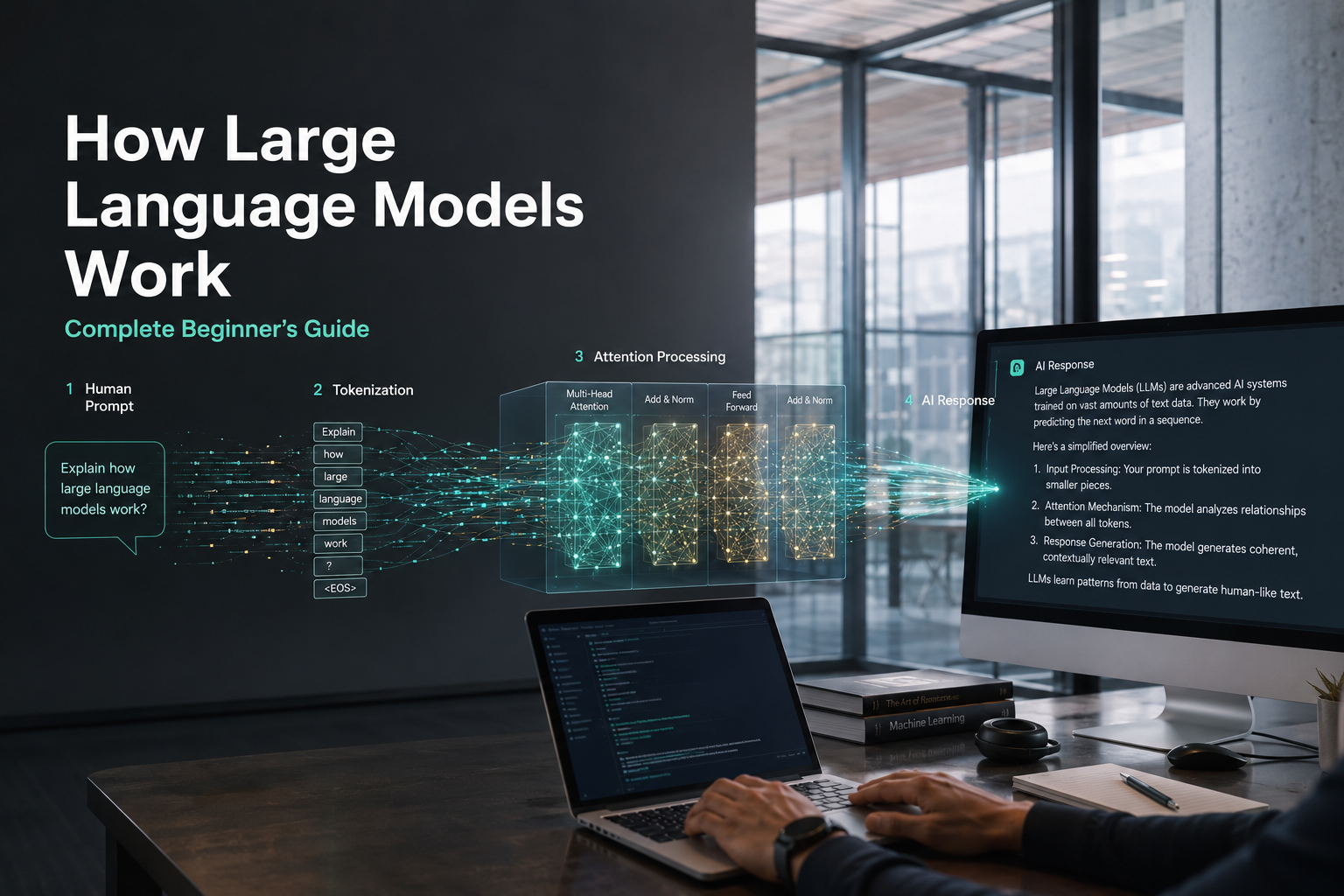
Cybersecurity continues to rank among the <strong class=”yoast-text-mark” data-start=”2638″>-end=”2680″>most in-demand skills for jobs in 2026 due to rising global cyber threats.

Cloud Computing and Network Infrastructure

Cloud computing has become the foundation of modern digital business operations. Organizations of all sizes now rely on cloud platforms to store data, host applications, support remote work, and scale their operations efficiently. Rather than investing heavily in expensive on-premise infrastructure, businesses increasingly use cloud services to reduce costs, improve flexibility, and accelerate innovation. As a result, cloud computing skills remain among the most valuable and highest-paying competencies in the global job market.

Major cloud providers such as Amazon Web Services (AWS), Microsoft Azure, and Google Cloud continue expanding their services to meet growing business demands. Companies need skilled professionals who can design cloud architectures, migrate legacy systems, optimize cloud performance, and maintain secure environments. Roles such as cloud engineers, cloud architects, DevOps specialists, and site reliability engineers are experiencing significant demand across industries.

Beyond technical implementation, organizations also require professionals who understand cloud governance, cost management, and compliance. Businesses must ensure that cloud environments remain secure, efficient, and aligned with organizational objectives. Professionals who can bridge technical expertise with business strategy provide exceptional value to employers.

As digital transformation continues accelerating, cloud infrastructure will remain a critical component of business success. Learning cloud technologies today can open doors to rewarding careers while providing skills that are expected to remain highly relevant throughout the next decade.

Essential Cognitive and Analytical Capabilities

While technology continues transforming industries, human cognitive abilities remain irreplaceable. Employers increasingly recognize that successful organizations require professionals who can analyze information, solve complex problems, think strategically, and adapt to uncertainty. Technical tools can process vast amounts of data, but humans are still needed to interpret insights, evaluate risks, and make informed decisions.

Cognitive skills play a vital role in helping organizations navigate rapidly changing business environments. Companies face challenges involving market competition, economic volatility, customer expectations, and technological disruption. Employees who possess strong analytical capabilities help organizations identify opportunities, anticipate challenges, and develop effective solutions.

Furthermore, cognitive skills enhance collaboration and innovation. Professionals who can think critically often contribute fresh perspectives that lead to process improvements and new business strategies. These abilities enable individuals to connect information from multiple sources, identify patterns, and generate actionable recommendations.

As automation handles routine tasks, employers increasingly value workers who excel at complex thinking and decision-making. Developing strong cognitive skills not only improves workplace performance but also increases adaptability in an evolving job market. Professionals who cultivate analytical and strategic thinking will remain highly valuable regardless of technological advancements.

Advanced Data Literacy

Data has become one of the most valuable resources in the modern economy. Every day, businesses generate enormous volumes of information related to customer behavior, operational performance, market trends, and financial activities. However, data only becomes useful when professionals can analyze, interpret, and transform it into meaningful insights. This growing reliance on data-driven decision-making has made data literacy one of the most important skills for future careers.

Data literacy extends beyond technical programming abilities. It involves understanding how data is collected, organized, analyzed, visualized, and communicated. Professionals across departments—including marketing, finance, human resources, operations, and healthcare—use data to improve outcomes and support strategic decisions.

Employers actively seek candidates who can work with tools such as SQL, Excel, Python, Tableau, Power BI, and business intelligence platforms. These tools help professionals identify patterns, measure performance, forecast trends, and present recommendations to stakeholders. Individuals who can translate complex information into clear business insights often become valuable contributors within their organizations.

As companies increasingly prioritize evidence-based decision-making, data literacy continues to grow in importance. Professionals who develop analytical skills and learn how to communicate data effectively gain a substantial competitive advantage. Regardless of industry, understanding data empowers employees to make smarter decisions and drive measurable business results.

Creative and Analytical Thinking

Creative and analytical thinking represent two of the most valuable human capabilities in an increasingly automated world. While machines excel at processing information and performing repetitive tasks, they struggle to replicate human creativity, intuition, and strategic reasoning. Organizations therefore place tremendous value on employees who can combine logical analysis with innovative problem-solving.

Analytical thinking involves evaluating information, identifying patterns, assessing risks, and developing structured solutions to complex challenges. It enables professionals to make informed decisions based on evidence rather than assumptions. Creative thinking complements this process by encouraging new perspectives, unconventional ideas, and innovative approaches to problem-solving.

The most successful professionals combine both abilities. For example, a marketing strategist may analyze customer data to identify trends while simultaneously developing creative campaigns that differentiate the brand from competitors. Similarly, business leaders use analytical frameworks to evaluate opportunities while relying on creative thinking to drive innovation.

Employers consistently rank problem-solving, critical thinking, and innovation among their most desired workforce skills. These capabilities help organizations adapt to changing market conditions, develop new products, and improve operational efficiency. By strengthening both analytical and creative thinking, professionals can enhance their ability to contribute meaningful value and remain highly competitive in the future workforce.
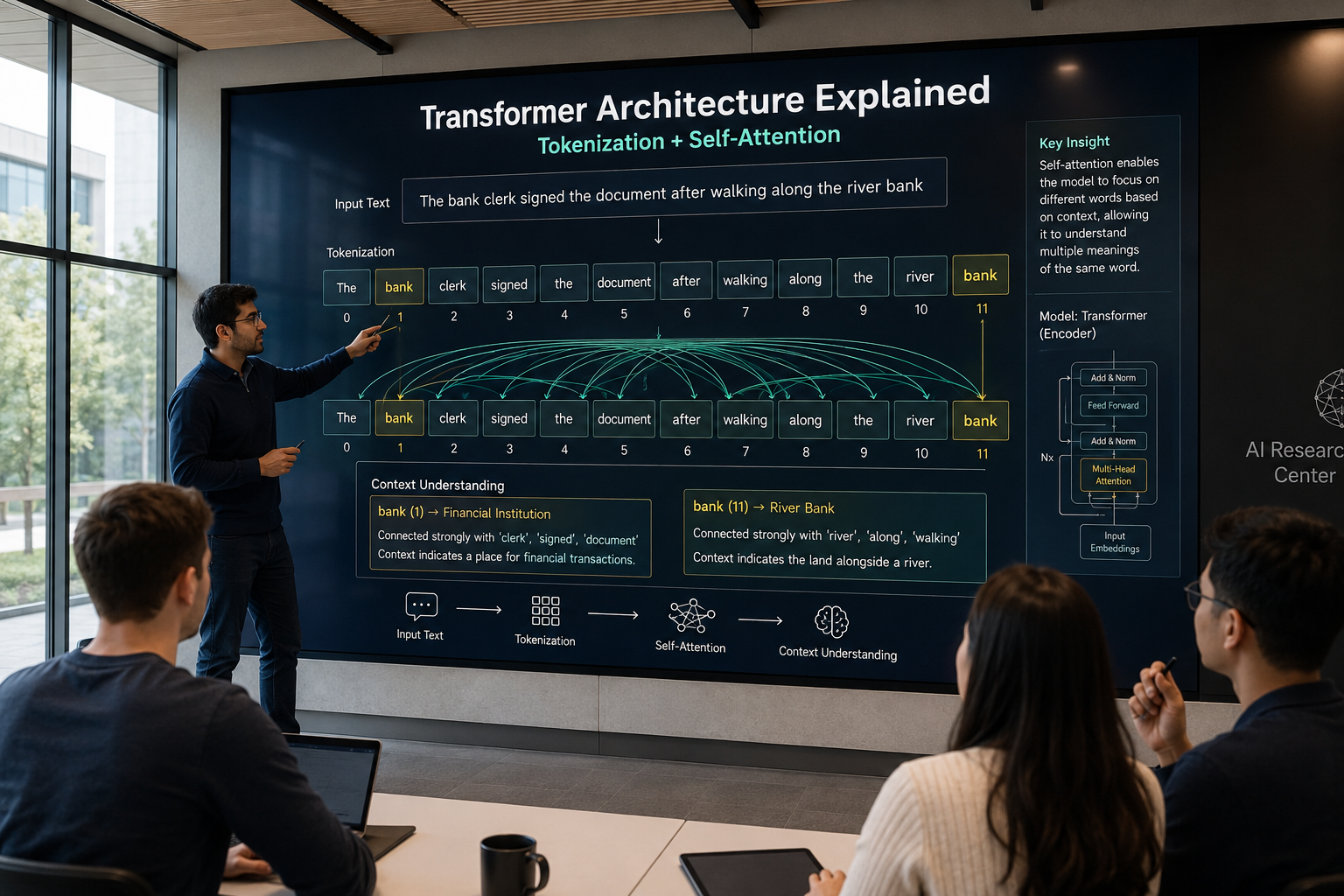
High-Demand Interpersonal and Soft Skills

Although technical expertise remains essential, soft skills often determine long-term career success. Technical abilities may help candidates secure employment, but interpersonal competencies frequently influence promotions, leadership opportunities, and professional reputation. As organizations become more collaborative and globally connected, strong human skills continue growing in importance.

Soft skills encompass communication, teamwork, adaptability, emotional intelligence, conflict resolution, leadership, and relationship management. These abilities enable individuals to work effectively with colleagues, customers, stakeholders, and cross-functional teams. In today’s workplace, technical knowledge alone is rarely sufficient. Professionals must also communicate ideas clearly, collaborate efficiently, and navigate complex interpersonal dynamics.

The rise of remote and hybrid work environments has further increased the importance of soft skills. Employees often interact with distributed teams across different cultures, time zones, and communication platforms. Success requires empathy, active listening, cultural awareness, and effective virtual communication.

Organizations recognize that strong interpersonal skills contribute directly to employee engagement, customer satisfaction, and business performance. Professionals who combine technical competence with excellent communication and collaboration abilities become highly valued team members and future leaders. As technology continues evolving, uniquely human capabilities will remain a powerful source of professional differentiation.

Resilience, Flexibility, and Agility

The modern workplace is characterized by continuous change. Economic uncertainty, technological disruption, organizational restructuring, and evolving customer expectations require professionals to adapt quickly and maintain productivity under pressure. Consequently, resilience, flexibility, and agility have become essential workplace competencies.

Resilience refers to the ability to recover from setbacks, manage stress effectively, and maintain performance during challenging circumstances. Resilient employees demonstrate emotional strength, persistence, and a positive mindset even when facing obstacles. Employers highly value individuals who remain productive and solution-focused during periods of uncertainty.

Flexibility involves adapting to changing priorities, responsibilities, and work environments. As organizations evolve, employees often need to learn new tools, acquire additional responsibilities, and collaborate with diverse teams. Flexible professionals embrace these changes rather than resist them.

Agility combines resilience and flexibility with the ability to learn quickly and respond effectively to emerging opportunities. Agile professionals continuously update their skills and remain open to innovation. They recognize change as an opportunity for growth rather than a threat.

Organizations increasingly seek employees who can navigate complexity and uncertainty with confidence. Developing resilience, flexibility, and agility enhances both personal well-being and professional success while preparing individuals for long-term career sustainability.

Leadership and Social Influence

Leadership is no longer limited to executives and managers. In fact, adaptable leadership consistently ranks among the top most in-demand skills for jobs in 2026 to learn now. Modern organizations encourage leadership at every level, recognizing that influence, initiative, and collaboration can emerge from any position. As workplaces become increasingly team-oriented, leadership skills have become essential for career advancement and organizational success.

Effective leadership involves much more than directing others. It requires vision, communication, emotional intelligence, decision-making, and the ability to inspire collective action. If you are exploring the top most in-demand skills for jobs in 2026 to learn now, you will frequently see these core human competencies highlighted alongside technical abilities. Strong leaders create positive workplace cultures, encourage innovation, and help teams achieve shared objectives. They also foster trust, accountability, and collaboration among colleagues.

Social influence plays an equally important role. Professionals who can build relationships, communicate persuasively, and motivate others often drive meaningful change within their organizations. These individuals become trusted advisors and respected contributors regardless of formal job titles.

Leadership skills are valuable across all industries and career stages. Whether managing projects, mentoring colleagues, presenting ideas, or leading organizational initiatives, professionals benefit significantly from developing their ability to influence and inspire others. Employers consistently seek candidates who demonstrate leadership potential because these individuals contribute to stronger teams, improved performance, and sustainable business growth.

Frequently Asked Questions (FAQs)

Will AI replace human jobs in 2026?

Artificial intelligence will undoubtedly transform the labor market, but it will not entirely replace human workers. Instead, AI serves to augment human capabilities and streamline tedious workflows. While generative AI automates routine administrative and coding tasks, it simultaneously creates thousands of new roles in prompt engineering, AI governance, and strategic implementation. Ultimately, AI replaces specific tasks rather than entire professions. The real threat does not come directly from artificial intelligence itself; rather, it comes from professionals who know how to use AI effectively. Therefore, workers must embrace AI tools to remain competitive and indispensable in their respective fields.

How can I learn these high-demand skills quickly?

You can acquire high-demand skills quickly by leveraging targeted online education and practical application. First, identify the specific competencies most relevant to your desired industry. Then, enroll in recognized certification programs focused on data literacy, cloud computing, or digital marketing. Many reputable platforms offer intensive, self-paced courses designed by industry experts. Additionally, you must practice your new skills consistently. Build personal projects, participate in industry hackathons, or request cross-departmental tasks at your current workplace. Hands-on experience accelerates the learning process dramatically. Finally, finding a mentor within your chosen field provides invaluable guidance and helps prevent common learning mistakes.

Are soft skills still important in a tech-driven workplace?

Soft skills hold immense importance in today’s deeply tech-driven professional landscape. As software and machines manage complex technical processes, human collaboration becomes the primary driver of business success. Organizations desperately need leaders who can navigate interpersonal conflicts, manage diverse teams, and communicate strategic visions clearly. Traits like emotional intelligence, empathy, and active listening foster inclusive work environments and drive team productivity. Moreover, adaptability and resilience help employees survive constant technological disruptions. Without robust soft skills, even the most brilliant technical experts struggle to implement their ideas successfully. Consequently, employers frequently hire candidates based on their strong interpersonal attributes.

Why is data literacy crucial for future jobs?

Data literacy remains absolutely crucial because modern businesses rely exclusively on data-driven decision-making. Companies generate massive volumes of information daily, encompassing consumer behavior, market trends, and operational efficiency metrics. However, this raw data provides zero value unless professionals can interpret it accurately. Data literacy empowers employees to analyze complex datasets, identify actionable trends, and present compelling narratives to executive stakeholders. You do not need to be a data scientist to benefit from these skills. Professionals across marketing, finance, and human resources use data analysis to optimize campaigns, allocate budgets, and forecast future market demands effectively.

Which industries will hire the most in 2026?

Several vital sectors will experience massive hiring surges throughout 2026. The technology sector continues to dominate, actively recruiting AI specialists, cloud architects, and software developers. Simultaneously, the healthcare industry requires millions of skilled workers, ranging from frontline caregivers to medical data analysts, primarily due to an aging global population. Additionally, the green energy sector expands rapidly as global governments enforce strict environmental regulations. This green transition drives immense demand for renewable energy engineers and sustainability consultants. Finally, financial technology and advanced manufacturing sectors consistently seek professionals capable of managing automated systems, supply chains, and complex digital transformations.

Conclusion

The professional landscape evolves continuously, demanding proactive adaptation from the modern workforce. Securing your future career requires a deliberate commitment to continuous learning and strategic upskilling. As we have explored throughout this guide, technology fundamentally reshapes how organizations function globally. However, human ingenuity remains the ultimate driving force behind successful corporate innovation. To maintain a competitive edge, you must master the  most in-demand skills for jobs in 2026.

Start by evaluating your current capabilities against the market’s rapidly evolving requirements. Build a strong foundation in digital literacy, familiarize yourself with artificial intelligence tools, and sharpen your analytical thinking. Equally important, you must cultivate essential soft skills—such as resilience, empathy, and dynamic leadership—that machines simply cannot replicate. Integrating technical expertise with interpersonal brilliance transforms you into an indispensable asset for any leading employer.

Ultimately, career longevity depends entirely on your willingness to embrace change rather than resist it. Take immediate action today. Enroll in an online certification, tackle a complex project, or find a professional mentor to guide your journey. By investing deeply in your personal and professional development right now, you guarantee long-term success. Prepare yourself effectively, master these critical skills, and seize the incredible opportunities that the future workplace offers. The choices you make today will define your career trajectory for the next decade. Do not wait for the market to leave you behind. Take charge of your career path and become the talent that top companies aggressively pursue.

Top Memory Improvement Techniques for Exams to Ace Your Tests

Top Memory Improvement Techniques for Exams to Ace Your Tests


Mastering Your Mind: The Ultimate Guide to Exam Prep

Preparing for tests can often feel like an overwhelming battle against your own brain. No matter how many hours you spend staring at a textbook, the information sometimes refuses to stick. If you are struggling to retain crucial information, mastering effective memory improvement techniques for exams can completely transform your academic performance.

You are certainly not alone in this struggle. Millions of students experience the frustration of blanking out on test day. However, learning is not simply about reading words on a page repeatedly; it is about understanding how your brain encodes, stores, and retrieves data. By aligning your study habits with your natural cognitive processes, you can significantly reduce stress and improve your grades. You can also explore more strategies for maintaining cognitive health with these brain health tips.

Moreover, building these skills is an investment in your future. According to research by the World Bank on education and human capital, strong cognitive skills—including robust memory retention and problem-solving abilities—are foundational to long-term career success and global economic productivity. The habits you build now will serve you far beyond the classroom.

In this comprehensive guide, we will explore several proven strategies to enhance your studying. From active recall to the psychology of spaced repetition, you will discover actionable methods to help you study smarter, not harder. Let us dive into the best practices to optimize your brainpower.

Memory Improvement Techniques for Exams: The Power of Active Recall

Many students rely on passive study methods, such as re-reading notes or highlighting textbook chapters. While these activities make you feel productive, they are highly ineffective for long-term retention. Instead, you need to engage in active recall, a proven learning method supported by research. Learn more about effective study strategies from The Learning Scientists.

Active recall involves actively stimulating your memory to retrieve a piece of information without looking at the answer. Therefore, rather than reading a chapter twice, you should read it once and then test yourself on the core concepts. This technique is also known as retrieval practice, a method studied in cognitive psychology and learning research.

You can easily implement this by using flashcards or practice tests. When your brain works hard to retrieve information, it strengthens the neural pathways associated with that memory. Consequently, the information becomes much easier to access during the actual exam. You can explore more about memory and learning science through American Psychological Association.

Conquering the Forgetting Curve with Spaced Repetition

Even if you memorize a concept perfectly today, you are likely to forget a significant portion of it by tomorrow. This natural decline in memory retention over time is known as the Ebbinghaus forgetting curve. To combat this, spaced repetition is essential.

Spaced repetition is a learning technique that incorporates increasing intervals of time between subsequent reviews of previously learned material. For example, you might review a topic one day after learning it, then three days later, then a week later.

By consistently revisiting the material just as you are about to forget it, you interrupt the forgetting curve. Furthermore, this method forces your brain to consolidate short-term memories into long-term knowledge, making it one of the most reliable memory improvement techniques for exams.

Leveraging Mnemonic Devices and the Loci Method

When faced with long lists of facts, dates, or complex formulas, rote memorization often fails. Mnemonic devices offer a creative shortcut. These tools help you associate complex information with familiar patterns, such as acronyms, rhymes, or visual images.

One of the most powerful mnemonic strategies is the Method of Loci, also known as building a memory palace. This ancient technique involves visualizing a familiar physical space, like your bedroom, and mentally placing the items you need to remember in specific locations within that room.

When you sit down to take your test, you simply take a mental walk through your memory palace. Because spatial memory is incredibly strong in humans, this vivid visualization technique dramatically improves recall for sequential information.

The Crucial Role of Sleep and Brain Nutrition

Your brain cannot store information effectively if it is running on empty. Unfortunately, many students sacrifice sleep in favor of late-night cramming sessions. This approach almost always backfires, as sleep is the precise time when memory consolidation occurs.

During the REM cycle of sleep, your brain organizes and files away the information you learned during the day. Therefore, getting seven to nine hours of quality sleep before an exam is just as important as the studying itself.

Additionally, proper nutrition plays a massive role in cognitive function. Hydration and brain-boosting foods, such as those rich in Omega-3 fatty acids, provide the raw materials your brain needs to function at its peak. Eating a balanced meal before your test ensures sustained focus and clear thinking.

Frequently Asked Questions

What are the best memory improvement techniques for exams at the last minute?

When you are short on time, the absolute best technique to rely on is active recall combined with targeted practice questions. Passive reading will not help you at the last minute because your brain simply does not have the time to form deep neural connections. Instead, you should immediately start testing yourself on the most heavily weighted topics of the syllabus.

Look at the end-of-chapter summaries, past exam papers, or key vocabulary lists. Write down what you know without looking at the material, and then check your answers to fill in the gaps. Furthermore, do not sacrifice all your sleep to cram. Staying up all night will drastically impair your working memory and critical thinking skills. It is much better to get at least four to six hours of sleep so your brain can consolidate the rapid-fire active recall sessions you just completed, ensuring you remain alert.

Memory Improvement Techniques for Exams: How Many Hours Should I Study?

The number of hours you study is far less important than the quality of the studying you are doing. Simply sitting at a desk for eight hours does not guarantee that you will remember everything. In fact, cognitive fatigue usually sets in after a couple of hours, causing a steep decline in how much new information your brain can absorb.

Instead of tracking total hours, you should track focused study sessions using the Pomodoro Technique. This involves studying with intense focus for 25 to 50 minutes, followed by a 5 to 10-minute break. During your focused time, apply active recall and spaced repetition. For a major exam, studying two to three hours a day over the course of a few weeks using these methods will yield much better memory retention than studying for twelve hours straight the day before. Quality and consistency always beat raw duration.

Memory Improvement Techniques for Exams: Do Brain Foods Help Memory Retention?

Yes, the food you consume has a direct and measurable impact on your cognitive performance and memory retention. Your brain requires a massive amount of energy to function, and the quality of that fuel matters. Foods rich in Omega-3 fatty acids, such as salmon, walnuts, and chia seeds, are known to support cellular health in the brain and improve memory processing.

Moreover, complex carbohydrates like whole grains provide a steady, slow release of glucose, which is the primary energy source for your brain. This prevents the severe energy crashes associated with sugary snacks and energy drinks. Hydration is equally critical; even mild dehydration can cause brain fog, poor concentration, and difficulty recalling facts. Drinking plenty of water and eating a balanced, nutrient-dense meal before your exam will ensure your brain has the chemical resources it needs to recall information quickly and accurately.

How does sleep affect my ability to memorize for exams?

Sleep is arguably the most critical component of the learning process. Many students mistakenly believe that learning only happens while they are actively reading or listening to a lecture. However, the actual cementing of those memories occurs while you are asleep. The process is known as memory consolidation.

During the deeper stages of sleep, particularly slow-wave sleep and REM sleep, your brain processes the daily intake of information. It discards irrelevant details and transfers important academic concepts from your short-term memory (the hippocampus) into your long-term memory (the neocortex). If you cut your sleep short, you literally interrupt this biological filing process. Consequently, you will struggle to recall the information the next day, no matter how hard you studied. Therefore, prioritizing a full night of rest is an essential academic strategy.

Is it better to study in the morning or at night for better memory?

The ideal time to study depends heavily on your individual circadian rhythm, also known as your chronotype. Some people are naturally “morning larks” who experience peak alertness, focus, and memory retention shortly after waking up. For these individuals, tackling complex subjects and difficult memorization tasks in the early hours yields the best results.

Conversely, “night owls” may find that their cognitive sharpness peaks in the late afternoon or evening. However, science does offer an interesting benefit to studying right before bed. Because sleep immediately follows the study session, there is less time for new, competing information to interfere with the newly formed memories. This can enhance the sleep-dependent memory consolidation process. Ultimately, you should experiment with both times and track when you feel most focused, scheduling your hardest active recall sessions during those biological peaks.

Why do I forget everything as soon as the exam starts?

Blanking out during an exam is an incredibly common phenomenon, and it is usually driven by acute stress and anxiety rather than a true failure of memory. When you sit down for a test and begin to panic, your body releases high levels of stress hormones, particularly cortisol. High cortisol levels actively block the brain’s ability to access stored memories in the hippocampus.

Essentially, your brain enters a “fight or flight” survival mode, prioritizing immediate physical threats over recalling academic facts. To combat this, you need to practice state-dependent learning and stress management. Try simulating exam conditions while you study by sitting at a quiet desk and using a timer. When the actual exam starts, take several deep, slow breaths to lower your heart rate. This signals to your nervous system that you are safe, allowing cortisol levels to drop and your memory retrieval functions to come back online.

Memory Improvement Techniques for Exams: Can Music Improve Study Memory?

The impact of music on memory retention is highly subjective and depends on both the individual and the type of music. Generally, listening to music with complex lyrics can hinder memorization. This occurs because your brain is forced to multitask, simultaneously processing the words in the song and the words in your textbook, which splits your cognitive focus and reduces reading comprehension.

However, certain types of music can be highly beneficial. Instrumental music, classical music, or ambient soundscapes can help drown out distracting background noise and put you in a state of relaxed focus. Some studies suggest that listening to binaural beats or low-fi music can lower stress and elevate your mood, releasing dopamine. This positive emotional state makes the brain more receptive to learning. If you choose to listen to music, keep the volume moderate and stick to familiar, lyric-free tracks.

Conclusion

Preparing for a major test does not have to be an exercise in frustration and exhaustion. By stepping away from passive reading and embracing how your brain naturally learns, you can drastically improve your academic outcomes. Implementing these memory improvement techniques for exams will give you a significant advantage over simply rereading your notes.

Remember that active recall and spaced repetition are your absolute best tools for long-term retention. By forcing your brain to retrieve information and spacing out your review sessions, you build strong, durable neural pathways. Furthermore, utilizing creative methods like the memory palace can make memorizing complex lists both easier and more enjoyable.

However, no study technique can out-perform a neglected brain. You must prioritize your physical well-being by getting adequate sleep, staying hydrated, and eating nutritious foods. Sleep is the bridge between short-term learning and long-term memory, so guard your rest fiercely.

Ultimately, mastering your memory is a skill that takes practice and consistency. Start incorporating these techniques into your daily routine well before exam week. By studying smarter and supporting your cognitive health, you will walk into your next test with deep confidence and a sharp, reliable mind.

Note-taking methods compared

Note-taking methods compared


Have you ever sat through a brilliant lecture or an important business meeting, only to forget the key points a few days later? You are not alone. Every day, we absorb large amounts of information. That is why understanding note-taking methods compared is essential for long-term success.

Our brains cannot store everything efficiently. Different people also learn and organize information in different ways. A method that works well for a creative designer may not suit a data analyst. Developing better learning habits, such as staying engaged with subjects like making yourself enthusiastic with history subject, can also improve how you absorb and remember information.

Effective note-taking is about more than writing things down. It helps you process information actively and remember it later. Good organization also reduces cognitive load. As a result, you can focus more energy on critical thinking and problem-solving.

In this guide, we compare the most popular note-taking methods used by students, professionals, and lifelong learners. You will learn how each method works, its advantages and disadvantages, and the situations where it performs best.

Whether you are preparing for a final exam or trying to improve your weekly corporate meetings, understanding these note-taking strategies can transform the way you learn. Research from learning science shows that active engagement and organization play an important role in memory retention. Resources like The Cornell Note-Taking System Guide explain how structured notes can improve studying.

Digital tools can also make your workflow easier. Applications such as Notion official website and Microsoft OneNote official website help users organize information across devices.

Let’s explore these note-taking methods and discover the best approach for your learning style, productivity goals, and daily workflow.

The Cornell Method for Structured Learning

Developed in the 1950s by an education professor, the Cornell Method consistently stands out when we see top note-taking methods compared, remaining one of the most widely respected frameworks for academic success. This system requires you to divide your paper into three distinct sections: a narrow left column for cues, a wider right column for general notes, and a bottom section for a brief summary.

During a lecture or meeting, you actively write your main points in the right column. Subsequently, you review these notes and extract keywords or questions into the left cue column. Finally, you write a concise summary at the bottom of the page to synthesize the entire topic.

Therefore, this method is highly effective because it forces you to engage with the material multiple times. Instead of passively transcribing what you hear, you are actively organizing and summarizing the data. Consequently, the Cornell Method is particularly brilliant for exam preparation, as you can simply cover the right column and use the left column to quiz yourself.

The Outline Note-Taking Method for Speed and Logic

If you are someone who appreciates strict hierarchy and clean formatting, the Outline Method is likely your best friend. This approach uses bullet points, numbers, or letters to create a structured list of primary topics and subtopics.

You begin by writing the main topic on the far left of your page. Moreover, as the speaker dives into supporting details, you simply indent your bullet points underneath the main heading. This creates a highly organized, linear representation of the lecture or meeting that is incredibly easy to scan later.

The Outline Method is incredibly fast, making it ideal for fast-paced lectures where the speaker follows a logical, predictable flow. However, it can occasionally fall short if the lecture is disorganized or if the topic requires complex visual diagrams to understand fully.

The Mind Mapping Note-Taking System for Visual Thinkers

Not everyone processes information in a strict, linear format. For highly visual learners, Mind Mapping offers a dynamic alternative to traditional bullet points. This method begins by writing the central concept or theme right in the middle of a blank page.

From there, you draw branches radiating outward to represent subtopics, and smaller branches for supporting details. Furthermore, you can use different colors, symbols, and even small doodles to differentiate concepts and show relationships between varied ideas.

Mind Mapping mimics the natural way our brains associate ideas, making it a powerful tool for brainstorming sessions and creative problem-solving. It allows you to see the “big picture” at a single glance. However, it can become quickly cluttered if you are trying to record highly technical, dense, or sequential data.

The Zettelkasten Method for Knowledge Workers

When examining the most advanced note-taking methods compared, the Zettelkasten (or “slip-box”) method stands out as a revolutionary system for long-term knowledge retention. Pioneered by sociologist Niklas Luhmann, this method focuses on creating a web of interconnected ideas rather than isolated documents.

Instead of taking notes linearly, you write single, self-contained ideas on individual index cards or within a digital database. Most importantly, you physically or digitally link these notes to other related notes you have taken in the past. Over time, you build a massive, interconnected “second brain” that generates unexpected insights.

Interestingly, when studying the habits of ultra-successful individuals—like those frequently featured on the Forbes Billionaires List—many utilize complex, decentralized knowledge-management systems similar to Zettelkasten. They understand that true wealth and innovation come from connecting disparate ideas, an area where the Zettelkasten method absolutely excels.

FAQ SECTION

Note-Taking Methods Compared: Which Is Best for College Students?

For college students, the Cornell Method is often considered one of the best note-taking methods. The reason is simple. College requires more than just recording information. Students must remember and understand the material for exams.

The Cornell Method includes a built-in review process. Its cue column and summary section encourage students to revisit their notes after class. This helps them actively engage with the content and improve long-term memory.

The Outline Method is another strong option for fast-paced classes. It works especially well for subjects like history and biology. These courses often include structured information with clear main points and supporting details.

However, students should avoid writing down every word from a lecture. Good note-taking is about understanding, not copying. Whether you choose the Cornell Method or the Outline Method, regular review is essential. Revisiting notes within 24 hours helps strengthen learning and improve retention.

Note-Taking Methods Compared: Transitioning from Paper to Digital

Transitioning from paper notes to a digital note-taking system can feel overwhelming. However, the benefits of searchability and cloud storage make the effort worthwhile. To get started, choose one versatile app. Good options include Notion, Evernote, or Microsoft OneNote. Avoid switching between multiple apps in the beginning.

During your first few weeks, focus on recreating your existing note-taking habits. If you prefer the Outline Method, use bulleted lists and headings in your chosen app. This approach makes the transition easier and more natural.

You should also learn the keyboard shortcuts for your software. Shortcuts can significantly improve your typing speed and formatting efficiency. This is especially useful during lectures and business meetings.

At the same time, do not give up handwriting if it helps you learn. Many digital note-taking systems support stylus input on tablets. This combines the memory benefits of handwriting with the organization of digital notes.

Over time, digital organization becomes a major advantage. The ability to search your entire note database for a keyword can save hours of work. For many users, this benefit alone makes the learning curve worthwhile.

Which Note-Taking Methods Are Best for Business Meetings?

In the fast-paced corporate world, the Outline Method combined with an “Action Item” system is undoubtedly the most effective approach for business meetings. Unlike academic lectures where the goal is deep learning, the primary goal of a corporate meeting is usually decision-making and task delegation. Therefore, your notes must be actionable above all else.

Using the Outline Method allows you to quickly track the main agenda items and the subsequent discussions flowing beneath them. However, to optimize this for business, you should create a dedicated, highly visible section at the very top or bottom of your page strictly for Action Items.

Whenever a task is assigned during the discussion, document exactly what needs to be done, who is responsible for doing it, and the definitive deadline. Consequently, when the meeting concludes, you do not have to sift through pages of theoretical discussion to figure out your next steps. Everything you need to execute your job is clearly isolated and ready for immediate implementation.

How does the Zettelkasten method actually improve long-term memory?

The Zettelkasten method improves long-term memory through a psychological principle known as “elaborative rehearsal.” When you use traditional linear note-taking, your brain often stores that information in isolation, making it incredibly difficult to retrieve later without a direct prompt. Zettelkasten, however, forces you to actively process every new piece of information by asking, “How does this relate to what I already know?”

By breaking down complex concepts into atomic, single-idea notes, you are required to synthesize the material in your own words. Furthermore, the act of linking a new note to a pre-existing note creates multiple neural pathways to the same piece of information.

Therefore, instead of relying on a single memory trigger, your brain has a rich, interconnected web of associations to draw from. Over time, this constant linking and cross-referencing act as a continuous review mechanism. You aren’t just memorizing facts for a test; you are fundamentally altering your understanding of the subject matter, which is why researchers and prolific writers rely heavily on this powerful methodology.

Are visual note-taking methods better than text-based ones?

Whether visual note-taking is “better” than text-based methods depends entirely on your personal cognitive style and the specific nature of the material you are trying to learn. However, cognitive psychology heavily supports the “Dual-Coding Theory,” which suggests that combining verbal explanations with visual representations drastically improves information retention.

For highly complex, non-linear topics—like mapping out a marketing funnel or understanding the relationships between characters in a novel—visual methods like Mind Mapping are vastly superior. They allow your brain to grasp the spatial relationships and holistic structure of an idea instantly.

Conversely, if you are attempting to learn a strictly sequential process, such as a mathematical proof or a legal argument, text-based methods like Outlining are much more efficient. Ultimately, the most successful learners do not strictly limit themselves to one format. They remain flexible, actively using text to capture dense, linear details, while utilizing visual maps to brainstorm and synthesize broader, interconnected concepts.

CONCLUSION

Ultimately, the way you capture and process information dictates how effectively you can utilize it in your daily life. We consume vast amounts of data, and relying on memory alone is a guaranteed path to missed opportunities and overwhelming stress.

By having these diverse note-taking methods compared, it becomes evident that success lies in intentionality. If you need robust structure for exam reviews, the Cornell Method is your strongest ally. Alternatively, if speed and linear logic are your top priorities, the Outline Method will serve you flawlessly.

Moreover, visual thinkers can unlock incredible creativity through Mind Mapping, breaking free from the constraints of rigid text. For those aiming to build an interconnected database of profound knowledge over a lifetime, adopting the Zettelkasten approach can yield truly monumental results in your career and personal growth.

The most important takeaway is simply to stop taking notes passively. Experiment deeply with these varied techniques, mix and match their best features, and construct a personalized system that genuinely complements your cognitive style. When you refine your note-taking strategy, you do not just save time; you dramatically amplify your ability to think clearly, learn quickly, and execute your goals with absolute precision.

Choosing the Right College Major: A Complete Guide

Choosing the Right College Major: A Complete Guide


Stepping onto a college campus for the first time is an exhilarating experience, but it often comes with a major decision ahead: choosing the right college major. Many students feel the pressure of mapping out their future while balancing their interests, skills, and career goals.

Choosing the Right College Major: A Complete Guide will help you understand how to make this important decision with confidence. You might find yourself caught between the subjects you love and the careers that promise a stable paycheck.

This pressure is completely normal. However, making this choice does not have to be a stressful ordeal filled with second-guessing. By taking a strategic approach, you can find a path that aligns with both your natural talents and your long-term financial goals.

Understanding how to navigate this decision is vital because your undergraduate studies often set the foundation for your professional network and early career trajectory. Moreover, higher education is a significant financial investment, and you want to ensure your time and money are spent wisely.

Exploring your interests and strengths can also help you identify the right academic path. For example, students interested in history, research, and analysis may benefit from learning more about skills related to the field through resources like How to Become a Good Historian: Your History Guide.

In this comprehensive guide, we will walk you through the essential steps for choosing the right college major. We will cover how to assess your true interests, evaluate the future job market, and balance passion with earning potential. Let’s dive into the strategies that will help you make a confident, informed decision about your future.

Understand Your Passions and Core Strengths

The first step in finding your ideal academic path is to look inward. You need to identify what genuinely excites you and where your natural abilities lie.

Many students make the mistake of picking a field solely based on external pressures from parents or society. However, if you do not have a foundational interest in what you are studying, burnout is almost inevitable.

To prevent this, start by writing down the subjects you naturally excelled at during high school. Ask yourself what topics you read about in your free time or what problems you enjoy solving.

Furthermore, you can take personality and career aptitude tests to uncover blind spots. Assessments like the Myers-Briggs Type Indicator or the Strong Interest Inventory can provide valuable, data-driven insights into careers that match your temperament.

Research Career Paths and Earning Potential

Once you have a list of potential interests, it is time to look at the practical side of those fields. Passion is crucial, but financial stability is equally important for a comfortable life.

Take the time to research the entry-level salaries and mid-career earning potential for the majors you are considering. Websites like the Bureau of Labor Statistics offer incredibly detailed outlooks on almost every profession.

Additionally, you should consider the global economic landscape. According to reports from the World Bank, individuals with tertiary education experience a significantly higher rate of return on their educational investment, but this return varies wildly depending on the specific skills acquired.

Therefore, understanding the economic value of your chosen field is essential. You want to ensure that the debt you might accumulate in college can be comfortably managed by your future salary.

Evaluate the Future Job Market When Choosing the Right College Major

The world is changing at an unprecedented pace, largely driven by advancements in technology and artificial intelligence. Because of this, some jobs that exist today might be obsolete in a decade.

When choosing the right college major, you must consider the longevity and growth trajectory of the industries tied to that major.

Fields like healthcare, renewable energy, data science, and software engineering are currently experiencing massive growth. Consequently, students entering these disciplines often find robust job markets waiting for them upon graduation.

Conversely, if you are drawn to a field with shrinking opportunities, you will need to plan carefully. You might need to pair a traditional humanities major with a minor in business or computer science to remain competitive.

Speak with Professionals and Mentors When Choosing the Right College Major

Reading about a career online is vastly different from experiencing it in the real world. To bridge this gap, you should actively seek out conversations with people already working in your desired fields.

Reach out to alumni from your high school or college who have graduated with the majors you are considering. Most professionals are incredibly willing to share their experiences, including the highs and the lows of their daily work.

Ask them what a typical Tuesday looks like, what they wish they had known in college, and whether they would choose the same major again.

Moreover, consider securing an internship or a shadowing opportunity. Getting hands-on experience before committing to a multi-year degree program can save you a tremendous amount of time and money.

Remember That Flexibility is Okay

Finally, it is absolutely vital to remember that your initial choice is rarely set in stone. Many incoming freshmen enter college as “undeclared” or “undecided,” and this is a perfectly valid strategy.

Taking general education classes during your first year allows you to sample a variety of disciplines. You might discover a passion for economics or sociology that you never knew existed. Resources like the U.S. Bureau of Labor Statistics Occupational Outlook Handbook can also help you explore career options and understand future job opportunities related to different fields.

Even if you declare a major early on, changing it later is incredibly common. The average college student changes their major at least once, and often multiple times, before graduating.

Ultimately, your degree is a stepping stone, not a life sentence. Focus on building transferable skills like critical thinking, communication, and problem-solving, which will serve you well no matter where your career takes you.

Frequently Asked Questions (FAQs)

How Do I Know If I’m Choosing the Right College Major?

You will know a major is right for you when you find a comfortable balance between your genuine interest in the coursework and the practical career opportunities it provides. First and foremost, you should look forward to attending your classes and engaging with the material. If you find yourself consistently dreading the foundational courses, it might be a sign to look elsewhere.

Furthermore, a major is likely a good fit if you naturally excel at the required skills or find the challenges engaging rather than purely frustrating. For example, if you love storytelling and analyzing texts, an English major might feel right. If you enjoy solving complex equations and building things, engineering could be your calling.

Additionally, you should feel a sense of excitement when you envision the career paths associated with the degree. If the day-to-day reality of the jobs connected to your major sounds fulfilling, you are definitely on the right track. Always trust your instincts while keeping a grounded view of the future.

Does my college major dictate my entire career?

The short answer is absolutely not. While your major provides a starting point, it rarely dictates the entire trajectory of your professional life. In today’s dynamic job market, employers increasingly value transferable skills over highly specific academic degrees. Skills such as critical thinking, clear communication, and adaptability are universally highly sought after.

For instance, many successful tech executives hold degrees in history, philosophy, or literature. They leveraged their ability to analyze complex information and communicate effectively to climb the corporate ladder. Similarly, biology majors often find themselves working in finance, and business majors frequently pivot into creative fields like marketing or design.

Moreover, many people end up working in careers that did not even exist when they were in college. Therefore, while choosing the right college major is important for your first post-graduate job, your long-term success will depend more on your continuous learning, work ethic, and ability to adapt to new challenges.

Should I choose a major based on salary or passion?

This is one of the most common dilemmas students face, and the best answer usually lies somewhere in the middle. Choosing a major strictly for a high salary can lead to severe burnout. If you detest computer science but force yourself through the degree for the paycheck, you will likely be miserable in your daily working life.

Conversely, following your passion blindly without considering the financial realities can lead to significant stress. If your passion field offers very low pay and you have high student loan debt, you might struggle to achieve financial independence. The stress of financial instability can quickly drain the joy out of the work you once loved.

Therefore, the smartest approach is to find the intersection between what you enjoy and what the market values. You can often pursue a practical major that pays well while keeping your passion alive as a minor, a side hustle, or a fulfilling hobby. Compromise is key to building a sustainable and happy life.

Is it normal to change my major in college?

Yes, changing your major is completely normal and incredibly common among college students. In fact, research shows that a significant majority of college students change their major at least once during their academic career. Many students change their minds two or even three times before finally settling on a degree path.

This happens because college is fundamentally a time for exploration and personal growth. You are exposed to subjects, ideas, and career paths that you likely never encountered in high school. It is entirely natural to discover a new passion in a sophomore-year elective and realize that your original plan no longer fits your goals.

If you feel the urge to switch, you should consult with your academic advisor immediately. They can help you understand how your current credits will transfer to a new program. While changing majors late in the game might add an extra semester to your schooling, graduating with a degree you actually want is always worth the extra effort.

What are the most profitable college majors right now?

Historically, the most profitable college majors consistently fall under the STEM umbrella—Science, Technology, Engineering, and Mathematics. Degrees in petroleum engineering, computer science, and electrical engineering regularly top the lists for both the highest starting salaries and long-term earning potential.

Beyond strict STEM fields, specialized degrees in finance, nursing, and economics also offer highly lucrative and stable career paths. The high compensation in these areas is driven by a massive global demand for technical expertise and data analysis, coupled with a relatively limited supply of qualified graduates.

However, it is crucial to remember that profitability should not be your only metric. A high-paying degree is only valuable if you can successfully complete the rigorous coursework and thrive in the resulting work environment. It is always better to be a highly successful and driven professional in a moderately paying field than a mediocre, unhappy worker in a high-paying industry.

Conclusion

Deciding what to study in college is undeniably a significant milestone in your young adult life. It sets the stage for your early career and shapes the way you view the professional world.

However, it is vital to approach this decision with a sense of curiosity rather than overwhelming fear. By taking the time to understand your own strengths, thoroughly researching various industries, and speaking to professionals, you can demystify the process entirely.

Remember that choosing the right college major is about finding the sweet spot between what you love doing and what the world is willing to pay you for. It requires a blend of honest self-reflection and practical economic foresight.

Most importantly, give yourself the grace to change your mind. Your career will be a long, winding journey, and your undergraduate degree is simply the first step on that path. Focus on building a robust skill set, stay adaptable, and you will be well-equipped to thrive in whatever industry you ultimately choose.

Balance College Life and Studies

Balance College Life and Studies

Entering university is an exciting milestone, but figuring out how to balance college life and studies often feels completely overwhelming to new students. Between attending daily lectures, completing long assignments, making new friends, and perhaps holding down a part-time job, your weekly schedule fills up fast. In fact, managing this major transition properly is about much more than just getting good grades. Developing effective learning habits and applying proven study hacks and tips for becoming a great student can help you stay organized, reduce stress, and create a better balance between academics and personal life.

According to the World Health Organization, protecting your mental well-being during these formative years is absolutely crucial for long-term success and healthy development. If you push yourself too hard academically without enjoying the broader social experience, you risk severe burnout. Conversely, if you prioritize socializing over academics, your grades will inevitably slip.

Finding the right equilibrium matters because it allows you to enjoy the best years of your life while building a rock-solid foundation for your future career. You do not have to sacrifice fun for good grades, nor do you have to neglect your coursework to have an active social life.

This comprehensive guide will walk you through proven strategies to manage your time effectively. We will cover smart scheduling, setting boundaries, adopting efficient study habits, and maintaining your physical health. Let us dive into the ultimate blueprint for thriving on campus.

How to Balance College Life and Studies? Complete Beginner’s Guide

Why You Must Balance College Life and Studies Properly

Finding a way to successfully balance college life and studies remains the biggest challenge for freshmen. University life demands a high level of independence. You no longer have parents or teachers tracking your daily progress. Therefore, you must take full responsibility for your routine.

Failing to find this equilibrium often leads to chronic stress. You might skip meals, lose sleep, and eventually face academic burnout. However, when you manage your schedule well, you unlock a highly rewarding experience. You will perform better on exams, build lifelong friendships, and develop crucial soft skills that modern employers love.

The Risks of Academic Burnout

Burnout happens when you dedicate all your energy strictly to textbooks. It drains your motivation completely. To prevent this, you must treat relaxation and social activities as mandatory appointments. A well-rested brain simply retains complex information much better than a heavily exhausted one.

Beginner’s Guide to Balance College Life and Studies: Proven Time Management Strategies for Students

Time management acts as your strongest defense against feeling overwhelmed. Every student gets the same 24 hours. The way you divide those hours dictates your overall campus success.

Create a Realistic Weekly Schedule

Start by mapping out your fixed commitments. Block out your class times, lab sessions, and work shifts. Then, schedule specific blocks for studying and completing assignments.

  • Be specific: Do not just write “study.” Write “read chapter four for biology.”

  • Include breaks: Pencil in time for meals, gym sessions, and hanging out.

  • Stick to the plan: Treat your study blocks like unmissable doctor appointments.

Use the Pomodoro Technique

Staring at a laptop for four hours straight rarely produces good results. Instead, try the Pomodoro technique. You study with intense focus for 25 minutes, then take a five-minute break. After four cycles, you take a longer 15-minute break. This method keeps your mind incredibly fresh. Consequently, you get more done in less time, freeing up your evenings for social events.

Time-Saving Study Strategies for Balancing College Life and Studies

You can easily balance college life and studies if you study smarter, not just harder. Passive reading wastes countless hours. You need active engagement to master your coursework quickly.

Active Recall and Spaced Repetition

Instead of simply highlighting textbook pages, test yourself constantly. Create flashcards or write down everything you remember on a blank sheet of paper. This method forces your brain to actively retrieve information. Moreover, use spaced repetition. Review your notes periodically over several weeks rather than cramming the night before an exam.

Join a Focused Study Group

Collaborating with classmates offers a fantastic way to blend academics with socialization. A good study group helps clarify confusing topics quickly. Furthermore, it holds you accountable to your goals. Just ensure the group stays on topic rather than gossiping for hours.

How to Balance College Life and Studies with Friends and Extracurricular Activities

Your college experience extends far beyond the library walls. Joining clubs, attending campus events, and making friends profoundly shape your personal growth.

Prioritize Quality Over Quantity

You cannot attend every single party or join every club on campus. Choose one or two extracurricular activities that genuinely interest you. Quality engagement matters much more than spreading yourself too thin. When you hang out with friends, be fully present. Put away your phone and enjoy the moment.

Health and Well-being: The Core of Campus Life

You cannot balance college life and studies if you constantly feel sick or exhausted. Physical health directly impacts your mental sharpness.

  • Sleep: Aim for seven to eight hours of sleep every single night. Pulling all-nighters destroys your focus for the next few days.

  • Diet: Avoid living entirely on instant noodles and energy drinks. Eat balanced meals rich in protein, vegetables, and complex carbohydrates.

  • Exercise: Walk around campus, hit the student gym, or play an intramural sport. Physical activity naturally lowers stress hormones.

When you prioritize your health, your energy levels soar. This makes tackling difficult assignments and enjoying late-night talks with roommates much easier.

Utilizing Campus Resources Effectively

Many students struggle unnecessarily because they ignore the free help available right on campus. Universities invest heavily in student support systems designed to help you succeed.

  • Academic advisors: Meet with your advisor early to map out your degree path. They can help you avoid taking unnecessarily heavy course loads.

  • Tutoring centers: If you struggle with a specific subject, visit the tutoring center before you fall dangerously behind. Getting help early saves you hours of frustrated studying later.

  • Professor office hours: Instructors set aside time specifically to help students. Visiting them clarifies difficult concepts and builds valuable professional relationships.

By leaning on these resources, you drastically reduce your academic stress. This proactive approach makes finding a healthy routine significantly easier, leaving you with more free time to enjoy campus activities.


FAQ (Frequently Asked Questions) SECTION

How Many Hours Should You Study Per Week to Balance College Life and Studies?

Generally, professors recommend studying two to three hours outside of class for every credit hour you take. If you take 15 credit hours, you should aim for roughly 30 to 45 hours of study time weekly. However, this rule varies wildly depending on your specific major, course difficulty, and personal learning speed. To balance college life and studies efficiently, distribute these hours evenly across your week. Do not leave everything for the weekend. Breaking your study sessions into daily, manageable chunks prevents severe exhaustion and leaves your evenings open for crucial relaxation and social activities.

Can I work a part-time job while attending college?

Yes, many students successfully manage a part-time job alongside their degree. Working provides extra income, builds your resume, and teaches excellent time management skills. However, you must keep your work hours reasonable. Experts generally suggest working no more than 15 to 20 hours per week as a full-time student. Exceeding this limit often causes your grades to drop significantly. Communicate your academic schedule clearly to your employer. Prioritize on-campus jobs when possible, as university employers naturally understand the need to navigate classes and exams effectively during busy seasons.

How do I handle overwhelming stress during finals week?

Finals week naturally brings intense pressure, but you can manage it with strategic planning. Begin reviewing your materials several weeks in advance to avoid last-minute, panicked cramming sessions. Stick strictly to your regular sleep schedule, as sleep deprivation completely destroys your memory retention. Take frequent, short walks outside to clear your head and naturally lower your cortisol levels. Do not hesitate to use campus resources, such as writing centers or mental health counselors, if you feel overly anxious. Taking short, guilt-free breaks improves overall productivity and keeps your daily stress manageable. This proactive balance prevents severe burnout.

Is It Okay to Skip Class While Trying to Balance College Life and Studies?

Skipping one class to study for another usually creates a frustrating cycle of falling behind. When you miss a lecture, you lose valuable explanations, professor announcements, and context that textbooks rarely provide. Catching up takes significantly more time than simply attending the class in the first place. Instead of skipping, plan your week proactively using a detailed digital calendar. Allocate specific study blocks for your upcoming exam days well in advance. Consistent class attendance serves as the most effortless way to absorb information, reducing the total amount of heavy studying you need to do later.

How can I socialize if my major is extremely demanding?

Even the most rigorous majors require breaks for mental recovery. You can integrate socialization into your daily routine without sacrificing academic success. Try studying with classmates from your challenging courses, allowing you to bond while remaining highly productive. Grab meals with friends in the dining hall instead of eating alone at your desk. You can also join a campus club that meets only once a week or every two weeks. The key involves planning your social interactions just as diligently as your study sessions. Scheduling short, meaningful catch-ups ensures you maintain vital connections without losing focus.


CONCLUSION

Transitioning into higher education requires patience, discipline, and a willingness to adapt. Learning how to successfully balance college life and studies takes time, and you will likely make a few mistakes along the way. That is completely normal. The secret lies in building a structured yet flexible routine that honors both your academic goals and your personal well-being.

By implementing smart time management techniques, utilizing active study methods, and protecting your physical health, you set yourself up for lasting success. Remember to use a planner to visualize your week and carve out dedicated time for friends and relaxation. You do not have to choose between getting exceptional grades and having a memorable university experience. You truly can achieve both without sacrificing your peace of mind.

Ultimately, knowing how to balance college life and studies empowers you to graduate with an excellent degree, a strong professional network, and cherished memories. Start small today. Try organizing your calendar for the upcoming week or testing out the Pomodoro study technique. Take control of your schedule right now, and step confidently into your best and most balanced campus life.

GTA 6 Pre-Order Date: Official Details & Price

The Wait Is Over: GTA 6 Pre-Order Date Officially Confirmed

The gaming community has been waiting over a decade for this exact moment. After endless speculation, Rockstar Games has officially confirmed the GTA 6 pre-order date. Securing a copy of what is arguably the most anticipated entertainment release in history is now an actionable reality rather than a distant dream. Fans around the world are currently organizing their finances, clearing their console storage, and preparing for the digital rush. This launch is not just another video game release; it is a global cultural event that will undoubtedly shatter industry records. Therefore, understanding exactly when and how to secure your reservation is absolutely crucial.

For months, the internet has been saturated with fake countdown timers, unverified leaks, and misleading rumors. Now, we have concrete facts directly from the source. This comprehensive guide will analyze the official announcements, break down the newly established timeline, and answer your most pressing questions about pricing and hardware compatibility. We will examine what this means for current-generation console owners and how the retail ecosystem is preparing for the influx of buyers.
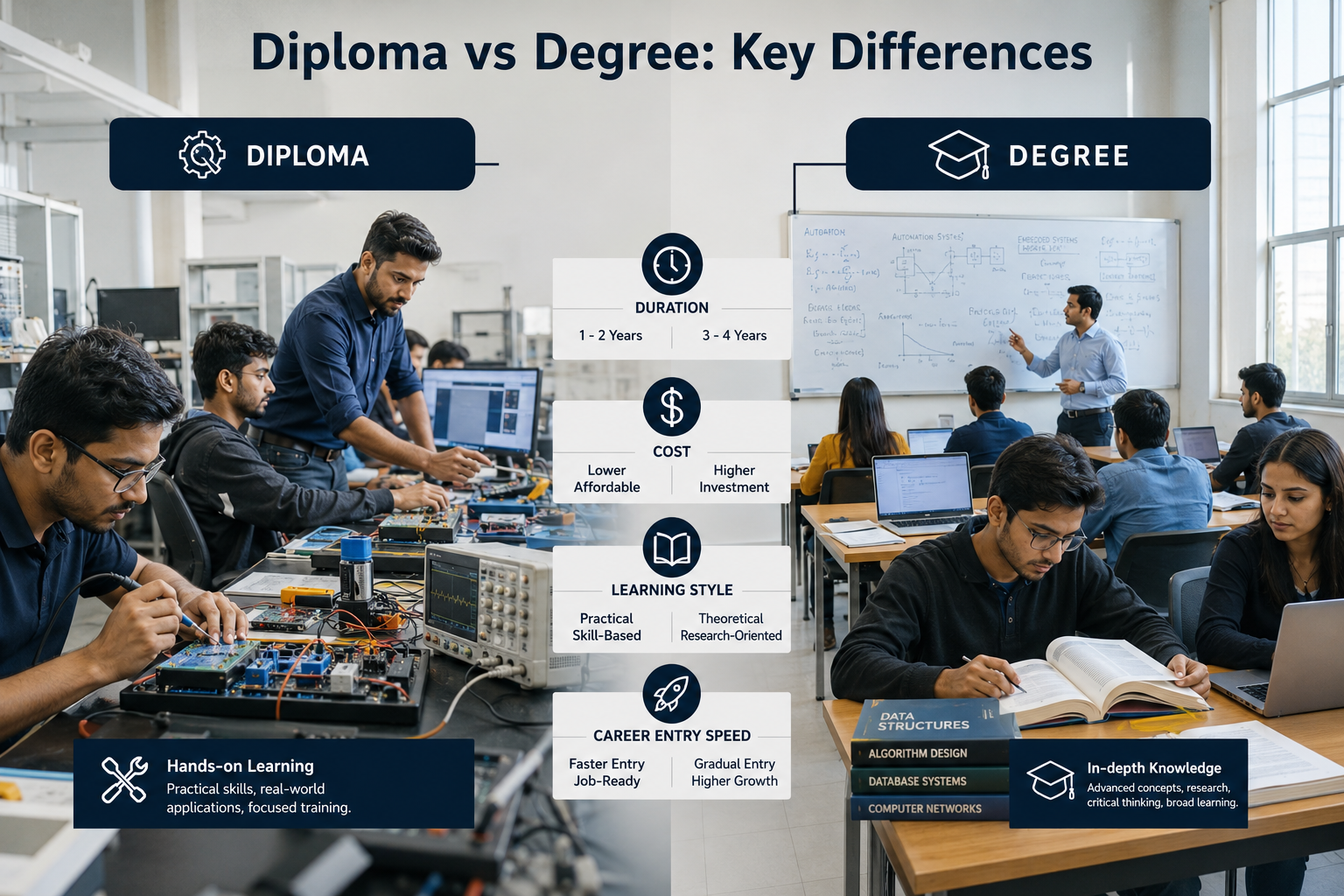
To underscore the magnitude of this release, we must look at the official communications from the developers themselves. According to the latest announcement published directly on the Rockstar Games, the company has established a definitive schedule for reservations. This clear communication finally puts an end to the speculation. Let us dive deep into the newly revealed facts, prepare your gaming setup, and ensure you are fully ready when the digital storefronts finally open their doors.


The Official GTA 6 Pre-Order Date: June 25

Credit : rockstargames.com

The definitive answer that everyone has been waiting for is finally here. Rockstar Games has officially announced that the GTA 6 pre-order date is set for June 25, 2026. This applies to both major digital storefronts and select authorized physical retailers worldwide. This strategic timing aligns perfectly with Rockstar’s historical marketing approach, allowing them to build immense hype throughout the summer months leading up to the final launch.

Currently, players have the immediate option to wishlist the game on both the PlayStation Store and the Microsoft Store. Utilizing this feature is highly recommended. By wishlisting the title now, you ensure that you will receive instant notifications the moment the pre-order window officially opens on June 25. Given the expected server loads, being among the first to receive this alert could be the difference between securing a copy easily and facing technical errors.

This specific date gives consumers a brief but necessary window to prepare. It allows players to finalize their hardware setups, determine which edition they want, and secure the necessary funds. Retailers, both digital and physical, are bracing for unprecedented web traffic. Therefore, marking your calendar for June 25 and preparing your payment methods in advance is the most critical step you can take right now.


How to Wishlist Grand Theft Auto VI Right Now

You do not have to wait until the official launch window to take action. Both major console platforms have already created dedicated pages for the game. This allows you to add the title to your personal account immediately. Taking this step ensures that your console ecosystem links directly to the latest information, update patches, and digital purchase options as soon as Rockstar triggers the storefront transition on June 25.

If you are a Sony console player, you can access the game profile instantly. Head over to the official PlayStation Grand Theft Auto VI Hub to view the initial tracking page. From there, simply log into your PlayStation Network account and select the prominent “Add to Wishlist” button. This links the game to your PS5 console dashboard, allowing the hardware to push automatic alerts straight to your TV screen or mobile app the second the pre-order goes live.

Microsoft ecosystem users have an identical path forward. You can navigate directly to the official Xbox Store Grand Theft Auto VI Page to secure your tracking spot. Adding the game to your Xbox wishlist ensures that your Series X or Series S console tracks the official release state seamlessly. This simple step keeps you ahead of millions of unprepared buyers who will scramble to find the correct store pages during the intense launch morning traffic.


GTA 6 Release Date: The November 2026 Target

While the reservation window opens in summer, the actual launch comes later. Rockstar Games has reportedly set the release date for Grand Theft Auto VI on November 19, 2026. Therefore, the game lands in the busy holiday shopping season. This timing helps the game reach maximum global sales.

In addition, this release strategy follows Rockstar’s usual pattern. For example, both Grand Theft Auto V and Red Dead Redemption 2 launched in the fall. As a result, the company gains more time for final polishing and bug fixes. Moreover, large open-world games need heavy testing before launch. Therefore, a November target gives the developers enough room to improve stability.

The gap between the pre-order window and release also matters. Pre-orders usually open months earlier. Meanwhile, players wait through trailers, gameplay reveals, and marketing updates. As a result, hype builds steadily over time. Finally, this also helps players plan their budget and purchase timing more easily.


Preparing Your Hardware for the New Generation

As the pre-order period approaches, hardware preparation becomes very important. Rockstar Games develops Grand Theft Auto VI only for current-generation systems. Therefore, older consoles like PS4 and Xbox One will not support the game.

In addition, the game targets modern hardware like the PlayStation 5 and Xbox Series X/S. These systems use fast SSD storage. As a result, they load large open worlds much faster. According to modern console design standards, SSD streaming plays a key role in performance. Therefore, the game depends heavily on this technology.

Meanwhile, storage space will also become a major concern. The game world will likely include high-resolution textures and large environments. As a result, the file size may become very large. Players should therefore manage their storage early.


In addition, external NVMe SSD expansion drives may help increase space. These upgrades allow smoother installation and better performance. Finally, preparing hardware in advance ensures a smooth experience on launch day. Instead of troubleshooting storage issues, players can immediately enjoy the game world.


Frequently Asked Questions

Are GTA 6 pre-orders available?

No, they are not currently available for purchase, but the official timeline is set. Rockstar Games confirmed that the official GTA 6 pre-order date is June 25, 2026. Until that date arrives, you cannot actively buy the game. However, you can currently add the game to your wishlist on the PlayStation Store and the Microsoft Store. Doing so ensures you receive a direct alert the moment the reservations go live. Avoid any third-party sites claiming to sell the game before this official date.

What is the release date of GTA 6?

Rockstar Games announced that Grand Theft Auto 6 will launch globally on November 19, 2026. This target date places the game right before the major holiday shopping season. The development team is currently utilizing the time between the June pre-order phase and the November launch to polish the game. This ensures the massive open world runs smoothly on current-generation consoles.

How much is GTA 6 going to cost?

While Rockstar has not explicitly published the pricing tiers in the latest Newswire update, players should expect the standard edition to align with the current industry baseline. This standard is currently set at $69.99 USD for PlayStation 5 and Xbox Series X/S games. Premium collector’s editions and digital deluxe packages will undoubtedly cost significantly more, but the base entry point follows the established market standard.

Is GTA 6 costly than Burj Khalifa?

This is a popular internet comparison regarding the game’s total budget. The Burj Khalifa cost approximately $1.5 billion USD to construct. While Rockstar has not officially confirmed the exact development costs, industry analysts widely estimate that the total budget for GTA 6 has exceeded $2 billion USD. This includes development, global marketing, and long-term multiplayer infrastructure. Therefore, producing this video game is more expensive than building the world’s tallest building.

What is the price of GTA 6 in India?

For Indian gamers, the price will reflect the standard regional conversions for premium $69.99 USD titles. On the official digital storefronts like the PlayStation Store and Xbox Marketplace, this typically translates to approximately ₹5,599. Physical editions sold through local retailers may vary slightly, generally hovering between ₹5,000 and ₹6,000. Players looking to secure premium collector’s editions should expect much higher prices due to import duties and taxes.


Conclusion

The definitive confirmation of the GTA 6 pre-order date shifts the gaming landscape from speculation to preparation. With reservations officially opening on June 25, 2026, players finally have a concrete timeline to follow. We analyzed the official communications from Rockstar Games, detailing both the summer reservation window and the highly anticipated November 19, 2026 launch date. This clarity allows the community to budget accordingly and prepare for a record-breaking release.

Now is the time to optimize your gaming setup. Upgrading to a PlayStation 5 or Xbox Series X/S is a strict necessity. The game completely bypasses last-generation hardware. Furthermore, ensuring your console has adequate, high-speed storage space will prove critical for handling the massive installation files. By acting now, you eliminate the stress of scrambling for hardware at the last minute.

Your immediate action point is simple but vital. Log into your preferred digital platform—either the PlayStation Store or the Microsoft Store—and add Grand Theft Auto VI to your wishlist today. This simple action guarantees you receive the official alert the moment the storefronts open on June 25. Prepare your payment methods, mark your calendars, and get ready to secure your return to Vice City.