
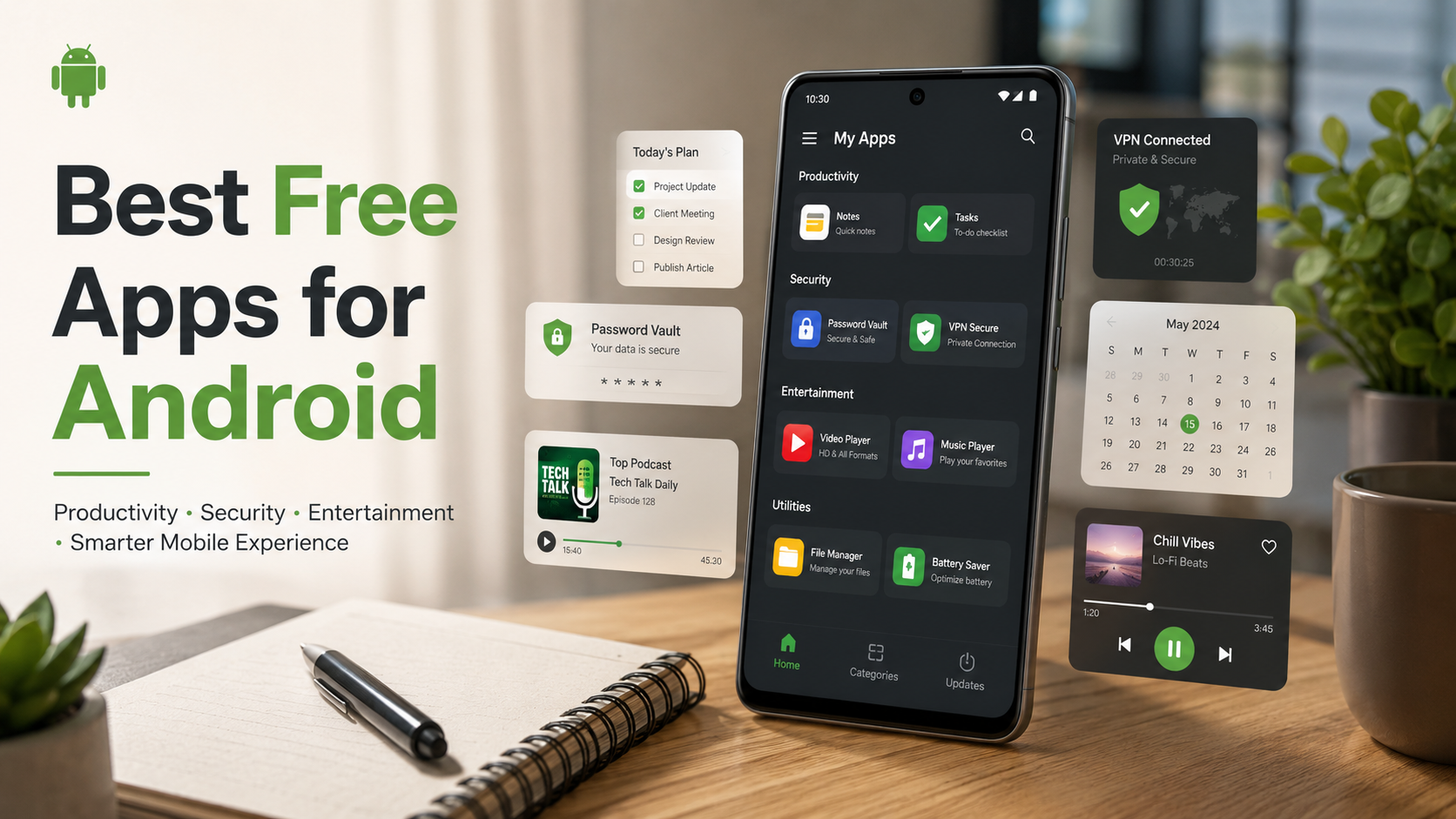
Best Free Apps for Android Users to Elevate Your Smartphone Experience
The Google Play Store hosts millions of applications, making it incredibly overwhelming to separate truly valuable tools from bloated software. Finding the best free apps for Android can completely transform how you use your smartphone, turning it into a powerhouse for productivity, creativity, and entertainment. Whether you want to streamline your daily workflow, secure your personal data, or simply enjoy high-quality entertainment without opening your wallet, the right software makes all the difference. You can browse the official Google Play Store to explore options, but filtering out the noise requires a strategic approach.
Understanding what makes an application worth your storage space involves looking at performance, user privacy, and overall utility. Many applications claim to be completely free, yet they bombard you with intrusive advertisements or hide essential features behind aggressive paywalls. This comprehensive guide highlights outstanding, genuinely helpful software that offers massive value at zero cost. We have thoroughly tested these options to ensure they deliver top-tier performance while respecting your device’s resources. From robust security tools to seamless organization utilities, let’s dive into the essential downloads that will elevate your mobile experience today.
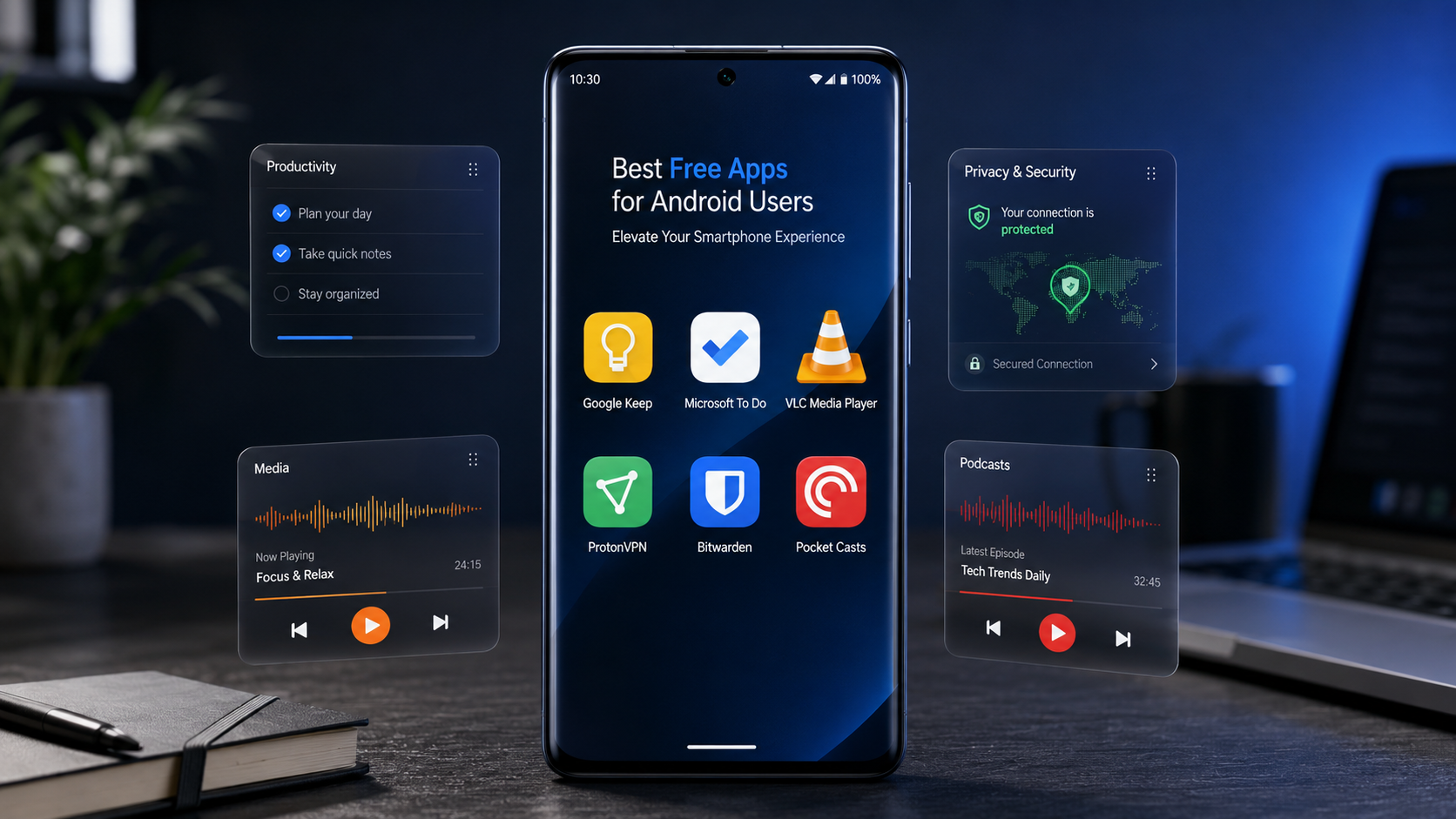

Top Productivity and Organization Tools for Android
Staying organized on the move is essential, and your smartphone is the ultimate tool for efficiency if you equip it correctly. Managing daily schedules, setting reminders, and tracking complex projects becomes completely seamless with the right mobile software.
Google Keep: The Ultimate Lightweight Note-Taking Solution
Google Keep is a simple yet powerful note-taking and organization app designed for Android users who want to capture ideas, manage tasks, and save important information instantly. Its lightweight design makes it extremely fast and reliable, even on entry-level smartphones. Google Keep works perfectly for students, professionals, business owners, and anyone who wants a digital notebook that is always available.
Key Features of Google Keep:
- Quick Note Creation: Create text notes, checklists, voice notes, and image-based notes within seconds.
- Automatic Sync: All your notes are synchronized through your Google account across smartphones, tablets, and computers.
- Smart Reminders: Set time-based or location-based reminders for important tasks.
- Color Organization: Use different colors to categorize notes and improve visual organization.
- Labels and Search: Add labels and quickly find saved information using Google’s powerful search system.
- Shopping Lists: Create practical grocery lists and receive reminders when reaching specific locations.
- Voice Notes: Record ideas quickly when typing is inconvenient.
- Simple Interface: The clean design ensures smooth performance without unnecessary features.
Google Keep is one of the best free productivity apps for Android because it balances simplicity and useful features. It helps users stay organized without complicated menus or expensive subscriptions. Whether you need a daily planner, reminder tool, or personal notebook, Google Keep provides an efficient solution.
Microsoft To Do: Seamless Task Management
Microsoft To Do is a complete task management application that helps Android users plan their days, organize projects, and improve productivity. It is designed for people who want more than basic reminders and need a structured system for managing responsibilities.
Key Features of Microsoft To Do:
- Daily Planning: The “My Day” feature creates a focused workspace for your most important tasks.
- Task Breakdown: Divide large projects into smaller, easier steps.
- Due Dates and Reminders: Set deadlines and receive alerts before important tasks.
- Recurring Tasks: Create repeating reminders for habits, meetings, and regular activities.
- Priority Settings: Mark important tasks so you can focus on urgent work.
- Device Synchronization: Access your tasks from multiple devices using your Microsoft account.
- Outlook Integration: Connect your tasks with Microsoft services for better workflow management.
- Simple Interface: Easy navigation makes it suitable for beginners and professionals.
Microsoft To Do is one of the top productivity apps for Android because it combines powerful planning tools with a free and user-friendly experience. It helps users manage work schedules, personal goals, and daily routines effectively.
Essential Security and Privacy Applications
Protecting your digital footprint is more critical than ever. Android offers solid built-in security, but adding specialized software ensures your passwords, browsing history, and personal data remain completely shielded from malicious third parties.
Bitwarden: Open-Source Password Management
Bitwarden is a highly secure password manager app that protects your online accounts by storing passwords safely in an encrypted digital vault. With increasing cyber threats, managing strong and unique passwords has become essential, and Bitwarden makes the process simple.
Key Features of Bitwarden:
- Secure Password Storage: Store unlimited usernames, passwords, and private information safely.
- Open-Source Security: Its code can be reviewed by security experts, improving transparency.
- Password Generator: Automatically creates strong and unique passwords.
- Autofill Support: Quickly log into apps and websites without typing passwords manually.
- Encrypted Vault: Protect sensitive information with advanced encryption technology.
- Multi-Device Sync: Access your saved passwords across Android phones, tablets, and computers.
- Biometric Login: Unlock your vault using fingerprint or device security features.
- Two-Factor Authentication: Add extra protection to your account.
Bitwarden is one of the best free password manager apps for Android because it provides strong security features without making the experience complicated. It is ideal for users who want privacy, convenience, and better digital protection.
ProtonVPN: Secure Browsing Without Data Caps
Proton VPN is a privacy-focused VPN application that helps Android users browse the internet securely. It protects your connection by encrypting internet traffic, making it useful when using public Wi-Fi networks or browsing sensitive websites.
Key Features of ProtonVPN:
- Encrypted Internet Connection: Protects your online activity from unwanted monitoring.
- Public Wi-Fi Protection: Adds security when using networks in airports, hotels, and cafes.
- Privacy-Focused Design: Built with user security and data protection in mind.
- Free VPN Option: Provides access to VPN protection without requiring a paid plan.
- Multiple Server Locations: Helps users maintain reliable connections while traveling.
- Easy Setup: Simple interface suitable for beginners.
- No Complex Settings: Connect quickly with a single tap.
- Secure Browsing: Helps protect personal information during online activities.
ProtonVPN is among the best VPN apps for Android because it combines security, ease of use, and privacy features. It is a useful tool for anyone who wants safer browsing and improved online protection.
Must-Have Media and Entertainment Software
Your smartphone is a powerful pocket entertainment center. Upgrading your media experience with specialized tools allows you to enjoy music, videos, and podcasts exactly the way you want.
VLC for Android: Powerful Universal Media Player
VLC for Android is a popular media player app that allows Android users to play almost any video or audio file format. Known for its reliability and open-source development, VLC provides a complete entertainment experience without unnecessary restrictions.
Key Features of VLC for Android:
- Multiple Format Support: Plays MP4, MKV, AVI, MP3, FLAC, and many other formats.
- No Advertisements: Offers a clean entertainment experience without intrusive ads.
- Subtitle Support: Easily load and customize subtitles.
- Gesture Controls: Adjust volume, brightness, and playback using simple swipes.
- Audio Tools: Manage sound settings and playback options.
- Network Streaming: Play media directly from online sources or networks.
- Background Playback: Continue listening even when switching apps.
- Free and Open Source: Provides powerful features without subscription fees.
VLC for Android is one of the best video player apps because it offers smooth performance, wide compatibility, and complete control over media playback. It is perfect for movie lovers, music listeners, and anyone who manages offline media files.
Pocket Casts: A Premium Podcast Experience
Pocket Casts is a feature-rich podcast application that improves the way Android users discover, organize, and listen to podcasts. Its modern design and advanced playback controls make it a favorite choice among podcast enthusiasts.
Key Features of Pocket Casts:
- Podcast Discovery: Find new shows based on interests and categories.
- Custom Playback Speed: Adjust listening speed according to your preference.
- Silence Removal: Automatically skips unnecessary pauses in episodes.
- Smart Filters: Organize podcasts by topic, category, or release date.
- Automatic Downloads: Save episodes for offline listening.
- Episode Management: Easily track played and unplayed episodes.
- Clean Interface: Enjoy a smooth and attractive user experience.
- Cross-Device Sync: Continue listening across supported devices.
Pocket Casts is one of the best podcast apps for Android because it combines organization, customization, and excellent audio controls. It is ideal for users who follow multiple podcasts and want a smarter way to manage their subscriptions.
FAQ SECTION
What are the best free apps for Android to improve daily productivity?
Improving daily productivity on Android becomes much easier when you use the right organization tools. Among the best free productivity apps available, Google Keep and Microsoft To Do stand out because they offer simple yet powerful features for managing tasks, notes, and daily responsibilities. These applications are especially useful for students, professionals, and anyone who wants to stay organized while working on the go.
First of all, Google Keep is an excellent choice for users who need a fast and flexible note-taking solution. It allows you to instantly save ideas, create checklists, record voice notes, and store images. Moreover, its color-coded notes and labeling system make it easier to find important information quickly. In addition, Google Keep supports reminders, including location-based alerts, so you never forget important tasks.
On the other hand, Microsoft To Do provides a more structured productivity experience. It helps users break large projects into smaller tasks, assign deadlines, create recurring reminders, and organize daily priorities. Furthermore, the “My Day” feature allows you to focus on essential activities without feeling overwhelmed.
Are free Android security applications genuinely safe to use?
Free Android security applications can be genuinely safe to use; however, it is important to choose trusted and well-established apps. Reliable security tools such as Bitwarden and Proton VPN are popular choices because they focus on privacy, transparency, and user protection. These applications provide useful security features without requiring users to pay for expensive subscriptions.
First of all, open-source applications like Bitwarden offer an additional level of trust because their source code can be reviewed by independent security researchers. As a result, potential weaknesses can be identified and improved more quickly. Furthermore, Bitwarden helps users create strong passwords, store login details securely, and protect accounts from unauthorized access.
Similarly, ProtonVPN improves online safety by encrypting internet traffic and helping protect users when they connect to public Wi-Fi networks. In addition, reputable VPN services clearly explain their privacy policies and security practices, which makes them more trustworthy.
Which free Android applications work completely offline?
Many free Android applications provide excellent offline functionality, making them useful when you have limited internet access or want to save mobile data. Two great examples are VLC for Android and Google Keep. Both apps allow users to complete important tasks without needing a constant internet connection.
First of all, VLC for Android is one of the best offline media player apps available. It allows you to watch movies, listen to music, and open locally stored files without Wi-Fi or mobile data. Moreover, VLC supports a wide range of formats, including MP4, MKV, AVI, MP3, and FLAC, so users do not need additional media players. In addition, features like subtitles, playback controls, and audio adjustments continue working completely offline.
Similarly, Google Keep is a reliable offline note-taking application. Users can create new notes, edit existing lists, write reminders, and organize information even when they are not connected to the internet. Furthermore, once the device reconnects to Wi-Fi or cellular data, all updates automatically synchronize with the user’s Google account.
How do free apps make money if they do not charge users?
Free Android applications can generate revenue in several ways, even when they do not require users to pay for downloads. Many developers use business models that allow them to provide useful features for free while still supporting ongoing development, updates, and customer support.
First of all, one of the most common methods is advertising. Many free apps display advertisements within the application, and developers earn money based on views or user interactions. However, reputable apps usually keep advertisements limited so they do not damage the user experience.
Another popular approach is the freemium model. In this system, users can access basic features completely free, while advanced tools require a paid upgrade. For example, an app may offer free note-taking or productivity features but charge for extra storage, customization options, or professional tools.
Can I find a free video editor for Android without watermarks?
Yes, you can find several free video editing apps for Android that allow you to create professional-looking videos without adding permanent watermarks. Two excellent options are CapCut and VN Video Editor. These applications are especially popular among beginners, social media creators, and users who want powerful editing tools without paying for expensive software.
First of all, CapCut is a feature-rich video editor that provides a wide range of creative tools for free. It allows users to trim clips, combine videos, add music, apply effects, and create engaging content for platforms like social media. Moreover, CapCut includes advanced features such as multi-layer editing, transitions, filters, text animations, and speed controls. As a result, users can produce high-quality videos directly from their smartphones.
Similarly, VN Video Editor offers a professional editing experience with a clean interface and powerful controls. It supports multi-track timelines, keyframe animations, color adjustments, subtitles, and advanced transition effects. Furthermore, VN is designed to give creators more control over their projects while keeping the editing process simple.
CONCLUSION
Equipping your smartphone with the best free apps for Android allows you to maximize your device’s potential without spending a single dime. From the robust, open-source password security of Bitwarden to the seamless multimedia versatility of VLC Media Player, these tools prove that top-tier software does not always carry a premium price tag. Investing a few minutes to download and configure these applications will drastically improve your mobile privacy, organization, and daily efficiency.
As you curate your personal app collection, always prioritize transparency, user reviews, and sensible device permissions to protect your digital safety. The right mix of software turns your mobile device into an optimized tool tailored directly to your lifestyle. Start by downloading one or two utilities that address your most immediate digital bottlenecks, whether that means cleaning up your cluttered daily schedule or securing your online accounts. Ultimately, the flexibility of the Android ecosystem grants you total control over your user experience. Take advantage of these exceptional free resources today, explore their deep feature sets, and enjoy a smarter, safer, and significantly more productive mobile lifestyle.
If you are looking to improve productivity beyond your smartphone, check out our guide on best productivity apps for Windows 11 to discover powerful desktop tools that can help you manage tasks, organize workflows, and boost efficiency across your devices.