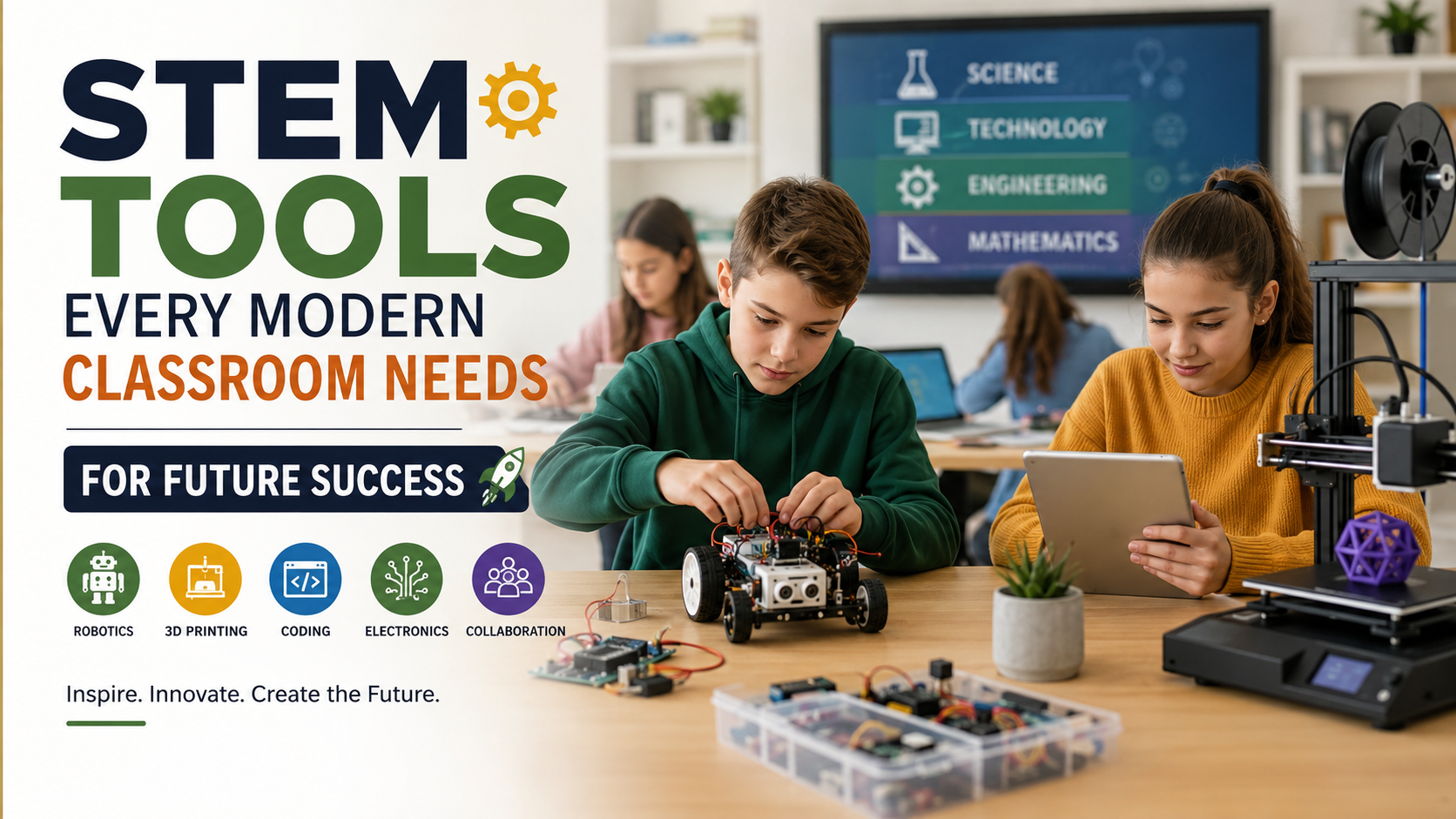
STEM Tools Every Modern Classroom Needs for Future Success
Technology has become an important part of modern education. STEM tools every modern classroom needs can help students connect classroom concepts with practical experiences. These resources make lessons more interactive while encouraging students to explore, build, test, and solve problems.
Teachers also need reliable tools that support critical thinking, problem-solving, creativity, collaboration, and digital literacy. The right combination of hardware and software can turn abstract ideas into practical learning activities. It can also help students understand how science, technology, engineering, and mathematics connect in real situations.
Educational technology should support teaching rather than distract from it. Schools should therefore consider usability, durability, accessibility, cost, and learning value before purchasing new equipment. For broader information about educational technology and classroom priorities, educators can also explore resources from the U.S. Department of Education.
This guide covers effective STEM resources, essential classroom equipment, and practical technology tools. It also explains how these resources can support engaging and future-focused learning environments.
What are some effective STEM tools for the classroom?
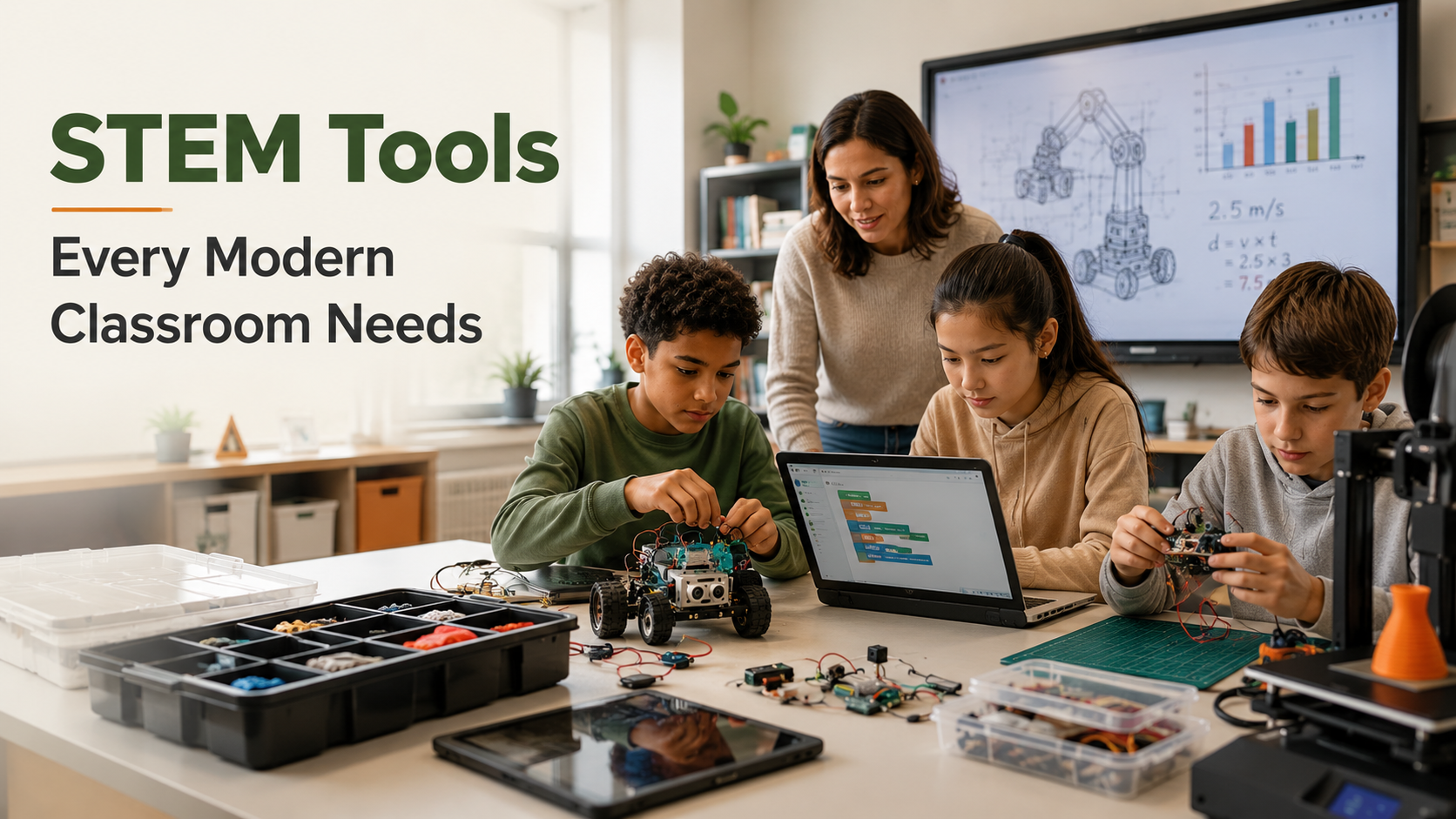
Effective STEM tools help students turn theoretical concepts into practical learning experiences. Instead of only reading about science or mathematics, students can experiment with models, circuits, robots, and digital designs. This approach encourages curiosity and gives learners opportunities to understand concepts through direct experience.
Programmable robotics kits are useful for introducing coding, engineering, and logical thinking. Students can create commands, test their designs, identify errors, and improve their solutions. Affordable circuit boards also help learners understand electricity, sensors, and basic electronics.
3D design and printing tools provide another practical option. Students can design objects digitally before producing physical models. This process introduces concepts such as measurement, geometry, prototyping, and engineering design.
Teachers should select tools based on student age, curriculum goals, available space, and technical support. The most useful equipment is not always the most advanced. Simple tools can produce strong learning outcomes when teachers connect them to meaningful projects.
Hands-On Robotics Kits for Engagement
Hands-on robotics kits are among the most useful STEM resources for introducing students to programming and engineering. They combine physical construction with digital instructions, allowing learners to see how their decisions affect real-world outcomes.
Teachers can begin with block-based programming for younger students or beginners. Learners can arrange commands to control movement, lights, sensors, or other functions. This method introduces sequencing, logic, repetition, and basic problem-solving without requiring advanced coding knowledge.
As students become more confident, teachers can introduce increasingly complex challenges. For example, students might program a robot to follow a path, avoid obstacles, or transport an object. These activities encourage experimentation because students must test their solutions and correct errors.
Robotics also supports teamwork. Small groups can divide responsibilities between building, coding, testing, and documenting results. This structure develops communication and collaboration alongside technical skills.
The biggest benefit is immediate feedback. Students quickly see whether their instructions work. That connection between code, action, testing, and improvement makes robotics a practical tool for developing computational thinking.
What are the top 10 teaching tools for teachers?
Teachers need more than individual STEM devices. A modern classroom requires a balanced collection of digital platforms, instructional hardware, and practical organizational resources. The best tools should reduce unnecessary workload while improving student participation and learning. Teachers can also improve efficiency through optimized lesson planning strategies.
A useful collection of classroom teaching tools can include:
- Interactive flat panels for demonstrations and collaborative lessons.
- Learning management systems for organizing assignments and resources.
- Student response systems for quick participation and assessment.
- Document cameras for displaying physical materials and demonstrations.
- Collaborative whiteboard apps for group problem-solving.
- Tablets or laptops for research, coding, and digital projects.
- Noise-reduction headphones for focused independent activities.
- Assessment platforms for tracking student progress.
- Charging stations for keeping classroom devices ready.
- Organized storage systems for managing shared equipment.
Teachers should not purchase every available technology. Each tool should solve a specific instructional problem. A smaller collection of reliable resources often works better than a classroom filled with unused devices.
Interactive Flat Panels for Visual Learning
Interactive flat panels can make classroom instruction more visual and collaborative. Unlike traditional displays, these screens allow teachers and students to interact directly with digital content. Educators can annotate documents, highlight important information, display diagrams, and demonstrate scientific simulations.
These panels are especially useful for STEM instruction because many concepts benefit from visual explanations. Teachers can display mathematical models, engineering diagrams, coding exercises, scientific animations, and interactive data.
Student participation can also increase when learners can interact with the displayed material. A teacher might ask students to solve a problem on the screen or label parts of a scientific diagram. This creates opportunities for active participation instead of passive observation.
However, an interactive display does not automatically improve learning. Its value depends on how teachers use it. Simply replacing a projector with a touchscreen does not create better instruction.
Teachers should therefore connect interactive panels to purposeful activities. The technology works best when students use it to explore, explain, compare, solve, and demonstrate ideas.
A reliable panel should also offer good visibility, responsive touch controls, simple connectivity, and compatibility with existing classroom software.
What are 10 things a classroom must have?
A productive modern classroom needs dependable infrastructure before advanced technology can deliver value. Schools should first establish a comfortable, organized, and safe learning environment. Technology should then build on that foundation. Schools can also review essential requirements for modern student success when evaluating their classroom priorities.
Ten practical classroom essentials include:
- Reliable high-speed Wi-Fi for connected learning.
- Ergonomic seating that supports comfortable study.
- Flexible workspaces for individual and group activities.
- Safety kits for appropriate classroom emergencies.
- Storage cubbies for organizing student belongings.
- Visual reference materials for daily learning support.
- Interactive display equipment for demonstrations.
- Student devices for digital learning activities.
- Charging stations for classroom electronics.
- Basic science and creative supplies for hands-on projects.
These items serve different purposes, but they work together. Good storage reduces clutter. Comfortable furniture supports concentration. Reliable internet keeps digital lessons running. Safety equipment helps teachers respond appropriately when needed.
Schools should also consider accessibility when planning classroom equipment. Students have different learning needs, physical requirements, and levels of digital experience.
The goal is not to create the most expensive classroom. The goal is to create a functional learning environment where teachers can teach effectively and students can participate confidently.
High-Speed Wi-Fi and Charging Hubs
Reliable Wi-Fi is one of the most important foundations for technology-supported education. Modern classrooms often depend on online learning platforms, digital research, cloud documents, educational applications, and interactive resources. A weak connection can interrupt lessons and reduce productive learning time.
Schools should consider network capacity rather than focusing only on advertised internet speed. Many students may connect simultaneously, especially during assessments or collaborative digital projects. Network reliability and appropriate coverage across the classroom also matter.
Charging hubs solve another common classroom problem. Tablets and laptops become useless when batteries run low during an important activity. Centralized charging stations help teachers keep devices organized and ready for use.
Schools should choose charging equipment that fits their device types and classroom layout. Cable management is also important because poorly organized cables can create clutter and safety concerns.
Teachers can establish simple routines for device collection and charging. Students might return equipment to assigned slots after each activity. Clear routines reduce lost devices, missing chargers, and unnecessary setup time.
Together, dependable Wi-Fi and organized charging systems create the infrastructure needed for successful digital learning.
What are STEM learning tools?
STEM learning tools are physical or digital resources that support science, technology, engineering, and mathematics learning. Their main purpose is not simply to add technology to a lesson. Instead, they help students investigate questions, build solutions, analyze evidence, and apply concepts.
Examples include microscope sets, circuit boards, robotics kits, sensors, coding platforms, mathematical manipulatives, 3D printers, and virtual reality devices. Teachers can also incorporate educational apps for students alongside these resources. The appropriate tool depends on the subject, student age, learning objective, and available resources.
STEM tools can also support interdisciplinary learning. A single project might require students to use mathematics for measurements, science for testing, technology for programming, and engineering for design. Teachers can also supplement these activities with effective math learning platforms. This approach shows students how different subjects work together outside school.
Teachers should focus on learning outcomes when selecting STEM equipment. A sophisticated device is not automatically useful if students have limited opportunities to interact with it.
Effective STEM activities usually involve several stages. Students identify a problem, develop an idea, test it, study the results, and improve their solution. This process develops critical thinking, creativity, persistence, collaboration, and analytical skills.
The strongest STEM tools therefore create opportunities for students to learn through investigation rather than simply consume information.
Virtual Reality Headsets for Immersive Exploration
Virtual reality headsets can provide students with experiences that would otherwise be difficult, expensive, or impossible to create inside a classroom. Learners can explore virtual environments that support subjects such as biology, astronomy, geography, engineering, and history.
For example, students might explore the structure of a human cell, examine a virtual archaeological location, or investigate a simulated space environment. These experiences can provide visual context for concepts that are difficult to understand through textbooks alone.
However, VR should not become a novelty without an educational purpose. Students may remember an impressive experience without understanding the underlying concept. Teachers should therefore connect virtual activities to specific learning objectives and follow them with discussion or assessment.
Schools should also consider student comfort, accessibility, supervision, device management, and available software before adopting VR. Not every lesson requires immersive technology.
Used selectively, virtual reality can complement traditional instruction. It works particularly well when students need to visualize environments, processes, or structures that cannot be easily demonstrated in the physical classroom.
The technology is most valuable when it supports investigation, reflection, and meaningful classroom discussion.
Best classroom technology equipment
Choosing the best classroom technology equipment requires more than comparing technical specifications. Schools should consider durability, ease of use, compatibility, maintenance, accessibility, and educational value. Equipment should solve genuine classroom problems rather than exist simply because it is new.
Useful technology can include student laptops or Chromebooks, document cameras, wireless microphones, 3D printers, interactive displays, and classroom audio systems. Teachers can also use free student software for academic success alongside these devices. Each device supports different instructional needs.
Chromebooks can provide access to research, coding platforms, cloud-based applications, and collaborative documents. Document cameras help teachers demonstrate physical objects, handwritten work, experiments, and textbook materials. Wireless microphones can improve communication in larger learning spaces.
3D printers can support engineering and design projects by turning digital models into physical prototypes. They are particularly useful when students follow a design-and-test process.
Schools should also evaluate equipment based on its total cost. Purchase price is only one factor. Maintenance, replacement parts, software subscriptions, technical support, and training can affect long-term costs.
The best equipment is therefore not necessarily the most expensive option. Schools should prioritize reliable, useful, sustainable technology that teachers can confidently integrate into everyday instruction.
Durable Chromebooks for Everyday Learning
Durable Chromebooks can provide students with practical access to digital learning resources. They support web research, collaborative documents, educational platforms, coding activities, and other browser-based classroom tasks.
Their simple operating environment can make them easier to manage across large groups of students. Fast startup times and long battery life can also support short classroom activities without lengthy preparation.
Durability is especially important in schools. Student devices are moved between desks, carried in bags, and handled repeatedly throughout the academic year. Protective designs can reduce damage and extend the useful life of classroom equipment.
Teachers can also use individual devices to support personalized learning activities. Students might research a topic, complete an interactive exercise, write a report, or collaborate on a group project. This flexibility makes laptops useful across several subjects.
However, schools should avoid assuming that every student needs unrestricted device access. Excessive screen time can create distractions and reduce opportunities for hands-on learning.
The strongest approach combines digital devices with physical activities, teacher instruction, discussion, and collaborative projects. Chromebooks should function as learning tools rather than replace other classroom experiences.
When selected carefully, durable devices can provide consistent access to digital resources while supporting a flexible modern classroom.
Frequently Asked Questions
How do I choose the right technology for my classroom budget?
Start by identifying your classroom’s biggest instructional gaps and student needs. Then compare tools based on learning value, durability, versatility, and total cost. The STEM tools every modern classroom needs should solve genuine teaching problems rather than add unnecessary complexity. Prioritize equipment that supports multiple subjects or activities. Schools can also explore educational grants, district technology budgets, and community partnerships to reduce upfront costs.
Are expensive tech tools always better for student learning?
Expensive technology does not automatically produce better learning outcomes or higher student engagement. The STEM tools every modern classroom needs should be selected according to their educational purpose, not their price. Affordable resources can teach important concepts effectively when teachers use them well. Basic circuit kits, coding applications, robotics components, and mathematical manipulatives can support strong STEM learning. The quality of instruction matters more than having the latest equipment.
How can teachers manage digital distractions during lessons?
Teachers can reduce digital distractions by establishing clear device rules before activities begin. Students should understand when devices are required and when they should remain closed. The STEM tools every modern classroom needs should support learning rather than compete for attention. Teachers can use classroom management software when appropriate and keep student screens visible. Interactive activities, short tasks, and regular teacher check-ins can also help students remain focused during digital lessons.
What professional development is needed for new classroom tools?
Teachers need practical training before introducing unfamiliar technology into daily lessons. Professional development can include manufacturer tutorials, peer-led workshops, online courses, and hands-on training with school technology specialists. The STEM tools every modern classroom needs become more useful when educators understand their capabilities and limitations. Training should focus on classroom integration rather than technical features alone. Ongoing support also helps teachers develop better activities and use new equipment confidently.
Conclusion
Choosing the right classroom technology requires more than purchasing the newest devices. Educators should consider student needs, learning objectives, available budgets, accessibility, and long-term maintenance. The STEM tools every modern classroom needs should make learning more practical, collaborative, and engaging. Schools can begin with a few versatile resources before expanding their technology collection.
The most effective classrooms combine hands-on STEM activities, digital learning, teacher guidance, and student collaboration. Technology should strengthen these experiences rather than replace them. Whether you introduce robotics, coding platforms, interactive displays, or classroom devices, each investment should have a clear educational purpose.
Start by evaluating your current classroom setup and identifying one area that needs improvement. Then choose a practical tool that addresses that need. With thoughtful planning, even a modest technology budget can create meaningful learning opportunities and prepare students for future academic and career challenges.