
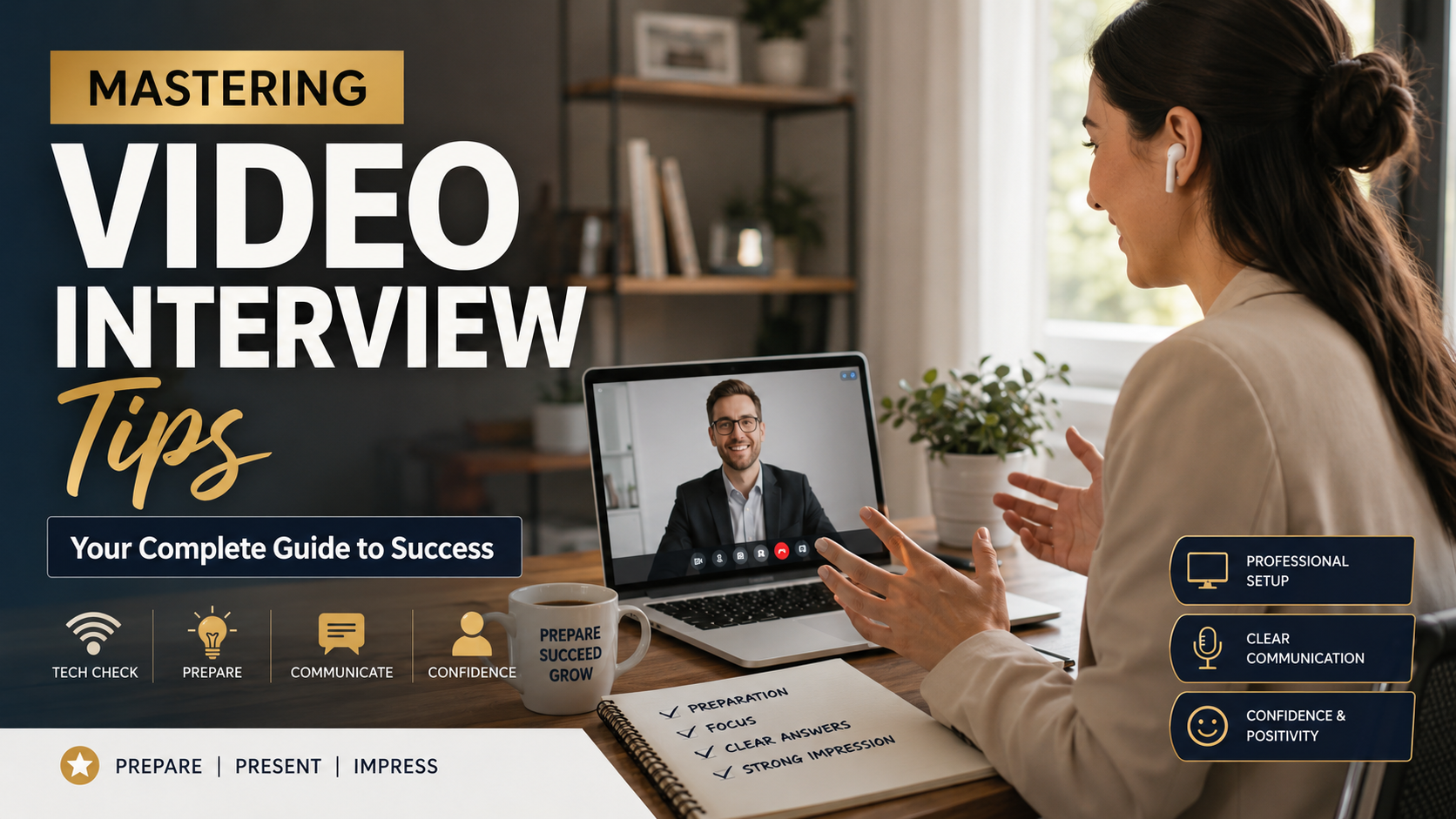
Mastering Video Interview Tips: Your Complete Guide to Success
Securing a job today often starts with a remote conversation, making it important to master effective video interview tips before meeting a hiring manager. Remote hiring has become common across industries, changing how candidates present their skills and personality.
A successful video interview requires more than a stable internet connection. It also demands thoughtful preparation, technical readiness, and clear communication. To stand out from other candidates, you must understand how virtual interviews work and how to present yourself professionally online while managing interview anxiety and building confidence.
Career resources such as Glassdoor emphasize the importance of professional presentation during the hiring process. This guide answers common questions about video interviews, including how to prepare, what to say, how to handle difficult questions, and how freshers can make a strong impression.
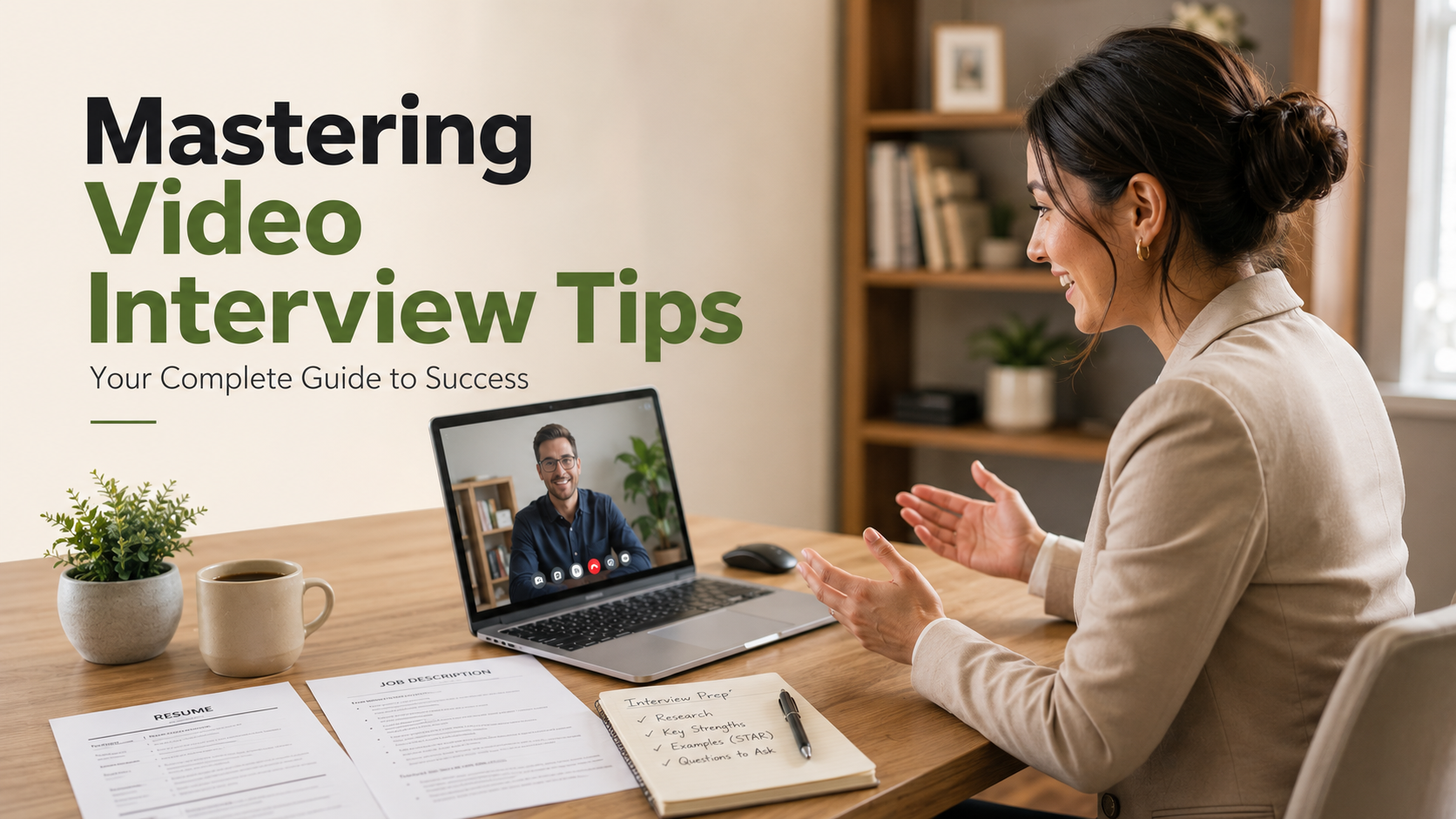

How to Prepare for a Video Interview
Preparing for a video interview requires both technical checks and interview practice. Start by testing your camera, microphone, speakers, and internet connection at least one day before the interview. Check that your interview platform works correctly and update the software if needed.
Choose a quiet, well-lit space with a clean background. Place your main light source in front of you to avoid dark shadows. Silence desktop notifications and phone alerts before joining the interview.
Review your resume and keep digital copies of your portfolio ready. You may need to share your work through screen sharing. Dress professionally from head to toe, even when interviewing from home. Follow these interview dress code tips for success to make sure your appearance matches the expectations of the role.
Practice speaking clearly while looking toward your webcam. This creates more natural virtual eye contact. Keep a notepad and pen nearby for quick notes.
Finally, join the virtual waiting room five to ten minutes early. This gives you time to handle unexpected audio, software, or connection problems.
Setting Up Your Environment for Success
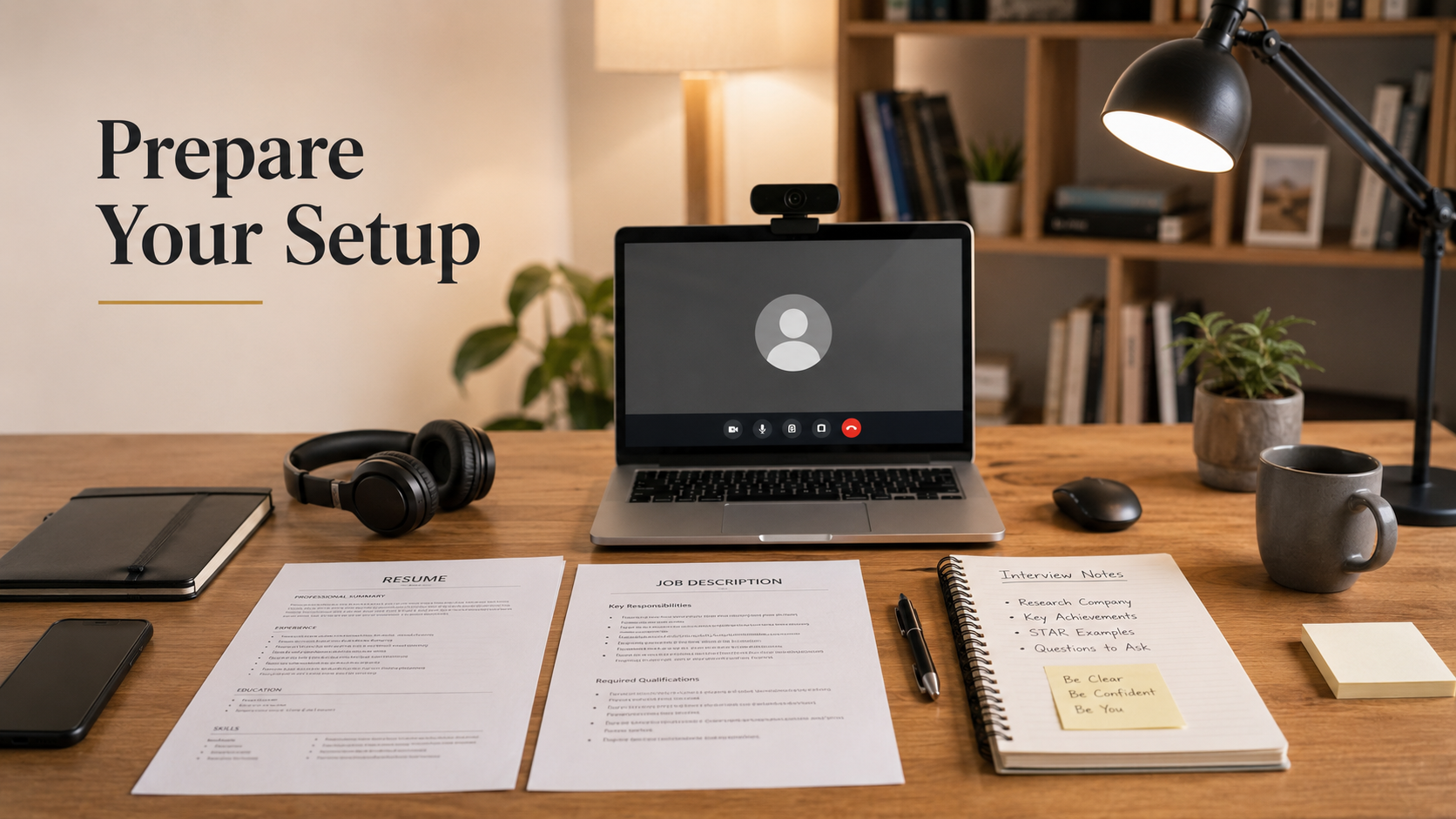
A professional setup can reduce distractions and help you appear more confident. Position your camera at eye level and frame your face clearly. Avoid placing bright windows directly behind you.
Keep your desk organized and remove anything that could distract the interviewer. Close unnecessary browser tabs and applications before the interview begins.
Your background should look clean without appearing overly staged. If your platform offers a background effect, use a simple option that does not distract from your face.
Keep your phone on silent and disable computer notifications. Have your resume, job description, portfolio, and notes within easy reach.
Good preparation also includes checking your internet stability. If possible, use a wired connection or stay close to your Wi-Fi router. These simple video interview tips can prevent technical problems from affecting your performance.
What Is the 80/20 Rule in Interviewing?
The 80/20 rule in interviewing is less about following an exact percentage and more about balancing listening with speaking. A strong candidate should listen carefully before giving a focused response. Talking too much can make answers unclear and difficult to follow.
When an interviewer asks a question, take a moment to understand what they actually want to know. Avoid interrupting or immediately launching into a long explanation. Active listening helps you address the question instead of giving a rehearsed answer.
Your response should then provide the most relevant information. Use specific examples instead of vague claims about your skills or personality. Mention measurable achievements when they strengthen your answer.
This approach shows communication skills, emotional intelligence, and respect for the interviewer’s time. It also makes the conversation feel more natural.
The exact balance will vary between questions. Some answers may require more explanation, while others should remain brief. Focus on being clear, relevant, and responsive rather than forcing every conversation into an 80/20 formula.
Applying the Rule to Your Responses
Keep individual answers focused and avoid unnecessary details. A useful approach is to explain your main point first, then provide supporting evidence or an example.
For behavioral questions, the STAR method can help you organize your response. Explain the situation, describe your task, outline your actions, and finish with the result.
Try to communicate your primary message within about two minutes. You can then pause and allow the interviewer to ask follow-up questions.
Avoid memorizing complete answers. Memorized responses can sound unnatural and may make it harder to respond when the interviewer changes the question.
Instead, prepare a few key points for common topics. These might include your experience, strengths, achievements, challenges, and reasons for applying.
Good video interview tips should improve communication, not turn the conversation into a performance. Listen carefully, answer directly, and give the interviewer space to continue the discussion.
What Should I Say in a Video Interview?
What you say during a video interview should connect your experience with the employer’s needs. Avoid relying on generic statements that could apply to any company or position. For broader preparation, review this guide on how to prepare for HR interviews.
Use the STAR method when discussing accomplishments, challenges, or workplace situations. Start with the relevant situation, explain your responsibility, describe your actions, and finish with the result.
Whenever possible, include measurable evidence. Mention improvements in efficiency, revenue, customer satisfaction, project completion, or other relevant outcomes. Specific details make your claims more credible.
Research the company before the interview. Refer to its products, services, industry, or recent developments when explaining your interest in the role. Avoid pretending to know more than you do.
Keep your tone professional but conversational. Do not overload your answers with technical jargon or memorized phrases.
Explain your most relevant skills early in the interview. Then connect those skills to the responsibilities listed in the job description. Finish by asking thoughtful questions about the position, team, expectations, or future growth.
Highlighting Relevant Experience Effectively
Tailor your examples to the specific position rather than describing your entire work history. Start with experiences that demonstrate skills mentioned in the job description.
For example, if the role requires project management, describe a project you planned or coordinated. Explain the challenge, your responsibility, and the outcome.
Numbers can make these examples stronger. Mention percentages, time savings, revenue improvements, customer numbers, or other measurable results when accurate.
Do not invent metrics simply to make an answer sound impressive. Honest, specific evidence is more valuable than exaggerated claims.
You should also explain what you learned from important experiences. Employers often want to understand how you approach problems, make decisions, and respond to setbacks.
Strong answers connect past experience to future value. Show the interviewer how your existing skills can help you handle the responsibilities of the new role.
What Are the 5 Hardest Interview Questions?
Some interview questions are difficult because they require honesty without unnecessary negativity. Five common challenges involve your biggest weakness, employment gaps, professional failures, reasons for leaving a job, and conflicts with coworkers.
When discussing a weakness, choose a genuine area that you are actively improving. Explain what you are doing differently rather than presenting a disguised strength.
For employment gaps, give a brief and truthful explanation. You do not need to provide excessive personal information. Focus on what you learned, accomplished, or prepared for during that period.
When discussing failure, explain what went wrong and what you changed afterward. Avoid blaming coworkers, managers, or circumstances for everything that happened.
If asked why you want to leave your current role, stay professional. Focus on your future goals rather than criticizing your current employer.
Conflict questions also require balance. Explain how you handled disagreement through communication, problem-solving, and professional boundaries.
The strongest answers show self-awareness, accountability, and growth. Stay calm, answer directly, and avoid defensive or overly rehearsed responses.
Framing Weaknesses and Failures Constructively
Difficult questions can reveal how you respond when situations become uncomfortable. Your goal is not to make every weakness sound positive. Instead, demonstrate that you understand the issue and are taking practical steps to improve.
Choose an example that is real but does not undermine your ability to perform the job. Explain the situation briefly and describe the actions you took to address it.
For failures, focus on the lesson and the change that followed. Explain what you would do differently today.
Avoid common answers such as saying you are simply a perfectionist. Interviewers hear these responses frequently and may view them as rehearsed.
You should also avoid blaming other people. Even when external factors contributed to a problem, explain what you could control.
This approach demonstrates professional maturity and continuous learning. It also gives the interviewer evidence that you can accept feedback and adjust your behavior when circumstances require it.
Video Interview Tips for Freshers
Freshers often face video interviews without extensive professional experience. That does not mean you have nothing valuable to discuss. Instead, use academic projects, internships, volunteer activities, relevant certifications for beginners, and extracurricular experiences as evidence of your abilities.
Explain your specific contribution to group projects. Do not simply say that you worked as part of a team. Describe the problem, your responsibility, and the result.
Technical skills can also strengthen your answers. Mention relevant software, programming languages, tools, or platforms when they match the job requirements.
Research the company before your interview. Understand its industry, products, services, and the responsibilities of the position. Be prepared to explain why the opportunity fits your career goals.
During the interview, maintain good posture and look toward the camera when speaking. Smile naturally and keep your energy consistent.
Technical preparation is equally important. Test your microphone, camera, internet connection, and interview platform beforehand.
These video interview tips for freshers help you demonstrate potential even when your professional experience is limited.
Showcasing Potential Over Professional Experience
Freshers can demonstrate workplace readiness through experiences outside traditional employment. Academic projects are especially useful when they involve deadlines, teamwork, research, or problem-solving. Explore summer activities that can strengthen college preparation for additional ways to build relevant experience.
Explain what you personally contributed rather than describing the project broadly. If you solved a technical issue, organized a team, presented findings, or improved a process, mention it clearly.
Internships can provide even stronger examples because they demonstrate exposure to professional environments. Volunteer work and student organizations can also reveal communication, leadership, and organizational skills.
Avoid apologizing for your limited experience. Instead, focus on your willingness to learn and your ability to apply knowledge.
You should also prepare for questions about unfamiliar situations. Explain how you would research a problem, ask for guidance, test possible solutions, and learn from feedback.
Employers hiring entry-level candidates often evaluate potential, adaptability, communication, and learning ability. Your examples should give them evidence of those qualities.
Video Interview Tips and Tricks
Small adjustments can make your virtual interview more polished. One useful technique is placing short reminders near your webcam. Use keywords or numbers instead of complete sentences so you do not appear to be reading.
Record practice interviews before the real conversation. Review your posture, facial expressions, speaking speed, volume, and eye contact. Look for habits that could distract from your answers.
Keep your professional profiles consistent with your resume. Differences in job titles, dates, or major achievements can create unnecessary questions during the hiring process.
Use natural hand gestures, but keep movements within the camera frame. Excessive movement can become distracting, especially on a small screen.
Prepare your environment before the interview begins. Close unnecessary applications, charge your device, and keep essential documents nearby.
Most importantly, do not try to appear perfect. A calm and authentic delivery usually feels more credible than an overly rehearsed performance.
The best video interview tips and tricks are practical. They should help you communicate your skills clearly while reducing avoidable distractions.
Using Hidden Notes and Cues Wisely
Brief visual cues can help you remember important information without interrupting your natural delivery. Place a small note near your webcam with keywords for achievements, questions, or important numbers.
Avoid writing full answers on your notes. Reading complete sentences can make your eyes move noticeably and can make your delivery sound robotic.
Use short prompts such as “STAR,” “project result,” “team example,” or “ask about growth.” These reminders can help you stay organized without controlling every word you say.
Keep the number of notes limited. Too many reminders can create another source of distraction and make you focus more on the notes than the interviewer.
You should also practice without the notes before the interview. The goal is to use them as a backup rather than a script.
When used correctly, visual cues can improve confidence while preserving natural eye contact. Combine them with technical preparation, mock interviews, and focused answers for a more professional virtual interview experience.
Frequently Asked Questions
How should I dress for a remote job screening?
Dress professionally from head to toe, matching the standard dress code of the industry you are entering. Solid, neutral colors work best on camera, as bright patterns can create visual distortion. Avoid overly shiny jewelry that might catch light reflections from your screen. Maintaining a full professional outfit also helps you psychologically prepare and perform at your best.
What should I do if my internet connection fails during the call?
Stay calm if technical issues arise unexpectedly during your virtual conversation. Immediately use your backup plan, such as switching to a mobile hotspot or calling in via telephone if audio options are available. Send a polite message to the recruiter through email or chat explaining the disruption. Quick, composed problem-solving demonstrates your resilience and grace under pressure.
How can I maintain good eye contact through a webcam?
Look directly into the camera lens rather than at the video feed of the interviewer on your monitor. This creates the illusion of direct eye contact for the person on the other end of the screen. Position the interview window close to the top center of your display near the camera. Practice this technique during mock sessions to build natural muscle memory.
Is it acceptable to have a virtual background during a meeting?
Using a clean, real background is always preferred over a virtual background to avoid glitchy visual artifacts around your silhouette. If your physical space is cluttered or distracting, opt for a subtle, professional virtual background or a blurred effect. Ensure the background matches a neutral office aesthetic to maintain a serious, focused impression.
Conclusion
Mastering video interview tips is an essential skill in today’s digital job market, directly influencing your career progression and hiring success. By preparing your technical environment, embracing the balance of active communication, and structuring your answers thoughtfully, you project confidence and competence. Every question you encounter is an opportunity to showcase your unique value, whether you are an entry-level candidate or an experienced professional. Remember to apply the strategies outlined here, maintain a calm demeanor, and treat each virtual encounter as your definitive moment to shine. Consistent practice and careful attention to detail will soon make remote recruitment feel natural and rewarding. Take what you have learned today, apply it to your upcoming preparations, and step into your next professional conversation ready to succeed.