
Is Paid Antivirus Actually a Waste of Money for Your PC in 2026?
Is paid antivirus a waste of money in 2026? Many PC users face this question when deciding how to protect their devices. Modern operating systems include built-in security tools, making extra antivirus subscriptions less necessary for some people.
However, built-in protection does not eliminate every cybersecurity risk. Paid security suites may offer additional privacy features, identity monitoring, and protection across multiple devices. Whether these extras justify the cost depends on your needs.
Microsoft’s Windows Security guidance explains how built-in protections help defend against modern threats. This article explores whether you need paid antivirus software, why McAfee receives criticism, and when a subscription makes sense. It also examines the risks of using Windows 10 after its support ended. By the end, you will understand which security options offer practical value for your PC.

Do You Really Need Antivirus in 2026?
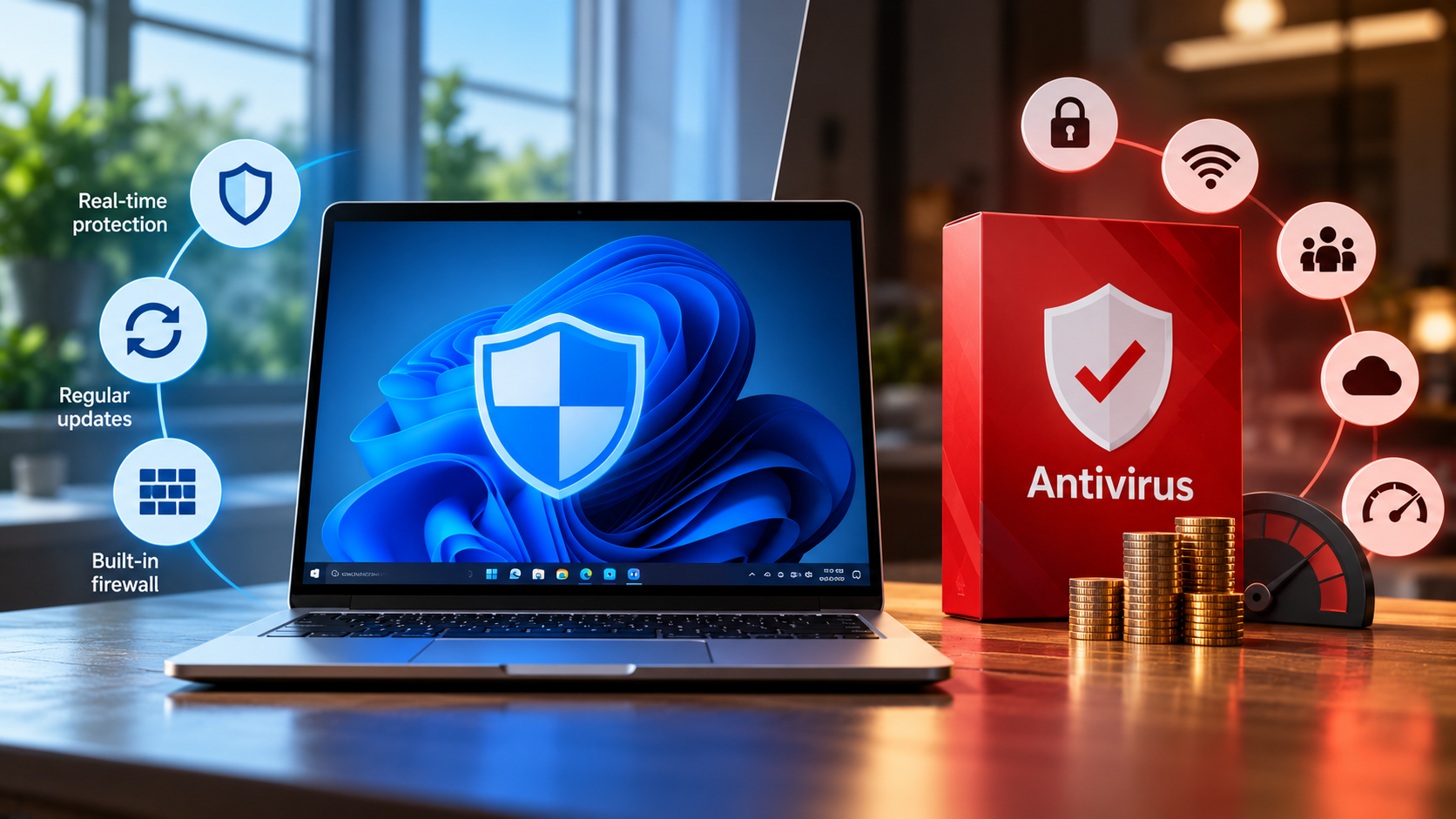
Most modern Windows PCs include built-in security tools that protect against common digital threats. Microsoft Defender Antivirus provides real-time scanning and monitors suspicious activity. Windows Security also includes other protections, such as firewall controls and safeguards against potentially harmful applications. These features make paid antivirus software unnecessary for many everyday users. Microsoft’s Windows Security overview explains these built-in protections.
However, no antivirus can guarantee complete protection. Phishing scams, unsafe downloads, weak passwords, and outdated software can still expose your data. Understanding how to handle suspicious links safely can help you avoid common online threats. Your online habits matter just as much as your security software.
For users who browse trusted websites, install legitimate applications, and keep Windows updated, built-in protection may be sufficient. Those who handle sensitive information or manage several devices might benefit from additional security features. The key is to identify your actual risks before paying for another subscription.
Evaluating Your Personal Threat Exposure Level
Your browsing habits influence how much additional protection you may need. Someone who downloads files from unfamiliar websites faces different risks than someone who uses a PC mainly for email, work, and streaming. Understanding how malware spreads between devices and through downloads can help you recognize these risks before they compromise your computer.
Before purchasing paid antivirus, consider your typical online activities. These factors can help you assess your exposure:
- Frequent downloads: Unverified installers and suspicious attachments can contain malware.
- Torrent websites: Untrusted downloads may expose your computer to malicious files.
- Online banking: Financial accounts require strong passwords, secure connections, and careful phishing awareness.
- Multiple devices: A household with several computers and smartphones may benefit from centralized security management.
- Sensitive information: Business documents, financial records, and personal files may justify additional safeguards.
Even cautious users can encounter sophisticated scams. Therefore, safe browsing should complement antivirus protection rather than replace it.
If Microsoft Defender is active, Windows is updated, and your browsing habits are sensible, free protection may meet your needs. Consider paid software when it addresses a specific security gap.
Why Is McAfee So Shady?
McAfee receives criticism from some consumers because of its marketing practices and bundled installations. Many PC manufacturers offer antivirus trials on new laptops. These trials can introduce users to the software before they have decided whether they need another security subscription.
The frustration often begins when renewal reminders and promotional notifications appear frequently. Users may interpret these messages as pressure to purchase a product they never requested. This experience can make legitimate antivirus software feel more like unwanted advertising.
However, aggressive marketing does not automatically mean a security product is ineffective or malicious. Antivirus performance and customer experience are separate issues. A product can provide useful protection while still frustrating users through its sales approach.
Before purchasing McAfee or another paid antivirus, examine its features, renewal terms, and total subscription cost. Compare these details with the protection already available on your computer. The important question is whether the software provides enough additional value to justify its price.
Navigating Aggressive Software Bundles and Trials
Preinstalled antivirus trials can confuse new PC owners. A manufacturer may include a security product through a commercial partnership. As a result, users sometimes assume a paid subscription is essential for their computers to function safely.
You can evaluate these bundled applications before committing to a purchase. Start by checking which antivirus software is active and whether your subscription has expired.
Follow these steps:
- Open Windows Security and review your current protection status.
- Check whether another antivirus product is installed and running.
- Review the trial’s expiration date, renewal price, and included features.
- Decide whether its extra tools offer benefits you genuinely need.
- Uninstall unwanted software through Windows Settings if you choose not to keep it.
Windows normally reactivates Microsoft Defender Antivirus when you remove a compatible third-party antivirus product, provided no other active antivirus prevents it from running. Verify your protection status after uninstalling anything.
Removing unnecessary software can also reduce unwanted notifications and background activity. Learning how PC background processes affect performance can help you understand whether installed applications are using unnecessary system resources. However, avoid assuming every preinstalled security application is useless. Compare its actual benefits before making a decision.
Is a Paid Antivirus Worth It?
Paid antivirus software can be worthwhile, but its value depends on what the subscription includes. Many security suites combine malware protection with tools that go beyond basic virus detection. These may include password managers, identity monitoring, parental controls, and virtual private network (VPN) services.
Such features can help users who want several security tools under one subscription. Families managing multiple devices may also appreciate centralized controls and simplified account management. However, these benefits do not automatically make paid antivirus more secure than free alternatives.
Microsoft Defender already provides substantial baseline protection on supported Windows systems. Paying for another antivirus solely to obtain basic malware scanning may therefore offer limited additional value. Some premium features also come with usage limits or require separate subscriptions.
Before buying, compare the product’s independent protection test results, device coverage, renewal price, and included features. Check whether the subscription duplicates tools you already use. The best choice is the one that fills genuine security gaps without adding unnecessary costs.
Weighing Advanced Privacy Tools Against Free Basics
Free antivirus software can provide effective protection against common malware. However, choosing the right software is only one part of staying secure. Following malware protection tips for home and business users can help you strengthen your defenses beyond antivirus scanning. Paid security suites may add useful services, but their value depends on your circumstances.
Consider the differences before choosing a subscription:
- Malware protection: Microsoft Defender provides built-in antivirus protection on supported Windows systems.
- VPN access: Some paid suites include encrypted VPN connections, although data limits and server options vary.
- Password management: Premium plans may offer password vaults, but dedicated password managers are also available.
- Identity monitoring: Some services alert you to possible exposure of personal information. Monitoring does not prevent every form of identity theft.
- Parental controls: Certain subscriptions provide tools for managing children’s online activities across supported devices.
- Multi-device coverage: Family plans can simplify security management for several users.
A paid plan makes sense when its extras replace tools you would otherwise purchase separately. Check the renewal price, cancellation conditions, and feature limitations before subscribing.
If you only need reliable malware protection on one well-maintained PC, free protection may be enough. Avoid paying for features you are unlikely to use.
Is Windows 10 Still Safe to Use in 2026?
Windows 10 requires special attention because standard support ended on October 14, 2025. Eligible consumer editions no longer receive regular security updates unless the device is enrolled in Microsoft’s Extended Security Updates (ESU) program. This change matters because newly discovered vulnerabilities may remain unpatched on systems without continued coverage. Microsoft’s official Windows 10 support guidance explains the available options.
An unsupported computer may still function normally, but continuing to use it can increase security risks. Third-party antivirus software can detect certain threats. However, it cannot replace missing operating system security patches. Understanding what happens when you skip Windows updates helps explain why keeping your system updated is essential for security.
If your computer supports Windows 11, upgrading is generally the preferable long-term option. If you need more time, check whether your device qualifies for ESU. This program provides eligible devices with important security updates through October 12, 2026, for the applicable consumer coverage period.
Do not assume that buying paid antivirus alone makes an unsupported PC safe. Keeping the operating system supported remains an essential part of computer security.
Understanding the Risks of Unsupported Operating Systems
Operating system updates help fix security vulnerabilities that attackers could exploit. When standard support ends, a device without extended coverage loses access to regular security patches. This can increase exposure to certain attacks over time. Learn more about Windows 10 security risks in 2026 before deciding whether to continue using an unsupported computer.
Windows 10 users should identify which support option applies to their devices. Available choices include upgrading to Windows 11, enrolling in eligible Extended Security Updates, or replacing hardware that cannot run a supported operating system.
If you must continue using Windows 10 temporarily, take these precautions:
- Install all available security updates and confirm whether ESU coverage is active.
- Keep your browser and other applications updated.
- Use reputable antivirus protection with real-time scanning enabled.
- Maintain regular backups of important files.
- Avoid suspicious downloads, unknown attachments, and untrusted websites.
- Use strong, unique passwords and enable multifactor authentication where available.
These measures reduce avoidable risks, but they cannot eliminate every vulnerability. Antivirus software cannot fully compensate for missing operating system patches.
Treat continued use of an unsupported system as a temporary arrangement. Plan an upgrade or replacement rather than relying on additional antivirus software as a permanent solution.
Final Verdict: Should You Pay for Antivirus in 2026?
Paid antivirus is not automatically a waste of money, but many PC users do not need an additional subscription. Microsoft Defender and other built-in Windows Security features provide a useful baseline when enabled and kept up to date.
A paid security suite may be worth considering if you need identity monitoring, parental controls, VPN access, or protection across multiple devices. Compare these extras with the tools you already own before deciding whether the cost is justified.
Your operating system also matters. If you use Windows 10, check your support status and consider upgrading or enrolling in an eligible Extended Security Updates program. Paying for antivirus does not replace operating system updates.
Ultimately, choose paid antivirus for specific benefits, not simply because you fear viruses. Review your online habits, secure your accounts, install updates, and maintain reliable backups. These steps help you make a more informed decision about protecting your PC in 2026.