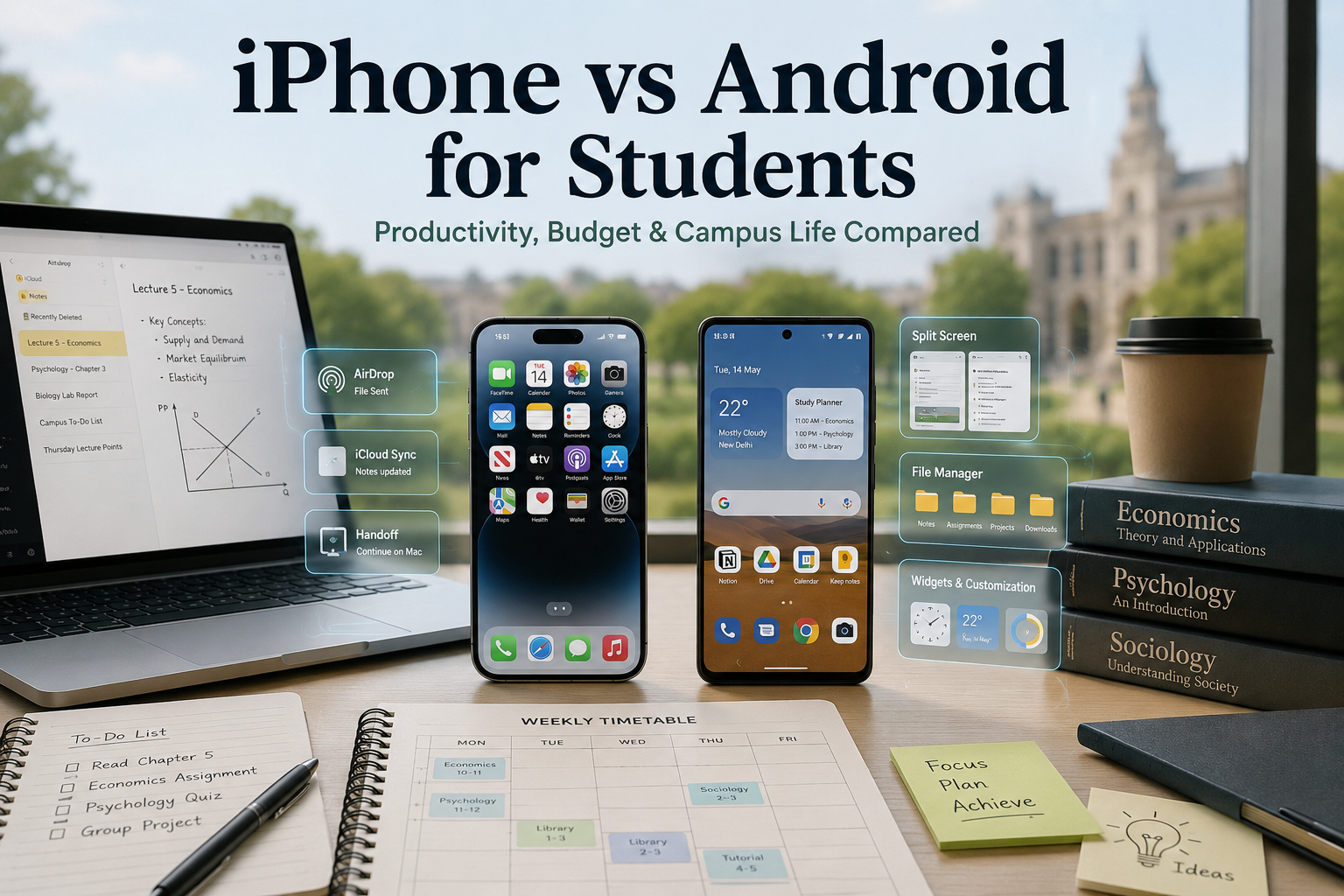
iPhone or Android for Students: The Ultimate Campus Comparison Guide
Choosing between an iPhone or Android for students is one of the most important tech decisions you will make before starting college. A smartphone is no longer just for calls, messages, or social media. It has become a portable study hub, a planner, a research tool, and an essential device for collaborating on assignments and group projects.
Both operating systems offer powerful features, but they suit different learning styles, budgets, and productivity needs. Some students value seamless integration across devices, while others prefer flexibility, customization, and affordability. The best choice depends on how you study, the devices you already own, and your long-term budget.
This guide compares iPhone and Android across the factors that matter most on campus. You’ll learn about pricing, productivity, note-taking, software support, file sharing, and overall value. By the end, you’ll have a clear understanding of which platform best supports your academic goals and daily workflow.
The Budget Battle: Upfront Costs vs. Long-Term Value
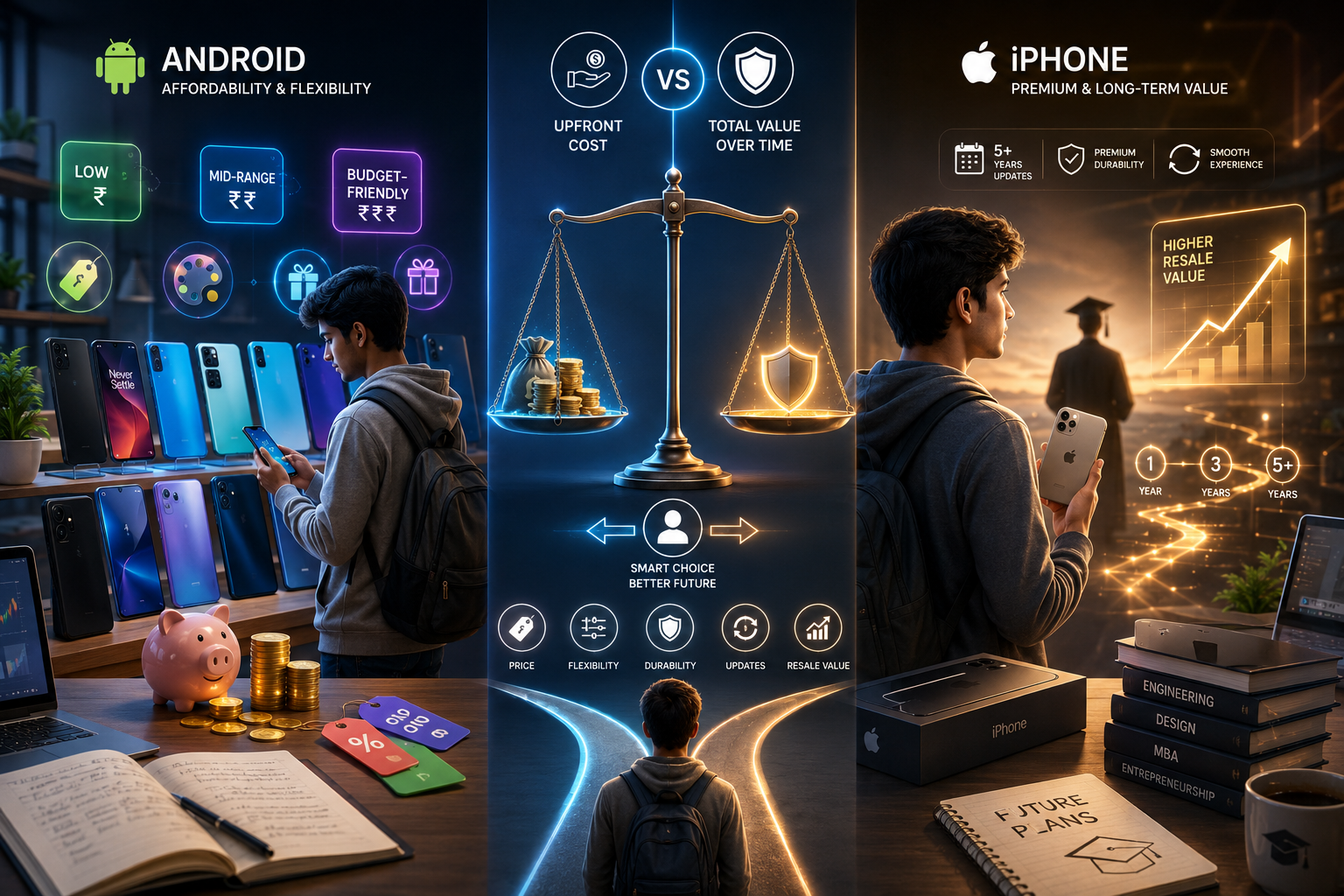
For many students, price is the deciding factor when buying a smartphone. However, the lowest purchase price does not always represent the best overall value. When comparing an iPhone or Android for students, it is important to consider both the initial cost and the phone’s long-term worth. Software support, resale value, and durability all influence how much your investment is worth over several years.
Android phones offer unmatched flexibility across nearly every price range. In contrast, Apple focuses on premium devices that usually cost more upfront but retain their value for much longer. Before making a decision, think beyond today’s budget. Consider how long you plan to keep the device, whether you might trade it in later, and how well it will support your studies throughout college.
Android’s Unbeatable Price Flexibility
Android offers the widest range of smartphones for every budget. Since Google licenses Android to multiple manufacturers, students can choose from hundreds of devices with different prices and features.
Brands like Samsung, Google Pixel, and OnePlus offer excellent options across entry-level, mid-range, and flagship categories. Many mid-range Android phones deliver fast performance, impressive cameras, and long battery life without the premium price tag.
This flexibility makes Android an excellent choice for students who want strong performance while keeping costs under control. You can often find a phone that handles note-taking, video lectures, productivity apps, and entertainment without exceeding your budget.
The True Cost of an iPhone
Apple devices generally require a larger upfront investment. Even entry-level iPhones cost more than many Android alternatives, and premium models carry even higher prices.
However, purchase price tells only part of the story. iPhones consistently maintain higher resale value than most Android phones. A device purchased during your first year of college can often be sold or traded in for a significant amount after graduation.
Apple also provides long software support, helping devices stay secure and perform well for years. When you combine software updates, reliability, and resale value, the overall ownership cost may be lower than the initial price suggests. For students planning to keep one phone throughout college, an iPhone can be a worthwhile long-term investment.
Productivity and Classroom Integration: iPhone or Android for Students?
A smartphone plays a central role in modern campus life. Students rely on it for attending online lectures, scanning documents, managing assignments, communicating with classmates, and tracking deadlines. This makes productivity a key factor when choosing an iPhone or Android for students.
Both platforms offer strong study tools, but they follow different philosophies. Apple focuses on a tightly connected ecosystem where devices work seamlessly together. Android prioritizes flexibility, giving users more control over files, multitasking, and customization.
Neither option is universally better. The right choice depends on your laptop, tablet, and daily workflow. Understanding these differences helps you choose a smartphone that improves productivity instead of creating friction in your academic routine.
How iOS Simplifies Student Workflows
If you already use a MacBook or iPad, an iPhone integrates smoothly into your study setup. Apple’s ecosystem is designed to reduce effort and speed up everyday academic tasks.
AirDrop allows instant transfer of lecture notes, PDFs, presentations, and images between Apple devices. No cables or third-party apps are required.
Another powerful feature is Universal Clipboard. You can copy text, links, or images on your iPhone and paste them directly on your Mac or iPad. This improves speed during research, writing, and note-taking.
Built-in apps like Notes, Reminders, Calendar, and Files further streamline organization. For students already in the Apple ecosystem, this tight integration creates a smooth and distraction-free workflow.
How Android Improves Flexibility and Control
Android focuses on giving students greater control over files and multitasking. Instead of limiting file handling, it works more like a portable computer.
You can download files directly from university portals, organize them into custom folders, and attach them to emails without depending heavily on cloud storage. This makes managing assignments and lecture materials more efficient.
Android also offers strong productivity features:
- Split-screen multitasking for watching lectures while taking notes
- Expandable storage via microSD cards on many devices
- Advanced file management for organizing study resources
- Flexible app workflows tailored to individual study habits
These features make Android especially useful for students who handle large files, technical documents, or multiple apps at the same time.
Customization and Digital Well-Being on Android
One of Android’s biggest strengths is deep customization. Students can design their phone interface based on their study habits and preferences. From home screen layouts to widgets and themes, nearly everything can be adjusted.
You can place calendars, assignment trackers, and to-do lists directly on your home screen for quick access. Shortcuts can also launch study apps, flashcards, or university portals instantly.
To support focus and reduce distractions, Android includes tools like Focus Mode and Digital Wellbeing. These features allow you to:
- Block distracting apps during study sessions
- Pause notifications temporarily
- Track and limit screen time
- Schedule distraction-free study periods
This level of control helps students stay focused during exams, revision, and intensive study hours.
Hardware Longevity and Software Updates
A smartphone is a long-term investment, especially for students who expect it to last throughout college. Beyond performance and features, software support plays a major role in keeping a device secure, fast, and compatible with new apps.
When comparing an iPhone or Android for students, software longevity becomes one of the most important differences. Apple is known for long-term updates across its devices. Android has improved significantly, but update support still varies by brand and price range.
Understanding these differences helps you choose a phone that remains reliable throughout your academic journey without needing early replacement.
Apple’s Long-Term Software Support
Apple is widely recognized for providing strong and consistent software support. Most iPhones receive major iOS updates for five to six years, along with additional security updates.
For students, this means a phone purchased in the first year of college can easily last until graduation. Regular updates improve performance, add new features, and strengthen security.
Long software support also increases resale value. Instead of replacing your phone frequently, you can continue using the same iPhone confidently throughout your studies.
The Shifting Android Landscape
Android manufacturers have made significant improvements in recent years. Companies like Google and Samsung now offer up to seven years of software and security updates for flagship devices, matching or even exceeding Apple in some cases.
However, update support is not consistent across all Android phones. Premium models usually receive long-term updates, while budget and mid-range devices may only receive two to four years of support.
If you choose a flagship Android phone, it can easily last throughout your college years. However, for lower-priced models, it is important to check the update policy before purchasing.
Longer software support ensures better security, improved app compatibility, and a longer overall device lifespan.
Frequently Asked Questions
Is an iPhone good for studying?
Yes. An iPhone is an excellent choice for studying, especially if you already use a MacBook or iPad. Apple’s ecosystem makes it easy to move between devices without interrupting your workflow.
Features like AirDrop let you transfer lecture notes, PDFs, and presentations instantly. Universal Clipboard allows you to copy text on your iPhone and paste it directly onto your Mac or iPad. You can also use Live Text to capture information from classroom whiteboards or printed documents with your camera.
The App Store includes many high-quality productivity apps for note-taking, task management, and studying. Combined with Apple’s long software support, an iPhone offers a reliable solution that can easily last throughout your college years.
Which phone is better for studying?
There is no single answer because the best phone depends on your study habits and existing devices.
Choose an iPhone if you:
- Already own a MacBook or iPad.
- Want effortless file sharing between devices.
- Prefer a simple, consistent user experience.
- Value long software support and high resale value.
Choose an Android phone if you:
- Use a Windows laptop.
- Need split-screen multitasking.
- Want advanced file management.
- Prefer greater customization and hardware choices.
Both platforms support popular study apps, cloud storage, calendars, and note-taking tools. The better option is the one that fits naturally into your daily workflow.
Why is Gen Z obsessed with iPhones?
Several factors explain the popularity of iPhones among Gen Z users. One of the biggest reasons is Apple’s connected ecosystem, which makes communication and file sharing simple across Apple devices.
iMessage remains a major attraction because it offers reliable group chats, read receipts, high-quality media sharing, and seamless messaging between iPhone users. Many students also appreciate FaceTime for study groups and virtual meetings.
Social media apps such as Instagram and TikTok have traditionally delivered a more consistent experience on iOS. Better camera optimization and smoother video uploads have made iPhones especially attractive to students who regularly create and share content online.
Do Android phones last as long as iPhones for students?
The answer depends on the Android device you buy.
Premium Android phones from Google and Samsung now receive up to seven years of software and security updates. That level of support is comparable to, or even longer than, Apple’s update policy for many iPhones.
Budget Android phones, however, often receive fewer years of updates. Some entry-level models may only receive two or three years of software support.
If you invest in a flagship Android phone, it can easily last throughout your college career. If you choose a lower-priced model, check the manufacturer’s update policy before purchasing.
Can I easily share files between an Android phone and a laptop?
Yes. Android works particularly well with Windows laptops through Link to Windows, which lets you access photos, messages, notifications, and files directly from your computer.
Android also allows you to transfer files using USB, Bluetooth, cloud storage, or nearby sharing features. This flexibility makes managing coursework straightforward.
If you use a MacBook, sharing files with Android usually requires services like Google Drive or third-party apps. In comparison, iPhones work seamlessly with macOS through AirDrop, making file transfers faster within the Apple ecosystem.
Conclusion: Making Your Final Choice
Choosing between an iPhone or Android for students ultimately depends on your budget, existing devices, and study habits. Both platforms are excellent, but they excel in different areas.
An iPhone is the better choice if you already use a MacBook or iPad. Its seamless ecosystem, long software support, strong resale value, and reliable performance make it a smart long-term investment for many students.
An Android phone is ideal if you want greater flexibility, lower upfront costs, advanced multitasking, and desktop-like file management. It also pairs naturally with Windows laptops and offers a wider selection of devices across every price range.
Before making your decision, consider how you’ll use your phone every day. Think about your budget, preferred workflow, and the devices you already own. The best smartphone is the one that removes friction from your academic life, keeps you productive, and supports your learning throughout your college journey.
If you’re also exploring ways to support your finances during study, you can check out this guide on part-time jobs for students for practical earning opportunities while studying.