
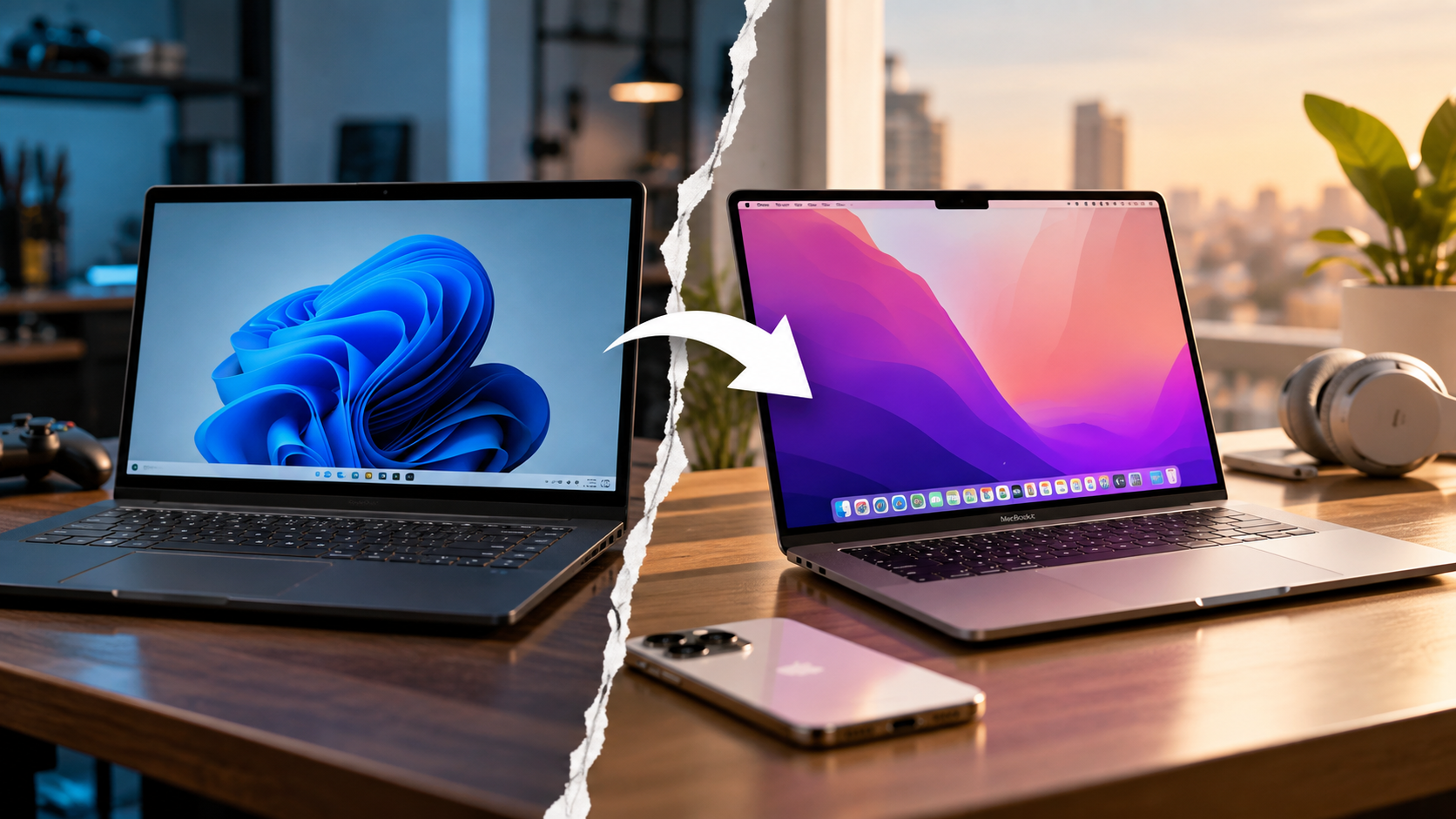
Ditching Windows for Mac: Why People Are Switching From Windows Laptops
Ditching Windows for Mac has become an increasingly common consideration for professionals, developers, students, and remote workers. MacBooks now combine efficient Apple Silicon processors, long battery life, refined hardware, and strong integration with other Apple devices.
For decades, Windows dominated the laptop market through variety, customization, gaming support, and broad software compatibility. Apple’s macOS remained especially popular among creative professionals and users already invested in the Apple ecosystem.
That balance has changed as MacBooks have become more capable and efficient. However, switching platforms is not automatically the right decision. Windows still offers major advantages in gaming, hardware choice, upgradeability, and compatibility with specialized software.
The real question is not whether MacBooks are better than Windows laptops. It is whether a MacBook fits your workflow, software requirements, budget, and expectations.
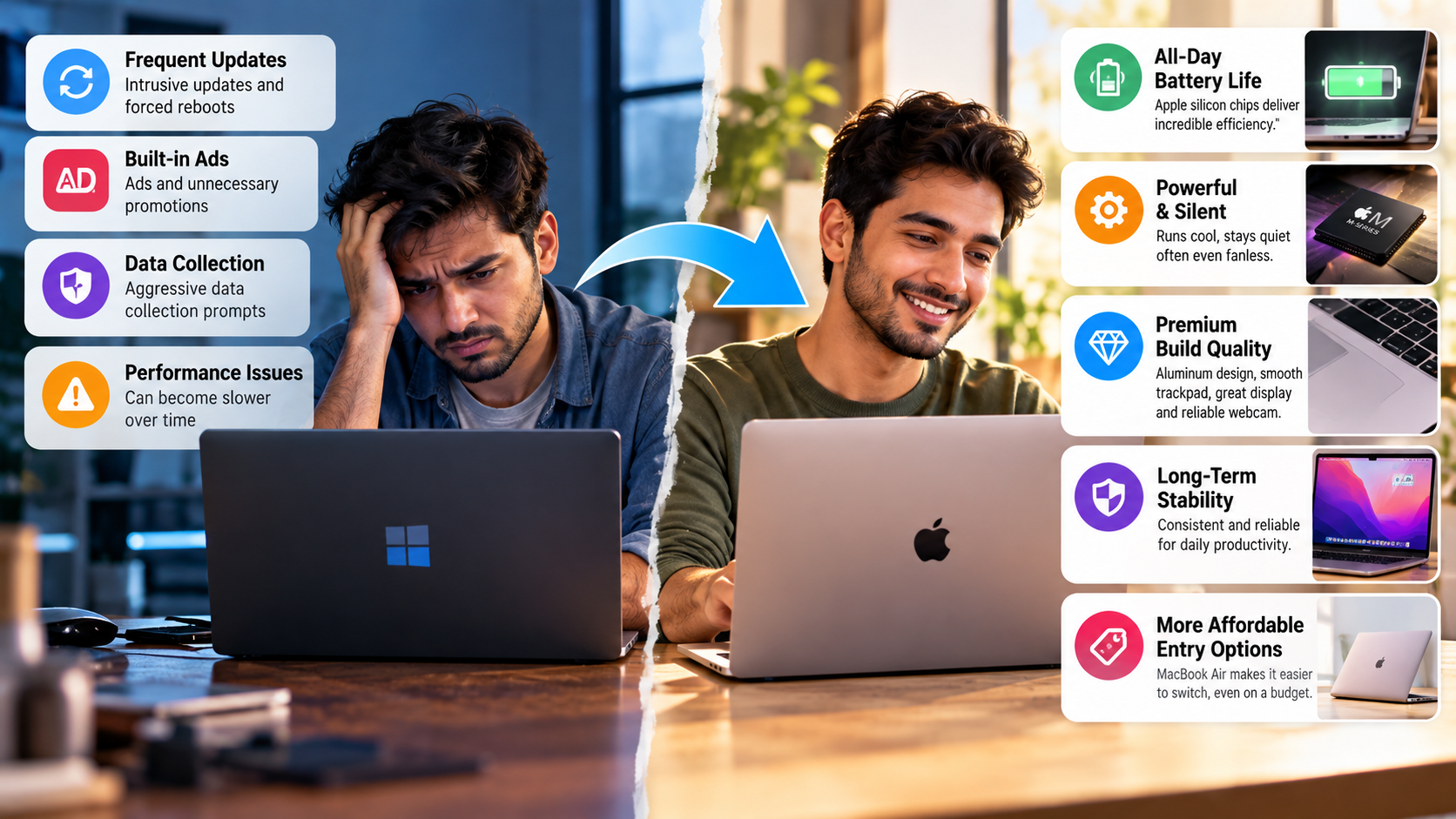

Is It Better to Get a MacBook or a Windows Laptop?
Neither platform is universally better. The right choice depends on how you use your laptop every day. MacBooks are particularly appealing when battery life, silent operation, build quality, and Apple ecosystem features are important priorities.
A MacBook can be a strong fit if you need:
- Long battery life for work, study, and travel.
- Consistent performance across everyday workloads.
- A high-quality trackpad, display, speakers, and microphone.
- Unix-based development tools and terminal workflows.
- Integration with an iPhone, iPad, or Apple Watch.
- Long-term ownership and strong resale demand.
Windows remains more flexible for users who need:
- PC gaming and broad DirectX compatibility.
- NVIDIA or AMD discrete graphics.
- Touchscreens and 2-in-1 designs.
- More ports and hardware configurations.
- Upgradeable components on selected laptops.
- Windows-only business or professional software.
Students comparing both platforms can also explore Mac or Windows for students before making a decision.
| Feature | MacBook | Windows Laptop |
|---|---|---|
| Battery efficiency | Excellent on many Apple Silicon models | Varies by processor and model |
| Gaming | More limited game library | Broad PC gaming support |
| Hardware choice | Limited lineup | Very wide selection |
| Upgradeability | Generally limited | Available on selected models |
| Ecosystem | Strong with Apple devices | Broad device compatibility |
| Development | Strong Unix environment | Broad compatibility and flexibility |
The key is to compare specific laptops rather than treating either operating system as universally superior.
Is It Worth Ditching Windows for Mac?
Ditching Windows for Mac can be worthwhile, but the decision depends heavily on your software and workflow. Browser-based work, writing, programming, communication, and many creative applications transfer well between platforms.
Compatibility is the biggest issue to investigate before switching. Check every application you depend on, including work software, accounting tools, engineering applications, games, peripherals, and company-specific programs.
Windows users also need time to adjust to macOS conventions. File management works differently because macOS uses Finder instead of File Explorer. Window management also differs from Windows 11, where Snap Layouts make side-by-side multitasking familiar.
macOS provides Mission Control, Spaces, and Stage Manager. Some users also install third-party window-management utilities for additional control.
Keyboard shortcuts require another adjustment. Command replaces Control for many common actions, including copying and pasting. Most users can learn the basics quickly, but the first few days can feel unfamiliar.
Cost also matters. MacBooks generally have higher starting prices, while Windows offers more budget choices. Resale value varies by model, condition, age, and configuration.
Which Will Be Better in 2026, Mac or Windows?
In 2026, the Mac-versus-Windows comparison is less straightforward than it was several years ago. Apple Silicon continues to give MacBooks a strong combination of performance and efficiency, but Windows laptops have improved significantly.
Modern Windows laptops now include efficient ARM and x86 processors designed for longer battery life. Copilot+ PCs also bring dedicated neural processing units to many newer systems, allowing supported AI workloads to run locally.
This has reduced some of the efficiency advantage that helped Apple Silicon stand out when it first arrived.
The two platforms still take different approaches. macOS emphasizes Apple’s tightly integrated hardware and software ecosystem. Windows provides greater hardware variety and supports a wider range of manufacturers and form factors.
Windows also remains important for PC gaming, specialized applications, and legacy software. macOS continues to appeal to developers, creative professionals, and users who prioritize portability and ecosystem integration.
Rather than asking which platform will dominate in 2026, compare the features that matter to your workload. Ditching Windows for Mac makes more sense when macOS solves problems you regularly experience.
Is a MacBook Safer Than a Windows Laptop?
A MacBook is not immune to malware, phishing, or security vulnerabilities. However, macOS includes several security layers designed to make unauthorized software and system changes more difficult.
Apple’s Gatekeeper checks downloaded applications and verifies developer signatures. macOS also uses notarization to help identify potentially malicious software before users open it.
Another important protection is System Integrity Protection (SIP). It restricts even processes with high-level privileges from modifying protected parts of the operating system. This can limit the damage caused by certain attacks.
Modern Macs also include hardware-level security features through Apple Silicon and the Secure Enclave. These technologies support secure boot, encryption, and biometric authentication on compatible devices.
Windows is not fundamentally insecure. Microsoft includes protections such as Microsoft Defender, Secure Boot, hardware-backed security, and other Windows security features.
The practical difference is therefore more nuanced than saying Mac is secure and Windows is unsafe. Both platforms require good security habits. Users should install updates, use strong passwords, avoid suspicious downloads, and remain cautious about phishing messages.
Security should be treated as one factor in the decision, rather than the sole reason for ditching Windows for Mac.
Why Are People Ditching Windows for Mac?
The reasons for ditching Windows for Mac often have less to do with benchmark scores and more to do with everyday usability. A laptop can feel significantly better when small conveniences work consistently throughout the day.
Four factors commonly influence the decision:
- Efficient performance: Apple Silicon combines strong performance with relatively low power consumption.
- Refined hardware: MacBooks offer an integrated experience across the trackpad, display, speakers, keyboard, and chassis.
- Apple ecosystem: Features such as AirDrop and Universal Clipboard connect compatible Apple devices.
- Long-term ownership: Strong resale demand can reduce the effective cost of upgrading.
These advantages do not apply equally to every user. Someone who primarily plays demanding PC games may value Windows compatibility more. A professional using Windows-only software may also face unnecessary complications by switching.
The decision therefore comes down to friction. If your current Windows laptop creates problems that macOS can realistically solve, switching may be worthwhile.
If your frustrations are mainly related to a specific laptop’s hardware, however, buying a better Windows laptop could solve the problem without changing operating systems.
1. Consistent Performance on Battery
Apple Silicon changed expectations around laptop efficiency. Current MacBook Air models combine strong performance with a fanless design, which eliminates internal fan noise during normal operation.
Apple’s battery estimates can be useful for comparison, but real-world battery life depends on brightness, applications, network activity, workload, and other settings. Demanding tasks such as video rendering will also consume more power than light web browsing.
This makes MacBooks attractive to students, travelers, writers, developers, and remote workers who frequently work away from a charger.
However, Windows laptops have improved considerably. Newer ARM-based and efficient x86 systems can also deliver strong battery life and responsive performance.
The old assumption that Windows laptops always perform poorly on battery is no longer accurate. Some Windows models now compete closely with Macs in efficiency.
The more useful approach is to compare individual laptop models. Look at processor efficiency, battery capacity, display power consumption, cooling, and independent battery testing.
For users considering ditching Windows for Mac, battery performance should be compared against the Windows laptop they actually own.
2. Refined Hardware Experience
Apple puts considerable emphasis on the physical experience of using a MacBook. The trackpad, keyboard, speakers, display, microphone, and chassis are designed to work together as a complete system.
The Force Touch trackpad uses haptic feedback instead of relying entirely on a conventional mechanical click. This allows consistent feedback across the surface.
MacBook Air models also use a fanless design. That means there is no internal cooling fan producing noise during operation.
Premium Windows laptops can compete strongly in individual hardware categories. Some offer excellent OLED displays, high refresh rates, powerful speakers, comfortable keyboards, and precision trackpads.
The difference is often consistency across Apple’s lineup rather than an absolute hardware advantage.
MacBooks also have a relatively limited selection compared with Windows laptops. Windows buyers can choose from many manufacturers, sizes, designs, processors, graphics options, and price points. Port selection is another difference, especially for users who connect external displays, and understanding why some laptops don’t have HDMI ports can help when comparing different models.
For someone ditching Windows for Mac, hardware quality can be a compelling reason to switch. However, buyers should compare specific models rather than assuming every MacBook automatically beats every Windows laptop.
3. Apple Ecosystem Continuity
The Apple ecosystem can be one of the strongest reasons for ditching Windows for Mac. Its biggest advantage appears when someone already owns multiple Apple devices.
Compatible Macs, iPhones, and iPads can share several features through Apple’s Continuity system. AirDrop makes it easier to transfer files between devices. Universal Clipboard allows compatible content to be copied on one Apple device and pasted on another. If you also use Apple’s cloud storage, understanding iCloud Photos vs Google Photos can help you decide how to manage photos across your devices.
An iPad can also work as an additional display through Sidecar. Universal Control can allow compatible Macs and iPads to share a keyboard and mouse.
These features reduce small points of friction during everyday work. A person writing on a Mac can move a photo from an iPhone without using a cable or separate file-transfer service.
However, the ecosystem advantage is much smaller if you do not use other Apple products.
Windows also works with a broad range of phones, tablets, accessories, and cloud services. Android users may therefore have different priorities.
For existing Apple users, ecosystem integration can be a major part of the switching decision.
4. Resale and Long-Term Ownership
MacBooks often maintain strong resale demand, which can reduce the effective cost of ownership. However, it would be inaccurate to claim that every MacBook automatically retains more value than every Windows laptop.
Resale prices depend on several factors. These include the model, processor, memory, storage, age, physical condition, battery health, and local demand.
MacBooks also have limited user-upgrade options. Buyers should therefore choose memory and storage carefully when purchasing a new machine.
Windows offers more variation. Some laptops have soldered memory, while others allow users to upgrade RAM or storage later. If storage becomes a limitation, knowing how to add more storage to a laptop can help you evaluate whether an upgrade is practical before replacing the machine. Certain models also emphasize repairability and modular components.
The Framework Laptop, for example, is designed around modularity and user-replaceable components. This represents a different approach to long-term ownership.
The initial purchase price is therefore only one part of the calculation. Buyers should consider how long they expect to keep the laptop, potential repair costs, resale value, and upgrade requirements.
For someone ditching Windows for Mac, comparing total ownership costs is more useful than comparing launch prices alone.
MacBook vs. Windows Laptop: Which Fits Your Needs?
The main reason to consider ditching Windows for Mac is not that Windows has become obsolete. Modern Windows laptops remain capable and offer several advantages that MacBooks cannot easily match.
Apple Silicon provides strong efficiency, while macOS offers a Unix-based environment that appeals to many developers. Apple’s hardware integration can also be useful for people who already own an iPhone or iPad.
Windows offers far more hardware choices. It also provides broader PC gaming compatibility, more unusual form factors, and greater access to upgradeable laptops. If neither platform fits your needs, alternatives such as Chromebook vs iPad devices can also be worth considering for lighter computing tasks.
Before switching, check your essential applications and games. Confirm that your work software supports macOS and that your required peripherals work correctly.
Also consider your current hardware problem. If your main complaint is poor battery life, a noisy fan, or an uncomfortable trackpad, you may be able to solve it with a different Windows laptop.
If your main priorities are battery efficiency, Apple’s ecosystem, Unix-based development, and a consistent hardware experience, a MacBook may fit those needs better.
The right choice depends on your actual workflow. Ditching Windows for Mac makes sense when macOS offers practical advantages for the way you work, study, create, or communicate.