
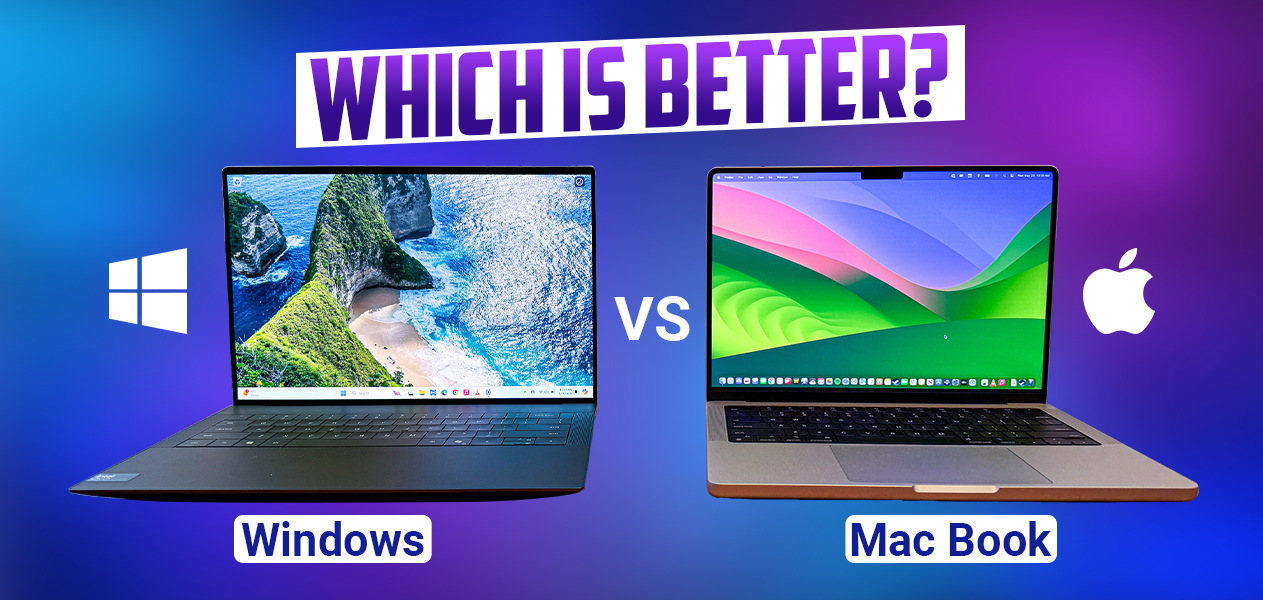
Mac or Windows for Students: Which Laptop is Best?
Choosing a new laptop for school can feel overwhelming. The computer you buy today will likely support your studies for the next four years or more. If you are debating mac or windows for students, you are not alone. It is one of the most common questions high school and college students ask before the academic year begins.
Both platforms have improved dramatically over the years. Modern MacBooks and Windows laptops offer excellent performance, long battery life, and reliable security. Because of these improvements, the decision is no longer about choosing the “better” computer. Instead, it is about selecting the device that best matches your budget, academic major, and daily workflow.
Your field of study plays a major role in this decision. A computer science student has different software requirements than someone studying graphic design, engineering, business, or communications. While some programs run smoothly on both operating systems, others are designed specifically for one platform. Understanding these requirements before buying a laptop can save you time, money, and frustration later.
The overall user experience also matters. According to Microsoft’s official design guidance, interface design influences how people interact with digital tools every day. A familiar, efficient operating system can improve productivity, reduce distractions, and make everyday tasks easier to complete.
This guide compares macOS and Windows across the factors that matter most to students. You will learn how they compare in performance, battery life, software compatibility, portability, durability, and long-term value. By the end, you will have a clear understanding of which platform is the better fit for your education, lifestyle, and future career.

Evaluating the Ecosystems: Mac or Windows for Students
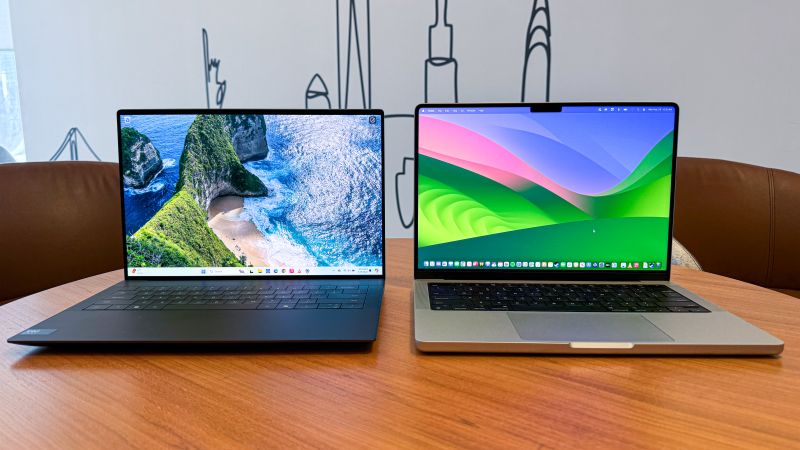
When choosing between mac or windows for students, it is important to look beyond the laptop itself. You are not only buying hardware. You are choosing an entire ecosystem that affects how your devices, apps, and files work together.
Apple’s ecosystem is a major advantage for students who already use an iPhone or iPad. A MacBook connects smoothly with other Apple devices through features like AirDrop, iCloud syncing, and universal clipboard. For example, you can copy text on your phone and paste it directly onto your Mac. You can also quickly share presentation files, notes, and research materials with classmates.
MacBooks are powered by Apple silicon chips, including the M-series processors. These chips deliver strong performance while using less power. As a result, students get fast multitasking, quiet operation, and excellent battery efficiency. This makes MacBooks especially appealing for students who spend long hours studying, attending online classes, or working on creative projects.
Windows provides a different advantage: flexibility. Unlike Apple, which controls both hardware and software, Microsoft’s operating system runs on laptops from many manufacturers. Brands such as Dell, HP, Lenovo, and ASUS offer Windows devices at different price points.
This variety allows students to choose laptops based on their exact needs. You can find lightweight models for note-taking, powerful systems for engineering software, or gaming laptops with dedicated graphics cards. Windows also works naturally with Microsoft 365, making it a popular choice for students studying business, finance, accounting, and data analytics.
Ultimately, the best ecosystem depends on your existing devices, academic requirements, and personal preferences. Students who value simplicity and integration may prefer macOS, while those who want more hardware choices and customization often choose Windows.
Budget and Pricing Realities for Students
For many students, price is the most important factor when choosing between mac or windows for students. A laptop is a major investment, and your budget can strongly influence which platform makes the most sense. Fortunately, both Windows and Mac options are available, but they target very different price ranges.
Windows laptops dominate the affordable market. Students can find reliable entry-level models for everyday tasks such as writing assignments, browsing the internet, attending online lectures, and creating presentations. Many budget Windows laptops provide enough performance for basic academic needs without creating financial pressure.
Typical Windows laptop price ranges include:
| Laptop Category | Typical Starting Price Range |
|---|---|
| Budget Windows Laptops | $300–$600 |
| Mid-Range Windows Laptops | $600–$1,000 |
| Premium Windows Laptops and MacBooks | $1,000+ |
Apple laptops usually require a higher upfront investment. The MacBook Air is often the most affordable Mac option for students and may become more accessible through education pricing. Although the initial cost is higher, MacBooks often maintain strong resale value after several years.
A higher purchase price does not always mean a higher long-term cost. Many students keep MacBooks throughout their entire degree because of their durable design, efficient performance, and long software support. This can reduce the need for frequent replacements.
Windows laptops offer more choices for students with limited budgets. However, extremely cheap models may use lower-quality materials and weaker hardware. These devices can experience faster battery decline, slower performance, or physical wear over time.
When comparing prices, consider the total value rather than only the purchase cost. A slightly more expensive laptop that lasts through your entire degree may be a better investment than a cheaper model that needs replacement after a short period.
Software Compatibility and Academic Majors
Your college major should strongly influence whether you choose Mac or Windows for students. Different academic fields rely on different software, and some programs perform better on a specific operating system. Before purchasing a laptop, check your department’s technology requirements to avoid compatibility issues later.
Engineering and Architecture Students
Engineering and architecture students often benefit from choosing Windows laptops. Many industry-standard applications, including AutoCAD, SolidWorks, and Revit, are primarily designed for Windows. These programs often require powerful processors, dedicated graphics, and strong hardware support.
While some engineering tools have Mac versions or workarounds, Windows usually provides broader compatibility and fewer limitations. For students working with 3D modeling, simulations, or technical drawings, a Windows laptop is often the safer choice.
Creative Arts and Media Students
Creative students frequently prefer MacBooks because Apple has built a strong reputation in design, video production, and music industries. Applications such as Final Cut Pro are exclusive to macOS, while MacBook displays are known for excellent color accuracy and sharp image quality.
Students studying graphic design, photography, filmmaking, or audio production may find macOS better suited to their creative workflow.
Business and Finance Students
Business and finance students can use either platform, but Windows often has an advantage. Microsoft Excel on Windows includes advanced features, specialized tools, and keyboard shortcuts commonly used in finance courses and professional workplaces.
Computer Science Students
Computer science is one of the more balanced fields. Many developers prefer Macs because macOS is built on a Unix-based system, which works well with programming tools and development environments. However, Windows laptops with Linux support can also provide an excellent coding experience.
Overall, your major should be one of the biggest factors in your laptop decision. The right operating system can make assignments easier, improve productivity, and prepare you for the tools used in your future career.
Battery Life and Portability on Campus
Battery life is one of the most important features for students choosing between Mac or Windows laptops. A typical college day can include multiple lectures, study sessions, group projects, and online classes. Carrying a charger everywhere can become inconvenient, especially when power outlets are limited around campus.
Apple has created a strong advantage in this area with its Apple silicon processors. Modern MacBook Air models can deliver impressive battery performance, often lasting through a full day of classes and study sessions on a single charge. Their efficient chips provide strong performance while using less energy, allowing students to work longer without searching for an outlet.
MacBooks are also known for their lightweight designs. Their slim aluminum bodies make them easy to carry between classrooms, libraries, and dorm rooms. They maintain fast performance even when running on battery power, which is useful for students who work in different locations throughout the day.
Windows laptops offer a wider range of battery performance. Some traditional Intel and AMD-powered models provide solid battery life, while others may require more frequent charging depending on their hardware. Factors such as processor type, screen brightness, graphics card, and laptop size can significantly affect battery duration.
Newer Windows laptops with efficient processors, including ARM-based models, have improved battery performance and now compete more closely with MacBooks. However, students should compare real-world battery tests instead of relying only on manufacturer estimates.
When portability matters, consider more than battery life alone. Weight, charging speed, keyboard comfort, and build quality all affect the everyday experience of carrying a laptop around campus. A device that is easy to transport and lasts all day can make studying much more convenient.
Longevity, Reliability, and Support
A student laptop should be reliable enough to handle years of assignments, research, presentations, and daily use. When comparing Mac or Windows for students, long-term durability is an important factor because replacing a laptop during a degree program can be expensive and disruptive.
MacBooks have a strong reputation for premium build quality and long-term performance. Apple uses durable aluminum designs that can handle regular travel between classrooms, libraries, and homes. Because Apple controls both the hardware and software, macOS updates are optimized for its devices and often support older models for many years.
Another advantage of choosing a MacBook is customer support. Students can visit Apple service locations for troubleshooting, repairs, and technical assistance. This direct support system can be helpful when a laptop becomes an essential part of academic life.
Windows laptops can also provide excellent reliability, especially when choosing models from established manufacturers. Premium and mid-range laptops from brands such as Dell, Lenovo, HP, and ASUS often deliver strong performance throughout a four-year degree.
However, the Windows market includes a wide range of quality levels. Very inexpensive laptops may use weaker materials and lower-end components. These models can experience issues such as battery decline, slower performance, or damaged hinges after extended use.
One major advantage of Windows laptops is repair flexibility. Many models allow users to upgrade storage or memory, which can extend the laptop’s useful life. Repairs are also often more affordable because replacement parts are widely available.
Overall, both platforms can last through college when you choose the right model. MacBooks generally offer consistent quality and long software support, while Windows provides more repair options and hardware flexibility.
Frequently Asked Questions About Mac or Windows for Students
Is a Mac or Windows laptop better for a college student?
The best choice depends on your major, budget, and personal preferences. Both platforms can handle common student tasks such as writing assignments, browsing the web, attending online classes, and creating presentations.
A MacBook is an excellent option for students who want premium build quality, long battery life, and smooth integration with Apple devices. It is especially popular among students studying creative fields, communication, and computer science.
A Windows laptop is often the better choice for students who need specialized software, lower prices, or more hardware options. Engineering, architecture, business, and finance students often benefit from Windows compatibility with industry-standard programs.
Before buying, check your department’s recommended laptop requirements. The right choice should support your academic needs throughout your entire degree.
Do universities prefer Mac or Windows?
Most universities support both operating systems. Online learning platforms, campus networks, and common productivity tools usually work well on both macOS and Windows.
However, individual departments may have specific recommendations. Engineering programs often prefer Windows because of software requirements, while creative departments may recommend Macs for design and media production.
Always review your school or department’s technology guidelines before purchasing a laptop.
Can you run Windows software on a modern Mac?
Yes, but the process has changed with newer Apple silicon MacBooks. Older Intel-based Macs supported Apple’s Boot Camp feature, which allowed users to install Windows directly.
Modern Macs use virtualization software such as Parallels Desktop to run Windows applications. This works well for many productivity programs, coding tools, and basic software needs.
However, demanding applications such as advanced 3D engineering programs and high-end gaming may not perform as well compared with a dedicated Windows computer.
Which system lasts longer throughout a four-year degree?
Both Mac and Windows laptops can last through college if you choose a quality model. MacBooks often have an advantage because of their premium materials, efficient hardware, and long software support.
A reliable mid-range or premium Windows laptop can also provide excellent performance for four years or longer. However, very cheap Windows models may struggle with durability and performance over time.
The laptop’s build quality and specifications usually matter more than the operating system alone.
Is Mac or Windows better for student gaming?
Windows is the clear winner for student gaming. Most PC games are developed primarily for Windows, and the platform supports a much larger selection of graphics cards, gaming accessories, and hardware configurations.
Windows gaming laptops are also available with powerful dedicated GPUs that can handle modern games at high settings.
Macs can run some games, especially optimized titles, but the available library is smaller. Their hardware is also less focused on gaming upgrades and customization.
If gaming is an important part of your laptop decision, Windows offers far more options and flexibility.
CONCLUSION
Answering whether to choose mac or windows for students ultimately comes down to identifying your personal priorities, academic major, and financial boundaries. There is no wrong answer here, as both platforms are incredibly mature and capable of handling standard school assignments with ease.
If you already own an iPhone, value legendary battery life, want premium hardware, and possess a flexible budget, a MacBook is an outstanding investment that will effortlessly last your entire college career. It takes the stress out of computing by delivering a reliable, smooth experience day in and day out.
For students choosing between different technology options, your smartphone ecosystem can also influence your overall device experience. Before making your final decision, explore our guide on iPhone vs Android for Students: Which Smartphone Is Better? to understand how your mobile device choice can complement your laptop setup.