What Exactly Is Bluetooth Tethering and When Should You Use It?
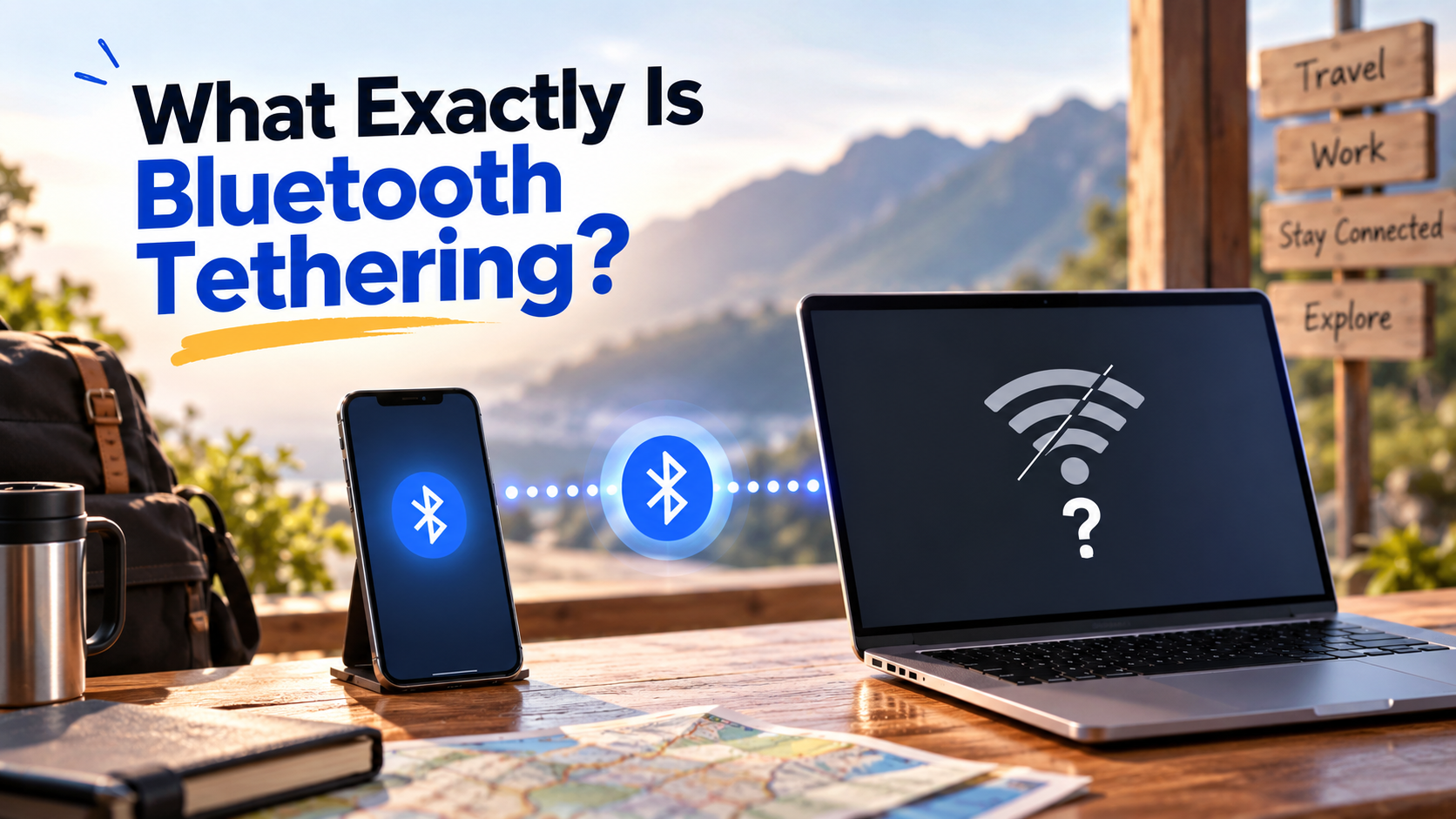
Staying connected while traveling often means turning your smartphone into an impromptu modem. Most people use portable Wi-Fi hotspots, but phones also support a quieter alternative: Bluetooth tethering. So, what is Bluetooth tethering? It lets your phone share its cellular internet connection with another device, such as a laptop or tablet, through Bluetooth.
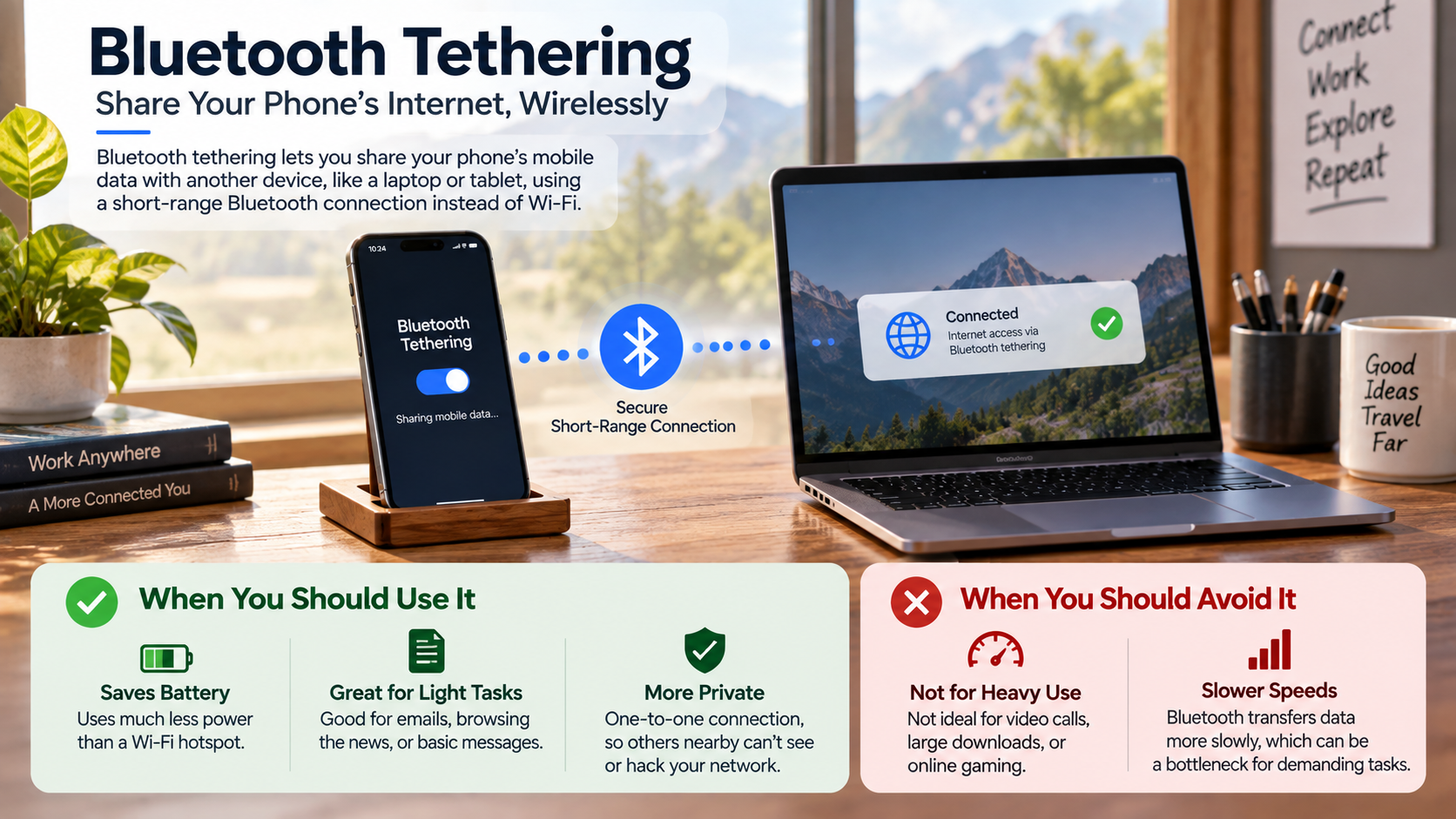
Unlike a Wi-Fi hotspot, Bluetooth tethering does not create a traditional wireless network. Instead, it uses a short-range Bluetooth connection to provide internet access to a paired device. This approach typically uses less power, making it useful when your phone needs to stay connected for longer.
Bluetooth tethering works best for light internet activities. You can use it to check emails, browse simple websites, send messages, or work on cloud-based documents. It is less suitable for large downloads, high-resolution video streaming, or other data-heavy tasks.
It can also be useful when you want internet access without carrying a USB cable. If battery life and convenience matter more than connection speed, Bluetooth tethering can be a practical option.
What Is the Point of Bluetooth Tethering?
The main benefit of Bluetooth tethering is lower power consumption. A Wi-Fi hotspot actively creates a wireless network and can use considerable battery power. Bluetooth generally requires less power, especially when devices remain close together.
This makes Bluetooth tethering useful when you need internet access without quickly draining your smartphone battery. If your phone frequently loses charge faster than expected, understanding why your laptop battery drains so fast can also help you manage power more effectively across your devices. You can connect a laptop or tablet for light tasks without carrying a cable. It also keeps your phone free from the higher power demands associated with maintaining a Wi-Fi hotspot.
Bluetooth tethering works well for activities such as:
-
Reading and replying to emails
-
Checking documents and spreadsheets
-
Sending messages
-
Browsing lightweight websites
-
Syncing calendars and cloud services
Maximizing Battery Life During Remote Work
Bluetooth tethering can be helpful when you work away from a charger. A Wi-Fi hotspot may consume more battery during extended use. Bluetooth can reduce that additional power demand, although actual battery savings vary by device and network conditions.
For remote work, Bluetooth tethering is best suited to light productivity tasks. It is less appropriate for activities that require substantial bandwidth. Keeping both devices nearby can also help maintain a stable connection. If the Bluetooth connection repeatedly drops during work, checking why your Bluetooth keeps disconnecting can help identify common connection problems.
Is Bluetooth Tethering Safe?
Bluetooth tethering is generally suitable for everyday internet use when you pair devices securely and keep their software updated. Modern Bluetooth connections use security features designed to prevent unauthorized access. However, security depends on the Bluetooth version, pairing method, device settings, and operating system.
When pairing two devices, you may need to confirm a code or accept a connection request. Once paired, the devices can communicate without creating an open Wi-Fi hotspot. This can reduce exposure compared with joining an unsecured public Wi-Fi network.
However, Bluetooth tethering is not completely risk-free. No wireless connection provides absolute protection from every threat. You should still use secure websites, update your devices, and avoid accepting unknown pairing requests.
The Value of Hidden Device Visibility
After pairing your devices, consider disabling Bluetooth discoverability when your phone does not need to be found. This can reduce unwanted connection attempts in crowded places and is part of good Bluetooth device management. If you regularly use Bluetooth across several devices, understanding its broader limitations can also help you avoid unnecessary connections.
For additional protection, use strong device security and keep your operating system updated. If you handle sensitive information, a VPN can provide another layer of protection while using mobile data.
Is Bluetooth Tethering Faster Than Wi-Fi?
No. Bluetooth tethering is generally much slower than Wi-Fi tethering. Bluetooth was designed for low-power, short-range communication rather than high-bandwidth internet access. Wi-Fi can use wider channels and newer standards to deliver much higher throughput.
Actual Bluetooth tethering speeds depend on the Bluetooth version, device hardware, connection quality, and operating system. Older Bluetooth configurations can provide relatively low data rates, while newer technologies may perform better. This difference reflects the broader trade-off between wired and wireless connections, where convenience and mobility can come with different performance characteristics. Even so, Bluetooth remains less suitable than Wi-Fi for demanding internet activities.
Bluetooth tethering can handle lightweight tasks without much trouble. These include checking email, reading web pages, sending messages, and syncing small files. Large downloads and media streaming can expose its bandwidth limitations quickly.
Understanding Bandwidth Limits for Media Consumption
If you need to stream high-resolution video or download large project files, Wi-Fi tethering is usually more practical. Bluetooth may struggle with sustained high-bandwidth workloads.
For basic browsing and administrative work, however, its lower speed may not matter. Its lower power usage and cable-free setup can make it useful when performance is not the main priority.
Which Is Better for Tethering, Bluetooth or USB?
Whether Bluetooth or USB tethering is better depends on what you need from the connection. USB tethering usually provides higher performance and a more consistent connection. It can also charge your phone while connected to a compatible computer, depending on the hardware and setup.
Bluetooth tethering offers a different advantage: convenience. You do not need to keep your phone physically connected to the laptop. You can leave the phone in a pocket or nearby bag while completing simple online tasks.
Choose USB tethering when you need:
-
Higher and more consistent speeds
-
A stable physical connection
-
Lower wireless interference
-
Long sessions with compatible charging support
Choose Bluetooth tethering when you value:
-
Cable-free convenience
-
Lower additional power consumption
-
Simple browsing and messaging
-
Light productivity tasks
Choosing the Right Tool for Your Workflow
For video calls, large downloads, and other demanding activities, USB tethering is often more practical. For checking email at an airport café, Bluetooth can provide enough connectivity without another cable.
What Are the Disadvantages of Tethering?
Tethering has several disadvantages, including battery usage, heat generation, slower performance, and mobile data limits. Sharing a cellular connection makes your smartphone work harder than normal. Extended tethering can therefore increase battery consumption and device temperature.
Your mobile carrier may also apply restrictions to hotspot or tethering data. Some plans include separate hotspot allowances or reduce speeds after a specific usage threshold. Check your plan before relying on tethering for heavy internet use.
Another concern is unexpected data consumption. A connected laptop may treat the tethered connection like a normal internet connection. It can then download updates, synchronize cloud folders, or perform other background tasks.
Managing Hidden Background Data Consumption
Before tethering, enable your computer’s metered connection setting when available. This can help limit automatic downloads and unnecessary background activity.
You should also pause large cloud synchronizations and operating system updates when possible. Monitor your mobile data usage during longer sessions.
For light browsing, Bluetooth tethering can be practical. For intensive workloads, USB or Wi-Fi tethering may provide better performance.
Frequently Asked Questions
Can I share internet with multiple devices using Bluetooth?
Yes, you can theoretically connect multiple client devices simultaneously using the Bluetooth Personal Area Network profile, but you should avoid doing so. Unlike robust Wi-Fi routers, your phone’s Bluetooth chip possesses limited bandwidth. Splitting that narrow transmission pipe across several devices degrades connection quality, slows loading speeds dramatically, and frequently causes dropped data packets for every connected user.
Does Bluetooth tethering consume more data than a standard hotspot?
No, Bluetooth tethering does not consume more data than an equivalent Wi-Fi hotspot. Both networking methods use the exact same cellular data plan to route internet traffic to your connected machine. However, because Bluetooth is much slower, you naturally consume less total data over time simply because your computer cannot download background files as quickly.
Why won’t my laptop connect to my phone’s Bluetooth internet?
Connection failures usually happen when devices are improperly paired or lack matching network profiles. To fix this, unpair both devices completely and restart them. Pair them again, ensuring you confirm the security codes on both screens. Finally, open your computer’s network adapters, locate the Bluetooth device, and manually click “Connect using Access Point.”
Can I make phone calls while Bluetooth tethering is active?
Yes, you can place and receive voice calls while tethering your internet connection. Modern cellular networks support simultaneous voice and data transmission over VoLTE and 5G channels. However, your internet speed may drop slightly during an active call if your device needs to share system processing power between voice audio and active data routing.
Conclusion
Understanding what is Bluetooth tethering allows you to manage your mobile hardware and cellular data far more effectively. While it cannot rival the blazing speeds of local Wi-Fi hotspots or the raw transmission stability of physical USB connections, it provides an invaluable compromise between wire-free convenience and extreme power conservation.
When your phone battery drops low and you lack an AC wall outlet, switching off power-hungry Wi-Fi hotspots in favor of Bluetooth keeps your crucial work moving forward. It delivers the exact level of connectivity you need for emails, documents, and lightweight internet communication without shutting your handset down prematurely.
Next time you head out to work from a transit hub, park, or coffee shop, test this connection method yourself. Pair your devices beforehand, enable metered connection modes on your laptop, and enjoy reliable, battery-friendly internet access wherever your day takes you.