
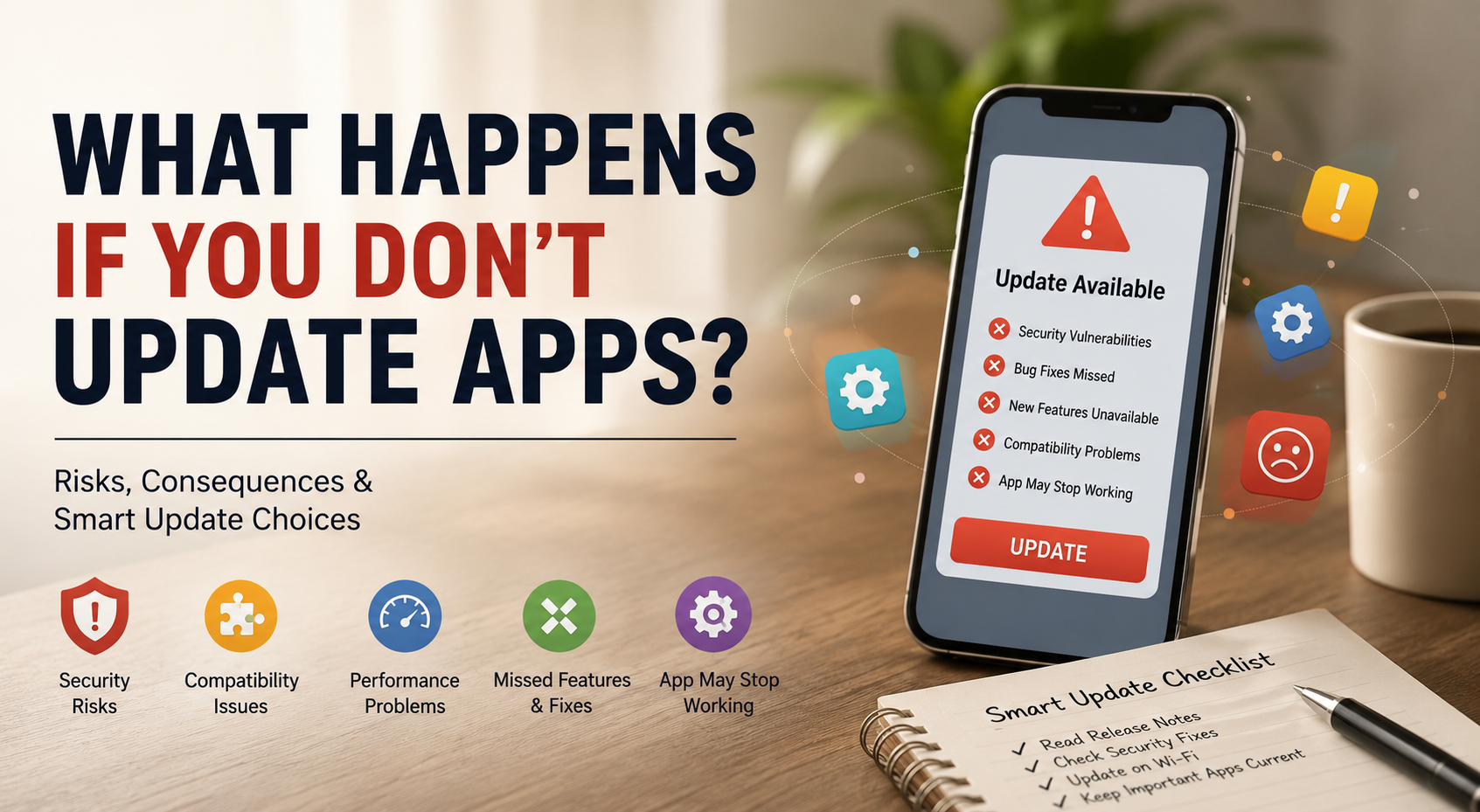
What Happens If You Don’t Update Apps?
Have you ever wondered what happens if you don’t update apps on your smartphone or computer? Ignoring update notifications for weeks or months may seem harmless. You might want to save mobile data or avoid changes to familiar features. However, outdated apps can create security, compatibility, and performance problems over time.
According to Google Play Security guidance, keeping software current helps protect users from emerging security threats. App updates can also fix bugs and improve compatibility with newer operating systems.
This guide answers five common questions about updating apps. You will learn what happens when an app is never updated. You will also discover whether you can refuse updates and why some developers require newer versions.
By the end, you will understand the risks of outdated apps. You will also know how to manage updates without giving up control of your device.
What Happens If You Never Update an App?
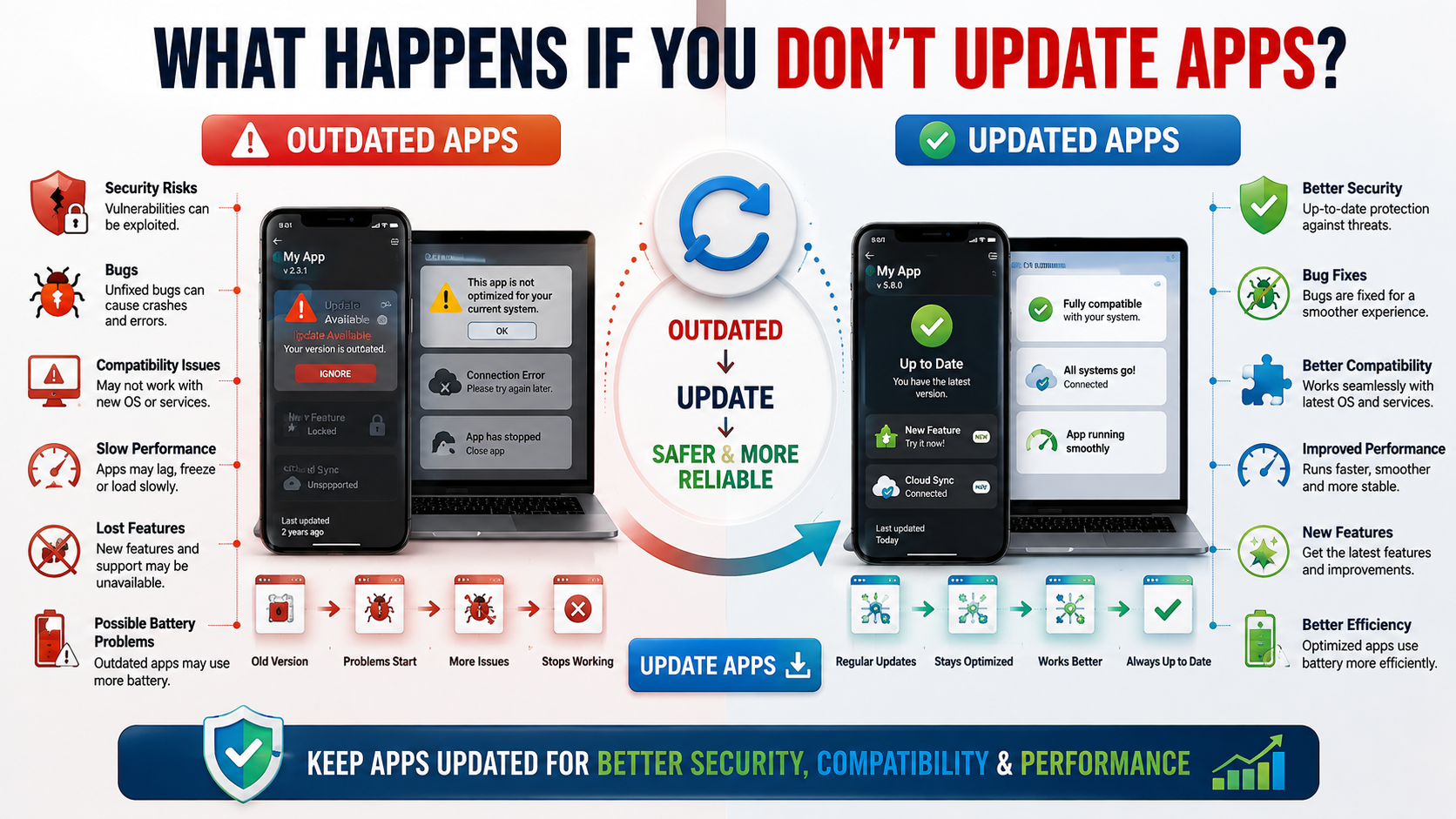
When you never update an app, you can miss important security patches and bug fixes. Developers regularly discover vulnerabilities that attackers may exploit. Updates often address these weaknesses before they can cause serious problems. Running an older version can therefore leave your personal information less protected.
Outdated apps can also develop compatibility problems. Operating systems, cloud services, and app servers change over time. An old app may eventually stop working correctly with these newer systems. You could experience crashes, missing features, connection errors, or login problems, especially when using iPhone and Android apps across changing software environments.
Long-Term Software Degradation
Long-term use of outdated software can make everyday tasks less reliable. An app may become slower or lose support for newer device features. Developers also tend to focus customer support on currently supported versions.
Older software does not automatically make your entire device unsafe. However, it can increase your exposure to known vulnerabilities. It may also prevent you from receiving important fixes.
Keeping apps reasonably current helps maintain security, compatibility, and stability. You do not need to install every update immediately. However, delaying critical security updates for long periods creates unnecessary risks.

Can I Refuse to Update an App?
Yes, in many cases, you can delay or manually manage app updates. Both Android and iPhone users have settings that control automatic updates. Some people prefer this approach because they want to manage storage, mobile data, or update timing.
However, refusing updates for long periods has disadvantages. You may miss security patches, bug fixes, performance improvements, and compatibility updates. An app can continue working normally for months before a server or operating system change causes problems.
Managing Manual Update Choices
Manual updates can provide a useful middle ground. You can review available updates and install them when convenient. This approach also lets you prioritize important security or compatibility fixes.
If mobile data is your main concern, wait until you have a trusted Wi-Fi connection. You can then update several apps at once without using your mobile data allowance while managing your collection of free apps for Android users.
Remember that some updates become more important than others. A minor visual change can usually wait. A security patch deserves greater attention.
Before delaying an update, check its release notes when available. Look for references to security, stability, compatibility, or critical bug fixes. This helps you make a more informed decision instead of ignoring every update automatically.
Is Updating Apps Good or Bad?
Updating apps is generally beneficial because updates can improve security, stability, compatibility, and functionality. Developers release new versions to fix problems and respond to changing operating systems. Updates may also introduce useful features or improve an app’s overall performance, including the kinds of tools found in educational apps for students in 2026.
However, updates are not always perfect. A new version can occasionally introduce bugs, change a familiar interface, or increase storage requirements. These situations can make users hesitant about installing updates immediately.
The Balance of Performance and Security
The benefits usually outweigh these temporary drawbacks. Security updates are especially important because they can address vulnerabilities that were not known when the previous version was released. Updates can also improve compatibility with newer operating systems and device components.
Keeping your apps current can help protect sensitive information. This includes passwords, payment details, private messages, and personal files handled by supported applications.
If an update causes problems, do not assume that every update is harmful. Check whether the developer has released a newer patch. You can also consult the app’s official support resources.
A sensible approach is to keep apps updated while allowing yourself time to respond to major problems. For critical apps, prioritize security and compatibility updates over cosmetic changes.
How Do I Skip Updating an App?
You can usually delay app updates by changing automatic update settings. On Android, update controls are available through Google Play settings. On iPhone, automatic app updates can be managed through the device’s App Store settings, alongside other productivity apps for Windows 11 when managing software across your devices.
Skipping an update temporarily can make sense in certain situations. You might have limited mobile data or insufficient storage. You may also want to wait briefly after a major release to see whether other users report serious bugs.
Changing App Store Preferences
If you choose manual updates, review your apps regularly. Open your app store and check the available updates. Prioritize updates that mention security fixes, critical bugs, or compatibility improvements.
Avoid treating permanent update avoidance as a long-term strategy. The longer an app remains outdated, the greater the chance that it will become incompatible or unsupported. Some older versions may also contain vulnerabilities that later releases have already fixed.
A practical approach is to delay nonessential updates when necessary. Then install them once you have enough storage or a reliable Wi-Fi connection.
Keep your operating system updated as well. App and operating system compatibility often depends on both sides staying reasonably current. This is particularly important on computers, as explained in what happens to your computer if you skip Windows updates. This simple maintenance routine gives you more control without leaving important software updates ignored indefinitely.
Why Am I Forced to Update Apps?
Some apps require users to install a newer version before continuing. Developers may enforce updates when older versions can no longer communicate reliably with their servers. This can happen after major backend changes or when older technologies are retired.
Security can also be a reason for mandatory app updates. If an older version contains a serious vulnerability, keeping it active may expose users to unnecessary risks. Requiring a newer version can reduce that exposure across the entire user base.
Protecting Ecosystem Integrity
Mandatory updates can also simplify technical maintenance. Supporting many outdated versions requires additional testing, server resources, and security work. Developers can focus more effectively when most users run supported software, which is particularly important when using mobile apps for your business.
For users, a forced update can be frustrating. You may have limited storage, slow internet, or concerns about a new interface. However, the requirement usually exists because the older version no longer meets technical or security requirements.
Not every forced update means the previous version was dangerous. Sometimes the change is necessary because backend systems have changed. Other times, developers are ending support for older software.
If an app refuses to work until you update it, use a trusted connection and ensure sufficient storage first. After installation, restart the app and check that your account and saved information remain available.
FAQ SECTION
Do app updates use up all my phone storage?
update apps sometimes increase in size, but they frequently overwrite older, redundant code rather than simply adding new files. While major feature overhauls might require a bit more room, developers work hard to optimize storage efficiency. Clearing your device cache regularly helps manage space without sacrificing essential software updates.
Will updating an app delete my saved data?
Most standard update apps preserve your personal settings, login credentials, and saved progress seamlessly. Operating systems are designed to protect local user data during the installation process. However, backing up your important data or syncing accounts to the cloud before major software upgrades is always a smart precaution.
Can old app versions drain my battery faster?
Outdated applications frequently struggle to communicate efficiently with modern operating systems and hardware. These compatibility bottlenecks force your processor to work harder, which rapidly depletes battery life. Installing current updates ensures your software runs smoothly and preserves optimal battery performance throughout the day.
What should I do if an update breaks an app?
If a newly installed update introduces a frustrating bug or causes crashes, check the app store for a subsequent patch. Developers usually release rapid hotfixes to resolve newly reported issues within a few days. You can also reach out to customer support or consult official help forums for troubleshooting steps.
Conclusion
Failing to update apps may seem harmless at first, but long-term delays can create unnecessary risks. Outdated software can miss security patches, develop compatibility problems, and eventually stop working correctly.
Throughout this guide, we explored what happens when you never update an app. We also explained whether you can refuse updates and why some developers require newer versions.
Regularly updating apps helps protect your device against known security vulnerabilities. Updates can also improve stability, compatibility, and access to newer features. Although occasional update bugs can happen, avoiding every update creates greater long-term risks.
You do not need to install every update the moment it appears. Instead, pay particular attention to security fixes and important compatibility releases. If mobile data or storage is limited, use trusted Wi-Fi and free space before updating.
Take a few minutes today to review your app store settings. Check for pending updates and prioritize important ones. A simple update routine can help keep your digital experience safer, more stable, and more reliable.