4 Things You Should Never Do When Your Smartphone Gets Wet
Dropping your smartphone in a puddle or spilling coffee across your desk can cause instant panic. When your smartphone gets wet, your immediate actions can determine whether it recovers or suffers permanent damage. Although many modern smartphones feature water-resistance ratings, these ratings do not guarantee complete protection against liquid damage. Understanding the differences between IP67 and IP68 ratings can help you understand your device’s actual protection against water exposure.
According to Apple’s official support guidelines, liquid resistance can decrease through normal wear and tear. Even a water-resistant smartphone can develop problems after accidental exposure to moisture.
Water can damage internal circuits, corrode metal connections, and interfere with the charging system. However, following outdated internet advice can make the situation worse. Charging a wet phone, using a hairdryer, or placing it in rice can create additional problems.
Knowing what not to do is just as important as knowing how to dry your device. Here are four common mistakes to avoid, along with practical steps to protect your smartphone after liquid exposure.
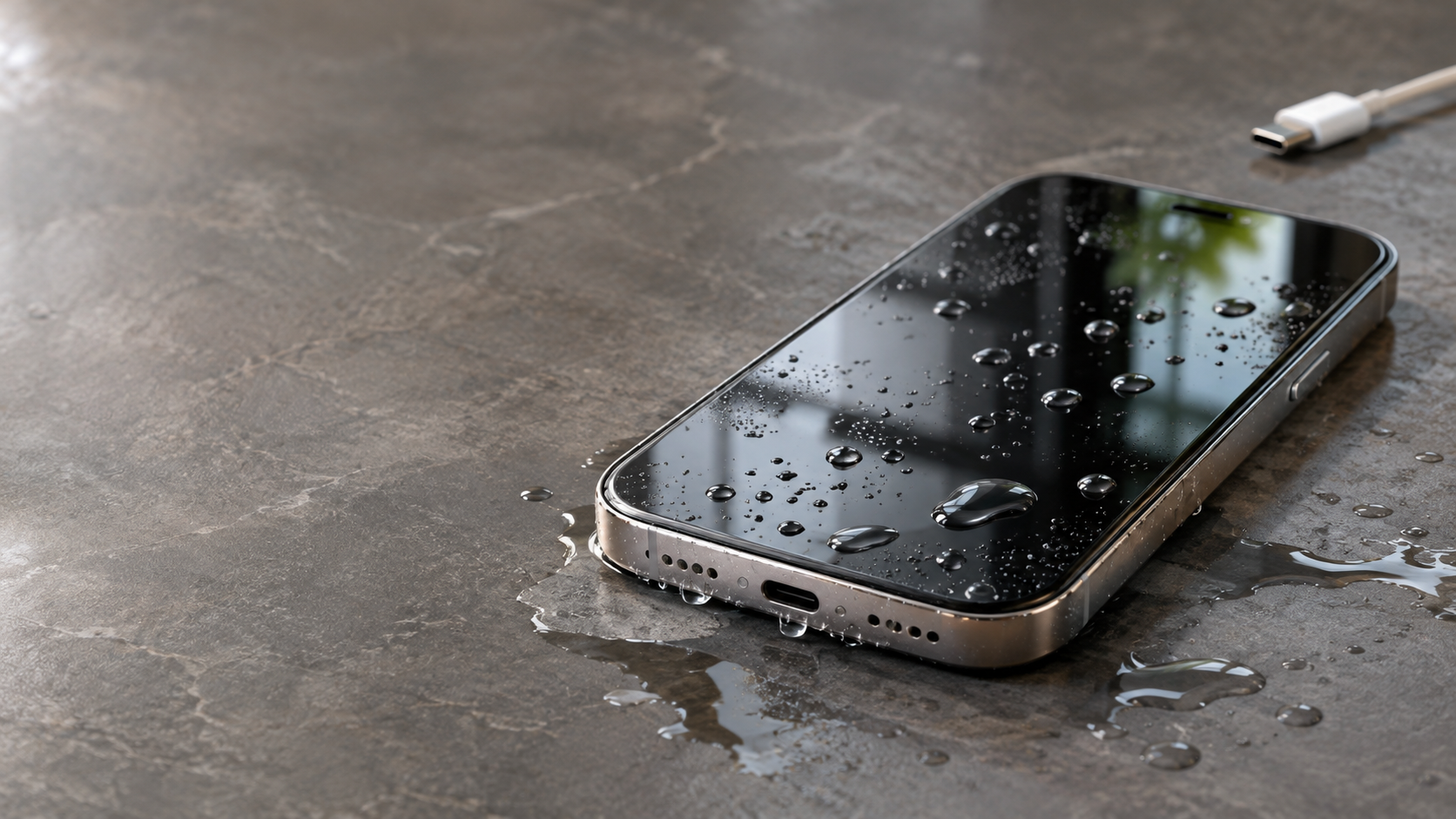
1. Do Not Plug Your Wet Smartphone Into a Charger
Why it is dangerous: Connecting a wet smartphone to a charger can cause electrical short circuits and damage the charging port. Moisture inside the USB-C or Lightning connector can interfere with electrical connections. It may also cause corrosion and prevent your device from charging properly.
Even if your phone appears to work normally, hidden moisture can remain inside its charging port. Connecting a charging cable too early increases the risk of permanent hardware damage.
What to do instead: Disconnect your phone from every power source immediately. Turn it off if you suspect liquid has entered the device. Allow the charging port to dry naturally in a well-ventilated area.
Avoid inserting charging cables until the connector is completely dry. Some smartphones display a liquid-detection warning when moisture is present. Follow the manufacturer’s instructions before attempting another connection.
Do not assume wireless charging is automatically safe. Only consider it when the device’s exterior and charging surface are completely dry, and the manufacturer permits it.
2. Do Not Use a Hairdryer or Direct Heat
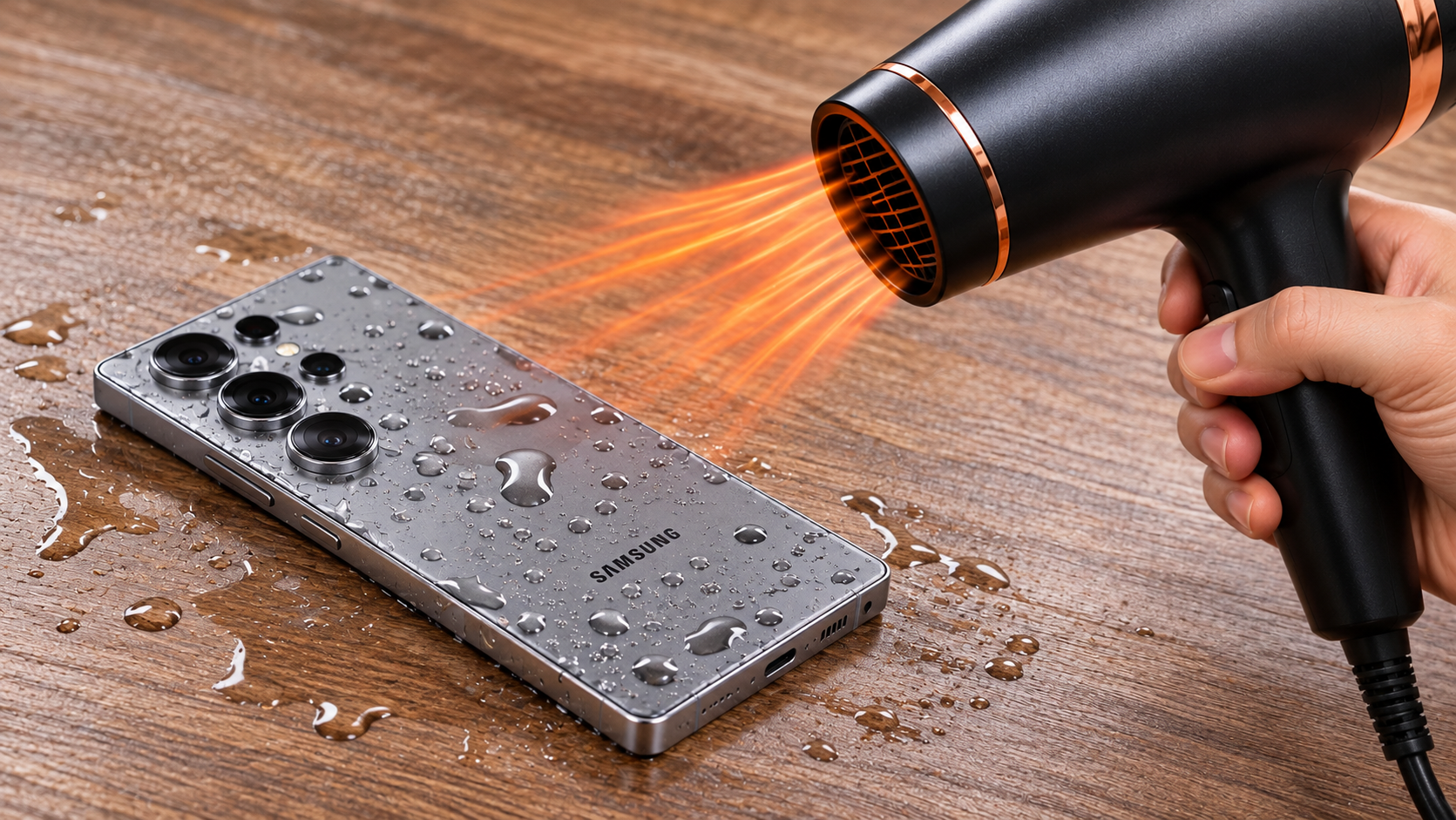
Why it is dangerous: Using a hairdryer might seem like a quick way to remove moisture. However, direct heat can damage delicate smartphone components. High temperatures may affect the battery, display adhesive, plastic seals, and internal connections.
A heat gun, oven, or direct sunlight can create even greater problems. Excessive heat may weaken the adhesive that protects your smartphone against water and dust.
Another concern is airflow. A powerful hairdryer can push moisture further into openings, including speakers, microphones, and charging ports. This can make internal water damage more difficult to address.
What to do instead: Use a clean, soft, lint-free microfiber cloth to gently absorb visible moisture. Avoid rubbing or pressing liquid into the openings.
Place your smartphone in a cool, dry room with good air circulation. A fan can help circulate room-temperature air around the device.
Never use artificial heat to speed up the drying process. Natural airflow is a safer approach for handling external moisture.
3. Do Not Put Your Smartphone in Rice
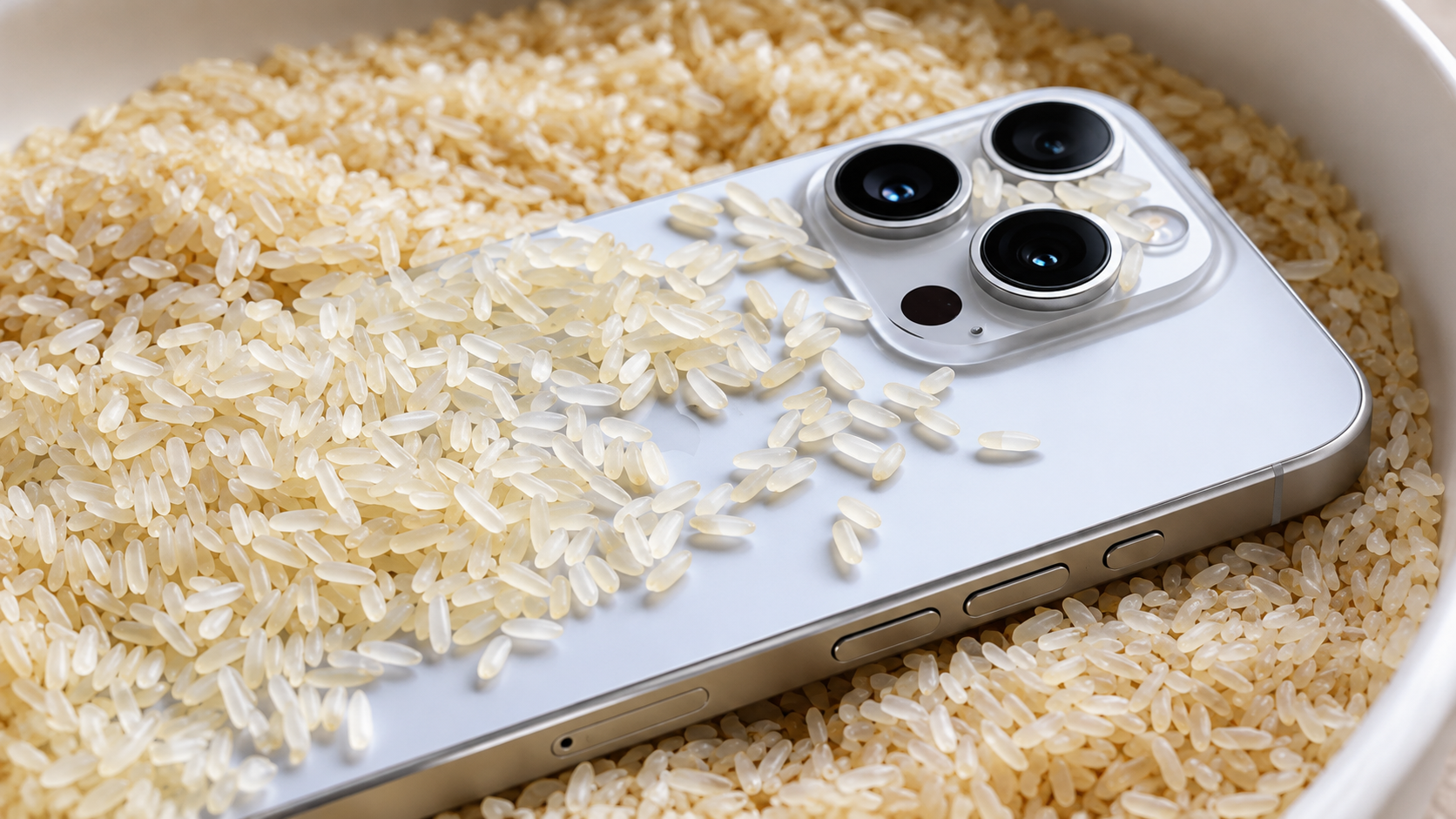
Why it is dangerous: Placing a wet smartphone inside a container of uncooked rice is one of the most common internet myths. Many people believe rice absorbs enough moisture to rescue a water-damaged device. However, rice cannot reliably remove liquid trapped inside a sealed smartphone.
Rice may absorb some surrounding humidity, but it does not provide a dependable solution for internal moisture. Small rice particles and dust can also enter the charging port and other openings.
Additionally, waiting for rice to dry your phone can delay professional assistance. This is particularly risky when water has reached the motherboard or other sensitive components.
What to do instead: Use a clean, dry, well-ventilated space to let external moisture evaporate naturally. Commercial silica gel packets can help absorb surrounding humidity when used appropriately.
However, silica gel is not a guaranteed repair solution. It cannot reverse corrosion or remove all moisture trapped inside your smartphone.
If your device experienced significant water exposure, contact an authorized service centre. A professional inspection is more reliable than depending on household drying methods.
4. Do Not Shake Your Phone or Press Buttons Excessively
Why it is dangerous: Shaking your smartphone vigorously might appear helpful when water enters its openings. However, unnecessary movement can spread trapped liquid to other internal areas.
Water can enter through charging ports, speaker grilles, microphone openings, and damaged seals. Repeatedly shaking the device may move moisture around instead of allowing it to drain naturally.
Pressing buttons unnecessarily can also introduce additional problems. If moisture is already present around the switches, repeated pressing may push liquid further inside.
What to do instead: Turn off your smartphone if you suspect liquid has entered it. Remove the protective case and gently wipe the exterior with a clean microfiber cloth.
If your device has a removable SIM tray, remove it only when doing so is safe and permitted by the manufacturer’s instructions. Do not insert tools into other openings.
Hold the smartphone with its charging port facing downward. Gently tap it against your hand to encourage excess liquid to escape. Avoid vigorous shaking, pressing buttons, or attempting to test its speakers.
What to Do If a Smartphone Gets Wet?
If your smartphone gets wet, act quickly but avoid unnecessary movement. For Android users, the first step after water damage is to switch off the device and prevent further exposure to moisture. Acting quickly can help reduce the risk of electrical damage and protect sensitive internal components.
Follow these steps immediately:
- Disconnect the charger: Remove any connected charging cable, headphones, or accessories. Never connect another power source while moisture may be present.
- Turn off your smartphone: If the device is still operating, switch it off when safe to do so. Avoid checking notifications or opening applications.
- Remove the protective case: Take off the phone case and gently wipe away visible water.
- Dry the exterior: Use a clean, soft, lint-free microfiber cloth. Do not rub liquid into the charging port or speaker openings.
- Position the device carefully: Hold the smartphone with its charging port facing downward. Allow excess liquid to drain naturally.
- Allow natural drying: Keep the device in a cool, dry location with good airflow.
- Seek professional assistance: If the phone was submerged or exposed to significant liquid, arrange an inspection at an authorized service centre.
Avoid using heat, rice, compressed air, or sharp objects to remove moisture. Do not attempt to switch the device back on repeatedly.
These precautions can reduce additional damage, but they cannot guarantee recovery. Internal water damage sometimes requires professional cleaning or component replacement.
What Will Happen If Your Phone Gets Wet?
When water enters your smartphone, it can interfere with the electrical connections between internal components. The extent of the damage depends on the amount of liquid, exposure time, and condition of the device.
One immediate concern is an electrical short circuit. Moisture can create unwanted electrical pathways between components. This may affect the motherboard, charging system, display, or other sensitive hardware.
However, damage does not always appear immediately. Even if your smartphone continues working after exposure, trapped moisture can gradually cause corrosion. Minerals and other contaminants left behind after evaporation may damage metal connections and solder joints.
You might notice several warning signs after liquid exposure:
- The touchscreen becomes unresponsive or behaves unpredictably.
- The display starts flickering or showing unusual lines.
- Speakers produce muffled or distorted sounds.
- The charging port stops working correctly.
- The battery drains unusually quickly.
- The smartphone restarts unexpectedly or refuses to turn on.
Saltwater, sugary drinks, and other contaminated liquids can cause additional problems. If you notice these symptoms, stop using the device and seek professional assistance.
What to Put a Phone in If It Gets Wet?
If your smartphone gets wet, placing it somewhere dry with good airflow is usually the safest starting point. You can also use commercial silica gel packets to help absorb surrounding humidity.
Silica gel is commonly found in small packets inside shoe boxes, electronics packaging, and other products. Unlike uncooked rice, these packets are specifically designed to absorb moisture from their surroundings.
If you have silica gel available, keep the powered-off smartphone in a clean, dry container with the packets. Follow the manufacturer’s instructions for the desiccant and avoid allowing loose particles to enter the phone’s openings.
However, remember that silica gel cannot guarantee the removal of water trapped inside a sealed smartphone. It also cannot repair damaged circuits or reverse existing corrosion.
If silica gel is unavailable, simply place your smartphone on a clean, absorbent towel in a well-ventilated room. A fan operating at room temperature can improve air circulation.
Avoid putting your smartphone in:
- Uncooked rice, because it does not reliably remove internal moisture.
- An oven or microwave, because heat can damage the device and battery.
- Direct sunlight, because excessive temperatures can damage internal components.
- A freezer, because extreme cold and condensation can create additional problems.
For significant liquid exposure, professional inspection is more important than choosing a particular drying material.
What to Do If a Phone Falls in Water?
If your smartphone accidentally falls into water, retrieve it as quickly as possible. Longer exposure increases the possibility of liquid entering internal components, especially when protective seals are damaged.
Once you retrieve the device, avoid pressing buttons or attempting to check whether it still works. Disconnect any connected accessories and turn it off if it remains powered on.
Remove the protective case and gently wipe the exterior using a clean microfiber cloth. Keep the charging port facing downward so excess liquid can drain naturally.
The type of liquid also matters. Saltwater, chlorinated pool water, seawater, and sugary beverages can leave corrosive or conductive residues.
If your phone has been exposed to these liquids, consult the manufacturer’s cleaning instructions or contact an authorized service centre promptly. Some manufacturers recommend rinsing specific externally affected areas with fresh water under certain circumstances. However, this is not appropriate for every device or exposure.
Do not independently pour distilled water into your smartphone or rinse its internal openings. Avoid compressed air, heat, and vigorous shaking.
If the phone was fully submerged, professional inspection is the safest next step, even when it appears to work normally.
How Long Will It Take for Water to Dry Out of My Phone?
The time required to dry a wet smartphone depends on the amount of moisture, the device design, and where the liquid entered.
For example, moisture inside a charging port may take several hours to evaporate. However, liquid trapped beneath internal components can remain much longer. A smartphone that experienced full submersion may require professional attention rather than simply waiting for it to dry.
Some manufacturers provide specific drying recommendations. For example, Apple advises waiting at least 30 minutes before attempting to charge an iPhone after a liquid-detection alert. If the alert continues, drying can take up to 24 hours.
These recommendations apply to the specified charging-connector situation. They should not be treated as a guarantee that an internally water-damaged smartphone is safe after 24 hours.
Avoid switching on the device repeatedly to check its condition. Do not connect a charging cable while moisture remains.
If the phone was submerged, exposed to contaminated liquid, or shows unusual behaviour, contact an authorized service centre. Professional inspection can identify hidden moisture and potential corrosion before further damage occurs.
Conclusion
A wet smartphone does not always mean a damaged device, but your immediate actions matter. Avoid common mistakes such as plugging it into a charger, using a hairdryer, placing it in rice, or shaking it aggressively. Instead, switch it off, remove visible moisture with a soft cloth, and let it dry naturally in a cool, well-ventilated area.
Remember that water damage is not always visible immediately. Even if your smartphone appears to work normally, internal moisture can cause corrosion and hardware problems over time. If your device has been submerged or exposed to significant liquid, seek professional assistance rather than relying on household remedies.
The key is simple: stay calm, avoid risky shortcuts, and give your smartphone the proper care it needs to prevent further damage.