5 Risks of Installing Third Party Apps on Android Devices
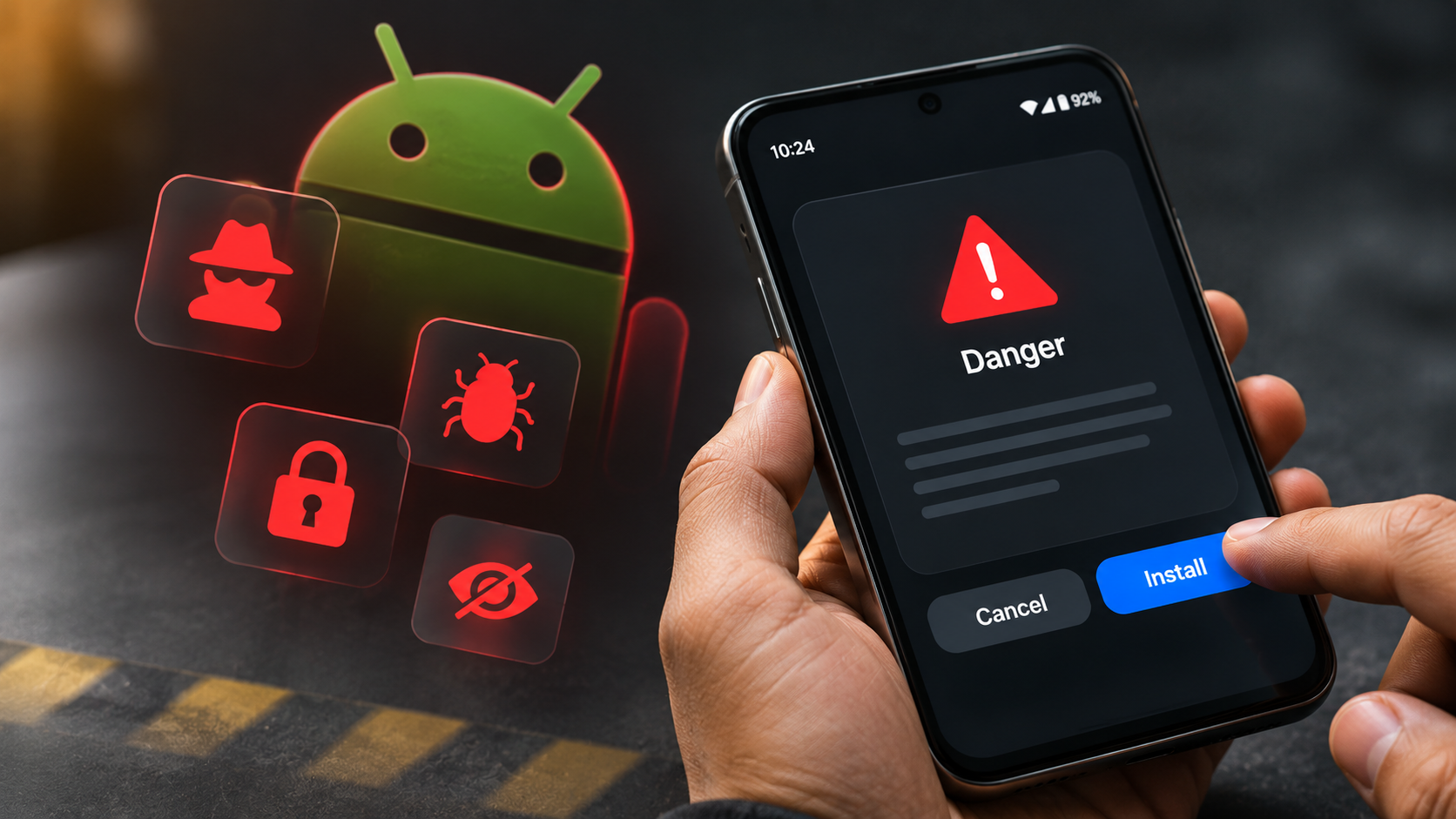
Downloading third party apps outside official marketplaces can seem tempting. You might want exclusive features, regional releases, or free versions of paid software. However, installing applications from unverified sources introduces serious security risks. These include spyware, banking Trojans, adware, data theft, and security vulnerabilities.
According to Android Security documentation, Android uses application sandboxing and cryptographic signatures to protect devices. Google Play Protect also scans applications from external sources. However, these protections cannot guarantee that every application is safe.
Understanding these dangers matters because modern smartphones contain sensitive information. Your device stores banking credentials, private messages, photographs, and personal details. A compromised APK file can expose this information to cybercriminals.
In this guide, we examine five major risks of installing third party apps. You will also learn which alternative app stores offer better security. Additionally, we explain Google’s approach to sideloading and India’s restrictions on certain mobile applications.
1. Malware, Spyware, and Viruses
Downloading applications from unofficial marketplaces increases your exposure to malware. Unlike established marketplaces, unknown websites may lack consistent security checks and developer verification. Consequently, malicious APK files can reach unsuspecting users.
Cybercriminals frequently disguise harmful applications as popular games, editing tools, and productivity software. These applications may contain banking Trojans, spyware, ransomware, or adware. Once installed, they can perform harmful activities without obvious warning signs. If your device starts behaving unusually, learn about the signs your tablet is hacked and how to secure it.
For example, spyware might monitor your activities and collect sensitive information. Banking Trojans can imitate legitimate banking interfaces to capture login credentials. Meanwhile, adware can generate unwanted advertisements and redirect your browser.
Google Play Protect helps identify potentially harmful applications, including those installed externally. However, it cannot guarantee detection of every threat.
Therefore, download applications from verified developers and established marketplaces. Avoid modified APKs, cracked applications, and suspicious download links. These sources create unnecessary security risks.
2. Loss of Data Privacy and Unauthorized Tracking
Privacy is another major concern when installing third party apps. Applications often request access to personal information to provide their advertised features. However, malicious or poorly designed applications may collect more information than necessary.
For example, a suspicious application might request access to your contacts, location, photographs, or microphone. It could then transmit collected information to external servers without your knowledge. This creates opportunities for unauthorized tracking, profiling, and identity theft.
Not every external developer ignores privacy requirements. However, unfamiliar developers may provide limited information about their data collection practices. This makes it harder to understand how your personal information is handled.
Before installing an application, examine its privacy policy and permission requests. Check whether its features genuinely require the requested access.
Also, review Android’s Privacy Dashboard regularly. It helps you identify which applications recently accessed sensitive permissions. Revoke unnecessary permissions whenever possible. Avoid applications that request excessive personal information without a clear reason.
3. Lack of Security Updates and Support
Security updates protect applications against newly discovered vulnerabilities. However, applications from unknown developers may not receive consistent maintenance. Some developers abandon their projects without releasing further updates.
This creates problems when security researchers discover weaknesses in an application’s code. Without timely patches, attackers may exploit those vulnerabilities to access sensitive information.
Official marketplaces generally provide better update management. However, availability depends on the developer maintaining the application. Downloading an APK manually can also complicate the update process.
You might need to check the developer’s website and install newer versions manually. If you forget to update the application, you could continue using an outdated release.
Before installing third party apps, check their update history and developer information. Prefer applications with active maintenance and clear support channels. You should also understand why it’s crucial to keep your phone apps updated to reduce exposure to known security vulnerabilities.
Additionally, remove applications that no longer receive security updates. Keeping your software current reduces exposure to known vulnerabilities and improves overall device security.
4. Excessive Permissions and System Bypass
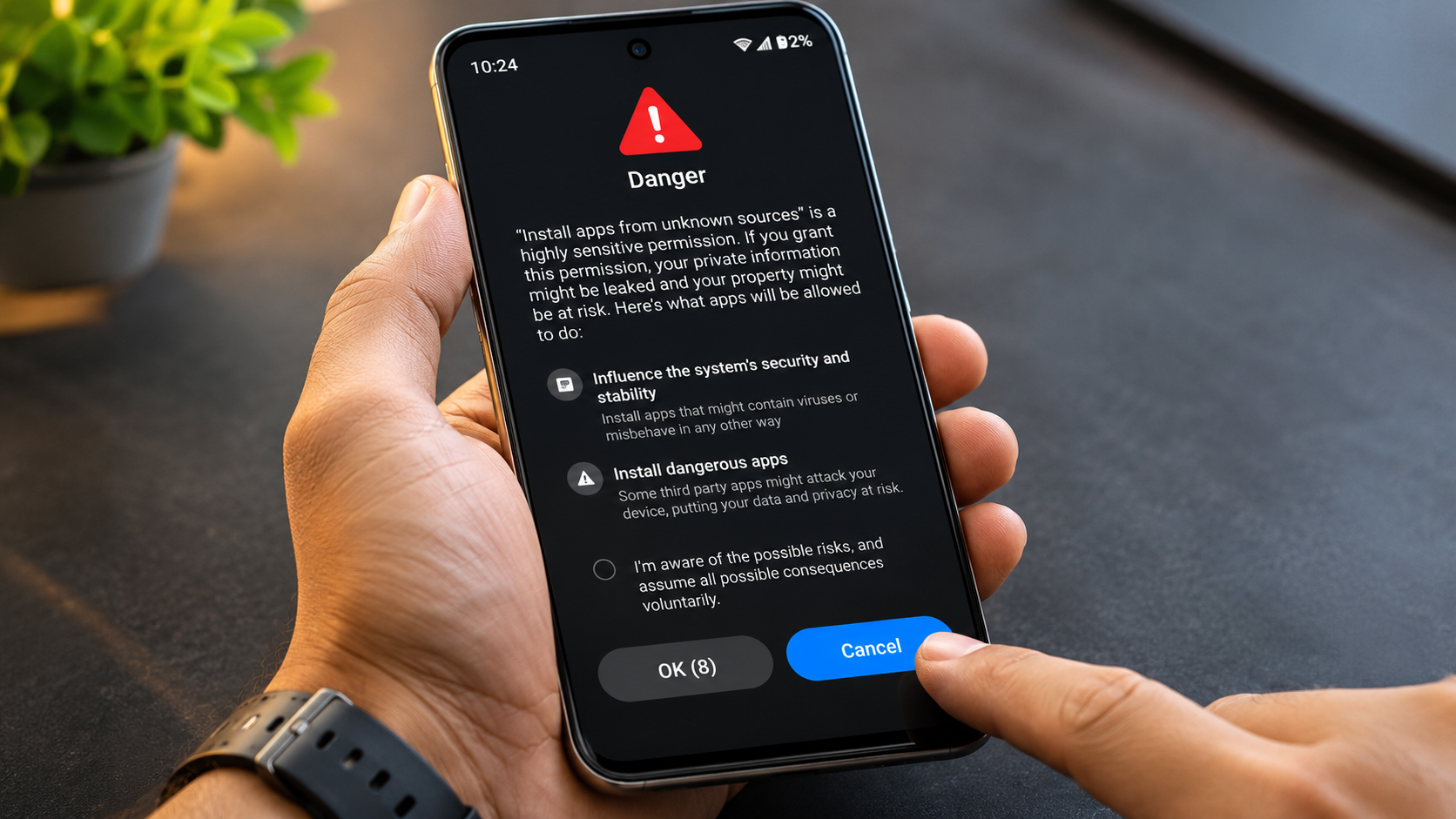
Some malicious applications request permissions that have little connection to their advertised functions. These permissions can expose sensitive device information and create opportunities for abuse.
For example, a basic wallpaper application should not normally require access to your contacts or microphone. Similarly, an unknown utility should not need unrestricted Accessibility Services access.
Cybercriminals sometimes exploit Accessibility Services to monitor screen activity and interact with applications. They may also use notification access to capture sensitive information. In certain attacks, these capabilities help steal authentication codes or manipulate banking transactions.
Android includes permission controls and additional restrictions for potentially harmful applications. Google Play Protect can also block certain unverified applications that request sensitive permissions.
However, users should not rely entirely on automatic protection.
Review permission requests before installation. Deny access that does not support the application’s core functionality. Pay particular attention to accessibility, notification, camera, microphone, and location permissions.
5. Financial Fraud and Unauthorized Billing
Financial fraud is another serious risk associated with unverified applications. Cybercriminals frequently create counterfeit banking tools, payment applications, and popular games. These applications imitate legitimate services to gain users’ trust.
Once installed, a malicious application might display a fake login screen. Users enter their banking credentials, card details, or UPI information without realizing the interface is fraudulent. Such attacks can expose weak passwords and login credentials. Understanding the common ways passwords are hacked can help you protect your online accounts.
Some malicious applications also attempt unauthorized transactions. Others use premium SMS services or deceptive subscription screens to generate unwanted charges.
These attacks can cause financial losses and expose sensitive payment information. Recovering stolen money may also require contacting your bank and reporting the incident.
To reduce these risks, download banking and payment applications directly from trusted marketplaces. Verify the developer’s identity before entering financial information.
Never share your UPI PIN, OTP, or banking password with an application claiming to provide technical support. Enable transaction notifications and regularly review your bank statements.
Is it Safe to Download Third Party Apps?
Downloading third party apps is not automatically dangerous, but it requires additional caution. Android supports external installations, commonly known as sideloading. This allows users to install applications without using Google Play.
However, downloading APK files from unknown websites increases your exposure to security threats. Cybercriminals can modify legitimate applications and distribute infected versions. These files may contain spyware, banking Trojans, or unwanted advertising software.
Google Play Protect provides additional protection by scanning applications from external sources. Nevertheless, automated scanning cannot identify every malicious application. A clean scan should not be treated as a complete safety guarantee.
Before installing an external application, follow these precautions:
- Download APK files directly from the developer’s official website.
- Verify the developer’s identity and application signature when possible.
- Check recent reviews and update history.
- Examine requested permissions before installation.
- Keep Google Play Protect enabled.
- Avoid cracked, modified, and pirated applications.
Ultimately, install external applications only when necessary. Prefer established marketplaces whenever an official version is available.
Which Third-Party App Store Is Safe?
No alternative Android marketplace guarantees complete protection against malware. However, some established platforms offer better security practices and developer accountability than random APK websites.
F-Droid focuses on free and open-source Android applications. It provides source-code information and supports reproducible builds for eligible applications. These practices improve transparency, although they do not guarantee that every listed application is secure.
Amazon Appstore provides another established marketplace. It offers applications through Amazon’s distribution platform and maintains its own developer requirements. However, users should still examine individual applications before installation.
Samsung Galaxy Store is another option for compatible Samsung devices. It distributes applications through Samsung’s ecosystem, including selected device-specific software.
APKMirror is a popular APK repository that checks application signatures against existing releases. This helps identify certain forms of tampering. However, signature verification does not establish that an application is completely safe.
Always verify the developer and application version. Avoid unfamiliar marketplaces offering cracked or modified software.
Is the App Store 100% Safe?
Neither Google Play Store nor Apple’s App Store provides complete protection against malicious applications. Both marketplaces maintain security policies and review processes. However, cybercriminals continually develop new methods to bypass these safeguards.
Google uses automated security checks and developer policies to identify potentially harmful applications. Its Google Play Protect service also scans applications installed from different sources. It can warn users, disable harmful applications, or remove detected threats.
Apple maintains a controlled distribution environment through its App Store review process. Its security model also includes application sandboxing and privacy controls. However, these measures cannot eliminate every security vulnerability.
Some malicious applications initially appear harmless. They may later introduce unwanted behaviour through updates or external services. Other applications collect excessive information despite passing marketplace reviews.
Therefore, never assume an application is safe simply because it appears in an official store. Check developer details, permissions, privacy disclosures, and recent reviews.
Official marketplaces remain the preferred option for most users. However, responsible installation decisions remain essential.
Is Google Banning Third Party Apps?
Google is not simply banning third party apps or removing Android’s sideloading functionality. Android continues to support installing applications from sources outside Google Play. However, Google uses security measures to reduce the risks associated with external installations.
For example, Android requires users to authorize installations from specific external sources. This prevents applications from silently installing additional software without permission.
Google Play Protect also scans applications installed outside the official marketplace. It can identify potentially harmful APK files and warn users before installation. In certain situations, it may block applications associated with financial fraud or dangerous permissions.
Android also includes additional restrictions for certain sensitive settings. For example, restricted settings can limit access to Accessibility Services for some applications installed from untrusted sources. Users may still have options to authorize access manually.
These protections aim to reduce malware distribution without completely removing sideloading. Therefore, Android users can still install legitimate third party applications when necessary.
Which Apps Are Banned in India?
The Government of India has blocked hundreds of mobile applications under Section 69A of the Information Technology Act, 2000. These restrictions followed concerns involving national security, data privacy, and the unauthorized transmission of user information.
In June 2020, the government announced restrictions on 59 applications. The list included several popular international platforms and services.
Some prominent examples include:
- TikTok: Short-video sharing platform.
- PUBG Mobile: Original mobile battle royale game.
- CamScanner: Document scanning application.
- UC Browser: Mobile web browser.
- WeChat: Messaging and social networking platform.
- SHAREit: File-sharing application.
- Shein: Online fashion shopping platform.
The government subsequently announced additional blocking orders in September and November 2020. These included further applications under the same legal framework.
Importantly, these restrictions concern access to specific applications in India. They do not mean every application from an alternative marketplace is prohibited.
Some users attempt to bypass restrictions by downloading APK files. However, this can introduce additional security risks. Always verify an application’s legal availability before installing it.
Conclusion
Installing third party apps can give Android users access to additional features and applications. However, downloading software from unverified sources can expose your device to malware, data theft, privacy violations, and financial fraud.
Although Google Play Protect and Android security features provide protection, no security system is completely foolproof. Always download applications from trusted sources, review app permissions, and keep your device updated.
Ultimately, your smartphone’s security depends on the choices you make. Before installing any third party app, verify its source and consider whether you really need it. A little caution can protect your personal information and keep your Android device safer.