
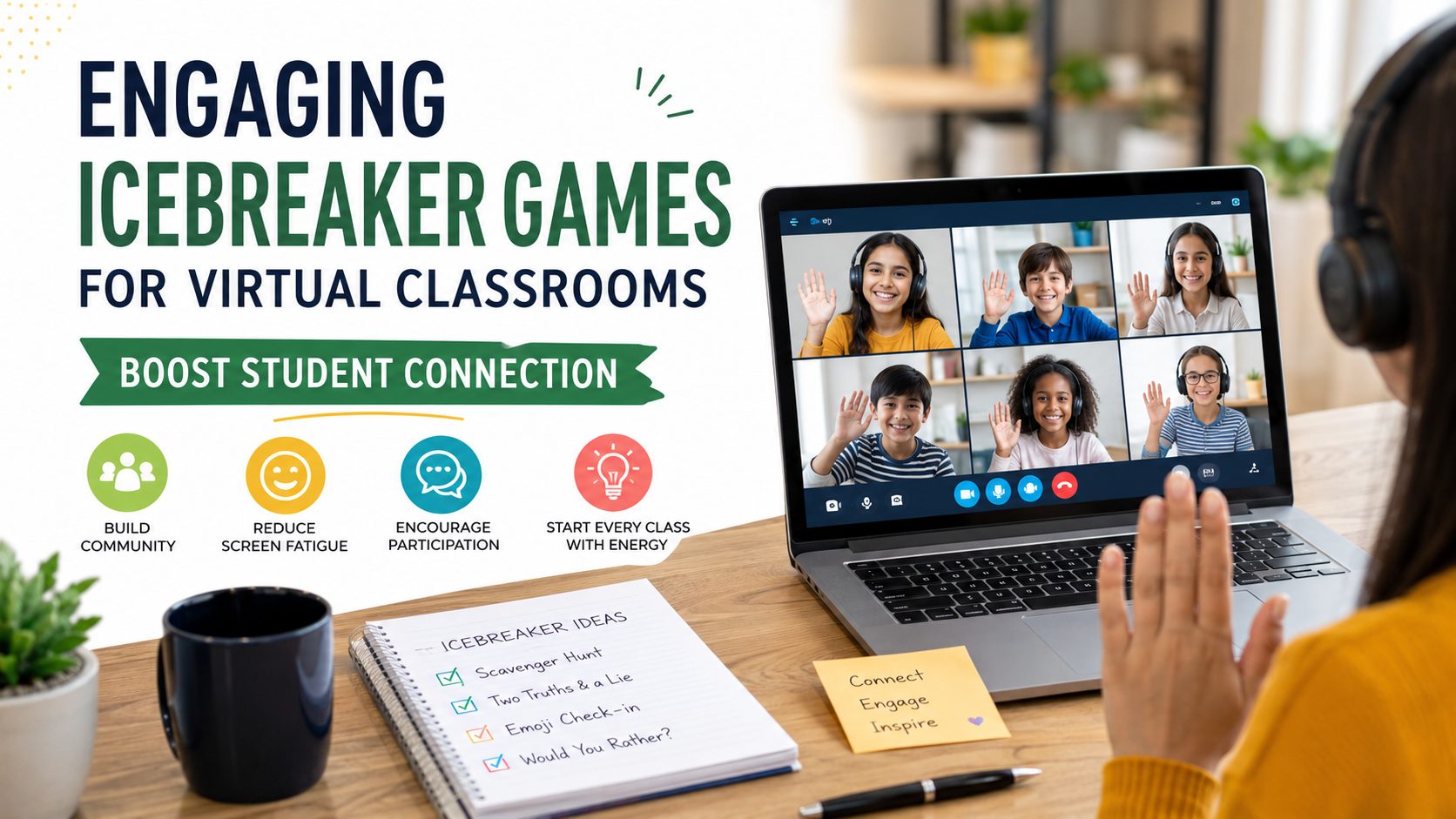
Engaging Icebreaker Games for Virtual Classrooms to Boost Student Connection
Getting students to actively participate online often feels like a constant struggle for distance educators. Silent screens and muted microphones frequently make remote learning feel artificial, rigid, and deeply disconnected. Fortunately, integrating interactive icebreaker games for virtual classrooms helps teachers warm up the digital environment. Consequently, instructors can establish quick rapport and set an encouraging tone for every upcoming session. Educational leadership organizations like Edutopia consistently highlight that social-emotional connection directly drives student academic motivation during remote instruction. Therefore, when instructors dedicate just a few intentional minutes to community building at the start of a digital meeting, students feel noticeably safer. As a result, learners express their ideas more freely and maintain higher focus throughout the entire lesson.
Digital warm-up exercises break down social barriers without requiring physical proximity or expensive software tools. Furthermore, whether you teach elementary children, high school teenagers, or adult professionals in continuing education, simple group interactions convert passive observers into active collaborators. Additionally, these casual moments help relieve screen fatigue and establish positive social norms that make future discussions much smoother. In this comprehensive guide, you will discover low-prep activities, expert management techniques, and practical strategies designed to make remote learning genuinely collaborative, inclusive, and fun for every participant involved.
Why Distance Learning Warm-Up Activities Matter for Online Student Engagement
Online learning environments naturally lack the physical cues and informal hallway chats that help students form social bonds in traditional brick-and-mortar schools. When learners log into a video call, they often hesitate to speak up. This happens because speaking online feels like addressing a formal audience rather than having a natural conversation with classmates. Fortunately, low-stakes online classroom icebreakers dramatically lower this barrier to entry. By providing a structured, pressure-free way to interact during the opening moments of class, warm-ups help students overcome hesitation and build early momentum.
When an instructor kicks off a session with an enjoyable group challenge, it activates critical thinking and breaks the silence early. In fact, research shows that students who contribute to a lesson within the first five minutes are significantly more likely to stay engaged. This holds true whether they speak aloud or type in the chat window. Furthermore, these initial group interactions offer a necessary mental buffer between home distractions and focused coursework. As a result, young minds shift gears smoothly into learning mode.
| Benefit of Virtual Icebreakers | Impact on Students |
| 1. Lowers Participation Anxiety | Enables low-stakes early engagement |
| 2. Builds Classroom Community | Connects peers across screens |
| 3. Combats Screen Fatigue | Keeps mind refreshed and alert |
| 4. Establishes Digital Routines | Sets clear interaction rules |
Cultivating Psychological Safety and Peer Trust in Remote Classrooms
Genuine learning requires taking creative risks, asking thoughtful questions, and occasionally making mistakes without fearing embarrassment. In a remote educational setup, creating psychological safety is vital for effective collaboration. Therefore, opening exercises create a supportive atmosphere where every participant feels valued and recognized. When students regularly share lighthearted moments with their peers, mutual respect grows naturally across the group. Over time, this emotional safety net encourages quieter individuals to voice unique perspectives. Similarly, it empowers them to ask for help when struggling and contribute meaningfully to challenging group assignments throughout the academic year.
Fun Remote Student Bonding Games for Digital Learning Environments
Implementing memorable virtual activities does not require complex software, technical wizardry, or hours of tedious lesson preparation. The most effective digital warm-ups are intuitive, adaptable, and easy to run on standard video platforms like Zoom, Google Meet, or Microsoft Teams. Below are four versatile activities designed to maximize interaction with minimal teacher effort.

1. The Scavenger Hunt Challenge for Online Learners
-
Time needed: 3–5 minutes
-
Best for: K-12 and university students
-
How it works: Give students 60 seconds to find an item in their home. For instance, ask them to find “something blue,” “an object that brings joy,” or “a weird kitchen tool.” Once time expires, students share their item on camera or describe it in the chat box.
-
Why it works: Physical movement is an immediate cure for sedentary screen fatigue. Therefore, this game gets students off their chairs and encourages creative thinking. Additionally, it provides a delightful window into their individual personalities, interests, and living environments without putting anyone under intense pressure.
2. Two Truths and a Smart Lie: A Virtual Brain Teaser Game
-
Time needed: 5–10 minutes
-
Best for: Middle school, high school, and adult learners
-
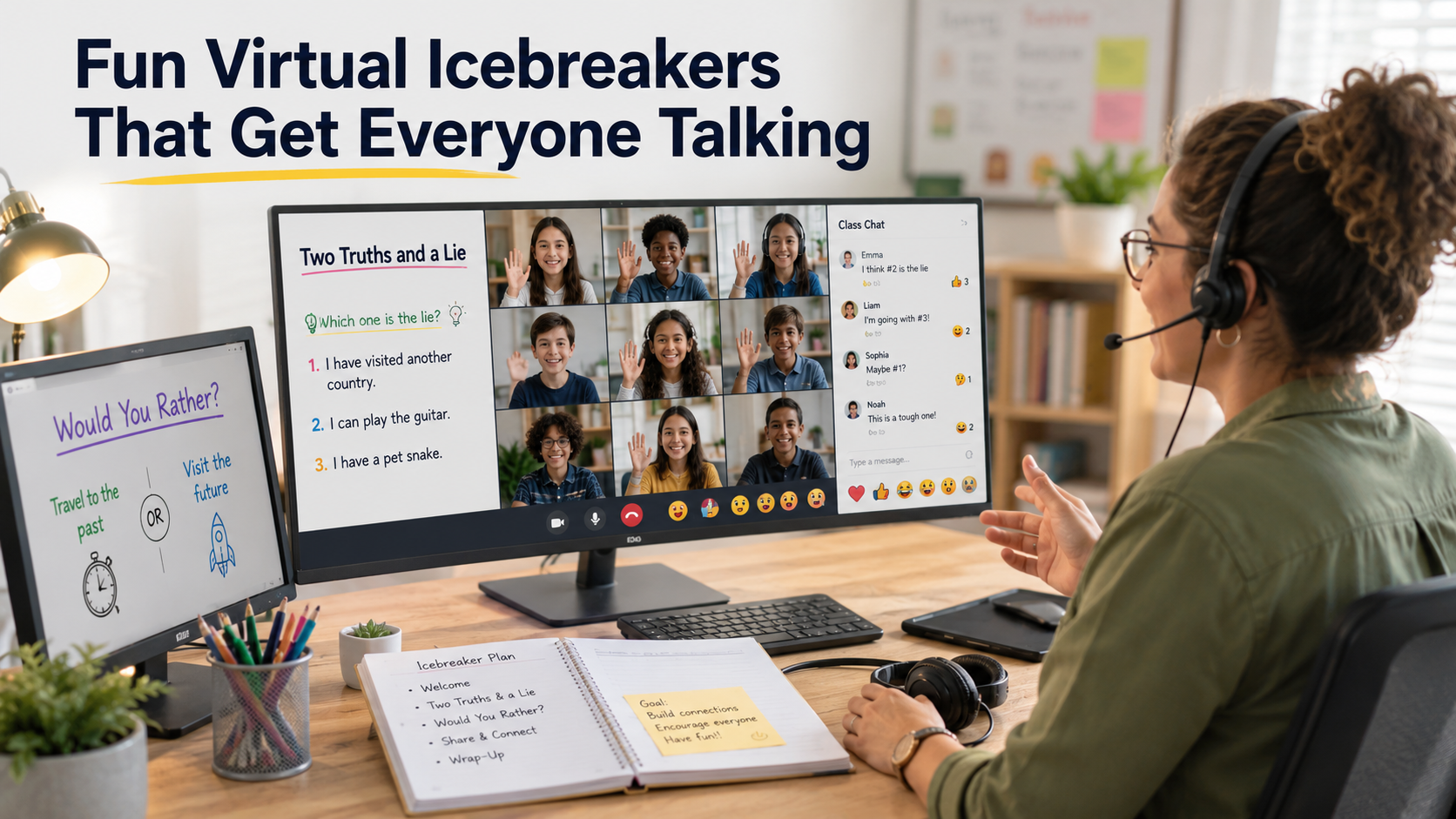
How it works: Present three statements about yourself or a specific historical figure on screen. Include two true facts and one plausible lie. Next, have students vote on the false statement using built-in polling features or the text chat window.
-
Why it works: This classic game sparks immediate curiosity, healthy debates, and friendly banter among classmates. Moreover, it serves as an excellent social icebreaker while easily adapting to review course material, historical events, scientific concepts, or literature units.
3. Emoji Storytelling: Quick Non-Verbal Icebreaker Activities
-
Time needed: 3 minutes
-
Best for: All age groups
-
How it works: Post a reflective prompt in the main chat room, such as “Summarize your weekend” or “How do you feel about today’s upcoming topic?” Then, instruct students to answer using exclusively three emojis.
-
Why it works: Visual communication is fast, universal, and remarkably expressive. Consequently, introverted students who dislike speaking on a microphone feel comfortable contributing immediately. This approach ensures total classroom inclusion without forcing anyone out of their comfort zone prematurely.
4. Digital Whiteboard Pictionary: Interactive Online Group Warm-Ups
-
Time needed: 5–7 minutes
-
Best for: Small to medium groups
-
How it works: Launch a shared digital whiteboard tool and secretly assign a vocabulary term or lesson concept to one student. That student draws the idea while classmates type their guesses into the chat.
-
Why it works: Gamified visual exercises energize the room and stimulate spatial reasoning. Furthermore, it encourages lighthearted laughter, turns passive listening into active problem solving, and reinforces key academic definitions in a memorable, multi-sensory manner.
Essential Rules for Managing Icebreaker Games for Virtual Classrooms
While online games offer tremendous social benefits, running them efficiently requires clear guidelines. This ensures they do not consume excessive instructional time. Therefore, establishing clear participation rules and digital etiquette before starting keeps every activity structured, safe, and productive for everyone.
Establish Flexible Options for Webcams and Microphones
Compelling student participation should never mean forcing every individual to turn on their webcams. Environmental factors, personal privacy concerns, or bandwidth limitations can make video sharing uncomfortable for certain learners. Instead, offer flexible ways to participate. For example, invite contributions through text chat, polling tools, digital whiteboards, or reaction emojis. Consequently, an inclusive approach builds trust much faster than rigid webcam requirements ever will.
Keep Online Opening Exercises Short and Focused
The primary goal of a virtual warm-up is to energize the learning environment, not to dominate your entire schedule. Therefore, keep these introductory exercises tightly scoped between 3 and 10 minutes maximum. Displaying a clear visual timer on screen helps students stay focused on the activity. As a result, you ensure a seamless transition into your primary academic lesson.
| Task / Action Item | Best Practice Details |
| Set a Strict Timer | Limit the activity to 3–10 minutes maximum. |
| Offer Flexible Participation | Provide options for chat, reactions, or voice. |
| Test Platform Tools | Check polls and digital whiteboards beforehand. |
| Align with Curriculum | Connect game topics to the lesson plan when possible. |
Adapt Interactive Classroom Starters for Different Group Sizes
Large virtual classes require streamlined, scalable activities to avoid chaotic crosstalk. Therefore, consider using rapid chat prompts, instant polls, or automated breakout rooms for big groups. Conversely, smaller cohorts thrive on open verbal sharing and collaborative whiteboard drawing. Thus, always tailor your chosen game mechanics to your specific group size to maintain high energy levels and keep order.
FAQ SECTION
How do icebreaker games for virtual classrooms improve student participation?
Interactive icebreaker games for virtual classrooms significantly boost engagement by lowering psychological social barriers. Furthermore, they give students an easy, low-stakes way to participate early in the lesson. In distance learning, many students feel intimidated by the prospect of speaking across a digital medium. However, when instructors initiate a lesson with a brief, enjoyable activity, it normalizes active participation through multiple channels. For example, learners can utilize text chat, voice shares, or digital voting. Consequently, early participation builds essential momentum. This makes students far more willing to ask questions, share insights, and collaborate during subsequent academic instruction. Furthermore, these activities relieve screen fatigue, build mutual trust among peers, and transform passive viewers into an energized learning community.
What are the best low-prep interactive starters for remote students?
The most effective low-prep warm-ups require zero external software setup. Additionally, they work seamlessly on standard video conferencing tools like Zoom or Google Meet. Top picks include digital Scavenger Hunts, Emoji Storytelling, and Two Truths and a Lie. In a Scavenger Hunt, students quickly retrieve an everyday object from their workspace. As a result, this encourages physical movement and active spatial awareness. Similarly, Emoji Storytelling asks students to respond to a prompt using only three emojis in the chat window. This approach offers a fast, visual channel for non-verbal communication. Meanwhile, Two Truths and a Lie challenges students to evaluate statements using built-in poll widgets or chat boxes. Thus, these straightforward games require zero advance prep time while keeping student enthusiasm extremely high.
How can educators include introverted students during digital class warm-ups?
Teachers can effectively include quiet or introverted learners by offering low-pressure, non-verbal participation options during warm-up routines. Requiring mandatory webcam usage or sudden verbal sharing can trigger anxiety for introverted students. Consequently, this pressure causes them to withdraw emotionally from the class. Instead, design activities where students can participate via written chat box messages, interactive polling apps, annotation markers, or digital reaction buttons. Therefore, allowing alternative communication channels gives every learner a comfortable entry point into group interactions. Over time, as shy students observe a supportive, non-judgmental environment, their confidence grows naturally. Ultimately, this paves the way for gradual, voluntary participation in larger class discussions without added stress.
What is the ideal time limit for remote student bonding games?
A virtual classroom warm-up exercise should ideally last between 3 and 10 minutes. Keeping the exercise brief and structured ensures that energy levels remain high while leaving ample room for core academic material. However, if a warm-up stretches beyond ten minutes, students may lose focus. They might even view the activity as a distraction rather than a helpful transition tool. Therefore, using a visible visual timer on screen helps keep both the teacher and the students accountable to strict time limits. Once the timer finishes, wrap up the game quickly with brief praise. Finally, summarize key takeaways and pivot directly into your scheduled instructional content for maximum lesson productivity.
How can online warm-up exercises align with core curriculum standards?
Instructors can easily align virtual icebreakers with specific curriculum objectives to create high-yield learning opportunities. For instance, a Scavenger Hunt can prompt science students to find an everyday item that represents a physical chemical reaction or simple machine. Similarly, Digital Whiteboard Pictionary works exceptionally well for reviewing key vocabulary words in foreign language courses or biology classes. Likewise, games like Two Truths and a Lie can easily be structured around historical figures, math formulas, or literary characters. Consequently, blending social interaction with core academic concepts reinforces lesson retention, activates prior knowledge, and keeps students intellectually invested right from the opening bell.
CONCLUSION
Building a vibrant, collaborative community in a digital space requires intentional teaching strategies. These methods ensure that learners feel welcomed, respected, and heard. Integrating creative icebreaker games for virtual classrooms offers a powerful remedy for remote student isolation. Consequently, these tools transform quiet video calls into active learning communities. By dedicating just a few minutes at the start of each session to interactive games, educators break down participation anxiety. Furthermore, implementing effective student engagement strategies helps build peer trust and prepares young minds for long-term academic success.
Success lies in selecting simple, low-prep exercises that accommodate all learning styles and comfort levels. Whether through physical movement during scavenger hunts or quiet creative responses via emoji chats, giving every student a flexible voice yields immediate dividends in focus and engagement. Therefore, start your next online session with one of these proven strategies, and watch your virtual environment evolve into a connected, enthusiastic learning community.