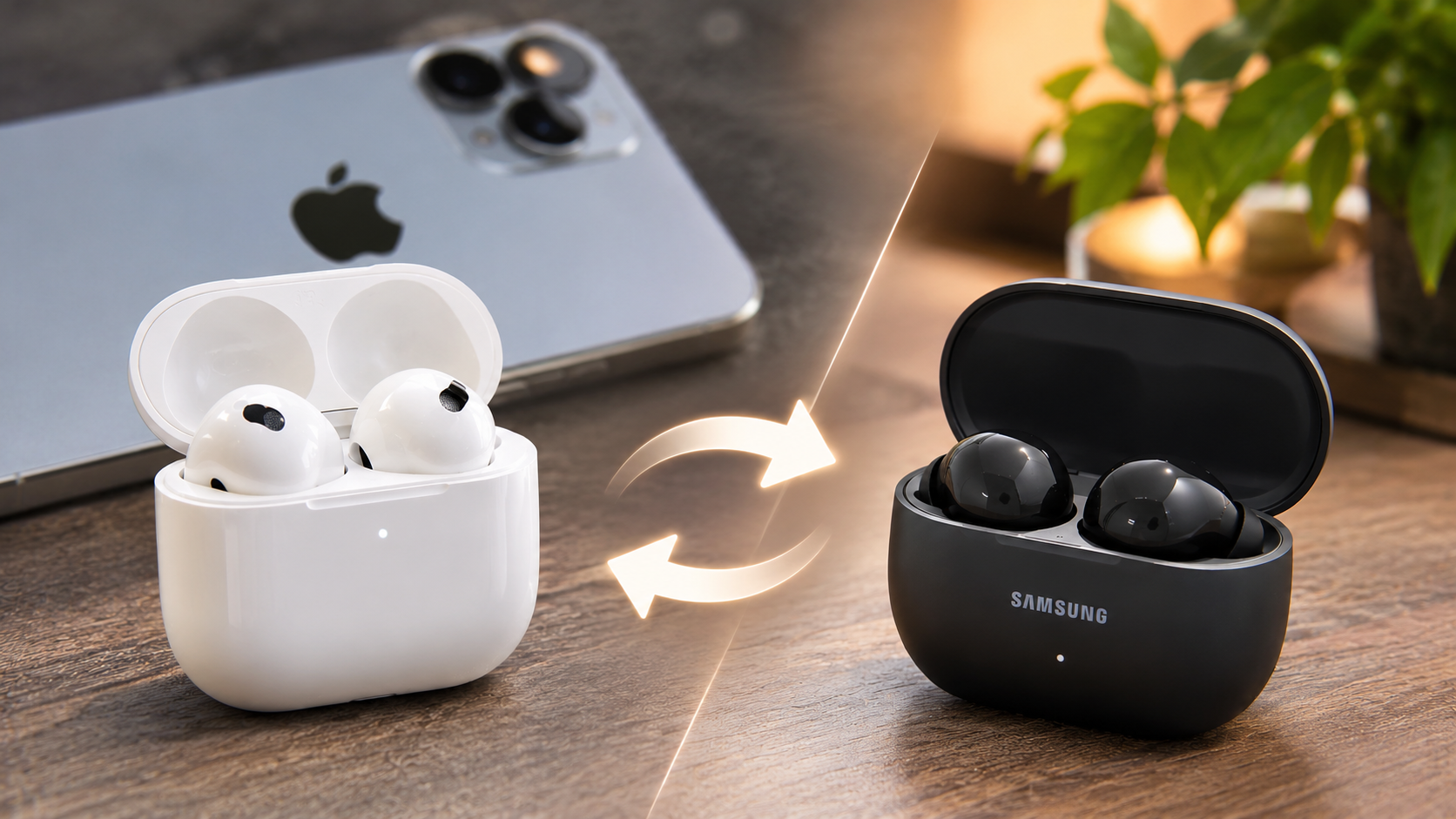
5 Disadvantages of Switching From AirPods to Samsung Galaxy Buds
Thinking about switching from AirPods to Samsung Galaxy Buds? Changing wireless earbuds sounds simple, but switching between tech ecosystems can introduce unexpected inconveniences.
Apple designs AirPods to work seamlessly with iPhones, iPads, and Macs. Samsung takes a different approach, offering deeper integration with Galaxy smartphones and other Android devices. This difference can affect your everyday listening experience.
Before purchasing new earbuds, consider the practical trade-offs. Galaxy Buds offer customizable sound settings, useful Android features, and competitive pricing. However, iPhone users may lose access to several convenient features.
The differences become particularly noticeable when managing connections, customizing controls, tracking lost earbuds, and using spatial audio. Some features also depend on the specific Galaxy Buds model.
This guide explores the five disadvantages of switching from AirPods to Samsung Galaxy Buds. It also examines common Samsung earbud problems and explains why some consumers are moving away from Apple’s audio ecosystem.
1. Loss of Apple Ecosystem Integration
One major disadvantage of switching from AirPods to Samsung Galaxy Buds is losing Apple’s connected-device experience. AirPods communicate directly with compatible Apple devices through the Apple ecosystem. This makes everyday listening more convenient.
For example, you can move between your iPhone, iPad, and Mac without manually reconnecting your earbuds. AirPods also support automatic switching between compatible Apple devices using the same Apple Account.
Samsung Galaxy Buds can connect to multiple devices, but the experience differs. Automatic switching and ecosystem features depend on compatible Samsung devices and software. You should not expect identical integration with Apple hardware. Similarly, if you are considering using AirPods with a Samsung device, understanding which features you lose when using AirPods with a Samsung Galaxy phone can help you make a better decision.
You also lose Apple’s Audio Sharing feature, which lets compatible AirPods users share audio from one supported Apple device.
Bluetooth connectivity still works, but convenience takes a hit. If you frequently switch between Apple devices, this difference can become frustrating.
2. Limited Galaxy Wearable App Support on iOS
Samsung’s Galaxy Wearable app provides access to several important earbud settings. These include equalizer adjustments, gesture customization, firmware updates, and additional sound controls.
However, iPhone users face an important limitation. Samsung’s current Galaxy Buds lineup does not offer full companion-app support on iOS.
According to Samsung’s compatibility information, only the older Galaxy Buds+ and Galaxy Buds Live support the dedicated iOS app. Newer models connect through Bluetooth instead.
This means you can still listen to music and make calls using compatible Galaxy Buds. However, you cannot access the complete configuration experience through an iPhone.
For users who enjoy adjusting their sound profiles or customizing touch controls, this limitation matters. You may need a compatible Android device to configure certain features.
Check Samsung’s official iOS compatibility guide before purchasing.
3. Limited Spatial Audio Integration
Spatial audio creates an immersive listening experience by making sound appear to come from different directions. Both Apple and Samsung offer spatial audio technologies, but their implementations differ.
Apple provides Spatial Audio with dynamic head tracking on compatible AirPods and Apple devices. Supported content and applications can create a more immersive experience. The feature also works within Apple’s broader audio ecosystem.
Samsung offers its own alternative called 360 Audio. Compatible Galaxy Buds can use head tracking to adjust sound direction as you move your head.
However, Samsung’s 360 Audio availability depends on your device and earbud model. Samsung officially supports the feature on compatible Galaxy phones and tablets, along with selected Samsung televisions.
An iPhone user cannot expect the same native integration with Galaxy Buds. This is particularly important if you regularly watch movies or enjoy immersive audio.
Neither technology guarantees better sound in every situation. Your experience depends on the content, hardware, and supported applications.
4. Different Find My and Earbud Tracking Capabilities
Losing wireless earbuds can be frustrating, especially when they are small enough to disappear inside bags, pockets, or furniture.
AirPods offer convenient tracking through Apple’s Find My network. Compatible models can use nearby Apple devices to help locate missing earbuds. Supported models also offer additional location and proximity features.
Samsung provides similar tracking through Samsung Find and SmartThings Find. However, the experience depends on compatible Samsung devices, account settings, and supported earbud models.
Some Galaxy Buds support offline finding, but not every model offers identical tracking capabilities. For example, certain older models cannot use nearby search while inside their closed charging case.
This creates an additional consideration for iPhone owners. Samsung’s tracking ecosystem is not designed around Apple’s Find My network.
If you frequently misplace your earbuds, check the tracking capabilities of your chosen Galaxy Buds model before switching.
See Samsung’s official earbud tracking guide.
5. Reduced Native Siri Integration
AirPods offer convenient Siri integration when paired with compatible Apple devices. Depending on the model, users can activate Siri through voice commands or supported earbud controls.
This makes it easier to manage everyday tasks without reaching for an iPhone. You can request music playback, check notifications, adjust volume, and make calls.
Samsung Galaxy Buds do not provide the same native AirPods integration. Their software and voice assistant features are primarily designed around Samsung and Android devices.
When connected to an iPhone, Galaxy Buds still support standard Bluetooth audio and calling. However, you should not expect identical Siri controls or customization.
One important distinction: switching earbuds does not disable Siri on your iPhone. You can still activate Siri directly through your phone.
The main disadvantage is losing the convenient integration between AirPods and Apple’s voice assistant. If you regularly use voice commands while exercising or travelling, this change may affect your routine. You can also customize your notification experience by learning how to stop Siri from reading notifications on AirPods.
Are Samsung Galaxy Buds Better Than AirPods?
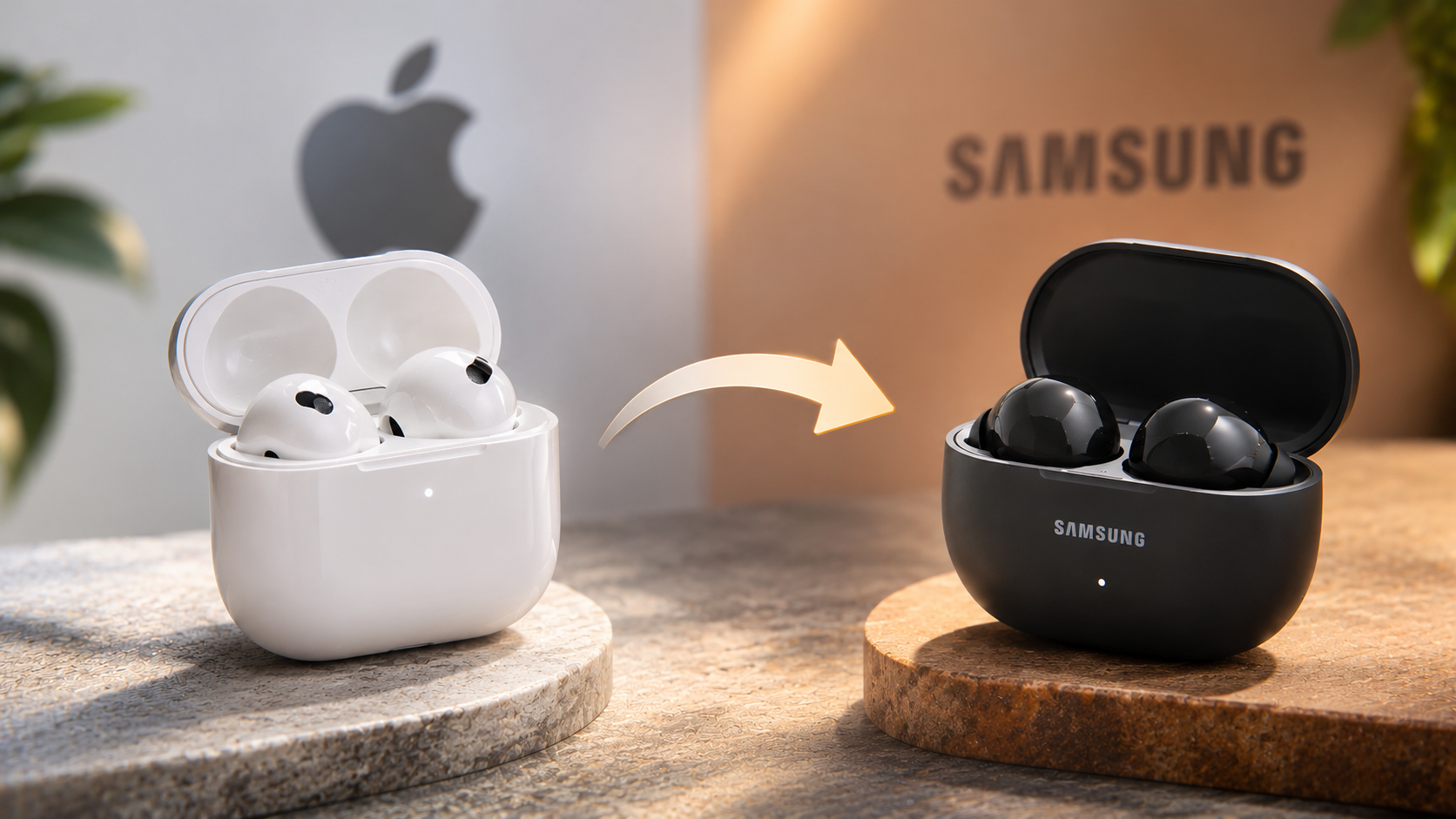
Samsung Galaxy Buds are not automatically better than AirPods. Both brands offer competitive wireless earbuds, but their strengths depend on your smartphone and daily requirements.
Galaxy Buds provide several advantages for Android users. These include customizable sound settings, Galaxy ecosystem integration, and access to Samsung-specific features. Certain models also offer competitive active noise cancellation and impressive audio performance.
AirPods, meanwhile, offer stronger integration with Apple’s ecosystem. Features such as automatic device switching, Find My support, and Spatial Audio make them convenient for iPhone, iPad, and Mac users.
The experience changes when you connect Galaxy Buds to an iPhone. Basic Bluetooth listening and calling still work, but advanced customization becomes limited.
Neither brand is universally superior in sound quality or noise cancellation. Performance varies across individual models and generations.
The best choice depends on your devices. Galaxy Buds generally make more sense for Samsung users, while AirPods offer a more complete experience for people invested in Apple’s ecosystem.
What Are the Downsides of Using AirPods?
AirPods offer convenient connectivity, but they also have several disadvantages. Their premium pricing is one of the biggest concerns for budget-conscious buyers. Comparable earbuds from Samsung and other manufacturers sometimes offer more customization at lower prices.
Another limitation involves Apple’s approach to sound personalization. AirPods provide useful listening adjustments and accessibility settings, but they do not offer the same traditional multi-band equalizer controls across every model.
Battery replacement and repairability are additional concerns. Their compact, sealed construction makes servicing difficult. Battery capacity also decreases with repeated charging cycles, eventually affecting listening time.
Fit can also become an issue. Standard AirPods use an open-ear design, which does not suit everyone. Users who prefer silicone ear tips may find AirPods Pro more comfortable and secure.
Finally, some advanced features depend on compatible Apple hardware. Android users can still connect AirPods through Bluetooth, but several ecosystem features become unavailable.
Therefore, AirPods are not necessarily the best option for every listener. Your budget, preferred fit, smartphone, and listening habits should guide your decision.
What Are Some Common Problems With Samsung Earbuds?
Samsung Galaxy Buds offer several useful features, but they are not completely free from problems. Some users experience connectivity interruptions, inconsistent touch controls, and microphone quality issues.
Fit and comfort can also vary between individuals. Earbuds that fit securely for one person may feel uncomfortable for someone else. Poor positioning can also affect sound quality and active noise cancellation.
Certain Galaxy Buds Pro users have reported skin irritation. Samsung has acknowledged concerns involving materials such as nickel in charging contacts and acrylates in earbud components. However, reactions do not affect every user.
Another potential problem involves firmware updates. Software changes can occasionally introduce unexpected behaviour or connectivity issues. Keeping your earbuds updated generally helps maintain compatibility and performance.
Tracking can also be confusing. Available features depend on the model, charging case status, and connected Samsung device.
These problems do not mean Samsung earbuds are unreliable. However, checking model-specific reviews and compatibility details before purchasing can help prevent disappointment.
Why Are People Moving Away From AirPods?
Consumers explore alternatives to AirPods for several reasons. High prices, limited customization, and growing interest in cross-platform compatibility influence purchasing decisions.
Many people now use different brands across their personal and professional devices. For example, someone might own an iPhone but use a Windows laptop for work. Others combine Android smartphones with tablets from different manufacturers.
AirPods still work with non-Apple devices through Bluetooth. However, some advanced features require compatible Apple hardware. This can make them less attractive to people who regularly switch between platforms. If you are considering using AirPods with an Android smartphone, discover whether AirPods are worth buying for Android users before making your purchase.
Price is another consideration. Samsung, Sony, JBL, and other manufacturers offer wireless earbuds across different budgets. Some competing models provide customizable equalizers, adjustable controls, and effective noise cancellation.
However, switching brands does not automatically guarantee better performance. Sound quality, microphone clarity, comfort, and battery life vary between products.
Ultimately, consumers are comparing the complete listening experience rather than brand names alone. For some, Galaxy Buds offer better value. Others still prefer AirPods because of their convenience and Apple integration.
Conclusion
Switching from AirPods to Samsung Galaxy Buds can offer better customization, competitive pricing, and a different listening experience. However, the change also comes with several compromises, especially for iPhone users.
You may lose convenient Apple ecosystem integration, advanced customization options, seamless device switching, and some familiar Siri features. Samsung’s tracking and spatial audio capabilities also work best within its own ecosystem.
Before making the switch, consider your smartphone, daily listening habits, budget, and preferred features. If you primarily use Samsung or Android devices, Galaxy Buds can be a worthwhile alternative. However, if you rely heavily on Apple services and devices, staying with AirPods may provide a smoother experience.
Ultimately, choose earbuds that work best with your devices and everyday needs, rather than switching brands based on price or popularity alone.