
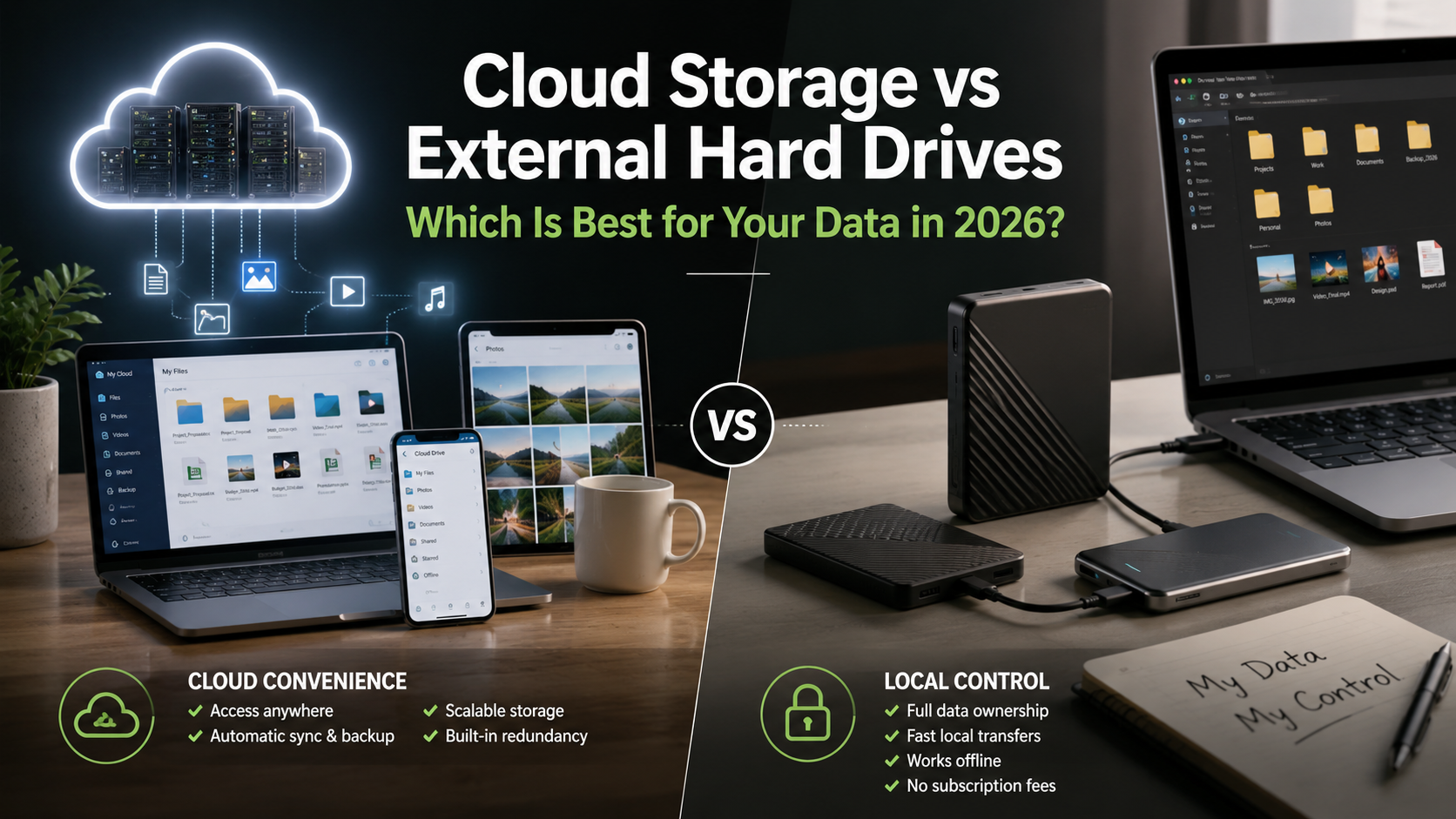
Cloud Storage vs External Hard Drives: Which Is Best for Your Data in 2026?
Cloud storage vs external hard drives is one of the biggest decisions people face when choosing a reliable way to store and protect their digital files in 2026. From family photos and personal documents to business records, creative projects, and high-resolution videos, selecting the right storage solution can significantly improve your data security, accessibility, and long-term backup strategy. Whether you’re a student, freelancer, gamer, photographer, or business owner, understanding the differences between these two storage options will help you make the right choice.
When comparing cloud storage vs external hard drives, you’re essentially deciding between two completely different approaches to storing and backing up your data. Cloud storage offers the convenience of accessing files from virtually anywhere with an internet connection, automatic synchronization across devices, and effortless collaboration. External hard drives, on the other hand, provide complete ownership of your data, lightning-fast transfer speeds, and a one-time purchase without recurring subscription fees.
Neither option is universally better than the other. Instead, the right choice depends on your storage needs, budget, workflow, privacy concerns, and how often you access your files. For someone constantly working across multiple devices, cloud storage may be the ideal solution. Meanwhile, professionals dealing with massive video files or users who prioritize privacy may prefer external SSDs or HDDs.
Throughout this comprehensive guide, you’ll discover the key differences between cloud storage and external hard drives, including their performance, security, pricing, advantages, disadvantages, and ideal use cases. By the end of this article, you’ll have a clear understanding of which storage method—or combination of both—is the best fit for your needs.
Cloud Storage vs External Hard Drives: What Is the Difference?
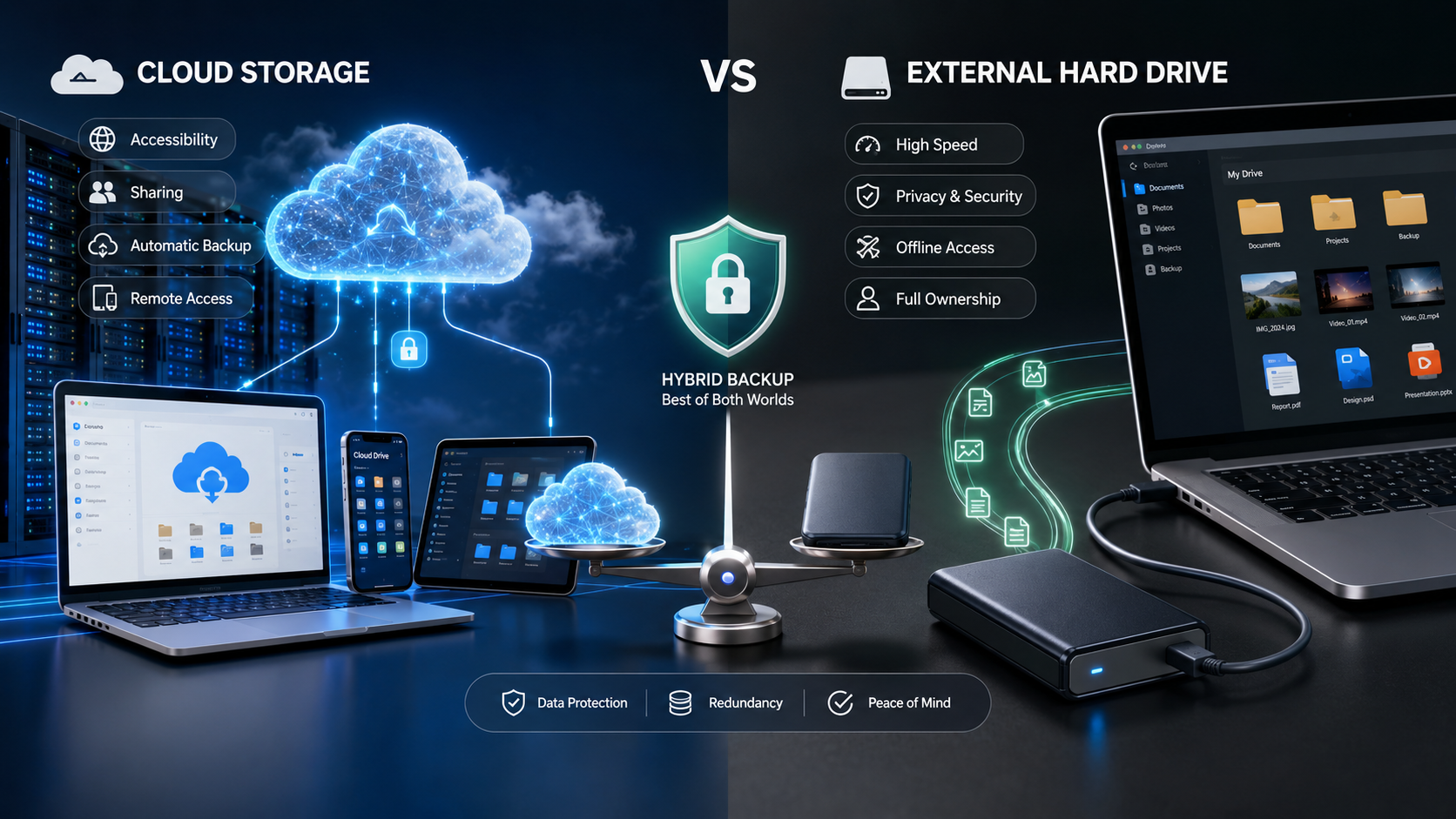
Choosing between cloud storage and an external hard drive starts with understanding how each technology works. While both solutions allow you to save and protect files, they operate in entirely different ways and are designed to solve different storage challenges.
Cloud storage keeps your files on remote servers owned and maintained by a service provider. Your data is uploaded over the internet and can be accessed from multiple devices after signing into your account. External hard drives, however, store files locally on physical hardware that connects directly to your computer using USB, USB-C, or Thunderbolt.
The biggest distinction comes down to ownership versus convenience. Cloud storage emphasizes flexibility, synchronization, and accessibility, whereas external drives focus on speed, privacy, and long-term local storage.
Some users rely exclusively on one option, but many professionals combine both to create a reliable backup strategy. Understanding the strengths and limitations of each approach will help you determine which one aligns with your workflow.
How Does Cloud Storage Work?
Cloud storage allows you to upload files to secure remote servers through the internet. Instead of saving data directly on your computer or an external device, your files are stored in professionally managed data centers operated by cloud service providers. For example, services like Google Cloud Storage documentation explain how cloud-based storage systems allow users to store, manage, and access data remotely.
Every time you upload a document, photo, or video, the file is synchronized with your online account. As a result, you can log in from your smartphone, laptop, desktop, or tablet and access the same files from almost anywhere in the world.
Benefits of Cloud Storage
- Access files from any internet-connected device
- Automatic synchronization across multiple devices
- Easy file sharing with friends or colleagues
- Automatic backup of important files
- Scalable storage plans as your needs grow
Cloud storage is particularly valuable for remote teams, businesses, students, and individuals who frequently switch between devices. Since the files are stored remotely, hardware failures on your computer typically won’t affect the copies stored in the cloud.
However, cloud storage also has limitations. Uploading or downloading large files depends entirely on your internet speed. Slow connections can significantly increase transfer times, especially for video editors, photographers, and professionals handling hundreds of gigabytes of data.
Another important consideration is privacy. Although most providers use strong encryption, your files are ultimately stored on servers owned by another company. Users handling confidential or sensitive information should carefully review the provider’s security policies before uploading valuable data.
How Do External Hard Drives Work?
External hard drives are physical storage devices that connect directly to your computer using USB, USB-C, or Thunderbolt interfaces. Unlike cloud storage, your files remain completely under your control because they’re stored locally on hardware that you personally own.
External storage devices are available in two primary types:
- Hard Disk Drives (HDDs) that use spinning magnetic disks
- Solid State Drives (SSDs) that use flash memory without moving parts
Traditional HDDs generally provide higher storage capacities at lower prices, making them ideal for long-term archiving. SSDs, on the other hand, deliver significantly faster read and write speeds while being more resistant to accidental drops because they contain no mechanical components.
Advantages of External Storage
- Complete ownership of your data
- No recurring subscription costs
- Extremely fast file transfers
- Works without internet access
- Greater privacy and offline protection
External drives are especially popular among photographers, filmmakers, software developers, gamers, and professionals working with very large files. Since data travels directly between your computer and the drive, transfer speeds can reach over 1,000 MB/s with modern SSDs.
The downside is that physical devices can be damaged, lost, or stolen. Without an additional backup, a failed drive may result in permanent data loss.
Cloud Storage vs External Hard Drives Comparison
Although both options perform the same basic function—storing your files—they differ dramatically in everyday use.
| Feature | Cloud Storage | External Hard Drive |
|---|---|---|
| Storage Location | Remote Servers | Local Physical Device |
| Internet Required | Yes | No |
| Accessibility | Anywhere | Wherever the Drive Is |
| Monthly Cost | Usually Yes | No |
| One-Time Purchase | No | Yes |
| Transfer Speed | Internet Dependent | Extremely Fast |
| Collaboration | Excellent | Limited |
| Privacy | Provider Managed | User Controlled |
The comparison above demonstrates why neither option is universally better. Cloud storage excels in convenience, collaboration, and accessibility, while external drives provide unmatched speed, privacy, and ownership.
Many professionals now combine both technologies instead of choosing one over the other. They use external SSDs for daily work and cloud storage for secure off-site backups, creating a balanced solution that offers both performance and protection.
Cloud Storage vs External Hard Drives: Security and Privacy Comparison
When comparing storage solutions, speed is often one of the biggest deciding factors. Whether you’re editing 4K videos, transferring thousands of RAW images, installing games, or backing up an entire computer, the time required to move your data can dramatically affect your productivity.
Although cloud storage has improved significantly over the past decade, it still depends on your internet connection. External drives, especially modern SSDs, deliver consistently higher performance because data is transferred directly through physical hardware instead of traveling across the internet.
Let’s examine how these technologies compare in real-world performance.
Local Transfer Speeds: Why External Drives Are Faster
External SSDs have transformed portable storage by providing exceptional read and write speeds. Premium USB-C and Thunderbolt SSDs routinely deliver transfer speeds exceeding 1,000 MB/s, while some high-end models surpass 2,000 MB/s.
This speed allows users to:
- Transfer hundreds of gigabytes within minutes
- Edit videos directly from the drive
- Back up entire operating systems quickly
- Move large software libraries efficiently
- Reduce waiting times during file transfers
Traditional HDDs are slower, usually ranging between 100 MB/s and 200 MB/s, but they remain an affordable option for storing large collections of photos, videos, and backups.
Because everything happens locally, performance remains consistent regardless of internet availability. This makes external drives the preferred choice for professionals who regularly work with large files or require dependable high-speed storage.
Cloud Storage Performance: What Affects Upload and Download Speeds?
Cloud storage performance depends on several factors outside your control. Even if a cloud provider offers excellent infrastructure, your experience is limited by your internet connection.
Several factors influence cloud performance:
- Upload speed provided by your ISP
- Download bandwidth
- Network congestion
- Distance to the provider’s data center
- Current server load
- Wi-Fi stability
For example, uploading a 500 GB video project to the cloud could take several hours—or even days—depending on your internet connection. Downloading those files later will require similar amounts of time.
Cloud storage performs exceptionally well for smaller documents, spreadsheets, PDFs, and photos. However, professionals working with terabytes of media often find internet-based storage significantly slower than local alternatives.
As internet speeds continue to improve globally, cloud performance will become increasingly competitive. Even so, for handling massive files and frequent transfers, external SSDs remain the clear winner in terms of raw speed and efficiency.
Access Your Files Anytime, Anywhere with Cloud Storage
One of the greatest advantages of cloud storage is its ability to make your files available almost anywhere. As long as you have an internet connection, you can sign in to your account and access documents, photos, videos, or backups from virtually any device.
This flexibility makes cloud storage especially valuable for:
- Remote employees
- Students studying in different locations
- Business professionals
- Digital nomads
- Freelancers
- Teams collaborating across countries
For example, you can upload a presentation from your office computer and continue editing it on your tablet while traveling. Any changes you make are automatically synchronized across all connected devices.
Benefits of Cloud Accessibility
- Access files from smartphones, tablets, desktops, and laptops
- Automatic synchronization
- Instant file sharing
- Real-time document collaboration
- No need to carry physical storage devices
Another major benefit is automatic backup. If your laptop is stolen or damaged, your files remain safely stored in the cloud and can be restored to a new device within minutes.
However, this convenience depends entirely on having a reliable internet connection. Without internet access, your ability to retrieve files may become limited unless you’ve previously enabled offline access.
External Hard Drives: Reliable Offline Access
External hard drives offer a completely different type of convenience. Instead of depending on internet connectivity, they provide immediate access to your files whenever the drive is connected to your computer.
This is particularly beneficial for professionals working in locations where internet access is unreliable or unavailable.
Examples include:
- Photographers shooting on location
- Videographers editing large projects
- Construction sites
- Travelers in remote areas
- Researchers working in the field
Since all files remain stored locally, there are no upload delays or synchronization processes. You simply connect the drive and begin working immediately.
Advantages of Offline Storage
- No internet required
- Instant file access
- Consistent performance
- Perfect for large media libraries
- No cloud synchronization delays
Many video editors prefer working directly from high-speed external SSDs because editing large 4K or 8K video projects directly from cloud storage is usually impractical due to bandwidth limitations.
The primary disadvantage is portability. If you forget your drive at home or the office, you cannot access your files until you physically retrieve it.
Cloud Storage vs External Hard Drives: Security Comparison
Protecting valuable information should always be a top priority. Whether you’re storing personal photos, financial documents, business records, or confidential client information, understanding the security differences between cloud storage and external hard drives is essential.
Both options offer strong security features, but they approach data protection in fundamentally different ways.
External drives provide complete ownership and physical control over your files, while cloud storage relies on sophisticated encryption, secure data centers, and provider-managed infrastructure.
Understanding the strengths and weaknesses of each option will help you make a safer long-term decision.
Security Benefits of External Hard Drives
External hard drives offer one major advantage that cloud storage cannot fully replicate: complete physical ownership.
Since your files remain on hardware you own, no third party has direct access to your information unless the drive is lost, stolen, or compromised.
Key Security Advantages
- No third-party servers
- No internet exposure
- Reduced hacking risks
- Complete data ownership
- Offline protection
Many businesses that handle highly confidential information choose local storage because it minimizes online exposure.
However, physical storage also comes with unique risks.
Your drive could be:
- Dropped
- Damaged by water
- Destroyed in a fire
- Lost while traveling
- Stolen during a burglary
Without another backup, recovering data from a damaged drive can be expensive—or even impossible.
Cloud Storage Security Features
Modern cloud providers invest billions of dollars in cybersecurity, making cloud storage much safer than many people assume.
Most reputable providers protect your files using:
- AES-256 encryption
- TLS encryption during transfers
- Multi-factor authentication
- Automatic security updates
- Geographically redundant backups
Because your files are stored across multiple servers, even hardware failures inside a data center rarely result in permanent data loss.
Additional Security Features
- Automatic ransomware detection
- Version history
- File recovery
- Account activity monitoring
- Device management
These features provide protection that individual users would often find difficult or expensive to implement on their own.
The main concern is trust. Since another company stores your data, you rely on that provider to maintain strong privacy policies and security practices.
Which Option Offers Better Privacy?
Privacy is another important consideration when comparing storage solutions.
With external hard drives, your files remain completely under your control. Unless someone physically accesses your drive, your data remains private.
Cloud storage is different because files are stored on servers operated by third-party companies.
While reputable providers encrypt user data, some may still collect metadata for operational purposes, including:
- File sizes
- Device information
- Login history
- Usage statistics
For users storing highly confidential information, privacy-focused cloud providers that offer end-to-end or zero-knowledge encryption provide an additional layer of protection.
Best Practices for Better Privacy
- Use strong passwords
- Enable two-factor authentication
- Encrypt sensitive files
- Keep backup copies
- Regularly review account activity
Combining these practices with either cloud storage or external drives significantly improves overall data security.
External Hard Drives Advantages and Disadvantages
Despite the rapid growth of cloud storage, external hard drives continue to be one of the most popular storage solutions because they provide speed, affordability, and complete ownership.
Understanding both their strengths and weaknesses will help you determine whether they’re suitable for your needs.
Advantages of External Hard Drives
External drives remain popular because they offer several practical benefits that cloud storage simply cannot match.
Key Advantages
- One-time purchase with no monthly fees
- High-speed file transfers
- Offline accessibility
- Complete ownership of your data
- Works without internet
- Large storage capacities
- Ideal for backups
- Long-term archive solution
Professional photographers, gamers, video editors, and businesses often prefer external SSDs because transferring terabytes of data locally is dramatically faster than uploading files to the cloud.
Additionally, owning your hardware means you’re never locked into subscription plans or dependent on a provider’s pricing changes.
Disadvantages of External Hard Drives
Although external drives are incredibly useful, they also have limitations that users should understand before relying on them as their only storage solution.
Common Drawbacks
- Physical damage from drops
- Risk of theft
- Can be misplaced
- No automatic synchronization
- Limited collaboration
- Hardware eventually wears out
Traditional HDDs contain moving mechanical parts that can fail unexpectedly after years of use. While SSDs are much more durable, they also have finite write cycles and can eventually degrade.
Perhaps the biggest disadvantage is relying on a single copy of your files. If your external drive fails and no backup exists, your data could be permanently lost.
For this reason, experts strongly recommend maintaining at least one additional backup, preferably stored in a different physical location.
Cloud Storage Advantages and Disadvantages
Cloud storage has revolutionized how people store, share, and protect digital information. Its convenience and accessibility have made it the preferred choice for millions of individuals and businesses worldwide.
However, like any technology, it has both strengths and weaknesses.
Understanding these advantages and disadvantages will help you decide whether cloud storage should become your primary storage solution or simply one part of a broader backup strategy
Advantages of Cloud Storage
Cloud storage offers unmatched convenience for modern users who regularly work across multiple devices or collaborate with others.
Major Benefits
- Access files anywhere
- Automatic backups
- Easy file sharing
- Real-time collaboration
- Scalable storage plans
- Disaster protection
- Automatic synchronization
- Reduced hardware maintenance
Since providers manage the infrastructure, users don’t need to worry about replacing failed hard drives or maintaining physical storage devices.
Cloud storage also protects against local disasters such as floods, fires, or theft because your data remains safely stored in professionally managed data centers.
For businesses and remote workers, these benefits often outweigh the ongoing subscription costs.
Disadvantages of Cloud Storage
Although cloud storage offers exceptional convenience, it also has several limitations that should be carefully considered before making it your only storage solution.
Biggest Drawbacks
- Monthly or yearly subscription costs continue indefinitely.
- Access depends entirely on internet availability.
- Large uploads can take many hours or even days.
- Privacy concerns may arise when storing sensitive information on third-party servers.
- Occasional service outages can temporarily restrict access to your files.
In addition, some cloud providers charge data retrieval or bandwidth fees for large-scale downloads, particularly in enterprise environments.
For users storing massive media libraries, these recurring expenses can eventually exceed the cost of purchasing multiple external hard drives.
This is why many IT professionals recommend using cloud storage for critical files while keeping larger archives on external drives for long-term cost savings.
Frequently Asked Questions (FAQs)
What Are the 5 Disadvantages of Cloud Storage?
Although cloud storage is convenient and flexible, it has several disadvantages that users should understand before relying on it completely. The first drawback is ongoing subscription costs. Unlike an external hard drive that requires only a one-time purchase, cloud storage usually involves monthly or annual fees that continue for as long as you use the service.
Another disadvantage is its dependence on an internet connection. If your internet is slow, unstable, or unavailable, accessing or uploading files can become frustrating. This is especially challenging for professionals who regularly work with large files such as videos or RAW photos.
Privacy is another concern because your files are stored on third-party servers. While most providers use strong encryption, you’re still trusting another company with your personal or business data. In addition, cloud services may occasionally experience outages, temporarily preventing access to important files.
Finally, uploading or downloading large amounts of data can take considerable time due to bandwidth limitations. For this reason, many experts recommend combining cloud storage with an external hard drive, giving you both remote accessibility and fast local backups.
How Much Does 100 TB of Cloud Storage Cost?
The price of 100 TB of cloud storage depends on the provider and the type of storage plan you choose. Consumer storage plans generally don’t offer this much capacity, so businesses and professionals usually use enterprise cloud storage or object storage services.
On average, cloud storage costs between $5 and $20 per terabyte per month. Using an average price of $15 per TB, storing 100 TB would cost approximately $1,500 per month, or nearly $18,000 per year. Some providers also charge additional fees for downloading large amounts of data, often called data egress fees, which can significantly increase long-term costs.
By comparison, purchasing several high-capacity external hard drives to build a local 100 TB storage system typically costs around $2,000–$3,000 as a one-time investment. Although cloud storage provides excellent scalability and remote access, external storage is usually much more economical for large archives. Many businesses reduce costs by storing active projects in the cloud while archiving completed files on external drives.
Which Is Better, iCloud or External Storage?
Choosing between iCloud and external storage depends on your workflow and the devices you use every day. If you’re heavily invested in the Apple ecosystem, iCloud offers seamless integration with your iPhone, iPad, Mac, and other Apple devices. It automatically syncs photos, documents, contacts, notes, and backups, making it incredibly convenient.
However, external storage provides advantages that iCloud cannot match. External SSDs and HDDs offer significantly faster transfer speeds, much larger storage capacities, complete ownership of your data, and no recurring subscription fees. They also work without an internet connection, making them ideal for storing large video files, photo libraries, and long-term backups.
Another benefit of external storage is its compatibility with multiple operating systems, including Windows and macOS. If your priority is automatic syncing and easy access across Apple devices, iCloud is an excellent choice. If you value speed, privacy, lower long-term costs, and offline access, an external hard drive is often the better option. Many users benefit from combining both solutions for maximum flexibility and data protection.
Will I Lose Everything If I Stop Paying iCloud Storage?
No, you won’t immediately lose all your files if you cancel your iCloud storage subscription. If the amount of data stored in your account exceeds the free storage limit, Apple generally allows a grace period during which your existing files remain available while you decide whether to upgrade your plan or reduce your storage usage.
During this time, however, several features may stop functioning properly. For example, your device may no longer create new iCloud backups, additional photos and videos may stop syncing, and you may be unable to upload new files until enough storage space becomes available.
If your account remains over the storage limit for an extended period, Apple may eventually remove data that exceeds your available storage according to its policies. To avoid any risk of losing valuable information, it’s wise to maintain a separate backup on an external hard drive or another trusted storage solution. Following the 3-2-1 backup strategy ensures your files remain protected even if your cloud subscription changes or your account reaches its storage limit.
Conclusion
Choosing between cloud storage vs external hard drives depends on your priorities, including accessibility, speed, privacy, and budget. Cloud storage offers convenience, automatic backups, and easy file access anywhere, while external hard drives provide faster performance, offline access, and complete data ownership. For the best protection, many users combine both solutions to create a reliable and flexible backup strategy.
Understanding the technology behind online storage can also help you make better decisions about your data. Learn more about how cloud computing works .