
Buying a Used Android Tablet: Pros and Cons to Consider
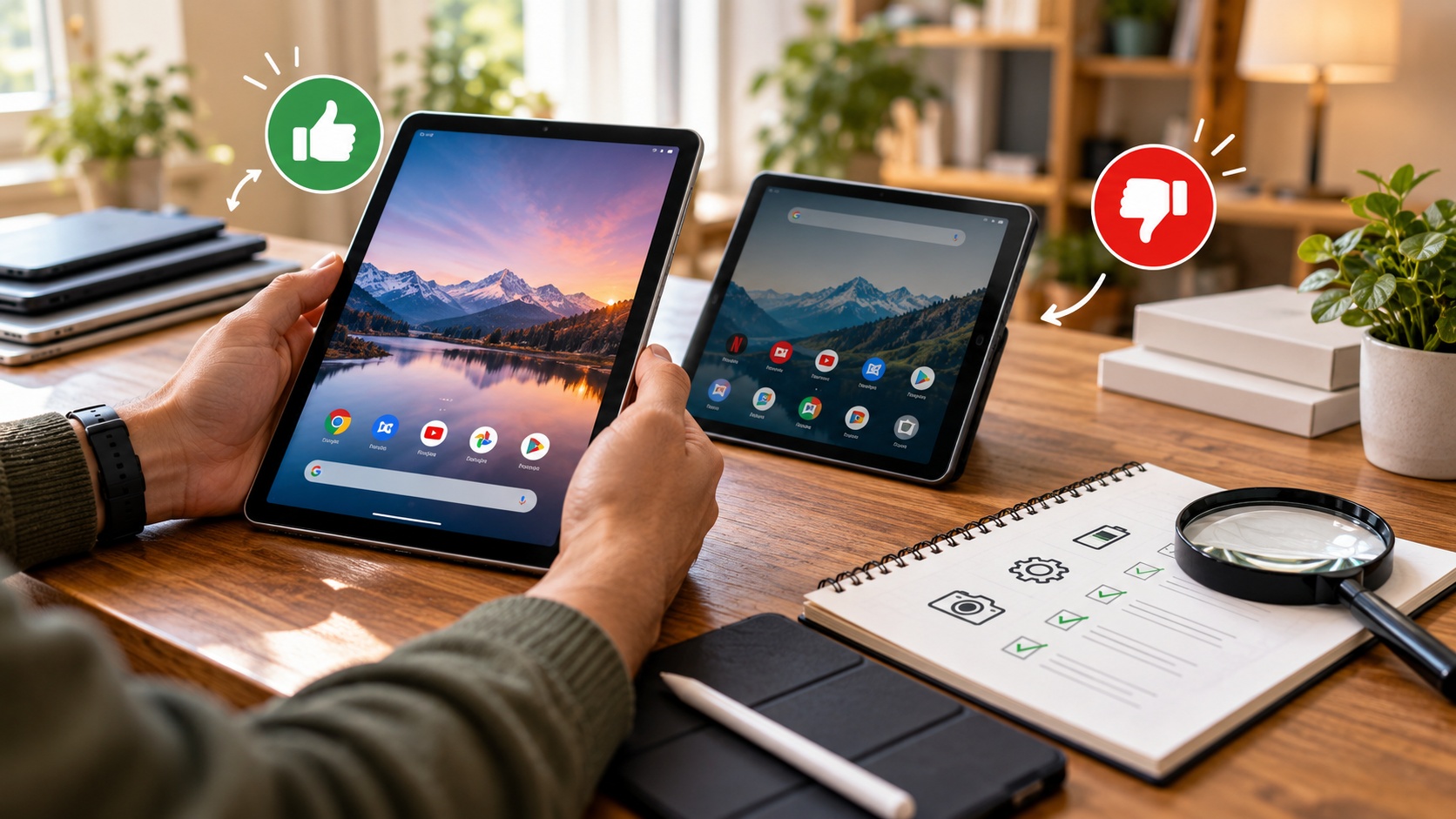
Buying technology often means balancing performance with price. As new flagship devices become more expensive, a used Android tablet can offer excellent value. You may get a high-quality display, strong speakers, premium materials, and useful accessories for much less than the original retail price.
A pre-owned tablet can handle streaming, reading, browsing, schoolwork, video calls, and light productivity. However, older hardware can bring problems. Battery wear, damaged screens, outdated software, and missing security updates all deserve careful attention.
Keeping operating systems and apps updated is important because updates can include security protections. Before buying, it is worth reviewing the latest guidance on protecting your mobile device and personal information so you understand why software support matters.
This guide covers the key questions buyers ask. We will look at second-hand tablet value, everyday advantages, potential drawbacks, expected lifespan, recommended models, and RAM requirements. You will also learn what to check before buying.

Is it worth buying a second hand tablet?
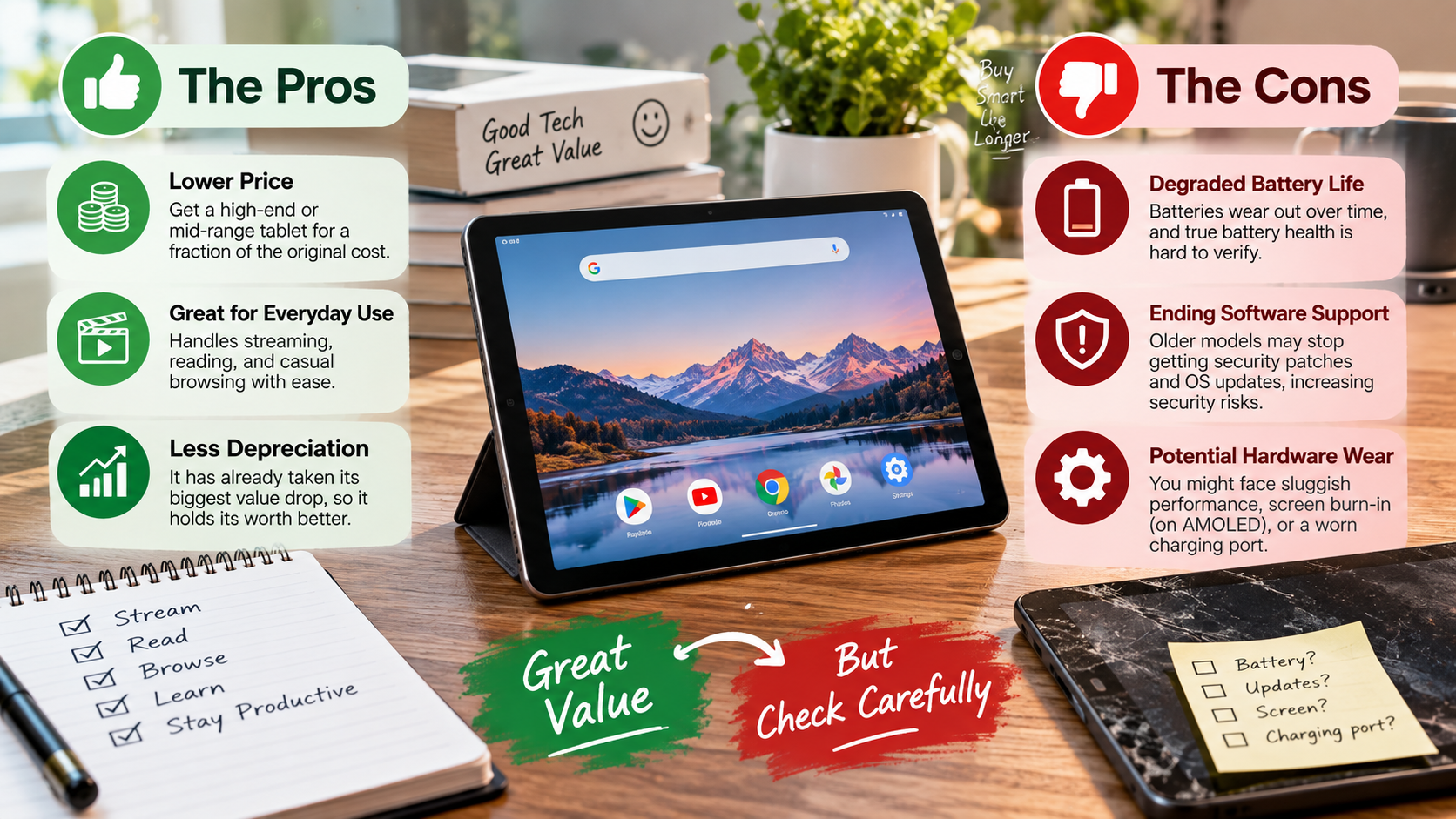
A second-hand tablet can be worth buying when your main goal is getting more hardware for your money. Older premium models often offer better displays, speakers, processors, and build quality than similarly priced new budget tablets. That makes the pre-owned market especially attractive for streaming, reading, browsing, schoolwork, and light productivity.
However, price should never be your only consideration. Before buying, inspect the screen, battery, charging port, cameras, speakers, buttons, and overall frame. Check whether the tablet still receives security updates. Also confirm that your essential apps support its Android version.
A reputable retailer or certified refurbishment program can reduce some purchasing risks. Private sales may cost less, but they often provide fewer protections.
A used Android tablet makes the most sense when its remaining software support matches your expected ownership period. A cheap device with limited support may become expensive if you need to replace it soon.
Check Hardware and Software Cutoffs
Software support is one of the most important checks when buying a used Android tablet. Manufacturers eventually stop providing operating-system and security updates. The exact support period varies by manufacturer and model.
Start by identifying the tablet’s exact model number. Then check the manufacturer’s official support information. Do not rely only on a seller’s listing.
You should also check the installed Android version and security patch date. A tablet may still function after official support ends, but its long-term usefulness can decline.
Pay particular attention if you use:
-
Banking or payment apps
-
Work accounts
-
Password managers
-
School platforms
-
Video streaming services
-
Sensitive personal information
A lower purchase price is not a bargain if the tablet cannot safely or reliably run the apps you need. Choose a model with enough remaining support for your intended use.
What are the pros and cons of using a tablet?
Tablets combine portability with a larger screen than most smartphones. They are convenient for reading, watching videos, browsing websites, taking notes, drawing, and completing light work. If you are considering a tablet as a computer replacement, understanding the disadvantages of using a tablet as a laptop replacement can help you choose the right device. Many models also provide strong battery life and quick touch controls.
A used Android tablet can make these benefits more affordable. You may find premium displays, capable processors, stereo speakers, and stylus support without paying full retail prices. This makes older flagship tablets particularly appealing.
However, tablets have limitations. Their software may not offer the same multitasking flexibility as a traditional computer. File management can also feel less convenient. Glass screens are vulnerable to cracks, while older batteries may have noticeably reduced capacity.
The main advantages include:
-
Lower purchase prices
-
Portable designs
-
Large touchscreens
-
Strong media capabilities
-
Optional stylus support
Potential drawbacks include:
-
Battery degradation
-
Limited software support
-
Higher repair costs
-
Fewer desktop-style features
-
Greater risk when buying privately
The right choice depends heavily on how you plan to use the device.
Key Productivity and Ergonomic Limits
A tablet can bridge the gap between a smartphone and laptop, but it does not replace every computer. Simple tasks such as email, browsing, document reading, video calls, and note-taking work well. More demanding workflows can expose the limitations of tablet software, especially when comparing Chromebook vs iPad for everyday computing.
Long typing sessions are another consideration. An external keyboard can improve productivity, but it adds cost and reduces portability. Trackpads, stands, and other accessories can increase the total price further.
Multitasking can also feel restricted on smaller screens. Running multiple apps side by side is useful, but it may not match the workspace provided by a laptop or desktop monitor.
Before buying a used Android tablet, consider your daily workflow. Ask whether you need:
-
Extensive spreadsheet editing
-
Advanced photo or video production
-
Large file management
-
Specialized desktop software
-
Long typing sessions
For occasional productivity, a tablet can be highly practical. For demanding professional work, a laptop may remain more suitable. Your software requirements should guide the decision.
What is the average lifespan of an Android tablet?
There is no single lifespan for every Android tablet. Hardware quality, battery cycles, usage patterns, storage condition, and software support all affect how long a device remains useful. You can also explore how long Android tablets last to understand the factors that influence their usable lifespan.
A well-maintained Android tablet can remain physically functional for several years. However, usable lifespan and physical lifespan are not always the same. A tablet may still turn on while its battery, performance, or software support no longer meets your needs.
Battery aging is a major factor. Lithium-ion batteries gradually lose capacity through normal use and charging cycles. Heavy heat exposure can accelerate degradation.
Software support is another major limitation. Manufacturers eventually stop providing updates, which can affect security and app compatibility.
For used tablets, remaining support matters more than the original release date. A newer model with stronger update coverage may provide more useful years than an older flagship bought at a similar price.
Preserving Usable Lifespan Over Time
Good maintenance can help a used Android tablet remain reliable for longer. Battery care is particularly important because replacement batteries may be difficult or expensive to source for older models. Understanding the 80-20 rule for rechargeable batteries can also provide useful context when managing battery health.
Avoid exposing the tablet to excessive heat. Do not leave it in direct sunlight for long periods. Heat can accelerate battery aging and may affect other internal components.
You should also keep the operating system and apps updated while updates remain available. Software updates can contain important security protections.
Other practical habits can help:
-
Use a protective case.
-
Avoid completely draining the battery whenever possible.
-
Keep the charging port clean.
-
Use a compatible, reliable charger.
-
Remove unnecessary apps and files.
-
Back up important information regularly.
Storage management can also improve the experience. Keeping reasonable free space helps prevent unnecessary slowdowns.
Finally, avoid accessories that generate excessive heat during charging. Simple care will not stop normal aging, but it can help preserve the tablet’s battery, screen, and overall condition.
What is the best second-hand tablet to buy?
There is no single best second-hand tablet for every buyer. The right model depends on your budget, preferred screen size, software needs, and expected ownership period. If you are also considering Apple’s tablets, our guide to buying a used iPad covers similar advantages and drawbacks.
Samsung’s Galaxy Tab S series is a strong place to start when shopping for a used Android tablet. Models such as the Galaxy Tab S7 and Galaxy Tab S8 offer premium displays, capable processors, strong speakers, and stylus support. If you are comparing newer Android options, our OnePlus Pad Go 2 review can help you explore another tablet option.
For buyers with simpler needs, the Lenovo Tab P11 family can provide a practical alternative. These tablets can suit browsing, reading, video playback, and basic productivity without the cost of a premium flagship.
When comparing models, focus on more than the original specifications. Check the current Android version, security-patch status, battery condition, storage capacity, and accessory availability.
A slightly newer mid-range tablet can sometimes make more sense than an older flagship. The best used tablet is the one that still meets your software and performance needs.
Why Prioritize Samsung Flagship Lines
Previous-generation Samsung flagship tablets can offer strong value because premium hardware tends to remain capable for everyday tasks. The Galaxy Tab S7 and S8 families provide features that are useful beyond basic media consumption.
One notable feature is Samsung DeX, which provides a desktop-style interface on supported Galaxy devices. This can make multitasking and document work more convenient when paired with a keyboard, mouse, or external display.
Samsung’s S-series tablets also tend to include higher-quality screens, speakers, processors, and construction than many entry-level tablets. These features can make a noticeable difference after several years of use.
However, do not assume every older Samsung tablet has the same remaining support. Check the exact model and current software status before buying.
When comparing a used flagship, examine:
-
Display condition
-
Battery performance
-
Storage capacity
-
RAM configuration
-
Security-patch date
-
Included S Pen
-
Charging accessories
-
Seller return policy
The S Pen is especially important if you plan to draw or take handwritten notes. Replacing missing accessories can increase the final cost.
How much RAM do I need in a tablet?
RAM requirements depend on the apps you use and how heavily you multitask. For a modern used Android tablet, 4GB of RAM should be treated as a basic starting point, rather than an ideal target.
A tablet with 4GB can handle simpler activities such as browsing, reading, streaming, and basic productivity. However, heavier multitasking may cause apps to reload more often.
For most buyers, 6GB of RAM is a more comfortable target. It provides additional headroom for switching between apps, browsing multiple pages, using social media, and handling everyday productivity.
Power users should consider 8GB or more. Extra RAM can be useful for split-screen multitasking, larger documents, creative applications, and desktop-style workflows.
RAM alone does not determine performance. The processor, storage technology, Android version, app optimization, and device software also matter.
When comparing used Android tablets, consider the complete hardware package. A well-optimized tablet with 6GB of RAM can provide a better experience than a poorly optimized device with more memory.
Also check the exact configuration. Some models were sold with different RAM and storage combinations.
Avoiding Budget Device Memory Bottlenecks
Choosing the cheapest RAM configuration can create problems later. Android uses memory for active applications, background services, system functions, and cached processes.
When available memory becomes limited, the system may close background apps. Returning to those apps can then require a reload. This can become frustrating when switching between several tasks.
For many buyers, 6GB of RAM offers a sensible balance between price and everyday usability. It provides more headroom than basic 4GB configurations without necessarily requiring the higher cost of premium models.
Consider 8GB if you regularly:
-
Use split-screen multitasking
-
Edit large documents
-
Keep many browser tabs open
-
Run demanding applications
-
Use desktop-style interfaces
-
Switch frequently between several apps
However, do not buy a tablet based on RAM alone. A newer processor and better software support can matter just as much.
Storage is another important consideration. A tablet with limited internal storage may become inconvenient if you download large games, videos, documents, or offline media.
The goal is to find a balanced configuration that matches your actual workload.
Frequently Asked Questions
How can I check the battery health on an older tablet?
Android does not always offer a native battery health percentage menu like Apple devices. To inspect it accurately, download reputable diagnostics tools such as AccuBattery from the Google Play Store, or dial service codes like *#*#4636#*#* if supported by the manufacturer. Alternatively, inspect how rapidly the battery drops during fifteen minutes of HD video streaming.
Is a refurbished tablet safer to buy than a standard used one?
Yes, certified refurbished tablets are generally much safer than standard peer-to-peer used devices. Refurbished units undergo systematic hardware inspections, display cleanings, and component repairs before resale. They also typically come backed by a ninety-day or one-year merchant warranty and clear return policies, offering consumer protections that private sales never provide.
Will older Android tablets still run streaming apps like Netflix?
Most older tablets run streaming services without issue, provided their operating system version meets the service’s current minimum requirements. However, check that the tablet supports Widevine L1 certification. Without Widevine L1, apps like Netflix and Prime Video will restrict streaming playback to standard definition (480p), ruining the visual experience on large screens.
What accessories should I budget for when buying pre-owned?
When buying a pre-owned tablet, set aside funds for a fresh protective case, a tempered glass screen protector, and a verified high-wattage wall charger. Sellers frequently omit the original power brick or include damaged cables. If you plan to take handwritten notes or sketch, factor in the cost of an active stylus.
Conclusion
A pre-owned tablet can be an effective way to get capable technology without paying full retail price. A carefully chosen used Android tablet can provide a strong display, good speakers, reliable performance, and useful productivity features for everyday tasks.
The key is to look beyond the purchase price. Check the battery, screen, charging port, storage, RAM, Android version, and security-patch status. Confirm that the tablet supports the apps and services you rely on.
Software support deserves particular attention. Streaming compatibility also matters. A tablet may have excellent hardware but still provide limited app support or video quality if it lacks the necessary software and DRM support.
For many buyers, older Samsung Galaxy Tab S models can provide a strong mix of hardware and productivity features. Lenovo’s Tab P11 family may also suit buyers with simpler needs.
Take your time, compare the exact model, inspect its condition, and verify the seller’s return policy. The best deal is not always the cheapest tablet. It is the device that offers the right combination of price, performance, software support, and condition for your needs.