

Free AI Video Generators: Complete Guide for Beginners
Free AI video generators are transforming the way creators, marketers, and businesses produce video content without needing advanced editing skills or expensive software. With the rise of free AI video generators, anyone can turn text, images, or simple prompts into engaging videos in minutes. This shift is making video production more accessible, especially for beginners and small businesses.
Today, AI-powered tools can automatically generate scenes, add voiceovers, include subtitles, and even suggest scripts. As a result, creators save time while maintaining professional-quality output. Moreover, many platforms now offer free plans that are powerful enough for personal projects, social media content, and even marketing campaigns.
In this guide, you will learn which tools are truly free, how to use them effectively, and what limitations to expect. Additionally, we will explore step-by-step instructions, expert insights, and practical tips to help you get the most out of AI video creation. Whether you’re a beginner or content creator, this guide will help you master free AI video generators efficiently.
Free AI Video Generator — Top 5 AI Tools You Can Use in 2026
AI video creation has become extremely easy, and today several platforms allow users to create professional videos without editing skills. Below are the top 5 free AI video generators that are widely used by creators, marketers, and businesses. Each tool includes its official link and a detailed explanation.
1. CapCut — Best Free AI Video Generator for Beginners

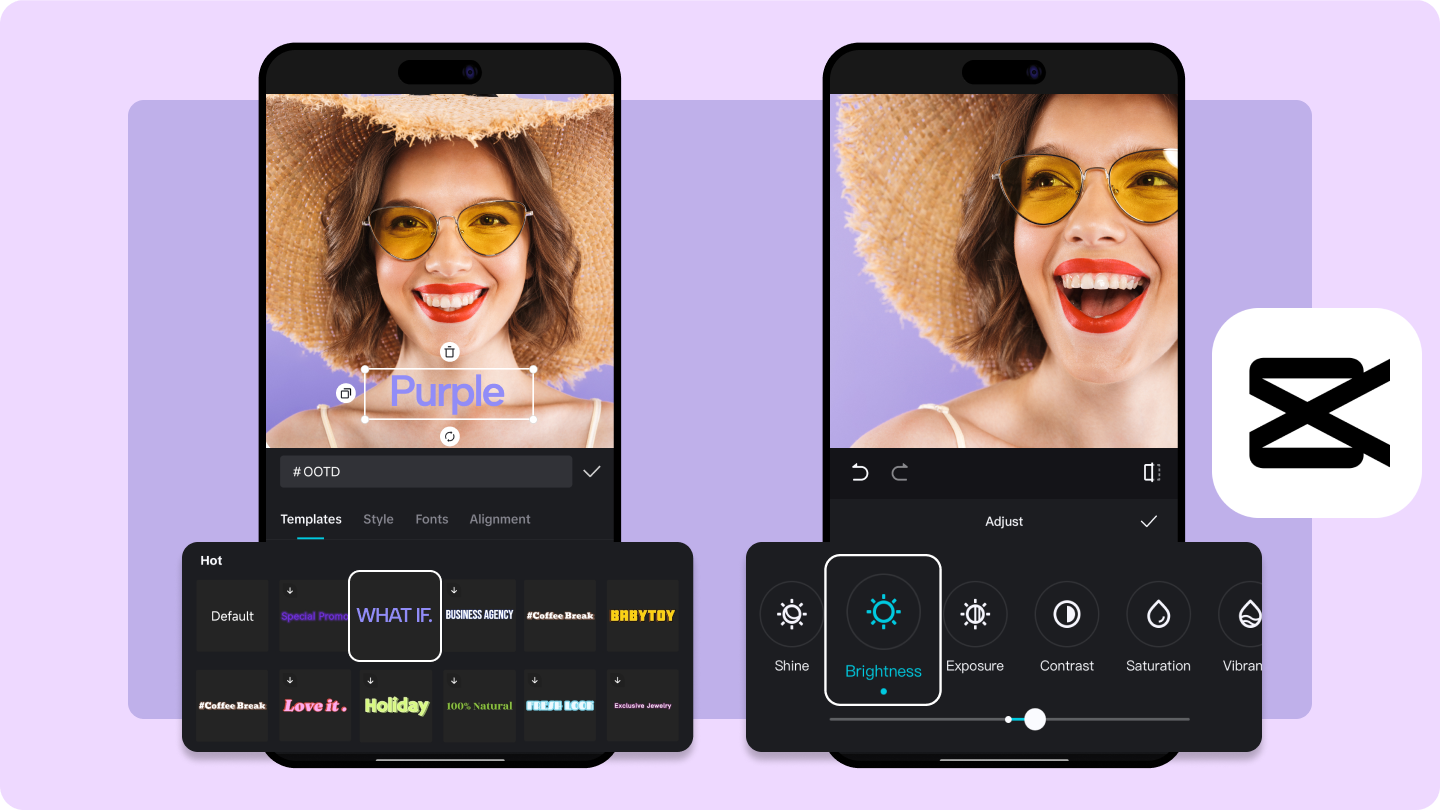
CapCut is one of the most popular free AI video generators, especially for short-form content like TikTok, Instagram Reels, and YouTube Shorts. It offers powerful AI features such as auto-caption generation, text-to-speech voiceovers, background removal, and smart video templates. What makes CapCut stand out is its simplicity—users can create high-quality videos without any editing experience.
The platform is completely beginner-friendly and works on mobile, desktop, and web. You can simply upload clips or images, and the AI will automatically arrange them into a professional-looking video. Additionally, CapCut provides trending templates that help users go viral on social media.
Although some advanced features require a Pro version, the free version is still very powerful and suitable for daily content creation. Because of its speed and ease of use, CapCut is considered one of the best free AI video generators for beginners and influencers.
Official link: https://www.capcut.com
2. Runway ML — Advanced AI Video Generation Tool
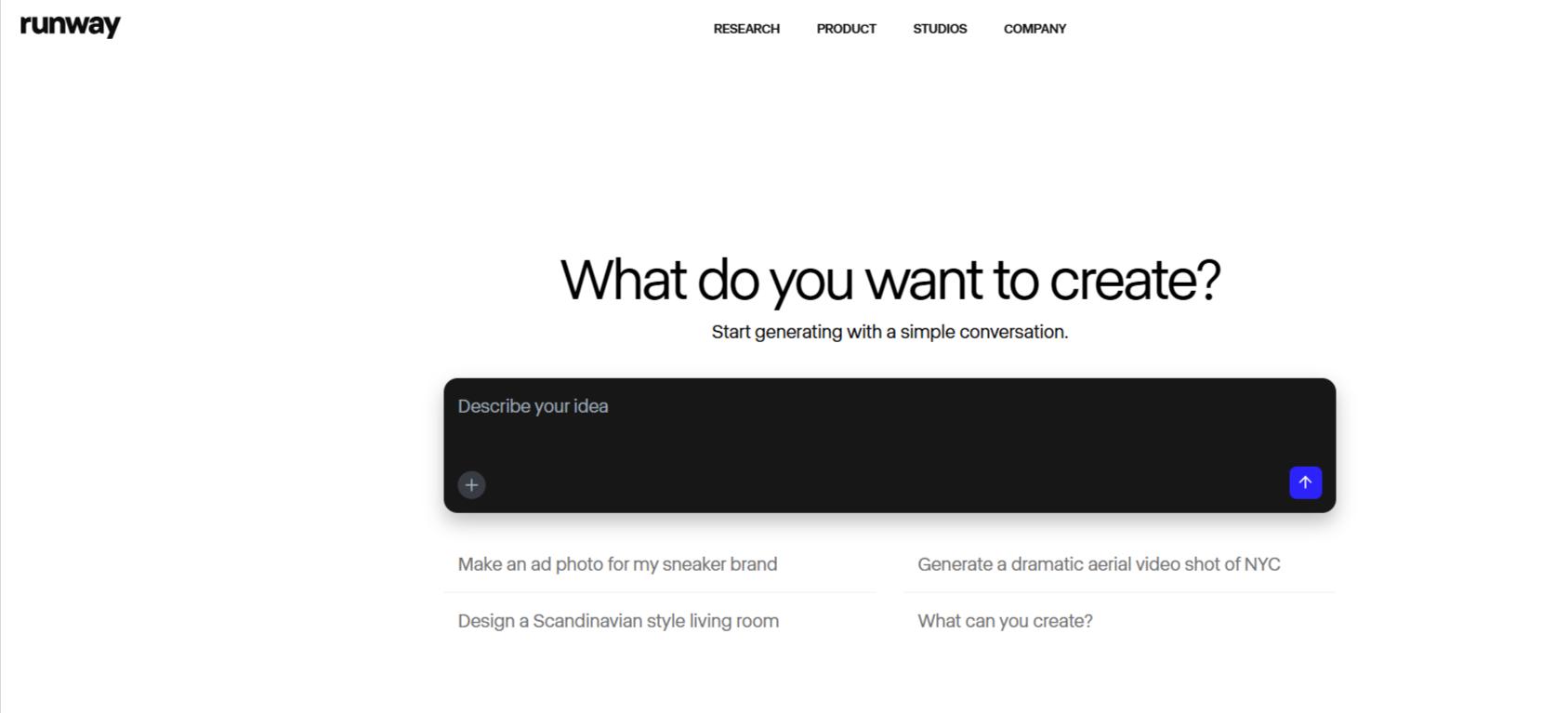

Runway ML is a powerful AI video generator designed for creators who want advanced video production capabilities. It is widely known for its text-to-video and AI video editing tools, which allow users to generate realistic video scenes from simple prompts. This makes it especially useful for filmmakers, designers, and content creators who need high-quality visual outputs.
Runway ML uses cutting-edge machine learning models to generate or enhance video content. Features include motion tracking, green screen removal, object replacement, and AI-powered scene generation. The platform is often used in professional workflows because it offers more control compared to beginner tools.
While Runway ML provides a free plan, it comes with limited credits. However, these credits are enough for experimentation and small projects. Overall, it is one of the most advanced free AI video generators available today, especially for users interested in creative storytelling and cinematic content.
Official link: https://runwayml.com
3. Pictory — Best for Turning Text into Videos
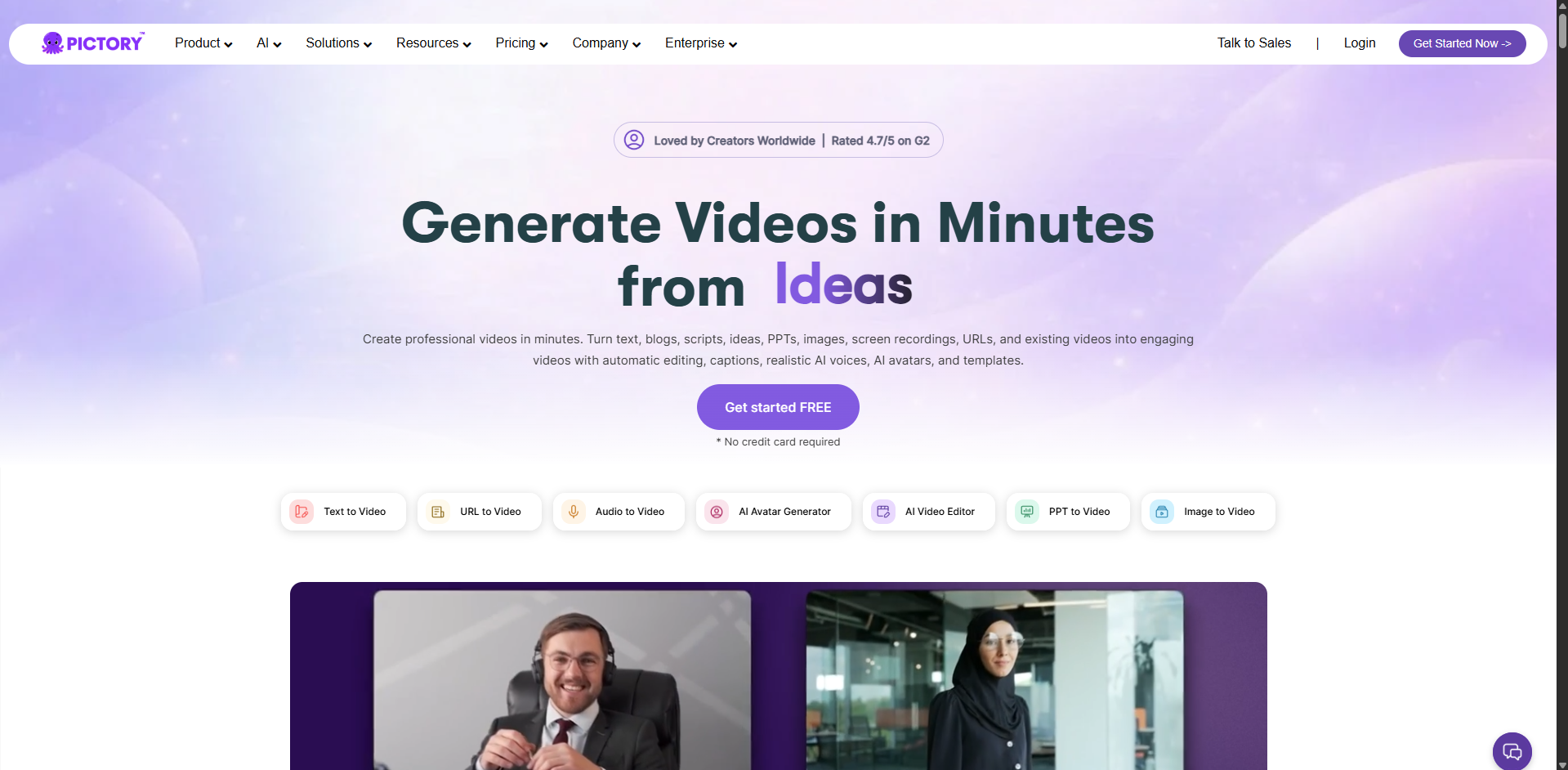

Pictory AI is a highly effective AI video generator that converts long-form text into short, engaging videos. It is especially popular among bloggers, marketers, and businesses that want to repurpose written content into visual format. For example, you can paste a blog post or script, and Pictory will automatically generate scenes, stock footage, captions, and voiceovers.
One of Pictory’s strongest features is its automation. It analyzes your text and picks relevant visuals from its stock library, saving hours of manual editing. Additionally, it supports branding customization, allowing users to add logos, colors, and intros.
The free trial offers limited video creation but is useful for testing the platform. Although full features require a subscription, the AI capabilities make it one of the best tools for content repurposing. Because of its accuracy and automation, Pictory is widely used in digital marketing and YouTube automation workflows.
Official link: https://pictory.ai
4. InVideo — AI Video Generator for Marketing Content
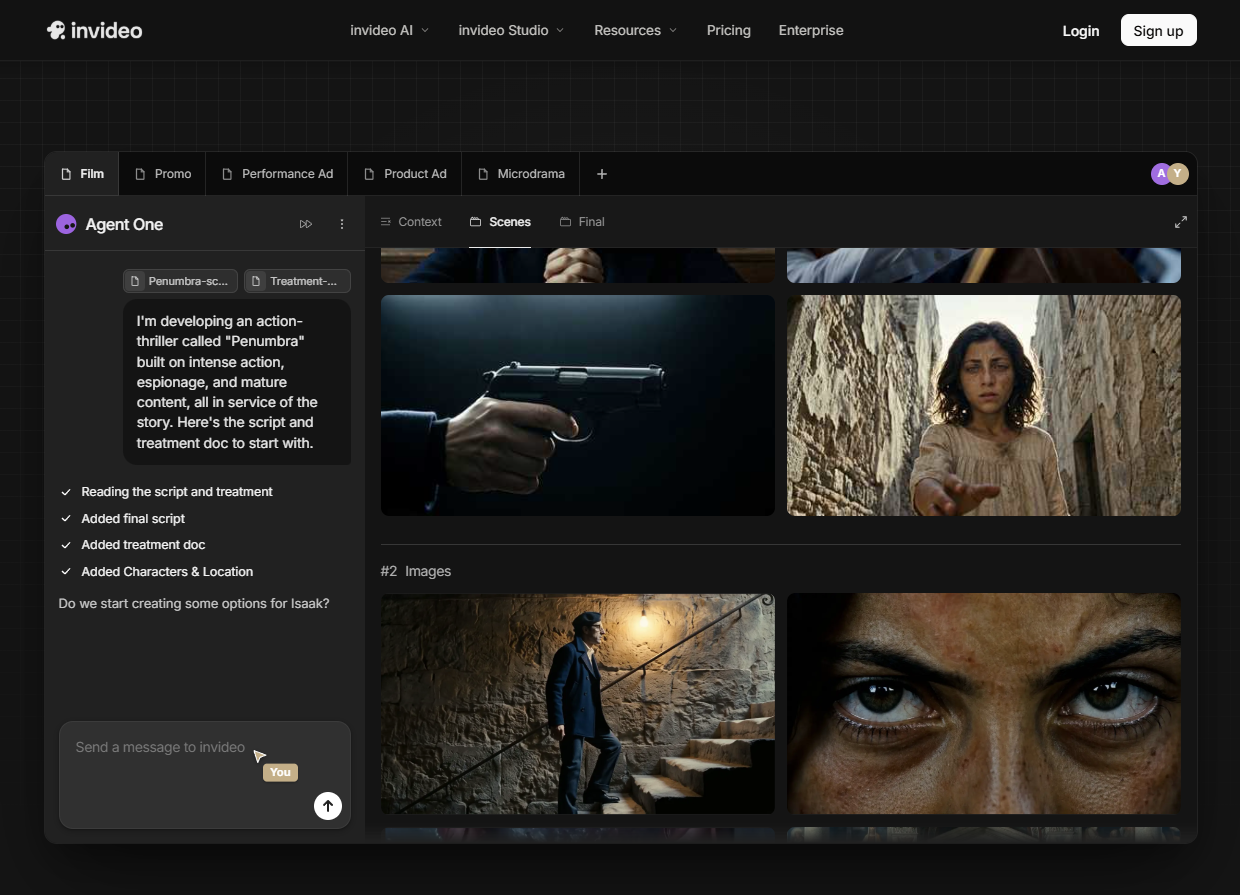

InVideo AI is a popular online video creation platform that helps users generate videos using AI-powered templates and prompts. It is designed for marketers, entrepreneurs, and content creators who need professional videos quickly without editing skills. Users can simply type an idea, and the AI generates a complete video with scenes, text overlays, and stock footage.
InVideo offers thousands of templates for ads, social media posts, YouTube videos, and business presentations. It also includes AI voiceovers and automated script generation, which makes video creation even faster.
The free version allows users to create and export videos, but some outputs may include watermarks. Despite this limitation, it is still very useful for beginners and small businesses. Because of its marketing-focused tools and ease of use, InVideo is one of the most reliable free AI video generators for business content creation.
Official link: https://invideo.io
5. Canva — All-in-One AI Design and Video Platform

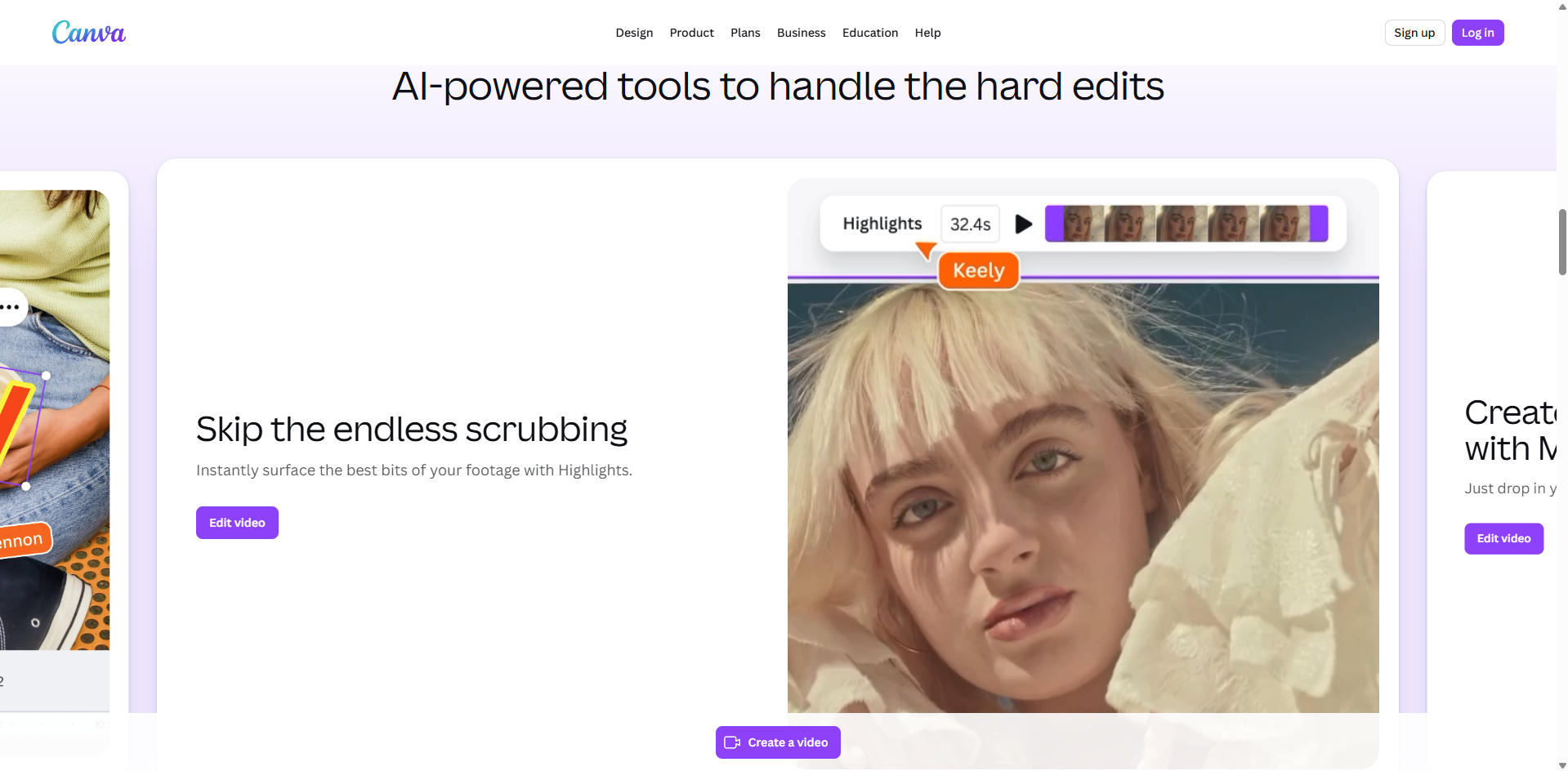
Canva is not just a design tool but also a powerful AI video generator. It allows users to create videos using drag-and-drop editing combined with AI features like Magic Write, text-to-video, and automatic scene suggestions. Canva is widely used by students, professionals, and businesses due to its versatility.
With Canva, users can create presentations, social media videos, ads, and educational content easily. The AI helps suggest layouts, animations, and transitions, making the process fast and efficient. Additionally, Canva provides a massive library of stock videos, music, and graphics.
The free version includes many powerful features, making it one of the most accessible AI video tools available today. While premium elements exist, most users can create complete videos without paying. Because of its simplicity and wide feature set, Canva is considered one of the best free AI video generators for all-purpose content creation.
Official link: https://www.canva.com
Frequently Asked Questions
1. Which AI video generator is 100% free?
Most AI video generators are not fully 100% free, but some offer generous free tiers. Tools like CapCut and Canva provide free video creation features without upfront payment. However, advanced AI features or exports without watermark are usually limited. Therefore, while you can create videos for free, fully unrestricted usage is rare. For beginners, free plans are still powerful enough for social media and learning purposes.
2. Which AI is 100% free?
There is no mainstream AI video generator that is completely 100% free with unlimited features. However, some open-source tools and limited free-tier platforms offer basic functionality without payment. For example, Canva and CapCut provide free AI-assisted editing tools. Nevertheless, most professional AI systems follow a freemium model, meaning advanced features require subscription upgrades.
3. How can I generate a video using AI for free?
You can generate a video using AI for free by signing up on platforms like CapCut, InVideo AI, or Canva. First, enter your script or idea. Then, the AI will automatically generate scenes, visuals, and audio. After that, customize the output by editing text, timing, and media. Finally, export your video. Although free versions may include watermarks, they are still suitable for beginners and social media content.
4. Is Veo 3 free?
Veo 3, developed by Google DeepMind, is not publicly available as a fully free tool. It is part of advanced AI research and is typically accessible only through controlled testing or enterprise-level integration. Therefore, general users cannot freely access or use Veo 3 for video generation at scale. However, Google may expand access in the future as the technology matures.
5. Is CapCut fully free?
CapCut offers a strong free version with many AI-powered editing tools, making it one of the most accessible video editors today. However, it is not fully unlimited. Some advanced features, templates, and cloud assets may require a Pro subscription. Even so, the free version is powerful enough for most creators, especially for TikTok, Instagram Reels, and YouTube Shorts content.
Conclusion
Free AI video generators are reshaping digital content creation by making video production faster, easier, and more accessible than ever. With just a few clicks, anyone can turn ideas into engaging videos without technical expertise. Throughout this guide, we explored the best tools, practical workflows, and limitations to help you get started confidently.
As the technology evolves, free AI video generators will continue to improve in quality and realism, making them essential for creators, marketers, and businesses. However, choosing the right tool and understanding its limitations is key to success.
If you start experimenting today, you can quickly build skills and produce professional-looking content for social media, marketing, or personal projects. Therefore, take advantage of these tools now and stay ahead in the growing world of AI-powered video creation.
Additionally, if you want to explore more advanced tools beyond video generation, you can check this complete guide to the best AI tools in 2026