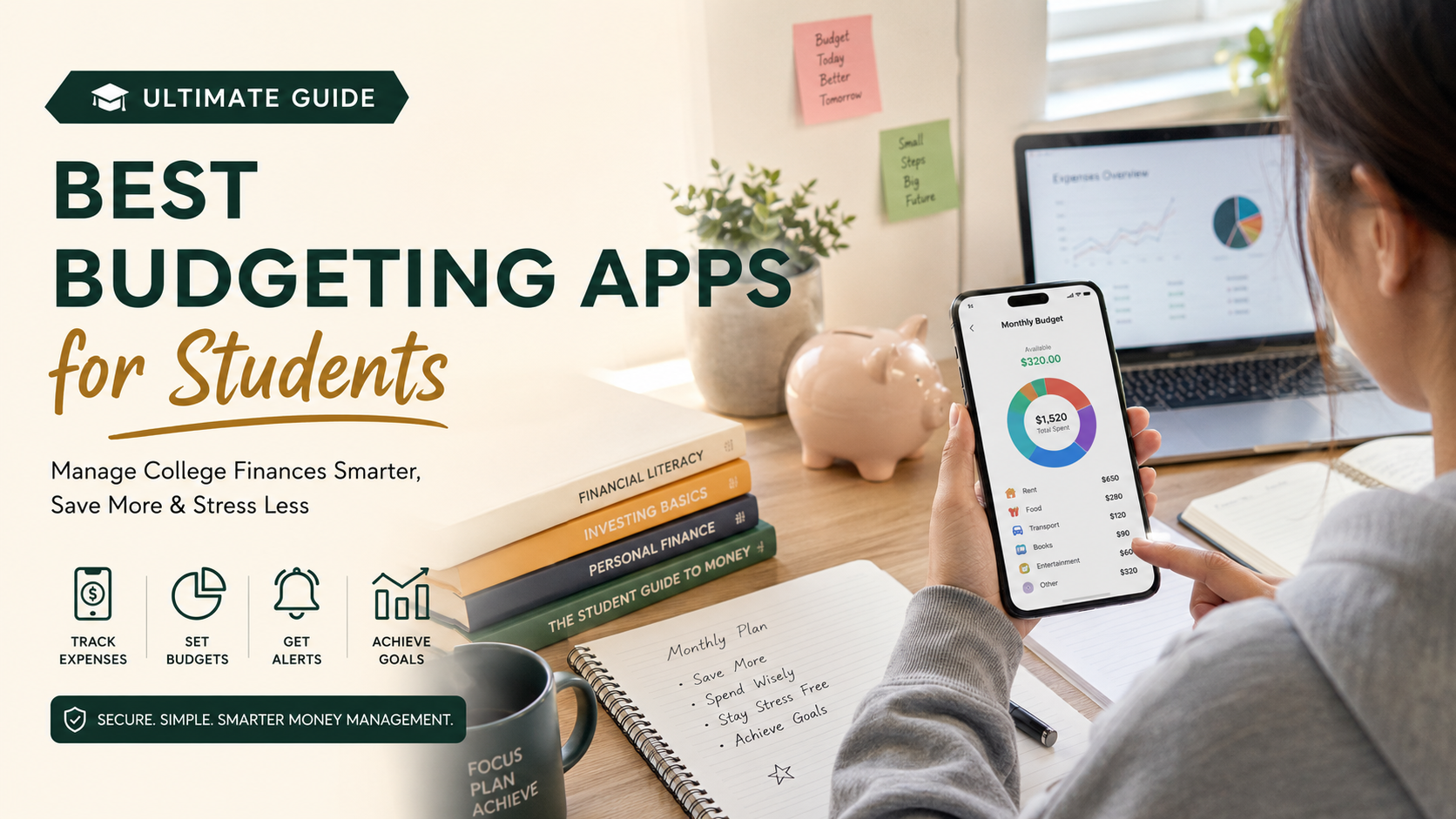
Best Budgeting Apps for Students: Ultimate Guide to Managing College Finances
Finding the best budgeting apps for students is essential for managing money during college. Managing money during college can feel overwhelming. Balancing tuition, textbooks, rent, and social activities on a tight income is difficult. According to financial literacy guidelines from the Consumer Financial Protection Bureau, building early money management habits sets the foundation for lifelong economic stability. However, traditional spreadsheets and manual notebook tracking often fall short for busy students who are constantly on the move. Fortunately, modern financial technology offers a smarter solution. Choosing the right digital tools can transform how you handle cash, eliminate overspending, and reduce financial stress. This article explores top-rated tools, key features to look for, and actionable strategies to help you pick the right mobile tool for your unique lifestyle.

What is the best budgeting app for students?
Choosing the ideal financial tool depends heavily on your specific spending habits and comfort level with technology. PocketGuard often emerges as a top recommendation because it calculates your precise spendable cash after accounting for bills.
As a result, this eliminates guesswork by showing a single, clear number on your screen every single day. Students frequently struggle with accidental overspending on non-essentials like dining out or streaming services. By linking directly to bank accounts, this tool automatically categorizes transactions and flags recurring subscription charges. Thus, you gain instant clarity without needing a degree in finance or spending hours updating spreadsheets manually. Financial experts recommend selecting tools that reduce friction rather than adding complex hurdles to your daily routine. Ultimately, the right platform keeps your financial goals front and center while fitting seamlessly into a busy academic schedule, meaning you can easily find the best budgeting apps for students for your daily needs.
Understanding Automated Bank Syncing Features
Automated bank syncing takes the manual labor out of tracking daily purchases by pulling transaction data directly into your phone. Therefore, this feature ensures you never miss a hidden fee or an unexpected subscription renewal. However, you must always prioritize security by using platforms with robust, bank-level encryption.
What are the top 5 budgeting apps?
Navigating the crowded digital marketplace can feel overwhelming when you need reliable financial software. The top five choices dominating the market include PocketGuard, You Need a Budget (YNAB), Goodbudget, Spendee, and Fudget. Each platform offers a unique philosophy tailored to different user preferences. PocketGuard excels at preventing overspending, while YNAB uses a zero-based approach where every dollar gets assigned a specific job. Goodbudget revives the classic envelope method digitally, making it ideal for sharing expenses with roommates. Spendee provides gorgeous visual analytics and multi-wallet tracking, and Fudget offers minimalist lists for absolute simplicity. Reviewing these distinct options helps you match your personal workflow to the software that keeps your college bank account secure, which ultimately highlights why these platforms rank among the best budgeting apps for students today.
Comparing Automated Tracking Versus Manual Entry
Deciding between automated bank syncing and manual entry depends on your desire for active engagement. Automated apps save time by recording every swipe instantly. Conversely, manual apps require you to type in purchases, which builds psychological awareness and mindfulness around every single dollar spent.
How do I budget as a student?
Building a reliable financial plan starts with mapping out your exact monthly income sources. This baseline includes financial aid disbursements, campus job earnings, parental support, and occasional freelance money. Next, subtract your fixed monthly expenses like rent, utilities, insurance, and mandatory textbook fees. Whatever money remains becomes your flexible spending pool for groceries, entertainment, and personal items. Sticking to this structure requires regular check-ins using your chosen app to monitor category limits. Consistency matters far more than perfection during your college years. Therefore, you should adjust your allocations slightly each month as your academic schedule or work hours shift to keep your financial foundation stable and secure while using the best budgeting apps for students.
Setting Realistic Spending Limits by Category
Breaking your flexible income into distinct categories prevents accidental overspending in high-risk areas like dining out. Experts recommend allocating conservative limits for non-essentials so you always protect enough funds for absolute necessities like nutritious food and transport.
What is the best budget friendly app?
The best budget friendly app depends on your personal financial style, but options like YNAB and PocketGuard stand out for college users. These platforms sync securely with your bank accounts to automatically categorize daily coffee runs, textbook purchases, and grocery bills. They provide clear visual charts that show exactly where your money goes each month without requiring advanced accounting skills. Furthermore, many of these tools offer specialized student discounts or extended trial periods, making them much easier to afford on a tight income. Choosing the right software transforms confusing bank statements into clear, actionable spending insights instantly.
Automated Expense Tracking for Busy College Students
Automated syncing saves precious time for students juggling heavy course loads and part-time jobs. Instead of logging every single receipt manually, the software categorizes transactions in real time as you swipe your card. This seamless automation ensures your budget remains accurate without demanding hours of tedious weekly data entry.
Which budgeting app is truly free?
When searching for a platform that will not drain your pockets, apps like EveryDollar and Mint alternatives offer robust zero-cost tiers. EveryDollar provides a free version built around zero-based budgeting principles, allowing you to assign every dollar of income manually. While premium features like automatic bank syncing usually require paid subscriptions, the manual entry tier costs nothing and teaches disciplined tracking habits. Other open-source tools and spreadsheet-based apps also provide completely free experiences without hidden upgrade walls. These zero-cost solutions give students full control over their finances without adding another monthly subscription fee to their budget.
Leveraging Zero-Based Budgeting Without Paying Extra
Zero-based budgeting ensures your income minus your expenses equals zero before the month even begins. Using a free tier to assign every dollar manually forces you to become deeply mindful of your spending choices. This active engagement builds lifelong financial discipline without costing a single cent in software fees.
Frequently Asked Questions
Can I budget effectively without linking my bank account?
Yes, you can manage your finances manually using envelope systems or simple list-based apps. Manual entry forces you to confront every purchase directly, which often builds stronger psychological spending habits and improves financial mindfulness over time.
Do budgeting apps work with student loans and financial aid?
Many comprehensive finance apps allow you to add loan accounts to track your net worth and monitor total debt. This visibility helps you understand your long-term financial picture long before graduation day arrives.
Are financial apps safe to connect with my bank?
Reputable financial applications use advanced, read-only bank-level encryption to protect your sensitive login data. They never store your actual banking credentials, ensuring your money remains secure against external digital threats.
How often should I check my student budget app?
Checking your app for a few minutes two or three times a week keeps your spending goals fresh in your mind. Frequent check-ins prevent unpleasant surprises at the end of the month when bills come due.
Conclusion
Mastering your finances during college is one of the best investments you can make for your future. Using the best budgeting apps for students helps you track expenses, control spending, and build healthy financial habits. Whether you prefer automatic bank syncing or manual expense tracking, managing your money consistently can reduce stress and improve financial confidence.
Budgeting is only one part of a successful college experience. For more practical advice on academics, finances, and campus life, explore our college survival guide for freshers. It offers valuable tips to help you adjust to college and make smarter decisions from day one.
Start by choosing a budgeting app that matches your needs and commit to reviewing your finances each week. Small, consistent actions today can lead to greater financial independence and long-term success after graduation.