
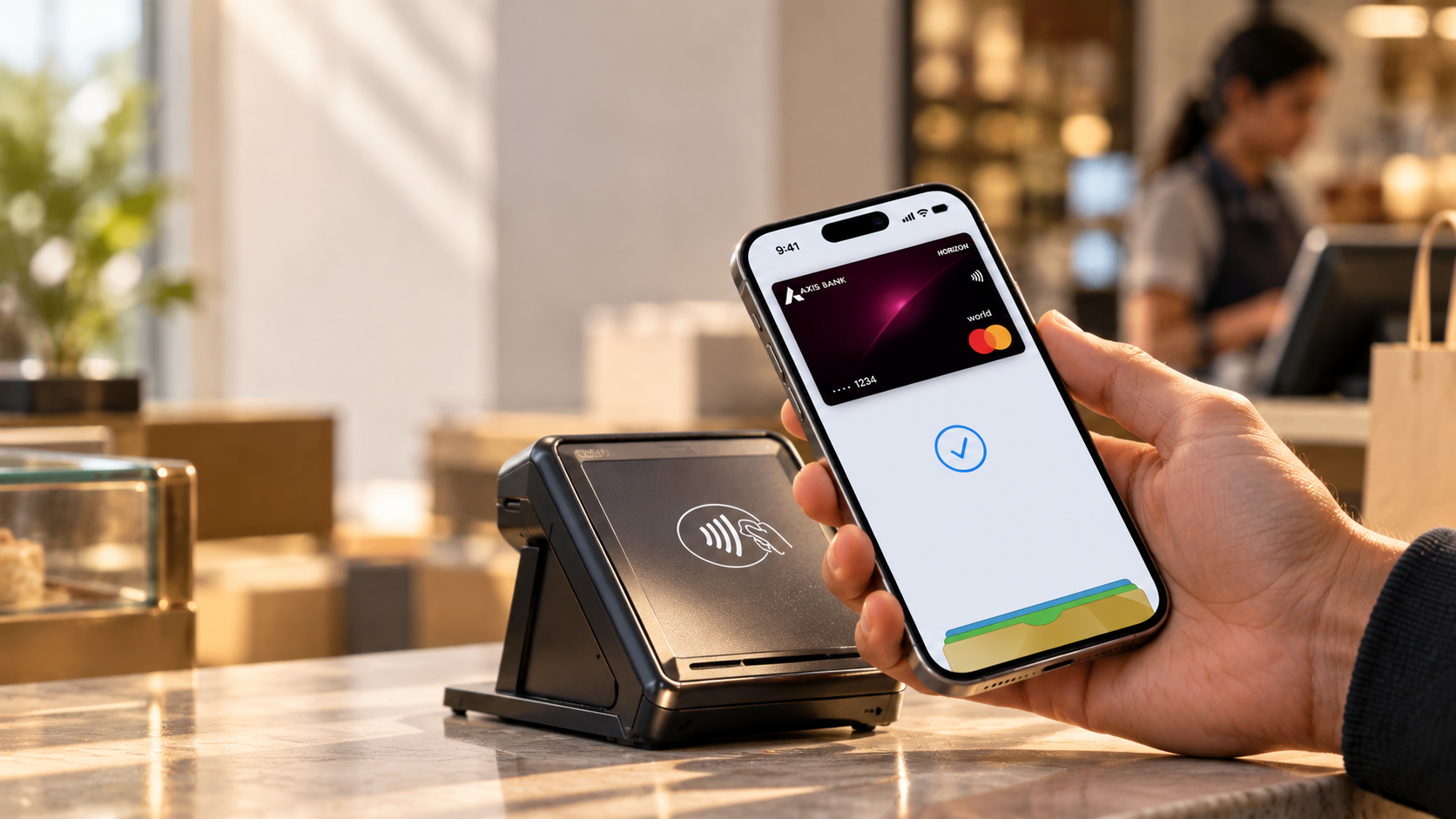
Apple Pay Is Finally in India — But There’s a Catch
Apple Pay is now available in India, but the launch is narrower than many readers may expect. As of September 30, 2026, Apple supports Apple Pay in India for eligible Axis Bank Visa and Mastercard credit cards. Users can add supported cards to Apple Wallet and pay in stores, apps, and on the web.
That changes the old picture. Indian iPhone users no longer need a foreign card or region workaround. However, Apple Pay is not a replacement for UPI. UPI remains the main account-to-account payment system for everyday QR payments and bank transfers.
The key catch is card eligibility. At launch, Apple lists only Axis Bank credit cards as eligible in India. Support for other issuers or card types may expand later. Check Apple’s current bank list before assuming a card will work. The result is a real Apple Pay launch, but with a limited starting card lineup today.
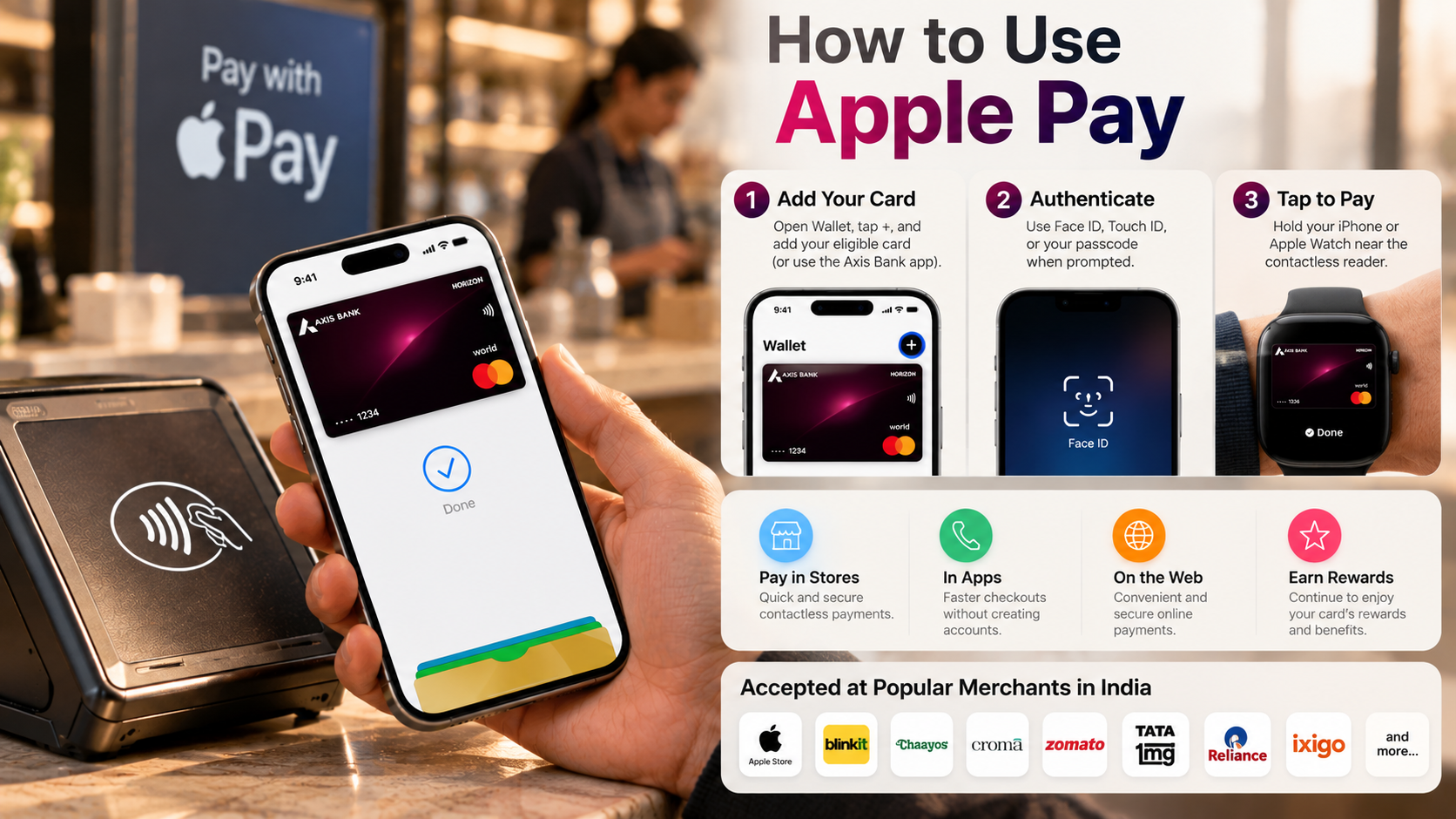

How to activate Apple Pay in India?
Setting up Apple Pay in India is straightforward if you have an eligible card. Apple says customers can add supported cards directly to Apple Wallet, including through the latest Axis Bank app. You can review the latest requirements on Apple’s official Apple Pay India page before starting the setup.
You also need compatible Apple hardware and software. Apple says the India launch supports iPhone, iPad, and Apple Watch, with Mac support coming later. For in-store payments, your device must support contactless Apple Pay transactions.
Before starting, check three things: your card issuer, card network, and device compatibility. If your card is unsupported, changing your region is not a reliable solution. A supported Indian card is the key requirement.
For most eligible users, the setup takes only a few minutes. Once your card is approved, you can use Apple Pay at supported contactless terminals and supported online checkouts. That is all.
Step-by-Step Card Setup
Apple Pay uses Apple’s standard Wallet setup process. On an eligible device, open Wallet and tap the plus button. Follow the instructions to add your supported card. You may need to scan the card, enter its details, and verify your identity with your bank.
For eligible Axis Bank cards, Apple also lets users add the card through the latest Axis Bank app.
A simple setup sequence is:
- Open the Wallet app on your iPhone.
- Tap the + button.
- Select the option to add a credit or debit card.
- Scan the card or enter its details manually.
- Follow the issuer’s verification steps.
- Finish setup and confirm that the card appears in Wallet.
After you add the card, you can use Apple Pay at supported contactless terminals. You can also make online and in-app payments wherever the merchant offers Apple Pay.
The Catch with Indian Accounts
The main catch is not that Apple Pay is unavailable in India. Indian card support remains limited. Apple’s current India bank list identifies eligible Axis Bank Visa and Mastercard credit cards. Many Indian debit cards and cards from other banks still cannot be added.
You also do not need to switch your Apple ID region to activate supported Indian cards. The current India launch supports users with eligible cards in India. If Wallet rejects your card, changing the device region will not replace issuer support.
This matters because older Apple Pay guides often recommend foreign cards or region changes. Those workarounds are now outdated for supported Indian cards. When checking compatibility, use Apple’s current bank list and your issuer’s information instead of relying on older forum posts or videos.
Is Apple Pay better than UPI?
Apple Pay and UPI are not direct substitutes. They use different payment systems and support different types of transactions. Apple Pay tokenizes an eligible debit or credit card and uses Apple’s device security for contactless payments. UPI connects your bank account to India’s real-time payment network for account-to-account transfers.
For an iPhone user with an eligible card, Apple Pay can make card payments quick. You can authenticate on your device and tap at a compatible terminal. Apple Pay also supports online and in-app checkouts where available. UPI remains useful for QR payments, direct bank transfers, and merchants that do not accept contactless cards.
The practical choice depends on the payment method you need. Apple Pay works well when you want to use an eligible card through your Apple device. UPI works when you want to pay directly from your bank account or scan a UPI QR code.
Technical & Practical Comparison
Apple Pay uses card tokenization and secure payment hardware. Instead of exposing your actual card number, Apple creates a device-specific payment credential. You then authenticate payments with Face ID, Touch ID, or your device passcode.
UPI works differently. It provides an account-to-account payment system within India’s UPI ecosystem. Users can pay through supported apps, UPI IDs, QR codes, and other methods. The transaction connects to a bank account rather than a card in Apple Wallet.
The practical difference is:
| Feature | Apple Pay | UPI |
|---|---|---|
| Payment source | Eligible card | Bank account |
| Main method | NFC or online checkout | QR, UPI ID, and apps |
| Authentication | Face ID, Touch ID, or passcode | UPI PIN |
| Device ecosystem | Apple devices | Broad device support |
Apple Pay can work without internet for supported in-store transactions. UPI offers broader account-based payment options. Neither system covers every payment situation.
Which Indian bank has Apple Pay?
As of Apple’s September 30, 2026 India launch, Axis Bank is the bank listed with eligible cards for Apple Pay. Apple’s current India bank list identifies eligible Axis Bank Visa and Mastercard credit cards. You can check the official Apple Pay participating banks list to verify whether your card is supported.
This does not mean every Axis Bank card is eligible. Apple notes that some banks may not support all card types. The bank, network, and card matter when checking compatibility.
Check Apple’s current bank page and confirm with Axis Bank if your card is supported. Do not assume every Visa or Mastercard card will work simply because the network is supported.
More issuers and card types may be added over time. Payment support can change, so articles published before the September 2026 launch may contain outdated information. For availability, use Apple’s India Apple Pay page.
Which banks allow Apple Pay?
For Indian users, the key question is which banks currently support Apple Pay in India. Apple’s current India bank list identifies Axis Bank as the participating issuer, with eligible Visa and Mastercard credit cards. Do not treat foreign bank lists as proof of domestic Apple Pay support.
International cards work differently. A card from a bank in an Apple Pay-supported country may work in India at compatible contactless terminals. The result depends on the issuer’s international-use rules, merchant acceptance, and applicable foreign-exchange charges.
International issuers operate across countries such as the United States, United Kingdom, Singapore, Australia, and the United Arab Emirates. However, eligible banks and card products vary by country.
If you use a domestic card, check India’s issuer list first. If you use a foreign card, check your bank’s Apple Pay support and overseas transaction terms. This distinction helps you avoid confusing international card support with domestic Apple Pay availability.
Can I use UPI in Apple Pay?
You still cannot use UPI as a built-in Apple Pay payment method. Apple Pay uses eligible payment cards, while UPI uses India’s account-to-account payment system. Both services work on an iPhone, but they provide separate payment experiences.
For UPI payments on an iPhone, use a supported UPI app. These apps can scan UPI QR codes, accept UPI IDs, and process other supported payment methods. Your bank account remains connected to the UPI service you use.
Apple Pay works differently. You add an eligible card to Apple Wallet, where Apple tokenizes it for secure device-based payments. You then authenticate the transaction with your device and complete supported contactless, online, or in-app purchases.
This distinction matters because readers often search for “Apple Pay UPI India” expecting one combined service. The practical answer is: Apple Pay and UPI can both work on an iPhone, but UPI is not part of Apple Pay.
The Nuance: Apple Ecosystem vs. Apple Pay
Using an iPhone for payments does not automatically mean you are using Apple Pay. This matters in India because UPI works through separate apps, while Apple Pay is card-based.
You can install supported UPI apps on an iPhone and use them for QR payments, UPI IDs, and bank-account transactions. Those payments follow the UPI system and the relevant app and bank process. If you also use an Apple Watch for payments, understanding how Apple’s devices work together can be useful when choosing between different models, including the Apple Watch Ultra 4 and Series 12.
Apple Pay works differently. An eligible card is added to Apple Wallet, tokenized for use on the device, and authenticated when you make a payment. Apple says its India launch supports purchases in stores, apps, and on the web.
So there are two separate payment paths on the same iPhone. UPI handles bank-account payments, while Apple Pay handles eligible card payments. Knowing that difference prevents confusion when setting up payments or troubleshooting a rejected card.
For compatibility, check Apple’s India bank list before assuming a card will work.