
5 Best Features of Google Home to Upgrade Your Smart Space
Creating a voice-controlled living space starts with choosing the right smart home technology. The best features of Google Home make everyday household activities easier through voice commands and connected devices. You can automate lighting, stream music, manage schedules, and control compatible appliances.
Modern smart homes are no longer limited to technology enthusiasts. Google Home makes automation accessible through simple voice commands and smartphone controls. You can adjust your lights, check your calendar, or broadcast announcements across different rooms.
Google’s ecosystem also continues to evolve with Gemini for Home. This brings more natural conversations and improved assistance to compatible devices. However, available features depend on your device, location, language, and subscription.
In this guide, we explore five useful Google Home features, everyday activities, and the benefits of building a connected home. You’ll also discover how Google’s smart home ecosystem can simplify your daily routine.
1. Natural Conversations with Gemini AI
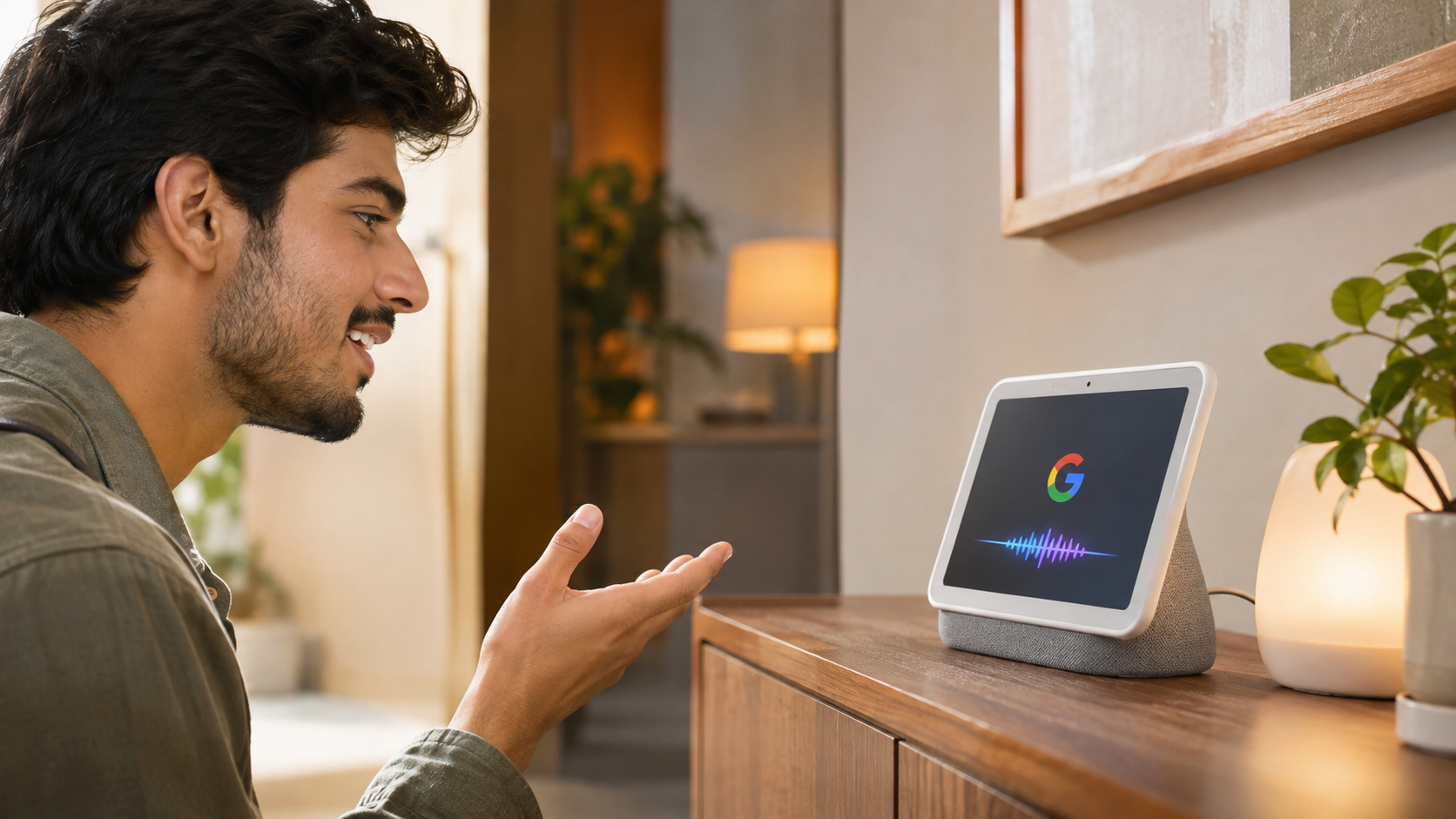
Gemini for Home brings more natural conversations to compatible Google speakers and displays. It makes interacting with your smart home assistant feel less restricted.
- Natural Voice Interaction: Ask questions naturally without memorising specific commands.
- Follow-Up Questions: Continued Conversation lets you ask related questions without repeating the wake phrase after every response.
- Everyday Assistance: Get information, discuss ideas, and manage supported activities through voice commands.
Unlike traditional voice interactions, Gemini-powered assistance aims to understand conversational requests more naturally. You can ask follow-up questions and explore related topics.
However, Gemini for Home is gradually rolling out to supported countries and languages. Some advanced capabilities, including Gemini Live, require compatible hardware and a Google Home Premium subscription.
2. Smart Home Automation and Device Control
Smart home automation is one of the most practical features available through Google Home. It lets you manage compatible household devices from one central platform.
- Device Compatibility: Connect smart lights, plugs, cameras, locks, thermostats, and other supported products.
- Custom Routines: Perform multiple actions through a single voice command.
- Remote Management: Use the Google Home app to manage supported devices from your smartphone.
For example, create a bedtime routine that switches off selected lights and adjusts your thermostat. You can also schedule certain devices to operate automatically. Smart heating systems offer another way to improve household comfort, but understanding the advantages and disadvantages of smart home heaters can help you make an informed decision.
The platform supports products from many manufacturers. However, compatibility depends on the device, connection standard, and available integrations.
These automation options reduce repetitive household tasks. They also help create a more comfortable and convenient living environment.
3. Multiroom Audio and Broadcasting
Google Home makes household entertainment easier through multiroom audio and voice broadcasting. These features help connected speakers work together across different rooms.
- Whole-Home Audio: Group compatible Google Nest and Google Cast speakers to play music across multiple rooms.
- Voice Announcements: Broadcast messages to connected speakers and displays throughout your home.
- Entertainment Control: Play supported music, podcasts, and other audio content using voice commands.
Multiroom audio is particularly useful during family gatherings. You can enjoy the same playlist in different rooms without operating every speaker separately.
Broadcasting also works like a simple household intercom. For example, announce that dinner is ready without shouting across the house.
You can manage compatible speaker groups through the Google Home app. Available audio services and playback options depend on your region and connected accounts.
4. Organization and Daily Management
Google Home can also help organize your daily activities. Its voice-controlled tools make managing schedules and household responsibilities more convenient.
- Alarms and Timers: Set cooking timers, morning alarms, and other reminders using voice commands.
- Calendar Management: Check supported Google Calendar events and manage your daily schedule.
- Notes and Lists: Create shopping lists and notes through supported Google Keep integrations.
- Task Reminders: Use Google Tasks integration to manage reminders and important activities.
These tools make Google Home useful beyond entertainment and smart device control. You can check your schedule while preparing breakfast or create a shopping list while cooking.
Timers are particularly helpful when managing multiple household activities. You can also ask for weather forecasts and traffic information before leaving home.
Some personal information and connected services require Voice Match or account linking. Available functions can also vary depending on your assistant version and region.
5. Hands-Free Communication and Phone Finder
Hands-free communication adds another layer of convenience to a connected home. Google Home offers supported calling and phone-finding capabilities.
- Voice Calling: Make supported calls to contacts and businesses using compatible speakers or displays.
- Find Your Phone: Ask Google to ring your connected Android or iPhone when you cannot locate it.
- Household Communication: Use broadcasting to send announcements across compatible devices.
These features are useful when your hands are occupied. For example, you can make a supported call while preparing food or working around the house.
The phone-finding feature is especially useful when your smartphone disappears between furniture cushions. Google can help locate compatible connected phones through supported account and device settings.
However, calling availability depends on your country, device, and communication setup. Phone-finding capabilities also depend on the supported device and configuration.
What Are the Features of Google Home?
Google Home combines voice assistance, connected device management, and entertainment controls. It acts as a central platform for managing compatible smart home products. Users can control supported lights, thermostats, cameras, plugs, and other connected devices through voice commands or the Google Home app.
Voice assistance makes everyday interactions easier. You can ask questions, check weather forecasts, request traffic updates, and manage supported calendar events. Depending on your setup, you can also control music playback and create reminders.
Another important capability is device automation. You can create routines that perform multiple actions automatically. For example, a morning routine could switch on selected lights and provide your daily schedule. Since connected devices rely on a stable internet connection, understanding the differences between Wi-Fi 6 and Wi-Fi 7 can help you choose the right home network.
Google Home also supports compatible Google Cast speakers. This allows you to stream supported audio content across grouped devices. Together, these capabilities create a connected environment that simplifies household management.
What Are Some of the Best Things to Do with Google Home?
Google Home offers several practical activities beyond answering questions. One useful option is creating morning and evening routines. A morning routine can announce the weather, read your schedule, and switch on selected smart lights.
You can also use voice commands to manage household entertainment. Ask your assistant to play music, start a podcast, or control compatible speakers. With supported speaker groups, you can enjoy synchronized audio across multiple rooms. If you are building a dedicated home theater, choosing the right number of subwoofers can also improve your overall audio experience.
Another useful activity is broadcasting announcements. This feature helps families communicate without shouting between rooms. You can also set multiple cooking timers, check traffic conditions, and create shopping lists while completing other tasks.
For entertainment, explore supported trivia games, music services, and interactive activities. Some experiences depend on regional availability and connected applications.
The most useful approach is to combine everyday commands with automation. This reduces repetitive tasks and makes your connected home easier to manage.
What Are the Benefits of Google Home?
The biggest benefit of Google Home is convenience. It brings several household controls into one connected ecosystem. Instead of opening multiple applications, you can manage compatible devices through voice commands or the Google Home app.
Another advantage is better time management. You can set reminders, check appointments, and manage shopping lists without constantly reaching for your phone. Automated routines also reduce repetitive household tasks.
Google Home can improve accessibility for people who find smartphone navigation difficult. Voice commands provide another way to control supported devices, check information, and communicate with household members.
It also creates a shared entertainment experience. Family members can use compatible speakers to play music and broadcast announcements. Smart lighting and thermostat controls can make everyday routines more convenient.
However, these benefits depend on compatible hardware, internet connectivity, and supported services. Some advanced features also require additional subscriptions. Therefore, check device compatibility before purchasing smart home equipment.
What Are the Special Features of Google?
Google’s smart home ecosystem combines artificial intelligence, voice recognition, search technology, and device connectivity. These technologies help users interact with connected products more naturally.
One important capability is Voice Match. It can recognise supported household voices and provide personalised information. For example, eligible users can access their own calendar information and other personal results.
Another useful feature is Continued Conversation. It allows supported speakers and displays to handle follow-up questions without requiring the wake phrase repeatedly. This makes everyday interactions feel more natural.
Google also offers translation capabilities for supported languages. Users can request translations of words and phrases through compatible devices. Other useful tools include weather forecasts, traffic updates, calculations, and general information.
Gemini for Home adds more conversational intelligence to supported devices. Its availability and advanced capabilities depend on hardware, language, location, and subscription requirements.
Together, these capabilities make Google’s ecosystem useful for household automation, entertainment, and everyday assistance.
Conclusion
Google Home brings smart technology, entertainment, and household management together in one connected ecosystem. The best features of Google Home include voice assistance, smart home automation, multiroom audio, daily management, and hands-free communication. These capabilities help simplify everyday activities and reduce repetitive household tasks.
Gemini-powered assistance also makes interactions more conversational on supported devices. However, your overall experience depends on compatible hardware, internet connectivity, and regional feature availability. Some advanced capabilities may require additional subscriptions.
Before purchasing smart home products, check the official Google Home compatibility guide to find supported devices.
If you want a smarter and more connected living space, Google Home is worth considering. Start with a few compatible devices and simple routines. Gradually expand your setup as your household needs change.