What Is the Samsung Equivalent to Siri?
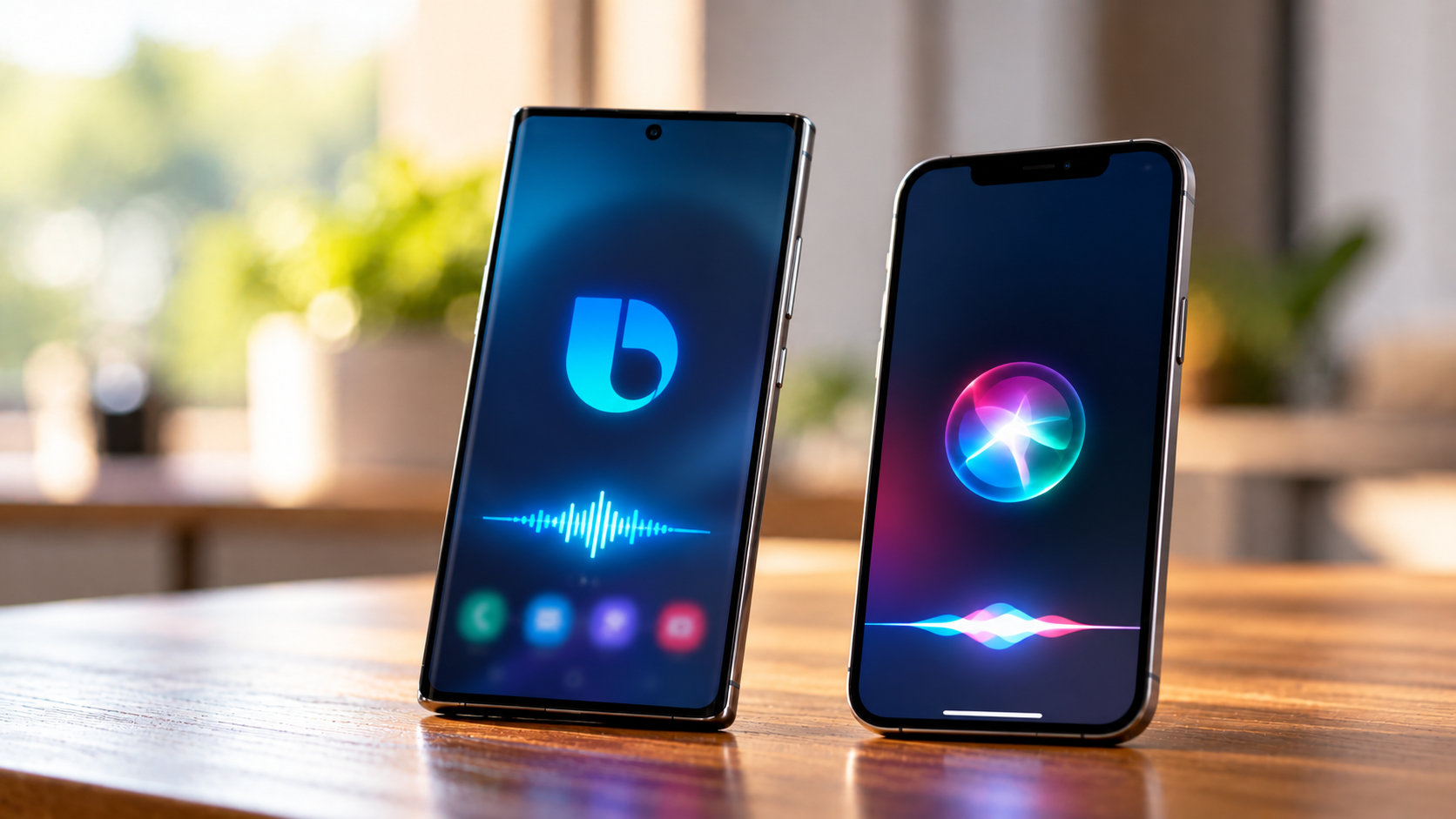
If you use a Samsung Galaxy phone, you might wonder what the Samsung equivalent to Siri is. Apple users rely on Siri to send messages, set reminders, check the weather, and control their devices. Samsung offers a similar built-in voice assistant called Bixby. If you’re interested in how AI is changing Apple’s voice assistant and other iPhone features, explore popular iOS AI features.
Bixby helps users interact with compatible Samsung devices through voice commands. According to Samsung Support, the assistant integrates with supported features and services to make everyday tasks easier.
However, Bixby is not the only voice assistant available on Samsung phones. Depending on your device and software, you may also be able to use Google Assistant or Gemini for general questions and AI-powered tasks.
In this guide, you’ll learn how Bixby works, how to activate it, and whether it is still available. We’ll also compare Bixby with Siri to help you choose the right assistant for your needs.
Is There a Samsung Version of Siri?
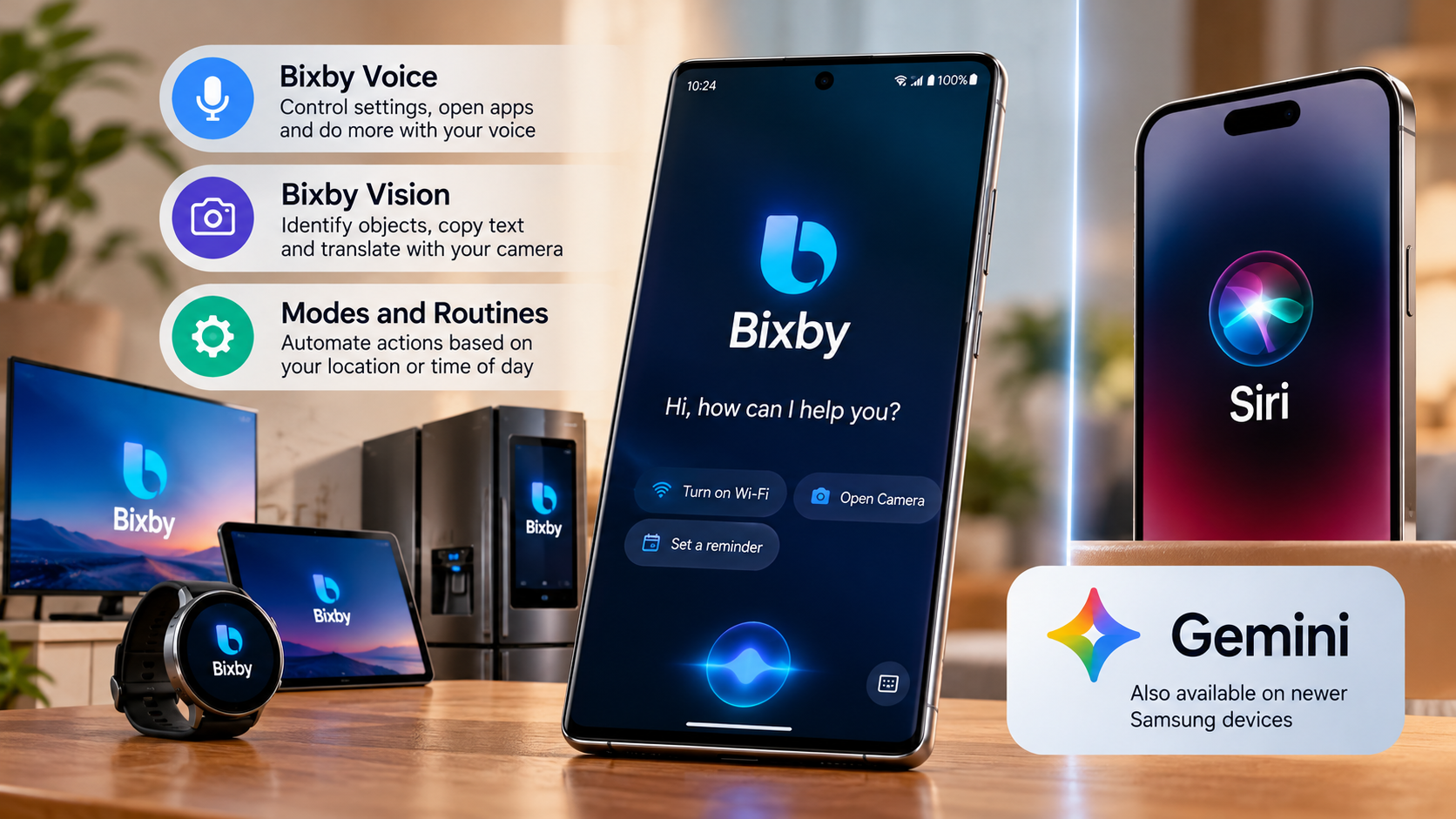
Yes, Bixby is the Samsung equivalent to Siri. It is Samsung’s virtual assistant, designed to help users control compatible Galaxy devices through voice commands. You can use it for supported tasks without navigating through multiple menus.
Bixby focuses on controlling Samsung device features and working with supported apps and services. Depending on your phone model and software version, you may be able to adjust settings, manage reminders, or interact with compatible smart home devices.
Deep System Integration on Galaxy
One of Bixby’s main advantages is its integration with Samsung’s device ecosystem. It can help you perform supported actions through voice commands, making everyday tasks more convenient. You can also explore hidden features of your Android phone’s power button to discover other shortcuts for controlling your device.
For example, you may be able to ask Bixby to:
- Turn Bluetooth on or off.
- Adjust your screen brightness.
- Open a supported application.
- Change certain phone settings.
- Control compatible SmartThings devices.
The available commands depend on your device, software version, language, and settings. If you want a Samsung equivalent to Siri that focuses on phone controls, Bixby is a useful option to explore.
How Do I Activate Bixby?
Activating Bixby on a compatible Samsung Galaxy phone is usually straightforward. You can launch the assistant using the Side button, open the Bixby app, or use voice activation if your device supports it.
On many Galaxy phones, pressing and holding the Side button can open Bixby when the button is configured for that function. If another feature opens instead, check your phone’s side-button settings.
You may also need to sign in to your Samsung account and complete the initial setup. Follow the on-screen instructions to configure the assistant and review its available features.
Setting Up Voice Wake-Up
To activate Bixby hands-free, follow these general steps:
- Open the Bixby app on your Galaxy phone.
- Open Bixby’s settings.
- Find the Voice wake-up option, if available.
- Enable the feature.
- Follow the instructions to register your voice and test the wake-up command.
Once configured, you can use the supported wake-up phrase without pressing a button.
Menu names and available options may vary by device and software version. If you cannot find voice wake-up, check Samsung’s support documentation for your model.
Is Bixby Still a Thing?
Yes, Bixby remains part of Samsung’s ecosystem. It continues to serve as a voice assistant on supported devices, although its features and availability vary by model, region, and software version.
Samsung has also introduced Galaxy AI features and other AI-powered experiences across newer devices. These tools serve different purposes, so Bixby should not be confused with every AI feature available on a Galaxy phone.
For example, Bixby can help with supported device controls and voice commands. Galaxy AI provides features such as writing assistance, translation, and photo editing on compatible devices. Google Assistant and Gemini may also be available, depending on your phone and software.
Evolution with Modern AI
Samsung’s approach to AI has expanded beyond traditional voice commands. However, this does not mean Bixby has disappeared or that every newer AI feature replaces it. To better understand the technology behind these tools, read this guide to AI terms every beginner should know.
Bixby remains useful for supported device-related tasks, especially when you want to change settings or interact with compatible Samsung services. Its usefulness depends on which commands your device supports.
If you’re deciding whether the Samsung equivalent to Siri meets your needs, consider the tasks you perform most often. Bixby may suit Samsung-specific controls, while Google Assistant or Gemini may be better for certain conversational questions and AI-powered workflows.
Is Bixby Available in India?
Yes, Bixby is available in India on supported Samsung devices. However, its features, language options, and compatibility can differ between phone models and software versions.
On compatible Galaxy phones, Bixby can help with supported voice commands, device settings, and certain applications. Some features may require a Samsung account or an internet connection.
If you purchased a Samsung phone in India, check whether Bixby is installed or available through your device’s software. You can also visit Samsung India Support for instructions specific to your model.
Regional Language Optimization
Language support is an important consideration when choosing a voice assistant. Bixby’s supported languages and features depend on the device, region, and software version. Check your phone’s current language options instead of assuming every regional language or accent is supported.
For Indian users, this matters when setting reminders, dictating messages, or issuing commands. Recognition accuracy can vary with pronunciation, background noise, and the selected language.
Some additional features, including Bixby Text Call, may be limited to specific devices, languages, or regions. Before relying on a particular feature, confirm its availability through your phone’s settings or Samsung’s regional support documentation.
Who Is Better, Bixby or Siri?
Neither Bixby nor Siri is universally better. The right choice depends on your smartphone, preferred applications, and the tasks you want to complete. If you’re comparing the two major mobile ecosystems for everyday use, this guide to choosing between an iPhone and Android for students offers another useful perspective.
Bixby is designed to work closely with supported Samsung devices. It can be useful for changing phone settings, executing supported voice commands, and controlling compatible SmartThings devices.
Siri integrates with Apple’s ecosystem, including the iPhone, iPad, Mac, Apple Watch, and compatible smart home accessories. It helps users send messages, set reminders, make calls, and interact with supported applications.
Both assistants have limitations. Their available features depend on device compatibility, software versions, language support, and regional availability.
Task Execution Versus Conversation
If you use a Samsung Galaxy phone and frequently change device settings, Bixby may be a convenient choice. Its integration with supported Samsung features makes certain controls easier to access.
Siri may be more suitable if you primarily use Apple devices and services. It can coordinate tasks across supported Apple products and applications.
However, general questions and advanced conversational tasks may also involve Google Assistant or Gemini on compatible Samsung devices. Therefore, the comparison is not limited to Bixby and Siri.
Conclusion
The Samsung equivalent to Siri is Bixby, Samsung’s voice assistant for compatible Galaxy devices. It helps you manage phone settings, use voice commands, and control supported smart home devices. While Siri works seamlessly within Apple’s ecosystem, Bixby focuses on Samsung’s device features. Your best choice depends on your smartphone and daily needs. If you use a Samsung Galaxy phone, try Bixby to see how it simplifies everyday tasks.