Common Smartphone Mistakes That Reduce Battery Life
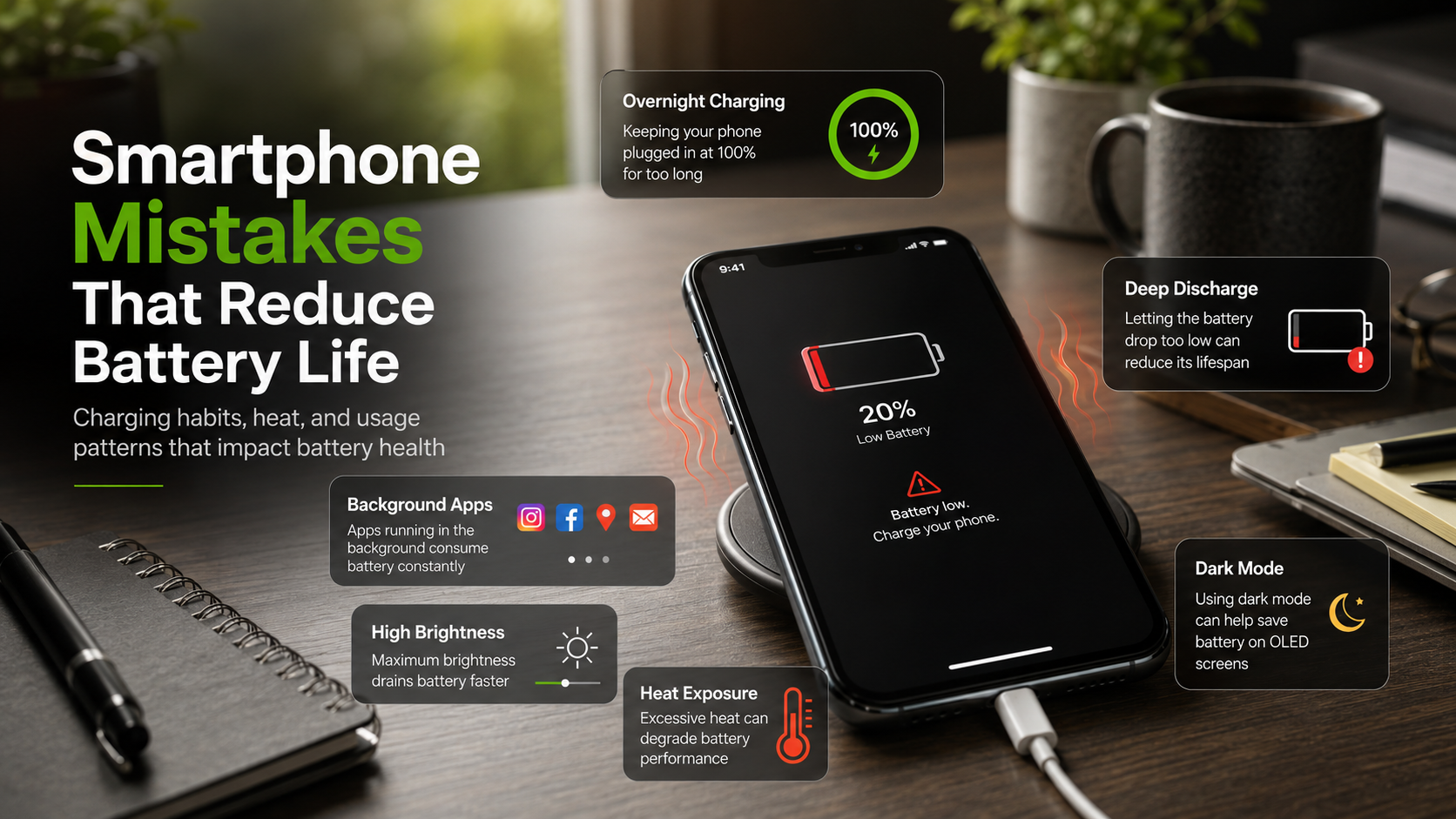
The most common smartphone mistakes that reduce battery life come from everyday habits that seem harmless but slowly damage battery health. These include poor charging routines, overheating, and inefficient usage patterns.
Lithium-ion batteries are sensitive to heat and voltage extremes. When repeatedly stressed, they lose capacity faster, meaning your phone needs more frequent charging over time. According to official battery guidance from Apple, maintaining moderate charge levels and avoiding prolonged exposure to high heat are key to preserving long-term performance: Apple Battery Performance and Maximization Guide.
Typical mistakes include charging overnight at 100%, letting the battery drop to 0%, using cheap accessories, and keeping unnecessary apps or features active in the background. High screen brightness also adds extra load.
To maintain good battery health, it is important to avoid extremes. Keep charge levels moderate, reduce heat exposure, and manage background activity. Even small adjustments like unplugging at the right time or lowering brightness can noticeably improve long-term performance.
By identifying and correcting these habits early, you can significantly extend your smartphone’s usable battery life and overall efficiency.
Charging Your Phone to 100% Every Single Night
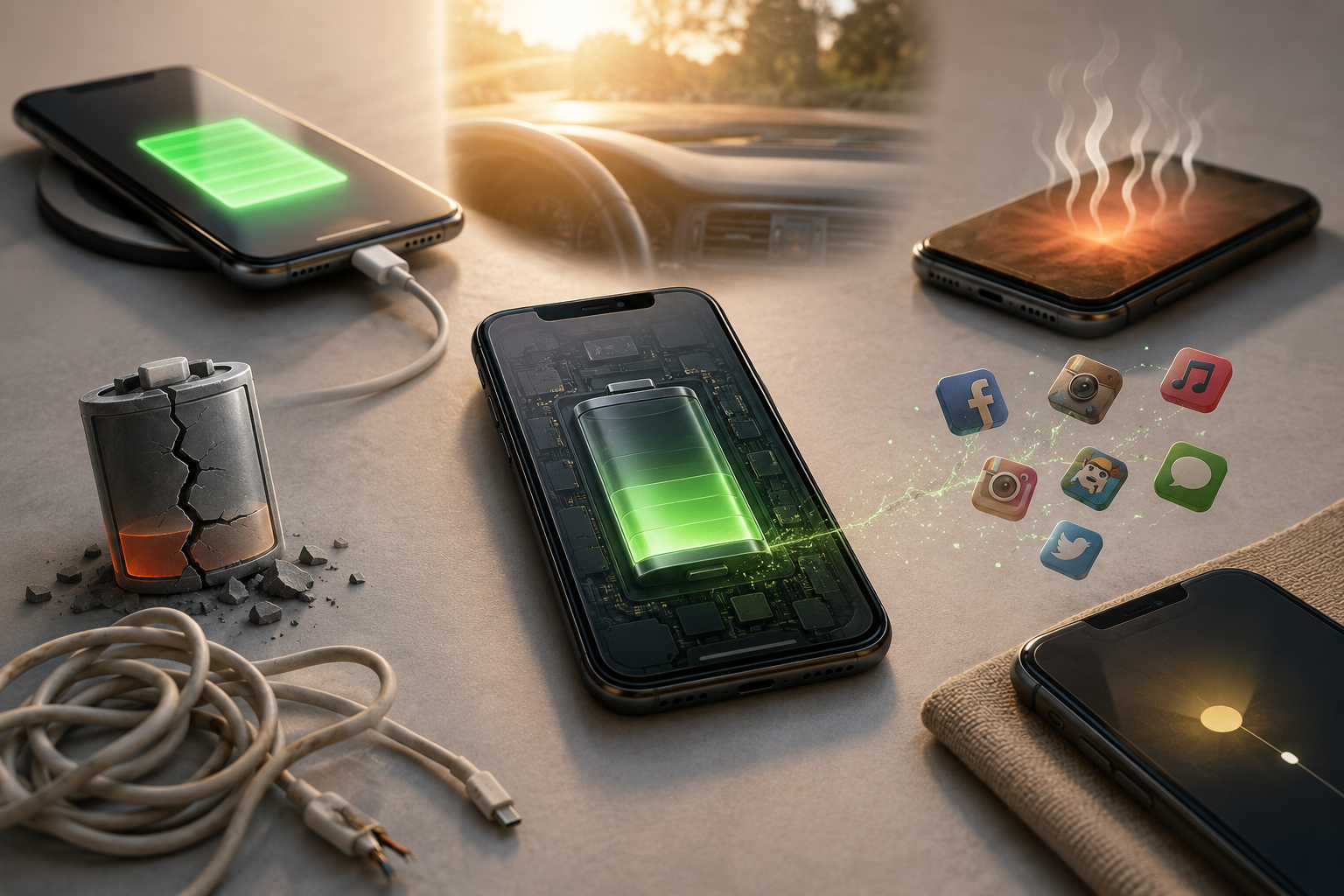
Charging your phone to 100% every night is one of the most common smartphone mistakes that reduce battery life. While modern devices stop charging when full, keeping the battery at maximum capacity for long hours creates stress. This condition increases voltage pressure inside lithium-ion cells.
Over time, this pressure reduces the battery’s ability to hold a full charge. The chemical components degrade faster when consistently kept at 100%.
Instead, aim to keep your battery between 20% and 80%. This range reduces stress and improves long-term performance. Many smartphones now include optimized charging settings that help manage this automatically.
If possible, charge your phone in short sessions during the day. Avoid leaving it plugged in overnight unless optimization features are active. Small adjustments like this can significantly improve battery lifespan and reduce long-term degradation.
Letting the Power Drop to Zero Percent
Allowing your phone battery to reach 0% regularly is another harmful habit. This is a major example of smartphone mistakes that reduce battery life. Deep discharging puts heavy strain on lithium-ion chemistry and can weaken internal structure over time.
When a battery fully drains, it may enter a deep discharge state. This makes it harder to recharge and reduces overall efficiency. Repeated full drains increase internal resistance, causing more heat during future charging cycles.
To avoid this, try charging your phone when it reaches around 20%. This keeps the battery in a healthier operating range.
Modern smartphones are designed to prevent total damage, but repeated deep discharge still reduces long-term capacity. Maintaining a stable charge level helps preserve battery health and ensures consistent performance throughout the day.
Exposing Your Device to Extreme Temperatures
Heat and extreme cold are major factors behind smartphone mistakes that reduce battery life. High temperatures are especially damaging because they accelerate internal chemical reactions inside the battery. This leads to faster capacity loss and long-term degradation.
Leaving your phone in a hot car or under direct sunlight can permanently reduce battery efficiency. Even during normal use, heavy gaming or video recording can increase internal temperature.
Cold conditions also affect performance, although usually temporarily. The phone may drain faster or respond slowly until it warms up again.
To protect your device, avoid exposing it to extreme environments. Remove thick cases while charging if the phone gets warm. Also, avoid intensive tasks while charging to prevent overheating.
Maintaining a stable temperature is one of the simplest ways to extend battery lifespan and ensure consistent smartphone performance over time.
Using Cheap, Non-Certified Charging Cables
Using low-quality charging accessories is a serious mistake that contributes to smartphone mistakes that reduce battery life. Cheap or uncertified cables often fail to regulate power properly. This can lead to unstable voltage delivery, which stresses the battery.
Certified chargers are designed to communicate with your device and control power flow safely. This ensures stable charging and reduces the risk of overheating or electrical damage.
Unreliable accessories may also lack safety protections, increasing long-term battery wear. In some cases, they can even pose safety risks.
To protect your phone, always use original or certified charging equipment. Avoid unverified products from unknown sellers. Investing in quality accessories helps maintain battery health and ensures safer, more efficient charging over time.
Keeping Unnecessary Features and Apps Running
Running unnecessary features constantly is another overlooked cause of smartphone mistakes that reduce battery life. Background apps, high screen brightness, and constant location tracking increase processor load and energy consumption.
When the processor works harder, it generates more heat. This heat slowly impacts battery health and reduces overall efficiency. Over time, it contributes to faster battery degradation.
To improve battery life, disable features you do not need. Turn off background refresh for unused apps and reduce screen brightness when possible. Limiting constant GPS usage also helps.
These small adjustments reduce internal stress on both the processor and battery. As a result, your phone stays cooler and lasts longer on a single charge. Managing software activity is just as important as proper charging habits.
FAQ SECTION
How often should I charge my smartphone to maintain its health?
To maintain good battery health, it is better to charge your phone in small, frequent sessions rather than waiting for it to drain completely. This helps avoid smartphone mistakes that reduce battery life, such as deep discharging or full overcharging.
Try to keep your battery level between 20% and 80% whenever possible. This range reduces stress on lithium-ion cells and supports long-term performance. Short charging sessions during the day are more effective than long overnight charging.
Modern smartphones are built to handle frequent charging cycles efficiently. You do not need to wait for very low battery levels before plugging in. Keeping your phone partially charged helps maintain stable voltage levels and reduces heat buildup. Over time, this habit significantly improves battery lifespan and overall device reliability.
Does fast charging harm the lifespan of my device?
Fast charging does not necessarily harm your device if used correctly. It is one of the more misunderstood smartphone mistakes that reduce battery life when not managed properly.
Modern phones use smart charging systems that control power flow in stages. The battery charges quickly up to a certain point and then slows down to prevent overheating. This helps protect internal components.
However, excessive heat during fast charging can still affect battery health. High temperatures accelerate chemical wear inside lithium-ion cells. If your phone becomes too warm, it is best to remove the case or reduce usage while charging.
Using certified fast chargers is also important. Poor-quality accessories can cause unstable power delivery. When used properly, fast charging is safe and convenient without significantly reducing battery lifespan.
Should I close all background apps to save energy?
Closing all background apps is not necessary and can sometimes waste more energy. This habit is often considered one of the minor smartphone mistakes that reduce battery life.
Modern operating systems are designed to manage background apps efficiently. Most apps are frozen when not in use, consuming very little power.
When you force close apps repeatedly, your phone must reload them from scratch later. This uses more processing power and creates additional heat, which indirectly affects battery health.
Instead of closing everything, focus on managing only the apps that misbehave or use location services constantly. This approach saves more energy and keeps your device running smoothly. Smart management is better than aggressive closing habits.
Can using my phone while it is plugged in damage it?
Using your phone while charging can affect battery health if done excessively, especially during heavy tasks. This is another example of smartphone mistakes that reduce battery life.
When you use demanding apps like games or video streaming while charging, the device generates more heat. At the same time, it is also charging the battery. This dual load increases internal temperature.
High heat is one of the main factors that speeds up battery degradation. Over time, it reduces overall capacity and efficiency.
Light usage such as messaging is generally safe. However, it is best to avoid heavy gaming or video editing while charging. Keeping the device cool during charging helps maintain long-term battery health.
Does turning on Dark Mode actually improve my daily usage time?
Dark Mode can improve battery life, but only on OLED or AMOLED displays. This makes it relevant when avoiding smartphone mistakes that reduce battery life through inefficient screen usage.
On these screens, black pixels are turned off completely, which reduces power consumption. This can slightly extend daily battery usage.
However, on LCD screens, Dark Mode has little to no effect. LCDs use a constant backlight, so color changes do not significantly reduce power use.
While the savings may not be huge, Dark Mode also reduces eye strain for many users. It is a helpful feature when combined with other battery-saving habits like lowering brightness and limiting background activity.
CONCLUSION
Avoiding smartphone mistakes that reduce battery life is essential for long-term device performance. Most battery issues are not caused by age alone but by daily habits.
Simple changes can make a big difference. Avoid extreme charging levels, reduce heat exposure, and use certified accessories. Also, manage background apps and unnecessary features wisely.
These adjustments do not require technical knowledge. They only require consistency and awareness. Over time, your phone will maintain better battery health, longer usage time, and improved reliability.
By following these practices, you can delay battery degradation and reduce the need for early replacements. You can also explore more detailed steps in this guide on how to improve iPhone battery life.